
Best Free Database Tools (2026): 9 I Actually Use

Key facts9 tools compared: DBeaver Community, Beekeeper Studio, Neon, Supabase, TablePlus, DbGate…
- 9 tools compared: DBeaver Community, Beekeeper Studio, Neon, Supabase, TablePlus, DbGate, pgAdmin, NocoDB, Airtable
- DBeaver Community (best for: Connecting to any database): Free (Apache)
- Beekeeper Studio (best for: A clean, modern GUI): Free (GPLv3 CE)
- Neon (best for: A free cloud Postgres): Free tier
- Supabase (best for: A full app backend): Free tier
"Free database tool" means two very different things, and that confusion costs people hours. Half the people searching want a GUI client to connect to a database they already run. The other half want a free place to host the database itself. This guide covers both, because most of us end up needing one of each.
Anyone running a side project or a production app ends up needing one of these tools sooner or later. The "free" landscape has gotten genuinely good in the last two years. You can now run a real Postgres database in the cloud for $0, and manage it with a client that rivals the $200 paid apps. The catch is that every free tier has a wall you'll eventually hit, and knowing where that wall sits is the whole game.
If you just want the short answer: for a desktop GUI client, DBeaver Community is the most capable free option and connects to almost anything. For a free cloud database to actually build on, Neon gives you real Postgres with branching. The rest of this list fills in the gaps for specific situations.
Quick comparison
| Tool | Best for | Price | Standout |
|---|---|---|---|
| DBeaver Community | Connecting to any database | Free (Apache) | Supports 80+ databases |
| Beekeeper Studio | A clean, modern GUI | Free (GPLv3 CE) | No tab or connection limits |
| Neon | A free cloud Postgres | Free tier | Database branching |
| Supabase | A full app backend | Free tier | Auth + APIs + storage included |
| TablePlus | macOS power users | Free trial / $99 once | Native speed and polish |
| DbGate | SQL plus NoSQL in one app | Free (MIT) | Web and desktop versions |
| pgAdmin | Postgres administration | Free (open source) | Official Postgres tooling |
| NocoDB | Spreadsheet UI on real data | Free self-hosted | No row limits self-hosted |
| Airtable | Non-technical teams | Free / $20 per seat | Easiest to start |
How these rate, aggregated across platforms
Scores from Toolradar, aggregated across G2, Capterra, Trustpilot, TrustRadius and PeerSpot.
| Tool | Aggregated rating | Reviews |
|---|---|---|
| Supabase | 4.6 | 218 |
| DBeaver | 4.4 | 239 |
| TablePlus | 4.4 | 65 |
| Airtable | 3.6 | 644 |
Airtable's 3.6 is the figure that needs explaining, and the breakdown does it: 2.4 on Trustpilot across 387 reviews, 4.4 on TrustRadius across 239, and 4.4 on PeerSpot across 18.
The professional platforms rate it well and the consumer platform rates it badly, which is the same shape we see for Mailchimp, HubSpot and Figma. In Airtable's case the Trustpilot complaints cluster around pricing changes and per-seat costs rather than the product's capability, and the aggregate drags down accordingly because that platform holds the largest single sample.
Beekeeper Studio, Neon, DbGate, pgAdmin and NocoDB have no aggregated ratings, being open-source projects and developer tools installed rather than purchased.
DBeaver Community
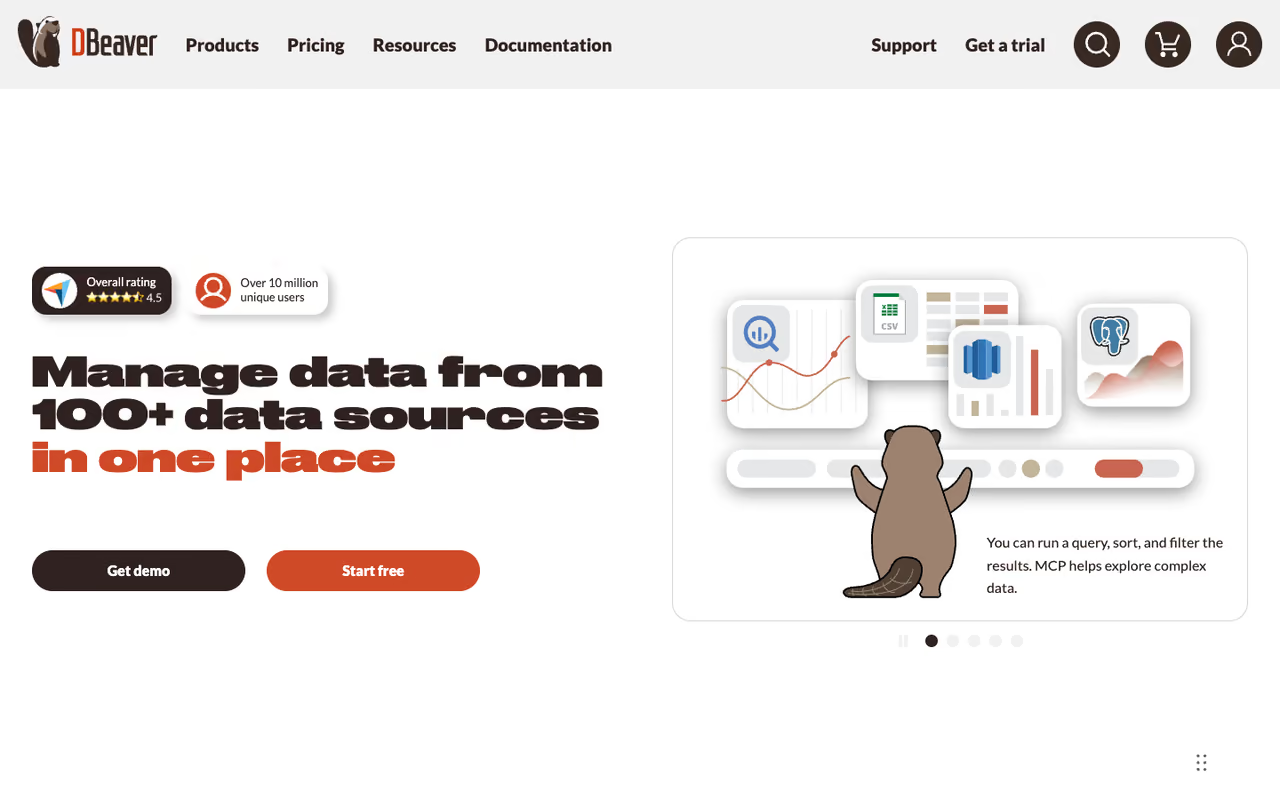
DBeaver is the Swiss Army knife of database clients, and the Community Edition is genuinely free under the Apache license. It connects to MySQL, PostgreSQL, SQLite, MariaDB, the whole Apache family, and dozens more through JDBC drivers. If your job involves more than one type of database, this is the obvious starting point.
The obvious starting point for developers and analysts who hop between database engines and want one app for all of them. It grows on you rather than wowing at launch, since the Eclipse-based interface feels dated and heavy.
The SQL editor has autocomplete, you get a visual data grid you can edit inline, and the entity-relationship diagrams are useful for understanding a schema you didn't build.
Price: $0 for Community. The PRO edition adds NoSQL engines like MongoDB and Cassandra, cloud database support, and an AI SQL assistant, but you rarely need those for everyday relational work.
The catch: the interface is built on Eclipse, so it feels dated and a bit heavy. Startup is slower than native apps, and the sheer number of menus can overwhelm you if all you want is to run a quick query. You grow into it rather than fall in love at first launch.

Beekeeper Studio
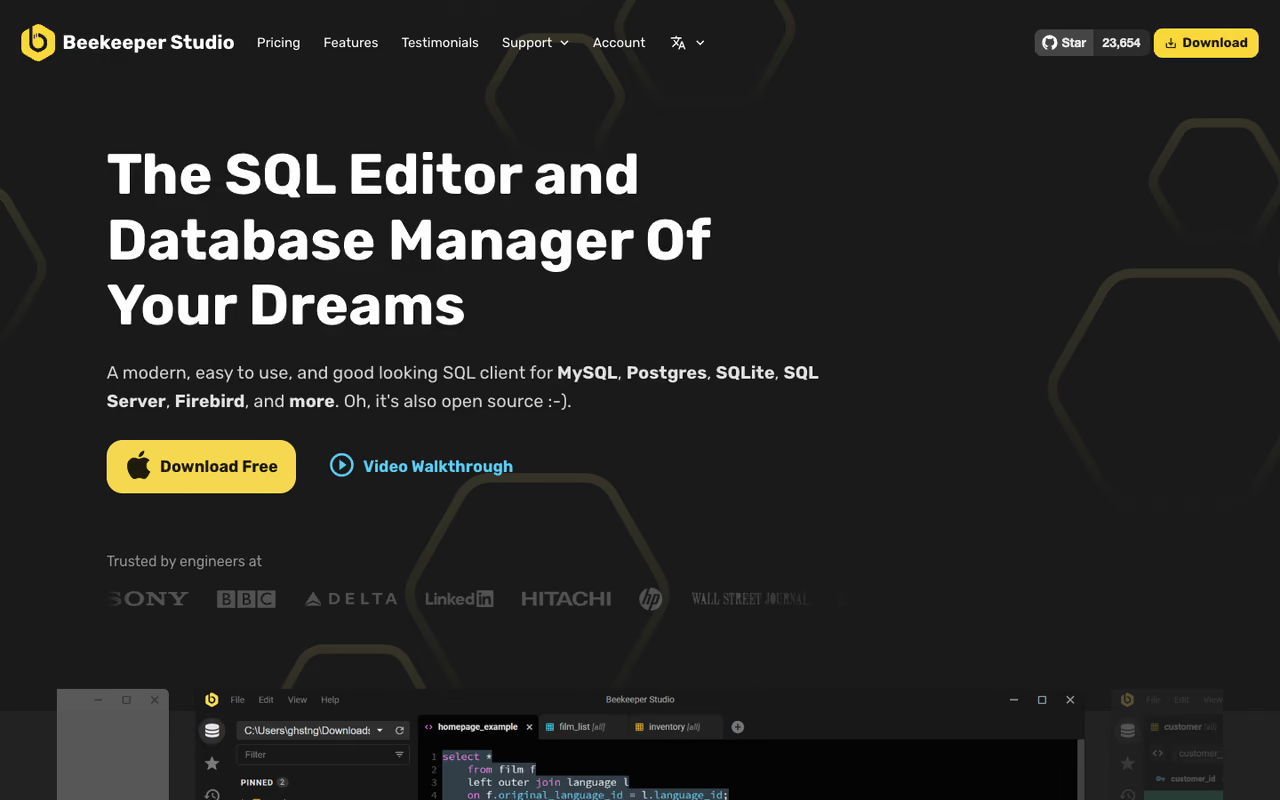
Beekeeper Studio is what DBeaver would look like if a designer ran the project. The Community Edition is fully open source under GPLv3, and unlike TablePlus, it puts no cap on open tabs or saved connections. That alone makes it my recommendation for anyone who wants something free and pleasant to look at.
My recommendation for anyone who wants something free and pleasant to look at, mostly on Postgres, MySQL or SQLite. It has no cap on tabs or connections, but skips DBeaver's deep migration tooling for complex administration.
The query editor is fast, the keyboard shortcuts are sensible, and saved queries sync into a tidy sidebar. The paid Ultimate edition adds more database engines and team features, but the free version covers the common cases.
Price: $0 for the Community Edition. The supported database list spans 23-plus engines including SQL Server, MongoDB, and DuckDB.
Where it falls short: it deliberately leaves out some heavy DBA features. You won't find DBeaver's deep schema migration tooling or visual query builder here. For straightforward read, write, and explore work it's perfect. For complex database administration, it's not trying to be that tool.
Neon
Neon is serverless Postgres, and its free plan is the easiest way I know to get a real cloud database without a credit card. You get 0.5 GB of storage per project, 100 compute-hours a month, and up to 100 projects per organization, according to Neon's pricing page. It's actual PostgreSQL, not a clone, so anything you build transfers cleanly later.
It's best for developers prototyping apps, building demos, or running small production workloads that fit in half a gig. The killer feature is database branching: you can fork your entire database like a Git branch to test a migration or a risky query, then throw it away. Nothing else on this list does that on a free tier.
The easiest way to get a real cloud Postgres without a credit card, ideal for prototypes, demos and small production workloads that fit in half a gig. Database branching is the standout, but expect cold starts and compute that suspends at monthly limits.
Price: free plan with no card required, then the Launch plan starts at $19 a month when you outgrow it.
The catch: compute scales to zero after 5 minutes of inactivity, so the first query after idle has a cold-start delay of a second or two. And once you hit a monthly limit, compute suspends until the next billing cycle rather than just slowing down. Fine for side projects, something to watch for anything user-facing.
If you're assembling a stack of free developer tools around a database like this, our roundup of the best free AI tools pairs well with it.

Supabase
Supabase wraps a dedicated Postgres database in everything else an app needs: authentication, auto-generated REST and GraphQL APIs, file storage, and realtime subscriptions. The free tier gives you 500 MB of database space, two active projects, 50,000 monthly active users, and 1 GB of file storage, per Supabase's pricing page.
Pick Supabase if you want to ship a full app without a separate backend, since auth and APIs appear with your tables. Treat the free tier as a staging ground, because projects pause after a week of inactivity and there are no backups.
You write your tables, and the auth and API layers appear for free. I've launched two small products on the free tier and only upgraded when real users showed up.
Price: $0 free tier, then the Pro plan at $25 a month.
Where it falls short: free projects pause after a week of inactivity, which trips up a lot of people who come back to a dead demo. There are no automatic backups on the free plan either, so don't put anything you'd cry over on it. Treat free Supabase as a staging ground, not a vault.

TablePlus
TablePlus is the prettiest, fastest native database client available, especially on macOS. It opens instantly, the interface gets out of your way, and editing data feels like a spreadsheet that respects your time. It supports a wide range of SQL and NoSQL databases from one window.
A polished, fast native client for macOS developers who don't mind paying once, at a $99 license. The free version is really a trial, and its two-tab limits make it the most restrictive entry here as a free tool.
The free version is a trial rather than a true free tier: you're limited to two open tabs, two windows, and two advanced filters at a time.
Price: the free trial is genuinely usable for light work, but the real product is a one-time $99 license for a single device, with a $129 tier covering two devices. No subscription.
The catch: those two-tab and two-filter limits get annoying fast once you're doing real work, and there's no escaping them without paying. If you bounce between many queries at once, the free trial will frustrate you into either buying or switching to Beekeeper. As a paid tool it's excellent, but as a "free database tool" it's the most restrictive entry here.
DbGate
DbGate is a fully MIT-licensed client that runs as a desktop app and, unusually, as a self-hosted web app. It connects to SQL engines like MySQL, PostgreSQL, SQL Server, and Oracle plus NoSQL stores including MongoDB, Redis, and Cassandra, all from the same interface.
The choice if you work across SQL and NoSQL and want one tool, or a browser-based client you can host internally. It is less polished than Beekeeper or TablePlus, and some editing features sit behind Premium.
Import and export cover CSV, Excel, JSON, and XML, which makes it handy for quick data shuffling.
Price: $0 for the open-source version. There's a Premium tier that unlocks things like editable query results, but the free build handles daily work.
Where it falls short: it's less polished than Beekeeper or TablePlus, and the smaller community means fewer tutorials when you get stuck. Some of the nicer editing features sit behind Premium. It's a strong utility, not a beauty contest winner.
pgAdmin
pgAdmin is the official, open-source administration tool for PostgreSQL, and if Postgres is your whole world, it deserves a look. It runs as a desktop app or a browser-based web app, and it exposes every Postgres object and setting through a graphical interface.
Postgres administration at a depth no other free tool matches, covering roles, configuration and graphical query plans. The UI is functional rather than friendly, so pair it with a lighter client for daily queries.
No other free tool gives you Postgres internals at this depth.
Price: completely free, maintained by the PostgreSQL community.
The catch: it does one database family and nothing else, and the UI is functional rather than friendly. For writing day-to-day queries, most people find Beekeeper or TablePlus more pleasant. I keep pgAdmin around for the heavy administrative jobs and use a lighter client for everything else.
NocoDB
NocoDB turns any MySQL, PostgreSQL, SQL Server, SQLite, or MariaDB database into an Airtable-style spreadsheet interface, complete with auto-generated REST APIs. With around 62,000 GitHub stars it's the most popular open-source Airtable alternative by a wide margin.
The answer for teams wanting an Airtable-style grid on top of a real database they control, with no row limits or per-seat pricing when self-hosted. It needs Docker and a server, and the license limits offering it as a managed service.
Self-hosted, it has zero row limits and no per-seat pricing, so it scales without the bill Airtable hands you. You can point it at an existing production database and immediately get a usable interface.
Price: free when self-hosted. Note the license changed to a Sustainable Use License, so you can run it internally for free, but offering it as a managed service to others needs a commercial license.
Where it falls short: self-hosting means Docker and a server, which is a real barrier for non-technical users. The cloud option exists but reintroduces limits. If nobody on your team is comfortable with a terminal, this isn't your tool.

Airtable
Airtable isn't a developer database, and that's the point. It's a no-code database with a spreadsheet face that non-technical teammates actually enjoy using. The free plan gives you unlimited bases but caps each at 1,000 records and 100 automation runs a month.
Great for marketing teams, content calendars and shared lists that non-technical teammates actually enjoy. The 1,000-record limit arrives fast, per-seat pricing grows expensive, and migrating off later takes work.
Setup takes minutes, the interface is forgiving, and the views (grid, kanban, calendar) cover most small-team needs.
Price: free plan, then paid tiers start at $20 per seat per month.
The catch: that 1,000-record limit arrives faster than you'd think, and per-seat pricing gets expensive once a team grows. Your data also lives on Airtable's servers in their format, so migrating off later takes work. For a quick shared database it's unbeatable; for anything that'll scale, NocoDB or Baserow give you an exit ramp.
How to choose
Start by answering one question: do you need a tool to connect to a database, or a place to host one?
If you need a client (you already have a database somewhere), pick by taste and breadth. Want maximum database support and don't mind a busy interface? DBeaver. Want something clean and free with no limits? Beekeeper Studio. On macOS and willing to pay once for the nicest experience? TablePlus. Live entirely in Postgres and need admin depth? pgAdmin.
If you need to host a database, pick by what you're building. Just want raw Postgres with room to experiment? Neon. Building a full app and want auth and APIs handed to you? Supabase. Need a spreadsheet UI for non-technical teammates? NocoDB self-hosted, or Airtable if you'd rather not touch a server.
The honest move is to stop optimizing and start building. A free tier you've actually deployed beats a perfect tool you're still researching. Most of these take ten minutes to set up, and switching later is rarely as painful as you fear.
If your projects increasingly lean on AI for queries, schema design, or data work, a tool like Dupple X gives you access to the top models in one place so you're not juggling subscriptions. You can try it on a yearly trial and keep your stack lean. For broader picks, browse our top tools directory.
FAQ
What is the best free database tool for beginners?
For managing a database, Beekeeper Studio's Community Edition is the friendliest free GUI: it's clean, has no tab or connection limits, and doesn't overwhelm you with menus. If you want a free database to actually store data, Airtable is the easiest to start with for non-technical work, while Neon is the simplest real cloud Postgres for developers.
Is DBeaver completely free?
Yes, DBeaver Community Edition is free and open source under the Apache license, with no time limit or feature paywall for core relational database work. The paid PRO edition adds NoSQL engines, cloud database integrations, and an AI assistant, but you can use Community indefinitely for MySQL, PostgreSQL, SQLite, and most other SQL databases.
What is the best free cloud database in 2026?
Neon and Supabase lead the free cloud database options, and both run real PostgreSQL. Neon is better if you want plain Postgres with branching and generous compute limits. Supabase is better if you want a full backend with authentication, auto-generated APIs, and file storage bundled in. Both have free tiers that need no credit card.
What's the difference between a database tool and a database?
A database (like PostgreSQL or MySQL) is the engine that stores your data. A database tool, or client, is the app you use to connect to that engine, write queries, and view or edit data. DBeaver, Beekeeper Studio, and TablePlus are clients. Neon and Supabase host the database itself. Many people need one of each.
Are free database tools safe for production use?
Open-source clients like DBeaver and Beekeeper Studio are perfectly safe for production: they run locally and you control the connection. For hosting, free tiers like Neon and Supabase can run small production workloads, but watch the limits. Free Supabase projects pause after a week of inactivity and skip automatic backups, so add your own backup routine before trusting them with real user data.
Related guides
Some offers on this page may be paid placements or contain affiliate links.
Across our whole catalogue the median is $24 a month and 33% of tools advertise a free tier. Figures are the lowest recurring monthly price quoted in our own review of each tool, read on 2026-08-19. Full method and every category.
