
The Best Database Software in 2026: 8 Picks Worth Considering

Key facts8 tools compared: Supabase, Neon, PlanetScale, MongoDB Atlas, PostgreSQL, Turso, CockroachDB…
- 8 tools compared: Supabase, Neon, PlanetScale, MongoDB Atlas, PostgreSQL, Turso, CockroachDB, Redis
- Supabase (best for: New SaaS apps that need auth + storage too): Free, then $25/mo
- Neon (best for: Serverless Postgres, preview environments): Free, then usage-based
- PlanetScale (best for: MySQL or Postgres at real scale): From $5/mo
- MongoDB Atlas (best for: Document data, flexible schemas): Free, then ~$8/mo
Picking a database used to be a one-time architecture decision you made in a meeting and regretted for five years. In 2026 it feels more like picking a runtime: you can switch managed providers in an afternoon, branch your schema like Git, and scale to zero when nobody's using the app. The hard part isn't the engine anymore. It's choosing the platform that runs it for you without surprise bills or 2am pager duty.
These are the platforms most teams standardize on today. The short version: if you're starting a new project and you don't have a strong reason to do otherwise, use Postgres, and run it on Supabase or Neon. That covers maybe 80% of the people reading this. The rest of this guide is about the 20% where that advice breaks down: document data, edge latency, MySQL at hyperscale, write-heavy global apps, and caching.
One number to anchor on. In the 2025 Stack Overflow Developer Survey, PostgreSQL hit 55.6% usage among professional developers, opening a 15-point gap over MySQL. That's not hype. The whole industry has quietly standardized on Postgres, which is why half this list is Postgres platforms.
Quick comparison
| Tool | Best for | Price | Standout |
|---|---|---|---|
| Supabase | New SaaS apps that need auth + storage too | Free, then $25/mo | Full backend, not just a DB |
| Neon | Serverless Postgres, preview environments | Free, then usage-based | Instant branching, scale to zero |
| PlanetScale | MySQL or Postgres at real scale | From $5/mo | Vitess sharding, zero-downtime schema changes |
| MongoDB Atlas | Document data, flexible schemas | Free, then ~$8/mo | Best-in-class document model |
| PostgreSQL | The engine itself, self-hosting | Free (open source) | Extensions for everything |
| Turso | Edge apps, embedded, many small DBs | Free, then $4.99/mo | SQLite at the edge, DB-per-tenant |
| CockroachDB | Global, write-heavy, can't go down | Free 10 GiB tier | Survives a region outage |
| Redis | Caching, queues, rate limiting | From ~$5/mo | Sub-millisecond reads |

Supabase: the fastest way to ship a real backend
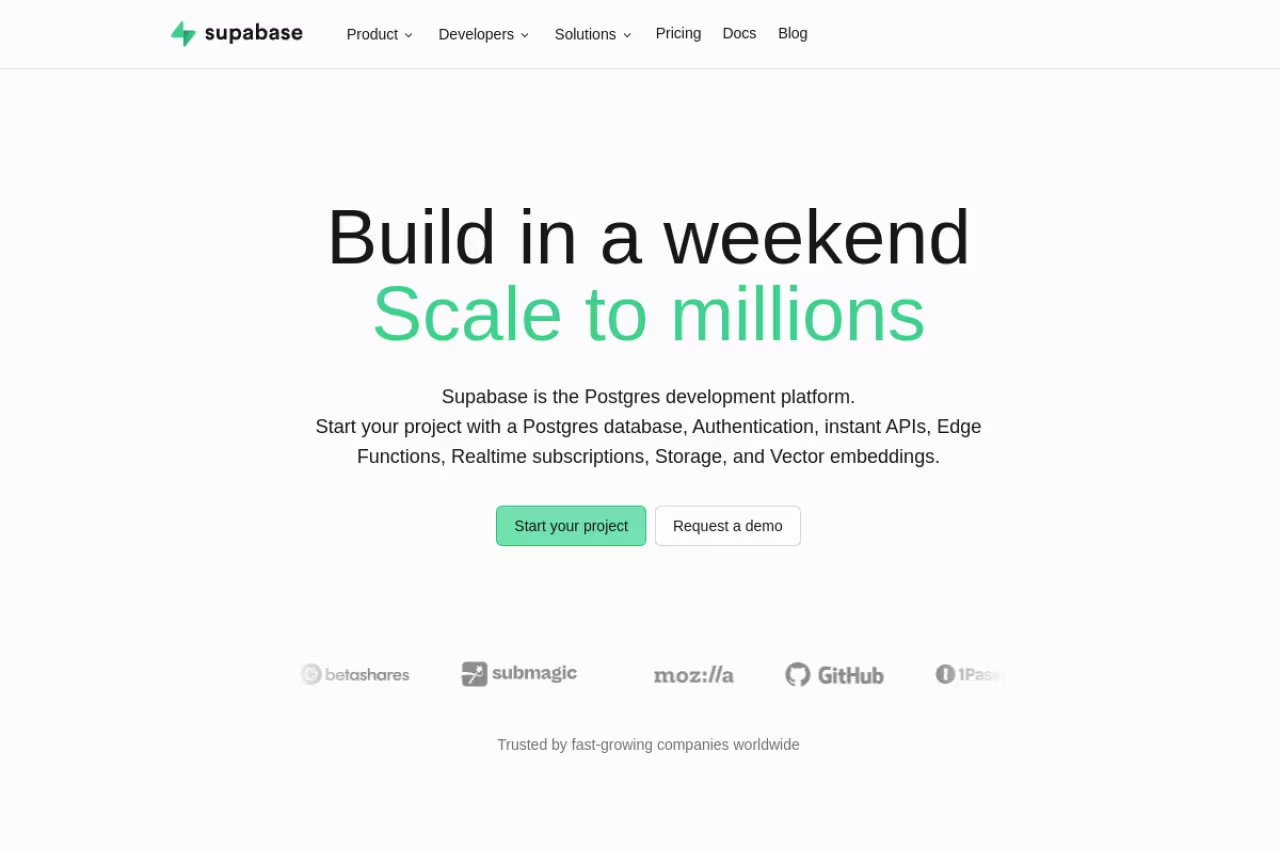
Supabase is a managed Postgres database with auth, file storage, realtime subscriptions, edge functions, and an auto-generated API stapled on top. You get a clean dashboard, a SQL editor, and a real Postgres connection string. It's the closest thing to a Firebase replacement that doesn't lock you into a proprietary engine.
Who it's for: Founders and small teams building web SaaS who want to skip writing an auth system and a storage layer. If your weekend project needs users, login, and a database, you can have all three running before lunch.
The fastest route to a real backend for founders and small teams building web SaaS, with auth and storage included on top of full Postgres. The catch is the steep jump from $25 to $599 if you need compliance, and free projects pause after a week idle.
The free tier gives you 500 MB of database space, 50,000 monthly active users, and up to two active projects. Pro is $25/month per project with 8 GB of disk and 100,000 MAUs included. The Team plan jumps to $599/month, and that gap is real: you pay it mostly for SOC 2 and ISO 27001 compliance, not more compute.
The standout: It's Postgres all the way down. Every Postgres extension, every SQL feature, every tool that speaks Postgres works here. When you outgrow Supabase you can dump your database and move it anywhere, which is not something you can say about most backend-as-a-service products.
The catch: The free tier pauses your project after a week of inactivity, which surprises people who left a side project idle. And the jump from $25 to $599 is steep if you need compliance but aren't a big company yet. There's a lot of empty road between those two tiers.
Neon: serverless Postgres that branches like Git
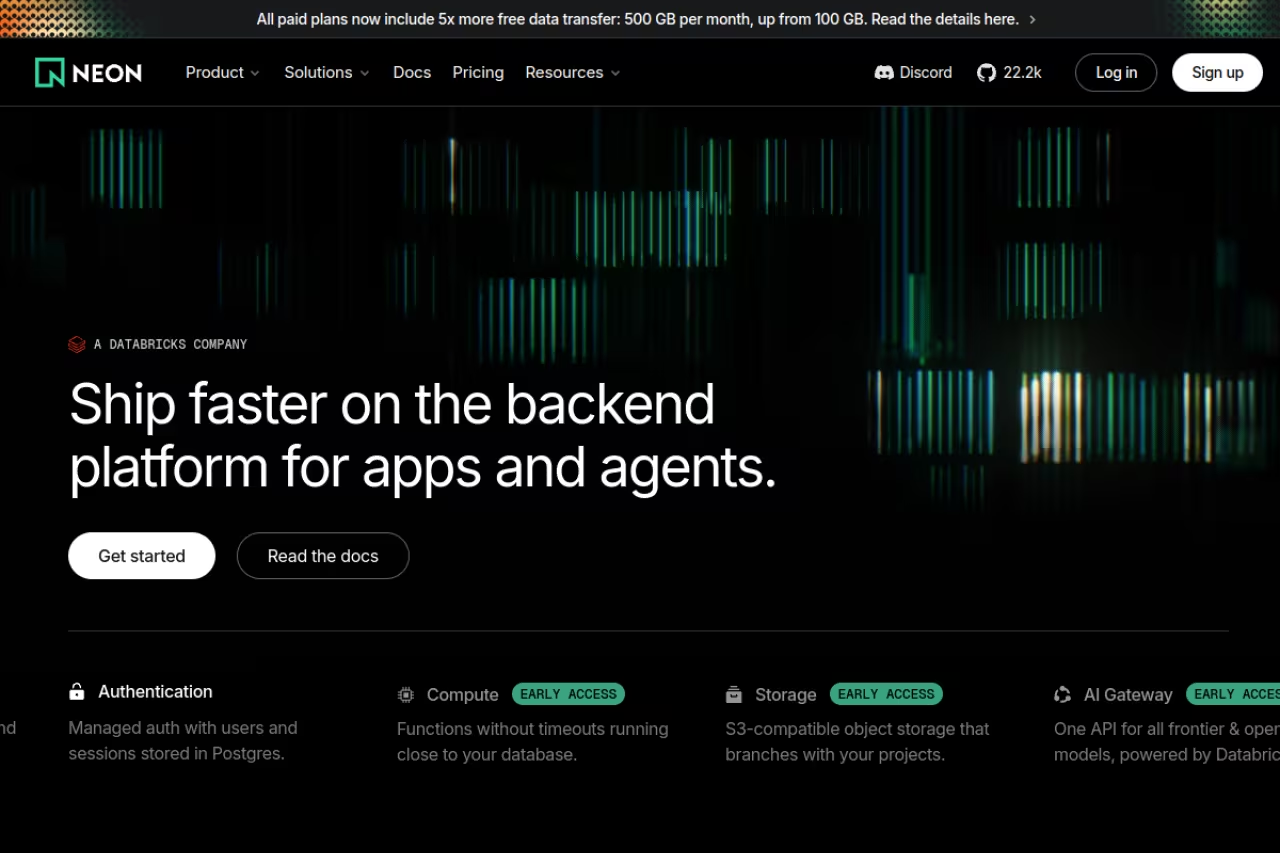
Neon took Postgres apart and rebuilt it serverless. Storage and compute are separated, so your database can scale compute to zero when idle and spin back up in well under a second. The headline feature is branching: you can fork your entire production database, schema and data, in seconds, for a pull request preview or a risky migration test.
Who it's for: Teams with bursty or unpredictable traffic, and anyone running ephemeral preview environments in CI. If 80% of your day your database sits idle, Neon's scale-to-zero saves you real money.
Serverless Postgres whose branching lets every pull request get a throwaway copy of production data. It suits bursty traffic and preview environments, but scale-to-zero cold starts add a few hundred milliseconds that a low-traffic internal tool will notice.
The free plan is permanent (not a trial) with 0.5 GB of storage per project and 100 compute-hours. After that it's pay-as-you-go: the Launch tier bills compute at $0.106 per CU-hour and storage at $0.35/GB-month, with no monthly minimum. You genuinely pay for what you use.
The standout: Database branching changes how teams work. Every PR can get its own throwaway copy of production data, and you tear it down when the PR merges. That alone is worth switching for if you've ever broken staging with a bad migration.
The catch: Cold starts exist. They're fast, but a scaled-to-zero database that hasn't been hit in a while adds a few hundred milliseconds to the first query. For a consumer app with steady traffic that's a non-issue. For a low-traffic internal tool where the first user each morning waits, you'll notice.

PlanetScale: MySQL and Postgres built for scale
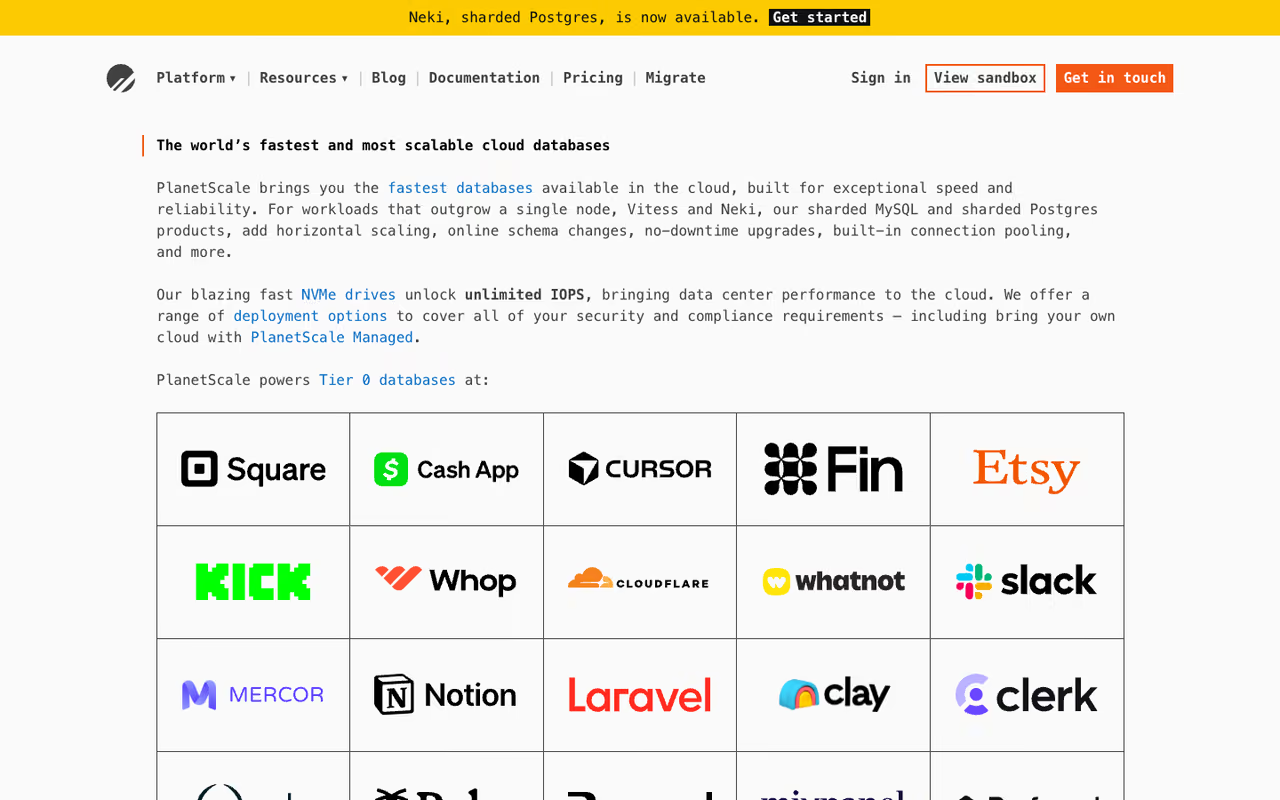
PlanetScale runs on Vitess, the MySQL sharding system originally built to keep YouTube online. It now offers Postgres too. The pitch is operational: zero-downtime schema changes, deploy requests that work like pull requests for your database, and horizontal sharding that actually holds up under load.
Who it's for: Teams who've hit the ceiling on a single-node database and need to shard, or anyone who wants schema migrations that don't lock tables and take the site down. It's an engineering team's database.
An engineering team's database for anyone who has hit the ceiling on a single node and needs sharding or zero-downtime schema changes. With no free tier and Vitess quirks around foreign keys, it is overkill for a small app.
PlanetScale starts at $5/month for a single-node Postgres instance suited to development and low traffic. The Metal tier with local NVMe storage starts at $50/month. First 10 GB of storage is included, then $0.50/GB. Worth noting: they removed their old free hobby tier a while back, so this is a "you're past the prototype stage" tool.
The standout: Deploy requests. You make a schema change on a branch, open a request, your team reviews it, and PlanetScale applies it without locking your tables. If you've ever run an ALTER TABLE on a big production table and held your breath, you understand why this matters. (For moving data between engines, see our roundup of the best database migration tools.)
The catch: No free tier means it's not where you start a side project. And Vitess, while battle-tested, has sharp edges around foreign keys and certain join patterns. You're trading some MySQL conveniences for scale you may not need yet. Overkill for a small app.
If you're stitching a database into a broader stack, our roundup of the best AI tools for developers pairs well with any of these picks. And if keeping up with what's worth adopting is its own job, a Dupple X membership hands you the curated shortlist so you don't have to test everything yourself.

MongoDB Atlas: when your data isn't tables
MongoDB Atlas is the managed cloud version of MongoDB, the document database. Instead of rows and columns you store JSON-like documents, which fits data that's nested, varies between records, or changes shape often. Atlas handles the hosting, backups, scaling, and now bundles vector search for AI workloads.
Who it's for: Apps with flexible or rapidly evolving schemas: content systems, catalogs, event logging, anything where forcing data into a rigid table feels like a fight. Also a solid pick if your team already thinks in JSON.
Choose MongoDB Atlas because you need the document model for nested or shape-shifting data, not because tables feel like homework. Costs climb quickly once you go dedicated, and Postgres with JSONB often does the job for free.
The free M0 cluster gives you 512 MB forever, which is enough to prototype. The Flex tier runs $0.011/hour and caps at $30/month with 5 GB of storage. Dedicated clusters start at the M10 tier, roughly $0.08/hour or about $57/month per node before you add replicas.
The standout: The document model is genuinely the right tool for some jobs. When your data is naturally hierarchical, MongoDB lets you store and query it without the join gymnastics a relational schema would demand.
Where it falls short: Costs climb fast once you go dedicated, and a production three-node replica set triples that ~$57 base. People also reach for MongoDB when Postgres with a JSONB column would have done the job for free. Choose it because you need the document model, not because tables feel like homework.

PostgreSQL: the engine everything else runs
PostgreSQL is the open-source relational database that Supabase, Neon, and half this list build on. You can also just run it yourself, on a VPS, in Docker, or via a cloud provider's managed offering. It's free, it's been hardened over 30 years, and its extension ecosystem covers full-text search, geospatial data (PostGIS), time-series, and vector search (pgvector) for AI apps.
Who it's for: Teams that want full control, have ops capacity, or want to avoid per-seat platform pricing. If you're comfortable managing your own backups and updates, raw Postgres on a $20 server outperforms managed tiers costing far more.
The free, battle-hardened engine for teams with ops capacity who want full control and no per-seat platform pricing, backed by extensions like PostGIS and pgvector. Self-hosting means you own backups, failover and the 2am pages.
Free. The cost is operational: you handle provisioning, backups, failover, and security patches. Managed Postgres from AWS RDS, Google Cloud SQL, or DigitalOcean starts around $15 to $50/month and takes that burden off you.
The standout: Extensions. pgvector turns Postgres into a vector database for AI retrieval, PostGIS makes it a serious GIS engine, and JSONB lets it handle document-style data when you need it. One database, many jobs.
The catch: Self-hosting means you own the 2am pages. Backups that aren't tested don't exist, and a botched failover can lose data. For most small teams the time you'd spend on database ops is better bought back by a managed platform. Self-host when control is worth the operational tax.
If your app leans on AI retrieval, our guide to the best vector databases covers the embedding side of this stack in depth.

Turso: SQLite, but distributed to the edge
Turso is built on libSQL, an open fork of SQLite with networking, replication, and vector search added. It replicates your database across 35+ edge locations so reads happen close to your users, and its model makes spinning up thousands of small databases cheap, which is ideal for database-per-tenant architectures.
Who it's for: Edge and serverless apps where read latency matters, and multi-tenant SaaS where each customer gets their own isolated database. If you're deploying on Cloudflare Workers or Vercel Edge, Turso fits naturally.
SQLite distributed to the edge, ideal for read-heavy edge apps and database-per-tenant SaaS with a generous free tier. Write-heavy, high-concurrency workloads are not its strength, and the ecosystem is younger than Postgres's.
The free tier is generous: 5 GB storage, 100 databases, and 500 million row reads a month. The Developer plan is $4.99/month for unlimited databases and 9 GB, scaling up from there. Because SQLite is so lightweight, you get a lot of headroom cheaply.
The standout: Database-per-tenant without the cost explosion. Giving every customer a physically separate database used to be a luxury. With Turso it's a default you can actually afford, and it solves a whole class of data-isolation and noisy-neighbor problems.
The catch: It's SQLite, so write-heavy workloads with high concurrency aren't its strength, and it lacks some of Postgres's advanced features. The ecosystem is younger too. For an edge read-heavy app it's excellent. For a write-heavy transactional core, look elsewhere.

CockroachDB: the database that survives a region going down
CockroachDB is distributed SQL built so your app stays online even if an entire cloud region fails. It speaks the Postgres wire protocol, so most Postgres clients work, but under the hood it spreads data across nodes and regions with automatic failover and strong consistency.
Who it's for: Global apps that can't afford downtime, write-heavy workloads that outgrow a single primary, and teams with hard data-residency requirements across geographies. Think payments, infrastructure, anything where an outage is a business emergency.
Worth it only if an outage is a business emergency: global apps, payments, and teams with data-residency requirements that need survivability even if a whole region fails. Distributed consensus costs latency and complexity, so skip it just because it looks impressive.
There's a free tier with 10 GiB of storage and 50 million request units a month, enough to test the model seriously. Paid usage scales from there, and the serverless model means you're billed on actual consumption rather than reserved nodes.
The standout: Real survivability. Most "highly available" setups still have a single point of failure somewhere. CockroachDB is designed from the ground up so losing a node, or a whole region, doesn't take your app down or lose committed writes.
Where it falls short: Distributed consensus has a latency cost. A single-region Postgres will often be faster for simple queries, and you pay a complexity tax you only want if you genuinely need multi-region resilience. Don't reach for it just because it looks impressive on a slide.

Redis: the cache that makes everything else feel fast
Redis isn't your primary database, it's the in-memory layer that sits in front of one. Sub-millisecond reads make it the standard tool for caching, session storage, rate limiting, leaderboards, and lightweight job queues. Almost every fast app you use has a Redis (or Redis-compatible) layer somewhere.
Who it's for: Basically every production app once it has traffic. If your Postgres is doing the same expensive query thousands of times, a Redis cache in front of it cuts response times and database load dramatically.
Nearly every production app with traffic benefits from Redis as an in-memory layer in front of a real database, for caching, sessions and rate limiting. It is memory-bound, so treat it as an accelerator, not where durable data lives.
Redis Cloud Essentials starts around $5/month for small dev instances. Serverless options like Upstash bill per command instead of per hour, which lands around $12/month for typical usage and can be far cheaper for spiky traffic. Plenty of teams also run open-source Redis themselves for free.
The standout: Speed and versatility. Beyond caching, Redis data structures (sorted sets, streams, pub/sub) let you build rate limiters, real-time feeds, and queues without bolting on more infrastructure.
The catch: It's memory-bound, so it's not where your durable data lives, and a misconfigured eviction policy can silently drop cached data. Treat it as an accelerator in front of a real database, not a replacement for one.
How to choose
Start with the shape of your data, not the brand. If it's relational (most apps), use Postgres, full stop. Then pick the platform by operating model: Supabase if you also need auth and storage, Neon if you want serverless branching and scale-to-zero, PlanetScale if you're sharding MySQL or Postgres at scale, or self-hosted Postgres if you have ops capacity and want to control cost.
Only leave Postgres when the data demands it. Document-heavy and schema-fluid? MongoDB Atlas. Edge latency or database-per-tenant? Turso. Multi-region, can't-go-down? CockroachDB. And regardless of your main database, add Redis the moment the same query starts hitting your DB thousands of times a minute.
One rule that's saved me money: don't buy scale you don't have yet. A single Postgres instance handles far more traffic than most founders expect. Reach for distributed SQL and sharding when your metrics prove you need them, not because the architecture diagram looks impressive.
If you want help going deeper on the AI and infrastructure tools your team should be tracking, Dupple X curates exactly that, and you can start a yearly trial here. You can also browse our running list of top tools across categories.
FAQ
What is the best database software in 2026?
For most new projects, PostgreSQL is the best choice, and the easiest way to run it is on a managed platform like Supabase or Neon. Postgres is now used by 55.6% of professional developers per the 2025 Stack Overflow survey, and its extension ecosystem covers vector search, geospatial, and document-style data, so one engine handles most needs. Reach for MongoDB Atlas, Turso, or CockroachDB only when your data shape or scale specifically calls for it.
Is PostgreSQL or MySQL better in 2026?
For greenfield projects, PostgreSQL is the stronger default. It has pulled ahead in adoption, has a richer extension ecosystem, and handles JSON, full-text search, and vector data natively. MySQL is still excellent and, via PlanetScale's Vitess, scales horizontally extremely well, so it's a great pick if you're already invested in MySQL or need proven sharding. New project with no constraints: choose Postgres.
What is the best free database for a startup?
Supabase offers the most complete free tier for a typical web app: 500 MB of Postgres plus auth and storage included, so you can launch a real product without paying. Neon's free plan is permanent and great for serverless workloads, MongoDB Atlas gives you a free 512 MB cluster for document data, and CockroachDB offers 10 GiB free for distributed SQL. Most startups outgrow these only after they have paying users.
Do I need a separate database for AI and vector search?
Usually not. PostgreSQL with the pgvector extension stores and queries embeddings well enough for most retrieval and semantic search use cases, which means Supabase and Neon handle AI workloads without a second system. MongoDB Atlas and Turso also ship built-in vector search. Add a dedicated vector database only when your similarity-search scale is large enough to justify the extra moving part.
When should I use a managed database instead of self-hosting?
Use a managed platform when your time is worth more than the hosting savings, which is most of the time for small teams. Managed providers handle backups, failover, security patches, and scaling, removing the 2am operational risk. Self-host raw Postgres only when you have ops capacity, want full control, or need to cut per-seat platform costs at scale and can responsibly own backups and recovery.
Related guides
Some offers on this page may be paid placements or contain affiliate links.
