
The Best Database Migration Tools in 2026

Key facts8 tools compared: Flyway, Atlas, Liquibase, Bytebase, Prisma Migrate, golang-migrate / goose…
- 8 tools compared: Flyway, Atlas, Liquibase, Bytebase, Prisma Migrate, golang-migrate / goose, AWS DMS, Airbyte
- Flyway (best for: SQL-first teams with CI/CD): Free Community; paid tiers per user
- Atlas (best for: Declarative, Terraform-style schema): Free Starter; Pro from $9/dev/mo
- Liquibase (best for: Governance and 50+ databases): Free OSS; Secure is custom-priced
- Bytebase (best for: DBA review workflows via web UI): Free Community; Pro $20/user/mo
A bad database migration is the kind of mistake that follows you. Drop the wrong column on a Friday deploy and you spend the weekend restoring from backups while your CEO refreshes the status page. Schema changes are the one part of shipping software where "it works on my machine" is not good enough, because the production database holds the only copy of the data that actually matters.
The tools below exist to make those changes boring. Versioned, reviewable, repeatable, and reversible when you need them to be. I've compared most of these against real production requirements across Postgres and MySQL, and the gap between them is wider than the marketing pages suggest.
If you want one answer: for most engineering teams shipping a SQL database with a CI/CD pipeline, Flyway is still the safe default. It's simple, battle-tested, and the free Community edition covers what 80% of teams need. But "best" depends a lot on whether you're versioning schemas, moving data between systems, or trying to give a DBA a review queue. This guide splits those apart so you pick the right category first.
Quick comparison
| Tool | Best for | Price | Standout |
|---|---|---|---|
| Flyway | SQL-first teams with CI/CD | Free Community; paid tiers per user | Convention over config, huge adoption |
| Atlas | Declarative, Terraform-style schema | Free Starter; Pro from $9/dev/mo | Define desired state, it computes the diff |
| Liquibase | Governance and 50+ databases | Free OSS; Secure is custom-priced | Drift detection, rollbacks, preconditions |
| Bytebase | DBA review workflows via web UI | Free Community; Pro $20/user/mo | Web platform with approval gates |
| Prisma Migrate | Node/TypeScript app teams | Free, open source | Generates SQL from your schema file |
| golang-migrate / goose | Lightweight Go projects | Free, open source | Just numbered SQL files, no DSL |
| AWS DMS | Moving data into AWS | Pay per hour; free credits to start | Heterogeneous engine conversion |
| Airbyte | Ongoing data movement / ELT | Free OSS; Cloud from $10/mo | 600+ connectors, CDC support |
Flyway
Flyway is the tool I reach for when I don't want to think hard. You write plain SQL files named V1__create_users.sql, V2__add_index.sql, and Flyway applies them in order, tracks which ran in a flyway_schema_history table, and refuses to run the same one twice. That's the whole mental model, and it's why it's the most widely adopted migration tool in the Java world and well beyond it.
Who it's for: Teams that want versioned SQL scripts wired into a CI/CD pipeline without learning a new abstraction. If your changes are mostly add, drop, and alter, Flyway is hard to beat.
The no-thinking choice for teams that want versioned SQL scripts wired into CI/CD with almost no setup. Undo is a paid feature and Redgate tightened licensing, so check the terms before assuming Community covers a commercial product.
The Community edition is free and covers basic versioned migrations. Now owned by Redgate, the paid Teams and Enterprise editions are billed per user per year and add undo migrations, dry runs, and Oracle support. Teams caps you at 100 schemas; go past that and you need Enterprise, which is quote-only.
The standout: Convention over configuration. There's almost nothing to set up, and the SQL-first approach means anyone on the team can read a migration without learning a DSL.
The catch: Rollback ("undo") is a paid feature. On the free tier, your reverse strategy is "write a new forward migration," which is honestly fine for most teams but surprises people who expect flyway undo to just work. The Redgate acquisition also tightened licensing, so read the terms before you assume Community covers a commercial product.

Atlas
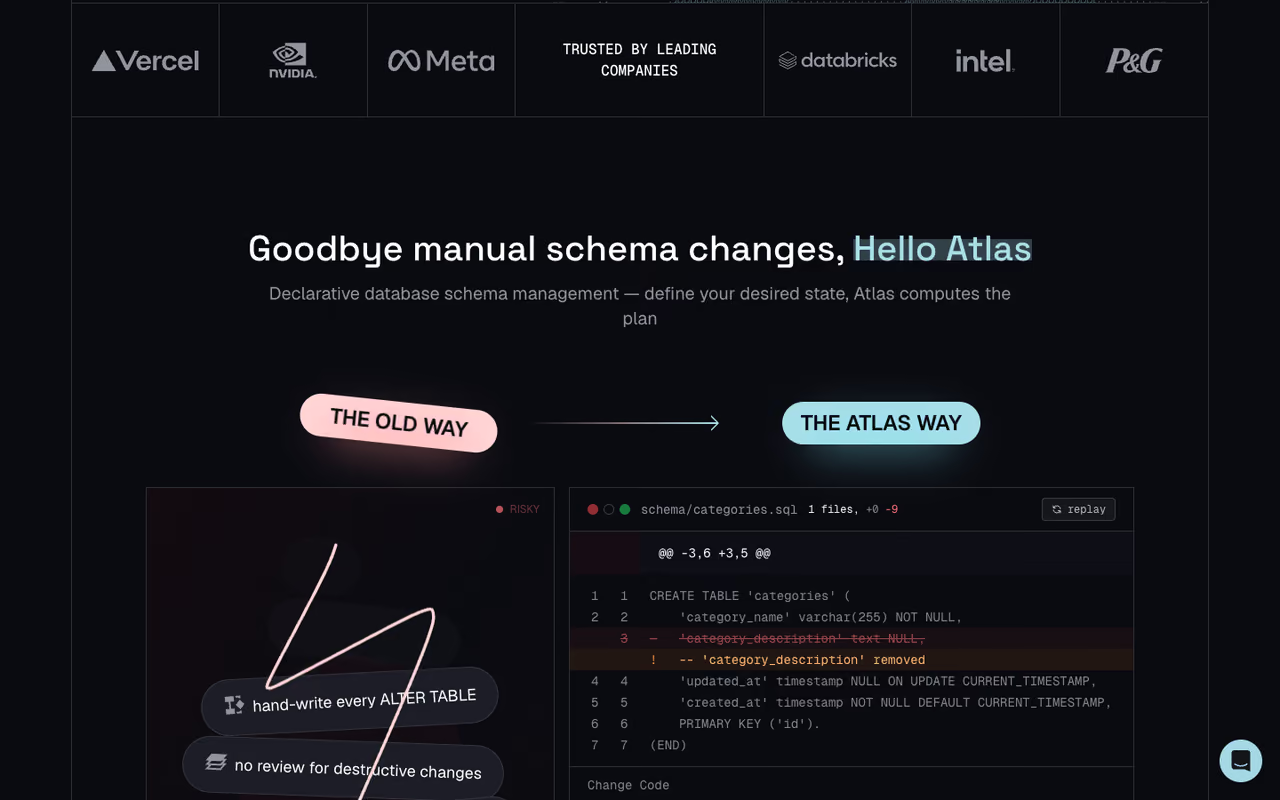
Atlas is what happens when someone looks at Terraform and asks why databases don't work that way. Instead of hand-writing each migration step, you declare the schema you want, in HCL or SQL or straight from your ORM, and Atlas computes the diff and generates the migration plan. It's written in Go, ships as a single binary, and treats your schema as code you can lint and review.
Who it's for: Teams that already think in declarative infrastructure and want schema changes to feel like terraform plan. Also strong if you're tired of merge conflicts in numbered migration files.
A declarative, terraform-plan style workflow for teams already fluent in infrastructure as code, and a cure for merge conflicts in numbered migration files. The model takes adapting to, and the more interesting governance and CI features sit behind Pro.
Atlas Starter is free and covers migration planning, execution, and ORM integration for MySQL, MariaDB, Postgres, and SQLite. Atlas Pro starts at $9/month per developer, with CI/CD projects at $59/month and additional monitored databases at $39/month each. Enterprise is custom with a 20-database minimum.
The standout: The declarative workflow genuinely reduces a class of human error. You describe the end state, the tool figures out how to get there, and the migration linting catches destructive changes before they merge.
Where it falls short: The declarative model is a different way of thinking, and not every team adapts. When Atlas plans a change you didn't expect, you have to trust the diff engine or override it manually, which can feel like fighting the tool. The free tier also fences off the more interesting governance and CI features behind Pro pretty quickly.

Bytebase
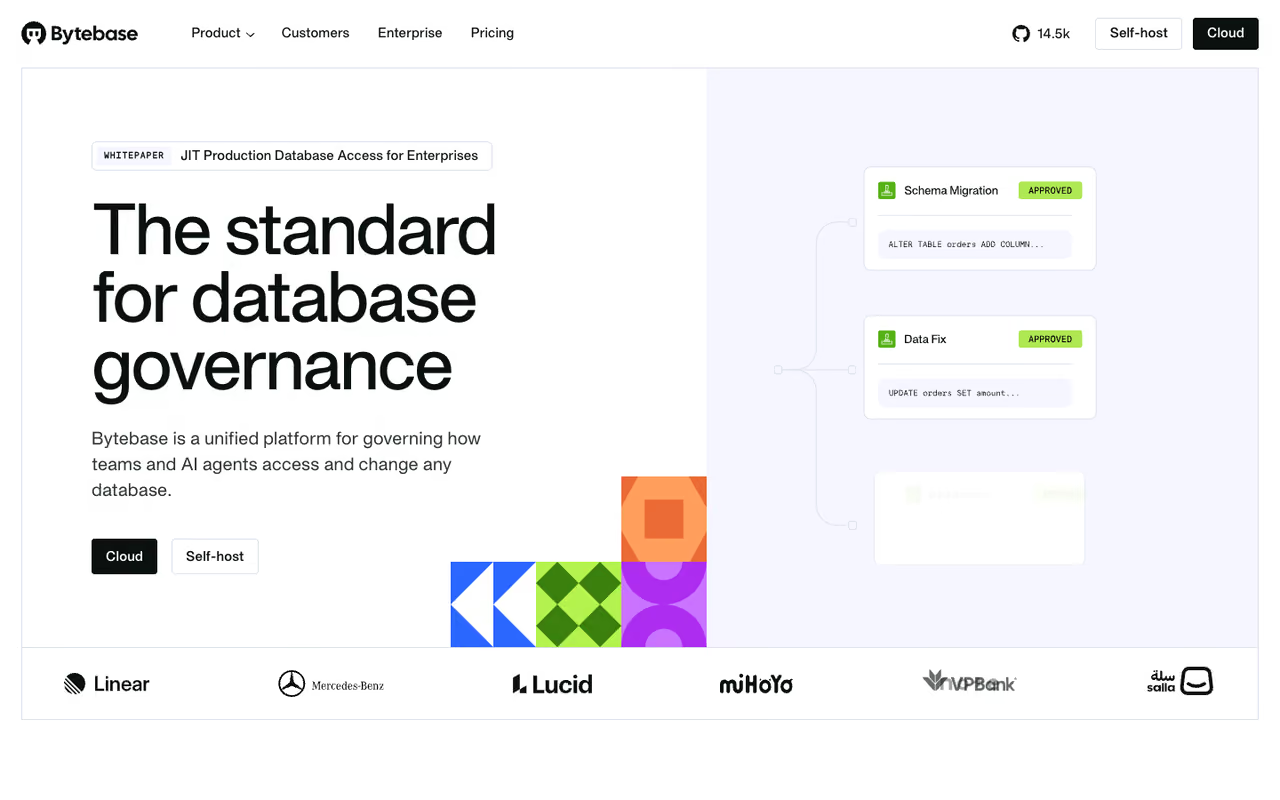
Bytebase solves a different problem than Flyway or Atlas. Those are CLI tools for engineers. Bytebase is a full web platform for database change management, built around the idea that a DBA or platform team should review and approve schema changes before they hit production. Developers submit a change through the UI, it goes into an approval queue, and Bytebase handles the deployment with an audit trail.
Who it's for: Organizations big enough to have separation between the people writing migrations and the people responsible for the database staying up. If "who approved this change?" is a question your team needs to answer, this is the category.
Skip Bytebase if you are a two-person startup. It suits organizations where a DBA or platform team must review and approve schema changes, with a web UI, audit trail and governance, at the cost of running another service.
The Community edition is free forever and supports up to 20 users and 10 instances, which is generous. Pro is $20/user/month and adds SSO, user groups, and a 7-day audit log. Enterprise is custom and brings data masking, just-in-time access, and unlimited audit retention.
The standout: Approval workflows and a real UI. Non-engineers can participate in the change process, and you get governance features (RBAC, audit logs, drift detection) without bolting them onto a CLI tool yourself. It supports MySQL, Postgres, Oracle, SQL Server, MongoDB, Snowflake, and more.
The catch: It's a platform, not a library, so it's overkill for a two-person startup that just needs versioned SQL. You're running and maintaining another service (or paying for the cloud version), and the web-first model can feel heavy if your team lives in the terminal.
Most teams settle on one of these three. If you're still mapping out the rest of your stack, our roundup of the best developer tools and the guide to AI coding tools pair well with whatever migration tool you land on.
Liquibase
Liquibase is Flyway's older, more enterprise-minded cousin. Where Flyway is SQL-first and minimal, Liquibase uses a changelog concept (XML, YAML, JSON, or SQL) that gives you more granular control over ordering, plus standardized rollbacks, preconditions, tagging, and drift detection across environments.
Who it's for: Teams in regulated or complex environments that need governance and broad database coverage. Liquibase supports 50+ database types, roughly double Flyway's count.
The enterprise-minded choice for regulated or complex environments that need governance and broad coverage across 50+ database types. Changelogs are more verbose than plain SQL and the learning curve is real, so it is more machine than a single-Postgres app needs.
The open-source core is free. The commercial tier (now branded Liquibase Secure) adds governance, structured rollbacks, and policy checks, and is custom-priced through sales. There's a 30-day Pro trial with no card required.
The standout: Database-agnostic changelogs and serious governance. If you're managing changes across Oracle, DB2, Snowflake, and Postgres from one pipeline, Liquibase handles it.
Where it falls short: The flexibility comes at a cost in complexity. The XML/YAML changelog format is more verbose than a plain SQL file, and the learning curve is real. For a single-Postgres app, Liquibase is more machine than you need.

Prisma Migrate
Prisma Migrate is the migration tool you get for free if you're already using Prisma ORM in a Node or TypeScript project. You edit your schema.prisma file, run prisma migrate dev, and it generates the SQL migration for you, tracks it in Git alongside your app code, and keeps every environment in sync.
Who it's for: TypeScript and Node teams who want their data model and their migrations to come from one source of truth. The tight integration is the whole point.
Close to free if you already use Prisma ORM in a Node or TypeScript project, since it generates migrations from the schema you are editing anyway. It only makes sense if you are committed to Prisma, and its database support is narrower than Flyway or Liquibase.
Completely free and open source. Prisma's separate Data Platform has paid cloud features, but the ORM and Migrate cost nothing.
The standout: Generating migrations from a schema file you're editing anyway. There's no separate migration language to learn, and drift detection helps you catch when production diverged.
The catch: It's only worth it if you're committed to Prisma. The auto-generated SQL is customizable but not always how a DBA would write it, and for complex data backfills you'll be writing manual SQL anyway. Database support is narrower than Flyway or Liquibase (Postgres, MySQL, MariaDB, SQLite, MongoDB).
golang-migrate and goose
For Go projects, the two community defaults are golang-migrate and goose. Both are minimal by design: numbered SQL files, a tiny CLI, no DSL or abstraction layer. golang-migrate has the broader database support and wider adoption; goose adds the ability to write migrations in Go itself, which is handy for data transformations that need real logic.
Who it's for: Go teams that want migrations embedded in their build with zero Java dependency and zero ceremony.
The community defaults for Go teams that want migrations embedded in the build with zero ceremony. You can read the whole tool in an afternoon, but there is no governance, no UI and no managed rollbacks beyond what you write yourself.
Both are free and open source (golang-migrate is MIT, goose is similar).
The standout: Transparency. You can read the entire tool in an afternoon, and there's nothing magic happening to your schema.
Where it falls short: No governance, no UI, no managed rollbacks beyond what you write yourself. These are libraries for engineers who want control, not platforms for teams that need approval gates.
AWS Database Migration Service
AWS DMS is a different animal. The tools above version your schema; DMS moves your data. It's the go-to for getting an existing database into AWS, whether that's a homogeneous move (SQL Server to RDS for SQL Server) or a heterogeneous one (Oracle to Aurora Postgres), where the Schema Conversion tool automates most of the engine translation.
Who it's for: Teams doing a one-time lift into AWS or running continuous replication with change data capture. If your destination is AWS, this is the native option.
Choose AWS DMS to move data, not version schemas, especially for a one-time lift into AWS or continuous replication with change data capture. It handles heterogeneous moves like Oracle to Aurora Postgres well, but it locks you into AWS and the pricing math trips people up.
You pay per hour for the replication instance or serverless capacity. New AWS Free Tier accounts get $100 in credits (plus up to $100 more), and there's no data transfer charge through the DMS node itself.
The standout: Heterogeneous migration. Moving from Oracle to Postgres by hand is brutal; DMS plus the Schema Conversion tool does the heavy lifting.
The catch: It's AWS-flavored, so you're locked into the ecosystem, and the pricing math (instance hours, storage, the right instance size) trips people up. It's a data-movement tool, not a schema-versioning tool, so you still need something from the list above for ongoing changes.

Airbyte
Airbyte rounds out the data-movement category as the open-source ELT platform with 600+ connectors. If your migration is really an ongoing sync, pulling data from APIs and databases into a warehouse, Airbyte is built for that, with log-based CDC for incremental replication.
Who it's for: Data teams consolidating sources into Snowflake, BigQuery, or Postgres, or anyone trying to escape Fivetran's bill.
Good for data teams consolidating sources into Snowflake, BigQuery or Postgres, or escaping Fivetran's bill, with 600+ connectors and a self-hostable core. Self-hosting is a project, not a download, and connector quality varies, so test your source first.
Airbyte Core is free under MIT. Cloud Standard starts around $10/month with usage-based credits; replicating 10GB monthly from database sources runs roughly $100/month. Self-hosting is free in licensing but real in infrastructure: production Kubernetes setups run $500 to $3,000+/month plus engineering time.
The standout: Connector breadth and the ability to self-host. Teams regularly report 50 to 70% savings moving off proprietary tools.
Where it falls short: Self-hosting Airbyte is a project, not a download. The maintenance overhead is real, and connector quality varies, so test the specific source you need before betting on it.
How to choose
Start by naming what you're actually doing, because the categories don't overlap as much as the search results imply.
If you're versioning schema changes (the most common case), pick based on team shape. Solo or small team on one SQL database: Flyway Community or golang-migrate. Already in the Prisma or Go ecosystem: use the native tool. Want declarative, Terraform-style control: Atlas. Need a DBA approval queue and audit trail: Bytebase. Regulated environment with many database engines: Liquibase.
If you're moving data between systems, that's a different toolbox. One-time lift into AWS: DMS. Ongoing sync into a warehouse: Airbyte or a managed tool like Fivetran.
The trap is using a data-movement tool for schema versioning or vice versa. They look adjacent on a listicle and feel completely different in practice.
One more filter: rollback strategy. If your compliance posture requires tested, reversible migrations, that pushes you toward Liquibase or Flyway's paid tier, because the free SQL-first tools mostly expect you to roll forward.
If you're assembling a broader stack, our Dupple X bundle and the best AI agents guide cover the tools that sit alongside your database layer.
Frequently asked questions
What is the difference between schema migration and data migration?
Schema migration changes the structure of your database: adding columns, creating indexes, altering tables. Tools like Flyway, Atlas, and Liquibase handle this with versioned scripts. Data migration moves the contents, like copying records from an old system into a new one, which is what AWS DMS and Airbyte do. Most teams need a schema tool continuously and a data tool occasionally.
Is Flyway still free in 2026?
Yes. Flyway Community is free and covers versioned SQL migrations, which is enough for most small and mid-size teams. The paid Teams and Enterprise editions (now sold by Redgate) add undo migrations, dry runs, and broader database support, billed per user per year. Read the current licensing terms, since the Redgate acquisition changed some of them.
Which database migration tool is best for a small startup?
For a small startup on a single Postgres or MySQL database, Flyway Community or golang-migrate are the simplest choices: free, minimal setup, plain SQL files. If you're already using Prisma in a TypeScript app, Prisma Migrate comes built in and saves you adopting a separate tool. Skip the enterprise platforms until you actually have a DBA who needs an approval queue.
Can these tools roll back a bad migration?
It varies. Liquibase has structured rollbacks built in. Flyway's undo feature is paid-tier only. The lightweight tools (golang-migrate, goose, Prisma) generally expect you to write a forward "fix" migration rather than reversing the last one. If guaranteed, tested rollbacks matter for your compliance, choose your tool with that in mind rather than assuming it's standard.
Do I need a migration tool if I use an ORM?
Most ORMs include a migration feature (Prisma Migrate, Django migrations, Rails Active Record). For many app teams that's sufficient. You'd reach for a dedicated tool like Flyway, Atlas, or Liquibase when you need database-agnostic changelogs, governance and approval workflows, support for engines your ORM doesn't cover, or schema changes managed independently of application code.
How much does AWS DMS cost?
AWS DMS charges by the hour for the replication instance or serverless capacity you use, plus storage. New AWS Free Tier accounts get $100 in credits to start, and there's no data transfer charge through the DMS node. Real-world cost depends heavily on instance size and how long the migration runs, so size the instance carefully to avoid surprises on a long-running job.
Related guides
Some offers on this page may be paid placements or contain affiliate links.
