
The 8 Best Automation Tools in 2026 (Compared and Ranked)

Key facts8 tools compared: Make, Zapier, n8n, Lindy, Pipedream, Activepieces, Workato, UiPath
- 8 tools compared: Make, Zapier, n8n, Lindy, Pipedream, Activepieces, Workato, UiPath
- Make (best for: Visual builders who want logic per dollar): $9/mo (10k credits)
- Zapier (best for: Non-technical teams, fastest setup): $19.99/mo annual (750 tasks)
- n8n (best for: Developers, self-hosting, no per-task fees): Free self-hosted / $24/mo cloud
- Lindy (best for: AI agents that act on natural language): $49.99/mo Pro
Most "best automation tools" lists read like they were written by someone who opened a free account, screenshotted the dashboard, and called it a review. I wanted the opposite. I compared each tool's documentation, templates, and pricing against the kind of work these platforms are actually used for: moving newsletter signups between systems, enriching leads, and posting content on a schedule.
The short version: if you want one pick and you do not want to think about it, go with Make. It gives you the most logic per dollar of any visual tool on this list, and its 2026 AI agents close most of the gap with the fancier players. If you are a developer who wants to self-host and never pay per task, n8n is the answer. If you cannot read a flowchart, Zapier is still the gentlest on-ramp.
This is for founders, marketers, and operators who feel the pull of "I should automate this" but keep doing it by hand. I will tell you what each tool is good at, what it actually costs in 2026, and the part of the pitch that does not hold up.
Quick comparison
| Tool | Best for | Price (entry paid) | Standout |
|---|---|---|---|
| Make | Visual builders who want logic per dollar | $9/mo (10k credits) | Drag-and-drop canvas + new AI agents |
| Zapier | Non-technical teams, fastest setup | $19.99/mo annual (750 tasks) | 8,000+ app integrations |
| n8n | Developers, self-hosting, no per-task fees | Free self-hosted / $24/mo cloud | Open source, unlimited executions |
| Lindy | AI agents that act on natural language | $49.99/mo Pro | Describe the agent, it builds itself |
| Pipedream | Developers who live in code | $29/mo Basic | Code steps inside any workflow |
| Activepieces | Open-source teams wanting MCP + agents | Free / $25/mo Plus | MIT license, 400+ MCP servers |
| Workato | Enterprise IT, deep ERP/CRM connectors | Custom (~$10k+/yr) | Governance and enterprise connectors |
| UiPath | Legacy systems, screen-level RPA | ~$420/mo per robot | Robots that click through old software |
Make: the best all-rounder for the money
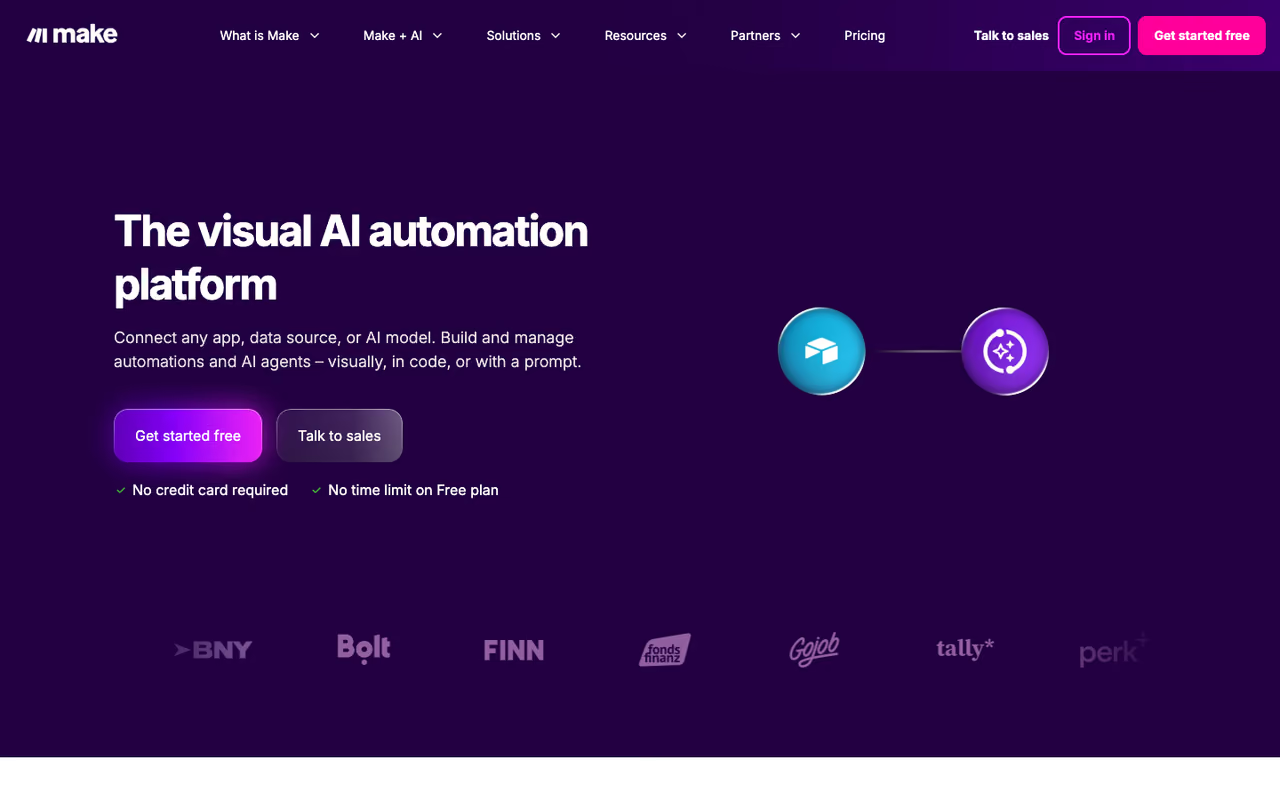
Make is a visual automation platform. You build "scenarios" by dragging modules onto a canvas and wiring them together, which means you can see your entire workflow at a glance instead of scrolling through a list of steps.
Make is the all-rounder for people who outgrew basic if-this-then-that and want branching, loops and error handling on a visual canvas, at a strong price. Watch usage in month one, because AI modules burn credits faster than standard ones.
I rebuilt a lead-routing flow in Make that had taken me three separate Zaps elsewhere, and it fit in one scenario.
The pricing is where Make wins. The free plan gives you 1,000 credits a month and 2 active scenarios. The Core plan is $9/month for 10,000 credits when billed annually, per Make's pricing page. That is roughly 13x the operation volume Zapier gives you at a similar price point. In February 2026 Make shipped its AI Agents feature with in-canvas building and a reasoning panel, so you can drop an autonomous decision-maker into a scenario instead of hand-coding every branch.
The catch: the credit system changed in late 2025, and AI modules burn credits faster than standard ones. A scenario that looks cheap on paper can chew through your allowance once you add a few LLM calls. Watch your usage in the first month before you commit to a plan size.

Zapier: the fastest path from zero to working
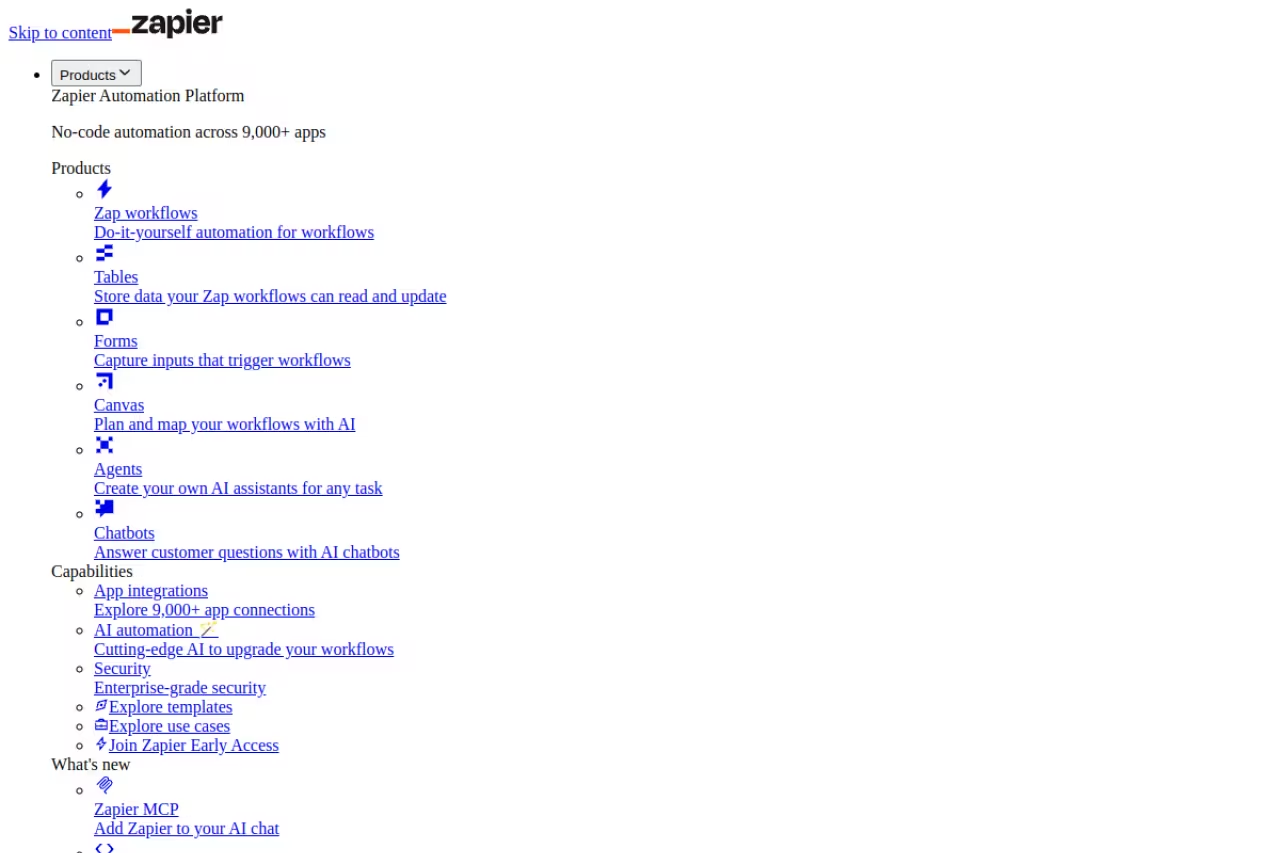
Zapier is the tool I recommend to people who have never automated anything. It connects more apps than anyone, north of 8,000, and the setup is genuinely point-and-click. Pick a trigger, pick an action, map the fields, turn it on.
Zapier is the fastest route from zero to working for non-technical teams, with more than 8,000 apps. It is also the easiest to overpay for, since tasks add up quickly once a workflow fires a few hundred times a day.
If the obscure SaaS tool your team uses has any kind of integration anywhere, it is probably on Zapier first.
Pricing starts at a free plan with 100 tasks a month, capped at two-step Zaps. The Professional plan runs $19.99/month billed annually (or $29.99 monthly) for 750 tasks, and unlocks multi-step Zaps, filters, and paths. Team is $69/month annually for 2,000 tasks and up to 25 users, according to Zapier's pricing. A task is one successful action step. Triggers and filters are free, which softens the count a little.
Where it falls short: tasks add up fast and get expensive at volume. A workflow that fires a few hundred times a day can blow past the cheap tiers in a week. Zapier is the easiest to start and the easiest to overpay for once your automations get popular.

n8n: the developer's pick you can actually own
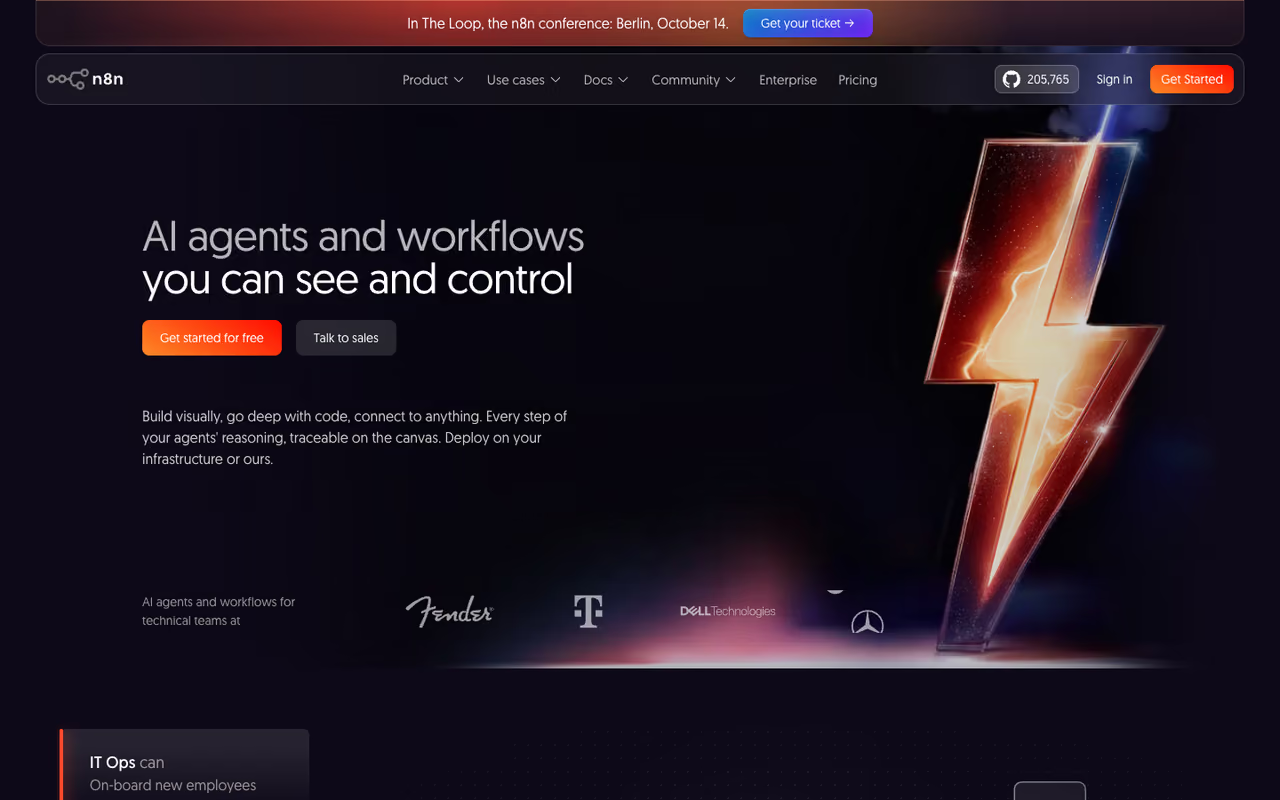
n8n (pronounce it "n-eight-n") is an open-source automation tool you can self-host. That single fact changes the economics. The self-hosted Community Edition is free with unlimited executions, so your only cost is the small VPS it runs on. With 192,000+ GitHub stars it is also the most popular open-source option by a wide margin.
It is best for developers and anyone in a regulated industry where data cannot leave your own servers. n8n charges per workflow execution, not per step, so a 40-node workflow costs the same as a 2-node one. That billing model alone makes it cheaper than Zapier or Make for complex, high-volume work.
If you do not want to run a server, n8n Cloud Starter is around $24/month for 2,500 executions, with Pro at €50/month for 10,000, per n8n's pricing. The 2.0 release added native AI agent support with LangChain integration and persistent memory, which makes it a serious base for building agentic workflows.
The catch: there is a real learning curve. You will see expression syntax, JSON, and the occasional need to write a Code node. Non-technical teammates tend to bounce off it. If nobody on your team is comfortable with a terminal, the self-hosting savings are not worth the support burden.
The developer's pick for anyone who wants to own their stack, with a free self-hosted edition and per-execution billing that favors complex workflows. There is a real learning curve, and without terminal skills the savings are not worth the support burden.
If you are weighing these three, my best AI workflow automation tools guide goes deeper on the AI-native side of each.

Lindy: automation you describe in plain English
Lindy belongs to the newer wave: instead of wiring modules, you tell an AI agent what you want and it figures out the steps. You write "watch my inbox for demo requests, qualify them, and draft a reply" and Lindy builds the agent. It connects to 4,000+ apps and can even click through websites with its computer-use feature.
Lindy suits founders and small teams who want outcomes instead of flowcharts, describing an agent in plain English. The credit model gets unpredictable at scale, since AI-heavy steps cost several times a basic action.
Founders and small teams who do not want to learn a builder get the most out of it.
Pricing starts at $19.99/month, with the Pro plan at $49.99/month. It runs on credits: basic actions cost 1 credit, while AI-heavy steps like web research can cost 5 to 10. Phone numbers are an extra $10/month and voice calls start at $0.19/minute. It holds a 4.9/5 rating across 170+ reviews, which is unusually high for this category.
Where it falls short: the credit model gets unpredictable at scale. The same task can cost wildly different amounts depending on how much reasoning the agent does, so your bill is hard to forecast. For a deeper look at this whole category, see my best AI agents roundup.
Pipedream: for developers who want code in the loop
Pipedream sits between no-code and full code. You build event-driven workflows in a visual editor, but you can drop a Node.js, Python, Go, or Bash step in anywhere. For developers, that flexibility beats fighting a pure no-code tool to do something custom.
Pipedream is for engineers automating internal tooling and API glue who want a few lines of real code mid-flow. It is genuinely developer-first, so hand it to a marketer and they will be lost.
The free plan gives you 100 credits a day. Paid plans are $29/month (Basic, 2,000 credits/day) and $79/month (Advanced, 10,000 credits/day), with credits billed on execution time and memory rather than counting every step. Business pricing is custom and adds SSO, audit logs, and SLAs.
The catch: it is genuinely developer-first. The docs assume you know what an environment variable and an OAuth flow are. Hand it to a marketer and they will be lost. This is a tool for the person who would otherwise spin up a serverless function.
Activepieces: open source with agents built in
Activepieces is the MIT-licensed, AI-first answer to Zapier. You can self-host it on Docker or use their cloud, and the standout is its agent layer: 400+ MCP servers let you build tool-using AI automations natively, not bolted on.
The open-source choice with a friendlier, more no-code feel than n8n, plus 400+ MCP servers for tool-using AI automations. The integration library is smaller than Make's or Zapier's, and it is younger, so expect rough edges.
The free tier covers 1,000 tasks a month and 2 active flows. The Plus plan at $25/month unlocks unlimited tasks and AI agents, and Business is $150/month for team features. Self-hosting costs you only the server, typically $5 to $20 a month on a small VPS.
Where it falls short: the integration library is smaller than Make's or Zapier's. For mainstream apps you are fine, but for a long-tail SaaS tool you may have to build the connection yourself. It is younger, so you will occasionally hit a rough edge the bigger platforms smoothed over years ago.
Workato: when IT and compliance run the show
Workato is the enterprise option. It is built for IT teams that need governance, audit trails, and deep connectors into SAP, Oracle, Workday, and ServiceNow. If your automation has to pass a security review, this is the room you end up in.
Workato is the enterprise option when IT and compliance run the show, with governance, audit trails and deep connectors into SAP and Oracle. It is overkill and over-budget for small teams, with realistic entry around $10,000/year.
Pricing is custom and there is no public page. Realistic entry is around $10,000/year, with mid-market deployments at $25,000 to $50,000 and large rollouts running well into six figures. Enterprise connectors for systems like SAP often cost extra on top.
The catch: it is overkill, and over-budget, for small teams. If you are a five-person startup automating Slack notifications, Workato is the wrong tool by an order of magnitude. The price tag only makes sense when the automations sit on top of expensive enterprise software.
UiPath: robots for software that has no API
UiPath is robotic process automation, or RPA. The others connect apps through APIs. UiPath drives a virtual robot that clicks buttons and reads screens like a human would, which is the only way to automate ancient internal software that never shipped an API. In September 2025 the company repositioned around agentic automation, coordinating AI agents, traditional robots, and people in one platform.
UiPath is the answer when software has no API, using robots that click and read screens in legacy back offices. It is heavy, closer to an enterprise program than a Saturday-afternoon automation, with pricing from around $420/month per robot.
Pricing starts around $420/month per robot and climbs into six figures for full enterprise deployments. There is a free Community edition for learning and small projects.
Where it falls short: it is heavy. Setting up an on-premise deployment can mean Windows Server, SQL Server, and a real implementation project. This is not a Saturday-afternoon automation tool, it is an enterprise program with a budget line and an owner.
How to choose
Forget the feature checklists. Answer three questions in order.
First, who is building these automations? If it is non-technical staff, you are choosing between Zapier and Make. Zapier if simplicity matters most, Make if you want more logic for less money. If a developer is building, n8n or Pipedream open up and usually cost far less at volume.
Second, do you want an AI agent or a deterministic workflow? If you want to describe an outcome and let software figure out the steps, Lindy or Make's new agents are the move. If you want a workflow that does exactly the same thing every single time, stick with the classic builders. Agents are powerful but harder to predict.
Third, what is your data and budget reality? If data cannot leave your servers, self-host n8n or Activepieces. If you are an enterprise with SAP and a compliance team, Workato. If you are automating legacy desktop software, UiPath. Everyone else: start free on Make or Zapier and upgrade only when you hit a wall.
My honest default for most readers of this newsletter is Make for visual builders and n8n for anyone who can self-host. Both punch far above their price.
If you want to go deeper on building agents on top of these platforms, Dupple X breaks down the AI tools worth your time each week, and you can browse our full top tools directory for picks in adjacent categories.
Try Dupple X free for a year and keep up with the automation tools worth switching to.
FAQ
What is the best automation tool for beginners?
Zapier. It connects the most apps, the setup is point-and-click, and the free plan covers 100 tasks a month so you can learn without paying. Once you need real branching logic or you start hitting task limits, Make gives you more room for less money.
What is the best free automation tool?
For most people, self-hosted n8n. The Community Edition is free with unlimited executions, so you only pay for a small server. If you do not want to run anything, Make's free plan (1,000 credits a month) and Activepieces' free tier (1,000 tasks) are the most generous cloud options.
Is Make really cheaper than Zapier?
Yes, for most workloads. Make's $9/month Core plan gives you 10,000 credits, while Zapier's comparable Professional plan is about $19.99/month annually for 750 tasks. Make's credit model stretches further, though AI-heavy modules in Make consume credits faster, so heavy AI use narrows the gap.
Do I need coding skills to use automation tools?
No, for Zapier, Make, and Lindy. They are built for non-developers. n8n, Pipedream, and Activepieces reward technical users and self-hosting, so a comfort with JSON or a terminal helps. Pipedream in particular assumes you can write a little code.
What is the difference between workflow automation and RPA?
Workflow automation tools like Zapier and Make connect apps through their APIs, which is fast and reliable when an API exists. RPA tools like UiPath drive a robot that mimics human clicks and keystrokes on screen, which is the only way to automate old software that has no API. RPA is heavier and pricier, so use it only when integration is impossible.
Related guides
Some offers on this page may be paid placements or contain affiliate links.
Across our whole catalogue the median is $24 a month and 33% of tools advertise a free tier. Figures are the lowest recurring monthly price quoted in our own review of each tool, read on 2026-08-19. Full method and every category.
