
The Best AI Personal Assistants (2026): 8 Tools Compared

Key facts8 tools compared: Lindy, ChatGPT, Gemini, Claude, Motion, Reclaim, Microsoft Copilot, Martin
- 8 tools compared: Lindy, ChatGPT, Gemini, Claude, Motion, Reclaim, Microsoft Copilot, Martin
- Lindy (best for: Hands-off email + calendar execution): From $49.99/mo (7-day trial)
- ChatGPT (best for: Everyday thinking, drafting, research): $20/mo Plus
- Gemini (best for: Google Workspace heavy users): $19.99/mo (AI Pro)
- Claude (best for: Document-heavy knowledge work): $20/mo Pro
"AI personal assistant" used to mean a chatbot you typed questions into. In 2026, the term split into two very different products, and picking the wrong one wastes both money and an afternoon of setup.
On one side you have the chat assistants: ChatGPT, Gemini, Claude. They draft, research, and think with you, but they mostly wait for you to ask. On the other side, a newer class of tools actually does things. They read your inbox, move your calendar around, send follow-ups, and update your CRM while you're in a meeting. That second group is where the interesting stuff happened this year.
I compared eight of them on pricing, documentation and public user reviews, with an eye toward inbox handling, calendar management, and follow-ups. If you want one answer up front: Lindy is my top pick for anyone who wants the whole work loop handled, and ChatGPT is still the best default if you mostly want a thinking partner. Below is the full breakdown, including where each one falls apart.
Quick comparison
| Tool | Best for | Price | Standout |
|---|---|---|---|
| Lindy | Hands-off email + calendar execution | From $49.99/mo (7-day trial) | Acts across your apps autonomously |
| ChatGPT | Everyday thinking, drafting, research | $20/mo Plus | Agent Mode + custom GPTs |
| Gemini | Google Workspace heavy users | $19.99/mo (AI Pro) | Native Gmail and Calendar reach |
| Claude | Document-heavy knowledge work | $20/mo Pro | Long memory + Projects |
| Motion | Auto-planning a packed day | $19/seat/mo (annual) | Rebuilds your schedule automatically |
| Reclaim | Defending focus time | Free; $10/seat/mo | Smart habit time-blocking |
| Microsoft Copilot | Office and Windows users | $20/mo Pro | Lives inside Word, Excel, Outlook |
| Martin | Voice-first reminders and calls | From $21/mo (annual) | Calls and texts on your behalf |

Lindy: the assistant that actually does the work
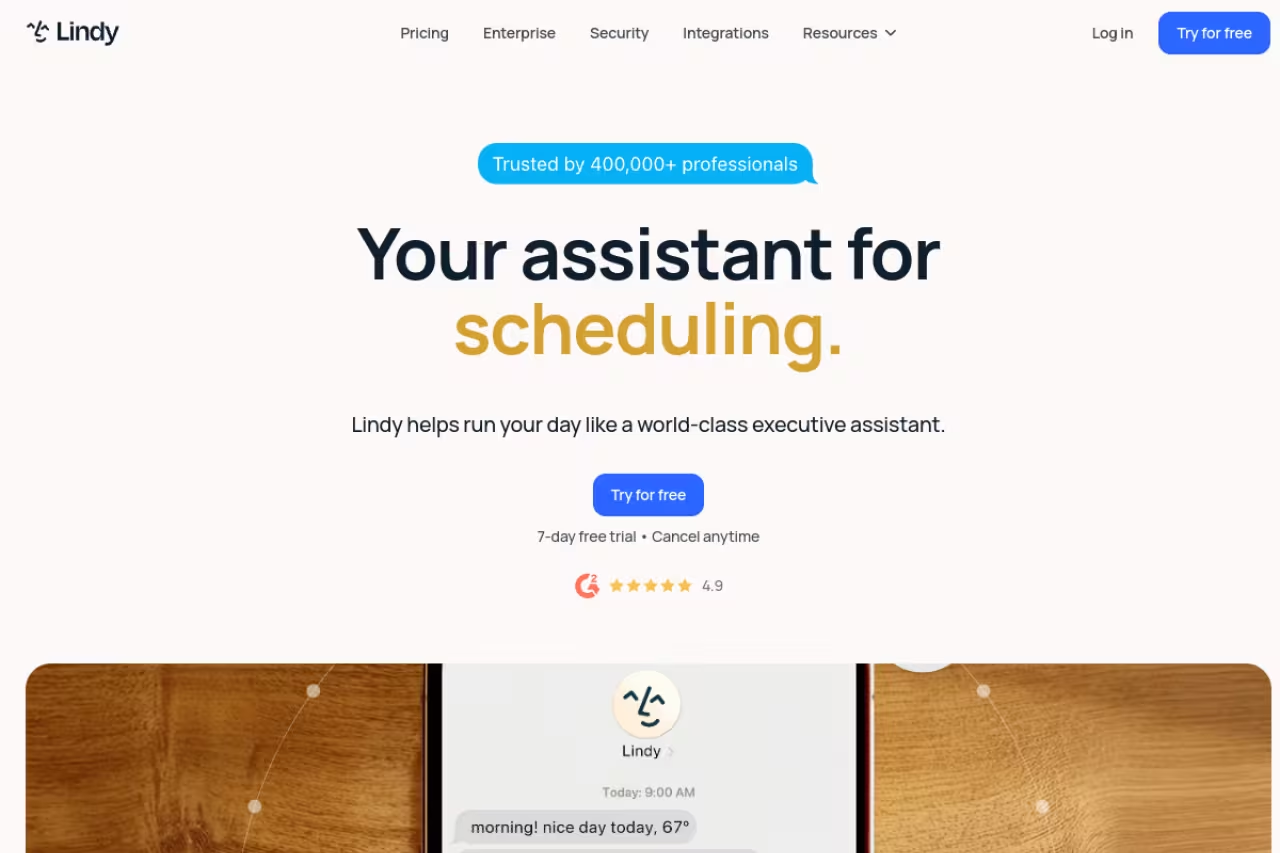
Most tools on this list help you do work faster. Lindy tries to remove the work entirely. It connects to your inbox, calendar, and the apps you already use, then handles the loop: triaging email, drafting replies in your voice, booking meetings, recording calls, and updating your CRM after.
Who it's best for: founders and operators drowning in coordination work. If your day is 40% "reply to this, schedule that, follow up with them," Lindy is built for you. It learns how you write and what you prioritize, then starts acting before you ask.
The one that actually does the work, handling email triage, replies, meetings and CRM updates end to end. It is the priciest tool here, needs inbox access, and the first week takes real setup and supervision. Overkill if you just want a smarter search box.
plans start at $49.99/mo for Plus, $99.99/mo for Pro (3x the usage and computer-use capability), and $199.99/mo for Max, per Lindy's pricing page. There's a 7-day free trial with no card required, but no permanent free tier.
The standout: real autonomy. You can hand it a fuzzy instruction like "find a time with the design team next week and send the invite," and it executes end to end. Few assistants cross that line from suggesting to doing.
The catch: it's the priciest tool here, and the autonomy is a double-edged sword. You need to trust it with inbox access, and the first week involves real setup and supervision while it learns your preferences. It's overkill for someone who just wants a smarter search box.
ChatGPT: still the default for a reason
For pure thinking work, ChatGPT is the one I reach for without thinking. Drafting, brainstorming, summarizing a long thread, rewriting a cold email until it doesn't sound like a cold email. It's fast, and the gap between a rough prompt and a usable draft is small.
Who it's best for: basically everyone who works with words and ideas. The free tier is genuinely useful, and Plus unlocks the better models plus the features that push it toward assistant territory.
Still the safest default for drafting, brainstorming and summarizing, with a genuinely useful free tier and Plus at $20/mo. It waits for you rather than living in your inbox, so coordination-heavy work is better served by a tool like Lindy.
Free, Go at $8/mo, Plus at $20/mo, and Pro at $100 or $200/mo, per OpenAI's pricing page. Plus has held at $20 for three years and now runs on GPT-5.6 Sol, with deep research, ChatGPT Work and custom GPTs included.
The standout: Agent Mode and custom GPTs. You can build a specialized assistant with your own instructions and knowledge, then reuse it. Agent Mode lets ChatGPT browse and complete multi-step tasks on its own, which is the closest the chat assistants get to execution.
Where it falls short: it doesn't live in your inbox or calendar by default. It waits for you. Tasks (scheduled prompts) help, but it won't proactively reschedule your day or chase a reply unless you've wired up Agent Mode for it. For coordination work, a tool like Lindy still wins.

Motion: your calendar on autopilot
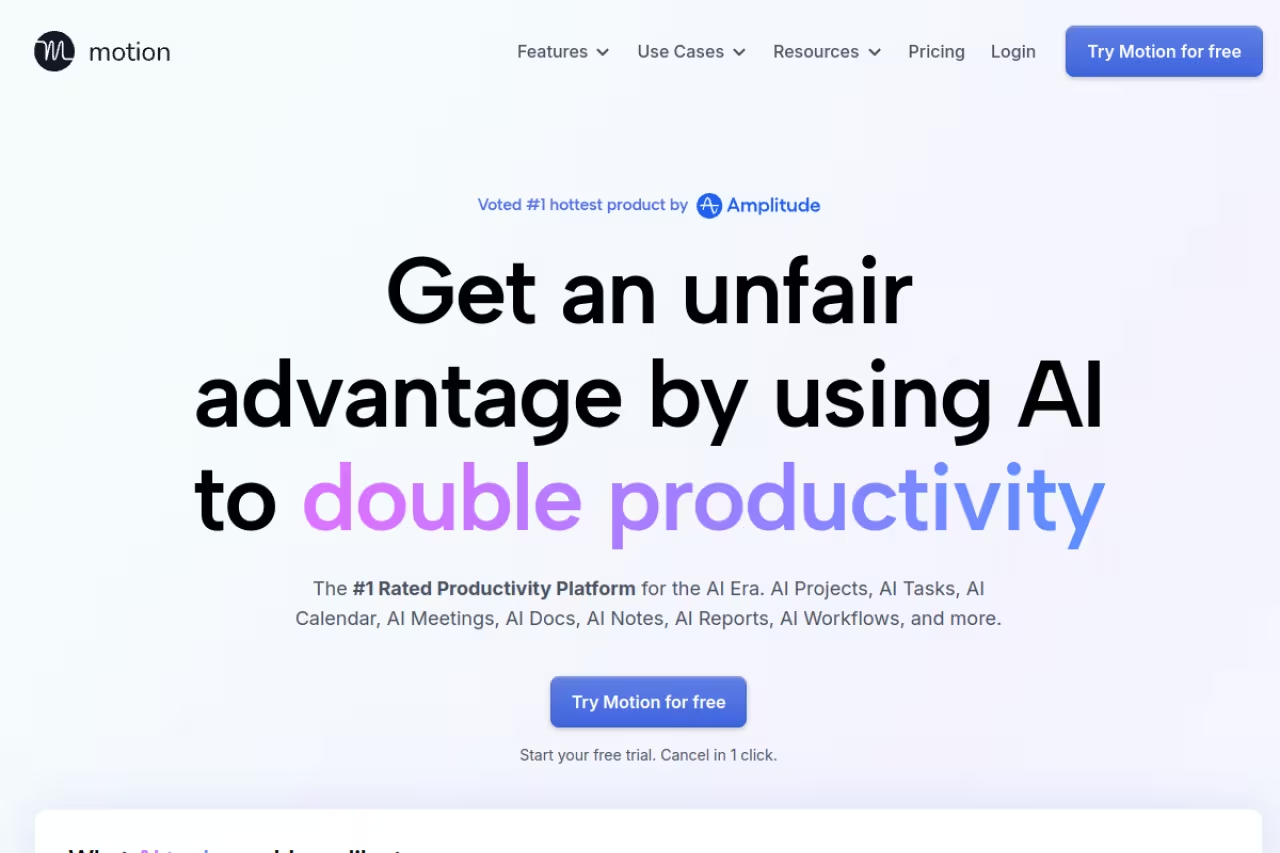
Motion is the tool I'd hand to anyone who lives and dies by their calendar. You dump in tasks with deadlines and priorities, and it builds your day automatically, then rebuilds it the moment a meeting moves or a task slips. No more dragging blocks around at 9am.
Who it's best for: people with too many tasks and not enough hours who want software to do the triage. Consultants, project managers, anyone juggling deadlines across projects.
Hand your tasks and deadlines to Motion and it builds, then rebuilds, your day whenever a meeting moves. The monthly price stings at $49 versus $19 annual, and the all-in-one ambition brings a learning curve if you only need scheduling.
Pro AI is $19/seat/mo billed annually (or $49/mo month-to-month) with 7,500 AI credits, and Business AI is $29/seat/mo annually, per Motion's pricing. It positions itself as a replacement for Asana, Todoist, Calendly, and a few others.
The standout: automatic scheduling that actually adapts. When your 2pm gets bumped, Motion reshuffles everything downstream so you don't have to think about it. That's the feature people stay for.
The catch: the monthly price stings if you don't commit annually ($49 vs $19 is a big jump), and the all-in-one ambition means a learning curve. If you only need scheduling and already love your task app, it can feel like more system than you wanted.

Gemini: the pick for Google Workspace lifers
If your work life runs on Gmail, Calendar, Docs, and Drive, Gemini has a structural advantage nobody else can match: it's already inside all of it. Ask it to find an email, summarize a thread, or pull a date from your calendar, and it just reaches in.
Who it's best for: heavy Google Workspace users. The integration is the whole pitch, and it's a good one.
The structural choice for Google Workspace lifers, since it already sits inside Gmail, Calendar, Docs and Drive and brings a 1M-token context window. Outside Google it is a capable but unremarkable chatbot that lags ChatGPT slightly on drafting.
Google AI Plus at $9.99/mo, Google AI Pro at $19.99/mo (2TB storage, Deep Research, Workspace integration), and AI Ultra at the top end, per Google's subscription details. Gemini is also replacing Google Assistant on Android, so it's becoming the default phone assistant whether you pay or not.
The standout: Workspace reach plus a 1M-token context window, Gems (Google's custom assistants), and the bundled NotebookLM. For research across your own documents, it's strong.
Where it falls short: if you're not in Google's ecosystem, most of the magic disappears and you're left with a capable but unremarkable chatbot. It also lags ChatGPT slightly on raw drafting quality, according to user reports.

Claude: for the document-heavy thinker
Claude is my pick when the work is reading, writing, and reasoning over long material. It handles big documents gracefully, writes with a more natural voice than most, and since the 2026 memory update it remembers your context across sessions so you stop re-explaining your business every chat.
Who it's best for: writers, analysts, lawyers, anyone who works in long documents and wants quality over speed.
Claude suits writers, analysts and anyone working in long documents who wants quality over speed. Projects and memory carry context forward, but it is a thinking partner rather than an executor, and Pro message limits can bite in long sessions.
Free tier, Pro at $20/mo (or $17/mo billed annually), Max from $100/mo, per Anthropic's pricing. Pro includes Memory, Projects, Research, and Google Workspace integration.
The standout: Projects plus long-term memory. You can pin context, files, and instructions to a workspace, and Claude carries decisions and preferences forward. For ongoing work, that continuity is genuinely useful.
The catch: it's a thinking partner, not an executor. It won't manage your inbox or calendar on its own, and message limits on Pro can bite if you push it hard during a long session.

Reclaim: the quiet defender of your focus time
Reclaim does one thing exceptionally: it protects time on your calendar for the work that matters. Set up habits (deep work, lunch, exercise), connect your task manager, and it slots everything into open slots, then defends those blocks when meeting requests come in.
Who it's best for: people whose calendars get eaten alive by other people's meetings. If you keep meaning to block focus time and never do, Reclaim does it for you.
Reclaim does one thing well: it protects focus time and defends it when meeting requests come in, with a free plan and Starter at $10/seat/mo. It is narrow by design, and Outlook users need a paid plan.
a genuinely useful free forever plan, then Starter at $10/seat/mo and Business at $15/seat/mo (cheaper billed annually), per Reclaim's pricing. It integrates with Todoist, Asana, and Linear.
The standout: smart habits and flexible time-blocking that move when they need to. It's the most "set it and forget it" tool here.
Where it falls short: it's narrow by design. It schedules and defends time but doesn't draft, research, or execute tasks. The free tier is limited to Google Calendar, so Outlook users need a paid plan.

Microsoft Copilot: if your day is inside Office
For anyone who lives in Word, Excel, Outlook, and Windows, Microsoft Copilot is the assistant that's already where you work. It drafts in Word, builds formulas in Excel, summarizes Outlook threads, and answers in the Windows sidebar.
Who it's best for: Microsoft 365 shops and Windows-first professionals. The value is proximity, not raw intelligence.
Go with Copilot if your day is Word, Excel and Outlook, where the value is proximity rather than raw intelligence. The pricing is confusing, and without a Microsoft 365 subscription it is just a web chatbot.
Copilot Pro is $20/mo and adds AI features to the desktop Office apps, but you need a qualifying Microsoft 365 Personal ($9.99/mo) or Family subscription for the full in-app experience, per Microsoft's pricing.
The standout: deep Office integration. Generating a slide deck from a Word doc or cleaning a messy spreadsheet without leaving the app saves real time.
The catch: the pricing is confusing, and Copilot without a 365 subscription is just a web chatbot. The Office-app magic is gated behind that extra subscription, which trips people up constantly.
Martin: the voice-first assistant that makes calls
Martin is the closest thing to a human assistant in feel. You talk to it (or text, or email), and it manages reminders, drafts messages, and, uniquely, makes phone calls and sends texts on your behalf. It gives you a morning briefing and learns your routines.
Who it's best for: people who'd rather speak than type, and who want an assistant that handles small real-world errands like calling to book something.
A voice-first assistant that can phone a restaurant or send texts for you, which no other tool here does. It is newer and rougher than the established names, so the value depends on whether calls fit your life.
Basic at $35/mo ($21/mo billed annually) and Pro at $49/mo ($30/mo annually), with a lifetime option floating around, per third-party reviews. Verify current pricing before you buy, since it shifts.
The standout: it actually calls and texts for you. No other tool here will phone a restaurant on your behalf.
Where it falls short: it's newer and rougher than the established names, the voice experience can stumble, and the value depends heavily on whether the call/text feature fits your life. For pure productivity, the others are more polished.
If you're trying to keep up with which of these tools is actually worth your time as they ship new features weekly, the Dupple X bundle and the Techpresso newsletter exist to do that filtering for you.
How to choose
Skip the feature matrices. Answer one question: do you want a tool that thinks, or one that does?
If you want a thinking partner for drafting, research, and decisions, pick by ecosystem. Google Workspace? Gemini. Microsoft 365? Copilot. Document-heavy work? Claude. Everything else, or no strong preference? ChatGPT.
If you want an executor that handles coordination, pick by scope. Full inbox-plus-calendar-plus-CRM automation? Lindy. Just auto-scheduling a busy day? Motion. Just defending focus time? Reclaim. Want it to literally make phone calls? Martin.
The honest move for most people: start with ChatGPT or your ecosystem's chat assistant (you probably already pay for one), then add a single execution tool only once a specific pain shows up. Most people buy three assistants and use one. Don't be most people. For more on stacking tools without overspending, see our guide to the top AI tools and our roundup of the best AI agents.
FAQ
What is the best AI personal assistant in 2026?
For hands-off execution across email and calendar, Lindy is my top pick. For everyday thinking and drafting, ChatGPT is the best default. The "best" one depends on whether you want help doing work or help getting work done for you. Most people are better served starting with a chat assistant they already pay for.
Is there a free AI personal assistant worth using?
Yes. ChatGPT, Gemini, and Claude all have genuinely useful free tiers for thinking work. For scheduling, Reclaim's free forever plan handles habit blocking and basic smart meetings without paying. The execution-focused tools like Lindy and Motion typically only offer trials, not permanent free plans.
What's the difference between a chat assistant and an AI agent?
A chat assistant (ChatGPT, Claude, Gemini) responds when you prompt it. It drafts, researches, and reasons, but waits for instructions. An AI agent (Lindy, Motion, parts of ChatGPT's Agent Mode) takes actions on its own across your apps: sending emails, booking meetings, updating records. Agents need more trust and setup but remove more work.
How much should I expect to pay for an AI assistant?
The standard chat assistants (ChatGPT Plus, Claude Pro, Copilot Pro) cluster at $20/mo, and Gemini AI Pro at $19.99/mo. Execution tools run higher: Lindy starts at $49.99/mo, Motion at $19/seat/mo annually. Scheduling-only tools like Reclaim start free or around $10/mo.
Can an AI assistant actually manage my email and calendar?
Yes, but only the execution-focused tools. Lindy reads, triages, and replies to email and books meetings autonomously. Motion and Reclaim manage your calendar by auto-scheduling tasks and defending focus time. Chat assistants like ChatGPT can do some of this through Agent Mode, but it requires more manual setup than a purpose-built tool.
Do I need to give an AI assistant access to my inbox?
For the execution tools, yes, and that's the real trade-off. Lindy and similar agents need inbox and calendar access to do their job. Review the provider's security posture and data handling before connecting your accounts, and start with a limited scope while you build trust. Chat assistants don't require this access unless you connect them deliberately.
Related guides
Some offers on this page may be paid placements or contain affiliate links.
Across our whole catalogue the median is $24 a month and 33% of tools advertise a free tier. Figures are the lowest recurring monthly price quoted in our own review of each tool, read on 2026-08-19. Full method and every category.
