
The Best AI Business Intelligence Tools in 2026

Key facts9 tools compared: ThoughtSpot, Power BI, Tableau, Looker, Qlik Sense, Domo, Zoho Analytics…
- 9 tools compared: ThoughtSpot, Power BI, Tableau, Looker, Qlik Sense, Domo, Zoho Analytics, Sisense, Julius AI
- ThoughtSpot (best for: Search-first, ask-anything analytics): From $25/user/mo
- Power BI (best for: Microsoft-shop teams): $14/user/mo (Pro)
- Tableau (best for: Visual storytelling): From $15/user/mo
- Looker (best for: Governed metrics at scale): Custom (contact sales)
For most of the last decade, "business intelligence" meant one thing: someone built a dashboard, you stared at it, and when you had a real question you filed a ticket and waited three days for an analyst. The AI layer that got bolted onto these platforms in 2024 and 2025 has finally changed that. You can type a question in plain English and get a chart back. Sometimes a good one.
The catch is that the gap between the demo and the daily reality is still wide. Natural language query works beautifully on a clean, well-modeled dataset and falls apart the moment your column names are ambiguous or your data lives in six places. Pricing has drifted in strange directions too: some vendors give the AI away free, others gate it behind a $5,000-a-month capacity tier. So picking the right one depends less on which has the slickest AI and more on what your data already looks like and who's going to use it.
If you want the short answer: ThoughtSpot is the tool I'd hand to a non-technical team that just wants answers, because the whole product is built around asking questions. If you live in Microsoft 365 already, Power BI is the obvious default. And if you need polished, presentation-grade visuals, Tableau still wins on looks. Below are nine tools I'd actually recommend, with what they cost and where each one lets you down.
Quick comparison
| Tool | Best for | Price | Standout |
|---|---|---|---|
| ThoughtSpot | Search-first, ask-anything analytics | From $25/user/mo | Spotter AI analyst agent |
| Power BI | Microsoft-shop teams | $14/user/mo (Pro) | Copilot + Fabric integration |
| Tableau | Visual storytelling | From $15/user/mo | Pulse AI metrics layer |
| Looker | Governed metrics at scale | Custom (contact sales) | Gemini conversational analytics |
| Qlik Sense | Associative data exploration | From ~$30/user/mo | Qlik Answers agentic AI |
| Domo | All-in-one cloud BI | Custom (~$30k/yr min) | Consumption + AI agents |
| Zoho Analytics | Small business, tight budgets | From $12/user/mo | Ask Zia included on all plans |
| Sisense | Embedded analytics for products | From ~$21k/yr | White-label AI chatbots |
| Julius AI | Ad-hoc analysis without a stack | Free / $37/mo Pro | Chat with spreadsheets and DBs |

ThoughtSpot
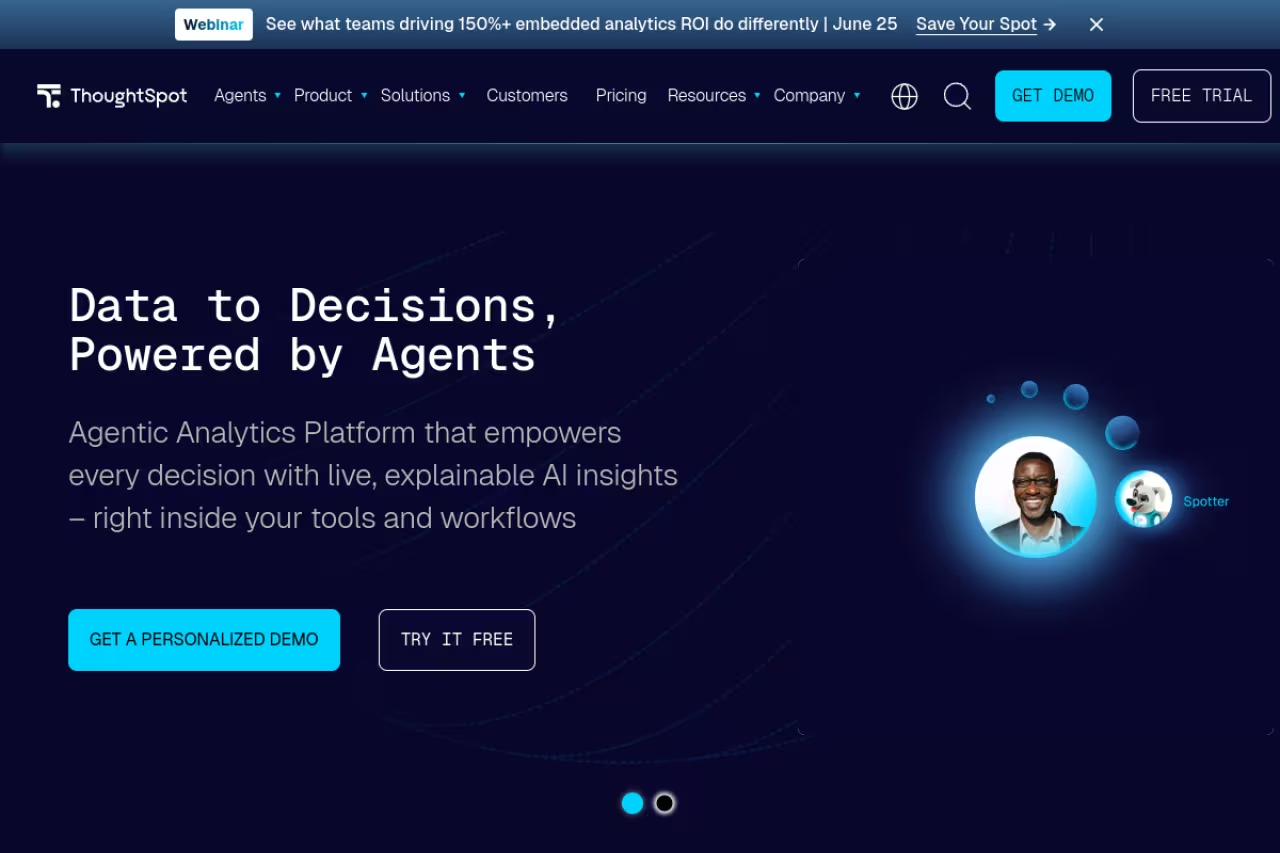
ThoughtSpot is the one platform here that was built AI-first rather than retrofitted. Instead of starting with dashboards, you start with a search bar. You type "revenue by region last quarter vs this quarter" and get a chart, no SQL, no analyst ticket. Its AI agent, Spotter, goes a step further and acts like an analyst you can have a back-and-forth with, drilling into anomalies and forecasting trends.
Who it's best for: teams full of people who have questions but can't write queries. Sales ops, marketing, customer success. The kind of users who would never open Tableau but will happily type a question.
Built AI-first around a search bar, so it suits teams full of people who have questions but cannot write queries. Per-query pricing on Pro can get unpredictable, the 25-query Spotter cap feels stingy, and messy data models produce vague answers.
Pricing is more accessible than it used to be. The Essentials plan starts at $25 per user per month billed annually for 5 to 50 users and up to 25 million rows. The Pro plan moves to consumption pricing at roughly $0.10 per query and includes the Spotter agent with a 25-query-per-month allowance per user. Enterprise is custom.
The catch: that per-query model on Pro can get unpredictable if a curious team starts hammering it, and the 25-query Spotter cap per user feels stingy once people get hooked. ThoughtSpot also rewards clean data modeling. Point it at a messy warehouse and the answers get vague fast.
Microsoft Power BI
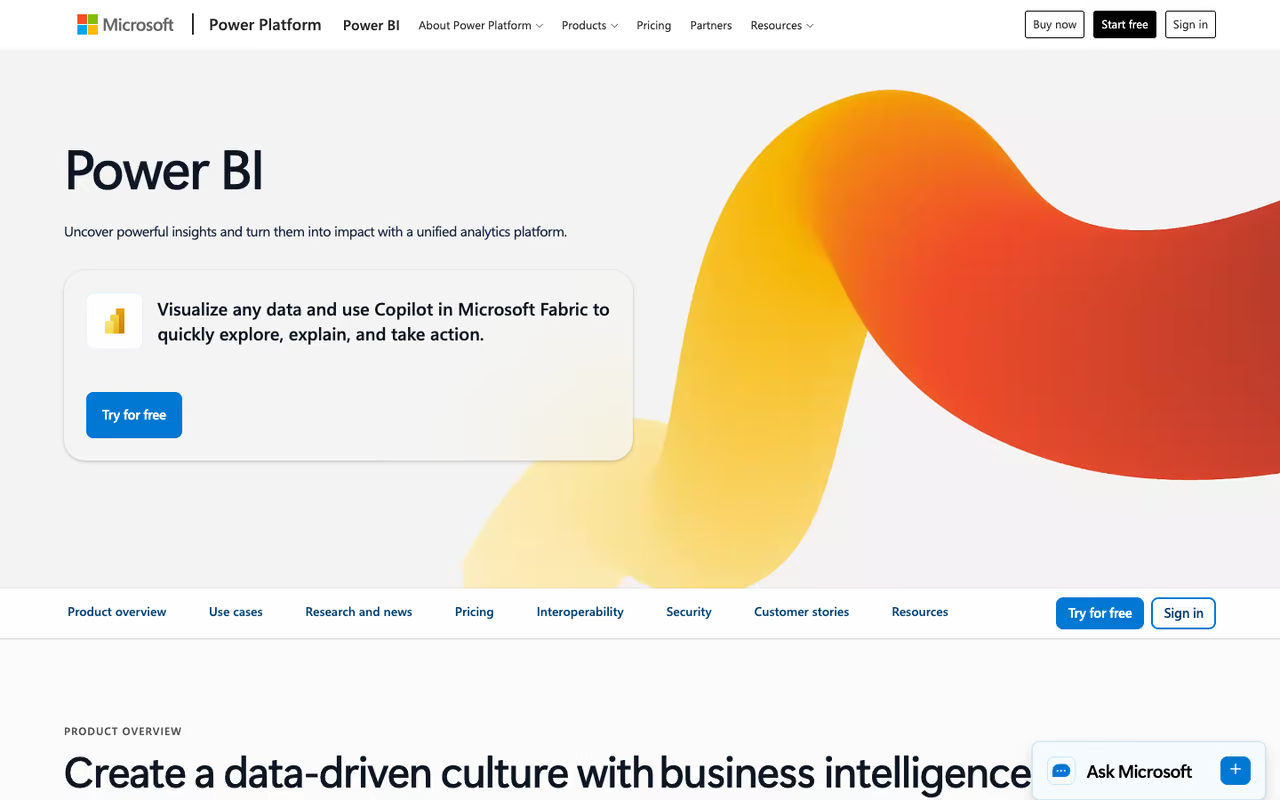
For a huge number of companies, the BI decision was made the day they bought Microsoft 365. Power BI plugs into Excel, Teams, and the rest of the stack, and the AI story now runs through Copilot, which lets you ask questions, generate visuals, and summarize reports in natural language. Microsoft is leaning into this so hard that it's retiring the old Q&A natural language tool by December 2026 and pushing everyone toward Copilot.
Who it's best for: any team already paying for Microsoft, and anyone who needs the lowest sticker price among the enterprise platforms.
A Pro license is $14 per user per month, unchanged since the April 2025 increase. Premium Per User is $24 and adds bigger models, more refreshes, and Copilot access per seat.
The catch: Copilot is not really included in that base price. To run it without a PPU license you need Fabric capacity at F64 or above, which starts around $5,250 per month. So the AI you saw in the keynote is either a $24 upgrade per person or a five-figure monthly commitment, depending on how you deploy it. Power BI also expects well-structured data models, and Copilot's answers degrade quickly on a sloppy semantic model.
The default for any team already on Microsoft 365, with the lowest sticker price among enterprise platforms at $14 per user. The Copilot AI is not truly in that base price: it means a $24 upgrade per person or a five-figure monthly capacity commitment.

Tableau
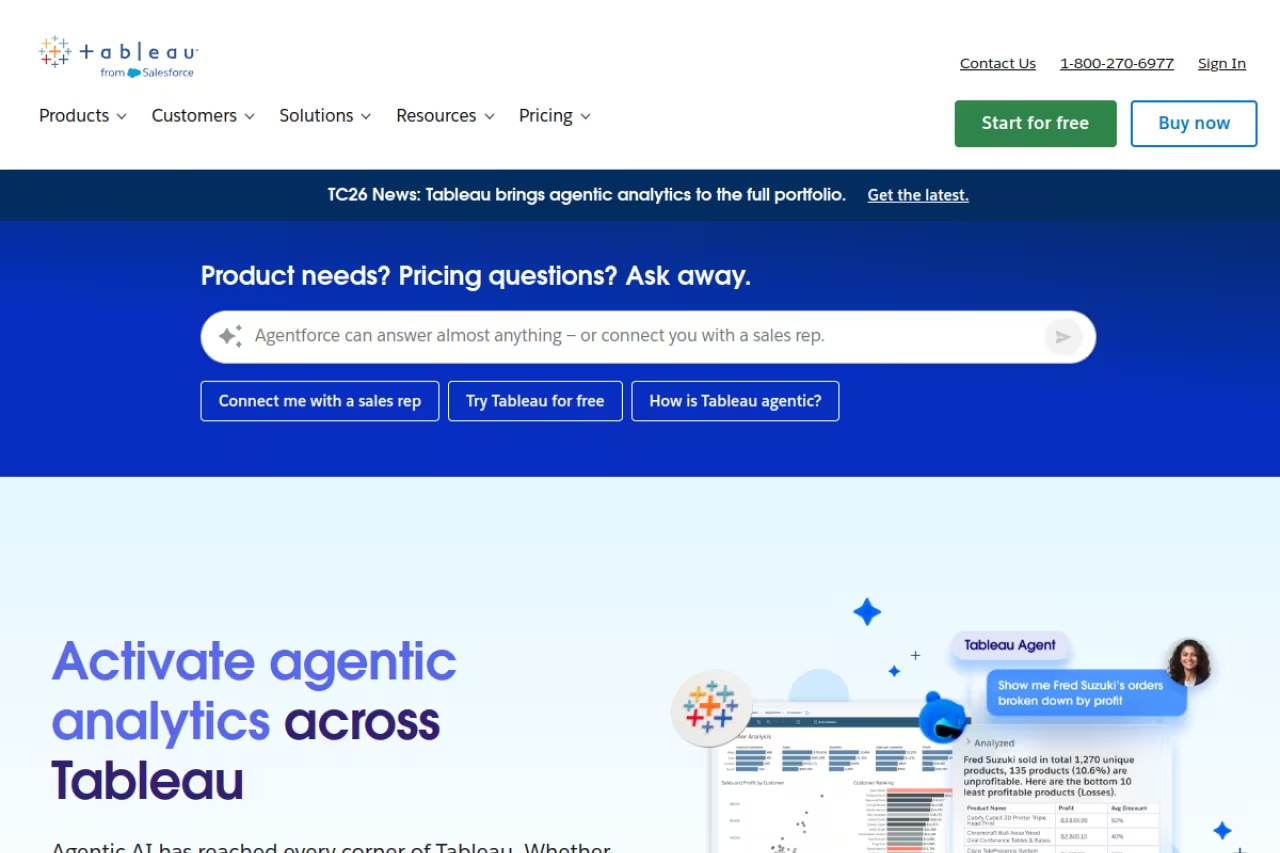
Tableau is still the tool people reach for when a chart has to look good in a board deck. The visualizations are more flexible and more beautiful than anything else here. Since the Salesforce acquisition, the AI work has gone into Pulse (a metrics layer that surfaces plain-language explanations of why a number moved) and the newer Agentforce-powered analytics features.
Who it's best for: analysts and data teams who care about visual craft, and Salesforce customers who want their CRM data and BI in one orbit.
Tableau Cloud Standard runs $15 per user per month for a Viewer, $42 for an Explorer, and $75 for a Creator, billed annually. Enterprise pricing jumps to $35, $70, and $115 for the same three roles, and most larger orgs end up there once they want Pulse and stronger governance.
The catch: the role-based licensing gets expensive and confusing fast. You need a costly Creator seat to build anything, and the best AI features (Tableau Next, the Agentforce agents) live in a Tableau+ bundle with pricing you have to call sales to get. Tableau also has a steeper learning curve than the search-first tools. It rewards skill, which is exactly why a non-technical team often bounces off it.
Still the choice when charts must look good in a board deck, and a natural fit for Salesforce customers. Role-based licensing gets expensive and confusing, the best AI features need a sales call, and the learning curve can put off non-technical teams.
If you're piecing together an AI stack for your team and want a faster way to find the right tools, Dupple X tracks what's actually working across thousands of operators so you're not buying on hype.
Looker
Looker (now Looker, Google Cloud core) is the choice when consistency matters more than self-service speed. Its whole philosophy is the semantic model: you define a metric like "active user" once in LookML, and every chart everywhere uses that exact definition. The AI layer is Conversational Analytics, powered by Gemini, which lets people ask questions in natural language on top of that governed model.
Who it's best for: organizations with a real data engineering team and a low tolerance for two dashboards showing two different revenue numbers.
Choose Looker when consistency beats self-service speed, since every metric is defined once in LookML. It needs someone to build and maintain that model, and with no published price or quick trial it is a hard sell for small teams.
Pricing is custom and you have to contact sales. It splits into platform cost (running a Looker instance on Google Cloud) and per-user cost across Standard, Enterprise, and Embed editions.
The catch: there's no published price and no quick self-serve trial, which makes it a hard sell for small teams. And the thing that makes Looker great, that everything routes through LookML, is also its tax. You need someone who can build and maintain that model. Without one, you don't have a Looker deployment, you have an expensive license.
Qlik Sense
Qlik Sense made its name on its associative engine, which lets you explore data freely in any direction instead of down a predefined drill path. The AI addition is Qlik Answers, an agentic assistant that lets business users query data in natural language across more than ten languages.
Who it's best for: teams doing genuine exploratory analysis, where you don't know the question in advance and want to follow the data wherever it leads.
The Qlik Cloud Analytics Business plan starts around $30 per user per month billed annually, with Standard and Premium tiers scaling up from there on a capacity basis.
The catch: Qlik Answers and the better predictive features live in the Premium tier, so the natural language AI is not in the entry plan. Real-world costs also climb quickly for small teams once you factor in capacity, and the associative model has a learning curve that newcomers underestimate.
Strong for genuine exploratory analysis where you do not know the question in advance, thanks to the associative engine. The natural language AI sits in the Premium tier, costs climb for small teams, and newcomers underestimate the learning curve.

Domo
Domo wants to be the entire stack: data integration, ETL, dashboards, and now AI agents, all under one roof. For a company that doesn't want to assemble a modern data stack from parts, that consolidation is the pitch.
Who it's best for: mid-market and enterprise teams that value one vendor over best-of-breed pieces and have the budget to match.
Domo is the one-vendor pitch: integration, ETL, dashboards and AI agents under one roof, for teams with the budget. The credit-based model makes costs hard to predict, and invoices can swing month to month.
Pricing is the issue. Domo uses a consumption model where every action draws from a credit pool: ingesting data, running transformations, refreshing dashboards, and yes, AI queries. There's no public pricing. Vendr's data puts the average annual contract around $134,000, with a realistic floor near $30,000 a year.
The catch: the credit model makes budgeting genuinely hard. Users routinely report invoices that swing month to month based on activity, and AI agent queries are one of the things that quietly burns credits. It's powerful, but it's the opposite of a predictable line item.
Zoho Analytics
Zoho Analytics is the value play, and it punches well above its price. Its AI assistant, Ask Zia, handles natural language queries and in 2025 went "agentic," meaning it can take actions like exporting data, scheduling deliveries, and building formulas, not just drawing a chart.
Who it's best for: small and mid-sized businesses, especially the millions already inside the Zoho ecosystem, and anyone who refuses to pay enterprise BI prices.
The Standard plan works out to roughly $12 per user per month on annual billing. The best part: Ask Zia natural language querying is included on every plan at no extra per-user charge, which is the opposite of how the big vendors treat their AI.
The catch: the deeper conversational and agentic AI features push you toward higher tiers like Premium, which is closer to $115 per user per month. And while Zoho is fantastic value, it's not as polished at the high end as Tableau or as scalable as Looker for genuinely large enterprise workloads.
The value play for small and mid-sized businesses, especially those already in the Zoho ecosystem, with Ask Zia natural language querying included on every plan. Deeper agentic features push you toward pricier tiers, and it is less polished than Tableau at the high end.

Sisense
Sisense is the tool you pick when BI isn't for your team, it's for your customers. It's built for embedding analytics directly into your own product, with white-label dashboards and AI chatbots that look like a native feature rather than a bolted-on third party.
Who it's best for: SaaS companies that need to ship analytics to their users, and product teams building data-heavy applications.
Pick Sisense when BI is for your customers rather than your team, with white-label dashboards and AI chatbots embedded in your product. Pricing is quote-based, the AI capabilities carry a premium, and real costs only emerge after a sales conversation.
Pricing is custom and quote-based. A self-hosted deployment for around 5 users starts near $10,000 a year, while mid-sized SaaS companies embedding it for customers should expect $100,000 to $150,000 annually. There's a 14-day trial but no permanent free plan.
The catch: Sisense charges a 20 to 30 percent premium specifically for its AI capabilities, so the generative features are a paid add-on rather than a default. And like most embedded platforms, the real cost only becomes clear after a sales conversation, which makes early budgeting a guessing game.

Julius AI
Julius AI is the odd one out, and that's the point. It skips the dashboard-and-deployment model entirely. You upload a spreadsheet or connect a database and just chat with your data: ask for an analysis, a chart, a regression, a forecast. It feels less like BI software and more like having a data analyst in a chat window.
Who it's best for: founders, marketers, and analysts who need an answer from a CSV right now and don't want to stand up a whole platform to get it. Great for ad-hoc work.
There's a free plan with 15 messages a month. The Plus plan is about $29 a month on annual billing, and the Pro plan at roughly $37 a month adds unlimited messages and direct database connections. Students get 50 percent off.
The catch: this is not a governed, single-source-of-truth platform. There's no shared semantic model, no enterprise governance, no embedded analytics. It's brilliant for exploration and one-off analysis, and the wrong tool the moment you need a consistent metrics layer across a company. If most of your data lives in spreadsheets, our guide to the best AI for spreadsheets and the broader best AI for data analysis roundup are worth a look too.
The odd one out and a great fit for founders and marketers who need an answer from a CSV right now. It is brilliant for ad-hoc exploration but has no shared semantic model or governance, so it is the wrong tool for company-wide metrics.
How to choose
Skip the feature checklists. The decision comes down to three honest questions.
First, what does your data already look like? If it's clean and lives in one warehouse, the search-first tools (ThoughtSpot, Looker) shine. If it's scattered and messy, you'll spend more on data prep than on the BI tool itself, and an all-in-one like Domo or a chat tool like Julius AI might get you to an answer faster.
Second, who's actually going to use it? A team of analysts can handle Tableau's learning curve and will love its visual control. A team of non-technical operators needs a search bar, which points to ThoughtSpot, Zoho's Ask Zia, or Julius AI.
Third, what's the real cost of the AI, not the base license? This is where vendors hide the ball. Zoho includes natural language AI on every plan. ThoughtSpot meters it by query. Power BI's Copilot needs a PPU upgrade or expensive Fabric capacity. Tableau's best agents sit in a call-sales bundle. Price the AI you'll actually use, not the headline seat price.
My default recommendation for most teams: start with ThoughtSpot if answers-for-everyone is the goal, default to Power BI if you're already in Microsoft, and reach for Julius AI when you just need to interrogate a dataset without committing to a platform. If you want to see which tools other operators are adopting, browse the top tools directory or our roundup of the best AI agents for the automation layer that often sits next to BI.
FAQ
What is the best AI business intelligence tool in 2026?
There's no single winner, it depends on your data and your users. For non-technical teams who want to ask questions in plain English, ThoughtSpot is the strongest pick because the whole product is built around natural language search. If you already use Microsoft 365, Power BI is the most cost-effective default. For polished visuals, Tableau still leads.
Are AI business intelligence tools worth the cost?
For teams that currently wait days for analysts to answer routine questions, yes. The value isn't the AI itself, it's removing the bottleneck so people can self-serve answers. The risk is paying for AI features your team won't use. Price the specific AI tier you need (Power BI Copilot needs a PPU or Fabric upgrade, for example) rather than the base seat price.
Which BI tool has the best natural language query?
ThoughtSpot's Spotter and Looker's Gemini-powered Conversational Analytics are the most natural for true ask-anything querying, since both were designed around a clean semantic model. Zoho's Ask Zia is the best value because it's included on every plan. Julius AI is the easiest if you just want to chat with a spreadsheet without any setup.
Can I use AI business intelligence tools without technical skills?
Yes, that's the main reason this category exists now. ThoughtSpot, Zoho Analytics with Ask Zia, and Julius AI are all designed for people who can't write SQL. Tableau and Looker are more powerful but assume more technical skill, so they're better suited to teams with dedicated analysts.
How much do AI BI tools cost?
The range is enormous. Julius AI starts free and Power BI Pro is $14 per user per month. Mid-tier tools like Zoho Analytics (from ~$12/user) and Qlik Sense (from ~$30/user) sit in the middle. Enterprise platforms like Looker, Domo, and Sisense are quote-based and frequently run from $30,000 to well over $100,000 a year once you add AI features.
Is Power BI Copilot free?
No. While a Power BI Pro license is $14 per user per month, Copilot requires either a Premium Per User license at $24 per user per month or Fabric capacity at F64 and above, which starts around $5,250 per month. Microsoft is retiring the older Q&A natural language feature by December 2026 and steering users to Copilot, so the AI experience is increasingly tied to those higher tiers.
Building out your team's AI toolkit beyond BI? Dupple X gives you a yearly pass to the tools and playbooks operators are using right now, so you spend less time evaluating and more time shipping.
Related guides
Some offers on this page may be paid placements or contain affiliate links.
Across our whole catalogue the median is $24 a month and 33% of tools advertise a free tier. Figures are the lowest recurring monthly price quoted in our own review of each tool, read on 2026-08-19. Full method and every category.
