
Best Translation Software in 2026: 8 Tools Compared

Key facts8 tools compared: DeepL, Google Translate, ChatGPT / Claude, Smartcat, Weglot, Lokalise…
- 8 tools compared: DeepL, Google Translate, ChatGPT / Claude, Smartcat, Weglot, Lokalise, Crowdin, Smartling
- DeepL (best for: Fluent document & text translation): Free; Pro from $10.49/mo
- Google Translate (best for: Breadth & quick lookups): Free
- ChatGPT / Claude (best for: Nuanced, context-heavy text): From $20/mo
- Smartcat (best for: Teams & high-volume content): Free 15k words; from $99/mo
I've shipped product copy, support docs, and a full marketing site into five languages over the past two years, and I've made every mistake you can make with translation tools. Paid for the wrong tier. Trusted a raw machine output that turned a tagline into something embarrassing. Glued together three tools that should have been one.
Here's the thing nobody tells you: there is no single "best" translation software anymore. The market split into lanes. You've got fluent standalone translators for one-off documents, LLMs that nail tricky context, and full localization platforms that keep an app or website in sync across releases. Picking the wrong lane is how you end up overpaying for features you'll never touch, or fighting a tool that was never built for your job.
If you just want the short answer: DeepL is still the most accurate general-purpose translator for European business content, and it's where most people should start. But if you're translating a website without a developer, or running a real localization workflow, you want something else entirely. I compared eight tools across documents, websites, and app strings, based on their pricing pages, documentation, and public user reviews. Here's what actually held up.
Quick comparison
| Tool | Best for | Price | Standout |
|---|---|---|---|
| DeepL | Fluent document & text translation | Free; Pro from $10.49/mo | Most natural European-language output |
| Google Translate | Breadth & quick lookups | Free | 130+ languages, now Gemini-powered |
| ChatGPT / Claude | Nuanced, context-heavy text | From $20/mo | Handles idioms, tone, Asian languages |
| Smartcat | Teams & high-volume content | Free 15k words; from $99/mo | AI agents + 500k human linguists |
| Weglot | Websites without a developer | Free under 2k words; from €15/mo | Plug into any CMS in minutes |
| Lokalise | Product & engineering teams | From $144/mo | Multi-engine AI orchestration |
| Crowdin | Developer-led localization | Free tier; from $50/mo | 700+ integrations, open-source friendly |
| Smartling | Enterprise localization at scale | Custom | TMS leader, full AI + human stack |

DeepL: the default for fluent translation
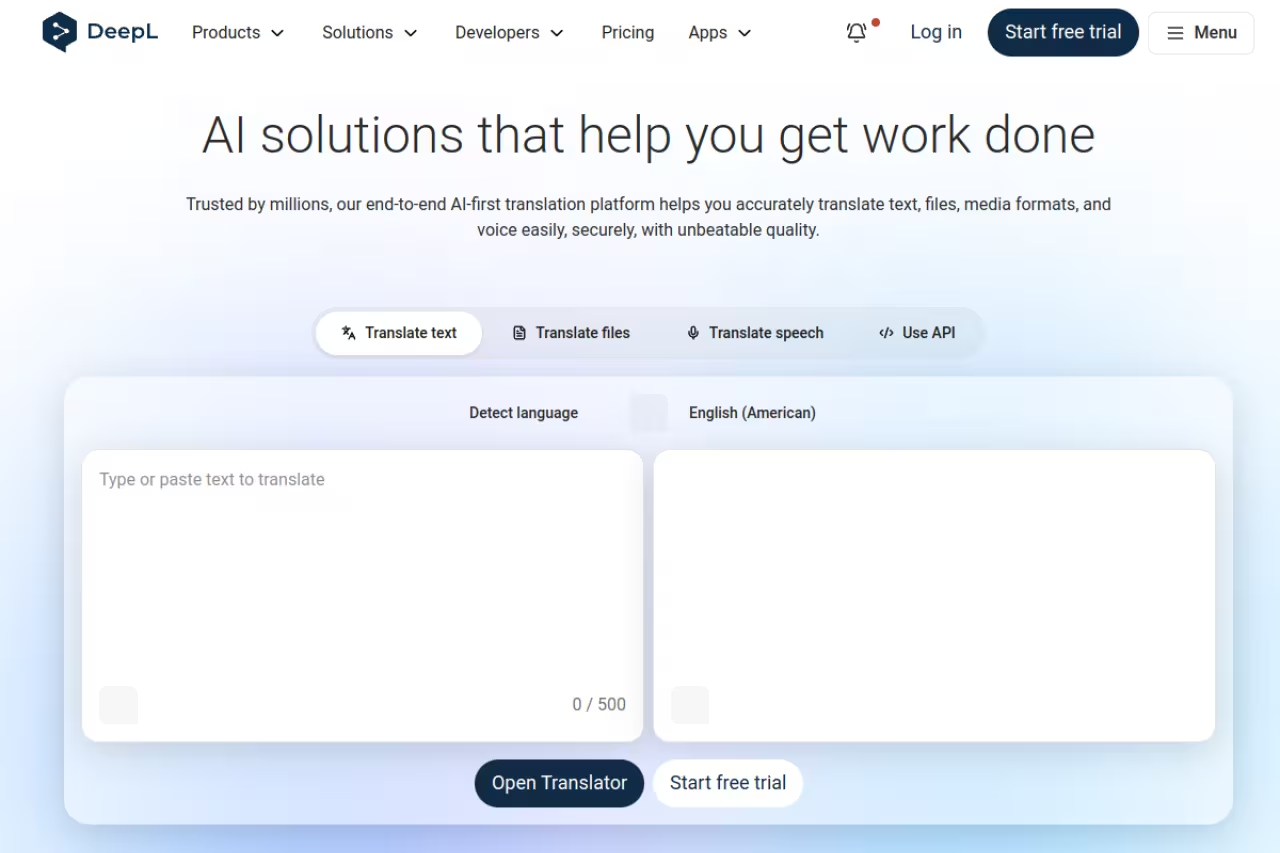
DeepL is the tool I open without thinking. When I paste a German contract clause or a French landing page into it, the output reads like a person wrote it, not a machine. That's the whole pitch, and it still holds in 2026.
Who it's best for: anyone translating documents, emails, or web copy between European languages where tone matters. An Intento benchmark repeatedly ranked DeepL as the top engine across a majority of language pairs, and professional evaluations have found it produces noticeably fewer errors than Google on nuanced business text.
The default for anyone translating documents, emails or web copy between European languages where tone matters, with glossary support and privacy-friendly handling of text. Language coverage is narrower than Google's, at roughly 33 core languages.
the free version covers a lot, with a 1,500-character limit per translation and three document translations a month (per DeepL's own limits). Pro starts at $10.49/month for Starter, $34.49/month for Advanced (20 documents, editable, 2,000 glossary entries), and $68.99/month for Ultimate (100 documents, bigger files, 10,000 glossary entries). Annual billing knocks off about 16%.
The standout: the glossary and the DeepL Write companion. You can lock in how specific terms get translated, then polish the output for tone without leaving the ecosystem. For privacy-sensitive work, text is deleted after translation and never used for training.
The catch: language coverage is narrower than Google's. DeepL covers roughly 33 core languages (more if you count regional variants), so if you need Swahili, Tagalog, or most African and South Asian languages, you'll hit a wall fast.

Google Translate: still the breadth king
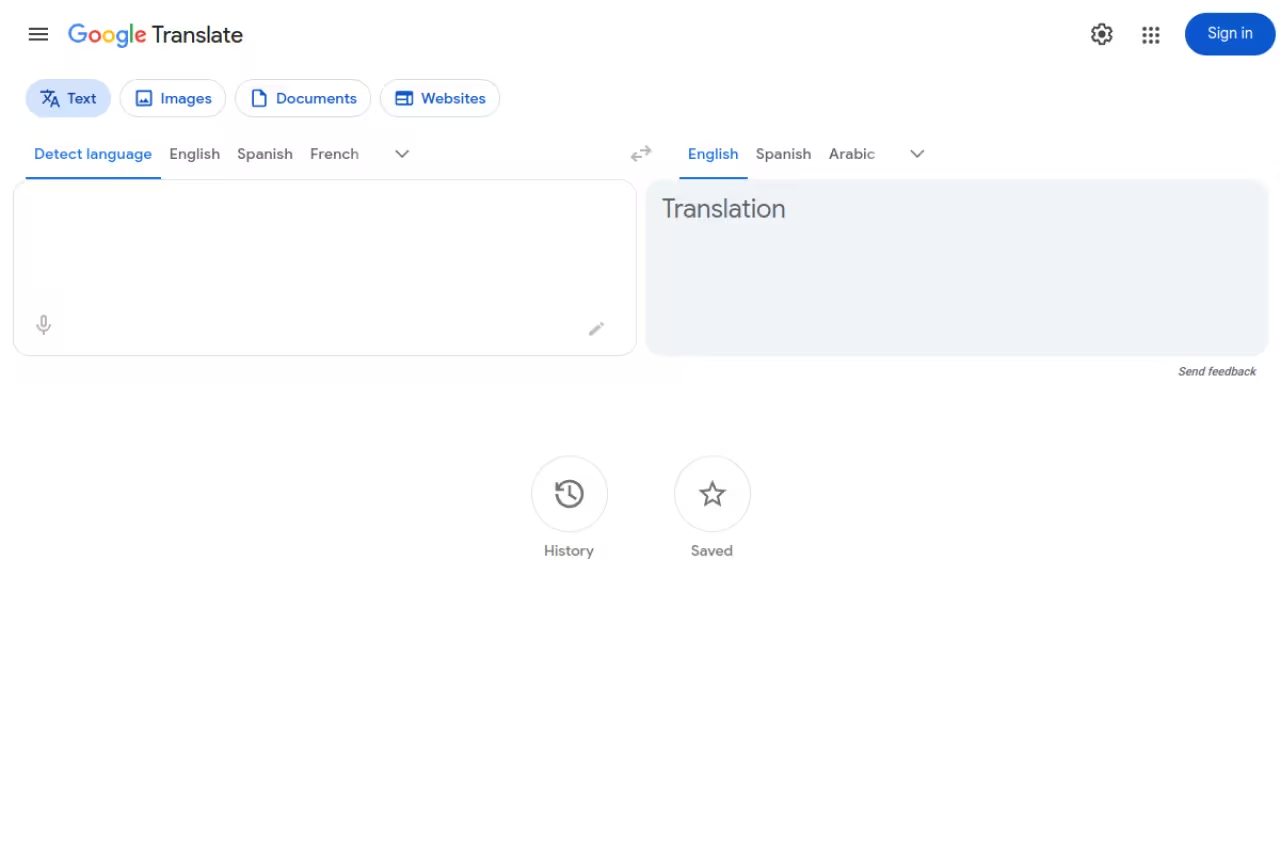
Google Translate is the tool I reach for when DeepL doesn't have the language, or when I need to translate an image, a sign, or live speech. It supports well over 130 distinct languages, far more than anything else on this list, and it's free with no real limits.
Who it's best for: travelers, quick lookups, rare language pairs, and anyone who needs voice or camera translation on a phone.
The breadth king for travelers, quick lookups, rare language pairs and voice or camera translation, free with well over 130 languages. For long-form business writing, the output still reads more translated than DeepL's and may need an edit before publishing.
free for consumers. The Cloud Translation API is usage-based if you're building it into a product.
The standout: in June 2026, Google rolled Gemini into Translate, which sharpened how it handles idioms, slang, and context (Google's own announcement). The new Gemini 3.5 Live Translate handles 70+ languages in near real time and preserves the speaker's tempo and pitch, which is genuinely useful for calls and travel.
Where it falls short: for long-form business writing, the output still reads more "translated" than DeepL's. It's accurate enough to understand a document. It's not always polished enough to publish without an edit.
ChatGPT and Claude: when context beats raw accuracy
This surprised me. For anything where context, tone, or cultural nuance matters, a frontier LLM often beats the dedicated translators. ChatGPT and Claude can take an instruction like "translate this into formal Japanese for a business email" and actually get the honorifics right, something DeepL struggles with.
Who it's best for: marketers and writers translating idiom-heavy or tone-sensitive copy, and anyone working in Japanese, Chinese, or Korean. One pattern I saw repeatedly: DeepL wins European languages and daily business, ChatGPT wins Asian languages and implied subjects, and Claude stays more consistent on tone.
Pick a frontier LLM for marketers and writers handling idiom-heavy or tone-sensitive copy, especially Japanese, Chinese or Korean. It has no batch workflow or translation memory and may quietly paraphrase, so it is wrong for 200 strings across 12 languages.
ChatGPT Plus and Claude Pro both run $20/month. The free tiers handle plenty of casual translation too.
The standout: you can give it a glossary, a brand voice, and three example sentences in one prompt, and it adapts. No dedicated translator does that conversationally. Top models now score in the low-to-mid 90s on translation quality benchmarks.
The catch: no batch document workflow, no translation memory, no guarantee it won't quietly paraphrase. For 200 strings across 12 languages, it's the wrong tool. For one tricky paragraph, it's the best one. If you're already living in these tools, our AI assistant comparison breaks down which one to commit to.

Smartcat: the all-in-one for teams
Smartcat is what I'd hand a content team that's drowning in translation requests. It pairs AI translation across 280+ languages with access to a marketplace of professional linguists, so you can go fully automated or add a human pass without switching tools.
Who it's best for: marketing and content teams translating high volumes of docs, videos, and web pages who want one platform instead of five.
A good fit for marketing and content teams drowning in translation requests, combining AI translation across 280+ languages with a marketplace of professional linguists. It is a lot of platform, and the free tier's 15k words disappears quickly.
a genuinely useful Forever Free tier gives you 15,000 words a month with no credit card. Paid plans start at $99/month, and there's a 15-day trial of the full platform.
The standout: the 2026 AI Agents can create, translate, and localize content across all 280+ languages at once while holding brand consistency. It also handles 50+ file formats, including PDF, JSON, and XLIFF, so you're not converting files before you start.
Where it falls short: it's a lot of platform. If you just need to translate one PDF this week, the setup is overkill. The free tier's 15k words also disappears quickly once a real project starts.

Weglot: translate a website without touching code
Weglot is the tool I recommend most often, and almost nobody expects it. If your goal is a multilingual website and you don't have a developer on call, this is the fastest path I've found. It detects your content automatically and handles the translated URLs and SEO tags for you.
Who it's best for: founders and marketers running a site on WordPress, Shopify, Wix, Squarespace, or a custom stack who want it live in another language this afternoon.
The fastest path to a multilingual website for founders and marketers without a developer, working on any CMS and handling translated URLs and SEO tags. Pricing is tied to word count and languages, so large content-heavy sites get expensive fast.
free under 2,000 words with one language. Paid plans start at €15/month (Starter, 10,000 words), €29/month (Business, 50,000 words, 3 languages), and €79/month (Pro, 200,000 words, 5 languages), scaling up from there. There's a 14-day trial.
The standout: it works on any CMS without rebuilding anything, and it handles multilingual SEO properly, so your translated pages can actually rank. That last part is where most DIY translation setups quietly fail.
The catch: pricing is tied to word count and number of languages, so a large content-heavy site in many languages gets expensive fast. It's a translation layer, not a localization workflow with approval steps.

Lokalise: built for product and engineering
Lokalise is where you go when translation stops being a task and becomes a process baked into your release cycle. It treats translation as part of shipping software, evaluating multiple AI engines per string and keeping your localized builds in sync with the source automatically.
Who it's best for: product and engineering teams localizing apps, dashboards, and software UIs at scale.
Built for product and engineering teams localizing apps and software UIs at scale, with AI orchestration that picks the best engine per string. The entry price starts around $144/month and the learning curve is real, so it is overkill for side projects.
starts around $144/month for the Explorer tier and climbs to $499/month for Growth, with enterprise plans above that.
The standout: the AI orchestration layer. Instead of betting on one engine, it picks the best output per string and enforces glossaries and translation memory across the whole project. Developers get a CLI, an API, and integrations with the tools they already use.
Where it falls short: the entry price is steep for a small team or a side project, and there's a real learning curve. This is infrastructure, not a quick translator.

Crowdin: the developer's localization hub
Crowdin covers similar ground to Lokalise but leans harder into developer workflows and open-source friendliness. Its AI stack pulls from OpenAI, Anthropic, and Azure, and it offers 700+ integrations, which is more than anyone else here.
Who it's best for: developer-led teams and open-source projects that want translation wired into their repo and CI.
Suited to developer-led teams and open-source projects that want translation wired into their repo and CI, with 700+ integrations and no per-seat pricing. The free tier locks out the better machine-translation engines, and the interface is dense.
there's a free Crowdin Open tier for open-source and small projects with unlimited strings. Paid plans run $50/month (Pro), $150/month (Team), and $450/month (Team+), and notably it doesn't charge per seat.
The standout: the integration count and the no-per-user pricing. You can add your whole team and a small army of community translators without the bill ballooning.
The catch: the free tier locks out the better machine-translation engines and advanced integrations, so you'll likely need a paid plan to get real value. The interface is powerful but dense.

Smartling: enterprise localization at scale
Smartling is the heavyweight. CSA Research and G2 consistently rank it among the top translation management systems, and it's built for companies running large, governed localization programs across websites, apps, and support content.
Who it's best for: enterprises with a dedicated localization team, SLA requirements, and serious volume.
The enterprise choice for companies with a dedicated localization team, SLA requirements and serious volume. It has no self-serve plan and the sales motion rules it out for small teams, who should start with Smartcat or Weglot.
custom and quote-based. Published rates land around $0.0075/word for machine translation, $0.06/word for AI translation, $0.12/word for AI plus human review, and $0.20/word for full professional human translation.
The standout: its May 2026 AI release added an LQA quality agent, automatic LLM selection per job, and AI image translation. For a team managing millions of words, that automation is the difference between scaling and drowning.
Where it falls short: it's enterprise priced and enterprise paced. There's no self-serve plan, and the sales motion alone rules it out for small teams. If that's you, start with Smartcat or Weglot.
How to choose
Skip the feature-by-feature spreadsheet. Answer one question: what are you actually translating?
- One-off documents or text, European languages: DeepL. Start free, upgrade if you hit the document cap.
- Rare languages, voice, or images: Google Translate. Nothing beats its breadth.
- Idiom-heavy or tone-sensitive copy, especially Asian languages: ChatGPT or Claude. Give it context and examples.
- A website, no developer: Weglot. Live in an afternoon.
- An app or software product, ongoing releases: Lokalise or Crowdin, depending on how developer-heavy your team is.
- A whole content operation or enterprise program: Smartcat for mid-market, Smartling at the top end.
The mistake I see most: teams reach for an enterprise localization platform when they have one website and a content writer. You don't need orchestration and translation memory to ship a Spanish landing page. Match the tool to the volume, not to the marketing copy.
Want more tested tool roundups like this? Dupple X sends the AI tools and tactics worth your time, and our top tools directory tracks what's rising across categories.
FAQ
What is the best translation software in 2026?
For most people translating documents and business text, DeepL is the best all-around choice thanks to its natural-sounding output, especially in European languages. If you need maximum language coverage, Google Translate wins. For a website, Weglot is the fastest option, and for enterprise localization at scale, Smartling leads.
Is DeepL really more accurate than Google Translate?
For the languages DeepL supports, yes, in most independent tests. Benchmarks like Intento's have ranked DeepL the top engine across a majority of language pairs, and professional reviews find it makes fewer errors on nuanced text. Google's advantage is breadth: 130+ languages plus voice and image translation that DeepL doesn't match.
Can ChatGPT or Claude replace dedicated translation tools?
For single pieces of tricky, context-heavy text, often yes, and they handle idioms and Asian languages better than DeepL. But they lack batch document workflows, translation memory, and glossary enforcement at scale, so they don't replace a localization platform for ongoing projects. Many teams use both. See our best AI assistant guide for a fuller comparison.
What's the best free translation software?
Google Translate is the most capable free option with no real limits and 130+ languages. DeepL's free tier is excellent for short, high-quality translations (1,500 characters and three documents a month). For websites, Weglot is free under 2,000 words, and Smartcat offers 15,000 words a month free.
How much does professional translation software cost?
It ranges widely. Standalone tools like DeepL Pro start at $10.49/month. Website tools like Weglot start at €15/month. Team localization platforms like Lokalise begin around $144/month, while enterprise systems like Smartling are quote-based, often charging per word ($0.0075 to $0.20 depending on machine versus human).
Which translation tool is best for translating a website?
Weglot is the easiest for non-developers: it plugs into any CMS, translates automatically, and handles multilingual SEO. For developer-led teams localizing a web app, Lokalise or Crowdin give you tighter control, version syncing, and CI integration. Enterprises with large governed sites tend to use Smartling.
Ready to move faster on the AI tools that actually matter? Try Dupple X free and get the weekly brief built for operators.
Related guides
Some offers on this page may be paid placements or contain affiliate links.
