
The 10 Best Survey Tools in 2026 (Compared)

Key facts10 tools compared: Zonka Feedback, Typeform, Tally, SurveyMonkey, Qualtrics, Jotform…
- 10 tools compared: Zonka Feedback, Typeform, Tally, SurveyMonkey, Qualtrics, Jotform, SurveySparrow, Fillout, Perspective AI, Google Forms
- Zonka Feedback (best for: Omnichannel + offline surveys): 14-day trial, quote-based
- Typeform (best for: Customer-facing surveys): Free, paid from $28/mo (yearly)
- Tally (best for: Free unlimited responses): Free, Pro €20/mo
- SurveyMonkey (best for: All-round team surveys): Team from €30/user/mo
Most survey tools look identical until you actually send one. Then the differences show up fast: the form that nobody finishes, the pricing that doubles the moment you cross a response cap, the analytics that dump 400 open-text answers on you with no way to make sense of them.
I compared most of the platforms below on pricing, documentation, and public user reviews, from quick NPS pulses to large-scale customer research projects. The gap between the best and the rest is not about features anymore. Almost everything has an AI builder now. The gap is about completion rates, how fast you get to an answer, and how badly the price scales when you grow.
If you want the short version: Zonka Feedback is my top pick when you need one platform to run and analyze surveys across every channel, online and offline. For anything customer-facing where completion rate is everything, Typeform is still my default because people actually finish it, and Tally is the one I recommend to anyone who refuses to pay for a survey tool. The rest depends on your situation, and I'll get into that below. This guide is for founders, marketers, and operators who need real answers from real people, not a checkbox exercise.
Quick comparison
| Tool | Best for | Price | Standout |
|---|---|---|---|
| Zonka Feedback | Omnichannel + offline surveys | 14-day trial, quote-based | Email/SMS/WhatsApp/kiosk/QR |
| Typeform | Customer-facing surveys | Free, paid from $28/mo (yearly) | One-question-at-a-time design |
| Tally | Free unlimited responses | Free, Pro €20/mo | No response cap, ever |
| SurveyMonkey | All-round team surveys | Team from €30/user/mo | Template library + analytics |
| Qualtrics | Enterprise research | Custom (median ~$30k/yr) | Deepest analytics engine |
| Jotform | Data collection + payments | Free, paid from $34/mo | 100MB free, HIPAA on Gold |
| SurveySparrow | Conversational CX | Free, paid from $19/mo | Chat-style multichannel surveys |
| Fillout | Generous free + AI builder | Free, paid from $15/mo | 1,000 free responses/mo |
| Perspective AI | AI-moderated interviews | Free (100 credits), Pro from $99/mo | Real-time follow-up probing |
| Google Forms | Zero-budget internal | Free | Workspace integration |

Zonka Feedback: the omnichannel survey platform with AI built in
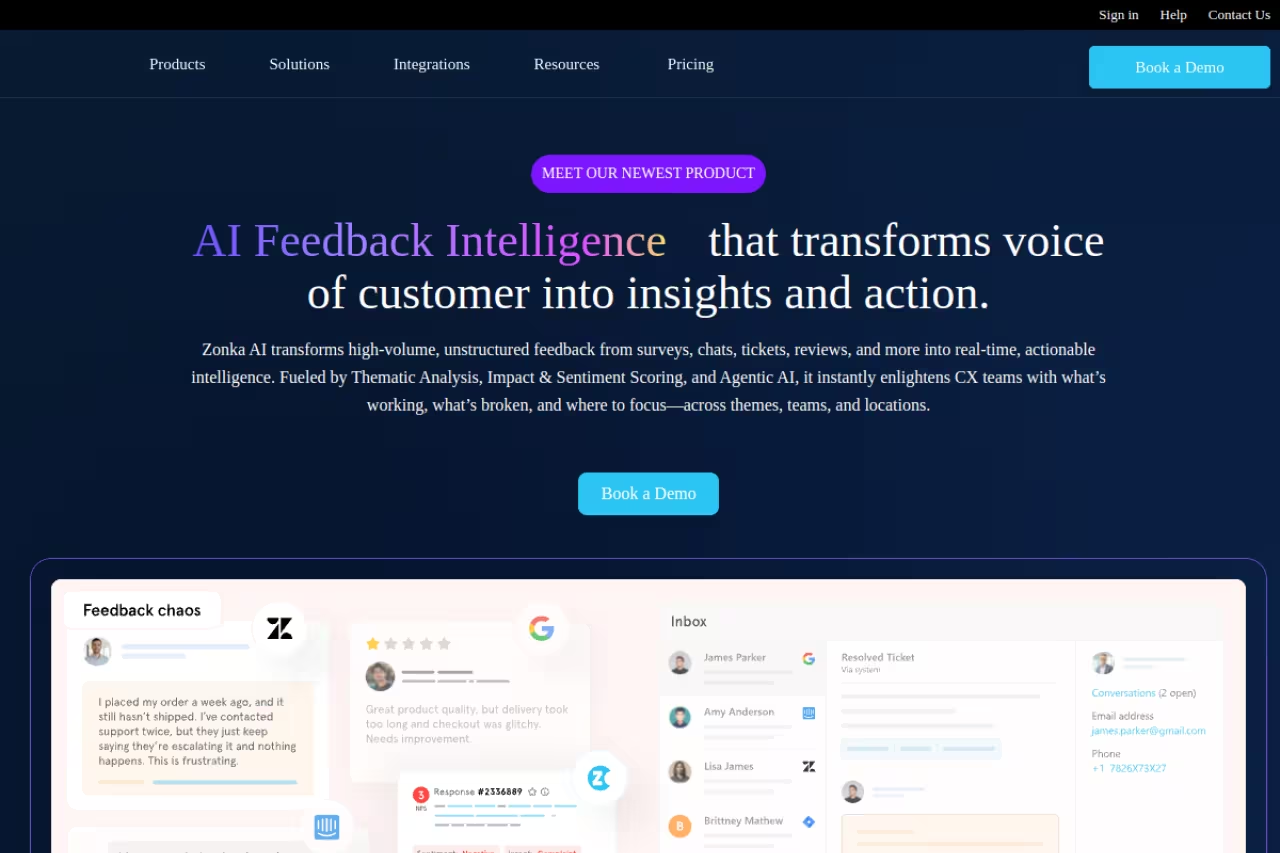
Zonka Feedback is the pick when you need one survey tool that reaches people everywhere and makes sense of the answers for you. The no-code builder gives you 25+ question types with full logic and branching, and built-in templates for NPS, CSAT, CES, onboarding, exit, and product surveys mean you're not starting from a blank page.
Pick Zonka Feedback if your surveys need to reach people on email, SMS, WhatsApp, kiosks and QR codes, with AI analysis of open text included. It is a full platform with quote-based pricing, so skip it for a quick one-off poll.
Distribution is the real differentiator. The same survey goes out over email, SMS, WhatsApp, web, in-app, kiosk, offline, and QR codes, a tool that most of this list treats as web-or-email-only, Zonka runs on a tablet at a front desk or a QR code on a receipt just as easily. And the AI analysis of open-text responses is included as standard rather than gated behind a premium add-on, so you get themes and sentiment out of the box.
The standout: true omnichannel reach plus white-label surveys with custom branding, so everything the respondent sees is yours, not the vendor's.
no permanent free plan, but a 14-day free trial with no card. Paid plans are quote-based by response volume and AI credits.
The catch: it's a full feedback platform, not a two-minute form builder, so for a quick one-off poll it's more than you need. But if you're running surveys continuously across channels and want the analysis handled for you, it does more than the specialist form tools here.

Typeform: the one people actually finish
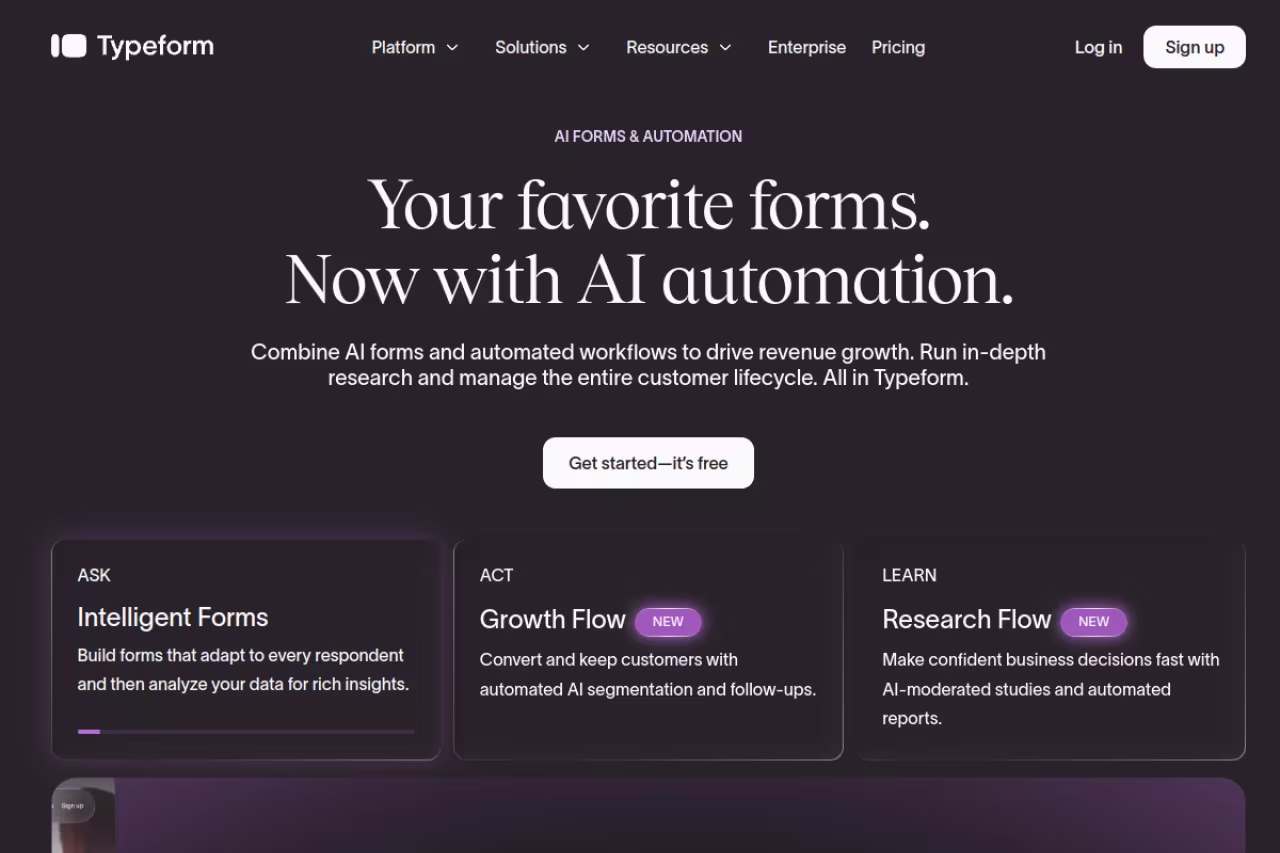
Typeform built its whole reputation on a single idea: show one question at a time, make it feel like a conversation, and people stop bailing halfway through. It still works. Typeform's own data puts conversational forms around a 47% average completion rate versus the roughly 21% industry standard for traditional surveys, and in my own sends, customer-facing Typeforms consistently beat the grid-style alternatives.
The strongest pick for customer feedback, lead capture and post-purchase surveys, thanks to a one-question-at-a-time editor people actually finish. The trade-off is stingy response limits: 1,000 responses a month costs $56, so high-volume surveys get expensive fast.
the free plan caps at 100 responses a month. Paid plans, billed yearly, run $28/mo (Basic, 100 responses), $56/mo (Plus, 1,000), and $91/mo (Business, 10,000). AI features like Ask AI and Smart Insights live on the higher Growth tier at $266/mo. See the full breakdown on Typeform's pricing page.
The standout: the editor is the best in the category. Logic jumps, hidden fields, and recall (piping an earlier answer into a later question) are all easy to set up without reading docs.
The catch: the response limits are stingy for the price. 1,000 responses a month for $56 sounds fine until a survey goes mildly viral and you're forced up a tier. If you collect high volumes of low-value responses, Typeform gets expensive faster than almost anything else here.

Tally: unlimited responses for free, no asterisk
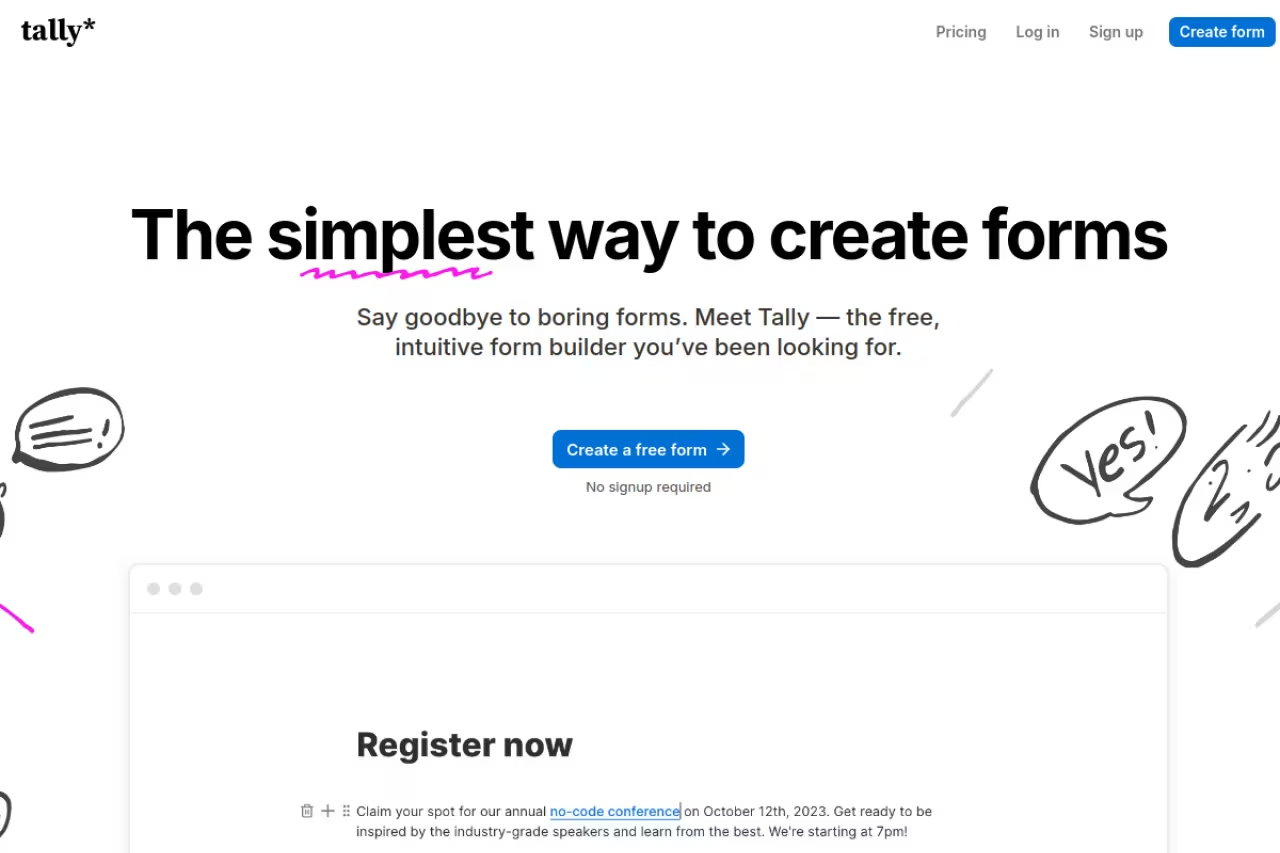
Tally is the tool I send people to when they say "I just need a survey and I don't want to pay." The free plan gives you unlimited forms and unlimited submissions. Not a 30-day trial, not a 100-response tease. Unlimited, within fair-usage limits.
Go with Tally if you are an indie hacker, small team or side project that hates per-response pricing, since the free plan has unlimited forms and submissions. Expect basic analytics and no AI survey generator, so deep research will outgrow it.
free covers conditional logic, file uploads, payments, and integrations with Google Sheets, Notion, and Airtable. Pro is €20/mo and removes Tally branding while adding custom domains, partial submissions, and team collaboration. Business is €65/mo for data retention controls and email verification.
The standout: the editor works like a Notion doc. You type "/" and drop in question blocks. If you've ever used Notion, you're productive in about two minutes, and the forms look clean by default.
Where it falls short: there's no built-in AI survey generator yet, and the analytics are basic. You get response counts and exports, but no sentiment analysis or text clustering. For deep research you'll outgrow it. For 90% of normal surveys, you won't.
If you're assembling a wider AI stack and want the survey tool to sit alongside writing, research, and analysis tools without paying for each one separately, Dupple X bundles the lot. Worth a look before you sign up to five subscriptions piecemeal. Start a yearly trial here.

SurveyMonkey: the safe all-rounder
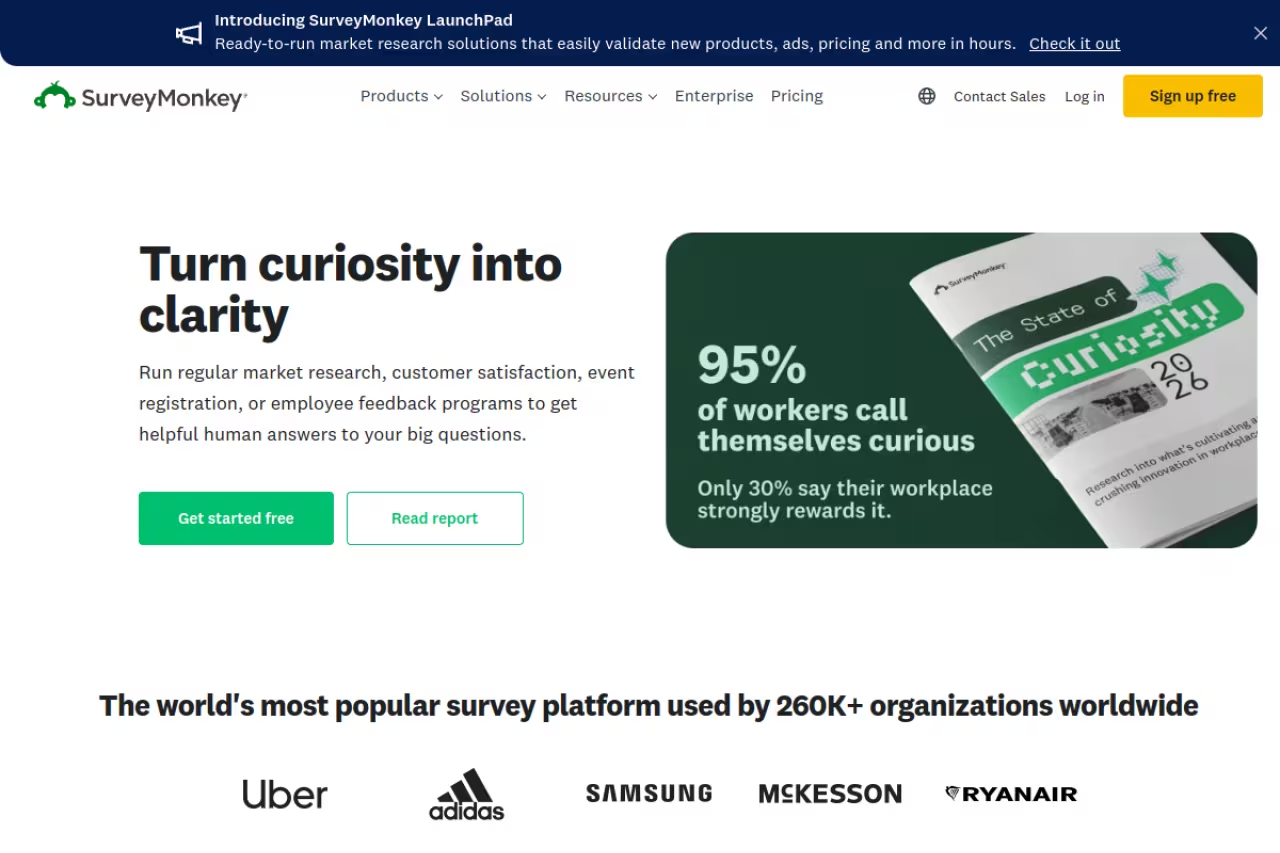
SurveyMonkey is the name your boss already knows. It's been the default business survey tool for over a decade, and it earns the spot with a huge template library, 200+ integrations, and analytics that are good enough for most teams without a dedicated researcher.
A safe, well-supported choice for teams that do not want to evaluate ten options, backed by a huge template library and 200+ integrations. The 3-user minimum makes the real entry point roughly €90/month, so solo operators should look elsewhere.
this is where SurveyMonkey gets annoying. The free plan only lets you view 25 responses per survey, which is close to useless for real work. Team plans start at €30/user/month for Team Advantage (50,000 responses/year) and €75/user/month for Team Premier (100,000/year), both billed annually with a 3-user minimum. So the real entry point is roughly €90/month, not the headline per-seat number. Check the current tiers on SurveyMonkey's pricing page.
The standout: the question bank and benchmarking. SurveyMonkey has pre-written, methodologically sound questions for NPS, CSAT, and employee engagement, plus benchmark data to compare your scores against.
The catch: the 3-user minimum makes it bad value for solo operators, and AI is limited to survey creation and analysis rather than in-survey follow-up probing. You're paying for breadth and brand trust, not cutting-edge AI.
Qualtrics: the research-grade heavyweight
Qualtrics is what academics and large enterprises use when the data has to hold up to scrutiny. Conjoint analysis, MaxDiff, advanced text analytics, governance controls, 100+ question types. If you're running a study that informs a real budget decision, this is the rigorous option.
The rigorous option for enterprise market research, academic studies and CX programs with dedicated researchers, with analytics lighter tools cannot match. It is overkill for small teams, with a steep learning curve and custom contracts that start with a sales call.
mostly hidden. There's a self-serve CoreXM plan around $35/month for individuals, but real Qualtrics contracts are custom. Industry estimates put enterprise CoreXM deals roughly in the $15,000 to $50,000+ per year range, with one analysis citing a median contract near $30,000/year. Expect a sales call.
The standout: the analytics engine does statistical and text modeling the lighter tools can't match, and its AI probing can ask follow-up questions inside a survey.
Where it falls short: it's overkill for small teams, and the learning curve is steep. Buying Qualtrics to run a customer NPS pulse is like buying a freight truck to carry groceries.

Jotform: forms, payments, and data collection
Jotform blurs the line between survey tool and form builder, and that's the point. If your "survey" also needs to take a payment, collect a file, or feed a HIPAA-friendly intake workflow, Jotform handles it where pure survey tools stop short.
Choose Jotform when your survey also has to take a payment, collect a file or feed an intake workflow, as with registrations, applications and order forms. The interface feels dated and the options overwhelm a simple survey, so expect a Swiss Army knife.
the free Starter plan gives 5 forms, 100 submissions/month, and 100MB of storage, which is generous on storage compared to rivals. Paid plans (billed annually) run $34/mo (Bronze, 1,000 submissions), $39/mo (Silver, 2,500), and $99/mo (Gold, 10,000), with HIPAA compliance included on Gold. Full details on Jotform's pricing page.
The standout: 10,000+ templates and the widest integration list of any free-tier tool, plus AI agents that can run conversational intake.
The catch: the interface feels dated next to Typeform or Tally, and the sheer number of options can overwhelm you for a simple survey. It's a Swiss Army knife, which means it does nothing as cleanly as a specialist.

SurveySparrow: conversational surveys across channels
SurveySparrow took Typeform's conversational idea and ran it across every channel: web, WhatsApp, SMS, email, and even offline kiosks. The chat-style format genuinely lifts completion, and the multichannel reach is its real edge for CX teams.
A good fit for CX programs that need to reach people on web, WhatsApp, SMS, email and kiosks with a chat-style survey that lifts completion. Pricing gets murky above the entry tier, and you may pay for CX modules you never open.
there's a free plan (3 surveys, 50 responses/month) and paid Survey plans starting around $19/month, scaling up by response volume. Note that SurveySparrow bills yearly or quarterly, not monthly, and the higher CX, reputation, and ticketing suites push you toward a sales conversation.
The standout: AI survey generation plus genuine omnichannel distribution. Sending the same survey over WhatsApp that you send on the web, without rebuilding it, is a real time-saver.
Where it falls short: pricing gets murky fast above the entry tier, and the platform tries to be a full CX suite. If you only want surveys, you'll feel like you're paying for modules you'll never open.

Fillout: the generous free tier with a real AI builder
Fillout is the value pick. The free plan includes 1,000 responses a month, which is 10x what Typeform gives you for free, plus 50+ field types and an AI builder that generates a form from a prompt or even imports questions from a PDF.
The value pick for anyone who wants Typeform-style polish without its response limits, with 1,000 free responses a month and an AI builder. The integration ecosystem and template library are thinner, and the brand is less known to enterprise clients.
free covers 1,000 responses/month. Paid plans run $15/mo (Starter, 2,000 responses), $40/mo (Pro, 5,000, branding removed), and $75/mo (Business, unlimited responses with analytics and custom domains).
The standout: the response-to-price ratio. Getting 1,000 monthly responses on a free plan with a competent AI builder is the best free-tier value on this list after Tally.
The catch: it's younger than the incumbents, so the integration ecosystem and template library are thinner. The brand recognition isn't there yet either, which matters if you're sending surveys to enterprise clients who judge tools by their logo.
Perspective AI: when a survey isn't enough
Perspective AI represents where the category is heading. Instead of a static form, it runs an AI-moderated interview that asks an opening question, listens, and decides the next question in real time based on the answer. It's a synthetic researcher running 1:1 conversations at panel scale.
Reach for it when the why behind an answer matters more than the score, as in discovery research and continuous customer listening, using AI-moderated interviews that probe follow-ups. You can start free, and it is overkill for a quick CSAT number.
free to start with 100 credits and no credit card. Pro starts at $99/month with 1,000 credits a month, Flex credits cover pay-as-you-go use, and Enterprise plans are available on request, per Perspective AI's pricing page (checked October 2026).
The standout: the follow-up probing. A normal survey asks "How satisfied are you, 1-10?" and stops. Perspective AI asks the 6, then asks why it wasn't a 9, then digs into the specific friction. Completion rates on conversational AI tools reportedly run two to four times higher than external survey blasts, with far richer transcripts.
Where it falls short: it's a different (and pricier) category, and it's genuine overkill if you just need a quick CSAT number. Use it for depth, not for metrics tracking. If you're building a research stack around it, our roundup of the best AI market research tools covers the adjacent pieces.

Google Forms: free, fast, forgettable
Google Forms is the one everyone already has. It's free, it's instant, it syncs to Sheets, and for an internal poll or a quick RSVP it's all you need. I still reach for it when the survey doesn't matter enough to log into anything else.
Fine for internal surveys, event RSVPs, quizzes and zero-budget situations, since it is free and syncs to Google Sheets. Skip it for anything customer-facing, where the dated design, weak logic and lack of AI hurt response rates and credibility.
free with any Google account. Workspace adds admin controls from about $12/user/month, but the survey features are identical.
The standout: it's already in your stack and there's nothing to learn. Responses flow into Google Sheets automatically, where you can do whatever analysis you want.
The catch: the forms look like 2012. There's no logic worth mentioning, no real branding, and no AI. For anything customer-facing, the dated design quietly hurts your response rate and your credibility.
How to choose
Forget the feature checklists. Pick based on the one constraint that actually binds you.
If completion rate is everything (customer surveys, NPS, post-purchase), start with Typeform or SurveySparrow. The conversational format earns back its price in usable responses.
If you need the widest cross-channel reach (email, SMS, WhatsApp, web, kiosk, offline, QR), Zonka Feedback covers the most ground here, with AI analysis of open-text responses included rather than gated behind a premium tier.
If you refuse to pay, use Tally first and Fillout second. Tally wins on unlimited responses, Fillout wins if you want an AI builder and a Typeform-ish look.
If you need rigor (research informing a budget or a roadmap), Qualtrics is the serious answer, and Perspective AI if you want depth over scale.
If you just need it done internally, Google Forms. Don't overthink a team lunch poll.
If the survey is also a workflow (payments, files, intake), Jotform handles the messy real-world stuff the pure survey tools don't.
One more thing: AI survey builders are now standard across almost every tool here. Don't pick a platform because it "has AI." Pick it because the people on the other end actually finish it.
Need to capture leads as well as feedback? Our guide to the best form builders overlaps heavily with this list, the best customer feedback tools goes deeper on closing the loop after the survey ends, and our top tools directory is worth a browse when you're comparing categories. If you'd rather get a whole bundle of AI tools in one subscription instead of stacking five logins, try Dupple X with a yearly trial.
FAQ
What is the best survey tool in 2026?
For most people, Typeform is the best all-round survey tool because its one-question-at-a-time format produces the highest completion rates for customer-facing surveys. If budget is the priority, Tally is the best free option with unlimited responses. For enterprise research, Qualtrics remains the gold standard.
What is the best free survey tool?
Tally is the most generous free survey tool, with unlimited forms and unlimited submissions on its free plan. Fillout is a strong second, offering 1,000 responses per month free plus an AI builder. Google Forms is also fully free but looks dated and lacks logic.
Is Typeform or SurveyMonkey better?
Typeform is better for customer-facing surveys where completion rate matters, thanks to its conversational design. SurveyMonkey is better for internal team surveys, established workflows, and benchmarking, with a larger template library and question bank. Typeform tends to win on respondent experience, SurveyMonkey on breadth and brand trust.
How much do survey tools cost?
Free tiers exist on Tally, Fillout, Jotform, Google Forms, and SurveySparrow. Paid plans typically start around $15 to $30 per month for solo users and rise with response volume. Enterprise platforms like Qualtrics are custom-priced, with contracts commonly running from roughly $15,000 to over $30,000 per year.
Do AI survey tools actually improve results?
It depends on the AI. AI survey builders (generating questions from a prompt) save setup time but don't change response quality. The meaningful upgrade is AI-moderated interviewing, like Perspective AI, where the tool asks real-time follow-up questions. Those conversational tools report completion rates two to four times higher than traditional surveys, with deeper, more useful answers.
Which survey tool has the highest completion rates?
Conversational survey tools lead on completion. Typeform reports around 47% average completion for its one-question-at-a-time format versus roughly 21% for traditional grid surveys. AI-moderated tools like Perspective AI report completion rates two to four times higher than standard external survey blasts.
Related guides
Some offers on this page may be paid placements or contain affiliate links.
Across our whole catalogue the median is $24 a month and 33% of tools advertise a free tier. Figures are the lowest recurring monthly price quoted in our own review of each tool, read on 2026-08-19. Full method and every category.
