
The 8 Best Push Notification Tools in 2026

Key facts8 tools compared: OneSignal, Knock, Firebase Cloud Messaging, Pushwoosh, PushEngage, Courier…
- 8 tools compared: OneSignal, Knock, Firebase Cloud Messaging, Pushwoosh, PushEngage, Courier, Airship, Expo Notifications
- OneSignal (best for: Most teams, marketing + push): Free; Growth from $19/mo
- Knock (best for: Developer-owned infra): Free (10K msgs); Starter $250/mo
- Firebase Cloud Messaging (best for: Raw, free delivery): Free, unlimited
- Pushwoosh (best for: Mobile-first engagement): Free to 1K MAU; $13/1K MAU
Push notifications are deceptively simple. Sending one is a single API call. Sending the right one, to the right segment, at the right time, across iOS, Android, and web, without annoying everyone into turning notifications off, is where the work lives. That gap is why this category has so many tools and so much pricing confusion.
I've shipped push for both a marketing-driven app and a developer tool, and the two needs barely overlap. A growth team wants segments, journeys, and an A/B tester they can run without filing a ticket. An engineering team wants an API, webhooks, and preference management that doesn't fight their stack. Pick the wrong side of that line and you either overpay for a marketing suite you barely touch, or bolt analytics onto a bare delivery pipe forever.
If you want one answer: OneSignal is the safest default for most teams. It has a genuinely usable free tier, covers push plus email, SMS, and in-app, and you can run real campaigns without a developer. But the best pick depends on whether you're a marketer or a developer, and how much you'll outgrow. Here's how the field actually shakes out in 2026.
Quick comparison
| Tool | Best for | Price | Standout |
|---|---|---|---|
| OneSignal | Most teams, marketing + push | Free; Growth from $19/mo | Unlimited mobile push on free |
| Knock | Developer-owned infra | Free (10K msgs); Starter $250/mo | Multi-channel orchestration API |
| Firebase Cloud Messaging | Raw, free delivery | Free, unlimited | No per-message cost, ever |
| Pushwoosh | Mobile-first engagement | Free to 1K MAU; $13/1K MAU | Full feature set on every plan |
| PushEngage | Web push for ecommerce | Free (200 subs); from $8/mo | Cart and price-drop automations |
| Courier | Notification API + inbox | Free (10K); Business $99/mo | Drop-in inbox components |
| Airship | Enterprise mobile orchestration | Custom, ~$30K+/yr | Deep journey orchestration |
| Expo Notifications | React Native apps | Free | Abstracts FCM and APNs |

OneSignal: the default that fits almost everyone
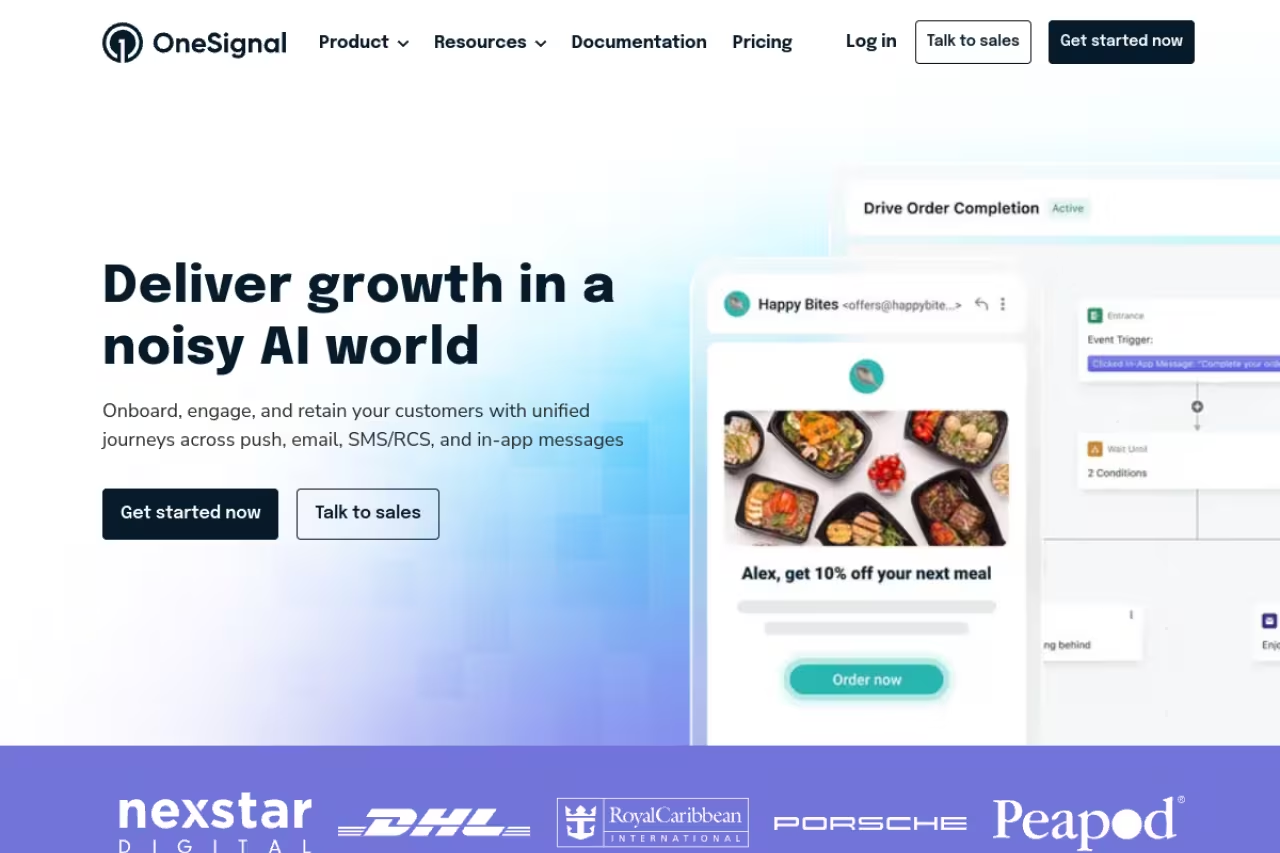
OneSignal started as a push-only tool and grew into a full messaging platform. Today it covers push, email, SMS, and in-app, which means you can run a welcome flow that fires a push on day one and an email on day three without stitching two vendors together.
The free tier is the reason it shows up on every list. You get unlimited mobile push sends, up to 10,000 web push subscribers, and 10,000 email sends a month, per OneSignal's pricing page. That's not a 14-day trial. You can run a real product on it for a long time.
Who it's best for: marketing and growth teams who want to send campaigns without writing code, but who also have an app that needs reliable delivery. If you're pairing push with email blasts, it slots neatly next to the picks in our best email marketing software roundup.
The default for marketing and growth teams who want to send campaigns without code while keeping reliable delivery for an app. The free tier is generous but caps segmentation, and per-channel usage costs creep up faster than the $19 Growth sticker price suggests.
Free, then Growth from $19/month plus per-channel usage, which adds journeys and advanced segmentation. Professional and Enterprise are custom-quoted. The $19 base is a floor, not a ceiling. Real bills scale with subscriber count and message volume, and teams running heavy email or SMS through it often land in the few-hundred-dollars-a-month range.
The catch: segmentation on the free plan is capped at 6 audience segments and 2 data tags, with a single active journey of 2 steps. The moment you want real lifecycle automation, you're on Growth, and the per-channel usage costs creep up faster than the sticker price suggests.

Knock: notification infrastructure you actually own
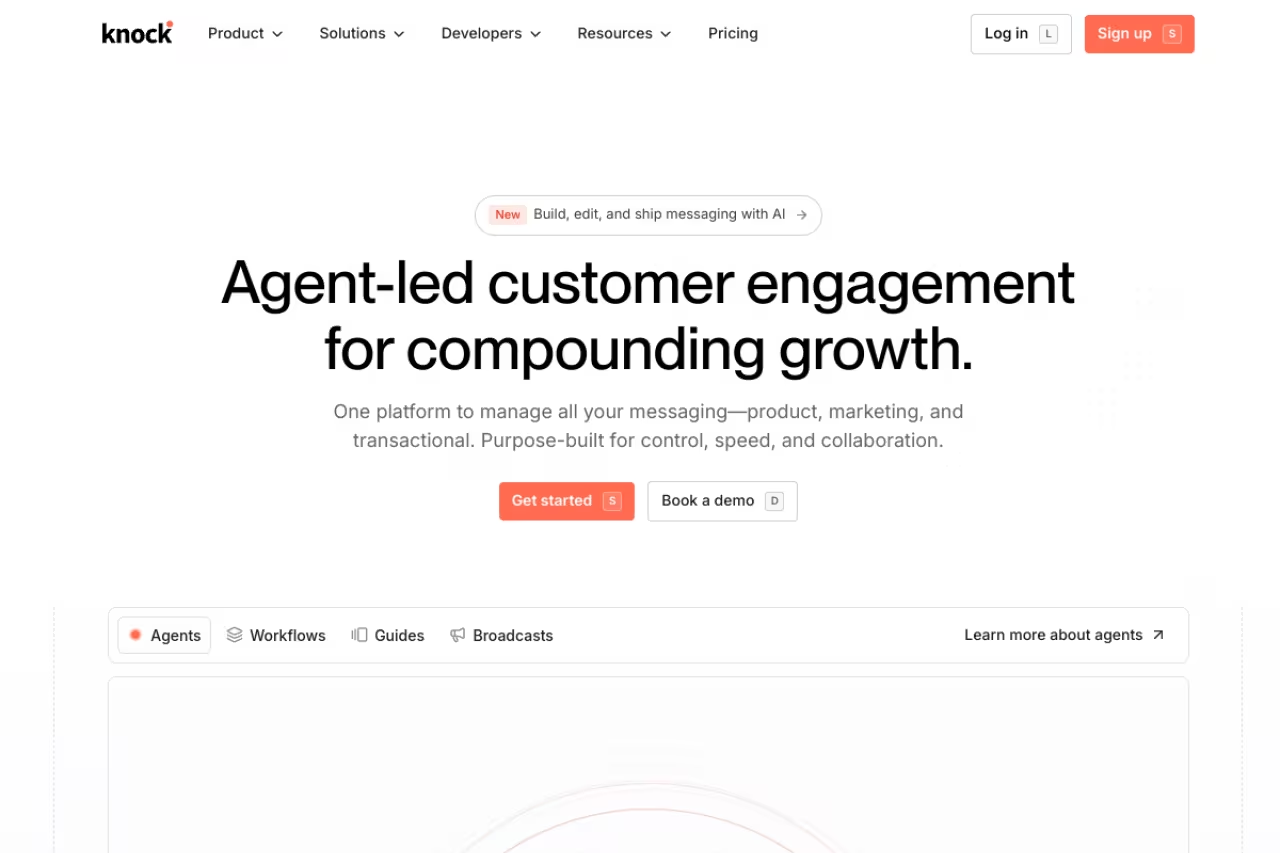
Knock is the developer's answer to "I don't want a marketing dashboard, I want an API." It's notification infrastructure: you define workflows in code or their dashboard, and Knock orchestrates delivery across push, email, in-app feeds, SMS, Slack, and Microsoft Teams. Templates, user preferences, and cross-channel analytics live in one place.
This matters more than it sounds. Building preference management ("email me about comments but only push me about mentions") eats weeks of engineering time and nobody wants to maintain it. Knock gives you that out of the box, plus a drop-in in-app notification feed with SDKs for Node, Python, Ruby, and Go.
Who it's best for: product and engineering teams building notifications into a SaaS app, especially anything with an in-app inbox.
Pick Knock if you are a product or engineering team building notifications into a SaaS app, especially one with an in-app inbox. Preference management comes out of the box, but the jump from free to $250 a month is steep and marketers get no campaign builder.
the Developer tier is free with 10,000 messages a month and 500 in-app guide active users, confirmed on Knock's pricing page. Starter is $250/month, and Enterprise is contact-sales.
Where it falls short: the jump from free to $250/month is steep, with nothing in between. If you're past 10K messages but not a funded startup, that gap stings. And this is squarely a developer tool. There's no campaign builder for a marketer to log into and blast a promo, which is the entire point but also a real limitation if your team is non-technical.
Firebase Cloud Messaging: free, forever, bare-bones
Firebase Cloud Messaging is Google's push pipe, and its pitch is brutally simple: it's free, with no per-message charge, no message-count limit, and no overage fees on either the Spark or Blaze plan. The default quota is 600,000 messages per minute, which Google notes covers over 99% of FCM developers. For raw delivery to Android, iOS, and web, nothing beats free.
Who it's best for: developers already inside the Google ecosystem, or anyone who wants a delivery layer and plans to build segmentation and analytics themselves.
A free delivery layer for developers already in Google's ecosystem who plan to build segmentation and analytics themselves. FCM is plumbing, not a product, so the hidden engineering cost usually outweighs the savings for teams that need to ship engagement features fast.
$0. Genuinely.
The catch: FCM is plumbing, not a product. There's no real campaign UI beyond a basic Notification Composer, no journey automation, no proper segmentation, no analytics dashboard. The "free" price hides an engineering cost: every feature a marketing platform gives you, you build and maintain yourself. For a hobby app or an MVP, that's fine. For a team that needs to ship engagement features fast, the hidden labor cost usually outweighs the licensing savings within a quarter.

Pushwoosh: every feature, every plan
Pushwoosh is mobile-first and honest about packaging. Instead of gating features behind tiers, every plan includes the full platform: unlimited push, in-app messages, campaigns, journeys, segmentation, A/B testing, and API access. You pay for reach, not for features.
Who it's best for: mobile apps that want serious omnichannel engagement without a feature matrix nightmare. It also handles email, SMS, and WhatsApp.
A good fit for mobile apps that want serious omnichannel engagement without a feature matrix, since every plan includes the full platform. MAU pricing is predictable, but it can bite with a large, low-engagement user base, and the UI feels more functional than polished.
free up to 1,000 monthly active users, then $13 per 1,000 MAU on the omnichannel plan, per Pushwoosh's pricing. The MAU-based model is predictable, which is rare in this category.
Where it falls short: MAU-based pricing can bite if you have a large, low-engagement user base, since you're charged for active users whether or not you message them all. And while the feature set is wide, the UI feels more functional than polished next to OneSignal. The power is there; the experience is dated in spots.
PushEngage: web push built for ecommerce
PushEngage lives almost entirely in the browser-push world, and it's tuned for online stores. The automations that matter here are commerce ones: cart abandonment, price-drop alerts, back-in-stock, browse abandonment. If your channel is web push and your goal is revenue, this is purpose-built.
Who it's best for: ecommerce and content sites whose audience is on the web, not in an app. It pairs naturally with the automations covered in our best marketing automation software guide.
Purpose-built for ecommerce and content sites whose audience is on the web, with cart abandonment and back-in-stock automations. It is cheap at scale, but web push only, so any iOS or Android app needs something else, and the free tier's 200 subscribers go fast.
a free plan covers up to 200 subscribers with 30 campaigns. Paid starts at $8/month (billed annually) for up to 50,000 subscribers on Business, $15/month for Premium at 100,000, and $24/month for Growth up to 250,000, from PushEngage's pricing page. For the subscriber counts, that's some of the cheapest pricing in the category.
The catch: it's web push only. No mobile app SDK in the way OneSignal or Pushwoosh deliver native push. If you have an iOS or Android app, this isn't your tool. The free tier's 200-subscriber cap is also tiny, so you'll be paying almost immediately if anything takes off.

Courier: the notification API with a built-in inbox
Courier is the closest competitor to Knock, and the two get compared constantly. Courier is an API-first notification platform that routes across 50+ providers, with native Slack and Teams integration and drop-in inbox and preference components. You design once, deliver everywhere.
Who it's best for: developers who want notification orchestration plus a ready-made in-app inbox, without committing to building the UI layer.
Choose Courier if you are a developer who wants notification orchestration plus a ready-made in-app inbox without building the UI layer. The $99 entry point is gentler than Knock's, but routing and templates have a learning curve and it is overkill for a single channel.
free tier of 10,000 notifications a month, then Business from $99/month, with custom enterprise pricing, confirmed on Courier's pricing. That $99 entry point undercuts Knock's $250 Starter meaningfully.
Where it falls short: the provider routing and template logic have a learning curve, and the abstraction layer adds complexity you don't need if you're only sending one or two channel types. If all you want is push, Courier (like Knock) is more machinery than the job requires. For developers comparing notification infra more broadly, our breakdown of the best AI agent platforms is worth a look, since a lot of agent stacks now bake notification routing in.

Airship: enterprise orchestration with an enterprise price
Airship is the grown-up in the room. It's an enterprise mobile engagement platform with deep journey orchestration, multi-channel delivery, and the kind of advanced features large app teams need. It's also priced like enterprise software: there are no published rates, and industry estimates put entry-level contracts around $30,000+ per year.
Who it's best for: large companies with a dedicated mobile budget, a team to run it, and orchestration needs that smaller tools can't meet.
An enterprise engagement platform for large companies with a dedicated mobile budget, a team to run it and orchestration needs smaller tools cannot meet. The price is the catch, with industry estimates around $30,000+ per year, so most startups and mid-market teams will use a fraction of it.
custom, negotiated per contract. Plan for five figures annually at minimum.
The catch: the price is the catch. For most startups and mid-market teams, Airship is overkill, and you'll use a fraction of what you pay for. Don't book a demo unless you genuinely have enterprise orchestration problems and the budget to match.

Expo Notifications: the React Native shortcut
If you build with React Native and Expo, Expo Notifications is the pragmatic default. It wraps both FCM and APNs behind one managed Expo push service and a single API, so you send to one endpoint and Expo handles the platform-specific plumbing. Local and remote push both live in one package.
Who it's best for: Expo-managed React Native apps that want push with the least possible setup.
The pragmatic default for Expo-managed React Native apps that want push with the least possible setup, and it is free. It is a delivery mechanism, not an engagement platform, so expect no segmentation, campaigns or analytics, and graduate to OneSignal later.
free. It's part of the Expo platform.
Where it falls short: it's a delivery mechanism, not an engagement platform. No segmentation, no campaign tools, no analytics dashboard. You're sending tokens and payloads yourself. For a lot of apps that's all you need early on, and you can graduate to OneSignal later. But don't expect marketing features that were never the point.
How to choose
Start with one question: are you a marketer or a developer?
If a non-technical person needs to send campaigns, build journeys, and read analytics, you want a marketing platform. OneSignal is the default, Pushwoosh if you want every feature on every plan, PushEngage if you're web-only ecommerce, Airship if you're enterprise with the budget.
If notifications are a feature you're building into a product and you want to own the logic, you want infrastructure. Knock and Courier are the two to compare; Courier's $99 entry beats Knock's $250, while Knock's preference and workflow model wins for some teams. FCM if you want raw and free and don't mind building everything. Expo Notifications if you're already in React Native.
Second question: how fast will you outgrow the free tier? OneSignal, Pushwoosh, and FCM let you run real volume for free far longer than the developer-infra tools, whose free tiers cap at 10,000 messages and then jump hard. If budget predictability matters, Pushwoosh's MAU model and PushEngage's subscriber tiers are the easiest to forecast. Either way, prototype on a free tier before you commit. Every tool here except Airship has one, so you can validate delivery rates on your actual stack before signing anything.
If you're building out a wider growth stack, Dupple X bundles the AI tools most operators reach for alongside picks like these, which saves the per-tool subscription math. And our running list of the best AI tools for marketers at /top-tools is a good companion when you're assembling the rest of the stack.
FAQ
What is the best push notification tool in 2026?
For most teams, OneSignal is the best all-around pick because of its unlimited mobile push free tier and multi-channel coverage. Developers building notifications into a product should look at Knock or Courier instead, and anyone who just needs free raw delivery should use Firebase Cloud Messaging.
Are push notifications free to send?
The delivery itself is often free. Firebase Cloud Messaging and Expo Notifications charge nothing per message. OneSignal offers unlimited mobile push on its free plan. What you pay for is the software around delivery: segmentation, automation, analytics, and additional channels like email and SMS. Web push tools like PushEngage charge by subscriber count rather than per message.
What is the difference between a push notification service and notification infrastructure?
A push notification service like OneSignal or Pushwoosh gives marketers a dashboard to build and send campaigns. Notification infrastructure like Knock or Courier gives developers an API to embed notification logic directly into a product, including preference management and in-app feeds. Marketers want the dashboard; engineers want the API.
Which push notification tool is best for ecommerce?
PushEngage is built for ecommerce web push, with cart abandonment, price-drop, and back-in-stock automations, plus low subscriber-based pricing. OneSignal also works well if you have a mobile app alongside your store and want push, email, and SMS in one place.
Is Firebase Cloud Messaging good enough on its own?
For raw delivery, yes. FCM reliably pushes to Android, iOS, and web at no cost with generous rate limits. The limitation is everything around delivery: no campaign builder, segmentation, journey automation, or analytics. If you have engineering time to build those, FCM is great. If you don't, a platform like OneSignal pays for itself in saved development hours.
How do I choose between Knock and Courier?
Both are developer-first notification infrastructure with multi-channel routing and in-app inboxes. Courier's Business plan starts at $99/month versus Knock's $250 Starter, so Courier is cheaper to scale into, while Knock's workflow and preference model appeals to teams that want tighter code-defined control. Prototype on both free tiers, since each gives you 10,000 messages a month to test with.
Related guides
Some offers on this page may be paid placements or contain affiliate links.
