
Best Enterprise AI Agents in 2026: 9 Platforms I'd Actually Deploy

Key facts9 tools compared: Salesforce Agentforce, Microsoft Copilot Studio, Glean, Coworker, Google…
- 9 tools compared: Salesforce Agentforce, Microsoft Copilot Studio, Glean, Coworker, Google Gemini Enterprise, IBM watsonx Orchestrate, ServiceNow AI Agents, Dust, UiPath Agents
- Salesforce Agentforce (best for: Salesforce-centric orgs): $2/conversation or Flex Credits
- Microsoft Copilot Studio (best for: Microsoft 365 shops): $0.01/Copilot Credit (PAYG)
- Glean (best for: Cross-tool knowledge work): ~$45-50/user/mo + AI add-on
- Coworker (best for: Shared company context for every AI tool): Contact sales
Most enterprise AI agent pilots never make it to production. MIT's NANDA report put the failure rate at 95%, and a close look at how these platforms hold up inside real workflows shows why. The demos look magical. Then you connect them to your actual data, your actual permissions, and your actual compliance team, and the magic gets expensive fast.
So this isn't a list of impressive demos. It's a list of platforms I'd actually put in front of a CIO, ranked by how they behave when the stakes are real: messy data, audit trails, per-seat budgets that scale to thousands of users. The trade-offs matter more than the feature checklists, so I've been blunt about where each one breaks down.
If you want the short version: if your company already runs on Salesforce, Agentforce is the path of least resistance. If you live in Microsoft 365, Copilot Studio is the obvious default. And if your problem is "nobody can find anything across our tools," Glean is the one I'd start a trial with today. The rest of this covers when each of those is wrong, and what to use instead.
Quick comparison
| Tool | Best for | Price | Standout |
|---|---|---|---|
| Salesforce Agentforce | Salesforce-centric orgs | $2/conversation or Flex Credits | Runs on live CRM data |
| Microsoft Copilot Studio | Microsoft 365 shops | $0.01/Copilot Credit (PAYG) | Lives inside Teams + Office |
| Glean | Cross-tool knowledge work | ~$45-50/user/mo + AI add-on | Enterprise search foundation |
| Coworker | Shared company context for every AI tool | Contact sales | Permission-aware company memory |
| Google Gemini Enterprise | Google Cloud + Workspace | Consumption (compute + tokens) | Native Gemini models |
| IBM watsonx Orchestrate | Regulated, on-prem needs | From ~$500/mo | Deploy on-prem or cloud |
| ServiceNow AI Agents | ITSM / service desks | Custom (ITSM Pro+ required) | Workflow-native automation |
| Dust | Mid-market, fast rollout | $29/user/mo, Enterprise custom | Multiplayer shared context |
| UiPath Agents | RPA-heavy operations | Custom | Bridges agents + robots |

Salesforce Agentforce
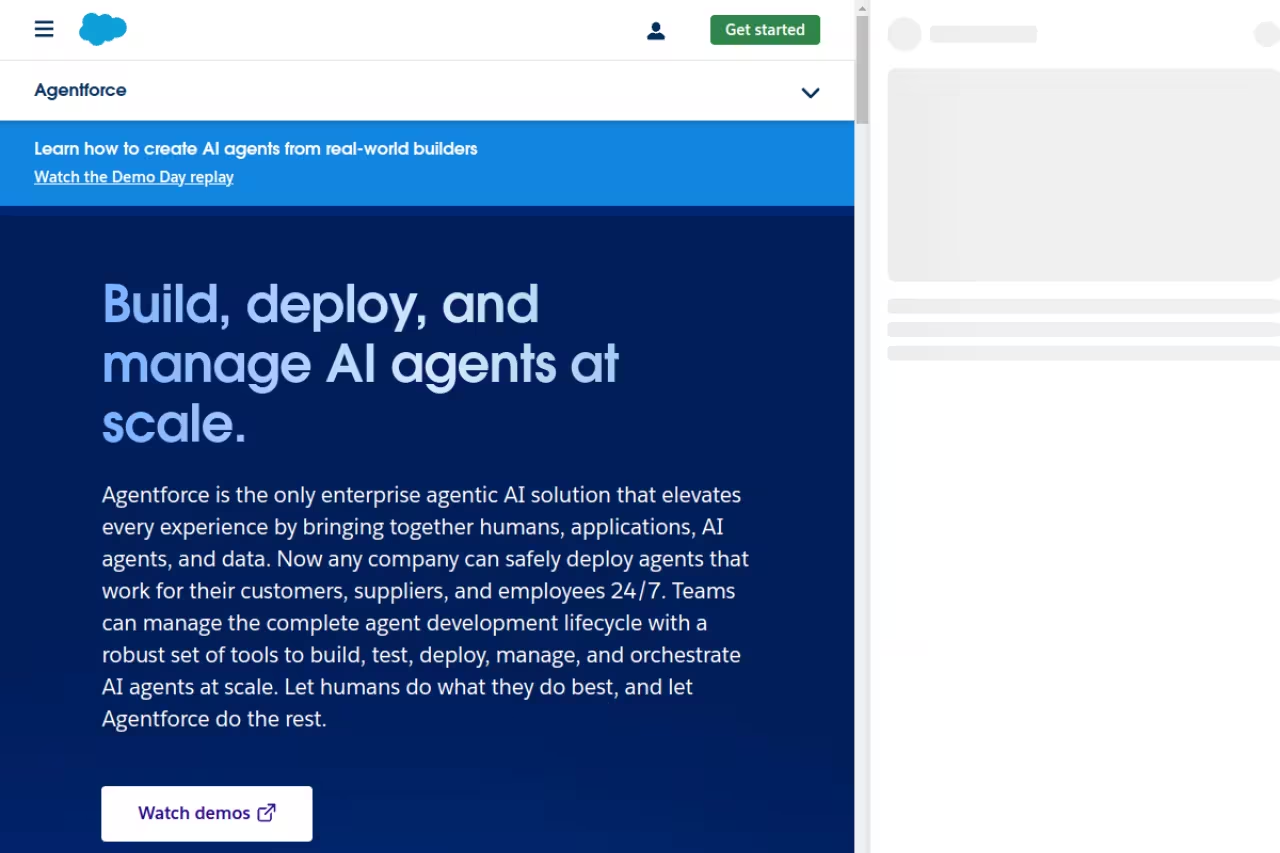
If your revenue team already lives in Salesforce, Agentforce is the agent platform that needs the least convincing. It runs directly on your CRM data and metadata, so a service or sales agent can read a case, check entitlements, and take an action without you wiring up a single integration. That proximity to live data is the whole pitch, and it mostly delivers.
Who it's best for: large Salesforce customers in sales, service, and support who want agents acting on records they already trust.
The agent platform that needs the least convincing if your revenue team already lives in Salesforce, since agents act directly on CRM data with no middleware. Cost forecasting is genuinely hard, and moving from a 10-agent pilot to production can multiply spend dramatically.
Pricing is where you need to pay attention. Salesforce now runs three models. There's a flat $2 per conversation, Flex Credits at roughly $500 per 100,000 credits (a standard action burns 20 credits, so about $0.10 each), and the heavier Agentforce 1 Editions starting around $550 per user/month. Enterprise Edition customers can also get 100,000 Flex Credits for $0 through Salesforce Foundations to kick the tires.
The standout: agents that genuinely understand your CRM context out of the box. No middleware, no syncing.
The catch: cost forecasting is genuinely hard. A chatty support agent that fires 20+ actions per conversation can flip the math between the credit and per-conversation models, and the jump from a 10-agent pilot to thousands in production can multiply spend by 50-100x. Budget for a finance person to watch the meter.
Microsoft Copilot Studio
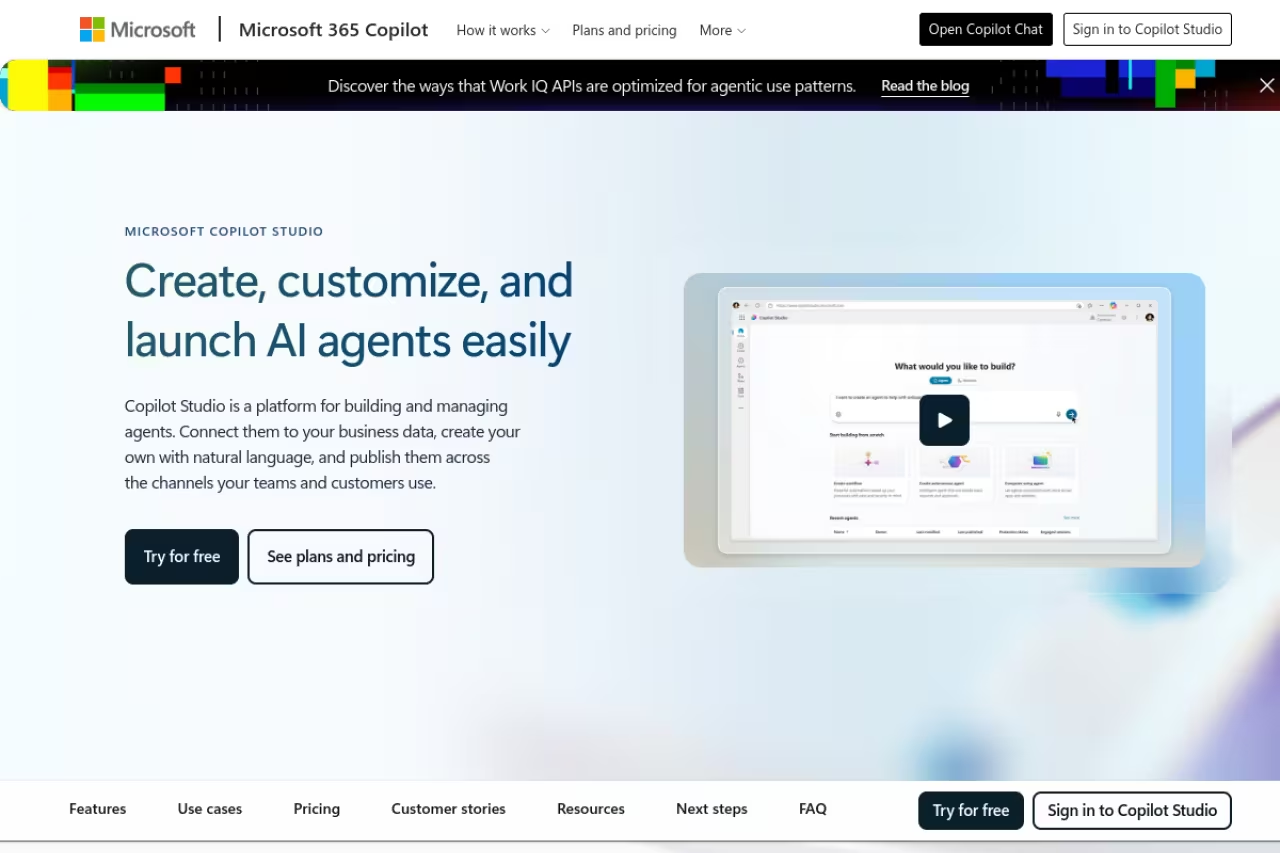
For the thousands of companies standardized on Microsoft 365, Copilot Studio is the default answer, and not just by inertia. You build agents in natural language, ground them on SharePoint and tenant data, and publish them straight into Teams where people already work. The distribution advantage is real: an agent inside Teams gets used, an agent on a separate URL gets forgotten.
Who it's best for: IT teams that want to roll out internal agents without standing up new infrastructure, as long as your users are already in the Microsoft ecosystem.
On pricing, Microsoft switched from counting messages to "Copilot Credits" in September 2025. Pay-as-you-go runs $0.01 per credit, or you can buy credit packs at $200/month for 25,000 credits. Different actions cost different amounts: a single turn that grounds on tenant data and takes an action runs roughly 17 credits, about 17 cents. Copilot Studio access is also bundled into the $30/user/month Microsoft 365 Copilot license.
The standout: native reach into Teams, Outlook, and SharePoint, plus the new computer-using agents that can operate a UI when there's no API.
The catch: you need an Azure subscription for pay-as-you-go, and the credit model makes per-agent costs opaque until you've run real traffic. It's also genuinely awkward outside the Microsoft stack. If half your tools live elsewhere, you'll feel the friction.
The default for companies standardized on Microsoft 365, with agents published straight into Teams where people already work. Credit-based pricing is opaque until you run real traffic, pay-as-you-go needs an Azure subscription, and it gets awkward if half your tools live elsewhere.

Glean
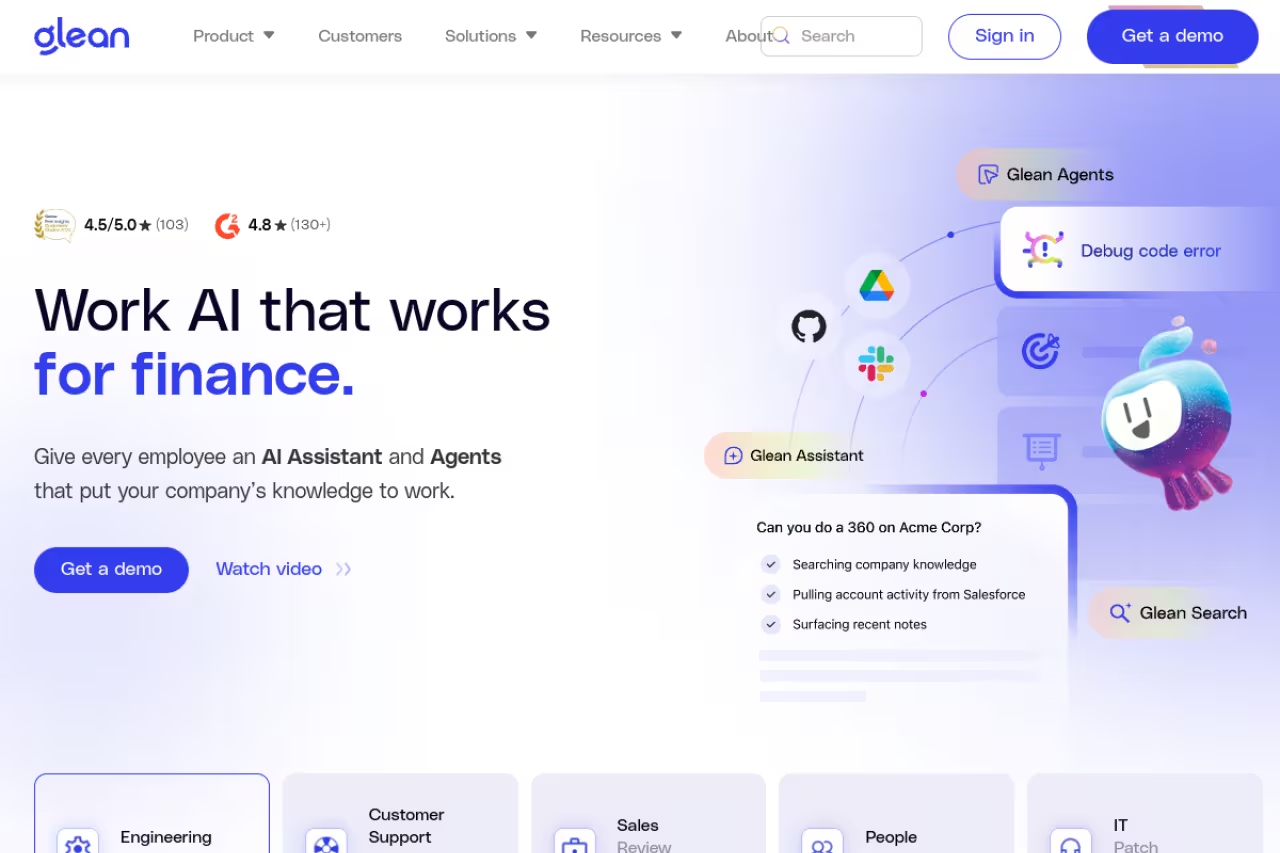
Glean attacks a different problem than the CRM and productivity suites. It's built on enterprise search: it indexes every connected tool, builds a knowledge graph across them, and then lets agents reason over that unified context with your permissions respected. If your real pain is that institutional knowledge is scattered across 40 apps, this is the most direct fix available.
Who it's best for: knowledge-heavy orgs where employees waste hours hunting for answers across Slack, Drive, Jira, Confluence, and a dozen SaaS tools.
Choose it when the real pain is institutional knowledge scattered across dozens of apps, thanks to permission-aware enterprise search. It is quote-based with a high floor, so a 30-person team would find it overkill and should look at Dust first.
Pricing is quote-based and not cheap. Expect roughly $45-50 per user/month for the search license plus around $15 per user/month for the Work AI add-on, with minimum annual contracts often in the $50,000-$60,000 range and 100+ seats. First-year all-in costs commonly land between $300,000 and over $1 million once implementation is counted.
The standout: permission-aware search that's good enough to trust, which is the foundation agents need to give answers people will act on.
The catch: there's no public pricing, every deal runs through sales, and the floor is high. For a 30-person team this is overkill, and the value only really compounds past a few hundred seats. If you're earlier than that, look at Dust below.
If you're still mapping out which agent categories matter for your stack, our guide to the best AI agents is a useful companion to this enterprise-specific list, and Dupple X members get our running shortlist of what's actually shipping each week.
Coworker
Coworker is the context layer for the enterprise AI stack. It connects to 50+ work tools and builds a permission-aware context graph of the company, called OM2, an organizational memory that stays current and follows each tool's access rules. Coworker MCP plugs that memory into Claude, ChatGPT and Cursor, so every AI tool works from the same company context. Built-in cost optimization routes everyday work to the most cost-efficient model, and in Coworker's published benchmark, Claude through OM2 used 9x fewer tokens than Claude with its native connectors. Coworker is SOC 2 Type II certified, per its trust center.
Who it's best for: teams that already use several AI assistants and want every one of them to share the same company context across 50+ work tools.
A context layer rather than another agent builder, giving Claude, ChatGPT and Cursor the same permission-aware company memory. Pricing is sales-led, and its value grows with how many tools and assistants you connect.
contact sales.
The standout: one permission-aware company memory shared by every AI tool you already pay for, with measurable token savings.
The catch: no public pricing, and it adds a layer on top of your assistants rather than replacing them, so it pays off most for teams running several AI tools.
Google Gemini Enterprise Agent Platform
Google folded Vertex AI and Agentspace into one product, the Gemini Enterprise Agent Platform, generally available since April 2026. If you're already on Google Cloud and Workspace, this gives agents native access to Gemini models plus your Gmail, Drive, and Sheets context. The model quality is a genuine differentiator: Gemini 3.1 Pro takes up to 1,048,576 input tokens, per Google's model documentation, and is strong on long-context reasoning.
Who it's best for: engineering-led teams already invested in Google Cloud who want to build custom agents rather than buy packaged ones.
A build-it-yourself platform for engineering-led teams already invested in Google Cloud, pairing strong Gemini models with deep Workspace integration. Consumption pricing means costs spike with usage, and smaller teams without a cloud team will drown.
Pricing is pure consumption and component-by-component. Agent Runtime bills on vCPU and memory hours, stored sessions and memories cost $0.25 per 1,000 events, and model tokens run from $0.10/$0.40 per million on Flash-Lite up to $1.25/$10.00 per million on 2.5 Pro. There's a free tier with up to 10 agent engines for 90 days.
The standout: best-in-class foundation models with deep Workspace integration, and a build-it-yourself flexibility the packaged suites don't offer.
The catch: consumption pricing means costs spike with usage, and the build-your-own approach needs real engineering effort. This is a platform, not a product. Smaller teams without a cloud team will drown.
IBM watsonx Orchestrate
watsonx Orchestrate is the pick when compliance and deployment control outrank everything else. It runs on cloud or fully on-premises, ships prebuilt domain agents for HR, procurement, and sales, and connects to 100+ enterprise apps including SAP, Workday, and ServiceNow. For regulated industries that can't send data to a public SaaS, the on-prem option alone makes the shortlist.
Who it's best for: mid-market and enterprise teams in banking, healthcare, or government with strict data-residency and complex multi-system automation.
The pick when compliance and deployment control outrank everything else, with cloud or fully on-premises options for regulated industries. Expect a heavier sales and implementation process, and a no-code builder that trails Microsoft and Salesforce on polish.
Pricing starts around $500/month for the Essentials tier (agent building, orchestration, the agent catalog), with Standard and Premium tiers moving to custom quotes. Premium adds dedicated data isolation and HIPAA-ready deployment.
The standout: deployment flexibility and predictable, tiered pricing that doesn't punish you for scaling usage the way pure consumption models do.
The catch: it's IBM, so expect a heavier sales and implementation process, and the polish of the no-code builder lags behind Microsoft and Salesforce. You buy this for control and compliance, not for the slickest experience.
ServiceNow AI Agents
If your center of gravity is the IT service desk, ServiceNow AI Agents running through Now Assist are workflow-native in a way bolt-on tools aren't. Agents trigger inside existing ITSM, CSM, and HR workflows, so they resolve tickets and route work without leaving the system of record your ops team already runs on.
Who it's best for: enterprises that have already standardized service management on ServiceNow and want agents embedded in those flows.
The choice for enterprises that have already standardized service management on ServiceNow and want agents embedded in ITSM, CSM and HR workflows. Total cost of ownership is brutal once you add tiers, licensing and implementation, so it only pencils out if you are deeply embedded.
Pricing is entirely custom and quietly steep. To unlock agentic capabilities you typically need to be on ITSM Pro or Enterprise tiers, which can run $160+ per user/month, and Now Assist is sold separately per product line. ServiceNow notes the license is often just 25% of total cost; budget $3-5 in implementation for every $1 of license.
The standout: agents that act inside battle-tested enterprise workflows, with the governance and audit trail ServiceNow shops already depend on.
The catch: the total cost of ownership is brutal once you add tiers, per-product licensing, and implementation. This only pencils out if ServiceNow is already deeply embedded.
Dust
Dust is what I'd hand a mid-market team that wants agents live this quarter, not after a six-month enterprise procurement cycle. It's a "multiplayer" platform: people and agents work from shared context, it connects to 50+ tools, and the no-code builder is approachable enough that ops and marketing can build their own agents without IT in the loop. It raised a $40M Series B in May 2026, so it's well past the risky-startup phase.
Who it's best for: 20-500 person companies that want Glean-style cross-tool agents without the six-figure floor.
A fast, self-serve option for 20-500 person companies that want cross-tool agents live this quarter without the six-figure floor. Pro is a transparent $29/user/month, but it lacks the deployment depth and regulated-industry certifications of IBM.
Pricing is refreshingly transparent: $29/user/month for Pro with a 14-day trial and no minimums, and custom Enterprise pricing (generally 100+ users) that adds SSO, SCIM, and compliance controls.
The standout: published per-seat pricing and a fast, self-serve rollout. You can pilot it in an afternoon.
The catch: it doesn't have the deployment depth or regulated-industry certifications of IBM, and very large enterprises may outgrow the shared-context model. It's a fast start, not a fortress.
UiPath Agents
For operations already running on robotic process automation, UiPath is the bridge between deterministic bots and reasoning agents. The agents handle judgment (read an invoice, decide an exception) while the existing robots handle the rote clicking. If you've got years of RPA workflows, you don't have to rip them out to add an agentic layer.
Who it's best for: enterprises with a mature RPA estate in finance, supply chain, or back-office operations.
The bridge for enterprises with a mature RPA estate in finance, supply chain or back-office operations, adding reasoning agents without ripping out existing robots. If you do not already use UiPath, adopting it just for agents is a heavy lift.
Pricing is custom and quote-based, typically layered on top of existing UiPath automation licensing, so the marginal cost depends heavily on what you already run.
The standout: agents and robots in one orchestrated platform, which matters when the work is half-judgment and half-repetitive execution.
The catch: if you don't already use UiPath, adopting it just for agents is a heavy lift. This is an add-on to an RPA strategy, not a standalone agent platform.
How to choose
Skip the feature matrices. The decision usually comes down to three questions.
First, where does your data live? If it's in Salesforce, start with Agentforce. Microsoft 365, start with Copilot Studio. Google Cloud, start with Gemini Enterprise. Fighting your existing stack is the fastest way to join the 95% that never ship.
Second, what's the actual job? If it's "find and reason over scattered knowledge," that's Glean (large) or Dust (smaller). If it's "automate service workflows," that's ServiceNow. If it's "add judgment to existing automation," that's UiPath. If it's "we can't use public cloud," that's IBM.
Third, how exposed are you to consumption pricing? Agentforce, Copilot Studio, and Google all bill on usage, and the 50-100x scaling multiplier is real. If predictable budgeting matters more than flexibility, IBM's tiered pricing or Dust's flat per-seat are easier to defend to finance.
My honest take: pick the platform that sits closest to your existing system of record, run a tightly scoped pilot on one workflow, and watch the meter for a month before you commit to anything at scale. For more on stitching these into a working stack, our best AI tools for business roundup and the Dupple X members area both go deeper.
FAQ
What is an enterprise AI agent?
An enterprise AI agent is software that can reason, plan, and take actions across your company's systems with minimal human input, not just chat. Unlike a chatbot that answers questions, an agent can read a record, decide what to do, and execute it (resolve a ticket, update a CRM, run a workflow) within your permissions and audit controls.
How much do enterprise AI agents cost in 2026?
It varies wildly by model. Consumption platforms like Salesforce Agentforce charge about $2 per conversation, Microsoft Copilot Studio runs $0.01 per Copilot Credit (roughly 17 cents per grounded action), and Glean lands around $45-65 per user/month with six-figure annual minimums. Dust is the budget-friendly outlier at $29/user/month. Always factor in implementation, which can be 3-5x the license cost.
Why do most enterprise AI agent projects fail?
MIT's research found 95% of generative AI pilots fail to reach production, usually because of poor data quality, weak integration with existing systems, and unclear ROI rather than bad models. The agents that succeed start with one well-defined workflow on clean, accessible data instead of trying to boil the ocean.
Is Salesforce Agentforce or Microsoft Copilot Studio better?
Neither is universally better. Pick based on where your data and your users already are. Agentforce is the stronger choice if your work happens in Salesforce CRM, while Copilot Studio wins if your team lives in Teams and Microsoft 365. Trying to use either against the wrong stack creates integration friction that kills adoption.
Can enterprise AI agents run on-premises for compliance?
Yes, though most platforms are cloud-first. IBM watsonx Orchestrate is the standout for on-premises and hybrid deployment, with HIPAA-ready options and dedicated data isolation on its Premium tier. If data residency or regulatory rules prevent public-cloud SaaS, that's the platform to evaluate first.
Related guides
Some offers on this page may be paid placements or contain affiliate links.
