
Best Document Management Software for Accountants (2026)

Key facts9 tools compared: SmartVault, TaxDome, SuiteFiles, Canopy, ShareFile, Karbon, Dext…
- 9 tools compared: SmartVault, TaxDome, SuiteFiles, Canopy, ShareFile, Karbon, Dext, NetDocuments, FileCenter
- SmartVault (best for: Dedicated DMS for US tax firms): From $50 (annual)
- TaxDome (best for: All-in-one practice management): From ~$67 (annual)
- SuiteFiles (best for: Microsoft 365 firms (flat-rate)): $210/mo for 5 users
- Canopy (best for: Modular US tax practices): From $67.50 (annual)
Every accounting firm I've talked to runs on the same quiet mess: a shared network drive nobody trusts, a tax-season inbox stuffed with PDF attachments, and a folder structure that made sense to one person who left in 2021. It works until a client asks for a signed engagement letter from two years ago, and someone spends 20 minutes digging.
Document management software fixes that, but the category is wide and confusing. Some tools are pure file vaults with a client portal bolted on. Others are full practice-management platforms where documents are one module among ten. The right pick depends on whether you want a focused repository or an everything-app, and how much you're willing to pay per seat.
If you want the short answer: for most small-to-midsize US tax and accounting firms, SmartVault is the best dedicated document management system. It's purpose-built for accountants, integrates with the tax software you already use, and the client portal is genuinely good. If you'd rather replace five tools at once, TaxDome is the all-in-one to beat. Below I break down nine options I researched and tested, with real 2026 pricing and the honest catches.
Quick comparison
| Tool | Best for | Price (per user/mo) | Standout |
|---|---|---|---|
| SmartVault | Dedicated DMS for US tax firms | From $50 (annual) | Tax-software integrations + portal |
| TaxDome | All-in-one practice management | From ~$67 (annual) | Bundles DMS, e-sign, workflow |
| SuiteFiles | Microsoft 365 firms (flat-rate) | $210/mo for 5 users | Co-editing inside the app |
| Canopy | Modular US tax practices | From $67.50 (annual) | Pick only the modules you need |
| ShareFile | Secure sharing + e-sign | From $16.50 (annual) | Cheapest entry, strong security |
| Karbon | Workflow-first larger firms | $59-$99 (quote) | Email + tasks + Karbon AI |
| Dext | Receipt/invoice capture | From $17.70/client | 99.9% extraction accuracy |
| NetDocuments | Enterprise compliance | Quote only | Audit trails, version control |
| FileCenter | Small shops, on-premise option | From ~$10 | Affordable, scan-heavy workflows |

SmartVault: the best dedicated document management system
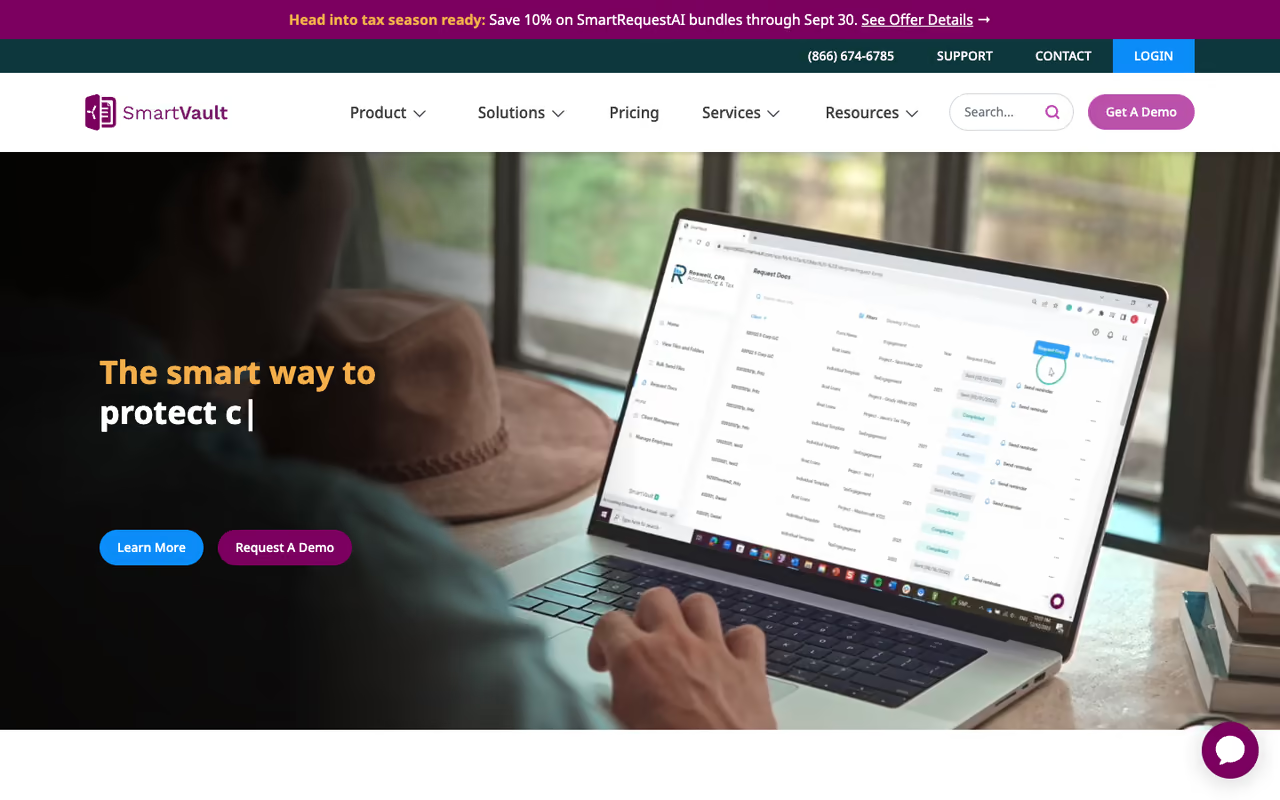
SmartVault is the tool I'd point most firms to first. It's not trying to run your whole practice. It's a secure document repository plus a client portal, built specifically for US accounting and tax prep, and it does that job better than the generalist cloud-storage tools.
Who it's best for: small and midsize US tax firms that live inside tax software. The integrations are the reason. SmartVault connects to Lacerte, ProConnect, ProSeries, Drake, and UltraTax CS, so returns and source documents land in the right client folder without manual filing.
The tool I'd point most small and midsize US tax firms to first, thanks to its client portal and integrations with tax software like Lacerte and UltraTax CS. It is heavily US-tax-oriented, and e-signatures only come with the top $75/user tier.
Pricing is per user with a small minimum. Business Pro starts at $50/user/month annually (3-user minimum). The accountant-focused tiers go up from there: Accounting Pro at $55/user/month and Accounting Unlimited at $75/user/month annually, the last adding unlimited e-signatures, KBA, and ID verification. You can see the full breakdown on the SmartVault pricing page. Every plan includes unlimited clients, external collaborators, unlimited storage, and full-text search.
The standout is the client portal. Clients get a clean, branded place to upload and download files, and you get a clear audit trail of who touched what. The email-capture feature (forward an attachment, it files itself) saves real time during busy season.
The catch: it's heavily US-tax-oriented. If your firm is outside the US or you don't use one of the supported tax packages, you lose a chunk of the value. E-signatures are also gated behind the top tier, so a small firm that signs a lot of engagement letters effectively pays $75/user to avoid per-signature fees.

TaxDome: the all-in-one that swallows your tool stack
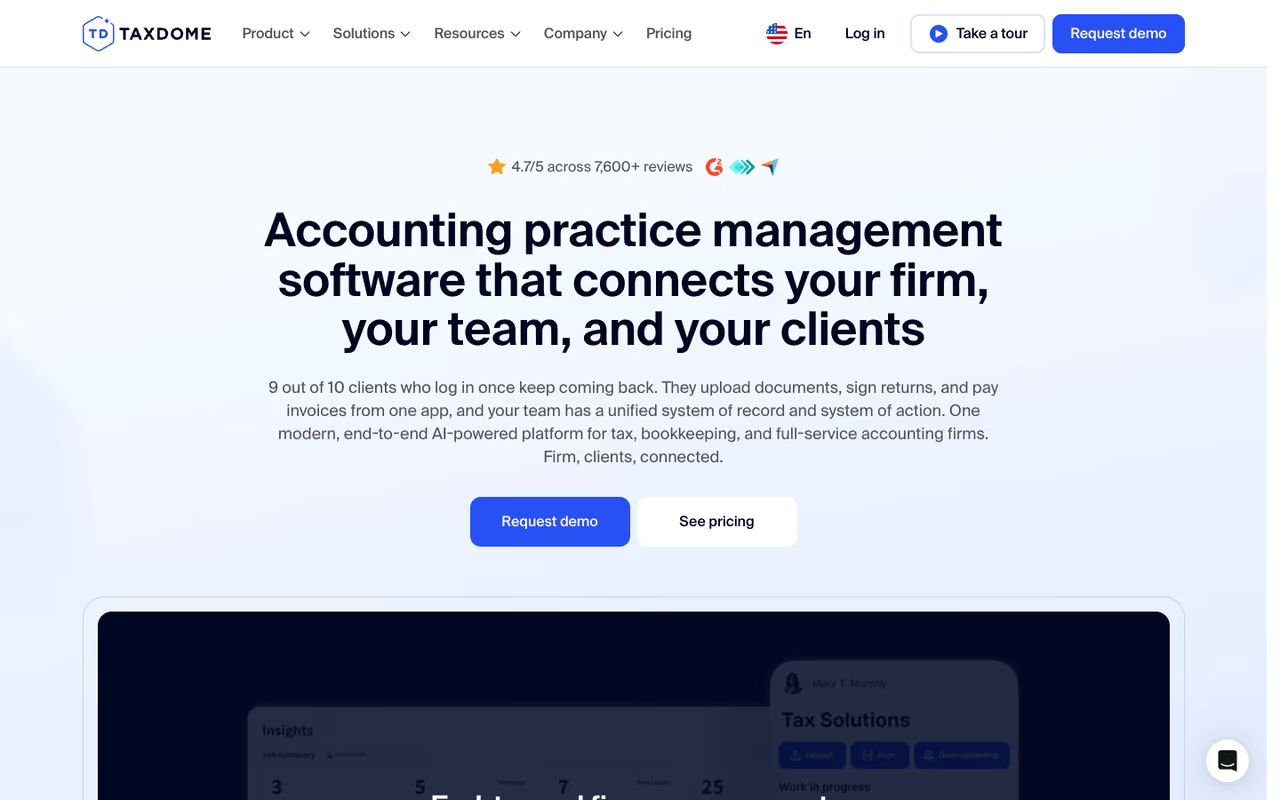
TaxDome takes the opposite approach. Instead of a focused document vault, it's a full practice-management platform: CRM, client portal, document management, e-signatures, workflow automation, and billing in one subscription. Documents are a module, not the whole product.
Who it's best for: firms tired of paying for five separate tools and stitching them together. If you currently run a portal here, an e-sign tool there, a workflow board somewhere else, TaxDome collapses that into one login.
The all-in-one for firms tired of stitching five tools together, bundling CRM, portal, e-signatures, workflow and billing. It bills annually upfront and is a lot of platform to learn if you only want a better filing cabinet.
Pricing is annual and per user. The 2026 tiers are Essentials at $800/user/year, Pro at $1,000/user/year, and Business at $1,200/user/year, which works out to roughly $67-$100/user/month. Unlike competitors that charge separately for document management, e-sign, and automation, TaxDome bundles them into the base price. That's the whole pitch, and it's a strong one for firms doing the math on tool sprawl.
The standout is automated document requests tied to client accounts. You build a request, it pings the client through the portal, version-tracks what comes back, and applies role-based permissions. The workflow engine that wraps around documents is more capable than what a pure DMS offers.
The catch: it's a commitment. TaxDome bills annually upfront, so you're paying for a year before you know if the team adopts it. It's also a lot of platform to learn. If all you actually need is a better filing cabinet with a portal, you'll pay for (and have to ignore) a pile of CRM and billing features you didn't want.
SuiteFiles: best for Microsoft 365 firms

SuiteFiles is built for professional-services firms that live in Microsoft 365. It's a document management layer on top of (and tightly woven into) Word, Excel, Outlook, Teams, and SharePoint, so you create and co-edit documents in the app rather than downloading, editing, and re-uploading.
Who it's best for: firms standardized on Microsoft 365 that want document creation and editing inside the same place they store files. It also integrates with Xero, Xero Practice Manager, QuickBooks Online, and added MYOB support for 2026, so it reaches beyond US tax firms.
Built for firms standardized on Microsoft 365 that want to create and co-edit documents inside the same place they store them, with flat-rate pricing by team size. The tiers create awkward cliffs, and without Microsoft 365 you lose the main reason to choose it.
Pricing is flat-rate by team size, not per user, which is unusual and useful for growing teams. The Super Suite is $210/month for up to 5 users, and the Semi-Suite is $230/month for up to 10. Both include unlimited e-signing and client portals. For a 5-person firm that's $42/user effective; for a 10-person firm on Semi-Suite it drops to $23/user.
The standout is auto-filing. Documents and emails route automatically to the correct client folders, and templates auto-populate with client data pulled from your accounting system. The in-app co-editing and PDF tools (annotate, merge, edit) mean fewer trips out to other software.
The catch: the flat-rate tiers create awkward cliffs. A 6-person firm jumps from the 5-user Super Suite to the 10-user Semi-Suite and pays for capacity it isn't using yet. And if your firm isn't on Microsoft 365, you lose the biggest reason to choose it.
If you're already auditing your firm's software spend, it's worth pairing a document tool with the right AI assistant for the analytical work. Our team built Dupple X to give you access to the top AI models in one subscription, which pairs well with whichever DMS you land on.

Canopy: modular pricing for US tax practices
Canopy is a practice-management platform that, unlike TaxDome's bundle-everything model, lets you buy modules à la carte. You start with a base and add Document Management, Workflow, or Time & Billing as you need them.
Who it's best for: firms that want one or two specific capabilities without paying for a full suite. Small firms (4 or fewer users) get bundled pricing at $45/user/month (Starter) or $66/user/month (Essentials) annually.
For the document management module specifically, the Professional plan runs $75/user/month billed monthly, dropping to $67.50/user/month ($810/year) on annual billing. Larger firms (5+ users) hit a modular structure: roughly a $150/month base plus per-user add-ons for each module. Canopy's own pricing breakdown is the place to confirm your exact mix.
The standout is flexibility. If you only need document management and workflow, you don't subsidize a billing module you'll never open. The interface is also one of the cleaner ones in the category.
The catch: modular pricing gets expensive fast once you add a few modules across a 5+ person team, and it can be hard to predict the final bill. Like SmartVault, it's US-focused.
Pick Canopy if you want one or two specific capabilities, like document management and workflow, without subsidizing a billing module you'll never open. Modular pricing gets expensive and hard to predict across a 5+ person team, and it is US-focused.
ShareFile: cheapest entry with serious security
ShareFile (now under Progress) is the budget-friendly option that doesn't feel cheap on security. It started as secure file-sharing and grew an accounting-specific tier around it.
Who it's best for: firms that mainly need secure document exchange and e-signatures without a full practice platform. The Advanced plan starts at $16.50/user/month annually (3-user minimum), the lowest entry point here.
E-signatures show up on the Premium plan ($26/user/month annual), and the Industry Advantage tier ($41.67/user/month annual) adds accounting-specific extras like pre-built templates for tax engagements and bulk client onboarding. You can compare them on the ShareFile plans page.
The standout is security and sharing: file drops, watermarking, encrypted email, and e-sign that saves signed documents straight back into ShareFile.
The catch: it's a sharing tool first and a document management system second. The folder intelligence and tax-workflow depth of SmartVault or TaxDome isn't here, and you climb three tiers to unlock the accounting features, at which point it's no longer the cheap option.
The cheapest entry here for firms that mainly need secure document exchange and e-signatures, starting at $16.50/user/month. It is a sharing tool first, and climbing three tiers for accounting features erases the price advantage.

Karbon: workflow-first for larger firms
Karbon is less a document tool and more a workflow operating system that happens to handle documents. It unifies email, tasks, and client communication, with document management as part of the workflow rather than a standalone vault.
Who it's best for: bigger, process-heavy firms where the bottleneck is coordination, not storage. Karbon is used by 30,000+ accounting professionals and reports an average saving of 18.5 hours per employee per week, according to its own data.
A workflow operating system for bigger, process-heavy firms where coordination, not storage, is the bottleneck. Pricing is not transparent and you need a sales call, and it is overkill if you just want better document storage.
Pricing runs $59-$99/user/month with custom enterprise rates, and you'll need to talk to sales. Karbon AI summarizes client threads, drafts replies, and analyzes workflow data inside the platform.
The catch: pricing isn't transparent, so budgeting means a sales call. And if you genuinely just want better document storage, Karbon is overkill. Its strength is workflow, and you pay for that.

Dext: for capturing receipts and invoices
Dext solves a narrower problem: getting receipts, bills, and invoices out of paper and email and into structured data. More than 12,000 firms use it, and it processes over 320 million documents a year at a claimed 99.9% extraction accuracy.
Who it's best for: bookkeeping-heavy practices drowning in receipts. Practice plans start at $17.70/client/month (Practice Essentials, 10-client minimum), with Practice Advanced at $19.20/client/month.
The standout is AI-driven capture: snap a receipt, Dext reads the vendor, amount, and tax, then pushes it to Xero or QuickBooks.
The catch: it's source-document capture, not a general DMS. You won't store engagement letters, tax returns, and client correspondence here. Pair it with one of the tools above rather than treating it as a replacement.
Dext suits bookkeeping-heavy practices drowning in receipts, with AI capture that pushes data to Xero or QuickBooks. It is source-document capture, not a general DMS, so pair it with one of the other tools.

NetDocuments: enterprise compliance
NetDocuments is the heavyweight, built for firms (and law practices) where compliance and audit requirements are non-negotiable. Tight Microsoft Office integration, granular permissions, version control, and detailed audit trails are the draw.
Who it's best for: large firms with strict regulatory needs and an IT team to run it. Pricing is quote-only and typically lands in the several-hundred-dollars-per-user range when bundled with broader suite licensing.
The catch: cost and complexity. This is enterprise software with enterprise overhead. A 10-person practice will find it both expensive and heavier than it needs.
The heavyweight for large firms with strict regulatory needs and an IT team to run it, with granular permissions and detailed audit trails. A 10-person practice will find it both expensive and heavier than it needs.
FileCenter: the affordable small-shop pick
FileCenter is the option for small firms that want straightforward document management without a subscription that scales painfully. It handles scanning, OCR, and organizing digital and paper files, and offers cloud or on-premise deployment.
Who it's best for: solo practitioners and small shops with scan-heavy, paper-legacy workflows, especially ones that prefer keeping files on their own machines.
The catch: it's more of a document organizer than a client-collaboration platform. The portals, e-sign, and tax-software integrations of the dedicated firm tools aren't its focus.
The affordable pick for solo practitioners and small shops with scan-heavy, paper-legacy workflows, especially those who prefer keeping files on their own machines. It is a document organizer, not a client-collaboration platform.
How to choose
Skip the feature checklists and answer four questions.
First, do you want one tool or an all-in-one? If documents are your only real pain, a dedicated DMS (SmartVault, ShareFile) is cheaper and simpler. If you're juggling five tools, an all-in-one (TaxDome, Canopy) pays off despite the higher per-seat cost.
Second, what's your existing stack? Microsoft 365 firms should look hard at SuiteFiles. US tax firms on Lacerte, Drake, or UltraTax get the most from SmartVault's integrations. Bookkeeping shops need Dext alongside whatever they pick.
Third, how many seats, and how fast are you growing? Flat-rate pricing (SuiteFiles) rewards bigger teams. Per-user pricing (SmartVault, TaxDome) is cleaner for small ones. Modular pricing (Canopy) only wins if you genuinely use few modules.
Fourth, how much do you sign? If engagement letters and authorizations are constant, unlimited e-sign (SmartVault's top tier, SuiteFiles, TaxDome) beats paying per signature.
My default recommendation stands: SmartVault for a focused US firm, TaxDome if you want to consolidate, SuiteFiles if you're a Microsoft shop. Most firms over-buy. Start with the problem you actually have, not the platform with the longest feature list.
If you want to go deeper on the AI side of firm tooling, our guide to the best AI agents and our running list of top AI tools are good next reads. And if you're standardizing on AI for analysis, drafting, and research across the firm, Dupple X gives you the leading models under one subscription.
FAQ
What is the best document management software for accountants in 2026?
For most small-to-midsize US tax firms, SmartVault is the best dedicated document management system: it's purpose-built for accounting, integrates with major tax software, and includes a strong client portal from $50/user/month. If you'd rather consolidate your whole tool stack, TaxDome is the leading all-in-one alternative.
How much does document management software for accountants cost?
It ranges widely. Dedicated tools like ShareFile start around $16.50/user/month, while SmartVault runs $50-$75/user/month. All-in-one platforms cost more: TaxDome is $800-$1,200/user/year and Canopy's document module is about $67.50/user/month annually. SuiteFiles uses flat-rate pricing at $210/month for up to 5 users.
Do accountants need a dedicated document management system or is cloud storage enough?
Generic cloud storage lacks the governance accounting work demands: role-based access, audit trails, OCR search, retention controls, and a secure client portal with e-sign. A dedicated DMS gives you searchable, audit-ready workflows and a clear record of who accessed each file, which matters for compliance and during reviews.
Which document management tool integrates with tax software like Lacerte and Drake?
SmartVault has the deepest US tax-software integrations, connecting with Lacerte, ProConnect, ProSeries, Drake, and UltraTax CS so returns and source documents file automatically. TaxDome and Canopy also integrate with common tax tools, while SuiteFiles focuses more on Xero, QuickBooks, and Microsoft 365.
Is TaxDome better than SmartVault for document management?
It depends on scope. SmartVault is a focused, lower-friction document management system that's easier to adopt if documents are your only pain. TaxDome bundles documents with CRM, workflow, e-sign, and billing, so it's better if you want to replace several tools at once, but it requires an annual commitment and more onboarding.
What document management software works best for non-US accounting firms?
SuiteFiles is the strongest pick for firms outside the US, especially those on Microsoft 365, with native Xero, Xero Practice Manager, QuickBooks Online, and MYOB integrations. Most US-centric tools like SmartVault and Canopy lose value abroad because their tax-software integrations target the US market.
Related guides
Some offers on this page may be paid placements or contain affiliate links.
Across our whole catalogue the median is $24 a month and 33% of tools advertise a free tier. Figures are the lowest recurring monthly price quoted in our own review of each tool, read on 2026-08-19. Full method and every category.
