
The Best Data Visualization Tools in 2026

Key facts7 tools compared: Power BI, Tableau, Looker Studio, Metabase, Flourish, Grafana, Observable
- 7 tools compared: Power BI, Tableau, Looker Studio, Metabase, Flourish, Grafana, Observable
- Power BI (best for: Microsoft-stack business teams): Free / $14 Pro / $24 PPU
- Tableau (best for: Analysts who need deep exploration): $15 Viewer / $42 Explorer / $75 Creator
- Looker Studio (best for: Free reporting on Google data): Free / $9 Pro
- Metabase (best for: Engineering teams self-hosting): Free / ~$8.30 Starter / ~$12 Pro
Most "best data visualization tools" lists read like a feature matrix nobody asked for. They forget the thing that actually decides which tool you should pick: who's going to use it, and what it costs once your whole team is on it.
I've compared how teams build dashboards in most of these over the years, from scrappy startup reporting to enterprise rollouts where one license decision changed the annual budget by six figures. The gap between tools isn't really about chart types anymore. Almost everything can draw a bar chart. The gap is about who maintains it, how data gets in, what governance you need, and whether non-technical people can actually self-serve without filing a ticket.
If you want the short version: for most business teams that need polished, governed dashboards, Tableau and Power BI are still the two to beat, and Power BI usually wins on price. If you live inside Google's stack or you just need free reporting, Looker Studio is the obvious starting point. If you're a developer who wants charts inside your own product, the answer is different again. Here's how I'd choose between all of them in 2026.
Quick comparison
| Tool | Best for | Price (per user/mo, billed yearly) | Standout |
|---|---|---|---|
| Power BI | Microsoft-stack business teams | Free / $14 Pro / $24 PPU | Price-to-power ratio |
| Tableau | Analysts who need deep exploration | $15 Viewer / $42 Explorer / $75 Creator | Visual flexibility |
| Looker Studio | Free reporting on Google data | Free / $9 Pro | Zero-cost entry |
| Metabase | Engineering teams self-hosting | Free / ~$8.30 Starter / ~$12 Pro | SQL-friendly, open source |
| Flourish | Storytelling and presentations | Free / custom paid | Animated, interactive charts |
| Grafana | Real-time ops and metrics | Free / usage-based | Live operational dashboards |
| Observable | Developers building custom viz | Free / paid plans | D3-powered, code-first |
Power BI: the best value for most business teams
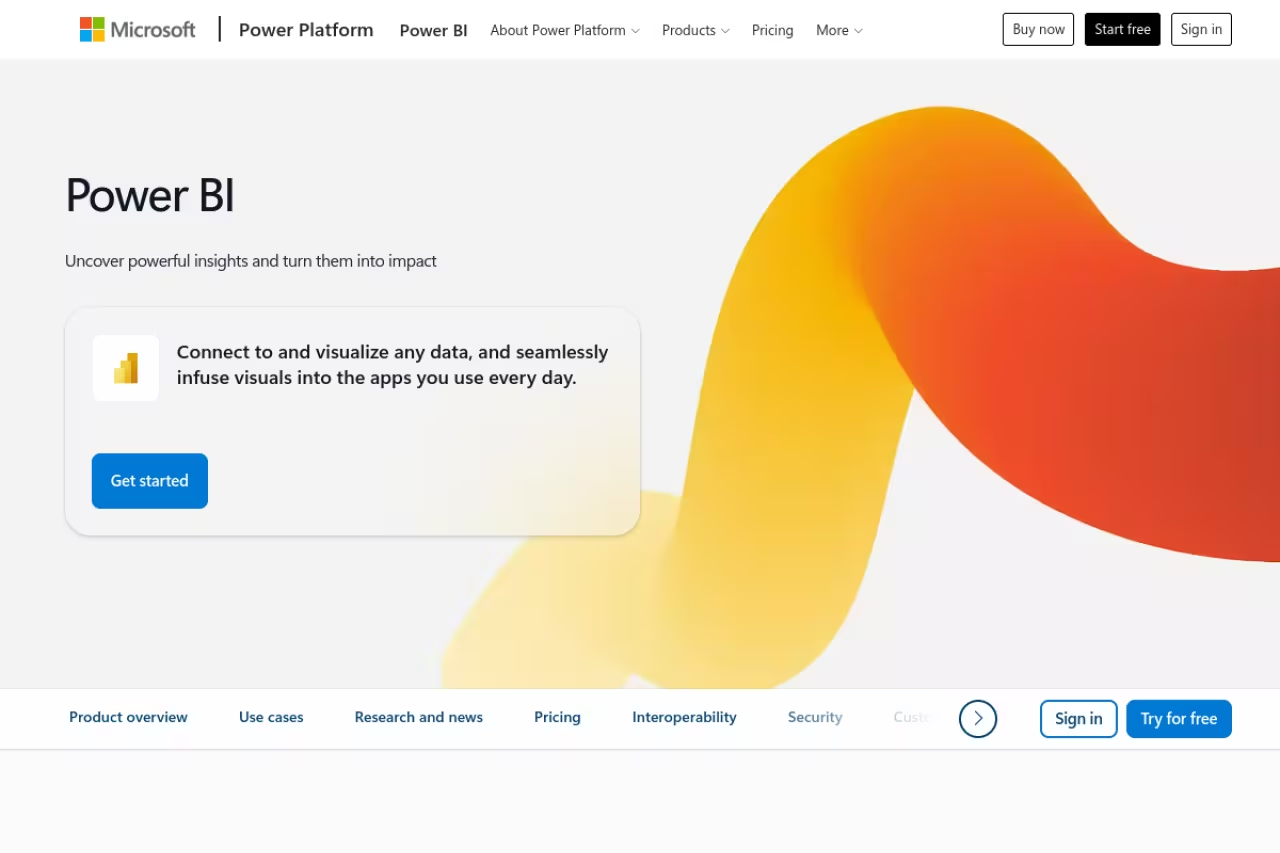
Power BI is Microsoft's analytics platform, and for any company already running Microsoft 365, it's usually the rational default. It connects to hundreds of sources, models data with DAX, and pushes interactive reports out to a web portal or straight into Teams.
Who it's best for: Business teams inside the Microsoft ecosystem, finance and ops people who already live in Excel, and anyone who needs strong reporting without a big license bill.
The rational default if your company already runs Microsoft 365, and strong reporting without a big license bill. At $14 per user per month it undercuts rivals badly, but Desktop authoring is Windows-first and DAX gets steep past simple sums.
There's a genuinely usable free desktop version. The paid plan you'll actually buy is Power BI Pro at $14 per user per month, which covers sharing and collaboration. Premium Per User runs $24 for heavier features like larger datasets and more frequent refreshes. Enterprise deployments move to Fabric capacity, billed by compute rather than seats.
The standout: Price relative to what you get. At $14 a head you get an analytics tool that competes directly with platforms costing five times as much, plus Copilot for generating reports from plain-English prompts. For a 50-person team, that's the difference between roughly $8,400 and $45,000 a year.
The catch: The authoring experience is Windows-first. Power BI Desktop, where you actually build reports, doesn't run natively on Mac, so Apple shops end up using virtual machines or working only in the browser. DAX also has a real learning curve once you go past simple sums. If you want a deeper look at the category, our roundup of the best business intelligence tools goes wider.

Tableau: still the analyst's favorite
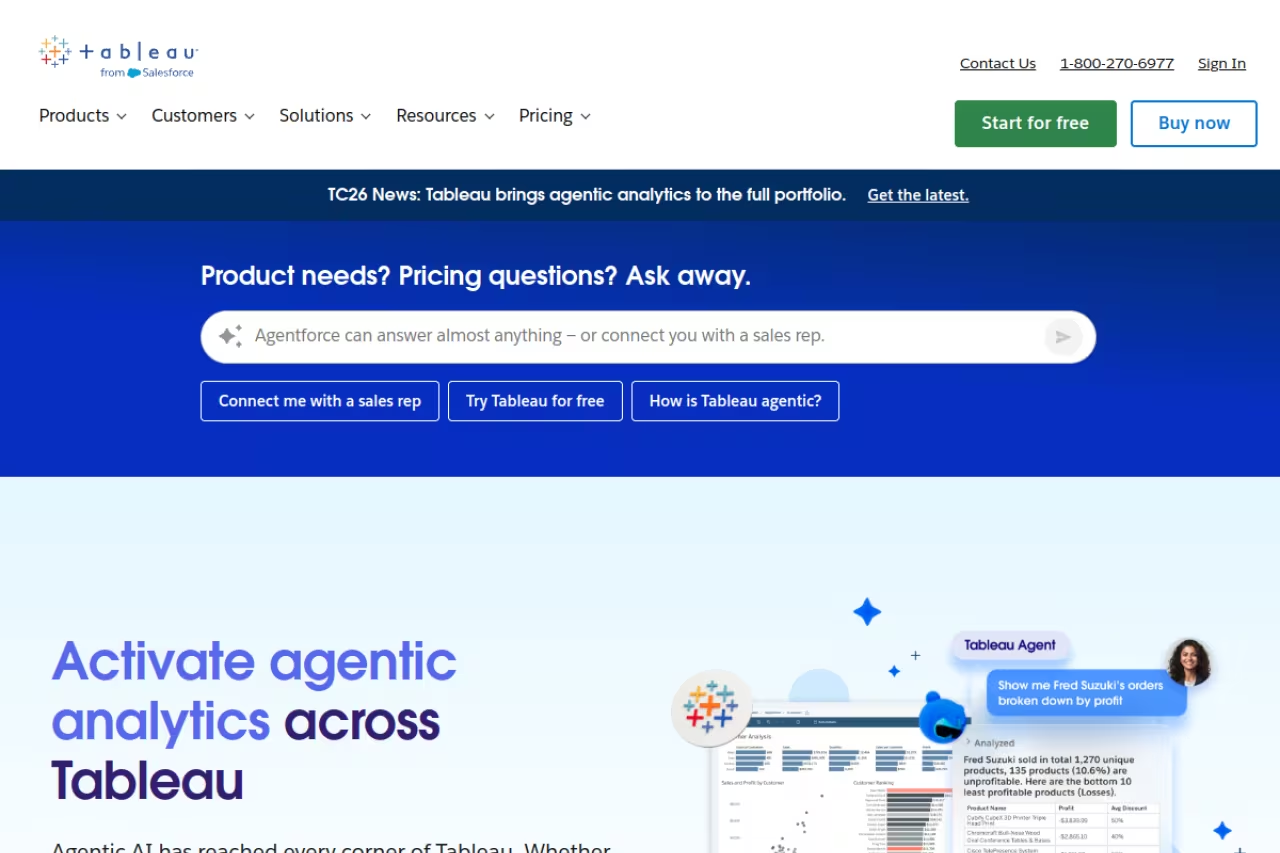
Tableau earned its reputation by making exploratory analysis feel fast. You drag a field onto a shelf and a chart appears. You ask a follow-up question and you're three clicks from the answer. For analysts who spend their day poking at data, nothing else feels quite as fluid.
Who it's best for: Dedicated analysts and data teams who need to explore freely, build sophisticated visuals, and present findings that look genuinely polished.
The analyst's favorite for fast, fluid exploration and polished visuals, aimed at dedicated data teams. The role-based licensing gets costly quickly, and it is overkill for a small team that only needs a few standing dashboards.
Tableau sells by role. On Tableau Cloud, a Viewer (read-only) is around $15 per user per month, Explorer (can edit existing dashboards) is about $42, and Creator (full authoring, includes Tableau Desktop and Prep) is roughly $75, all billed annually. The Enterprise edition pushes Creator to about $115. There's also a free Tableau Public tier, but everything you publish is visible to the world, so it's for learning and portfolios, not company data.
The standout: Visual range and the speed of getting to an insight. Tableau gives you fine control over how every chart looks and behaves, and its calculation engine handles complex questions without breaking a sweat.
Where it falls short: Cost adds up fast because of the role mix. A team with a few builders and many viewers is manageable, but the Creator seats are pricey, and the per-role model means you're constantly deciding who gets which license. It's also overkill for a small team that just needs a few standing dashboards. For that, Power BI or even a free tool does the job for a fraction of the spend.

Looker Studio: the best free option
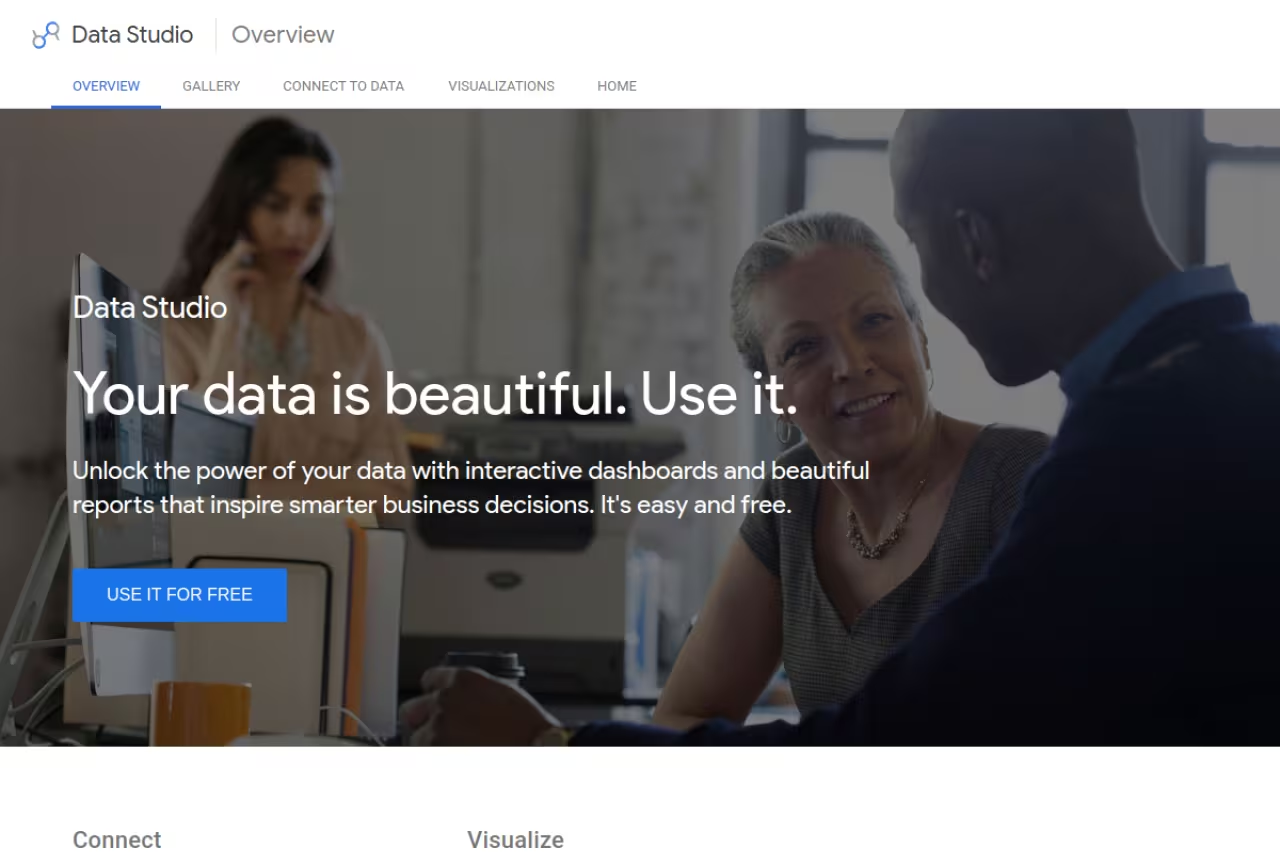
Looker Studio, formerly Google Data Studio, is free and connects natively to Google Analytics, Google Ads, BigQuery, and Sheets. For marketers building campaign dashboards, it's often the first and only tool they need.
Who it's best for: Marketers, small teams, and anyone whose data already lives in Google's ecosystem and who needs shareable reports without a budget line.
Free and native to Google Analytics, Ads, BigQuery and Sheets, so marketers get live dashboards without a budget line. Expect slowdowns on large data, a thin calculation engine, and paid connectors for non-Google sources.
The core product is free with no seat limits. Looker Studio Pro costs $9 per user per month and adds team workspaces, proper ownership controls, and higher-tier Gemini AI features. Worth noting: it doesn't connect to non-Google platforms like Facebook or LinkedIn on its own, so you'll pay a third-party connector such as Supermetrics (anywhere from $30 to a few hundred a month) to pull that data in.
The standout: It's free and it's good. For building a marketing dashboard off Google Analytics 4 and Google Ads, nothing gets you live in less time.
The catch: Performance degrades when you throw large or complex data at it, and the calculation engine is thin compared to Tableau or Power BI. It's also not the real "Looker." That's Google's enterprise BI platform with a semantic layer, and it starts in the $36,000 to $48,000 a year range with custom pricing. Don't confuse the two when budgeting.
If you're choosing tools mostly to make sense of marketing and product numbers, you may get more mileage from our guide to the best AI tools for data analysis, which covers the analysis side rather than just the charting.

Metabase: the open-source pick for engineering teams
Metabase is the tool I reach for when a team has a database and wants people to query it without learning SQL. The open-source edition is free to self-host, and the interface lets non-technical staff ask questions through a point-and-click builder while analysts drop into raw SQL when they need to.
Who it's best for: Startups and engineering-led teams with a database (Postgres, MySQL, and the like) who want internal dashboards without enterprise licensing.
Go with Metabase if you are a startup or engineering-led team with a database and want internal dashboards without enterprise licensing. Non-engineers can query through the point-and-click builder, though self-hosting costs real engineering time and the visuals are functional, not pretty.
The self-hosted open-source version is free, though you carry the infrastructure and maintenance cost. The managed Starter plan is $100 a month base plus per-user fees (billed annually it works out near $8.30 effective for small teams), and Pro starts around $575 a month with SSO, embedding, and audit logs. Metabot AI is a newer add-on starting at $100 a month for 500 requests.
The standout: It hits a sweet spot between "give everyone SQL access" and "buy expensive BI." Setup is quick, the question builder is genuinely usable by non-engineers, and you own your data because you can host it yourself.
Where it falls short: The "free" self-hosted route isn't actually free once you count engineering time and infrastructure. Visualizations are also more functional than beautiful. If your goal is a board-ready, designed report, Tableau or Flourish will look better. Metabase is for fast internal answers, not polished external storytelling.
Need a soft pause from picking tools? If your team is drowning in scattered AI subscriptions, Dupple X bundles the major AI models and tools into one workspace, which keeps the stack tidy while you sort out your data layer.

Flourish: best for storytelling and presentations
Flourish (owned by Canva since 2022) is built for a different job than the BI platforms above. It's for turning data into stories: animated bar-chart races, interactive maps, scrollytelling pieces that journalists and marketers use to make a point land.
Who it's best for: Marketers, communicators, and content teams who need eye-catching, interactive visuals for reports, articles, or presentations rather than live operational dashboards.
A storytelling tool for marketers, communicators and content teams who want animated, interactive visuals for articles and presentations. It is not an analytics platform, so you prep data elsewhere and bring it in to make it look great.
There's a free plan with unlimited projects and all templates, the catch being a small Flourish credit on published work. Paid Publisher and Enterprise tiers (which remove attribution, add embedding, custom branding, and live data) are custom-quoted, so you'll need to contact them. If you have Canva Business, you get Flourish's Presenter features through that subscription.
The standout: Animation and interactivity without code. The templates are polished out of the box, and the output looks professional in a way most BI tools can't match for a presentation.
The catch: It's a presentation tool, not an analytics platform. There's no data modeling, no semantic layer, no scheduled refresh from your warehouse in the free tier. You prep your data elsewhere, then bring it in to make it look great.

Grafana: best for real-time and operational dashboards
Grafana is the standard for monitoring dashboards: server metrics, application performance, IoT sensor feeds, anything that updates by the second. If you've seen a glowing wall of charts in an engineering office, it was probably Grafana.
Who it's best for: DevOps, SRE, and engineering teams watching live system metrics, plus anyone building time-series dashboards from sources like Prometheus or InfluxDB.
The standard for real-time monitoring, built for DevOps and SRE teams watching Prometheus or InfluxDB feeds. It is not a business reporting tool, and the free tier's 14-day retention rules out long-term trend analysis until you pay.
Open-source Grafana is free to self-host. Grafana Cloud has a genuinely useful free tier (10,000 active metrics series, 50 GB of logs, three users, 14-day retention), then moves to usage-based pricing tied to how much data you ingest and how long you retain it.
The standout: Real-time visualization at scale. Nothing on this list handles live, high-frequency operational data as well, and the alerting that comes with it turns a dashboard into a monitoring system.
Where it falls short: It's built for metrics and time-series, not business reporting. You won't use Grafana to analyze last quarter's sales by region the way you would Power BI. The 14-day retention on the free tier also means it's not for long-term trend analysis until you pay.

Observable: best for developers building custom visualizations
Observable is the home of D3.js, the JavaScript library behind most of the custom data visualizations you've admired on the web. Observable now bundles notebooks, Observable Plot (a higher-level charting API), and a framework for building data apps, all code-first.
Who it's best for: Developers and data scientists who want full control, custom interactivity, and visualizations that go beyond what any drag-and-drop tool allows.
Pick Observable if you are a developer or data scientist who wants total control and bespoke, embeddable visuals built on D3.js. You have to write code, so it is the wrong tool for a business analyst.
Free to start, with paid plans for teams that need private collaboration and more compute. D3 and Observable Plot themselves are open-source and free to use in your own projects.
The standout: Total flexibility. If you can imagine a chart, you can build it here, and you can embed it anywhere. This is what newsrooms and product teams use when off-the-shelf charts won't cut it.
The catch: You need to write code. There's no clicking your way to a dashboard. For a business analyst, this is the wrong tool. For an engineer who wants pixel-perfect, bespoke visuals, it's the only one that delivers.
How to choose
Skip the feature checklist. Answer three questions instead.
Who actually uses it? If non-technical business people need to self-serve, go Power BI or Tableau. If it's marketers on Google data, Looker Studio. If it's engineers with a database, Metabase. If it's developers who want code, Observable.
What does your data look like? Live operational metrics point to Grafana. A data warehouse with many viewers points to Power BI on price. Heavy ad-hoc exploration by skilled analysts points to Tableau.
What's the real total cost? Don't just look at the headline per-seat number. Tableau's role mix and Metabase's self-hosting overhead both hide costs. Count the viewers, the maintenance, and the connectors before you commit. For a wider view of the category and where AI features are landing, our best AI business intelligence tools breakdown is a useful companion, and the top tools directory lets you compare options side by side.
My default advice: start with the free tier of whatever fits (Power BI Desktop, Looker Studio, or Metabase open-source), prove the value, then upgrade only when you hit a real wall. Most teams overbuy before they've earned the complexity.
If you want to test-drive a stack of AI and analytics tools without committing to seven separate subscriptions, Dupple X gives you a single workspace to do exactly that.
FAQ
What is the best data visualization tool in 2026?
For most business teams, Power BI offers the best balance of power and price at $14 per user per month, especially if you're already on Microsoft 365. Tableau is the stronger pick for dedicated analysts who need deep, flexible exploration, and Looker Studio is the best free option for teams working with Google data.
What is the best free data visualization tool?
Looker Studio is the best free tool for marketing and Google-based data, with no seat limits. For internal database reporting, the open-source edition of Metabase is excellent if you can self-host it. Grafana's free tier is the go-to for real-time operational and metrics dashboards.
Is Power BI better than Tableau?
It depends on the team. Power BI usually wins on price and integration if you're in the Microsoft ecosystem. Tableau wins on visual flexibility and the speed of ad-hoc exploration for skilled analysts. For a small team with simple reporting needs, Power BI is almost always the more sensible choice on cost alone.
How much does Tableau cost per user?
On Tableau Cloud billed annually, a Viewer license is around $15 per user per month, Explorer is about $42, and Creator (which includes Tableau Desktop) is roughly $75. The Enterprise edition raises the Creator price to about $115. Tableau Public is free but publishes everything to the open web.
Do I need to know how to code to make data visualizations?
No, not for most tools. Power BI, Tableau, Looker Studio, Metabase, and Flourish are all drag-and-drop and require no coding. You only need code for libraries like D3.js or platforms like Observable, which trade ease of use for full custom control over how every visualization looks and behaves.
What's the difference between Looker and Looker Studio?
Looker Studio is Google's free dashboard and reporting tool (formerly Data Studio). Looker is a separate enterprise BI platform with a governed semantic layer, starting around $36,000 to $48,000 per year on custom pricing. They share a name but solve very different problems at very different price points.
Related guides
Some offers on this page may be paid placements or contain affiliate links.
