
The Best Data Analytics Tools in 2026

Key facts8 tools compared: Power BI, Tableau, ThoughtSpot, Hex, Metabase, Looker, Sigma, Qlik
- 8 tools compared: Power BI, Tableau, ThoughtSpot, Hex, Metabase, Looker, Sigma, Qlik
- Power BI (best for: Microsoft-shop companies): $14/user/mo
- Tableau (best for: Analysts who want visual depth): $75/user/mo (Creator)
- ThoughtSpot (best for: Non-technical teams asking questions): $25/user/mo
- Hex (best for: Data teams in SQL + Python): $36/editor/mo
Most "best data analytics tools" lists read like vendor brochures. Every product is amazing, every dashboard is gorgeous, and somehow nothing has a downside. That has never matched my experience. The tool that wins for a five-person startup is a terrible fit for a 2,000-seat enterprise, and the one your finance team loves will make your data engineers quietly miserable.
So I want to be blunt about trade-offs here. Based on documentation, pricing pages, and public adoption reports, some of these get ripped out six months later when the renewal quote lands. The market itself crossed roughly $33 billion in 2026, and the biggest shift this year is that almost every serious platform now ships an AI agent that writes SQL, builds charts, and answers plain-English questions. That changes who can actually use these tools, not just how pretty the output looks.
If you want the short answer: Microsoft Power BI is the safe default for most companies because it is cheap and everyone already has Microsoft 365. If you are an analytics team that lives in code, Hex is the most interesting tool of the year. The rest depends on your stack, your budget, and how much you hate SQL. Here is the full breakdown.
Quick comparison
| Tool | Best for | Price (entry) | Standout |
|---|---|---|---|
| Power BI | Microsoft-shop companies | $14/user/mo | Cheapest path to real BI |
| Tableau | Analysts who want visual depth | $75/user/mo (Creator) | Best-in-class visualization |
| ThoughtSpot | Non-technical teams asking questions | $25/user/mo | Natural-language search |
| Hex | Data teams in SQL + Python | $36/editor/mo | AI notebook agent |
| Metabase | Startups on a budget | Free / $100/mo | Open source, fast setup |
| Looker | BigQuery / Google Cloud shops | ~$5,000+/mo | Governed semantic layer |
| Sigma | Spreadsheet users on a warehouse | Custom (~$300+/mo) | Excel feel, live data |
| Qlik | Free-form exploration | $30/user/mo | Associative engine |
Microsoft Power BI
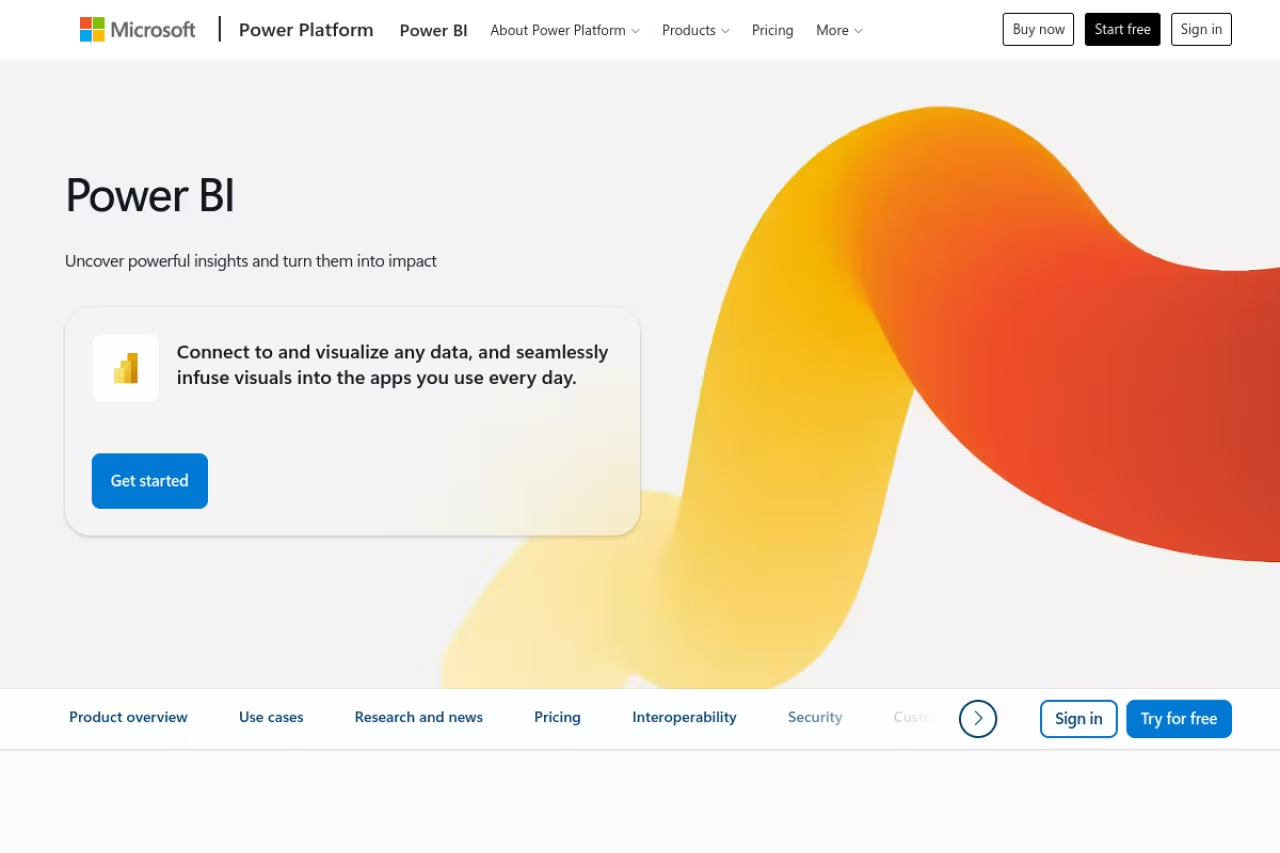
Power BI is the tool I recommend first to most companies, and it is rarely because it is the best at any one thing. It wins on math. If your team already pays for Microsoft 365, you are halfway there, and the data connectors to Excel, Azure, and Dynamics are the tightest in the category.
The sensible first recommendation for organizations already inside Microsoft that want dashboards without a six-figure commitment. At $14 per user it's strong value, but the desktop app is Windows-only and DAX has a steep learning curve.
Pricing is the real draw: Power BI Pro is $14 per user per month and Premium Per User runs $24. For large viewer audiences, Fabric F64 capacity lets people view reports on a free license, which usually becomes the cheaper path somewhere past 350 to 500 viewers.
The standout is cost-to-capability. Few tools give you this much for $14 a head, and Copilot now handles a lot of the chart-building and DAX writing that used to require a specialist.
The catch: the desktop authoring app is Windows-only, and DAX (the formula language) has a steep learning curve that surprises people who expected something Excel-simple. Big models also slow down, and once you outgrow Pro the Fabric pricing math gets complicated fast.

Tableau
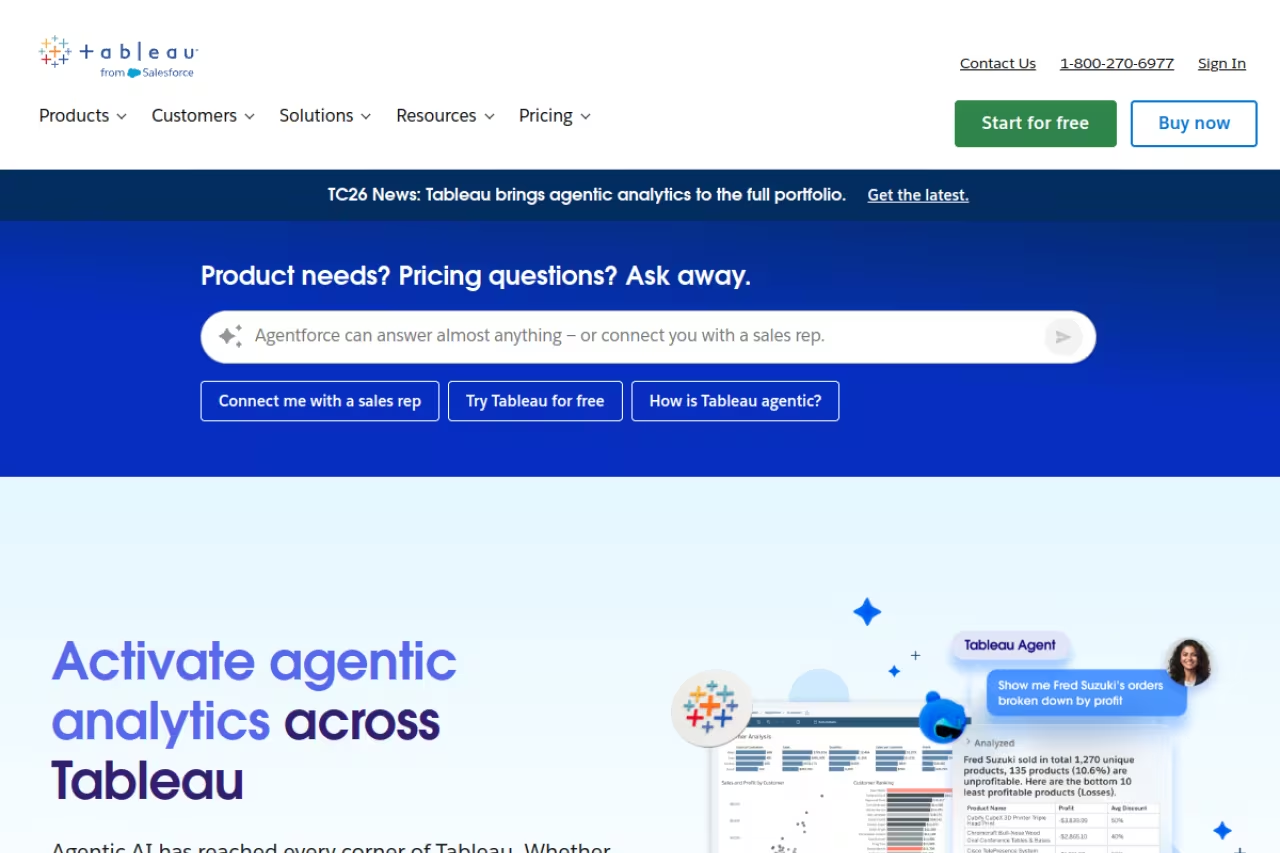
Tableau is still the tool analysts reach for when the chart itself matters. Drag a field, watch the visualization respond, iterate in seconds. Nothing else feels quite this fluid when you are exploring a dataset visually, and that fluency is why so many analysts refuse to switch.
Tableau remains the pick for dedicated analyst teams where visualization depth matters more than budget. Nothing explores data more fluidly, but renewal quotes keep climbing under Salesforce and casual viewers make seats expensive.
Tableau Cloud lists Creator at $75 per user per month, Explorer at $42, and Viewer at $15, billed annually. The Enterprise edition pushes Creator to $115. Salesforce now owns Tableau, and its AI layer (Tableau Agent, formerly Einstein Copilot) handles natural-language queries and calculation suggestions.
The standout is visual exploration. For analysts who think in pictures, Tableau remains the gold standard, and its community of templates and viz examples is enormous.
Where it falls short: price, and the direction of price. Under Salesforce, renewal quotes have been climbing 20 to 40 percent for a lot of buyers, and the seat model gets expensive once casual viewers pile up. A 200-user deployment can run $400k to $550k over three years once you include implementation. That is a lot for dashboards.

ThoughtSpot
ThoughtSpot took a different bet years ago: instead of teaching everyone to build dashboards, let them type a question. "Revenue by region last quarter" returns a chart, no SQL, no report-building. In 2026 that bet looks smart, because its Spotter agent is now genuinely good at follow-up questions and explaining its answers.
ThoughtSpot is for non-technical teams that want answers by typing a plain question rather than learning a BI tool. Search is its strength, but you must model your data properly up front and enterprise cost is among the highest here.
ThoughtSpot's Essentials plan starts at $25 per user per month billed annually, or roughly $0.10 per query, with Enterprise quoted custom. Be honest with yourself about scale, though: large enterprise deployments here routinely land in the six-figure-plus annual range.
The standout is search. If your goal is to put data in front of people who will never open a query editor, nothing beats typing a plain question and getting a governed answer back.
The catch: you have to model your data properly up front, or the search results get unreliable. The free trial caps usage, query limits on lower tiers can bite, and the all-in cost at enterprise scale is among the highest in this list.

Hex
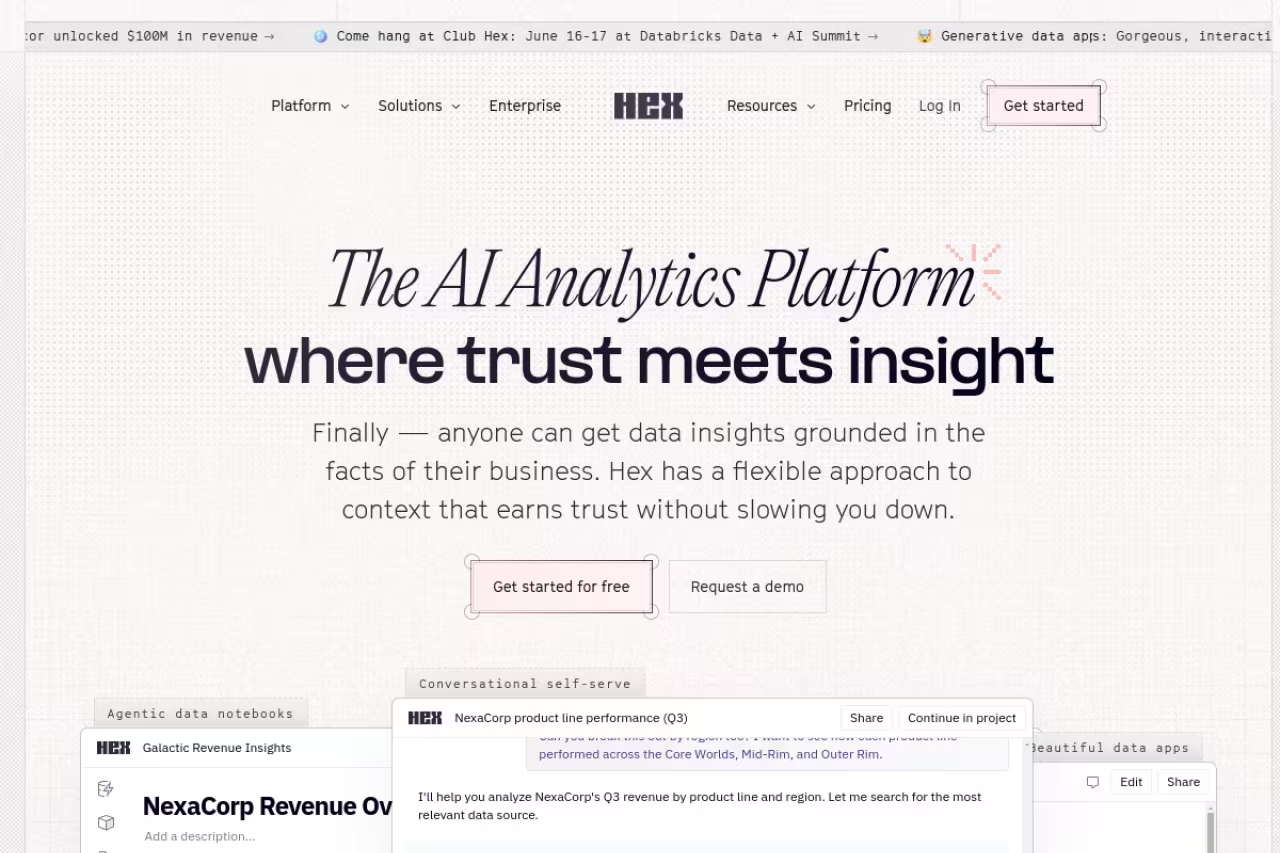
Hex is the tool I got most excited about this year. It is a collaborative notebook where you mix SQL, Python, and no-code cells, then publish the result as an interactive app your stakeholders can actually use. It sits in the gap between a Jupyter notebook and a polished BI dashboard, and it does both jobs well.
The one to choose if your analytics and data science team writes code and wants to ship interactive analysis, not static charts. The Notebook Agent is the most useful AI feature here, but without SQL or Python skills most of Hex is wasted.
Pricing starts with a free Community tier, then Professional at $36 per editor per month and Team at $75, with Enterprise custom. Viewers do not need editor seats, which keeps the bill sane.
The standout is the Notebook Agent. It reads your data context, writes and debugs code, runs exploratory analysis, and explains what it found. It is the most useful AI feature on this list, built to save hours rather than produce demos. If you want a wider view of agentic tools beyond analytics, our roundup of the best AI agents covers the broader category.
Where it falls short: it assumes a data team. If nobody on staff writes SQL or Python, most of Hex is wasted on you, and a search-first tool like ThoughtSpot or a click-first one like Metabase will serve you better.

Metabase
Metabase is what I point startups to when the budget is "as close to zero as possible." It is open source, you can self-host it for free, and a non-technical person can build a useful dashboard in an afternoon by clicking instead of writing queries.
Metabase is the startup pick for real BI on a near-zero budget, with a free open-source edition and same-day time to value. It hits a ceiling on complex modeling and governance, and self-hosting is not free once you count the engineer.
The open-source edition is free under AGPL, though self-hosting means $100 to $200 a month in infrastructure plus your own DevOps time. Cloud plans start at $100/month for Starter (5 users included) and $575/month for Pro (10 users, plus SSO and row-level permissions).
The standout is time-to-value. You can connect a database and have something shippable the same day, and the AI-assisted SQL generation now lowers the bar even further.
The catch: it hits a ceiling. Complex modeling, heavy governance, and very large datasets push past what Metabase does comfortably, and that is when teams start eyeing Looker or Power BI. The "free" self-hosted route also is not free once you count the engineer babysitting it.
Looker
Looker, now part of Google Cloud, is built around LookML, a modeling layer where you define a metric once in code and reuse it everywhere. That means "revenue" means the same thing on every dashboard, which sounds boring until you have lived through three teams reporting three different revenue numbers.
A governance-first choice for data-mature companies on Google Cloud, especially with data in BigQuery. LookML gives you one definition of every metric, but there is no cheap way in, starting around $5,000 a month.
Looker does not do simple per-seat pricing. The Standard edition starts around $5,000 a month (roughly $60,000 a year) with a platform fee plus tiered user licensing, and it requires an annual commitment.
The standout is governance. The semantic layer gives you a single source of truth that scales across hundreds of analysts without the chaos of everyone writing their own definitions.
Where it falls short: cost and complexity. There is no cheap way in, LookML is a real engineering skill you have to hire or train for, and small teams will find it heavy. If you are not already a Google Cloud and BigQuery shop, the appeal drops off sharply.

Sigma
Sigma made a clever choice: make the interface feel like a spreadsheet, but run every calculation live against your cloud data warehouse. Business users get the familiar grid of Excel, and analysts get live, billions-of-rows data underneath with no extracts to manage.
Sigma suits spreadsheet-heavy teams on Snowflake, BigQuery, Databricks or Redshift that want self-service without exporting CSVs. The spreadsheet feel on live data is its draw, but pricing is opaque and warehouse bills can climb.
Sigma does not publish list prices; quotes are custom, often starting around $300/month for smaller teams, and Vendr's data puts the median annual deal near $61,000. Budget for warehouse compute on top, since every action queries the warehouse directly.
The standout is the spreadsheet feel on live data. It removes the "export to Excel" habit that quietly kills data governance in most companies.
The catch: opaque pricing and warehouse bills. You will not know the real cost without a sales call, and because queries run live, heavy usage can run up your Snowflake or BigQuery spend in ways a per-seat tool would not.
Qlik Sense
Qlik has been around longer than most of this list, and its associative engine is still genuinely different. Instead of locking you into predefined query paths, it lets you click anywhere and instantly see what is related and, just as usefully, what is not. For free-form investigation, that is powerful.
Qlik Sense is for analysts who want open-ended exploration rather than fixed dashboards, thanks to its distinctive associative engine. The interface feels dated, the learning curve is steeper than the $30 entry suggests, and enterprise pricing gets murky.
Qlik Cloud's Business plan starts at $30 per user per month billed annually, with Enterprise quoted custom based on capacity.
The standout is the associative model. The "what's not in the data" view surfaces gaps that filtered, query-first tools tend to hide.
Where it falls short: the interface feels dated next to Hex or Sigma, and the learning curve is steeper than the friendly entry price suggests. Enterprise pricing also gets murky fast once you scale capacity.
How to choose
Skip the feature-matrix paralysis. Three questions get you 90 percent of the way there.
Who actually uses it? If your users are non-technical and will never write SQL, go search-first (ThoughtSpot) or click-first (Metabase, Power BI). If you have a data team that codes, Hex or Looker will pay off. Buying Looker for a team that wanted simple dashboards is the most common expensive mistake I see.
What's your stack and budget? Already on Microsoft 365? Power BI is almost certainly your answer. Living in BigQuery? Looker. On Snowflake with spreadsheet people? Sigma. Bootstrapped? Metabase open source. Match the tool to where your data already lives and you save yourself a painful migration.
How much governance do you need? Five people sharing dashboards do not need a semantic layer. Two hundred analysts reporting to a board absolutely do, and that is where Looker and ThoughtSpot earn their price. The right tool today might be the wrong tool at 10x the headcount, so plan for the next stage, not just this one.
If you want a curated shortlist beyond analytics, browse our top AI tools directory, and Dupple X members get our running notes on which of these are actually worth paying for this quarter. Staying current on this stuff is most of the battle, which is the whole reason the Techpresso newsletter exists.
FAQ
What is the best data analytics tool for a small business?
For most small businesses, Metabase (free open-source or $100/month cloud) or Power BI ($14/user/month) gives you real dashboards without enterprise pricing. Metabase wins if you want zero licensing cost and have a little technical help; Power BI wins if you already use Microsoft 365 and want the smoothest setup.
Which data analytics tool has the best AI features in 2026?
Hex's Notebook Agent is the strongest AI feature on this list, because it writes and debugs real code and explains its analysis rather than just generating a chart. For non-technical users, ThoughtSpot's Spotter agent is the best natural-language option, letting you ask questions in plain English and get governed answers.
Is Power BI better than Tableau?
It depends on what you value. Power BI is far cheaper ($14 vs $75 per user for the authoring tier) and integrates better with Microsoft tools, so it wins for most companies on cost alone. Tableau is better at visual exploration and the analyst experience, so it wins when visualization depth matters more than budget.
How much do data analytics tools cost?
Entry pricing ranges from free (Metabase open source, Power BI free tier) to $14 to $75 per user per month for self-service tools like Power BI, Hex, and Tableau. Enterprise platforms like Looker start around $60,000 a year, and ThoughtSpot or Sigma deployments at scale commonly run into six figures annually once you add implementation and warehouse compute.
Do I need to know SQL to use these tools?
No, not for several of them. ThoughtSpot uses natural-language search, while Metabase, Power BI, and Sigma let you build with clicks or a spreadsheet interface. SQL knowledge helps you go deeper, and code-first tools like Hex and Looker do expect it, but plenty of these tools are built specifically for people who never want to write a query.
Related guides
Some offers on this page may be paid placements or contain affiliate links.
