
The 8 Best AI Photo Editors in 2026 (Compared and Ranked)

Key facts8 tools compared: Adobe Photoshop, Luminar Neo, Aftershoot, Imagen AI, Photoroom, Canva Magic…
- 8 tools compared: Adobe Photoshop, Luminar Neo, Aftershoot, Imagen AI, Photoroom, Canva Magic Studio, Picsart, ON1 Photo RAW 2026
- Adobe Photoshop (best for: Pro retouching + compositing): $14.99/mo (Photography plan)
- Luminar Neo (best for: AI-native editing you own): From $119 one-time
- Aftershoot (best for: High-volume photographers): $45/mo (full suite, annual)
- Imagen AI (best for: Lightroom users): $0.05/photo or flat plan
AI photo editing stopped being a gimmick around 2024. Now it's the whole point. The generative fill, the one-click masking, the "edit 2,000 wedding shots while you sleep" batch tools. The hard part in 2026 isn't finding an AI photo editor. It's figuring out which one actually fits how you shoot and what you can afford to pay every month.
This guide compares a dozen of these apps against the kind of files photographers actually shoot: portraits, messy product shots, landscapes that need heavy noise reduction. The gap between them is bigger than the marketing suggests. Some are pixel-perfect retouching machines built for one person at a desk. Others are made to chew through a full event gallery and spit out edited JPEGs without you touching a slider.
Short version for skimmers: if you want the deepest creative control and you're already in the Adobe world, Adobe Photoshop is still the default. If you want strong AI built into a clean editor you own outright, Luminar Neo is the best value. And if you shoot weddings or events at volume, Aftershoot will save you more hours than anything else here. Below is the full breakdown, with real prices and the catch on each one.
Quick comparison
| Tool | Best for | Price | Standout |
|---|---|---|---|
| Adobe Photoshop | Pro retouching + compositing | $14.99/mo (Photography plan) | Generative Fill with multiple AI models |
| Luminar Neo | AI-native editing you own | From $119 one-time | 25+ AI tools, no subscription |
| Aftershoot | High-volume photographers | $45/mo (full suite, annual) | Culls + edits + retouches offline |
| Imagen AI | Lightroom users | $0.05/photo or flat plan | Learns your exact editing style |
| Photoroom | Product + ecommerce shots | Free / Pro $7.99/mo | Instant background swaps |
| Canva Magic Studio | All-purpose + non-designers | Free / Pro $15/mo | AI editing inside a full design app |
| Picsart | Mobile + budget | Free / Pro ~$7/mo (annual) | Deep mobile toolkit |
| ON1 Photo RAW 2026 | Adobe alternative | From $49.99 (perpetual) | Full RAW editor, no monthly fee |
Adobe Photoshop: still the ceiling for serious editing
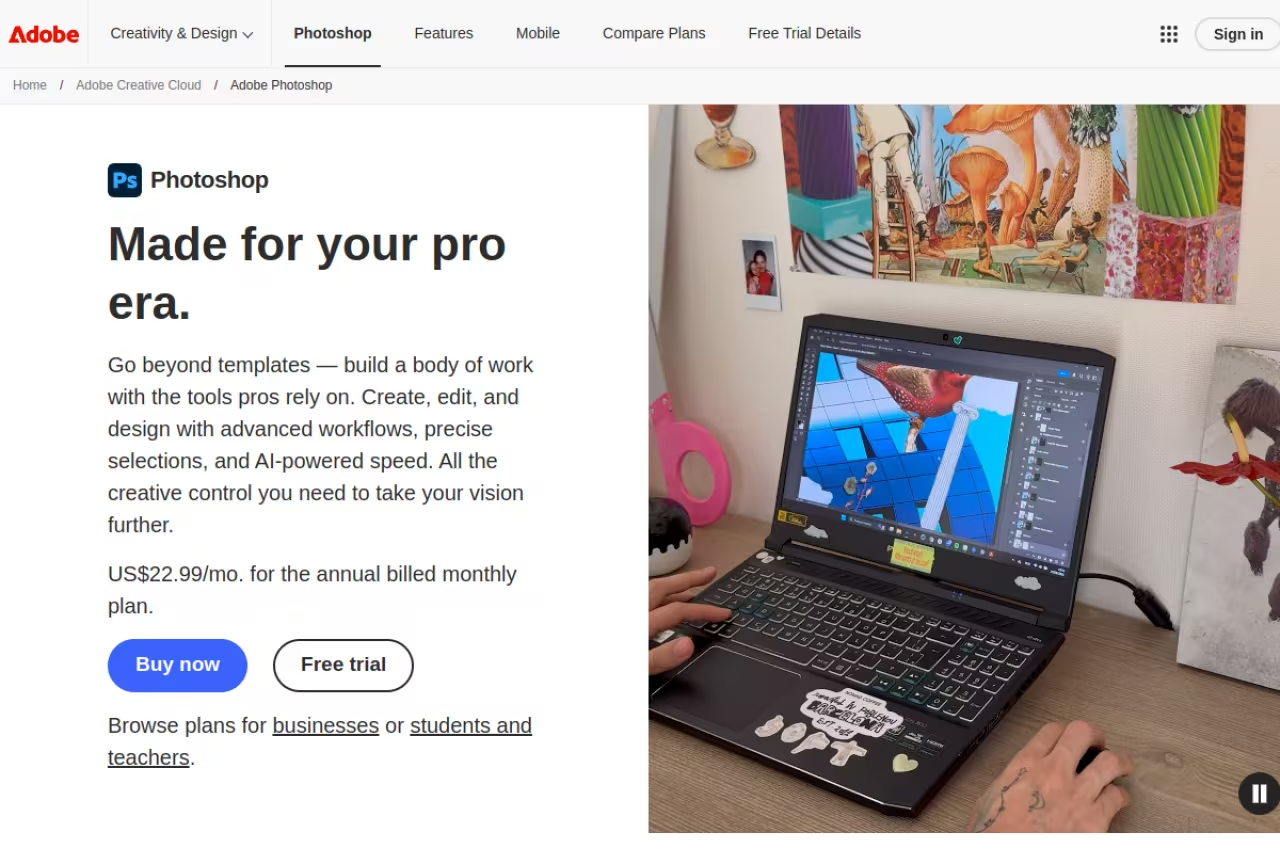
Photoshop is the tool every other one on this list gets compared to, and in 2026 it earned that spot again. The AI work here is no longer a side feature. Generative Fill now lets you feed it a reference image so the result matches a specific look, and the new Harmonize tool blends a pasted element into a scene by matching its lighting and shadows automatically. That used to be 20 minutes of manual dodge-and-burn.
The bigger shift: Photoshop isn't locked to one model anymore. You can run Generative Fill through Adobe's own Firefly (the commercially safe option), Google Gemini 3 for character consistency, or Black Forest Labs FLUX.2 for photoreal results with clean text. Being able to pick the engine per task is a real advantage no other editor here matches.
Who it's for: anyone doing detailed retouching, compositing, or commercial work where you need control over every pixel.
Still the ceiling for serious editing, with Generative Fill that lets you pick Firefly, Gemini 3 or FLUX.2 per task. The learning curve is steep, the plan caps generative credits at around 250 a month, and you never own the software.
Pricing: the Photography plan (Photoshop + Lightroom + Lightroom Classic, 20GB) runs $14.99/month, up from $9.99 after Adobe's 2025 hike. The 1TB tier is $21.99/month.
The catch: the learning curve is steep, and your plan includes a monthly cap of around 250 generative credits. Heavy AI users blow through those and pay for more. You also never own it. Stop paying and the app stops opening.

Luminar Neo: the best AI editor you can actually buy
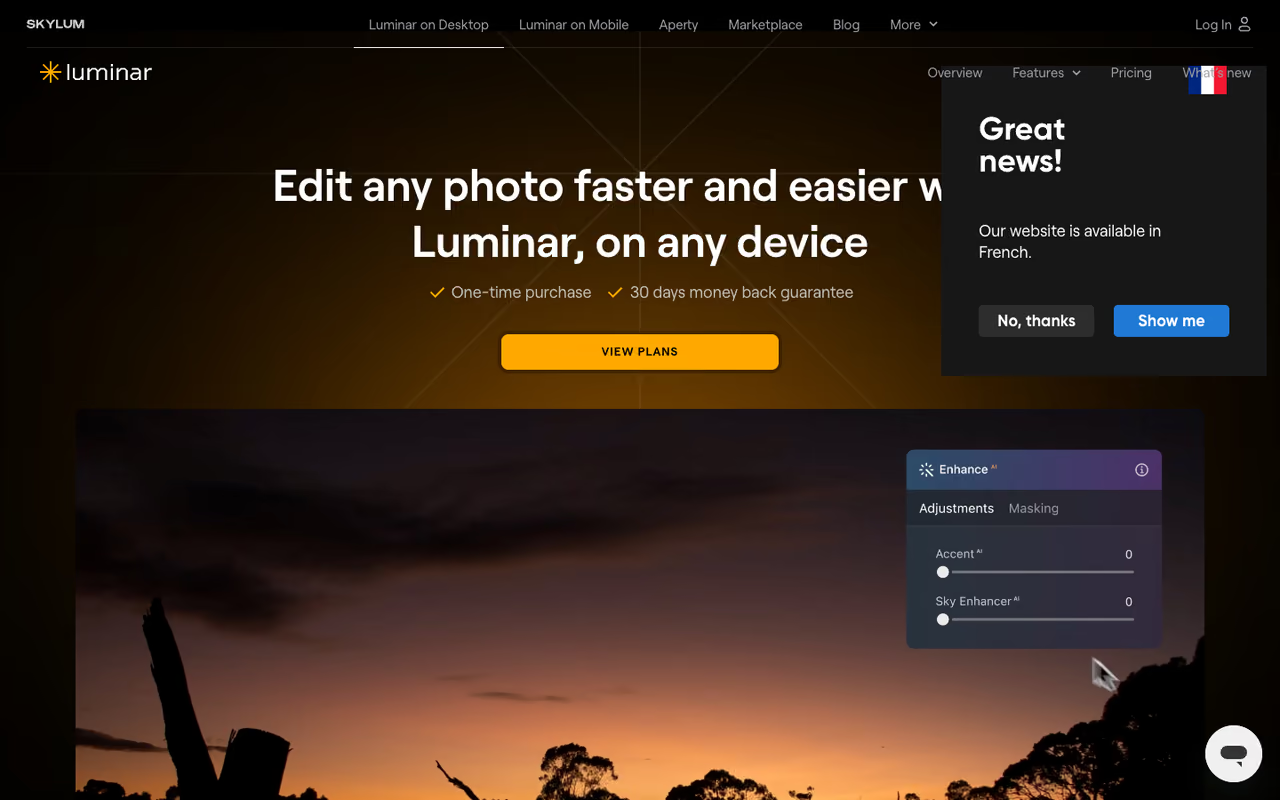
Luminar Neo is what I recommend to people who want serious AI editing without an Adobe subscription hanging over them. It ships with 25+ AI tools: sky replacement, relight, structure, portrait enhancement, background removal, and noise reduction that holds up against dedicated denoise apps. The interface stays friendly even with all that under the hood, which is rare in this category.
What makes it stand out is the ownership model. Skylum has moved new buyers to perpetual licenses and dropped subscriptions entirely. You pay once, the software keeps working forever, and you get a year of updates included.
Who it's for: photographers who want one-click AI results but still want to ride the sliders manually, and who'd rather pay once than rent.
The pick if you want serious AI editing without an Adobe subscription, thanks to a perpetual license and 25+ AI tools. It is a pixel editor rather than a true catalog manager, and major new versions cost extra after your update year.
Pricing: the desktop perpetual license is $119. The cross-device version (desktop + mobile) is $159, and the Max tier with the creative library is $179. Skylum runs heavy sales, so you'll often pay less.
Where it falls short: it's a pixel editor and organizer, not a true catalog DAM like Lightroom. If you manage tens of thousands of images and live in keyword hierarchies, the library side feels thin. And after your update year ends, major new versions cost extra.
Aftershoot: the volume photographer's unfair advantage
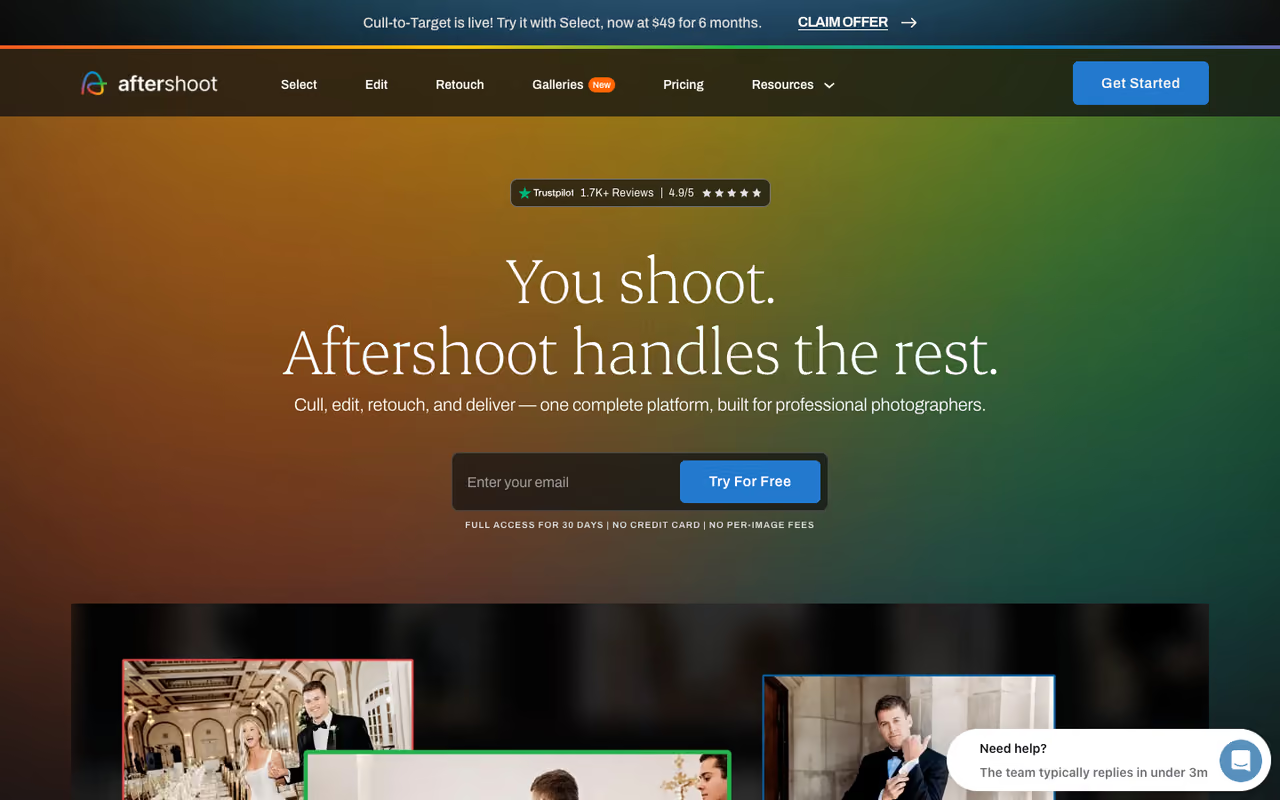
If you shoot weddings, events, or anything that generates thousands of frames per job, Aftershoot is the most useful tool on this entire list. It does three things AI is genuinely good at: culls the gallery (picks the keepers, kills the blinks and blurs), edits in your style, and retouches skin. All of it runs offline on your machine, so nothing gets uploaded to a server.
The part that won me over is how it learns. Point it at your past edited catalogs and it builds a model of your color, exposure, and white balance choices, then applies them across a new shoot. I fed it a 1,400-image set and had a culled, roughly-edited gallery in under an hour. That's a full evening of work gone.
Who it's for: high-volume photographers (weddings, events, real estate, sports) who edit in Lightroom and want to stop drowning in backlog.
The most useful tool here for wedding and event photographers shooting thousands of frames, since it culls, edits in your style and retouches skin offline. Results depend on how good and consistent your past catalogs are.
Pricing: modules start at $10/month for culling alone. The full suite (culling + editing + retouching) is $45/month billed annually, a 25% discount over buying each piece separately. Flat pricing, no per-image fees, and a 30-day trial with no card required.
The catch: it's built for batch consistency, not one-off artistic edits. For a single hero image you'll still finish in Photoshop. And the editing quality depends entirely on how good (and how consistent) your past catalogs are. Garbage in, garbage out.
If you're a founder or operator trying to figure out which AI tools are worth paying for across your whole stack, not just photo work, our Dupple X membership breaks down the tools that actually move the needle.
Imagen AI: Lightroom editing on autopilot
Imagen AI takes a narrower bet than Aftershoot and nails it. It plugs straight into Lightroom Classic and learns your editing style from your back catalog, then applies it to new galleries automatically. Photographers I know who shoot weddings swear by how well it handles skin tones, which is usually where automated editing falls apart.
To get the most from it, you feed it a set of your previously edited catalogs (ideally 3,000 to 5,000 images or more) so the Personal AI Profile has enough to learn from. Once trained, it nails your look with eerie accuracy.
Who it's for: Lightroom Classic loyalists who want consistent edits at scale and don't want to leave their existing workflow.
Pick Imagen if you are a Lightroom Classic loyalist who wants your editing style applied consistently at scale, with strong skin tones. It starts at $0.05 per photo, but it does not cull and only works with Lightroom Classic.
Pricing: pay-as-you-go is $0.05 per photo with a $7 monthly minimum. Extras like cropping, skin smoothing, and subject masking add $0.01 per photo each. There's also a flat unlimited subscription if you shoot enough to justify it.
Where it falls short: it only works with Lightroom Classic, so if you're not already there, this isn't your starting point. And unlike Aftershoot, it doesn't cull, so you're still picking your keepers by hand.

Photoroom: built for product and ecommerce shots
Photoroom is the one I reach for when the job is a product on a background, not a portrait. Its background removal is fast and clean, and the AI staging tools can drop a product into a generated scene, add a shadow, or create a ghost-mannequin effect for apparel. For anyone running a store or selling on marketplaces, it turns a phone snapshot into a usable listing photo in seconds.
Who it's for: ecommerce sellers, resellers, and small brands who need clean product images at volume without a studio.
The tool to reach for when the subject is a product on a background, with fast background removal and AI staging for ecommerce sellers. It is specialized, and the best staging features and watermark-free output need paid tiers starting at $7.99/month.
Pricing: the free plan gives you 250 exports per month with background removal, retouch, and templates (with a watermark on some output). Pro is $7.99/month and unlocks 500 batch exports, Product Staging, Virtual Model, and Ghost Mannequin. Max ($26.99/mo) and Ultra (from $99/mo) scale up for bigger catalogs.
The catch: it's specialized. For portrait retouching or landscape work it's the wrong tool, and the most useful AI staging features sit behind the paid tiers. The free plan watermark also rules it out for serious selling.
Canva Magic Studio: AI editing for people who don't edit
Canva isn't a photo editor first, but its Magic Studio AI tools have gotten good enough that most people never need a dedicated app. Magic Eraser wipes out objects, Magic Expand fills in beyond the frame, Background Remover is one click, and it all lives inside a design tool you're probably already using for social posts and decks.
The 2026 headline is Canva AI 2.0, a conversational interface where you describe an edit in text or voice and it builds editable design objects rather than a flat image. For a marketer or solo founder, that's often all the photo editing you need.
Who it's for: non-designers, marketers, and small teams who want fast edits plus everything else (graphics, video, docs) in one place.
The easy choice for non-designers and marketers who want Magic Eraser, Magic Expand and Background Remover inside a design tool they already use. It is not a RAW editor, the AI runs on credits, and pros will find the precision shallow.
Pricing: the free plan is genuinely usable, with up to 200 standard AI uses or 20 premium AI uses per month. Pro is $15/month (about $12/month billed annually) and adds the full asset library, 500 monthly AI credits, and 100GB of storage.
Where it falls short: it's not a RAW editor and the AI runs on a credit system, so heavy generation users hit limits. Pros will find the precision tools shallow next to Photoshop or Luminar.

Picsart: the strongest mobile and budget pick
Picsart is where I send people who do most of their editing on a phone or who just don't want to spend much. It packs a deep AI toolkit into a mobile-first app: object removal, AI replace, background generation, upscaling, and a huge sticker and template library aimed at social content.
Who it's for: creators editing on mobile, social media managers, and anyone who wants a wide feature set on a small budget.
Go with Picsart if you edit mostly on a phone or want a wide AI toolkit on a small budget, with Pro around $7/month billed annually. The free tier nags you to upgrade, and complex edits lag behind desktop tools.
Pricing: there's a free tier with daily AI limits, and paid plans land around $7/month for Pro billed annually, which removes ads and unlocks unlimited AI tools. Pricing shifts between web, mobile, and monthly versus annual, so check before you commit.
The catch: the free experience is busy with prompts to upgrade, and quality on complex edits lags behind desktop tools. It's built for speed and social output, not print-grade retouching.
ON1 Photo RAW 2026: the no-subscription Lightroom rival
ON1 Photo RAW 2026 is the pick for photographers who want a full Lightroom-and-Photoshop replacement in one app and refuse to rent software. It bundles a file browser, RAW developer, layered editor, and effects suite together, and the 2026 release pushed AI masking, depth lighting, and a Resize AI upscaler.
The 2026 masking update is the real news. One-click subject and background masks with cleaner edges mean far less manual touch-up, and ON1 says the AI selection is up to 3x faster than before.
Who it's for: Adobe refugees who want an owned, all-in-one editor and organizer.
A full Lightroom-and-Photoshop replacement in one app for photographers who refuse to rent software, with a perpetual license from $49.99 on sale. It can feel sluggish on older hardware, and next year's release costs again.
Pricing: a perpetual license starts at $49.99 on sale (higher at full price), or you can subscribe at $79.99/year. Either way it's cheaper than Adobe's plan over time.
Where it falls short: it's a heavy app and can feel sluggish on older hardware. The catalog and syncing tools aren't as polished as Lightroom's, and the perpetual license only covers the version you buy. Next year's release costs again.
How to choose
Don't pick by feature count. Pick by your actual bottleneck.
If your problem is volume (you have a backlog of galleries eating your nights), get Aftershoot or Imagen AI. They attack the right problem: getting from 2,000 raw frames to a finished gallery without manual labor.
If your problem is control (you need precise, creative, print-grade results), it's Photoshop, with Luminar Neo as the cheaper, friendlier runner-up if you want to skip the subscription.
If your problem is product images for a store, go straight to Photoroom. Nothing else here removes backgrounds and stages products as fast.
If your problem is quick creative edits, removing objects, swapping backgrounds, or restyling a shot for social and ads without opening Photoshop: Canva Magic Studio is the fastest option here. If you only need objects removed and want the free limits first, see the best free AI object removers.
If you barely edit and mostly need clean images for social or slides, Canva's free tier or Picsart's mobile app will cover you without a real cost.
And if you want to drop Adobe entirely but keep a full RAW workflow, ON1 Photo RAW 2026 or Luminar Neo are the two perpetual-license options worth your money. For a wider view of what's worth paying for across the AI stack, our roundup of the top AI tools is a good next stop, and if writing is part of your workflow too, see our guide to the best AI tools for creating websites.
FAQ
What is the best AI photo editor in 2026?
For most photographers, it depends on the job. Adobe Photoshop is the best for precise, professional retouching and compositing. Luminar Neo is the best AI-native editor you can buy outright, and Aftershoot is the best for editing high volumes of photos automatically. There's no single winner because these tools solve very different problems.
Is there a free AI photo editor that's actually good?
Yes. Canva's free plan gives you genuinely useful AI tools (Magic Eraser, Background Remover, Magic Expand) with up to 200 standard AI uses a month. Photoroom's free tier handles 250 exports a month for product shots, and Picsart has a free mobile tier with daily AI limits. None match a paid desktop editor, but they cover everyday needs.
Do I still need Photoshop if I use AI photo editors?
If you do commercial retouching, compositing, or any work that needs pixel-level control, Photoshop is still hard to replace. For batch editing, social content, or product photos, tools like Aftershoot, Canva, or Photoroom often finish the job faster. Many photographers run a batch editor for the bulk and keep Photoshop for hero images.
Can AI photo editors replace a professional photo editor?
For consistent, repeatable work (culling, color, exposure, skin tone across a wedding gallery) tools like Imagen AI and Aftershoot get close enough that many pros have stopped outsourcing. For creative, conceptual, or composite work, a human still wins. AI handles the volume; people handle the vision.
What's the cheapest way to get AI photo editing without a subscription?
Buy a perpetual license. Luminar Neo starts at $119 one-time and ON1 Photo RAW 2026 starts around $49.99 on sale. Both include AI tools and keep working after you stop paying, unlike Adobe's plan, which switches off the moment your subscription lapses.
Are AI photo edits safe to use commercially?
It depends on the model. Adobe's Firefly is trained on licensed and public-domain content and is marketed as commercially safe, which is why agencies favor it. Other generative models carry more uncertainty around training data, so for client or commercial work, check the license terms of whichever AI engine you're using before you ship.
Related guides
Some offers on this page may be paid placements or contain affiliate links.
