
The 8 Best AI Meeting Summary Tools in 2026

Key facts8 tools compared: Granola, Fathom, Fireflies, Otter, Avoma, tl;dv, Jamie, Notta
- 8 tools compared: Granola, Fathom, Fireflies, Otter, Avoma, tl;dv, Jamie, Notta
- Granola (best for: Founders, consultants, anyone in back-to-back calls): Free / $14 user/mo
- Fathom (best for: Best free tier, sales teams on a budget): Free / $16 user/mo (annual)
- Fireflies (best for: Cross-tool automation and search): Free / $10 user/mo (annual)
- Otter (best for: Live transcription and quick recaps): Free / $8.33 user/mo (annual)
I sit through a lot of calls. Some weeks it's 20 of them. For years my "notes" were a half-finished doc and a vague memory of who agreed to do what. Then the action items would slip, and I'd spend Friday afternoon reconstructing decisions from Slack threads.
AI meeting summary tools fixed that for me, mostly. They record the call, transcribe it, and hand back a structured summary with action items and the moments that mattered. The problem now isn't whether to use one. It's that there are roughly 40 of them, half are repackaged transcription engines, and the pricing pages all promise the same thing.
The top pick for most people is Granola. It captures notes without dropping a bot into your call, and Business is $14/user/month. New users get the first month free through our Granola link. The right answer still depends on whether you care more about privacy, sales coaching, or never paying a cent. Here's how the eight best break down.
Quick comparison
| Tool | Best for | Price | Standout |
|---|---|---|---|
| Granola | Founders, consultants, anyone in back-to-back calls | Free / $14 user/mo | Bot-free capture, clean summaries |
| Fathom | Best free tier, sales teams on a budget | Free / $16 user/mo (annual) | Unlimited free recording |
| Fireflies | Cross-tool automation and search | Free / $10 user/mo (annual) | 8,000 min storage, integrations |
| Otter | Live transcription and quick recaps | Free / $8.33 user/mo (annual) | Real-time transcript in the room |
| Avoma | Revenue teams wanting coaching | $19 seat/mo (annual) | Conversation + revenue intelligence |
| tl;dv | Multilingual teams, video clips | Free / $18 user/mo (annual) | Shareable highlight reels |
| Jamie | Privacy-first, no bot at all | Free / €21/mo | Local audio capture, EU hosting |
| Notta | Heavy multilingual transcription | Free / paid tiers | 58 languages, real-time translation |

Granola: the one I keep recommending
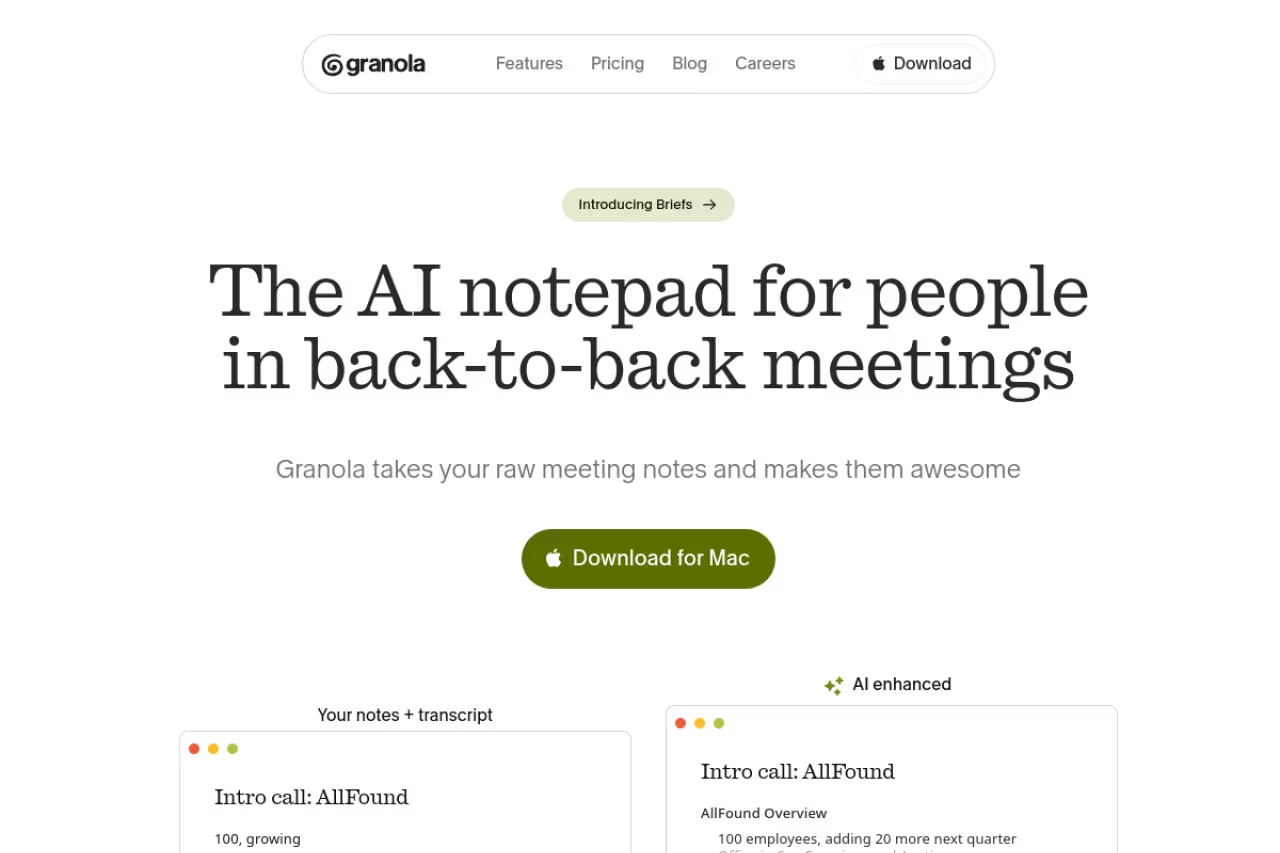
Granola takes a different approach than most tools on this list. Instead of sending a bot to join your meeting, it listens to your computer's audio in the background and merges that transcript with notes you jot down yourself. The result feels less like a robot transcript and more like the notes you'd have written if you had a second brain.
Who it's best for: Founders, consultants, and anyone running a dense calendar where dropping a visible "Granola Notetaker" into every call would be awkward. It works the same across Zoom, Meet, Teams, or an in-person conversation, because it's just capturing system audio.
The one I keep coming back to for founders and consultants who do not want a visible bot in every call. It merges system audio with your own notes and works across Zoom, Meet, Teams and in person.
The free Basic plan covers AI notes with limited history and works fine for light use. Business is $14/user/month and unlocks unlimited history, advanced reasoning models, and integrations with Notion, HubSpot, Slack, and Attio. Enterprise runs $35/user/month with SSO and admin controls.
The standout: The AI chat across your meeting history. You can ask "what did this client say about budget last quarter" and it pulls from every past call. The templates also adapt to context instead of forcing one format on every meeting.
The catch: Because it relies on local audio capture, there's no separate bot recording you can revisit if your machine glitches mid-call. And the free tier's limited history fills up fast if you're in meetings all day. You'll want the paid plan within a week.

Fathom: the best free tier nobody beats
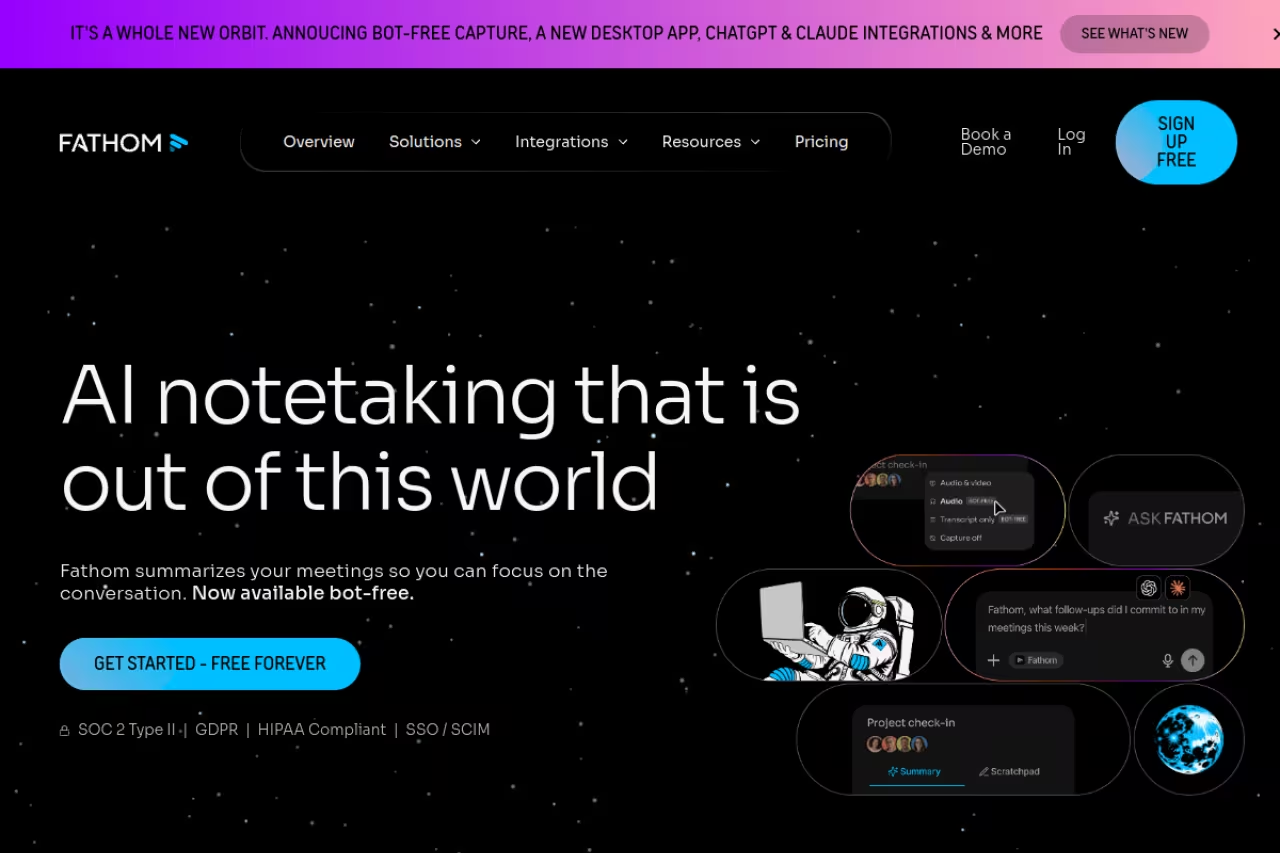
Fathom gives away more on its free plan than most competitors charge for. Unlimited recordings, unlimited transcriptions, instant AI summaries, and action item extraction, all at zero cost for individual users. I've recommended it to dozens of solo founders who refuse to pay for meeting software, and none of them have complained.
Who it's best for: Individuals and small teams who want a real notetaker without a subscription, plus sales teams who'll eventually want the templated summaries.
Pick Fathom if you want a real notetaker without a subscription. The free plan gives unlimited recordings, transcripts, summaries and action items, and sales teams can add templated summaries later.
Free forever for the core features. Premium is $16/user/month annually ($20 monthly) and adds 15+ expert summary templates (BANT, Sandler, MEDDIC) and a conversational assistant. Team plans start at $15/user/month annually, and the Business tier at $25/user/month annually adds CRM field sync and AI scorecards for coaching.
The standout: Speed. Summaries land within about 30 seconds of the call ending, and the clip feature lets you grab a 20-second moment and share it without exporting the whole recording.
Where it falls short: The free tier is generous on recording but thin on the advanced summary formats. If you want sales-specific frameworks or CRM sync, you're paying for it. The interface also leans toward sales use cases, so a research team might find the templates irrelevant.

Fireflies: the automation hub
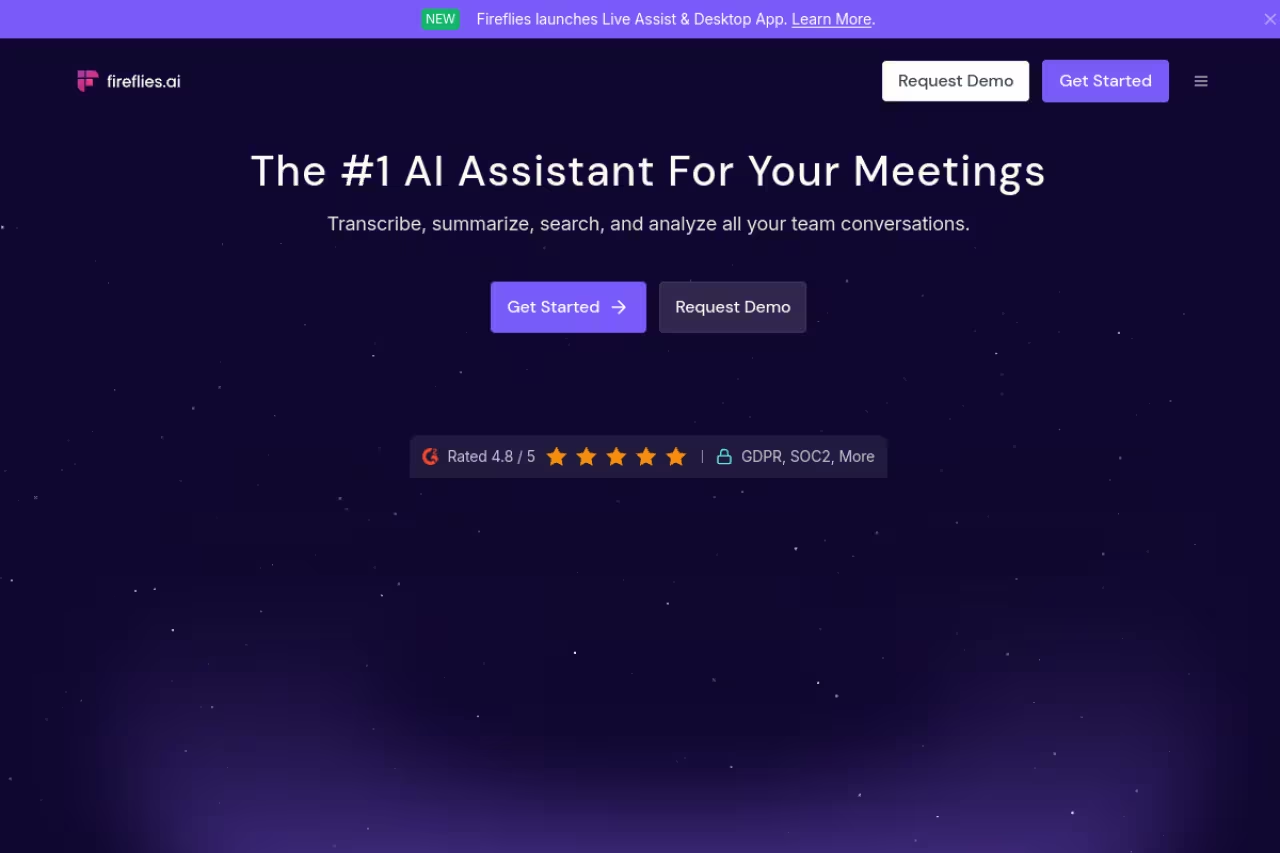
Fireflies.ai is less a notetaker and more a connective layer between your meetings and the rest of your stack. It records, transcribes, summarizes, and then pushes that data into Salesforce, HubSpot, Slack, Notion, and 40 other places. If your problem is that meeting insights die in a transcript nobody reads, Fireflies routes them where people actually work.
Who it's best for: Teams that live in multiple tools and want meeting data flowing into their CRM and project boards automatically.
Less a notetaker, more a connective layer that routes meeting insights into Salesforce, HubSpot, Slack and Notion. A smart choice for teams spread across many tools, though free storage is capped per team.
Free plan gives unlimited transcription but caps storage at 400 minutes per team. Pro is $10/user/month annually ($18 monthly) with 8,000 minutes of storage per seat and 20 AI credits. Business at $19/user/month annually adds conversation intelligence and team analytics. Enterprise is $39/user/month with HIPAA compliance and SSO.
The standout: Search. Fireflies indexes every word across every meeting, so you can find that one comment about pricing from three months ago in seconds. The AI credits also let you run custom prompts across your call library.
The catch: The free tier's 400-minute team storage cap fills up almost immediately, so it's more of a trial than a real free plan. And per-seat costs climb fast for large teams when only some reps need the full feature set. The summary quality is solid but not noticeably better than Fathom's.
Before the rest of the list, a quick aside. If you're stitching meeting tools into a broader AI workflow, Dupple X gives you one subscription across the major models so you're not paying for ChatGPT, Claude, and Gemini separately just to process transcripts and draft follow-ups.

Otter: live transcription you can read in the room
Otter.ai is the veteran here, and its strength is still real-time. The transcript scrolls live during the call, which is genuinely useful when you join late or need to scan back without interrupting. Otter has leaned harder into AI workflows lately, but the live transcript remains the reason to pick it.
Who it's best for: People who want to read along during meetings, take notes from lectures or interviews, and get a quick recap afterward.
The veteran for people who want to read along live, take notes from lectures or interviews, and get a quick recap. Real-time transcription is the reason to pick it, and the free plan is limited.
Free Basic gives 300 transcription minutes per month with limited AI chat. Pro is $8.33/user/month annually ($16.99 monthly) with 1,200 monthly minutes. Business runs $19.99/user/month annually ($30 monthly) with unlimited meetings and longer call support up to four hours.
The standout: The OtterPilot assistant joins calls automatically based on your calendar, and the live transcript with speaker labels is still the cleanest in real time.
Where it falls short: The 300-minute free cap is tight, roughly five hours of meetings a month. Otter has also pushed aggressive add-ons and email outreach over the years, which some users find annoying. The summaries are fine but feel more generic than Granola's or Fathom's.

Avoma: built for revenue teams
Avoma is where AI notes meet a sales operating system. Beyond summaries, it scores calls, tracks talk-to-listen ratios, flags deal risk, and feeds forecasting. If you run a sales org and want coaching baked into the same tool that takes notes, Avoma is purpose-built for it.
Who it's best for: Sales and customer success teams that need conversation intelligence, not just a transcript. If most of your calls are revenue-driven, it's worth reading our roundup of generative AI for sales alongside this.
Purpose-built for sales and customer success teams that want call scoring, deal risk and coaching in the same tool as notes. Conversation and revenue intelligence are paid add-ons, so the real cost runs higher than the headline plan.
The Startup plan is $19/seat/month annually ($29 monthly) for up to 25 seats. Organization is $24/seat/month annually. Conversation Intelligence and Revenue Intelligence are add-ons at $29/seat/month each on annual billing, and there's a 14-day free trial of the full Organization plan.
The standout: The coaching layer. Auto call scoring and custom scorecards mean managers can review rep performance without sitting in on every call. It's closer to a budget Gong than a simple notetaker.
The catch: It's overkill for small teams or anyone who just wants meeting notes. The add-on pricing stacks up quickly, and the interface has a learning curve that a solo consultant won't want to climb. This is a team tool, not a personal one.

tl;dv: video clips and multilingual coverage
tl;dv wraps a notetaker around a video recorder. It captures the full video of your call, labels speakers, and lets you cut shareable highlight reels, which is handy when you need to show a stakeholder a specific exchange rather than send a wall of text.
Who it's best for: Distributed teams that work across languages and want video moments they can drop into Slack or a doc.
A good fit for distributed, multilingual teams that want shareable highlight reels more than a wall of text. The free plan is generous, with transcription across more than 30 languages.
The free plan is unusually generous: unlimited meetings, unlimited transcription in 30+ languages, and 10 AI meeting notes. Pro is $18/user/month annually ($22 monthly) for unlimited notes, integrations, and global transcript search. Business is $59/user/month with team analytics and SSO.
The standout: The clip and reel feature, plus transcription across more than 30 languages on the free plan. For async, video-heavy teams it's the most shareable option here.
Where it falls short: The jump from Pro to Business is steep at $59/user/month, which prices out smaller teams that want analytics. And the video focus means it stores more data than a text-only tool, so it can feel heavy if all you want is a quick summary.

Jamie: the privacy-first pick
Jamie is the answer for anyone uncomfortable with a bot joining the call or data leaving the EU. It captures your device's system audio locally instead of sending a participant into the meeting, and it's GDPR compliant with EU hosting. No awkward "an unknown bot has joined" moment.
Who it's best for: Privacy-conscious teams, regulated industries, and people who simply don't want a visible recorder in every call.
The privacy-first pick for teams uncomfortable with a bot in the call or data leaving the EU. Local capture, GDPR compliance and EU hosting are the draw, but the free tier is tightly limited.
Free covers 10 meetings per month with a 30-minute limit. Plus is €21/month annually for 20 meetings. Pro is €39/month annually for unlimited meetings and enterprise integrations like Salesforce and HubSpot. Team is €33/seat/month for 2+ users.
The standout: Bot-free, local capture with serious privacy posture (ISO 27001, DPAs at the enterprise tier). It also handles in-person meetings well since it's just listening to your mic.
The catch: The 30-minute cap on the free tier is short for most real meetings, and pricing in euros means it can feel pricier than dollar-denominated rivals depending on the exchange rate. Integrations are thinner than Fireflies on the lower tiers.

Notta: multilingual transcription at scale
Notta leans into language coverage. It supports 58 languages with real-time transcription and translation, which makes it a strong fit for teams running calls across regions where the speakers don't share a first language.
Who it's best for: International teams, anyone transcribing interviews or calls in non-English languages, and users who need translation alongside the summary.
Go with Notta when language coverage matters most, since it offers real-time transcription and translation in 58 languages. Summary quality and polish trail the dedicated notetakers, and you should verify current pricing.
A free tier with monthly transcription minutes, then paid plans that scale up minutes, file imports, and AI summary features. Verify the current numbers on Notta's pricing page before committing, since the tiers shift.
The standout: Real-time translation paired with transcription in 58 languages. Few tools on this list match its raw language breadth.
Where it falls short: The summary quality and meeting-assistant polish trail the dedicated notetakers like Granola and Fathom. Notta is a transcription engine first and a summary tool second, so if your meetings are all in English, you're paying for breadth you won't use.
How to choose the right one
Start with one question: do you want a bot in your meetings or not? If a visible recorder is a dealbreaker, your shortlist is Granola or Jamie, both of which capture audio locally. If you don't mind a bot, the field opens up.
Then weigh these three:
- Budget first? Fathom's free tier is unbeatable for individuals. tl;dv's free plan wins for multilingual video.
- Sales team? Avoma for coaching and revenue intelligence, Fireflies if you mainly need CRM sync and search.
- Just want clean notes? Granola for the best summaries, Otter if you need a live transcript during the call.
One practical tip: test two tools on the same real meeting for a week. Summaries vary more than the marketing suggests, and the only way to know which "voice" matches how you think is to read them side by side. If you're assembling a broader stack, our guides to the best AI meeting assistants, AI document summarizers, and AI tools for productivity cover adjacent tools, and the full top tools directory is worth a scan.
For teams already running an AI workflow, pairing a notetaker with a multi-model subscription like Dupple X means your transcripts feed straight into whatever model you use to draft follow-ups, without juggling four separate bills.
FAQ
What is the best AI meeting summary tool in 2026?
For most people, Granola is the best overall pick because it captures notes without a bot, produces clean structured summaries, and costs $14/user/month. If you want the strongest free option, Fathom gives unlimited recordings and summaries at no cost. Sales teams that need coaching should look at Avoma instead.
Are AI meeting summary tools accurate?
Transcription accuracy on the leading tools sits in the mid-to-high 90s for clear English audio, and summaries are reliable for capturing decisions and action items. Accuracy drops with heavy accents, crosstalk, poor microphones, or technical jargon. Most tools let you add a custom vocabulary to improve recognition of product names and acronyms.
Do AI notetakers join meetings as a bot?
It depends on the tool. Fireflies, Otter, Fathom, and tl;dv typically send a visible bot that appears as a participant. Granola and Jamie instead capture your computer's system audio locally, so nothing joins the call. If a bot in the meeting is a privacy or etiquette concern, choose a local-capture tool.
Is it legal to record meetings with an AI notetaker?
Recording laws vary by region. Many places require consent from at least one party, while others (like several US states and the EU under GDPR) require all participants to consent. The safe practice is to announce that the meeting is being recorded and summarized, and to let people opt out. Check your local regulations before recording client or external calls.
Which AI meeting tool has the best free plan?
Fathom has the most generous free tier: unlimited recordings, unlimited transcriptions, and AI summaries at zero cost for individuals. tl;dv is the best free option for multilingual and video-heavy teams, with unlimited meetings and transcription in 30+ languages. Otter's free plan caps you at 300 minutes per month, which is tighter.
Can these tools integrate with my CRM and project tools?
Yes, most do. Fireflies and Avoma offer the deepest CRM sync into Salesforce and HubSpot, including automatic field updates. Granola integrates with Notion, HubSpot, Attio, and Slack on paid plans. Otter and Fathom push summaries and action items into common project and CRM tools, though the depth varies by tier.
Related guides
Some offers on this page may be paid placements or contain affiliate links.
Across our whole catalogue the median is $24 a month and 33% of tools advertise a free tier. Figures are the lowest recurring monthly price quoted in our own review of each tool, read on 2026-08-19. Full method and every category.
