
The Best AI Email Writers in 2026 (With Real Pricing)

Key facts8 tools compared: Shortwave, Superhuman, Fyxer, Lavender, MailMaestro, Grammarly, Gemini in…
- 8 tools compared: Shortwave, Superhuman, Fyxer, Lavender, MailMaestro, Grammarly, Gemini in Gmail, Copy.ai
- Shortwave (best for: Gmail power users): Free / $24 Business
- Superhuman (best for: Speed-obsessed execs): $33 / $40 Business
- Fyxer (best for: Gmail + Outlook teams): Free / $49 Pro
- Lavender (best for: Sales reps): Free / $29 Starter
I write somewhere north of 40 emails a day, and for years the bottleneck was never the typing. It was the stalling. Staring at a blank reply box, rewriting the same "just circling back" five times, second-guessing the tone of a touchy client message. That dead air adds up to real hours.
AI email writers fix the staring problem, but most of them are mediocre. They pad three sentences into six, sound like a press release, and need so much copy-pasting that you might as well have written it yourself. Comparing more than a dozen across Gmail and Outlook, only a handful look like they'd actually save time instead of creating a new editing job.
My top pick for most people is Shortwave, an AI-native Gmail client that drafts replies in your voice and searches your inbox in plain English. But the right tool depends a lot on what you do all day. A salesperson cold-emailing prospects needs something very different from an exec drowning in internal threads. Below is what I'd actually pay for in 2026, with verified pricing and the catch on each.
Quick comparison
| Tool | Best for | Price (monthly) | Standout |
|---|---|---|---|
| Shortwave | Gmail power users | Free / $24 Business | Plain-English inbox search + AI drafts |
| Superhuman | Speed-obsessed execs | $33 / $40 Business | Keyboard-first triage, Auto Drafts |
| Fyxer | Gmail + Outlook teams | Free / $49 Pro | Auto-sorts and drafts overnight |
| Lavender | Sales reps | Free / $29 Starter | Real-time email scoring + coaching |
| MailMaestro | Outlook drafting | Free / $15 Pro | Successor to Flowrite, both clients |
| Grammarly | Polishing what you wrote | Free / $30 Pro | Tone + rewrite quality |
| Gemini in Gmail | Workspace teams | From $7/user | Built into Gmail, no extra app |
| Copy.ai | Bulk sales sequences | $49 Starter | Generates full email workflows |

Shortwave: the AI Gmail client I keep coming back to
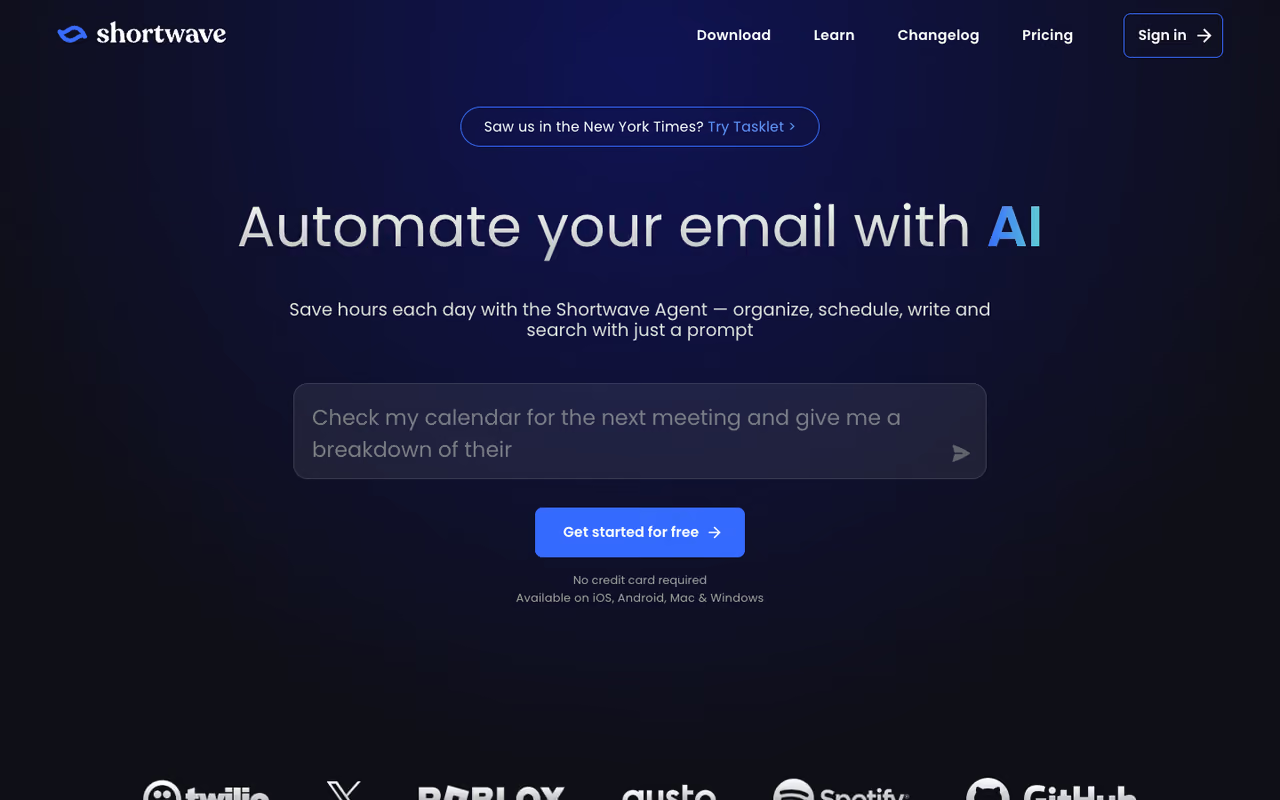
Shortwave rebuilt Gmail from the ground up with AI baked into the core, not bolted on as an extension. You ask it to "draft a polite no to this vendor" and it writes something that sounds like you, pulling context from the actual thread. The part that won me over is search: typing "the contract Sarah sent in March about renewals" and getting the right email back, instead of guessing keywords.
The AI Gmail client for anyone who lives in Gmail and answers a high volume of threads, with drafts that sound like you and search that finds the right email. It is Gmail-only, so Outlook and Microsoft 365 shops are out.
The AI assistant can summarize long chains, schedule sends, and bulk-triage your inbox with natural-language filters.
Pricing has a genuinely useful free tier. Paid plans run $24/seat/month for Business, $36 for Premier, and $100 for Max, all billed annually, with a 14-day trial (Shortwave pricing). The free plan keeps core features but caps AI usage.
The catch: it's Gmail-only. No Outlook, no Microsoft 365. If your company runs on Office, Shortwave is off the table no matter how good it is. The AI search history also shrinks on cheaper tiers, so heavy searchers get nudged toward pricier plans.

Superhuman: built for people who measure their day in minutes
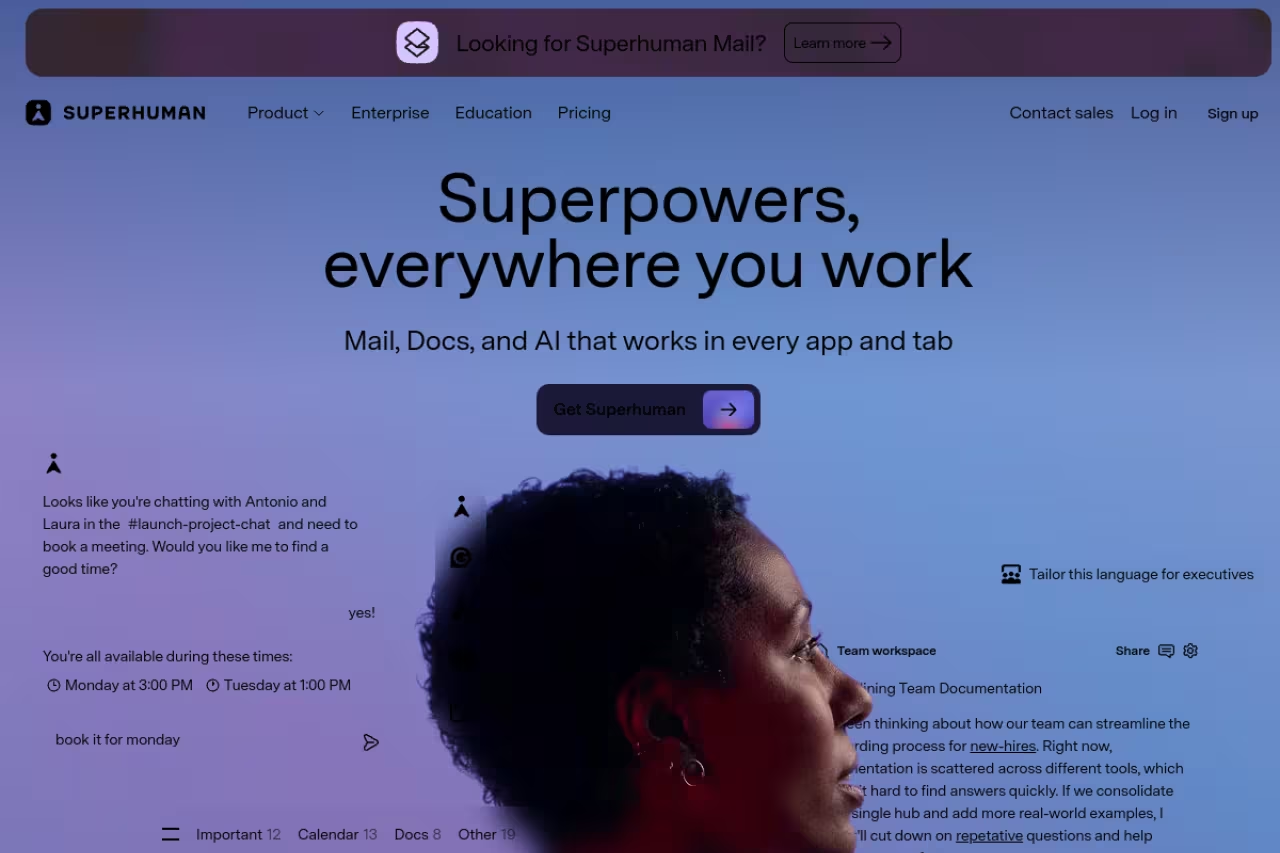
Superhuman is the email client for people who treat their inbox like a race. Everything is keyboard-driven, the interface is fast to the point of feeling unfair, and the AI now does real work: Ask AI answers questions about your inbox, and Auto Drafts writes replies before you even open the thread.
Built for founders, execs and account managers who process hundreds of emails and care about speed more than price, and it works with both Gmail and Outlook. The best AI sits on the $40 Business tier, and the shortcuts take effort to learn.
Works with both Gmail and Outlook, which Shortwave can't claim.
Pricing is $30/user/month billed annually ($33 monthly) for the Starter plan, and $40/month for Business, which unlocks Auto Drafts, custom auto-labels, and Salesforce and HubSpot integrations (Superhuman pricing).
The catch: the best AI features sit on the $40 Business tier, so the real cost is higher than the headline $30. And there's a learning curve. Superhuman expects you to learn its shortcuts, and if you don't, you're paying a premium for an inbox that feels like everyone else's. It's overkill for anyone with a quiet inbox.
Fyxer: the assistant that works while you sleep
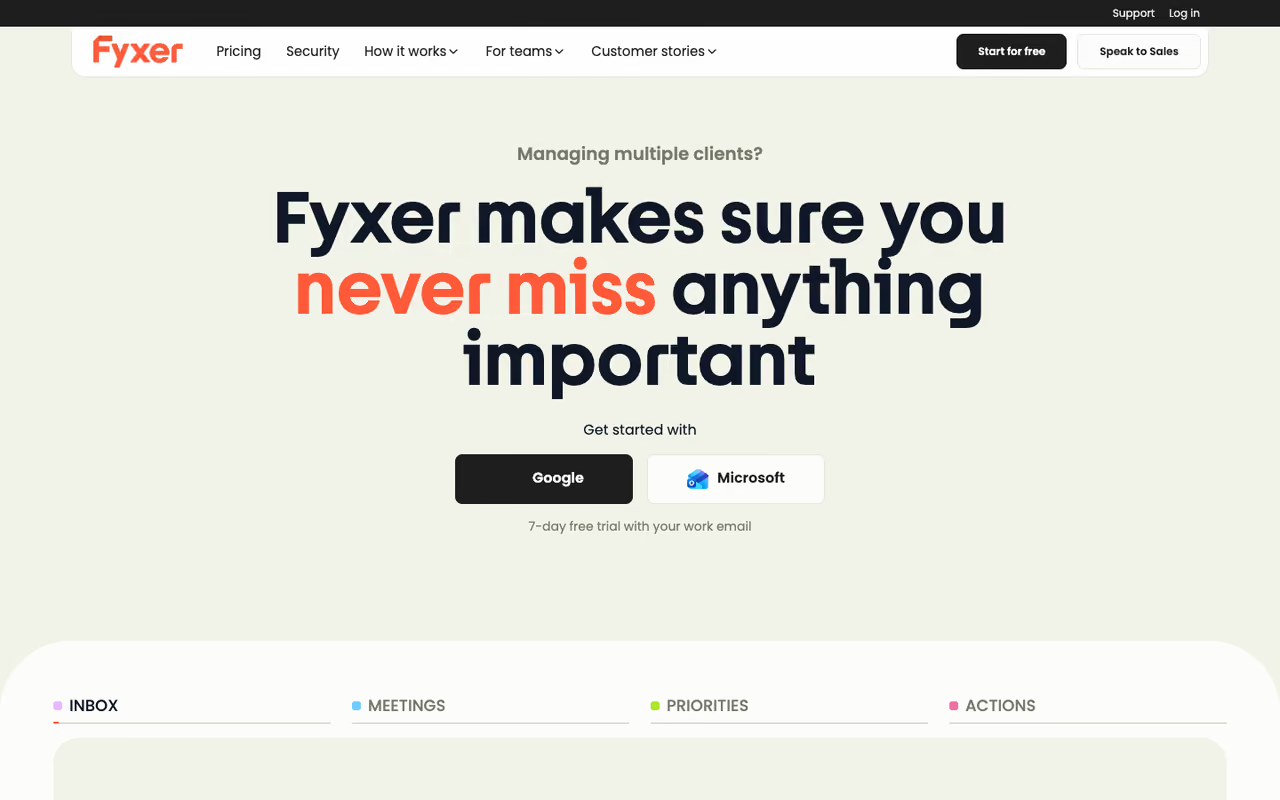
Fyxer takes a different angle. New users get 20% off through our Fyxer link. Instead of being a new inbox, it sits on top of your existing Gmail or Outlook and acts like a chief of staff. Overnight it sorts your email into categories, drafts replies in your tone for the ones that need a response, and takes notes in your meetings. You wake up to a triaged inbox and ready-to-edit drafts.
It's best for busy operators and small teams who don't want to switch clients but do want the inbox handled. The drafts genuinely learn your style after a week or so of corrections.
A different take on email AI, working on top of Gmail or Outlook to triage and draft overnight. Best for busy operators and small teams, and Pro is $49 per person per month, so the cost climbs for larger groups.
Pricing is $49 per person per month for Pro ($32 billed annually), which adds replies drafted in your tone and automatic inbox labelling, and $99 for Team ($64 annually), which adds shared spaces, shared follow-ups and team reporting. There's a free plan with a small credit allowance and a 14-day free trial on the paid plans (Fyxer pricing).
The catch: no free tier means you're committing real money to find out if the drafts match your voice. Early drafts can be generic until it has enough of your sent mail to learn from, and giving an AI write access to your whole inbox is a trust call some teams won't make.
If you're building an AI-assisted workflow across your whole stack, not just email, our roundup of the best AI agents covers tools that go further than the inbox.

Lavender: the only one a salesperson should care about
Lavender isn't trying to manage your inbox. It's a coach. As you type a sales email, it scores it 0 to 100 on length, tone, reading level, and personalization, then suggests rewrites to lift your reply rate. Its newer agent, Ora, drafts whole emails from a prospect's profile.
The one a salesperson should care about: it coaches cold emails with a live 0 to 100 score and suggests rewrites to lift reply rates. It is narrow on purpose, so the scoring nags on normal work email and it is wrong for anything but sales.
The live scoring trained me to cut my emails in half, which did more for replies than any template ever did.
Pricing starts with a free plan limited to a handful of emails a month. Paid tiers are Starter at $29/month, Pro at $49/month, and Teams at $69/user/month, with roughly 20% off annual billing. That's cheap for a sales tool.
The catch: it's narrow on purpose. Lavender is built for cold and prospecting email, not internal comms or customer support. Run it on a normal work email and the scoring nags you about "personalization" that doesn't apply. For sales it's the best in class; for anything else it's the wrong tool.
For the bigger picture on AI in revenue work, see our guide to ChatGPT for sales, which pairs well with a coaching tool like this.
MailMaestro: where Flowrite went
If you remember Flowrite, this is its new home. Maestro Labs acquired Flowrite in 2025 and folded it into MailMaestro, an AI email assistant that works as a Gmail Chrome extension and a native Outlook add-in. You give it a few bullet points and it writes a full, properly formatted email. It also summarizes long threads and rewrites your drafts on demand.
It's best for Outlook users, who get fewer good options than Gmail people do, and anyone who wants solid drafting without changing email clients.
The home of Flowrite and a solid choice for Outlook users who get fewer good options. The catch is the free plan, whose 3 requests a week run out almost immediately, so Professional at $15/month is the realistic tier.
Pricing is friendly. A free plan covers 3 AI requests a week plus a 14-day full-feature trial, and Professional is $15/month ($12 billed annually) (MailMaestro pricing).
The catch: the free plan's 3-requests-a-week limit runs out almost immediately if email is a real part of your job. It's a drafting helper, not an autonomous assistant, so you're still the one deciding what to write and when to send.

Grammarly: still the best at making your words better
Grammarly survived the AI shift by becoming more than a spell-checker. It now rewrites for tone, shortens rambling paragraphs, and adjusts formality, all inside Gmail, Outlook, and basically any text box on the web. When I want my own draft sharpened rather than written for me, this is what I reach for.
Still the best at sharpening what you already wrote, especially for non-native English speakers writing to demanding audiences. It will not draft from scratch as well as the dedicated tools, and month-to-month billing at $30 badly overpays versus $12 annual.
The free plan now includes 100 AI prompts a month for grammar, tone, and basic rewriting. Grammarly Pro is $12/month billed annually (or $30 month-to-month) and includes 2,000 AI prompts (Grammarly pricing).
The catch: Grammarly improves what you already wrote, it doesn't draft from scratch nearly as well as the dedicated tools above. The monthly price of $30 is steep next to the $12 annual rate, so the casual user paying month-to-month overpays badly.
Gemini in Gmail: free if you already pay Google
If your company is on Google Workspace, you may already own a capable AI email writer and not know it. Gemini's "Help me write" lives right in the Gmail compose window. It drafts, rewrites, shortens, and changes tone without a single extra subscription or extension.
It's best for Workspace teams who want decent AI drafting with zero added cost or new vendor to manage.
As of 2026, Gemini is bundled into paid Workspace plans rather than sold as an add-on. Business Starter is $7/user/month with Gemini in Gmail, and Business Standard at $14/user/month extends it across Docs, Sheets, and Meet (Workspace pricing).
The catch: it's good, not great. The drafts are competent but generic, and it doesn't learn your voice the way Fyxer or Shortwave do. There's no deep inbox search or autonomous triage here. It's the safe default, not the best result.
The free default if your company is on Google Workspace, since Help me write is already in the compose window. It is good, not great: drafts are generic and it does not learn your voice like Fyxer.

Copy.ai: for sending the same email a thousand ways
Copy.ai is the odd one out because it isn't an inbox tool. It's a go-to-market platform that generates entire email sequences, then automates them: gather a lead, score it, kick off a personalized series. If your problem is volume rather than individual replies, this is the category.
It's best for marketing and sales teams running outbound at scale who need many variations fast.
A go-to-market engine rather than an inbox tool, suited to marketing and sales teams running outbound at scale who need many email variations fast. It is overkill for personal email, and the output needs heavy editing to sound human.
Pricing starts at $49/month for the Starter plan with unlimited words and one seat. The Advanced plan is $249/month for up to 5 seats and workflow credits, and there's no traditional free plan anymore, though 90-plus free single-purpose tools remain (Copy.ai pricing).
The catch: this is overkill for personal email. You're paying for a campaign engine, and the output needs heavy editing before it sounds human. Solo users and anyone who just wants better one-to-one replies should look elsewhere on this list.
If you want a single subscription that bundles tools like these instead of paying for each one, Dupple X packages premium AI access into one plan, and our top AI tools directory is a good place to compare the field.
How to choose
Skip the feature checklists and answer one question first: do you want AI inside your inbox, or do you want a new inbox?
If you want a new, faster inbox and you're on Gmail, pick Shortwave. If you're on Outlook or want the absolute fastest keyboard experience across both, pick Superhuman, knowing the good AI is on the $40 tier.
If you want to keep your current email but have an assistant handle it, Fyxer is the one, as long as you're comfortable giving an AI access to your mailbox. If you mostly need better drafts without changing anything, MailMaestro (especially on Outlook) or Grammarly (for polishing) cost the least.
Sales is its own world. For one-to-one outreach, Lavender at $29/month is the obvious pick. For high-volume campaigns, Copy.ai is built for it. And if you're already paying for Google Workspace, try Gemini in Gmail before spending a cent more. It might be enough.
One more honest note: every AI draft still needs a human read before it sends. The tools that save the most time are the ones you trust enough to edit lightly, not the ones you have to rewrite. That trust comes from how well they learn your voice, which is exactly where the free trials earn their keep.
Want a single plan that bundles the AI tools above instead of stacking subscriptions? Try Dupple X free for a year.
FAQ
What is the best AI email writer in 2026?
For most people, Shortwave is the best AI email writer because it combines high-quality drafts in your own voice with plain-English inbox search, and it has a real free tier. The catch is it only works with Gmail. Outlook users should look at Superhuman or MailMaestro instead.
Is there a free AI email writer that's actually good?
Yes. Shortwave, Lavender, MailMaestro, Grammarly, and Gemini in Gmail all have free tiers worth using. Shortwave's free plan keeps core inbox features, Lavender's free coach is enough for light cold emailing, and Gemini in Gmail is effectively free if you already pay for Google Workspace.
What's the best AI email tool for sales outreach?
Lavender is the best AI tool for one-to-one sales emails. It scores your draft in real time and coaches you toward higher reply rates, starting at $29/month. For high-volume outbound campaigns and full sequences, Copy.ai is built for scale, though it needs more editing.
Do AI email writers work with Outlook or only Gmail?
It depends on the tool. Shortwave is Gmail-only. Superhuman, Fyxer, MailMaestro, and Grammarly all support both Gmail and Outlook. If you're on Microsoft 365, MailMaestro's native Outlook add-in and Superhuman are your strongest options.
How much should I expect to pay for an AI email writer?
Most quality AI email tools run $12 to $40 per user per month. Drafting helpers like MailMaestro and Grammarly Pro start around $12 to $15 billed annually. Full AI inboxes like Superhuman and Fyxer land at $30 to $50 month to month. Sales tools like Lavender start at $29. Several have free tiers, so try before committing.
Will an AI-written email sound robotic?
It can, especially out of the box. Tools that learn from your sent mail, like Fyxer and Shortwave, sound more natural after a week or two of corrections. Generic tools produce stiffer drafts. Either way, always read and lightly edit before sending. The best results come from AI drafting plus a quick human pass.
Related guides
Some offers on this page may be paid placements or contain affiliate links.
