
The Best AI Dubbing Tools in 2026 (Compared and Ranked)

Key facts7 tools compared: HeyGen, ElevenLabs, Rask AI, Synthesia, Dubverse, Camb.ai, Deepdub
- 7 tools compared: HeyGen, ElevenLabs, Rask AI, Synthesia, Dubverse, Camb.ai, Deepdub
- HeyGen (best for: Talking-head video with lip sync): $24/mo
- ElevenLabs (best for: Audio-only dubbing, voice realism): $6/mo (Starter)
- Rask AI (best for: Creators dubbing at volume): $60/mo
- Synthesia (best for: Corporate / L&D video): $19/mo
Dubbing used to mean a studio, a translator, voice actors, and a few thousand dollars per language. Now you upload a video, pick a target language, and get a watchable dub back in minutes. The catch is that "watchable" covers a huge range, from "this could pass for native" to "the lips never match and the voice sounds like a customer service bot."
This guide compares the tools everyone recommends against the same kind of English clips: a talking-head explainer, a product demo, a short interview. The gap between them is real. Some nail lip sync and fall apart on voice. Some clone a voice beautifully but can't move the mouth. A few do both and charge accordingly.
If you want the short version: HeyGen is my top pick for most people who need talking-head video dubbed with lip sync, and ElevenLabs wins if you only care about audio and want the most natural voice. The rest depend on your budget, your languages, and whether you're a solo creator or a studio. Here's the full breakdown.
Quick comparison
| Tool | Best for | Price (from) | Standout |
|---|---|---|---|
| HeyGen | Talking-head video with lip sync | $24/mo | Tight lip sync, 175+ languages |
| ElevenLabs | Audio-only dubbing, voice realism | $6/mo (Starter) | Most natural AI voices |
| Rask AI | Creators dubbing at volume | $60/mo | 135+ languages, multi-speaker |
| Synthesia | Corporate / L&D video | $19/mo | Brand-safe, avatar + dubbing combo |
| Dubverse | Indian and Asian languages on a budget | $18/mo | Cheap, strong Hindi/Tamil/Telugu |
| Camb.ai | Cinematic and broadcast quality | API / custom | Expressive MARS voices, 150+ languages |
| Deepdub | Film, TV, streaming localization | Custom (enterprise) | Hollywood-grade emotion preservation |

HeyGen: best overall for video dubbing
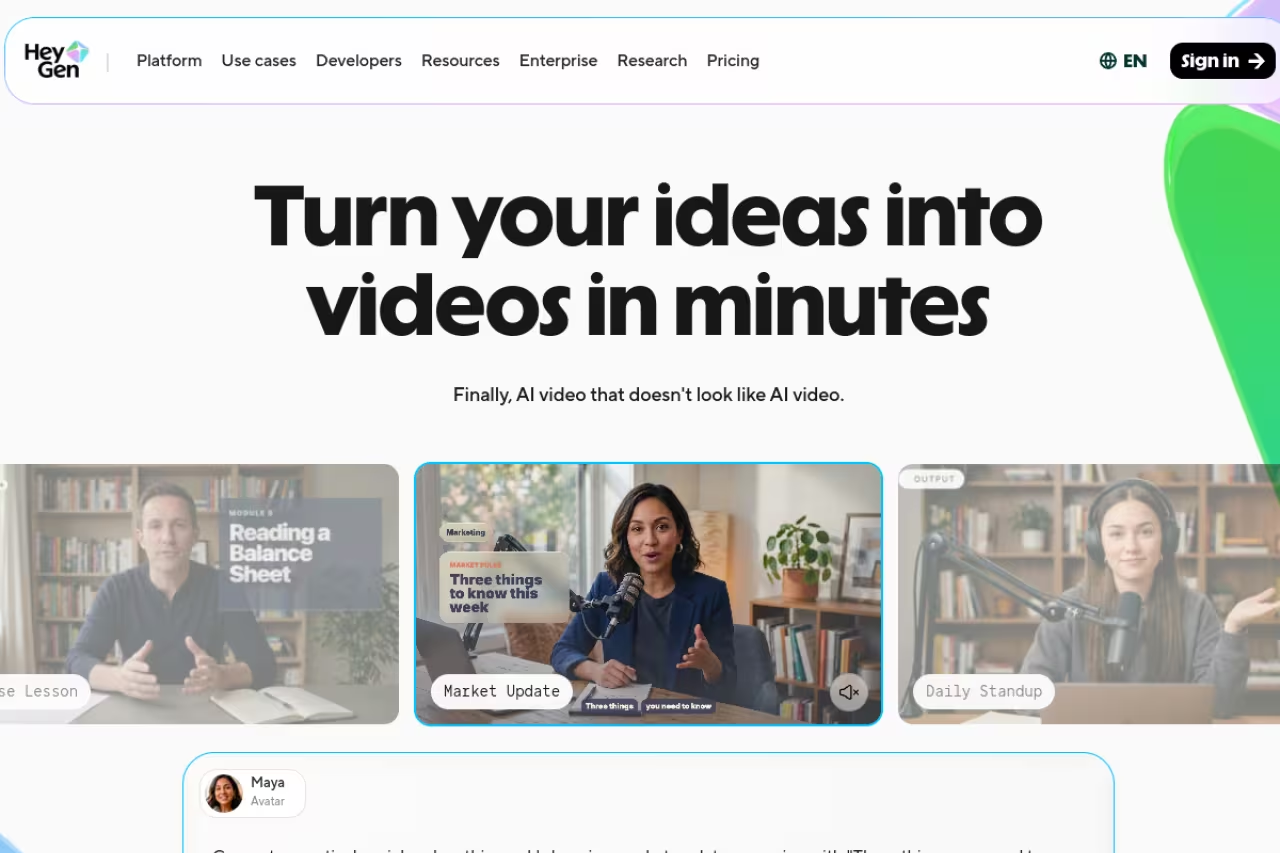
If you're dubbing video where someone's face is on screen, start here. HeyGen takes your clip, translates the audio, regenerates the voice in the target language, and re-animates the mouth so the lips match the new words. That last part is where most tools fall down, and HeyGen is the one I trusted across longer clips.
Who it's for: creators, marketers, and course makers who post talking-head video and want it to look native in other languages, not obviously dubbed.
Start here if there is a face on screen, because the lip-sync re-animation is where most tools fall down. The Creator plan is $24/month billed annually, though full video translation with lip sync burns 5 credits per minute.
the Creator plan runs $24/month billed annually (around $29 monthly), and it covers 175 languages and dialects. Translation comes in two modes per their pricing page: basic audio dubbing at 2 credits per minute, or full video translation with lip sync at 5 credits per minute. As of early 2026 audio-only dubbing stopped eating premium credits on paid plans, which made testing a lot cheaper.
The standout: lip sync that holds. On my product-demo clip the mouth movement stayed locked to the new German audio even on close-up shots, where lesser tools drift after a few seconds.
The catch: video translation with lip sync burns credits fast at 5 per minute, so a heavy schedule pushes you toward the Pro plan or higher. And HeyGen is a full AI video platform, so if you only want an audio dub you're paying for a lot of avatar machinery you won't touch. Pair it with one of the best AI avatar generators if you're building synthetic presenters from scratch too.

ElevenLabs: best for audio quality
When the face isn't on screen (podcasts, voiceovers, narration, audiobooks) lip sync stops mattering and voice quality becomes everything. That's ElevenLabs territory. Its voices are the most natural I've heard, and the Dubbing Studio lets you translate while keeping the speaker's tone and even cloning their voice into the new language.
Who it's for: podcasters, audiobook producers, and anyone dubbing audio-first content where realism beats lip movement.
The pick for audio-first content like podcasts, audiobooks and narration, where voice quality matters more than lip movement. Its voice cloning carries emotion across languages, but there is no lip sync, and shared credits drain faster than the headline number suggests.
Dubbing Studio unlocks on the Starter plan at $6/month (30k credits), per the official ElevenLabs pricing. Creator is $11/month with 121k credits and pro voice cloning, and Pro jumps to $99/month with 600k credits. Credits are shared across text-to-speech and dubbing, so heavy dubbing drains a budget quicker than the headline number suggests.
The standout: voice cloning that carries emotion across languages. The same warmth in the English original showed up in the Spanish dub, which almost never happens with cheaper engines.
Where it falls short: there's no lip sync, full stop. ElevenLabs dubs audio, not video. If your subject is on camera, you'll need to layer this with something else or pick a video-first tool. For building a custom voice before you dub, our guide on how to create an AI voice walks through the setup.

Rask AI: best for creators dubbing at scale
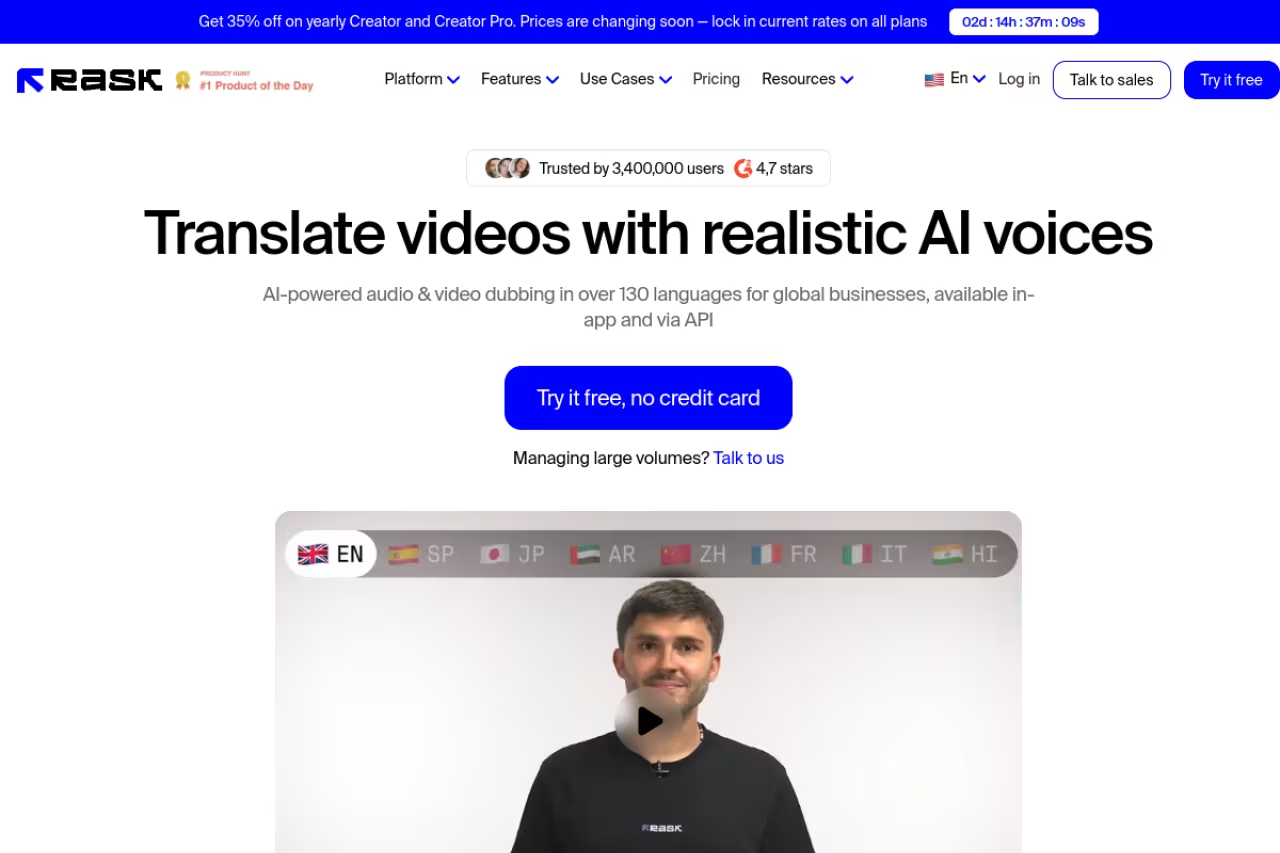
Rask AI is built for people pushing out localized video constantly: a YouTube channel going multilingual, a creator repurposing one shoot into ten markets. It handles 135+ languages and dialects, does multi-speaker detection so two people in a clip get two distinct voices, and includes a video editor for cleanup.
Who it's for: high-volume creators and small teams localizing a back catalog or running parallel channels in several languages.
Built for creators pushing out localized video constantly, with 135+ languages and multi-speaker detection. It is a volume tool, so the per-minute math gets painful, and lip sync only arrives on the $150 tier, which will nickel-and-dime casual users.
the Creator plan is $60/month for 25 minutes of dubbing, with extra minutes at $3 each. Lip sync and subtitles are gated behind Creator Pro at $150/month (100 minutes), per Rask's pricing page. Voice cloning covers 32 of those languages.
The standout: breadth. With 135+ languages it reaches markets most competitors skip, and the multi-speaker handling saved me real editing time on the interview clip.
The catch: the per-minute math gets painful. Lip sync lives on the $150 tier, and once you blow past your included minutes at $3 each, a big localization push gets expensive fast. It's a volume tool that rewards volume pricing, so casual users will feel nickel-and-dimed. If you're turning one video into many formats, it pairs naturally with the best AI content repurposing tools.

Synthesia: best for corporate and training video
Synthesia leans enterprise. It's known for AI avatars and synthetic presenters, and it added dubbing that auto-translates uploaded video with lip sync while keeping the original tone. For L&D teams and internal comms, the appeal is one brand-safe platform for both creating and localizing video.
Who it's for: corporate training, HR, and internal communications teams who need polished, consistent video across regions without a production crew.
The safe corporate choice for training, HR and internal comms teams that want polished, consistent video across regions without a production crew. It is priced and designed around businesses, so solo creators will find it heavier and pricier than a focused dubbing tool.
paid plans start at $19/month, with the dubbing feature supporting 30+ languages for uploaded video and the wider platform covering 160+ languages and accents across 1,000+ voices. New users get a free chunk of dubbing minutes to test quality before committing.
The standout: it's the safe corporate choice. The output is clean, predictable, and unlikely to embarrass you in front of a compliance team, which matters more in enterprise than squeezing out the last 5% of voice realism.
Where it falls short: dubbing covers fewer languages (30+) than the avatar side of the platform, and Synthesia is priced and designed around businesses. Solo creators will find it heavier and pricier than a focused dubbing tool. It also shines brightest when you're generating avatar video, not just dubbing existing footage. See our roundup of the best AI tools for video editing if editing, not just dubbing, is the bottleneck.

Dubverse: best value for Indian and Asian languages
Dubverse is built in India and it shows in the best way. If your target markets are Hindi, Tamil, Telugu, or Bengali, the quality here beats tools that treat those languages as an afterthought, and the price is a fraction of the Western options.
Who it's for: creators and businesses targeting South Asian audiences, or anyone who wants solid dubbing without a $100+ monthly bill.
Strong value if your markets are Hindi, Tamil, Telugu or Bengali, where quality beats tools that treat those languages as an afterthought. The language list is narrower and self-serve lip sync is missing, so skip it for European or many-language needs.
the Pro plan is $18/month and the Supreme plan is $30/month, which adds GPT-4 translations and voice cloning, per Dubverse's pricing page. Dubbing runs on credits at roughly 4 credits per minute. Lip sync sits on the enterprise tier.
The standout: price-to-quality for Asian languages. For Hindi specifically, the dub quality is noticeably more natural than what the global tools produce.
The catch: the language list is narrower (around 30 versus 130+ elsewhere), so it's a specialist, not an all-rounder. And self-serve lip sync isn't there, you have to go enterprise for it. If your markets are European or you need dozens of languages, look elsewhere.
Camb.ai: best for cinematic and broadcast quality
Camb.ai targets the high end: studios, sports broadcasters, and entertainment localization. Its MARS voice models are tuned for expressive, director-level emotional control, and it covers 150+ languages. IMAX has used it for production localization, which tells you the quality bar it's aiming at.
Who it's for: production teams, broadcasters, and developers who need API-grade dubbing with cinematic emotion and don't want a consumer dashboard.
Aimed at studios, broadcasters and developers who need API-grade dubbing with cinematic emotional control across 150+ languages. It is not a grab-and-go tool for a solo YouTuber, and you need technical chops or a real production budget.
Camb.ai is API and usage-first rather than a simple monthly tier, so pricing depends on volume and the model you call. The MARS family ranges from a tiny on-device Nano model to MARS-Instruct for cinematic emotion control. Expect to talk to them for production-scale work.
The standout: emotional range. The MARS-Instruct model gives you control over delivery that consumer tools don't expose, which is the difference between a dub that informs and one that performs.
Where it falls short: it's not a grab-and-go tool for a solo creator dubbing a YouTube video. The power lives in the API and the higher-end models, so you need either technical chops or a real production budget to get the most out of it.
Deepdub: best for film, TV, and streaming
Deepdub is the studio-grade option, full stop. It dubs film, TV, and streaming content in 130+ languages with emotion-preserving voice cloning built to keep an actor's performance intact across languages. In 2026 it launched an enterprise plan and an "agentic" dubbing co-worker aimed squarely at Hollywood and major dubbing houses.
Who it's for: media and entertainment companies localizing scripted content where preserving the original performance is non-negotiable.
The studio-grade option for film, TV and streaming, built to keep an actor's performance intact across 130+ languages. There is no self-serve signup and pricing is custom enterprise, so individuals and small teams should look at the creator tools instead.
custom enterprise only, no public self-serve tier. This is a sales-conversation tool, priced for studios, not creators.
The standout: performance preservation. Deepdub's whole pitch is that the dubbed version still feels like the original actor, and for premium scripted content that's the thing that matters most.
The catch: there's no way to just sign up and try it. If you're an individual or a small team, this isn't your tool, it's overkill and out of reach on price. But for a streaming platform localizing a catalog, it's in a different class from the creator tools above.
How to choose
Skip the feature-list paralysis and answer three questions.
Is a face on screen? If yes, you need lip sync, which means HeyGen, Rask AI (Creator Pro), or Synthesia. If no, audio quality is king and ElevenLabs wins.
What's your volume and budget? A few videos a month: HeyGen Creator at $24 or ElevenLabs Starter at $6. Constant output across many languages: Rask AI or Synthesia. Studio-scale scripted content: Camb.ai or Deepdub.
What languages? Most tools cover the major European and Asian languages. For South Asian markets on a budget, Dubverse punches above its price. For rare languages and the widest net, Rask AI's 135+ is hard to beat.
One more thing: always test on your actual content before you commit to an annual plan. A tool that nails a clean studio clip can stumble on background noise, crosstalk, or fast speech. Every tool here has a free tier or trial, so dub the same 60-second clip through your top two and trust your ears.
If you're building a broader AI content workflow, not just dubbing, Dupple X bundles the tools and templates we use to ship localized video and audio without stitching ten subscriptions together.
FAQ
What is the best AI dubbing tool in 2026?
For most people dubbing talking-head video, HeyGen is the best overall pick thanks to accurate lip sync and 175+ language support. If you only need audio (podcasts, voiceovers), ElevenLabs produces the most natural voices. The "best" tool depends on whether your subject is on camera and which languages you're targeting.
Can AI dubbing match lip movements to the new language?
Yes, but only some tools do it. HeyGen, Synthesia, and Rask AI (on its Creator Pro tier) re-animate the speaker's mouth to match the translated audio. Audio-first tools like ElevenLabs translate the voice but leave the video untouched, so the lips won't move with the new words. If your subject is on screen, pick a tool that lists lip sync explicitly.
How much does AI dubbing cost?
It ranges widely. ElevenLabs starts at $6/month for audio dubbing, HeyGen at $24/month for video with lip sync, and Rask AI at $60/month (lip sync at $150/month). Dubverse is cheapest for Asian languages at $18/month. Studio tools like Deepdub use custom enterprise pricing that runs far higher. Most tools also charge per minute or per credit, so heavy use adds up beyond the base subscription.
Is AI dubbing good enough to replace human voice actors?
For explainer videos, training content, social clips, and podcasts, the quality is now good enough that most viewers won't notice. For premium scripted film and TV, tools like Deepdub and Camb.ai get close on emotional performance, but high-end productions still keep humans in the loop for direction and final polish. The realistic stance: AI handles the volume, humans handle the prestige work.
How many languages can AI dubbing tools handle?
It varies by tool. HeyGen covers 175+ languages and dialects, Rask AI 135+, Camb.ai 150+, and Deepdub 130+. Synthesia's dubbing supports 30+ languages for uploaded video (more across its avatar platform), and Dubverse focuses on around 30 with strong Indian language coverage. Check that your specific target language is supported before committing, since coverage and quality differ across that long tail.
Do AI dubbing tools work for live or real-time dubbing?
A few are moving that way. Camb.ai's MARS-Flash and MARS-Nano models are built for low-latency, near-real-time generation, and some platforms now advertise real-time dubbing for streams and events. For now, the most reliable, highest-quality dubbing is still done on recorded files where the tool has time to translate, generate, and sync. Real-time is improving fast but isn't yet at parity with offline quality.
Related guides
Some offers on this page may be paid placements or contain affiliate links.
Across our whole catalogue the median is $24 a month and 33% of tools advertise a free tier. Figures are the lowest recurring monthly price quoted in our own review of each tool, read on 2026-08-19. Full method and every category.
