
Best AI Cloud Cost Optimization Tools (2026)

Key facts8 tools compared: Cast AI, Vantage, ProsperOps, Kubecost, CloudZero, nOps, Zesty, Sedai
- 8 tools compared: Cast AI, Vantage, ProsperOps, Kubecost, CloudZero, nOps, Zesty, Sedai
- Cast AI (best for: Kubernetes automation): Custom quote
- Vantage (best for: Multi-cloud visibility): Free to $200+/mo
- ProsperOps (best for: Commitment management): % of savings
- Kubecost (best for: K8s cost allocation): Free to custom
Your cloud bill is not a fixed cost. It feels like one because it arrives every month and the number keeps climbing, but a large slice of it is pure waste: oversized instances, on-demand pricing you could have committed away, GPUs sitting idle at 2am. The hard part was never knowing waste exists. It's catching it fast enough to do anything about it, across thousands of resources that change every hour.
That's the job AI cloud cost optimization tools now do. The good ones don't just draw you a dashboard and leave. They watch your usage, predict what you'll need, and act on it: buying and selling commitments, swapping on-demand for spot, rightsizing pods while traffic shifts. The reason this matters more in 2026 than it did two years ago is one word: GPUs. AI workload spend is growing several times faster than the rest of the bill on most enterprise accounts, and GPU idle time now averages around 77% across measured workloads (Harness data, cited by Usage.ai). That's the single most expensive compute you can rent, running empty three-quarters of the time.
I compared the platforms that claim to fix this against their documentation, pricing pages, and public user reports. My top pick for most teams running Kubernetes is Cast AI because it actually takes action automatically instead of handing you a to-do list. But the right tool depends heavily on what you run and how much hand-holding you want. Here's the honest breakdown.
Quick comparison
| Tool | Best for | Price | Standout |
|---|---|---|---|
| Cast AI | Kubernetes automation | Custom quote | Autonomous rightsizing + spot |
| Vantage | Multi-cloud visibility | Free to $200+/mo | Fixed-rate, doesn't scale with spend |
| ProsperOps | Commitment management | % of savings | Buys and sells RIs/SPs for you |
| Kubecost | K8s cost allocation | Free to custom | Free tier up to 250 cores |
| CloudZero | Unit cost / cost per customer | Scales with spend | Cost-per-feature analytics |
| nOps | AWS spot + commitments | Flat fee + % | ML spot lifespan prediction |
| Zesty | Automated AWS commitments | 25% of savings | Buys/sells RIs in real time |
| Sedai | Hands-off autonomous ops | Custom quote | Acts without recommendations queue |

Cast AI
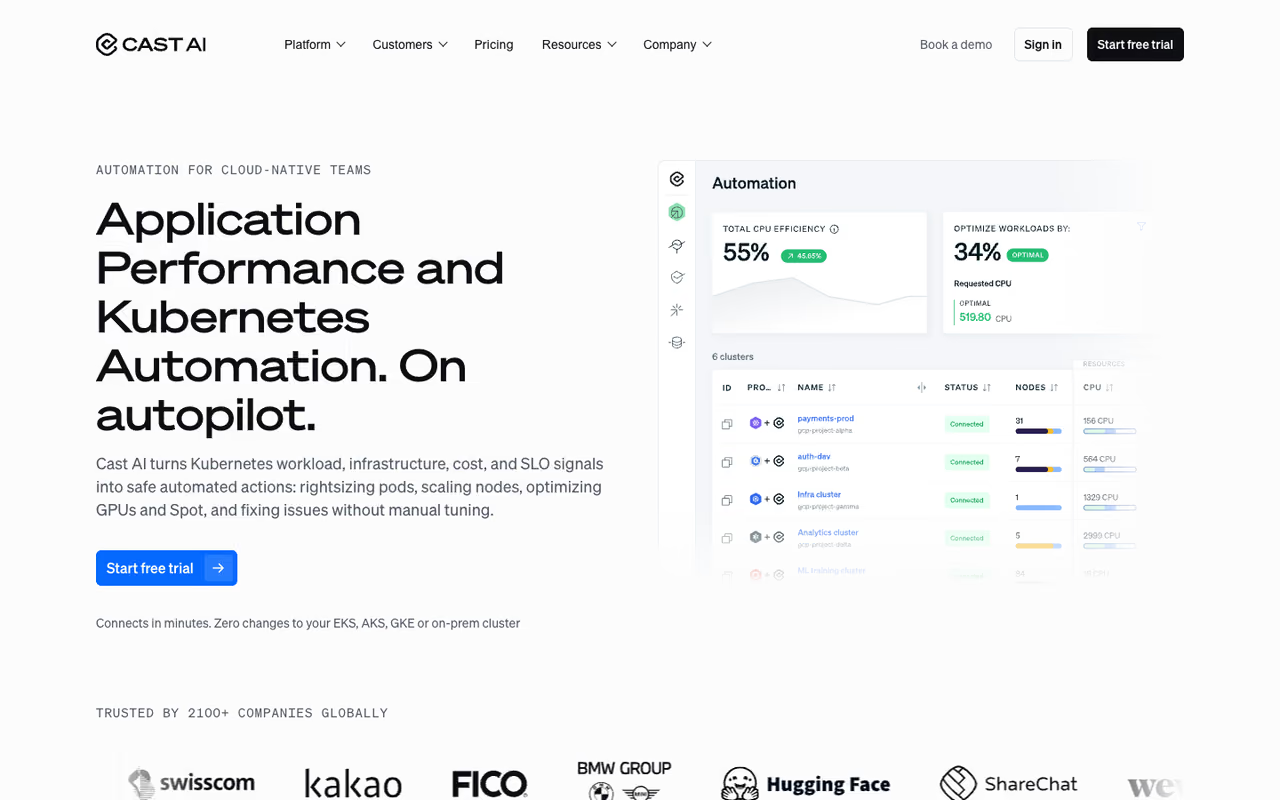
Cast AI is the one I reach for first when the problem is Kubernetes. It connects to your cluster and then quietly does the work most teams keep meaning to get to: rightsizing CPU and memory requests, swapping nodes onto spot instances, scaling capacity up and down based on real workload behavior instead of static config. The difference from older tools is that it acts on its own rather than filing recommendations you'll read next quarter.
My first reach when the problem is Kubernetes, because it acts on its own, rightsizing requests and moving nodes to spot. It covers less of your bill if spend sits outside K8s, and handing production node groups to automation needs a careful trust period.
The platform also handles GPU allocation, which matters now that training and inference workloads dominate the bill.
Pricing is a custom quote based on your cluster count and GPU usage, so you have to talk to sales. There's no public number, which I dislike, but the model is usually tied to the savings it generates. According to its homepage, it supports AWS, GCP, Azure, Oracle Cloud, and on-prem Kubernetes, plus integrations with Terraform, Prometheus, and Grafana.
The catch: it's Kubernetes-first. If most of your spend lives outside K8s in raw EC2, managed databases, or serverless functions, Cast AI covers less of your bill than a broad FinOps platform would. And handing automated control of production node groups to any tool takes a trust-building period most teams want to gate carefully.

Vantage
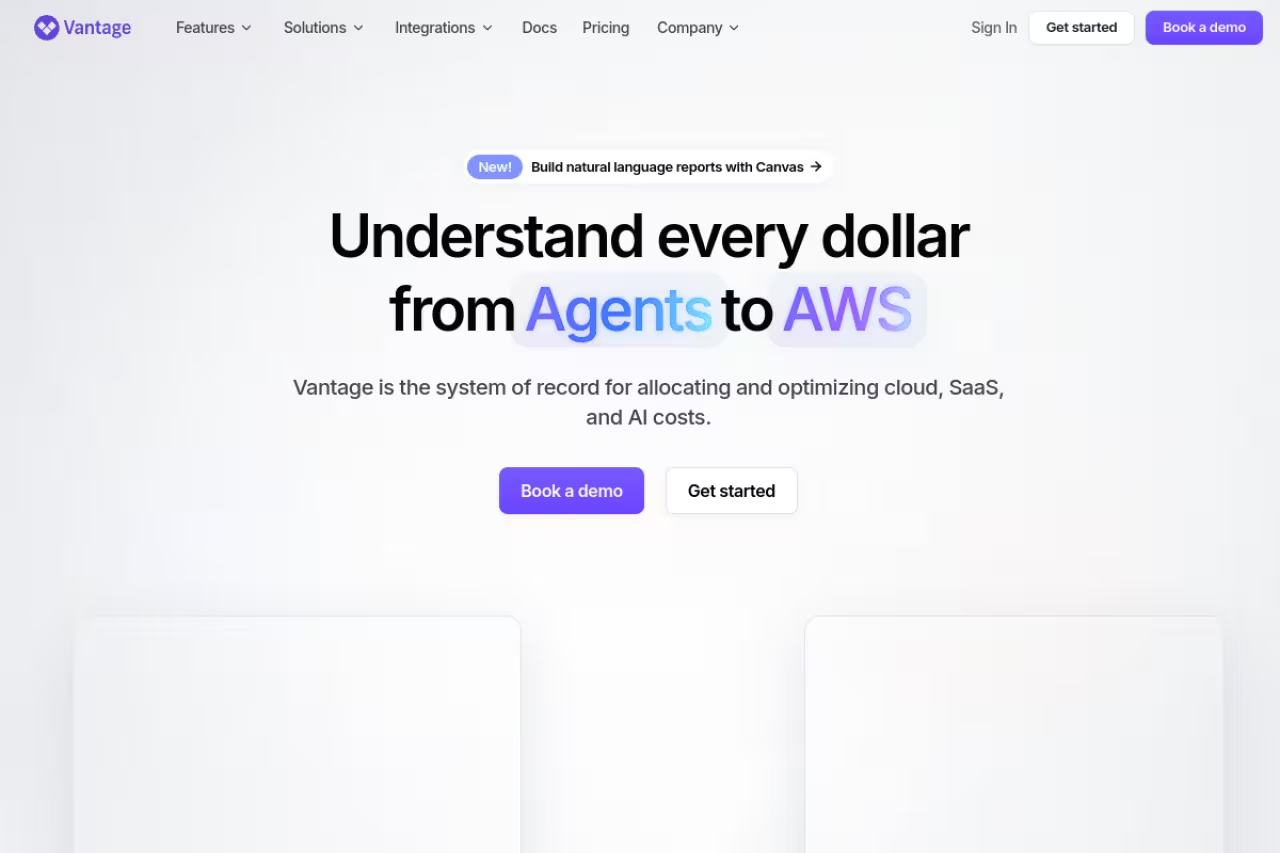
Vantage is the platform I recommend when the first problem is "we genuinely don't know where the money goes." It pulls cost data across AWS, Azure, Google Cloud, and 20+ other providers into one view, then lets you slice it with virtual tagging, build budgets, and catch anomalies. It also analyzes Kubernetes costs and surfaces savings recommendations.
The thing I respect most is the pricing philosophy. Per its pricing page, plans are fixed-rate and don't scale with your cloud spend, which is the opposite of most competitors. The free Starter tier covers up to $2,500 of monthly spend with 3 users. Pro is $30/month for up to $7,500 tracked. Business is $200/month for up to $20,000. Enterprise is custom and adds an automated FinOps Agent.
The platform to pick when you simply do not know where the money goes, with fixed-rate pricing that does not grow with your cloud bill. It is stronger at seeing and recommending than acting, so pair it with an automation tool for rightsizing.
The catch: Vantage is stronger at seeing and recommending than at autonomously acting. It has Autopilot for AWS Savings Plans, but for deep automated rightsizing or aggressive spot orchestration you'll want to pair it with something like Cast AI or nOps. Visibility is the foundation, not the whole job.
ProsperOps
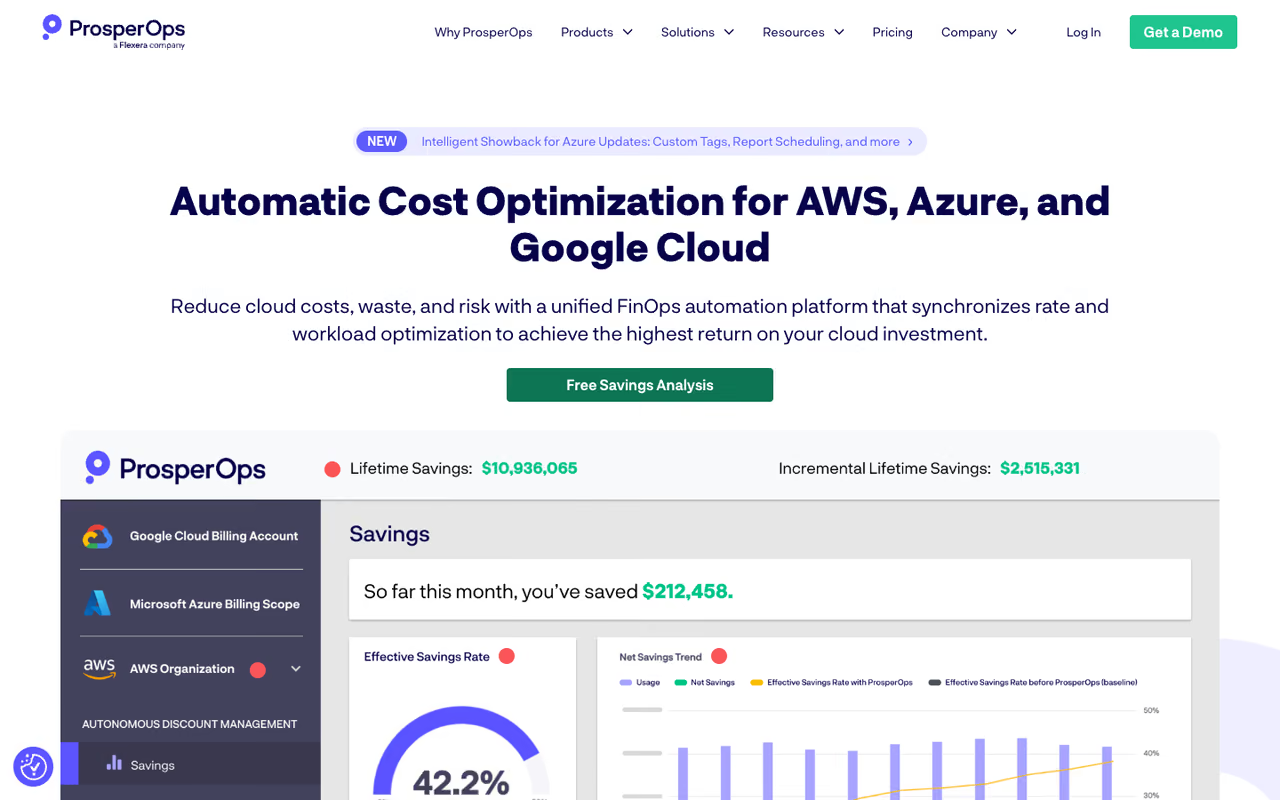
ProsperOps solves one problem extremely well: commitment discounts. Most teams either skip Reserved Instances and Savings Plans because managing them is risky, or they over-commit and get stuck. ProsperOps runs Autonomous Discount Management that continuously buys, sells, and exchanges commitments to hold your coverage at the optimal point as usage shifts. You don't approve anything; it adapts in real time.
Narrow on purpose and excellent at one thing: autonomously managing commitment discounts for organizations with serious compute spend. It optimizes your rate, not your usage, so it will not rightsize a bloated instance or kill idle resources.
Pricing is performance-based: you pay a percentage of the realized savings as measured by your provider's own billing system, not a percentage of your total spend. The pricing page notes a free savings analysis delivered in about 24 hours, and it supports AWS, Azure, and GCP through each cloud marketplace.
The catch: it's narrow on purpose. ProsperOps optimizes your discount rate, not your usage. It won't rightsize a bloated instance or kill a zombie load balancer. If your waste is mostly oversized or idle resources rather than poor commitment coverage, you need a usage-side tool alongside it. Many teams run ProsperOps for rates and something else for resources.

Kubecost
Kubecost (now under Apptio/IBM) is the most popular way to answer "which team, namespace, or workload is actually spending this?" It breaks Kubernetes costs down to the pod level, reconciles them against your real cloud bill, and powers showback and chargeback so engineering teams see what they burn.
The big draw is the free tier. The Foundations plan is perpetually free, covers unlimited clusters up to 250 cores, and installs in a few minutes with 15-day metric retention. For a lot of mid-sized teams that's enough to get real allocation data without spending a cent.
The most popular way to see which team, namespace or workload is spending, with a perpetually free tier that is enough for many mid-sized teams. It is a monitoring tool, not an optimizer, so you implement the changes yourself.
The catch: Kubecost is primarily a monitoring and allocation tool, not an autonomous optimizer. It tells you where the cost is and gives rightsizing recommendations, but you implement the changes. Enhanced GPU optimization and longer retention sit in the paid enterprise tiers, which require a sales conversation with no public pricing.

CloudZero
CloudZero takes a different angle: instead of just "how much are we spending," it answers "how much does each customer, feature, or team cost us?" That unit-cost view is gold for SaaS businesses trying to understand gross margin. It does anomaly detection, budgets, and Kubernetes and container allocation, and it now tracks AI spend across providers like OpenAI and Anthropic so you can measure ROI on model usage.
A strong fit for SaaS and engineering-led FinOps teams that care about cost per customer or feature, not just the total bill. The unit-cost value needs clean tagging and setup, so it feels heavy for a quick savings number.
CloudZero reports managing over $14 billion in cloud spend across its customers.
Pricing scales with your cloud spend rather than fixed tiers, and there's no public price list. CloudZero's own comparison material claims it typically prices 10-20% below Apptio Cloudability and CloudHealth at similar spend levels, which is worth confirming in your own quote.
The catch: the real value comes from unit-cost analytics, and getting there requires clean tagging and some setup work. If you just want a quick savings number, that investment can feel heavy. It's also visibility-and-intelligence led, so pair it with an automation tool for the action layer.

nOps
nOps is an AWS-focused automation platform built around Compute Copilot, which provisions your workloads onto the cheapest viable option at any moment, whether that's a Savings Plan, Reserved Instance, or spot. It claims to manage over $4B in annual cloud spend and to save teams 50%+ autonomously.
What sets it apart is the spot engineering. nOps uses machine learning on proprietary spot market data to predict how long an instance will live, and with the 60-minute termination warning it proactively shifts workloads onto diverse instance types before they get reclaimed. That stability work is what makes spot usable for production rather than just batch jobs.
An AWS-focused automation platform whose spot engineering makes spot usable for production, not just batch jobs. It suits AWS-heavy teams, but it covers less ground if you are multi-cloud, and the visibility fee applies regardless of savings.
The catch: it's AWS-centric. If you're multi-cloud, nOps covers less ground than Vantage or ProsperOps. Pricing is a blended model, a flat fee for visibility plus a percentage for rate optimization, so the visibility layer charges regardless of savings on that tier. Read the quote carefully.
Zesty
Zesty automates the commitment side of AWS the way ProsperOps does, plus storage. Its Commitment Manager automatically buys and sells Reserved Instances and Savings Plans to match changing infrastructure needs, claiming to cut EC2 costs by up to 50-60% with no manual intervention and minimal financial risk.
Pick Zesty if you are on AWS and want commitment automation plus dynamic block storage resizing, with success-based pricing on commitments. It is strongest in that lane and thinner elsewhere, so GCP or Azure teams should look at ProsperOps.
Pricing for Commitment Manager is success-based at 25% of the savings generated, which is competitive against ProsperOps's typical range. Per coverage in nOps's pricing breakdown, other Zesty products use tiered or flat pricing, with some plans starting around $99/month.
The catch: like the other commitment tools, Zesty is strongest in its lane (AWS commitments and storage) and thinner elsewhere. If you're on GCP or Azure, look at ProsperOps instead, which covers all three clouds for discount management.
Sedai
Sedai is the most hands-off option here. It's an autonomous platform that uses AI agents to learn your usage patterns and then make optimization decisions on their own, across compute, storage, and data, with full audit logging on every production change. It supports Kubernetes on any cloud plus AWS services like Lambda, ECS, EKS, EC2, and EBS, and it tunes for performance as well as cost.
The most hands-off option here, using AI agents to tune cost and performance with full audit logging. Autonomy is both the selling point and the risk, so expect a guardrail period, and teams wanting to approve every change may find it too much delegation.
Sedai claims customers often reach up to 50% cost reduction and notable latency improvements by rightsizing and tuning workloads continuously.
Pricing isn't published; it's a custom quote based on your environment.
The catch: autonomous-by-default is the selling point and the risk. You're trusting an agent to change production config, so the onboarding and guardrail period matters more here than with a recommendation-first tool. For teams that want to stay in the loop on every change, that model can feel like too much delegation too soon.
How to choose
Start by naming your dominant waste type, because that decides the category, not the brand.
If your spend is mostly Kubernetes and you want action, not reports, go Cast AI or Sedai. If you're drowning in raw on-demand EC2 and never set up commitments, the fastest win is a rate tool: ProsperOps for multi-cloud, Zesty or nOps if you're AWS-only and want spot in the mix too.
If you can't even see where the money goes yet, fix visibility first with Vantage (fixed pricing, broad coverage) or Kubecost (free for Kubernetes allocation). And if you're a SaaS business that needs cost per customer or per feature to protect margins, CloudZero is the one built for that question.
The pattern I keep seeing in 2026: most teams above roughly $1M in annual spend run two tools from different categories, one for rates and one for resources, rather than betting on a single platform to do everything. That's usually the cheaper outcome even after paying for both. If you're earlier than that, a free Kubecost or Vantage Starter setup is the right place to start before you commit budget.
Want more tools that pull this kind of weight across your stack? I keep a running shortlist of the AI tools worth paying for, and you can get the sharpest ones in your inbox each week with Dupple X.
FAQ
What are the best AI cloud cost optimization tools in 2026?
For Kubernetes automation, Cast AI and Sedai lead because they act autonomously. For commitment and rate optimization, ProsperOps (multi-cloud), Zesty, and nOps (AWS) are strongest. For visibility, Vantage and Kubecost are the go-to choices, and CloudZero wins for unit-cost and cost-per-customer analytics. The right pick depends on whether your waste is in usage, rates, or just a lack of visibility.
How much can cloud cost optimization tools actually save?
Realistic savings land between 20% and 50% depending on your starting point. Commitment tools like ProsperOps and Zesty typically improve your effective savings rate by raising discount coverage. Automation tools like Cast AI and nOps add savings on top by rightsizing and moving workloads to spot. The biggest 2026 opportunity is GPU waste, since idle time on AI compute runs near 77% on average.
Are these tools free, or do they charge a percentage of savings?
Both models exist. Vantage has a genuinely free Starter tier and fixed monthly plans, and Kubecost is free up to 250 cores. ProsperOps and Zesty use success-based pricing (a percentage of realized savings, roughly 25% for Zesty), so you only pay when they save you money. Cast AI, CloudZero, nOps, and Sedai use custom or blended pricing that you have to request directly.
Do I need separate tools for AWS, Azure, and GCP?
Not necessarily. Vantage, ProsperOps, and CloudZero all support multiple clouds in one platform. But several strong tools are deliberately AWS-only, including nOps and Zesty's Commitment Manager, so if you're multi-cloud, check coverage before buying. For mixed environments, a multi-cloud visibility layer plus a cloud-specific automation tool is a common setup.
What's the difference between cost visibility and cost optimization?
Visibility tools (Kubecost, CloudZero, much of Vantage) show you where money goes and recommend changes, but you implement them. Optimization tools (Cast AI, ProsperOps, Sedai, nOps) take action automatically: buying commitments, rightsizing, or shifting to spot. You usually want both. Start with visibility so you trust the data, then layer automation on the waste it exposes. For related stacks, see our guides to AI DevOps tools, AI anomaly detection tools, and LLM observability tools.
Related guides
Some offers on this page may be paid placements or contain affiliate links.
