
Best AI Audio Enhancement Tools in 2026

Key facts8 tools compared: Adobe Podcast Enhance, Auphonic, Descript Studio Sound, iZotope RX 12…
- 8 tools compared: Adobe Podcast Enhance, Auphonic, Descript Studio Sound, iZotope RX 12, Krisp, ElevenLabs Voice Isolator, Cleanvoice, Podcastle
- Adobe Podcast Enhance (best for: Free voice cleanup): Free; Premium $9.99/mo
- Auphonic (best for: Broadcast-ready mastering): Free 2h/mo; from $11/mo
- Descript Studio Sound (best for: All-in-one editing): Free; Studio Sound on Creator $24/mo
- iZotope RX 12 (best for: Pro audio restoration): Standard $399 (one-time)
Bad audio kills good content faster than anything else. You can write a brilliant podcast script or record a sharp talking-head video, and a hissy room or a laptop mic will still make people click away in the first ten seconds. Listeners forgive a shaky thumbnail. They do not forgive sound that hurts to listen to.
The good news is that AI cleanup has gotten genuinely good, not "marketing demo" good but "I shipped this and nobody noticed it was recorded in a kitchen" good. I record a weekly internal podcast on a $60 USB mic in a room with a buzzing fridge, and most of these tools fix it in one pass. The catch is that they are not interchangeable. A tool built to clean up Zoom calls in real time is useless for restoring a noisy field interview, and a $1,399 restoration suite is overkill if you just want your voice memos to sound clean.
If you want the short version: start with Adobe Podcast Enhance Speech. It is free, it runs in a browser, and for spoken voice it is the most dramatic one-click improvement on this list. The rest of this list is about when you need something else, and which something else to pick. This is written for creators, marketers, and operators who care about output but do not want to become audio engineers.
Quick comparison
| Tool | Best for | Price | Standout |
|---|---|---|---|
| Adobe Podcast Enhance | Free voice cleanup | Free; Premium $9.99/mo | Near-studio voice in one click |
| Auphonic | Broadcast-ready mastering | Free 2h/mo; from $11/mo | LUFS loudness + multitrack leveling |
| Descript Studio Sound | All-in-one editing | Free; Studio Sound on Creator $24/mo | Cleanup inside a full editor |
| iZotope RX 12 | Pro audio restoration | Standard $399 (one-time) | Surgical, frame-level repair |
| Krisp | Real-time call cleanup | Free 60 min/day; Pro $8/mo | Removes noise live, both sides |
| ElevenLabs Voice Isolator | Instant voice isolation | Free tier | Strips noise from music or chaos |
| Cleanvoice | Podcast filler/edit | Free 30 min; from $11/mo | Cuts ums, pauses, mouth sounds |
| Podcastle | Creator all-in-one | Free; from $11.99/mo | Record, edit, enhance in one app |

Adobe Podcast Enhance Speech
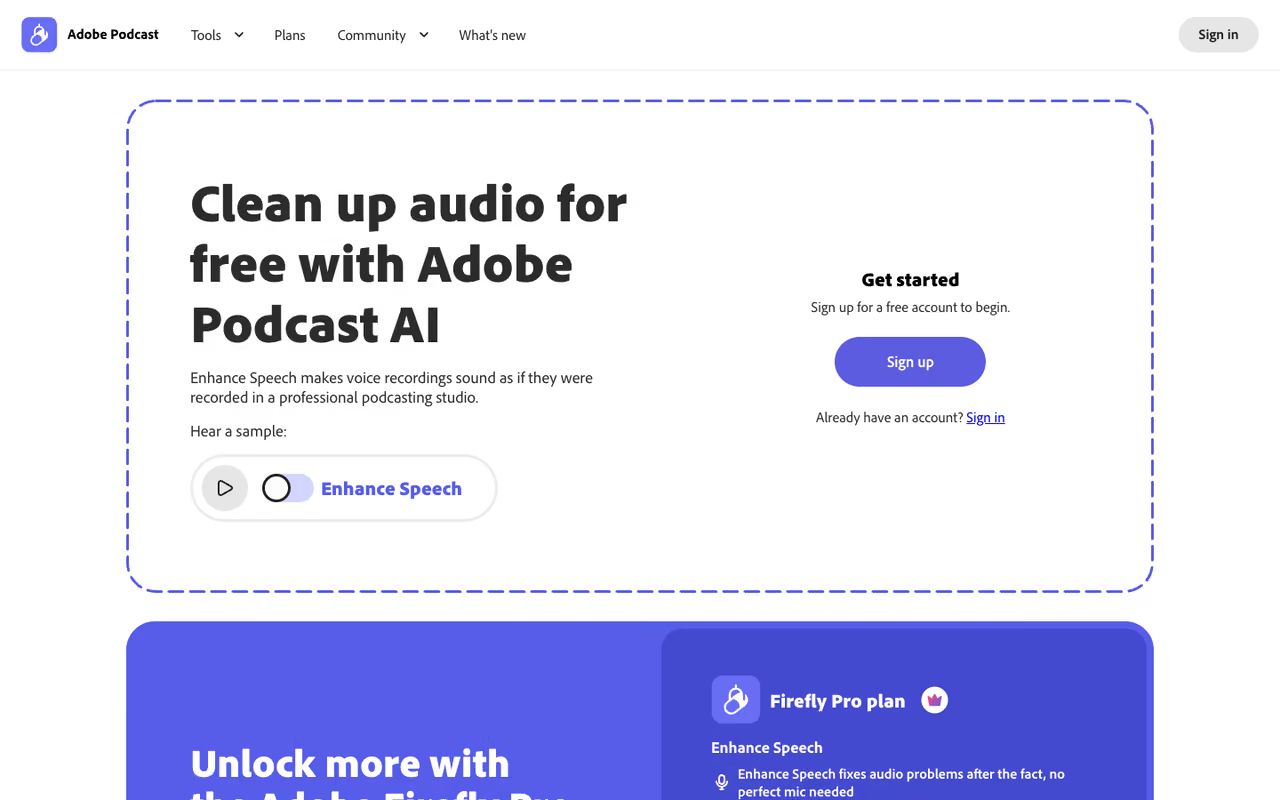
Adobe Podcast Enhance Speech is the tool I recommend first to almost everyone, because the floor is so high and the price is zero. You drag a file into the browser, wait a minute, and it strips background noise, room echo, and reverb while pulling your voice forward. It uses neural rendering to upsample muddy audio toward a clean 48kHz sound, so a laptop recording comes back sounding like it was tracked in a treated room.
Where I would start for almost anyone recording spoken voice, because the floor is high and the free tier costs nothing. Podcasters, YouTubers and course creators get clean audio fast, though pushing it too hard makes quiet voices sound synthetic.
The free tier gives you files up to 30 minutes and one hour of total processing per day, with individual uploads capped at 500MB. The Premium plan at $9.99/month (or $99.99/year) raises that to two-hour files up to 1GB, four hours of daily processing, batch uploads, video support, and a strength slider so you can dial the effect back, per Adobe's own pricing.
The catch: it can over-process. Push it too hard and quiet voices take on a slightly synthetic, "AI-smoothed" quality, and music or laughter in the background gets mangled because the model is laser-focused on speech. It is a voice tool, not a full mix tool. Use the strength slider once you are on Premium.

Auphonic
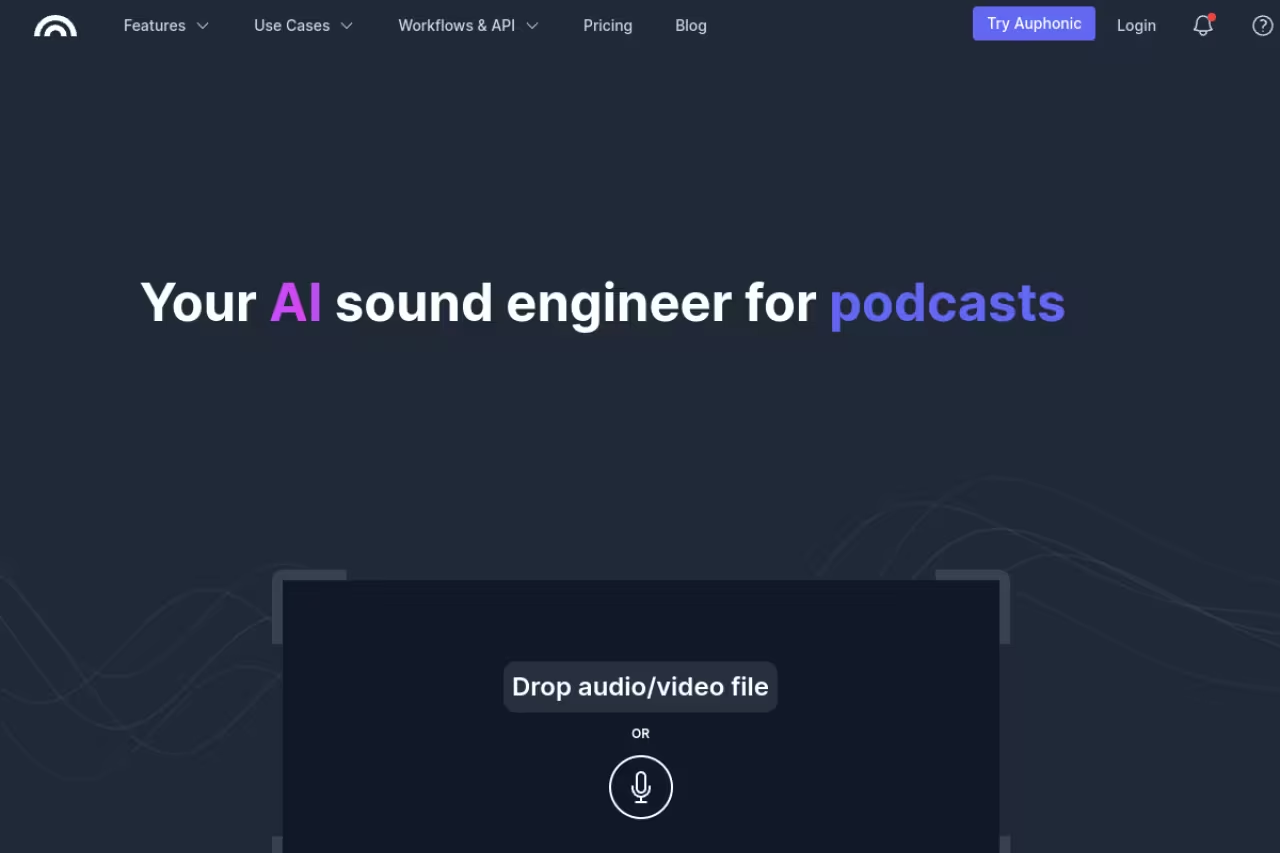
Auphonic is what you reach for when "clean" is not enough and you need "broadcast-ready." It is a full mastering pipeline. It balances levels between speakers, normalizes loudness to platform standards like Spotify and Apple Podcasts (the LUFS targets that stop your show from being quieter than everything else in the feed), reduces noise, and can run automatically on every episode through watch folders and an API.
The pick for podcasters who publish on a schedule and want consistent, loudness-normalized output without touching faders. It polishes decent recordings into professional ones, but the interface is dense and its noise reduction is gentler than Adobe's on bad audio.
Auphonic is free for two hours of processed audio per month (free productions carry a small jingle). Paid plans run on credits: the recurring S plan is $11/month for nine hours, scaling up to $100/month for 100 hours, according to Auphonic's pricing FAQ. Billing is by audio duration, and you can route as many output formats as you want from one production for the same cost.
The catch: it is not a denoiser you babysit. The interface is dense, the multitrack setup has a learning curve, and the noise reduction, while solid, is not as aggressive as Adobe's on truly bad source audio. Auphonic shines at polishing decent recordings into professional ones, not at rescuing disasters.

Descript Studio Sound
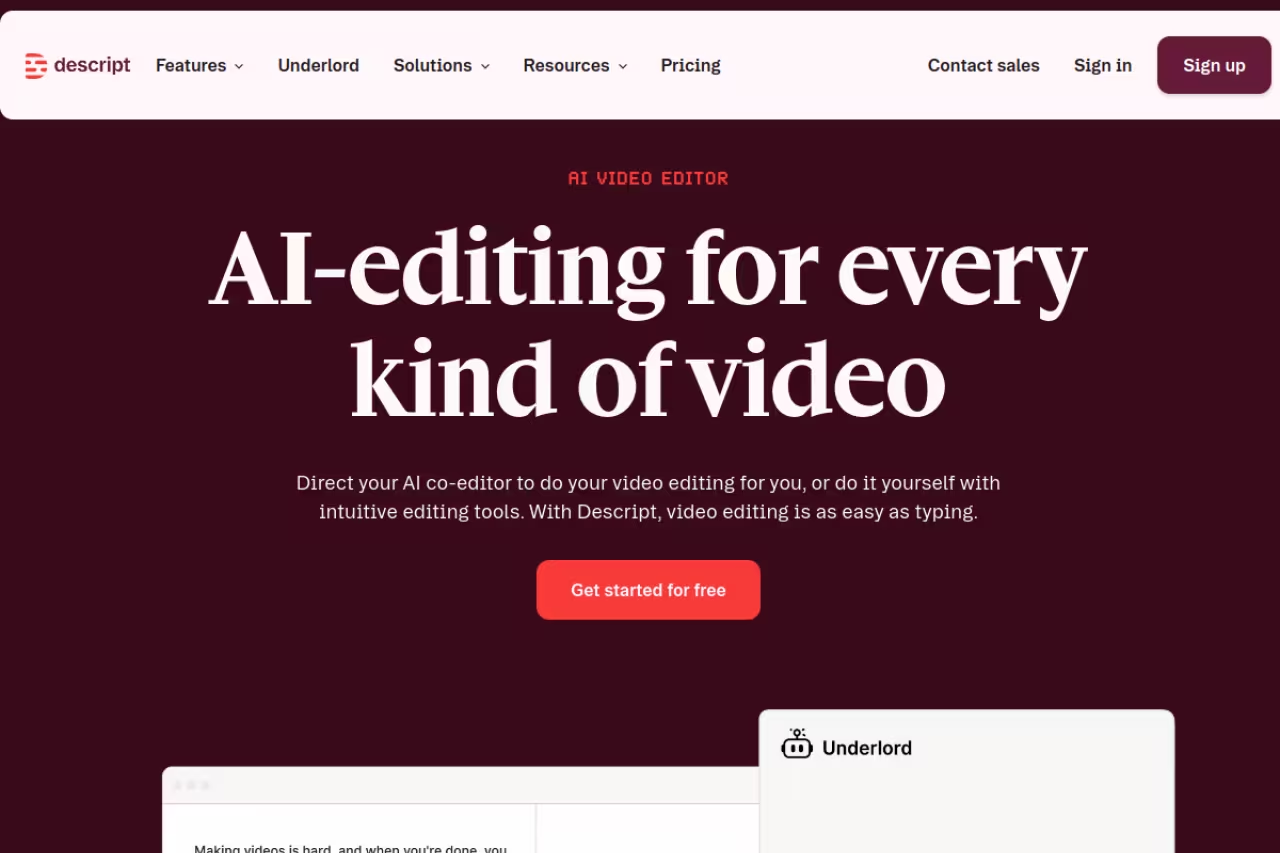
Descript earns its place because the cleanup lives inside a real editor. Studio Sound applies noise reduction, echo removal, and EQ in one click, and it sits right next to transcription, filler-word removal, multitrack editing, and remote recording. You edit audio by editing the transcript, which is the fastest workflow I have found for long-form talk content.
Choose Descript if you want one app to record, cut, clean and export, with editing done through the transcript. Studio Sound is good rather than surgical, and you pay for the whole suite even if you only need denoising.
Descript has a free plan, but Studio Sound and the full AI assistant (Underlord) unlock on the Creator tier, which is $24/month billed annually ($35 monthly), per Descript's pricing. Hobbyist sits below that at $16/month annual, and Business at $50/month annual.
The catch: Studio Sound is good, not surgical. On heavily degraded audio it can introduce artifacts and a slightly processed timbre, and serious restoration still belongs in a dedicated tool. You are also paying for the whole editing suite, so if all you want is denoising, this is the wrong reason to subscribe.

iZotope RX 12
iZotope RX 12 is the professional standard, the thing audio engineers actually open when a recording is broken. It repairs problems the one-click tools cannot touch: clipping, clicks, hum, mouth noise, and bleed, with a spectral editor that lets you paint out individual sounds on a visual map of the audio. The Voice De-noise and Dialogue Isolate modules are genuinely best-in-class.
Best for post-production pros, video editors, and anyone whose recording has a specific, stubborn problem that automated cleanup keeps missing.
RX 12 is a one-time purchase, not a subscription. Elements is $99, Standard is $399, and Advanced is $1,399, according to iZotope's pricing page. Most people who need RX are well served by Standard.
The catch: the price and the learning curve. This is a desktop application with the depth of a pro DAW plugin suite, and you will spend real time learning the modules. For a weekly chat podcast on a decent mic, it is overkill. Buy it when automated tools have failed you twice and you can name the exact artifact you are fighting.
The professional standard for stubborn problems like clipping, hum and bleed, and a one-time purchase rather than a subscription. It suits post-production pros, but the price and learning curve make it overkill for a weekly chat podcast.
If your bottleneck is producing more content rather than perfecting one file, our Dupple X membership bundles the AI tools and playbooks we use to ship faster without buying ten separate subscriptions.

Krisp
Krisp solves a different problem: live audio. It sits between your microphone and any app and removes background noise in real time, on both your end and the other person's, during Zoom, Meet, Teams, or a remote recording session. The result is that you record clean instead of cleaning up later, which saves a step entirely.
The right tool when you want to record clean instead of fixing later, since it filters noise live in Zoom, Meet or Teams. Ideal for remote interviewers and sales teams, but it cannot repair a bad guest recording after the fact.
The free plan gives you 60 minutes of noise cancellation per day plus transcription and two AI summaries daily. Pro is $8/month for unlimited noise cancellation, unlimited summaries, recording, and meeting history, and Business is $15/month with CRM integrations and SSO, per Krisp's pricing on G2.
The catch: it is a real-time filter, not a restoration tool. It cannot un-ring a bell, so if you record a guest with terrible audio and no Krisp on their side, you still need Adobe or RX afterward. The aggressive noise gate can also clip the tails of words on the lowest network conditions. Great for prevention, not for repair.

ElevenLabs Voice Isolator
ElevenLabs Voice Isolator does one thing and does it shockingly well: it pulls a clean human voice out of almost anything. Upload audio with traffic, music, crowd noise, or wind, and it returns isolated speech with the surrounding mess removed, using the same audio models behind ElevenLabs' voice work. It even separates vocals from music, which is handy for clipping interviews out of livestreams.
A fast first-pass cleaner for editors dealing with traffic, wind or crowd noise, and it can even split vocals from music. It does not master or balance levels, so pair it with Auphonic or a quick Adobe pass.
The free tier lets you upload files and test it without a card, and it is built into the broader ElevenLabs platform if you also use their voice tools, per ElevenLabs' product page. On paid plans, processing is metered against your character credits.
The catch: it strips noise, but it does not master. It will not balance levels, set loudness, or warm up a thin voice, so it is a first-pass cleaner rather than a finishing tool. Pair it with Auphonic or a quick Adobe pass for a finished product. On already-clean audio there is little reason to use it at all.

Cleanvoice
Cleanvoice attacks the part of "enhancement" that the others ignore: the verbal clutter. It automatically detects and removes filler words like "um," "uh," "like," and "you know," plus long pauses, mouth sounds, and stutters, then cleans up background noise on top. For talk-heavy podcasts, it can cut an hour of manual editing down to minutes.
Skip the manual scrubbing if your show is talk-heavy: it removes filler words, pauses and mouth sounds automatically, ideal for solo and interview podcasts. Skim the result before publishing, since it can clip a good word, and its raw denoising is weaker.
There is a free 30-minute trial, and pricing runs on hours of processed audio: roughly $11 for five hours pay-as-you-go, or subscriptions from $11/month for 10 hours up to higher tiers for heavy producers, per Cleanvoice's site. You pay for input audio length, not output.
The catch: automated filler removal is not perfect. It occasionally cuts a word you meant to keep or leaves a slightly choppy transition, so you will want to skim the result before publishing. It is also editing-focused, so its raw denoising is a notch below the dedicated cleanup tools. Use it for the cut, then enhance.

Podcastle
Podcastle bundles recording, editing, AI voices, and enhancement into one creator-friendly app, which makes it a good single home for people just starting out. Its noise removal and "Magic Dust" enhancement clean up voice, and you also get transcript-based editing, voice cloning, and multi-track remote recording in the same place.
A friendly all-in-one studio for newer creators and small teams who want recording, editing and enhancement in one place. Its standalone enhancement is decent but not as strong as Adobe's, so serious shows tend to outgrow it.
Podcastle has a usable free plan, with paid tiers starting at Storyteller $11.99/month and Pro $23.99/month, per Podcastle's pricing. The paid tiers raise export quality, recording length, and AI voice and dubbing limits.
The catch: jack of all trades, master of none. Its standalone audio enhancement is decent but not as strong as Adobe's or as deep as RX's, and power users tend to outgrow it. It is the right starting point, not the right ending point, for a serious show.
How to choose
Match the tool to the job, not to the hype. Three quick questions get you most of the way there.
First, is the audio already recorded, or are you recording now? If you are about to hop on a call, Krisp cleans it live so you never have to fix it later. Everything else on this list is post-recording.
Second, how bad is the source? For ordinary "decent mic, noisy room" voice, Adobe Podcast is the free default and you may never need more. For a specific broken file (clipping, hum, a clicking mouth), only iZotope RX 12 will save it. For pulling a voice out of music or chaos, ElevenLabs Voice Isolator.
Third, do you want enhancement or a whole workflow? If you just want clean audio, the single-purpose tools win on price and speed. If you want to record, cut, remove filler words, and publish in one place, Descript or Podcastle are worth the subscription. And if you publish on a schedule and need consistent loudness across episodes, Auphonic is the finishing step the others skip.
My honest stack for most creators: record with Krisp on, clean with Adobe, master with Auphonic. That covers prevention, repair, and polish for under $20 a month. Want a faster content workflow built on top of clean audio? See our roundup of the best AI tools and our guide to the best AI agents for automating the busywork around production.
FAQ
What is the best free AI audio enhancement tool?
For spoken voice, Adobe Podcast Enhance Speech is the best free option in 2026. It removes noise, echo, and reverb in one click with no account friction, and the free tier handles files up to 30 minutes with an hour of daily processing. Krisp's free plan (60 minutes a day) is the best free pick for real-time call cleanup, and ElevenLabs Voice Isolator is free to test for pulling voices out of messy audio.
Can AI really fix bad audio recordings?
To a point, yes. Modern AI tools are excellent at removing consistent background noise, room echo, and reverb, and at improving voice clarity on otherwise usable recordings. They cannot perform miracles: if the source is badly clipped, distorted beyond recognition, or has the speaker buried under louder music, even iZotope RX 12 can only do so much. The rule is that AI enhances signal you already have; it cannot invent audio that was never captured cleanly.
Is Adobe Podcast or Descript better for cleaning up audio?
For raw cleanup quality on voice, Adobe Podcast Enhance Speech is more dramatic and is free. Descript's Studio Sound is good but lives inside a full editor, so you are really choosing it for the all-in-one workflow (transcript editing, filler removal, recording) rather than for cleanup alone. If you only need clean audio, use Adobe. If you want one app to produce a whole episode, Descript earns the $24/month Creator plan.
Do AI audio tools work on video files too?
Many do. Adobe Podcast Premium supports common video formats and keeps your audio synced, Descript is built around video and audio together, and Cleanvoice and Podcastle handle video uploads. For a quick approach, you can also extract the audio, enhance it, and drop it back into your video editor, which gives you the most control over how aggressive the cleanup is.
How much should I pay for audio enhancement software?
Most creators should pay nothing or very little. A free Adobe Podcast account plus a $8/month Krisp Pro plan covers cleanup and live noise removal for almost any podcast or video channel. Step up to a $24/month editor like Descript only if you want the full workflow, and reserve a one-time $399 iZotope RX 12 Standard purchase for genuine restoration work. Paying more than $20 a month makes sense only when audio is the core of your business.
Related guides
Some offers on this page may be paid placements or contain affiliate links.
Across our whole catalogue the median is $24 a month and 33% of tools advertise a free tier. Figures are the lowest recurring monthly price quoted in our own review of each tool, read on 2026-08-19. Full method and every category.
