
Best Accounting Software for Restaurants (2026)

Key facts8 tools compared: MarginEdge, Restaurant365, QuickBooks Online, xtraCHEF by Toast, Xero…
- 8 tools compared: MarginEdge, Restaurant365, QuickBooks Online, xtraCHEF by Toast, Xero, MarketMan, Wave, Sage Intacct
- MarginEdge (best for: Independents wanting food cost + AP in one): $350/mo per location
- Restaurant365 (best for: Multi-unit groups, full back office): $469+/mo per location
- QuickBooks Online (best for: Small operators on a budget): $115/mo (Plus)
- xtraCHEF by Toast (best for: Restaurants already on Toast POS): ~$149-349/mo
Restaurants run on margins thin enough to vanish if you miss a price increase on chicken for two weeks. Generic accounting software was never built to catch that. It tells you what you spent last month. It does not tell you that your food cost crept from 29% to 34% because a vendor quietly raised prices and nobody reconciled the invoices against the menu.
That gap is the whole problem. A bookkeeping tool tracks money in and money out. Restaurant accounting has to connect your POS sales, vendor invoices, recipe costs, and labor into one number you can read every morning before service. The tools that do this well save real money. The ones that do not just make you feel organized while margin leaks.
I spent the past few weeks pulling pricing pages and reading operator forums to map which platforms genuinely handle sales journals, invoice processing, and prime-cost reporting, versus which ones just bolt the words onto a landing page. Short version: for a single location on a budget, QuickBooks Online Plus paired with a food-cost tool is the sensible default. To get food cost and accounting in one place without enterprise overhead, MarginEdge is my top pick. And once you run a multi-unit group with real back-office needs, Restaurant365 is where most operators land. Here is how the field shakes out for 2026.
Quick comparison
| Tool | Best for | Price (USD) | Standout |
|---|---|---|---|
| MarginEdge | Independents wanting food cost + AP in one | $350/mo per location | Flat rate, unlimited invoice processing |
| Restaurant365 | Multi-unit groups, full back office | $469+/mo per location | Accounting, inventory, payroll, scheduling combined |
| QuickBooks Online | Small operators on a budget | $115/mo (Plus) | Cheapest real ledger, every accountant knows it |
| xtraCHEF by Toast | Restaurants already on Toast POS | ~$149-349/mo | Tightest POS sync, photo-to-invoice AP |
| Xero | Cafes and bars wanting clean books | $25-90/mo | Unlimited users at every tier |
| MarketMan | Inventory-heavy kitchens, bars | $199+/mo | Deep purchasing and recipe costing |
| Wave | Brand-new single spots, tight budget | Free core | Genuinely free accounting |
| Sage Intacct | Large groups and franchises | Custom (~$4k+/mo) | True multi-entity consolidation |

MarginEdge
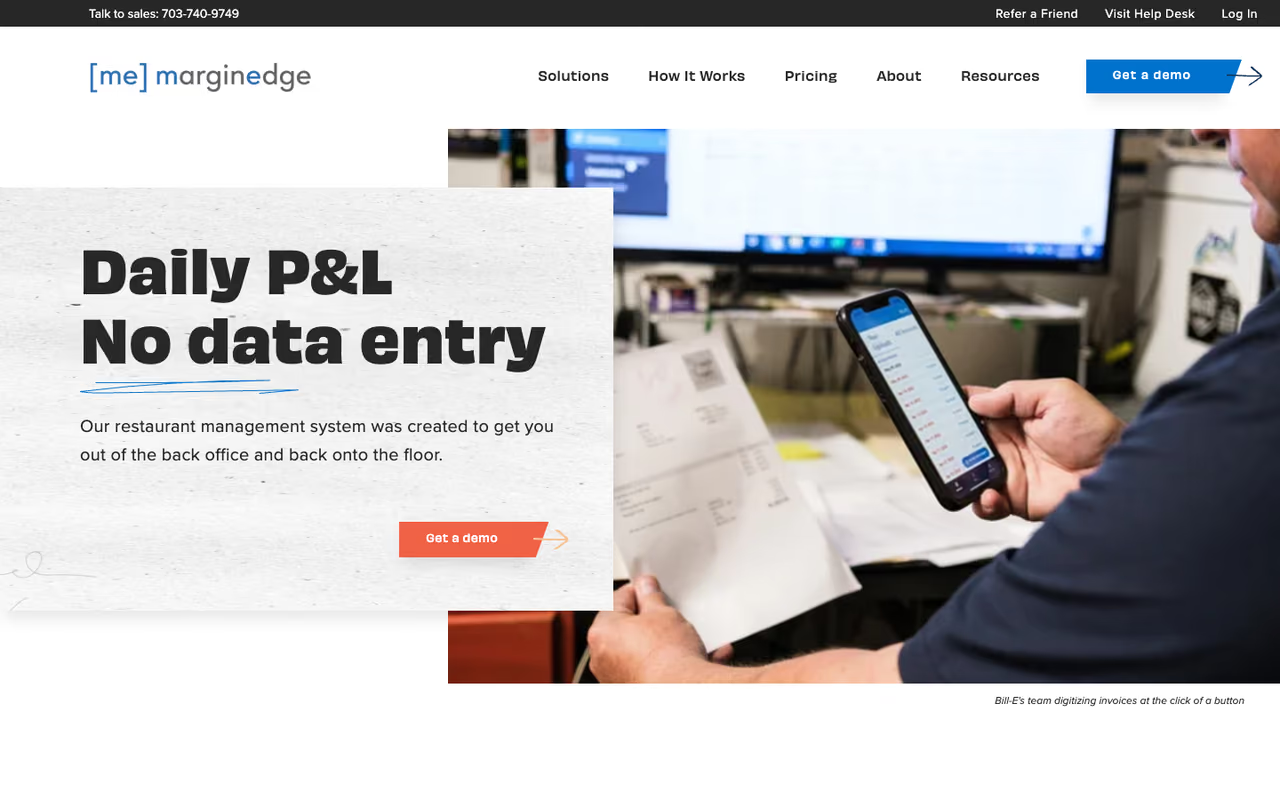
MarginEdge is the tool I recommend first to most independent operators, and it is a little unusual because it does not try to be your accounting ledger. It sits between your POS and your accounting software, automating the painful middle: invoice processing, food costing, inventory, and bill pay. You photograph a vendor invoice, it gets coded line by line within about a day, and the data flows into recipe costs and your books.
Who it is best for: single locations and small groups that want to see daily food cost and a real-time P&L without hiring a controller. It connects to QuickBooks and Xero rather than replacing them, which keeps your accountant happy.
My first call for independent operators who want daily food cost and a real-time P&L without a controller. The flat $350 per location with unlimited invoices is easy to budget, but it is not a ledger, so you still pay for QuickBooks or Xero underneath.
Pricing is the cleanest in this category. Per MarginEdge's pricing page, it is a flat $350 per month per location with unlimited invoices, unlimited bill pay for US locations, and no contract. Run a bar program and the Freepour liquor bundle brings it to $500 per location.
The standout is that flat rate paired with unlimited invoice processing. Most competitors charge per invoice or gate features behind tiers. Here you pay one number and use it as hard as you want.
The catch: it is not a standalone accounting system, so you still pay for QuickBooks or Xero underneath. And if you are on Toast, there is a $50 per month per location API pass-through fee on top. For a tiny cafe doing 20 invoices a month, $350 can feel steep next to free tools.

Restaurant365
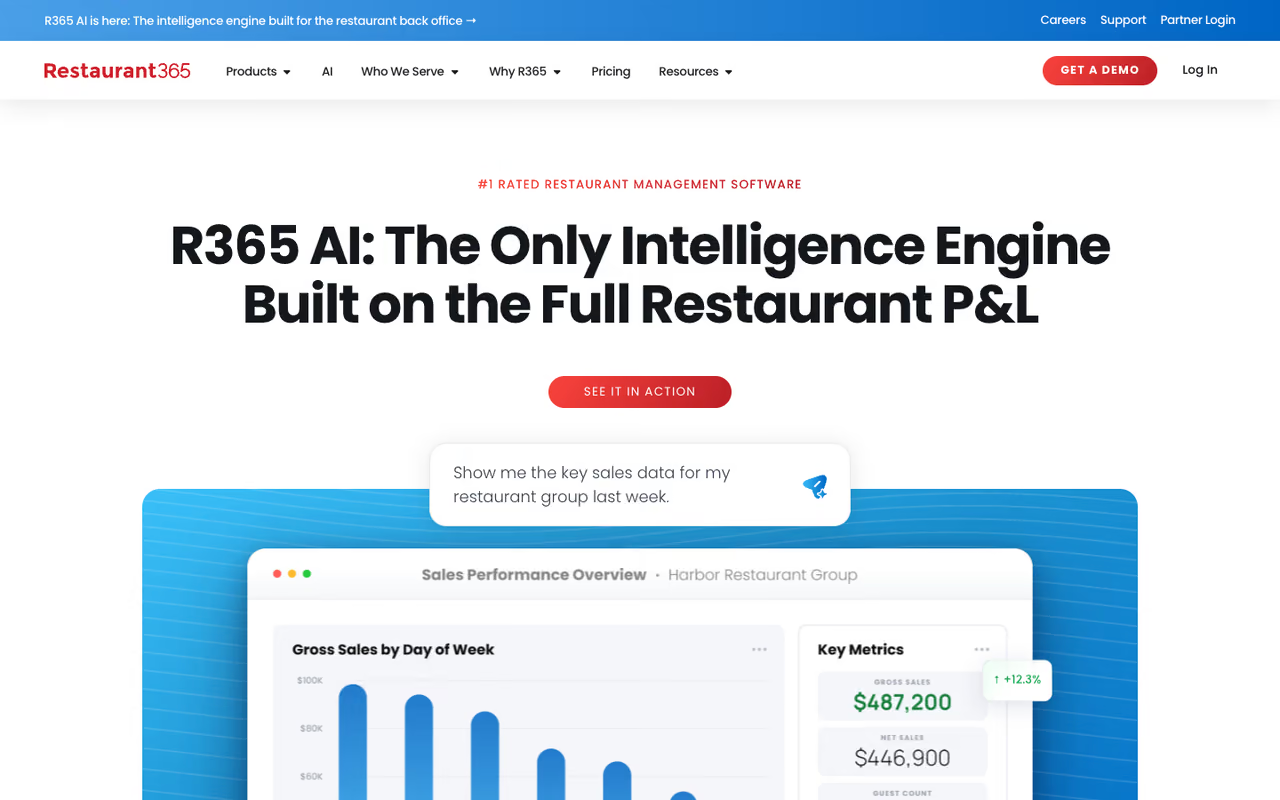
Restaurant365 is the closest thing this category has to an all-in-one. It folds accounting, inventory, scheduling, and payroll into a single platform built only for hospitality, used by tens of thousands of restaurants. POS sales and labor data flow straight into the ledger, so there is no double entry between your front-of-house numbers and your books.
Who it is best for: multi-unit groups and growing franchises that have outgrown a patchwork of QuickBooks plus three separate apps. If you manage five locations and want one system of record, this is the natural landing spot.
The closest thing to an all-in-one for multi-unit groups and franchises that have outgrown a QuickBooks patchwork. Consolidation is real, but at $469 a location with a project-sized implementation it is overkill for one or two units.
Pricing reflects that scope. Restaurant365's own cost comparison lists the Essential plan at $469 per location per month for accounting, inventory, and core reporting, with Professional running $689 to $749 per location for AP automation, business analytics, and fixed asset management. Users are unlimited.
The standout is genuine consolidation. When everything lives in one schema, your financials across locations are real-time, not a month-end spreadsheet exercise.
Where it falls short: cost and complexity. At $469 a location it is overkill for a single restaurant, and implementation is a project, not an afternoon. Operators routinely describe a steep onboarding that needs a dedicated person to climb. For one or two units, you are paying for a chassis you will not fill.
QuickBooks Online
QuickBooks is the ledger almost every bookkeeper and accountant already knows, and that matters more than people admit. Hand your books to a new accountant and there is roughly a 100% chance they can read a QuickBooks file on day one. For a small restaurant, that fluency is worth a lot.
Who it is best for: single locations and small operators who want a real, defensible general ledger at the lowest sane price, usually paired with a food-cost layer like MarginEdge or xtraCHEF on top.
On pricing, Intuit's plans run $38 a month for Simple Start and $115 for Plus, with Plus being the tier most restaurants actually need because inventory and class tracking (one class per location or revenue center) only show up there. NerdWallet notes Intuit raised prices 15 to 20% in mid-2025, so budget for the higher numbers on renewal. The standout is universality and cost: nothing else gives you a credible ledger this cheap with this much accountant support around it.
The catch: out of the box it knows nothing about restaurants. No recipe costing, no daily sales journal from your POS, no food-cost percentage. You build that with integrations and class tracking, which means setup discipline. Skip the structure and you get a clean ledger that tells you nothing useful about your kitchen.
A credible, defensible ledger at the lowest sane price, and any accountant can read it on day one. It knows nothing about restaurants out of the box, so pair it with a food-cost layer or you get clean books that say nothing about your kitchen.
xtraCHEF by Toast
Already running Toast as your POS? xtraCHEF deserves a hard look because the integration is as tight as it gets. Toast acquired xtraCHEF in 2021, and sales data now feeds food-cost calculations automatically. The headline feature is invoice automation: snap a photo of a vendor bill and AI reads the line items, matches them to inventory, captures prices, and flags anomalies, with accuracy operators put around 90 to 95%.
Who it is best for: Toast restaurants that want food costing and AP automation without bolting on a third-party tool that needs its own POS connector.
Look hard at it if you already run Toast, since the native integration means no pass-through fee and no fragile middleware. Outside Toast the main advantage evaporates, and the opaque pricing is a minor annoyance.
Pricing is not published openly, but multiple reviews put xtraCHEF in the $149 to $349 per month range by tier, which lands it below MarginEdge on the entry end. It syncs into QuickBooks Online for the actual accounting.
The standout is the native Toast connection. No API pass-through fee, no fragile middleware, and your sales-to-cost picture updates without you thinking about it.
Where it falls short: it really only makes sense if you are on Toast. Run a different POS and the main advantage evaporates, and you would likely pick MarginEdge instead. Pricing opacity is also a minor annoyance when comparing on a spreadsheet.
Xero
Xero is the cloud ledger I point cafes, coffee shops, and small bars toward when they want clean books and a modern interface without QuickBooks. The bank reconciliation is genuinely pleasant to use.
Who it is best for: small, low-complexity food businesses, especially ones whose bookkeeper already likes Xero, and anyone who wants unlimited team members without per-seat fees.
Xero's US pricing runs $25 a month for Early, $55 for Growing, and $90 for Established, with every plan including unlimited users. That is the real differentiator: QuickBooks charges per seat, Xero does not. Early caps you at 20 invoices and 5 bills a month, so most restaurants need Growing at minimum.
A pleasant cloud ledger for cafes, coffee shops and small bars, with unlimited users on every plan. It has no restaurant brain of its own, the US hospitality add-on marketplace is thin, and a multi-unit group runs out of road quickly.
The catch: like QuickBooks, Xero is a general ledger with no native restaurant brain. No recipe costing, no POS-native sales journal. You add those through integrations, and the US hospitality app marketplace is thinner than QuickBooks's. For a multi-unit group it runs out of road quickly. Our comparison of accounting tools for growing businesses goes deeper on where each one wins.
MarketMan
MarketMan comes at the problem from the inventory and purchasing side rather than the ledger side. It is built for kitchens and bars where ingredient control and supplier management are the daily battle, with strong recipe costing, purchasing workflows, and vendor catalog management.
Who it is best for: inventory-heavy operations, bars with large beverage programs, and groups that want forecasting and ordering driven by historical usage rather than gut feel.
Choose it when ingredient control and purchasing are your daily battle, especially for bars with big beverage programs. Implementation is a slog of two to six months, and it is a layer on top of accounting, not a replacement.
Pricing starts around $199 per month and scales with operational complexity rather than location count, and notably MarketMan does not charge extra to integrate with your POS or accounting software. It pushes data into QuickBooks or Xero for the books. The standout is the depth of its purchasing tooling, and the AI-assisted ordering that suggests quantities is genuinely useful for a kitchen cutting waste.
Where it falls short: implementation is a slog. Operators report two to six months for full setup once you account for menu entry, recipe building, and vendor migration. Some add-on and EDI costs are not published, so total cost of ownership can drift above the sticker for chains. Like the others here, it is a layer on top of accounting, not the accounting itself.

Wave
Wave earns its spot for one reason: the core accounting really is free. For a brand-new single location watching every dollar, that is not nothing. You get unlimited invoicing, basic bookkeeping, receipt scanning, and P&L reports without a subscription.
Who it is best for: a just-opened cafe, food truck, or single spot in its first year, where the priority is clean records and sales-tax tracking on a budget close to zero.
On price, Wave's plans keep the accounting core free, with a $16 a month Pro tier for extras and payroll as a paid add-on. The standout is obvious: a real double-entry ledger at no cost, which lets a new owner set up food, beverage, and tax accounts properly from day one.
A solid starter ledger for a just-opened cafe or food truck watching every dollar, with real double-entry at no cost. There is no POS integration, inventory or recipe costing, so treat it as something you graduate from.
The catch is just as clear: no POS integration, no inventory, no recipe costing. The moment your restaurant grows past a one-person bookkeeping job, you outgrow it. Treat Wave as a starter ledger you will graduate from, not a long-term home. To round out a lean setup, our roundups of AI invoice tools and expense tracking apps pair well.
Sage Intacct
Sage Intacct is the enterprise end of this list, and most restaurants should not buy it. But for large groups, franchises, and operators running serious multi-entity structures, it is a legitimate alternative to Restaurant365 with stronger pure-accounting and consolidation muscle.
Who it is best for: 8-plus unit groups, franchisors, and hospitality companies that need push-button consolidation across legal entities and dimensional reporting their CFO trusts.
Sage does not publish list pricing. Industry estimates put it around $400 to $800 per named user per month annually, and analysts peg an all-in setup for a larger group, software plus AP automation plus a hospitality layer, at $4,000 to $9,000 a month with $20,000 to $50,000 in implementation. This is a finance-department purchase, not an owner-operator one.
The standout is true multi-entity consolidation and dimensional reporting that holds up when you have outside investors or a board.
Where it falls short: cost, complexity, and the fact that it is not restaurant-native the way R365 is. You will bolt on hospitality modules and AP automation, and you will need finance staff to run it. Under roughly five locations, it is the wrong tool.
The enterprise option for 8-plus unit groups and franchisors that need push-button multi-entity consolidation, and a legitimate alternative to Restaurant365. It is expensive, not restaurant-native, needs finance staff, and is wrong under roughly five locations.
How to choose
Pick based on where you sit, not on feature lists.
Run one location and want the cheapest real ledger? Start with QuickBooks Plus or Xero Growing, then add a food-cost layer once you are stable. If money is tight in year one, begin on Wave and migrate later.
Want food cost, inventory, and AP solved in one move while keeping QuickBooks underneath? MarginEdge is the answer for most independents. On Toast specifically, compare it against xtraCHEF first, since the native sync and lack of API fees can tip the math.
A multi-unit group ready for one system of record lands on Restaurant365 by default, with Sage Intacct as the alternative once consolidation across legal entities becomes the priority. MarketMan is the pick when inventory and purchasing, not the ledger, are your real pain.
The honest test: write down your top three monthly headaches. If they are food cost and invoices, buy a food-cost tool. If they are consolidating five P&Ls, buy a platform. Do not buy a platform to solve an invoice problem. Our guide to the best AI for accounting covers where automation is heading across the whole function.
While you are upgrading the back office, the Dupple X bundle and the wider top tools directory cover the software operators reach for next. Try Dupple X free for a year and put the savings back into your margins.
FAQ
What is the best accounting software for a small restaurant?
For a single small location, QuickBooks Online Plus at $115 a month or Xero Growing at $55 a month gives you a real ledger every accountant can read. Pair it with MarginEdge ($350/mo) when you want food costing and invoice automation on top. If budget is the hard constraint in year one, Wave's free accounting is a legitimate starting point.
How much does restaurant accounting software cost in 2026?
It ranges widely. A basic ledger like Xero or QuickBooks runs $25 to $115 a month. Food-cost and AP tools like xtraCHEF and MarginEdge run roughly $150 to $350 a month per location. Full platforms like Restaurant365 start at $469 per location per month, and enterprise systems like Sage Intacct run into the thousands.
Is QuickBooks good for restaurants?
Yes, with a caveat. QuickBooks is an excellent general ledger and the most widely supported option, but it has no native restaurant features like recipe costing or a daily sales journal. Restaurants get the most out of it by using class tracking for revenue centers and layering a tool like MarginEdge or xtraCHEF on top to handle food cost.
Do I need restaurant-specific accounting software or will generic tools work?
If you only need clean books and tax compliance, generic tools like QuickBooks and Xero work fine. You need restaurant-specific software once food-cost percentage, recipe costing, and POS-to-ledger automation become daily decisions, which is usually around the point you add a second location or your food cost starts drifting unnoticed.
What is the difference between Restaurant365 and MarginEdge?
Restaurant365 is an all-in-one platform that replaces your accounting system and adds inventory, scheduling, and payroll, aimed at multi-unit groups starting at $469 per location. MarginEdge is a food-cost and AP layer at $350 per location that sits on top of QuickBooks or Xero rather than replacing them, which makes it lighter and cheaper for independents.
Which restaurant accounting software integrates with Toast POS?
Most do, but xtraCHEF is owned by Toast and has the tightest native integration with no API pass-through fee. MarginEdge and Restaurant365 both connect to Toast as well, though MarginEdge charges a $50 per month per location API fee for the Toast connection.
Related guides
Some offers on this page may be paid placements or contain affiliate links.
Across our whole catalogue the median is $24 a month and 33% of tools advertise a free tier. Figures are the lowest recurring monthly price quoted in our own review of each tool, read on 2026-08-19. Full method and every category.
