
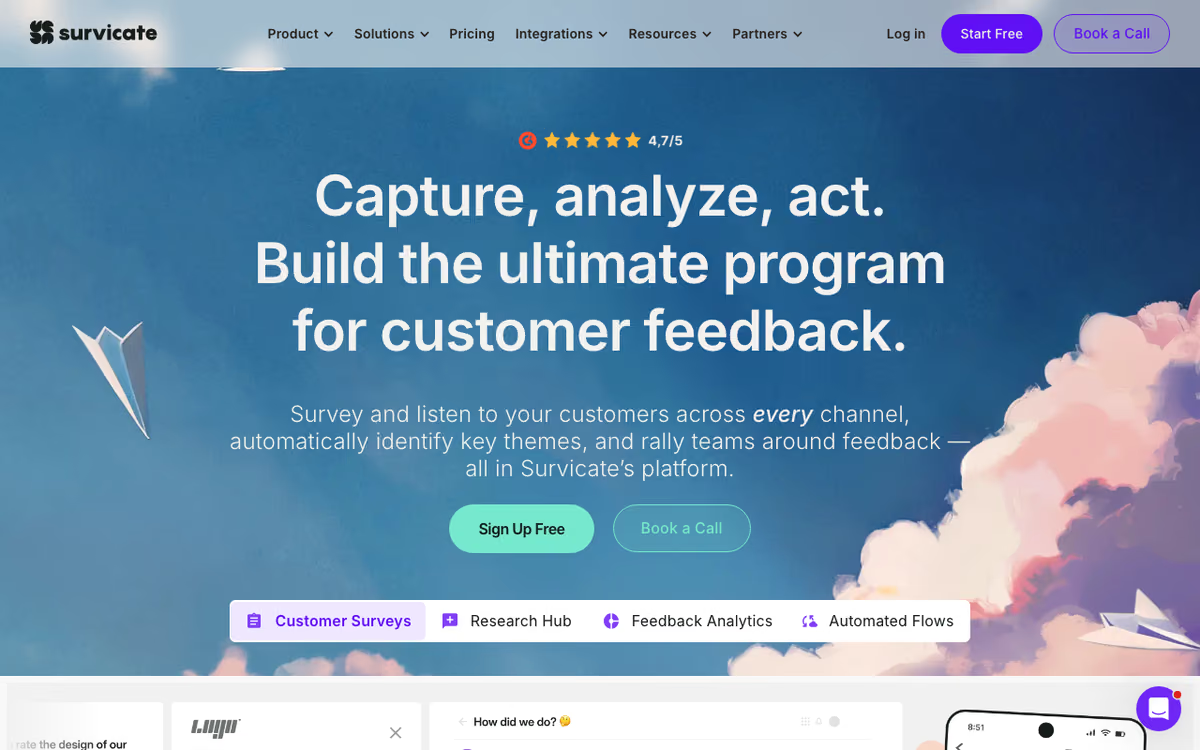
What Is Survicate?
Survicate is the survey and feedback platform built for collecting customer feedback at the right moment in the customer journey. Founded in 2013 in Warsaw, Survicate serves over 2,500 businesses with surveys triggered across email, in-app, web, mobile apps, and chat tools like Intercom.
The pitch is contextual feedback collection. Annual customer surveys produce stale, generic insights. Triggered feedback (NPS after onboarding completion, CSAT after support ticket resolution, churn surveys after cancellation) produces specific, actionable insights tied to actual customer experiences.
The product targets product teams running PMF and NPS surveys, customer success teams capturing CSAT and churn reasons, and marketing teams researching audience preferences. Survicate's triggered survey model fits these use cases better than general survey tools.
Try Survicate Free Get started →How Survicate Works
Build surveys with the drag-and-drop editor. 14+ question types cover NPS, CSAT, multiple choice, single choice, rating scales, open text, file upload, and more. Branding controls let surveys match your visual identity.
Choose deployment channels. Web widget appears on your site based on triggers; mobile SDK for native iOS and Android apps; email surveys for transactional and trigger-based campaigns; shareable link for any communication channel; native integrations with Intercom, Front, Help Scout, and other tools.
Configure triggers based on user behavior. Show NPS after a customer completes onboarding; ask CSAT after a support ticket closes; trigger a churn survey when someone clicks cancel; survey users on specific pages or after specific actions. Behavioral targeting beats blast surveys for response quality.
Responses flow to dashboards with sentiment analysis (AI categorizes open-text responses), NPS calculation, CSAT trending, and segmentation. Filter results by user attributes, channels, or time periods.
Integrations push responses to Intercom (for support agent context), HubSpot (for marketing follow-up), Slack (real-time team notifications), Mixpanel (event tracking), and Zapier (everything else).
Survicate Pricing in 2026
Free: Up to 25 responses/month. Trial.
Entry plan: $56/month billed annually. 100 responses, basic features.
Standard: $129/month annually. 1,000 responses, advanced targeting, branding.
Premium: $269/month annually. 5,000 responses, AI sentiment, custom branding.
Ultimate: Custom pricing. Unlimited responses, dedicated CSM, advanced integrations.
See Survicate Plans See plans →Where Survicate Wins
- Multi-channel from one tool: email + in-app + web + mobile from same platform.
- Trigger logic: surveys appear at the right moment for high response rates.
- Strong NPS workflow: clean dashboards and follow-up automations.
- Intercom integration: native triggers from Intercom conversations.
- AI sentiment analysis: open-text responses get categorized automatically.
Where It Falls Short
- Response caps: high-traffic apps blow through plan limits quickly.
- Question types are standard: less innovative than Typeform's logic-driven forms.
- Visual customization limited on lower tiers: advanced branding requires Premium.
- Mobile SDK requires development: not a drop-in plugin for mobile apps.
Survicate vs Typeform vs Hotjar vs Refiner
Survey tool options, pricing from vendor sites, November 2026, USD list prices
| Option | Starting price | Pricing model | Best for |
|---|---|---|---|
| Survicate | Free plan; paid from $56/mo billed annually | By responses and data points | Multichannel product feedback |
| Typeform | Basic $28/mo billed yearly, $39 monthly | By responses and users | Design-first forms |
| Hotjar | Free; Growth from $39/mo | By monthly sessions | Heatmaps and recordings with surveys |
| Refiner | Free to 25 responses/mo | Per monthly active user; price not shown | In-app surveys |
Typeform is the design-first survey tool. Better-looking forms; weaker in-app and event-triggered workflows.
Hotjar is heatmap-first with surveys added. Pick Hotjar if heatmaps and recordings matter as much as surveys.
Refiner is the closest in-app survey competitor.
Qualaroo targets website surveys with strong segmentation.
Who Should Use Survicate
SaaS product teams running NPS and PMF surveys: targeting and triggers fit.
Customer success teams capturing CSAT: post-ticket surveys via integration.
Marketing teams researching audience: multi-channel targeted surveys.
Skip it if: you only need long-form surveys (use Typeform), or your user base is too small to justify the response volume tiers (use Google Forms).
How Survicate works
Survicate is a customer-feedback platform for running micro-surveys in the places customers already are: your website, your mobile app, email, shareable links, and chat tools like Intercom and Braze. It covers the standard experience metrics (NPS, CSAT, CES) alongside open-ended research, and it feeds responses into an AI Research Hub that clusters answers into themes and tags sentiment. It also ingests feedback that did not come from a survey at all, such as support tickets and call recordings (including Google Meet transcripts), so the qualitative pile lives in one place.
Setup starts with a JavaScript snippet on your site or one of the mobile SDKs (iOS, Android, React Native, Flutter, Unity). From there you build surveys and set targeting rules: who sees them, on what page or in-app screen, triggered by events or on a schedule. Responses are auto-enriched with CRM and product attributes, so you can segment afterwards without asking the respondent questions you already know the answer to. Survey logic runs from basic branching up to a visual logic tree and advanced display logic on the higher plans.
Getting results out is where the tool is unusually deep. There are 50+ native integrations, including Salesforce, HubSpot, Pipedrive, ActiveCampaign, Zendesk, Intercom, Freshdesk, Mailchimp, Klaviyo, Marketo, Slack, Teams, Linear, Segment, Amplitude, Mixpanel, GA, FullStory, UXCam, Productboard, and Google Sheets, plus Zapier, webhooks, and a REST Data Export API. Worth checking case by case: some connectors are one-way, others two-way.
Where Survicate wins
- Genuinely multi-channel from one tool. Web, in-app mobile, email, link, and chat surveys, rather than a web-only widget you then have to supplement.
- Real mobile coverage. Five first-party SDKs (iOS, Android, React Native, Flutter, Unity), not a webview wrapper pretending to be native.
- A deep integration surface. With 50+ named native connectors, responses land on the CRM or helpdesk record where someone will actually see them, and Linear tickets can be created straight from feedback.
- The AI Research Hub does more than summarize. It auto-themes and sentiment-tags open text, and it absorbs support tickets and meeting transcripts, so the product doubles as a feedback repository rather than just a survey builder.
- Enterprise compliance is available. SOC 2, GDPR, and PCI-DSS, with SAML SSO, access logs, custom DPA/NDA, and HIPAA at the Enterprise tier.
Where it falls short
- Response volume is the pricing lever, and it bites early. Both the free Starter plan and the $114/mo Growth plan cap at 500 responses per month with overage fees. Pro at $349/mo only takes you to 1,500. A high-traffic NPS program escalates quickly.
- Much of what makes it useful is tier-gated. Multilingual surveys, custom branding, and AI follow-up questions need Growth. A/B testing, survey sampling, the feedback button, the visual logic tree, and advanced display logic need Pro. Custom CSS, custom domain, SSO, and HIPAA are Enterprise-only.
- Seat limits are tight. Only 5 seats and 1 team below Pro, and 10 seats with 2 teams on Pro. Multi-team or agency-style separation effectively means Enterprise.
- The free trial is short and thin. Ten days and 25 responses is not enough to validate a real in-product survey program before you pay.
- HIPAA sits behind Enterprise. Regulated healthcare buyers cannot start small and grow into it.
Who should use Survicate
Product, CX, and research teams at SaaS or mobile-app companies, specifically those who want in-product micro-surveys wired into their CRM and helpdesk plus a single place to centralize qualitative feedback. The fit is strongest if you have a mobile app, because the SDK coverage is broader than most competitors offer.
Skip it if you need high-volume survey collection on a small budget, since the 500-response cap makes the cheaper tiers a trap rather than a bargain. Skip it if you need HIPAA without Enterprise spend. And skip it if you only need a one-off form, where a generic form builder will do the same job for a fraction of the money.
Frequently Asked Questions
Can I trigger surveys after Intercom conversations?
Yes, native Intercom integration with workflow triggers.
Does Survicate support mobile in-app surveys?
Yes via SDKs for iOS and Android.
What about HubSpot integration?
Yes. Survey responses flow to HubSpot contact records for sales and marketing follow-up.
Can I customize survey design?
Yes. Colors, fonts, and branding on Standard and above.
Does AI sentiment analysis really work?
Reasonably well for English open-text responses. Other languages improving.