
What Cal.com Actually Is
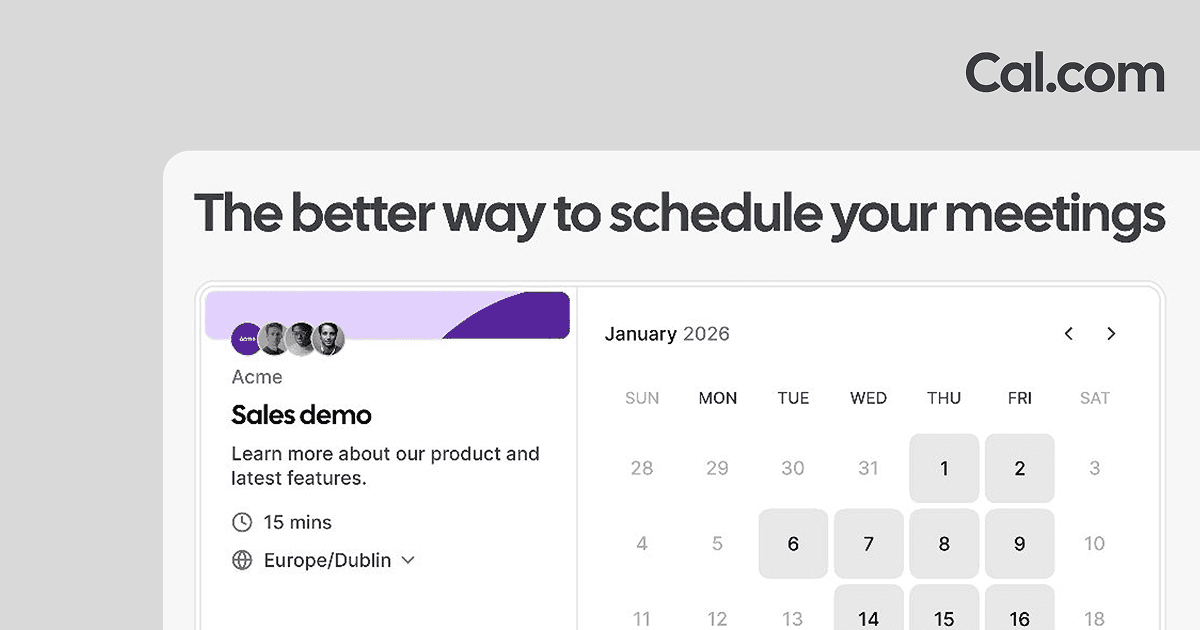
Cal.com is a scheduling platform that removes the back and forth of finding a meeting time. You connect your calendars, publish a personal booking link, and let other people pick a slot that fits your real availability, with double bookings blocked automatically. It handles video, phone, and in person meetings, syncs across Google, Outlook, and other calendars, and sends reminders so fewer people forget to show up.
What sets it apart from most schedulers is that it is open source and can be self hosted. The same product runs as a managed service at cal.com and as code you can pull from GitHub and run on your own servers, which matters when you need to control where booking data lives. It is often described as scheduling infrastructure rather than a single booking widget, because developers can build their own scheduling experiences on top of it using the API and embeddable pages.
Try Cal.com Get started →Open Source and Self-Hostable at the Core
The defining characteristic of Cal.com is that it is a real open source project, not a marketing label. The full application lives in a public GitHub repository, which means you can inspect exactly how bookings, availability, and calendar connections work before you trust them with your schedule. For teams with strict data residency, security, or compliance requirements, this is the practical difference between adopting a scheduler and having to build one.
Two paths follow from that openness. The first is self hosting, where you deploy Cal.com on your own infrastructure and keep booking data entirely inside your environment. The second is developer use, where Cal.com becomes the scheduling engine behind another product. Embeddable booking pages let you drop a calendar into any website, and the API lets applications create event types, read availability, and manage bookings programmatically. A marketplace of connected apps extends the same core rather than fragmenting it. Most competitors give you a closed booking page and stop there; Cal.com gives you the booking page and the underlying system, which is why it appeals to both non technical users and engineering teams who want scheduling as a component they can shape.
What Else It Does
Beyond the open source foundation, Cal.com covers the day to day scheduling features most people and teams actually need.
Availability and Booking Controls
You can create unlimited event types, each with its own length, location, and rules. Availability is granular: set working hours, add daily, weekly, or monthly limits on how many meetings you take, insert buffers before and after events, and require a minimum notice period so nobody books you for five minutes from now. Booking links are short and customizable, and the whole page can carry your brand. Recurring events and an out of office mode round out the scheduling logic so your calendar reflects how you really work.
Team Scheduling and Routing
For groups, Cal.com adds shared team availability and round robin scheduling that distributes incoming meetings across members, which is the standard pattern for sales and support rotations. Managed and collective event types let several people host or attend the same booking. Routing forms send a person to the right calendar based on their answers, and attribute based routing can direct high value leads to specific reps. Booking analytics show how those event types and routes are performing.
Workflows, Reminders, and Follow-ups
Workflow automation lets you attach actions to booking events without writing code. You can send SMS and email reminders ahead of a meeting, trigger automated follow ups afterward, and customize the wording and timing of each message. These reminders are one of the most direct levers on no show rates, and having them built in rather than bolted on keeps the whole flow inside one tool.
Integrations and Payments
Cal.com connects to more than one hundred apps, including Slack, Salesforce, HubSpot, and Zoom, with two way sync for the major CRMs so bookings show up where your team already works. It includes Cal Video for built in conferencing, supports paid bookings through Stripe and PayPal, and offers interface coverage in dozens of languages. If you are moving over from another tool, it can import existing Calendly event types so you do not rebuild everything by hand.
Pricing
Cal.com uses a freemium model with a genuinely usable free tier and per user paid plans above it. New users who sign up through the link on this page get 20% off for the first twelve months.
- Free: Free forever for one user, with unlimited event types and calendars, email and SMS notifications, more than one hundred app integrations, Stripe and PayPal payments, and two way Salesforce and HubSpot sync.
- Teams: $12 per user per month, adding shared team availability, round robin scheduling, managed and collective event types, recurring events, routing forms, booking analytics, and the option to remove Cal.com branding.
- Organizations: $28 per user per month, adding unlimited sub teams, routing by custom variables, a company subdomain such as yourcompany.cal.com, SAML SSO and SCIM, and SOC 2, HIPAA, and ISO 27001 alignment.
- Enterprise: Custom pricing, with dedicated onboarding and engineering support, an SLA and uptime guarantees, HRIS and directory integrations, priority Slack support, and a dedicated database.
Both paid plans bill per user and come with a fourteen day free trial, and choosing annual billing saves 25% over paying monthly. Because the product is open source, self hosting is also a route for teams that would rather run it themselves than pay per seat, though that shifts the cost to your own infrastructure and maintenance.
Who It Is For
Solo professionals get the most immediate value from the free plan. Consultants, recruiters, freelancers, and anyone who books calls all day can replace email tag with a single link, take payments, and send reminders without paying anything. The absence of a per meeting cap on the free tier is a real advantage over some rivals.
Teams that run sales, support, or interview rotations are the natural fit for the paid tiers, where round robin distribution, routing forms, and shared availability turn scheduling into a repeatable process rather than a manual assignment. Larger organizations with SSO, sub team, and compliance needs move up to the Organizations plan, and regulated or high volume companies land on Enterprise.
The group that gets something no closed competitor offers is developers and privacy conscious teams. If you want to embed scheduling in your own product, run it on your own servers, or read the code before you commit, Cal.com is close to the only mature option. If you simply want a booking link and never plan to touch an API or a server, the difference from a hosted only tool will matter less, though the free plan still makes it an easy default.
Is Cal.com really free?
Yes. The free plan is free forever for a single user and includes unlimited event types and calendars, email and SMS notifications, payment collection through Stripe and PayPal, and integrations with more than one hundred apps. Paid plans start at $12 per user per month and add team and routing features.
How is Cal.com different from Calendly?
The core difference is that Cal.com is open source and can be self hosted, while Calendly is a closed hosted product. That gives Cal.com an API and embeds for building scheduling into your own apps, plus the option to keep booking data on your own infrastructure. Cal.com can also import existing Calendly event types to ease a switch.
Can I self-host Cal.com?
Yes. The full application is available on GitHub, so you can deploy it on your own servers and control where your data lives. Self hosting suits teams with data residency or compliance requirements, though it moves hosting and maintenance responsibility to you rather than the managed cal.com service.
Does Cal.com support teams and round-robin scheduling?
Yes. The Teams plan adds shared availability, round robin scheduling that distributes meetings across members, managed and collective event types, routing forms, and booking analytics. The Organizations plan extends this with unlimited sub teams, SAML SSO, SCIM, and a company subdomain.
Does Cal.com include video calls and payments?
Yes. It ships with Cal Video for built in conferencing and also integrates with tools like Zoom, so meetings can be created with a link automatically. It supports paid bookings through Stripe and PayPal, which lets you charge for consultations or sessions at the time of booking.