
The Best Transactional Email Services in 2026

Key facts8 tools compared: Resend, Postmark, Amazon SES, Mailgun, Mailtrap, SendGrid, MailerSend, Brevo
- 8 tools compared: Resend, Postmark, Amazon SES, Mailgun, Mailtrap, SendGrid, MailerSend, Brevo
- Resend (best for: Modern dev teams, startups): Free 3,000/mo (100/day), then $20/mo for 50,000
- Postmark (best for: Teams where delivery speed matters most): Free 100/mo, then $15/mo for 10,000
- Amazon SES (best for: High volume, has engineers): $0.10 per 1,000 emails pay-as-you-go
- Mailgun (best for: Developers who need analytics and validation): Free 100/day, then $15/mo for 10,000
Short answer: Resend is the best default for most teams in 2026: free for 3,000 emails a month, then $20 a month for 50,000. Choose Postmark when delivery speed is the whole job, and Amazon SES when volume is high and you have engineers ($0.10 per 1,000 emails on pay-as-you-go pricing).
Toolradar data: of the 13 transactional email tools we track, 12 (92%) offer a free or freemium plan and only one is paid-only, so a free plan is the norm in this category. Prices below were checked on each vendor's pricing page in Oct 2026.
A failed password reset email is not a minor bug. It becomes a support ticket, a churned trial and sometimes a refund, and you usually hear about it from a customer instead of a dashboard. The eight services below differ less in whether they can send an email than in what you give up for the price: engineering time, deliverability tooling, log history, or a free plan you will outgrow.
Quick comparison
| Tool | Best for | Price | G2 rating | Standout |
|---|---|---|---|---|
| Resend | Modern dev teams, startups | Free 3,000/mo (100/day), then $20/mo for 50,000 | 4.8/5 (10 reviews) | React Email support and a clean API |
| Postmark | Teams where delivery speed matters most | Free 100/mo, then $15/mo for 10,000 | 4.6/5 (32 reviews) | Delivery statistics published on its status page |
| Amazon SES | High volume, has engineers | $0.10 per 1,000 emails pay-as-you-go | 4.3/5 (205 reviews) | Lowest per-email rate here |
| Mailgun | Developers who need analytics and validation | Free 100/day, then $15/mo for 10,000 | 4.2/5 (322 reviews) | Email validation and inbound routing |
| Mailtrap | Teams that want a large free plan | Free 4,000/mo (150/day), then $15/mo for 10,000 | 4.8/5 (77 reviews) | Dedicated IP with warmup on Business |
| SendGrid | Larger teams mixing transactional and marketing | 60-day free trial, then from $19.95/mo | 4.0/5 (368 reviews) | Pro plan scales to 2.5 million emails a month |
| MailerSend | Budget teams that want templates and SMS | Free 500/mo, then $7/mo for 5,000 | 4.1/5 (46 reviews) | Drag-and-drop template builder |
| Brevo | All-in-one (CRM, marketing, transactional) | Free 300/day, then from $9/mo | 4.5/5 (2,764 reviews) | One account for CRM, campaigns and transactional |
G2 ratings are G2 reviewers' scores, read on G2's own product pages on October 14, 2026, not ours. Resend's 4.8 rests on 10 reviews and SendGrid's 4.0 on 368, so compare the review counts before the scores.

Resend: the best default in 2026
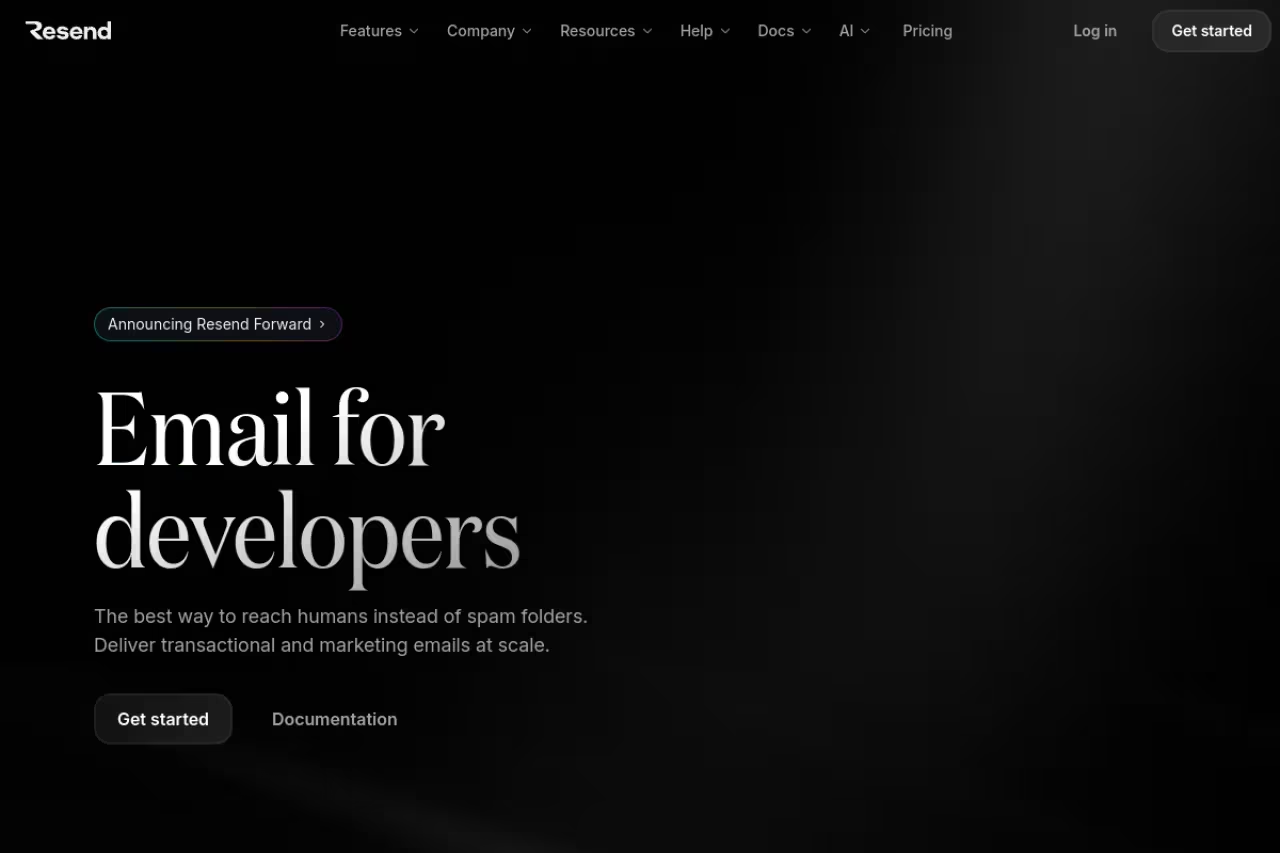
Resend is an email API for developers, with SMTP relay, official SDKs, batch and scheduled sending, and support for React Email, its open-source library for building emails as React components. It prices transactional and marketing email as separate products.
Who it's best for: Startups and product teams that write code and want email to feel like the rest of their stack. If your team already builds with React, React Email is a natural fit.
The best default for most teams: a clean API, React Email and a free plan that covers a prototype. The free plan caps at 100 emails a day, and at very high volume the per-thousand cost is far above SES.
Free is $0 for 3,000 emails a month, capped at 100 a day, with 3 domains and 30-day data retention. Pro is $20 a month for 50,000 emails with no daily limit, and Scale is $90 a month for 100,000 emails. Extra emails cost $0.90 per 1,000 on both paid plans. A dedicated IP is a $30 a month add-on on Scale, offered to customers sending more than 3,000 emails a day.
The standout: React Email. Building templates as components means you stop fighting table-based HTML.
The catch: The 100-emails-a-day cap on the free plan surprises people who test a bulk send. At a million emails a month the published rates work out to about $900 (Scale at $90 plus 900,000 extra emails at $0.90 per 1,000), against about $100 on SES pay-as-you-go pricing.

Postmark: the deliverability specialist
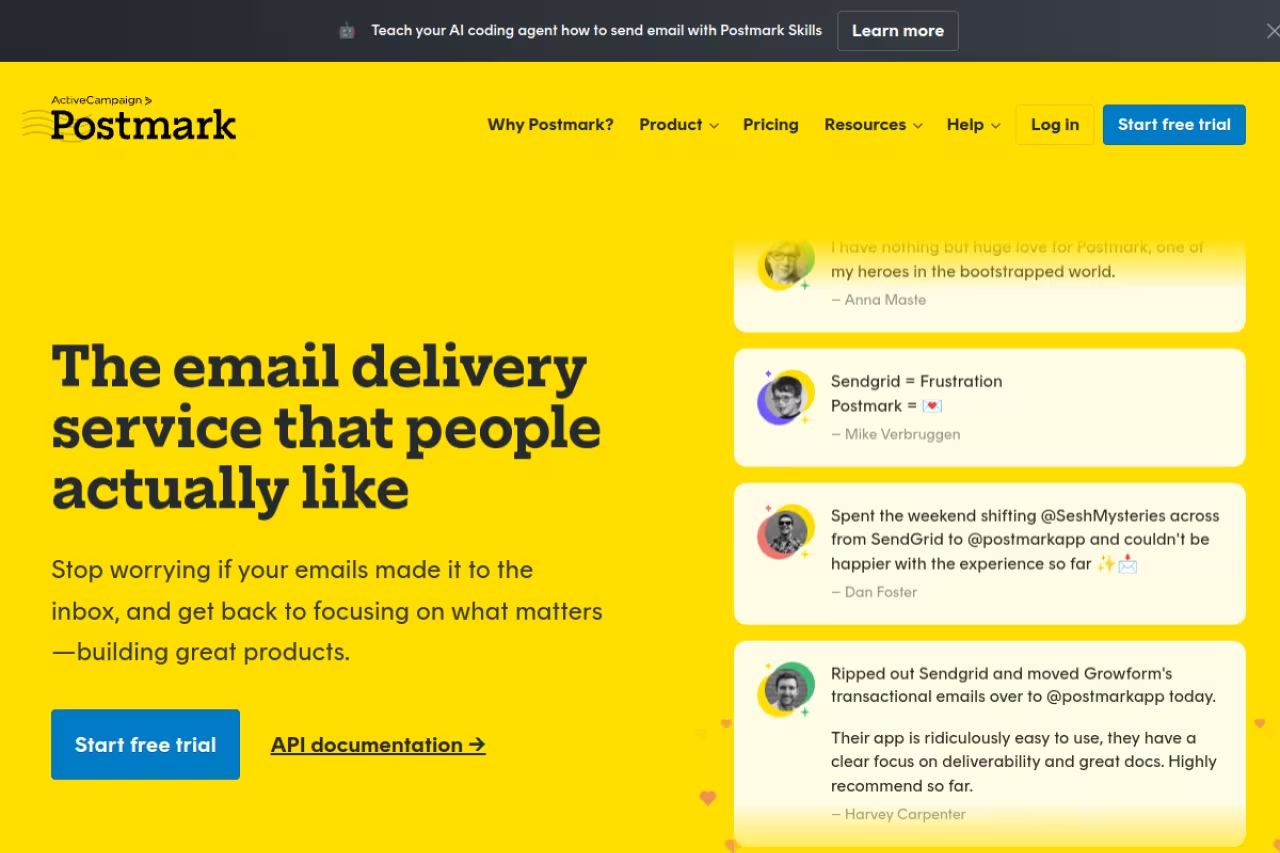
Postmark is built around transactional email and publishes its delivery statistics for the major inbox providers on its status page. It keeps transactional and bulk traffic in separate message streams, and it offers a Bulk API that you enable by contacting support.
Who it's best for: Teams where a delayed or spam-foldered email is a genuine business problem. Think fintech, healthcare, or any product where a failed magic-link login costs you the customer.
Pick it when a delayed email costs you the customer. You pay for that focus: the entry plan covers only 10,000 emails, and overage is among the highest rates in this guide.
Free covers 100 emails a month and allows no overage. Basic is $15 a month for 10,000 emails, with Pro at $16.50 and Platform at $18 for the same volume. Extra emails cost $1.80, $1.30 and $1.20 per 1,000 on Basic, Pro and Platform. Dedicated IPs start at $50 a month per IP, need a Pro plan or higher and are offered to customers sending 300,000 or more emails a month. Message history is kept for 45 days by default.
The standout: Speed and openness. Postmark says its delivery is up to 4 times faster than other providers, and it shares delivery statistics for the major inbox providers on its status page, so you can check the claim before you pay. Full message content history is kept for 45 days and can be set from 7 to 365 days.
The catch: It is pricey at scale. Past the included volume, extra emails cost $1.20 to $1.80 per 1,000, 12 to 18 times the SES pay-as-you-go rate. It is also not a self-serve newsletter tool: the Bulk API is switched on through support.
Amazon SES: unbeatable on cost, painful on everything else
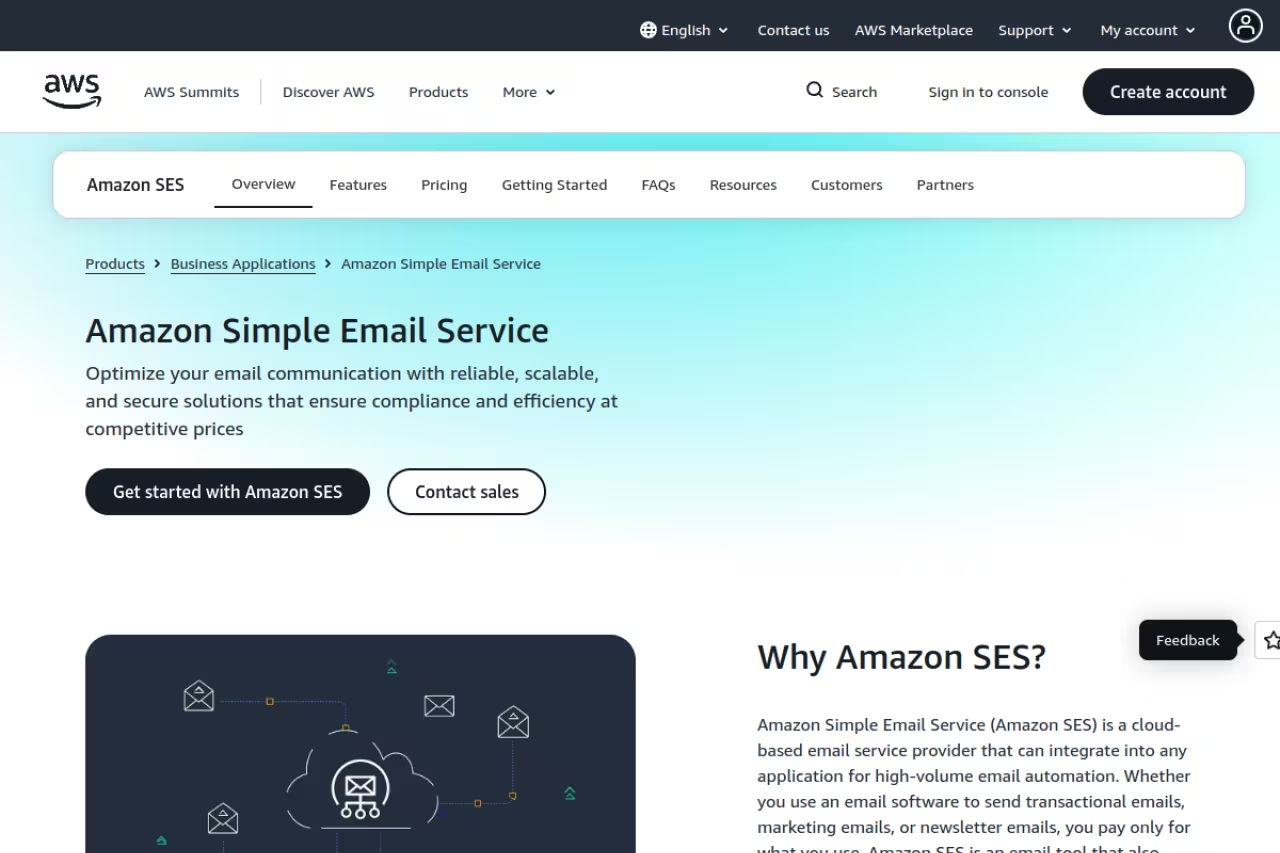
Amazon SES is email infrastructure, not an email product. You get a sending API, SMTP and inbound processing, and you build templates, monitoring and reputation management around it. In exchange, you pay almost nothing per email.
Who it's best for: Teams with engineering capacity and real volume. If you send millions of emails and have someone who can wire up monitoring, build templates and manage sender reputation, SES is the obvious answer.
Unbeatable on cost for teams with engineering capacity and real volume, at $0.10 per 1,000 emails on pay-as-you-go pricing. You build everything around it, so part of the savings goes to engineering time.
Pay-as-you-go pricing is $0.10 per 1,000 emails, plus $0.12 per GB of attachments. Since July 21, 2026, new SES accounts start on the Essentials plan at $0.16 per 1,000 emails for the first 10 million a month, and can switch to pay-as-you-go pricing at any time. The Pro plan ($0.22 per 1,000 plus $105 a month) and the Enterprise plan ($0.23 per 1,000 plus $500 a month) add managed deliverability features. New AWS customers get up to $200 in Free Tier credits. Standard dedicated IPs cost $24.95 a month per IP. At a million emails a month that is about $100 on pay-as-you-go pricing and $160 on Essentials.
The standout: The lowest per-email rate in this guide, with no minimum fee on pay-as-you-go pricing and AWS infrastructure behind it.
The catch: You build the product around it, and the default has changed. A new account starts on Essentials, which costs 60% more per email than pay-as-you-go pricing, so check which plan your account is on before you budget. Reputation management is entirely your job, and burning your sending reputation on SES means weeks of cleanup.

Mailgun: the developer workhorse
Mailgun is an email API with SMTP relay, inbound routing, tracking, analytics and email validation. It sits between the raw infrastructure of SES and the polish of Resend.
Who it's best for: Developers who want a real API plus analytics and list-hygiene tools in one place, without the bare-metal feel of SES.
A solid pick for developers who want an API, analytics and validation in one place. Log retention is short on the cheaper plans, one day on Free and Basic, and some features sit on higher tiers.
Free allows 100 emails a day with 1 custom domain and 1 day of log retention. Basic starts at $15 a month for 10,000 emails, with overage from $1.80 per 1,000. Foundation is $35 a month for 50,000 emails (free for the first month) with overage from $1.30 and 5 days of logs. Scale is $90 a month for 100,000 emails, adds SAML SSO, dedicated IP pools, 5,000 email validations and 30 days of logs, and has overage from $1.10 per 1,000. Extra validations start at $1.20 per 100.
The standout: Validation and inbound routing in the same account as sending. Basic includes 5 inbound routes, and Scale includes 5,000 email validations a month.
The catch: Debugging last week's send needs the Scale plan, since Foundation keeps 5 days of logs. Scale costs the same $90 a month as Resend's Scale for the same 100,000 emails, but overage runs $1.10 against $0.90 per 1,000.

Mailtrap: stream separation from day one
Mailtrap is an email API and SMTP service whose plan comparison lists a separate bulk stream next to its transactional sending, SPF, DKIM and DMARC setup for each domain, and a dedicated IP with automatic warmup on Business.
Who it's best for: Teams that want a large free plan and deliverability tooling without enterprise prices.
Good for teams that want 4,000 free emails a month and a dedicated IP at a published price. Log retention is short on the cheaper plans, 3 days on Free and 5 on Basic.
Free covers 4,000 emails a month, capped at 150 a day, with 1 user, 1 domain and 3 days of email logs. Basic costs $30 a month at 100,000 emails (the 10,000-email tier is in the table above), with 3 users, 5 domains and 5 days of logs, and no dedicated IP. Business is $85 a month for 100,000 emails and adds a dedicated IP, 100 users, 100 domains and 15 days of logs. Enterprise is $750 a month for 1.5 million emails with 30 days of logs.
The standout: The free plan has the largest monthly allowance in this guide at 4,000 emails, and a dedicated IP is part of Business at $85 a month, while Postmark asks for 300,000 or more emails a month before it offers one.
The catch: The 150-emails-a-day cap limits how much of the 4,000 you can send in a burst, and logs expire after 3 days on Free and 5 on Basic, so debugging something from last week means you are already on Business.

SendGrid: the enterprise incumbent
SendGrid, part of Twilio, is the service most teams have heard of. It sells an email API and a separate marketing campaigns product, and its pricing now lives on Twilio's site.
Who it's best for: Larger companies that want one vendor for transactional sends and marketing campaigns, with enterprise-style plans and support.
A fit for larger teams that want one vendor for transactional and marketing email and are ready to move past the free trial. There is no permanent free plan on the pricing page, so small projects look elsewhere first.
The free option is a 60-day trial at 100 emails a day. Essentials starts at $19.95 a month for 50,000 to 100,000 emails a month, and Pro starts at $89.95 a month for 100,000 to 2.5 million emails. Pro and Premier include dedicated IPs, and Premier has no published price.
The standout: Range. One account can start on Essentials and grow to millions of emails a month on Pro, and a dedicated IP comes with the Pro plan.
The catch: Nothing is free after the trial, so a side project pays $19.95 a month from day 61, while Resend, Mailgun and Mailtrap keep free plans that do not expire.

MailerSend: the budget pick with real templates
MailerSend bundles a drag-and-drop template builder with transactional email and SMS. It is the value option in this guide for teams that want templates without writing HTML.
Who it's best for: Small teams and indie products that want decent templates without writing HTML, on a tight budget.
The budget pick for small teams that want a template builder: Hobby is $7 a month. The free plan is small at 500 emails a month, and overage on Hobby costs more than on Resend.
Free covers 500 emails a month. Hobby is $7 a month for 5,000 emails, Starter is $35 a month for 50,000 emails with 100 SMS, and Professional is $110 a month for 50,000 emails with 150 SMS. Overage costs $1.50 per 1,000 on Hobby and $1.30 on Starter and Professional. Paying yearly saves 10%.
The standout: The template builder. Non-developers can design and edit transactional emails without engineering help, and Starter includes 250 templates while Professional has no template limit.
The catch: The free plan of 500 emails a month is small, and activity data is kept for 1 day on Free and Hobby and 7 days on Starter. Overage of $1.30 to $1.50 per 1,000 is above Resend's $0.90.

Brevo: when you want one tool for everything
Brevo (formerly Sendinblue) is an all-in-one platform with CRM, marketing automation and transactional email under one roof, which is its appeal for some teams.
Who it's best for: Small businesses that do not want separate tools for email marketing, a sales CRM and transactional sends. One login, one bill.
Choose Brevo if you are a small business that wants CRM, marketing automation and transactional email under one login and one bill. Its pricing page counts campaigns and transactional sends against the same monthly volume.
The free plan allows 300 emails a day (9,000 a month) and does not expire. Starter is $9 a month for 5,000 emails, Standard is $18 a month for 5,000 emails, and Professional is $499 a month for 150,000 emails. Enterprise is custom priced and includes dedicated IPs.
The standout: Consolidation. For a lean team tired of stitching together several tools, having marketing, CRM and transactional email in one place saves time.
The catch: Because campaigns and transactional sends share one volume, a marketing campaign can use up the emails you need for password resets. The transactional side is fine, not exceptional, and a dedicated tool will do any single job better.
How to choose
Skip the feature checklists and answer three questions.
What's your volume? Under 50,000 emails a month, the per-email price barely matters, so optimize for developer experience and deliverability: Resend or Postmark. Above a few hundred thousand, cost dominates: SES if you have engineers, SendGrid or Mailgun if you do not.
How much does a missed email cost you? If a failed login or order confirmation directly loses revenue, pay the premium for a deliverability specialist like Postmark. If your emails are nice-to-have receipts, a cheaper general service is fine.
Who's building it? A team of developers can handle SES or Mailgun and save money. A team where non-engineers need to edit templates wants MailerSend or Brevo. A modern startup that values clean tooling and a fast setup wants Resend.
One more thing: keep marketing blasts and transactional sends on separate domains or subdomains, and ideally separate IPs. A campaign that triggers spam complaints can drag your password resets into the spam folder with it. Postmark uses separate message streams, Resend prices transactional and marketing separately, and Brevo counts them together, so check how your service handles it.
If you are assembling a modern stack and want help picking the rest of your tooling, Dupple X curates the AI and SaaS tools worth your time. You can also browse the top tools directory.
How we picked and checked these services
We read each vendor's own pricing page on October 14, 2026 and recorded plan names, included volume, overage rates, free plans, log retention and dedicated IP rules. Prices are in US dollars, billed monthly unless stated, and change often, so confirm on the vendor's page before you buy. Sources: Resend pricing, Postmark pricing, Amazon SES pricing, Mailgun pricing, Mailtrap pricing, SendGrid pricing, MailerSend pricing and Brevo transactional email. G2 ratings come from the G2 product pages linked in the table. The Toolradar figure comes from our own catalog of transactional email tools. Mailtrap holds a paid placement at position 5, and its facts were checked the same way as every other entry. We did not run send or deliverability tests, so deliverability statements are the vendors' own. Read more in how our guides are researched.
Cite this: Dupple, "The Best Transactional Email Services in 2026", October 2026, https://dupple.com/learn/best-transactional-email-services.
FAQ
What is a transactional email service?
A transactional email service sends automated, one-to-one emails triggered by user actions: password resets, order confirmations, receipts, magic-link logins and shipping notifications. Unlike marketing email, these messages are expected by the recipient, so deliverability and speed matter more than design. Services like Resend, Postmark and Amazon SES specialize in getting them to the inbox reliably.
Which transactional email service has the best deliverability?
No independent number settles it, because each vendor reports its own. Postmark is the specialist: it publishes delivery statistics for the major inbox providers on its status page and says its delivery is up to 4 times faster than other providers. Resend, Mailgun and Mailtrap also sell deliverability tooling. Amazon SES can match them, but only if you manage your own sending reputation.
Is Amazon SES cheaper than Resend or SendGrid?
Yes, by a wide margin at scale. SES charges $0.10 per 1,000 emails on pay-as-you-go pricing and $0.16 on the Essentials plan that new accounts start on, so a million emails costs about $100 to $160. At the same volume Resend's published rates come to about $900 a month, and SendGrid's Pro plan starts at $89.95 a month for 100,000 emails. The trade-off is that SES is bare infrastructure, so you pay the difference back in engineering time.
Do I need a dedicated IP for transactional email?
Most teams do not until they send steady volume, and vendors gate dedicated IPs by volume. Postmark offers them from $50 a month per IP to customers sending 300,000 or more emails a month, Resend sells a $30 a month add-on on Scale for customers above 3,000 emails a day, Amazon SES charges $24.95 a month per standard IP, and Mailtrap includes one on Business at $85 a month. A quiet dedicated IP can hurt deliverability, so below those volumes a reputable shared pool is the safer choice.
Can I use the same service for marketing and transactional email?
You can, but keep the sending streams separated by domain or subdomain and ideally by IP. Marketing email generates spam complaints and unsubscribes that damage sender reputation, and if transactional email shares that reputation, password resets can land in spam. Resend prices the two separately, Postmark uses separate message streams, and Brevo counts campaigns and transactional sends against the same volume.
Is there a good free transactional email service?
Six of the eight services here have a free plan that does not expire: Resend (3,000 emails a month, 100 a day), Postmark (100 a month), Mailgun (100 a day), Mailtrap (4,000 a month, 150 a day), MailerSend (500 a month) and Brevo (300 a day). SendGrid offers a 60-day trial at 100 emails a day, and new AWS customers get up to $200 in credits that apply to SES. For most small projects, Resend's or Mailtrap's free plan has the most room.
Related guides
Some offers on this page may be paid placements or contain affiliate links.
