
The 8 Best Email Clients in 2026 (Compared and Ranked)

Key facts8 tools compared: Proton Mail, Superhuman, Mimestream, Spark Mail, Thunderbird, eM Client…
- 8 tools compared: Proton Mail, Superhuman, Mimestream, Spark Mail, Thunderbird, eM Client, Canary Mail, Microsoft Outlook
- Proton Mail (best for: Privacy and encryption): Free; Plus $3.99/mo
- Superhuman (best for: High-volume email, sales): From $25/user/mo (annual)
- Mimestream (best for: Mac users on Gmail): $4.99/mo or $49.99/yr
- Spark Mail (best for: Teams sharing inboxes): Free; Pro from ~$8/mo
Your inbox is where work goes to pile up. The default apps from Apple, Google, and Microsoft are fine until your volume crosses a few hundred messages a day, and then they start fighting you. Slow search. No keyboard shortcuts worth the name. AI features bolted on as an afterthought.
I compared eight email clients on pricing, features, and public user reviews to figure out which ones earn the screen space. Some are built for speed. Some are built for privacy. A couple are free and still better than what you're using now.
If you want the short version: Proton Mail is my top pick when privacy matters, end-to-end encrypted and based in Switzerland so even Proton can't read your inbox. Superhuman is the fastest client on this list for people who answer email all day, but it's expensive. If you're on a Mac and live in Gmail, Mimestream is the better buy at a tenth of the price, and if you refuse to pay anything, Thunderbird is the open-source pick that keeps getting better. The rest of this covers who each one is actually for.
Quick comparison
| Tool | Best for | Price | Standout |
|---|---|---|---|
| Proton Mail | Privacy and encryption | Free; Plus $3.99/mo | End-to-end encryption |
| Superhuman | High-volume email, sales | From $25/user/mo (annual) | Keyboard speed + AI drafts |
| Mimestream | Mac users on Gmail | $4.99/mo or $49.99/yr | Native Gmail features, fast |
| Spark Mail | Teams sharing inboxes | Free; Pro from ~$8/mo | Shared inboxes, comments |
| Thunderbird | Free, cross-platform | Free | Open source, no ads |
| eM Client | Windows power users | Free; Pro $59.95 lifetime | One-time license option |
| Canary Mail | AI assistant + security | Free; from $3/user/mo | Sidekick AI, PGP |
| Microsoft Outlook | Microsoft 365 shops | Bundled with 365 | Calendar + Office integration |
Proton Mail: encryption without the headache
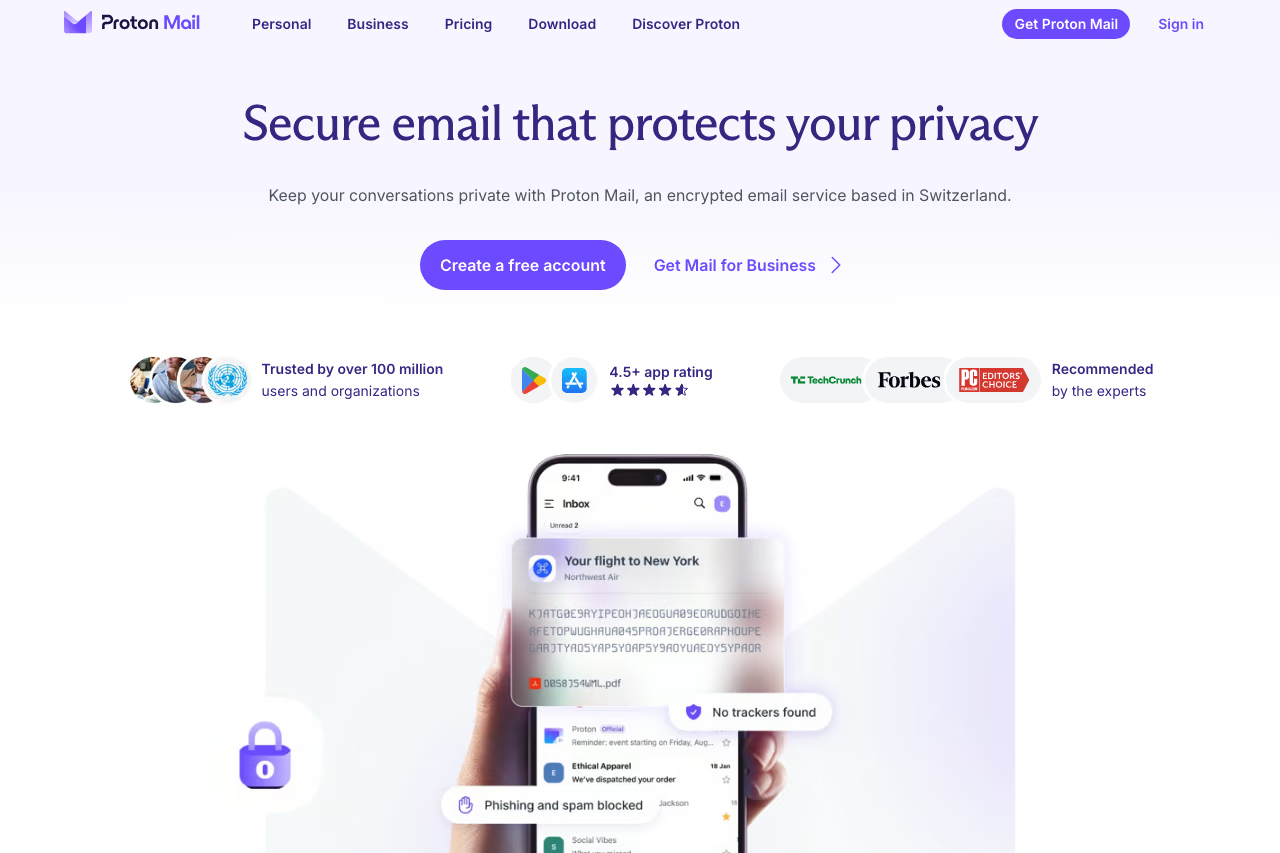
Proton Mail is the privacy pick. It's based in Switzerland, end-to-end encrypted by default, and built so that even Proton can't read your messages. If your threat model includes "I don't want my email provider scanning my inbox," this is the answer.
The privacy pick for journalists, activists and founders handling sensitive deals. End-to-end encryption by default and a free 1GB plan are real draws, but Mail Bridge is paid-only and mail to non-Proton users is not end-to-end encrypted without a password.
The free plan gives you 1GB and one address with no credit card required. Mail Plus is $3.99/month on annual billing (15GB, custom domain), and the Unlimited plan adds a VPN, password manager, and 500GB across the Proton ecosystem. Teams can move to Proton's business email for custom domains, admin controls, and user management.
The catch: encryption has friction. To use a desktop client or import old mail, you need Proton Mail Bridge, which only comes with paid plans. And because messages to non-Proton users aren't encrypted end-to-end unless you set a password, some of the security promise depends on who you're emailing. If you want maximum encryption coverage including subject lines, Tuta is a cheaper rival worth a look, though Proton's wider ecosystem wins for most people.

Superhuman: the fastest inbox you can buy
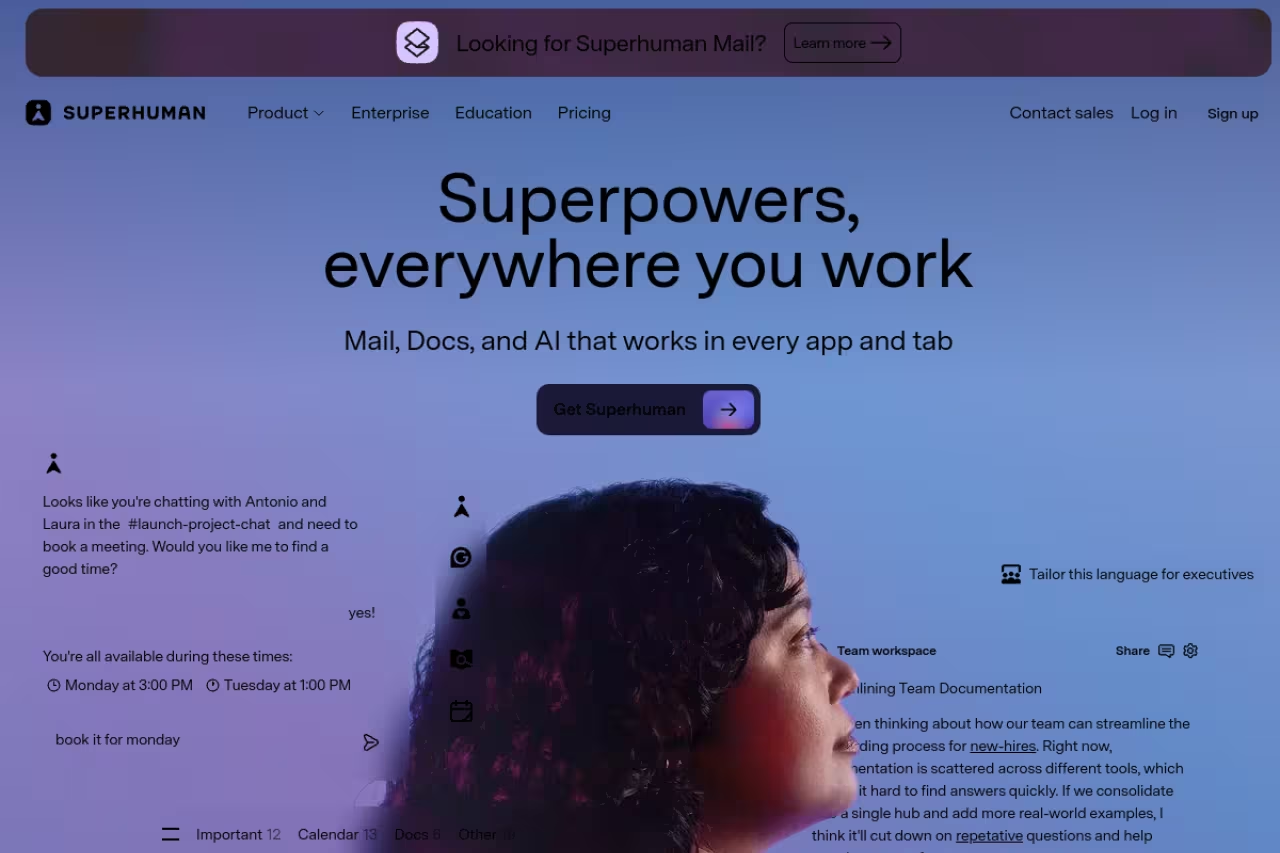
Superhuman is built around one idea: you should never touch your mouse. Every action has a keyboard shortcut, the interface loads instantly, and the whole thing is tuned so that clearing your inbox feels less like a chore and more like a game you can win. After a day of muscle memory, I was moving through mail noticeably faster than in Gmail's web app.
Pick it if your job is email and you handle 100-plus messages a day. The keyboard-first speed and AI drafting are excellent, but it only connects to Gmail and Outlook, and $300 a year minimum is overkill for lighter inboxes.
Founders, account executives, recruiters, anyone doing 100-plus messages a day. Grammarly acquired Superhuman in late 2025, and the AI side has grown since: it writes drafts in your voice, summarizes long threads, and has an Ask AI feature that answers questions about your own mailbox.
Pricing is where people flinch. The standalone Mail Starter plan runs $30/month, or $25/month billed annually. The Business plan is $40/month ($33 annual) and adds Auto Drafts, custom auto-labels, and CRM integrations with HubSpot, Salesforce, and Pipedrive, per Superhuman's pricing page. There's a free tier now, but it covers AI writing across apps rather than the full Mail client.
The catch: it only connects to Gmail and Outlook, so IMAP holdouts are out of luck. And at $300 a year minimum, you're paying a premium that only makes sense if email is genuinely eating hours of your week. For lighter inboxes it's overkill.

Mimestream: the Mac-native Gmail client done right
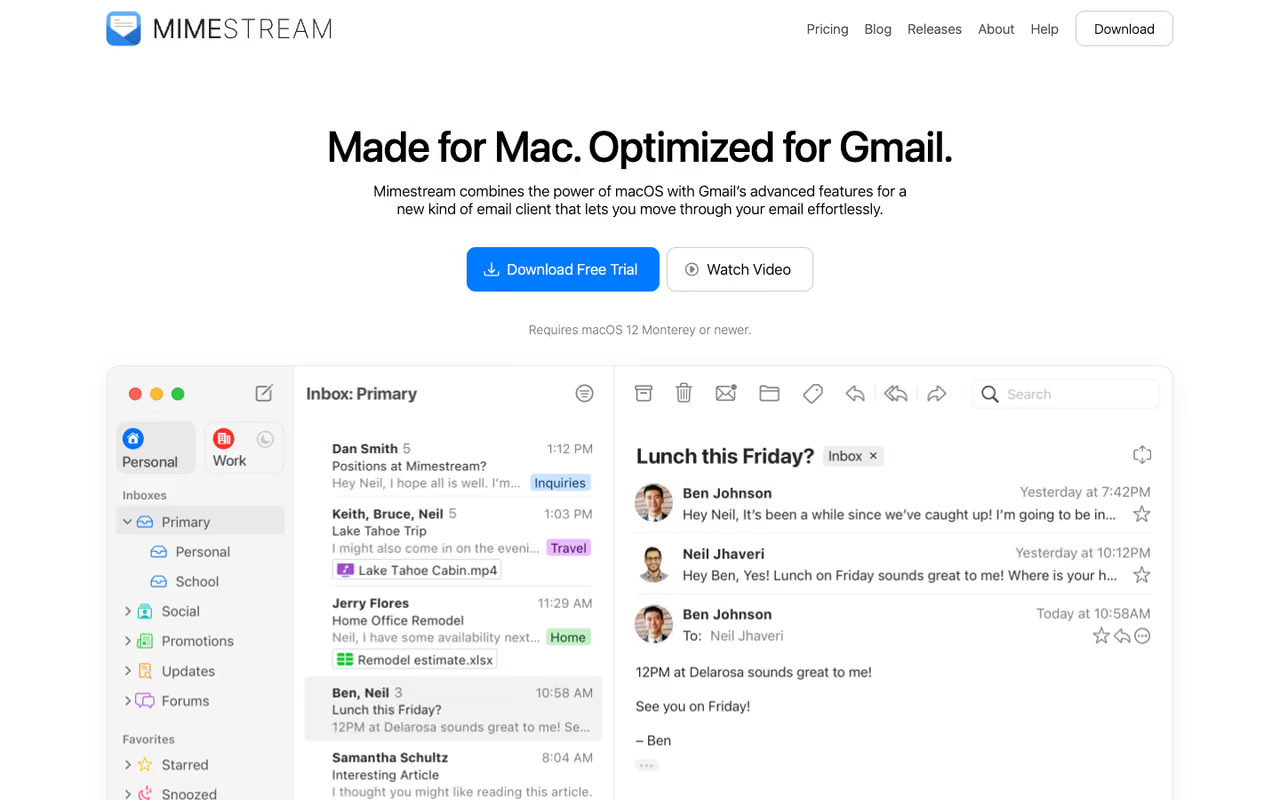
Mimestream is what Apple Mail should be if you live in Gmail. Instead of cramming your account through the old IMAP protocol, it talks directly to the Gmail API, which means your labels, filters, categories, and multiple-inbox setup all behave exactly as they do on the web. It's also written natively for macOS, so it feels fast and at home next to your other Mac apps.
This is my pick for Mac users on Google Workspace who don't need a team layer or built-in AI. It handles multiple accounts in a single unified inbox, has proper keyboard shortcuts, and respects Gmail's logic instead of flattening it.
The Mac-native choice for Google Workspace users who want Gmail to behave exactly as it does on the web. Pricing is simple, but it is macOS and Gmail only, with no iOS app, so it cannot be your one client in a mixed setup.
Pricing is refreshingly simple: $4.99/month or $49.99/year, and the annual plan includes free family sharing. There's a free trial so you can test it against Apple Mail before committing.
Where it falls short: it's macOS only, and it's Gmail and Google Workspace only. No Windows, no iOS app at the time of writing, no Outlook or generic IMAP accounts. If you've got a mixed setup or need mobile, it can't be your one client. But for the narrow case it targets, nothing else comes close at this price.

Spark Mail: the team inbox that won't break the bank
Spark from Readdle is the client I'd hand a small team that shares an inbox. It has a Smart Inbox that groups newsletters and notifications away from real conversations, and on the collaboration side you get shared drafts, private comments on threads, and email delegation, the kind of features that usually cost a lot more elsewhere.
It's best for teams of three to ten who handle support@ or hello@ together and want to discuss messages without forwarding them around. It also runs everywhere: iOS, Android, macOS, and Windows, which makes it easy to standardize across a mixed team.
There's a genuinely usable free tier with basic AI on a monthly limit. The individual Premium plan runs about $7.99/month (roughly $59.99/year), and team plans land near $84 per user per year for the collaboration features, per Spark's pricing.
The catch: the free plan's AI usage caps fill up fast, and Spark stores some account data on Readdle's servers to power features like Smart Inbox, which privacy-focused users won't love. It's a productivity tool first, not a privacy tool.
Go with Spark for a small team of three to ten sharing a support@ or hello@ inbox. Shared drafts and private comments are strong for the price, but the free plan's AI caps fill fast and some account data lives on Readdle's servers.
If you're standing up a small team and weighing the rest of your stack, our roundup of the best AI tools for startups pairs well with a shared inbox like this.

Thunderbird: the free workhorse that's having a moment
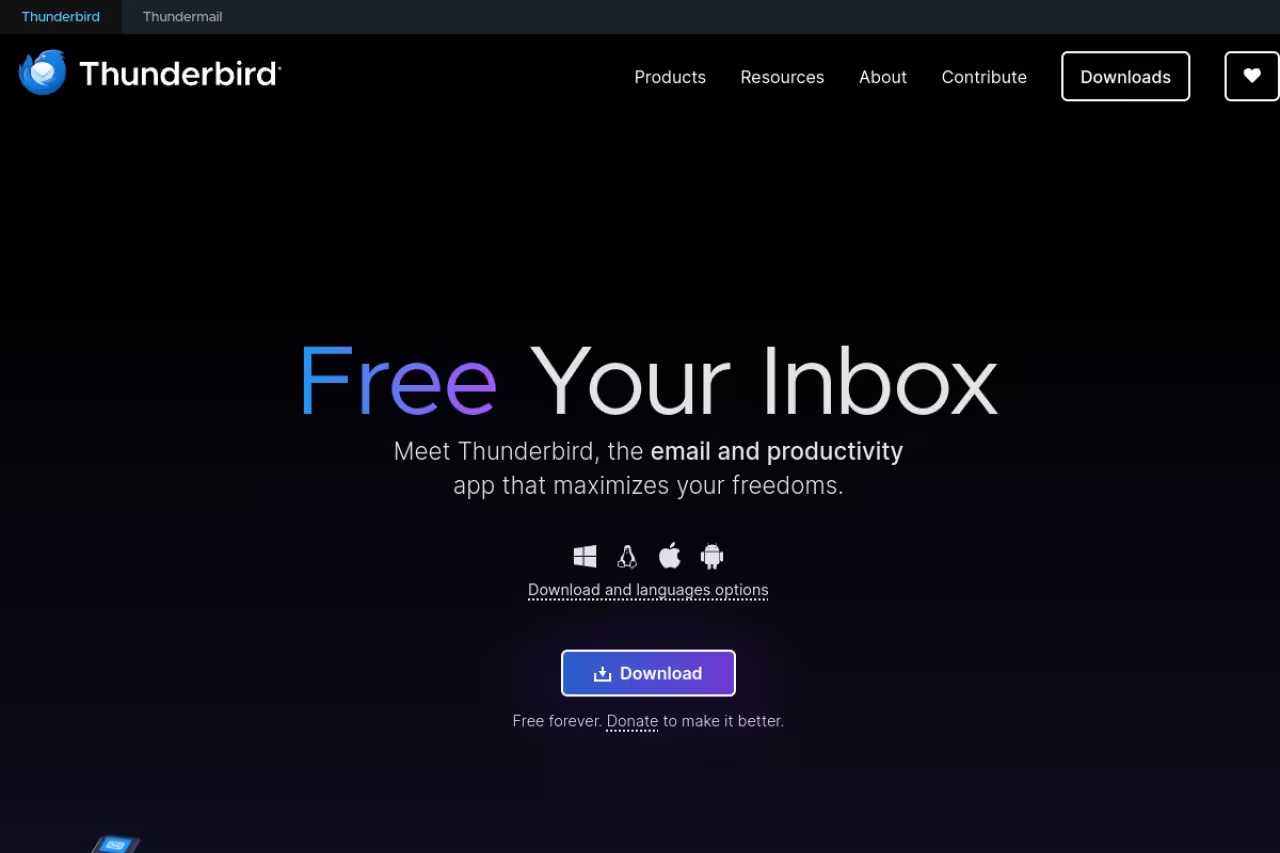
Thunderbird is the open-source client maintained by the people behind Firefox, and after years of being the dependable-but-dated option, it's in the middle of a real revival. It's completely free, ad-free, runs on Windows, Mac, and Linux, and connects to basically any email account through IMAP or POP.
It's the obvious pick if you want full control, zero subscription, and no company mining your inbox. Power users love that it's endlessly configurable through add-ons, and it handles multiple accounts, calendars, and contacts in one window.
The project is shipping fast in 2026. There's a Thunderbird Pro tier in development built around Thundermail, plus a long-awaited iOS app and an Android rewrite. A database overhaul is underway to fix the speed complaints that dogged older versions.
Where it falls short: the interface still feels more utilitarian than Superhuman or Spark, and the mobile story is a work in progress. There's no built-in AI assistant yet either. If you want polish out of the box, this isn't it. If you want a free client you can bend to your will, it's the best there is.
The free, open-source client for anyone who wants full control and no subscription across Windows, Mac and Linux. It bends to your will through add-ons, but the interface is utilitarian, mobile is still a work in progress, and there is no built-in AI yet.
eM Client: the Windows all-in-one with a license you actually own
eM Client packs email, calendar, tasks, contacts, notes, and chat into one Windows-first app (there's a Mac version too) that connects to almost any provider. It's the closest thing to a modern Outlook replacement for people who want everything in one window without a Microsoft 365 subscription.
A smart buy for Windows power users and small businesses who would rather pay once than rent software. The lifetime license is rare in 2026, though there is no real mobile app and the AI features trail newer clients.
The free version covers personal use with up to two accounts. The Pro tier is the interesting part: roughly $39.95/year, or a one-time $59.95 lifetime license that you own outright, which is rare in 2026. Pro unlocks unlimited accounts, commercial use, email tracking, and S/MIME management.
The catch: there's no real mobile app, so eM Client is a desktop story. The interface, while clean, leans more corporate than delightful, and the AI features are thinner than what the newer clients offer. But for a one-time payment and genuine ownership, it's a smart buy.
Canary Mail: the AI assistant that also locks the door
Canary Mail is the rare client that takes both AI and security seriously. Its Sidekick assistant is a conversational layer over your inbox: ask it "what time is the dinner Friday?" and it digs through your mail to answer, summarizes long threads, drafts replies, and auto-sorts messages by importance. On the security side it supports PGP and its own SecureSend encryption.
Choose it if you want a smart AI assistant without giving up on privacy, across Mac, iOS, Windows and Android. Sidekick plus PGP is a good mix, but the AI trails Superhuman and the stacked features can feel busy.
Pricing starts around $3/user/month on the Growth plan, with a Pro+ tier near $10/user/month that layers on PGP, SecureSend, and priority support. There's a free version to try first.
Where it falls short: the AI quality is good but not quite Superhuman's level, and stacking heavy AI features on top of encryption can make the app feel busier than a minimalist client. If you're comparing AI assistants more broadly, our guide to the best AI email assistants goes deeper on that category.
Microsoft Outlook: the default that's hard to leave
If your company runs on Microsoft 365, Outlook is the path of least resistance, and that's not nothing. The calendar integration, the tie-in with Teams, Word, and Excel, and the shared-mailbox handling are genuinely strong, and Microsoft has folded Copilot AI into the experience for drafting and summarizing.
It's best for businesses already paying for Microsoft 365, where Outlook comes bundled and IT already manages it. For Exchange-heavy organizations, nothing else integrates as cleanly.
The catch: the new Outlook for Windows has been a rocky transition, with users complaining about removed features and a web-app feel. Microsoft retired the old Windows Mail and Calendar apps at the end of 2024, pushing everyone toward Outlook whether they liked it or not. As a standalone client outside the Microsoft world, it's bloated and slow. Inside it, it's unavoidable, and that's the real reason it makes this list.
The unavoidable choice if your company already pays for Microsoft 365 and runs on Exchange, where calendar and Teams integration are genuinely strong. Outside the Microsoft world it feels bloated and slow, and the new Windows version has been a rocky transition.
How to choose
Skip the feature checklists and answer three questions.
What do you optimize for? If it's raw speed and you process a high volume, Superhuman is worth the money and nothing else feels as fast. If it's privacy, Proton Mail or Tuta. If it's price, Thunderbird (free) or eM Client (one-time license).
What's your stack? Mac plus Gmail points straight at Mimestream. Microsoft 365 makes Outlook the sane default. A mixed team sharing an inbox is Spark's sweet spot. Cross-platform with any provider is where Thunderbird and Canary shine.
Do you want AI built in? If an inbox assistant that drafts and summarizes is the point, look at Superhuman, Canary, or Spark. If you'd rather keep AI separate, Mimestream and Thunderbird stay out of your way.
A simple rule: pick based on the constraint you can't change. Your operating system and your email provider are usually fixed. Your client is the variable. Match it to them, not the other way around. If you're building out a wider productivity setup, browsing our top tools directory or trying Dupple X for AI-assisted workflows can round out the rest of your day.
Most of these offer free tiers or trials, so the honest move is to install your top two and run real mail through each for a few days. The right client is the one that disappears, the one you stop thinking about because it just works.
If you want more guides like this in your inbox, Dupple X sends practical AI and productivity picks worth your time.
FAQ
What is the best email client in 2026?
For most high-volume professionals, Superhuman is the best email client thanks to its keyboard-first speed and AI drafting, though it costs from $25/user/month annually. Mac users in Gmail get better value from Mimestream at $4.99/month, and Thunderbird is the strongest free, cross-platform option.
What is the best free email client?
Thunderbird is the best free email client. It's open source, ad-free, maintained by the team behind Firefox, and works on Windows, Mac, and Linux with almost any provider. eM Client's free tier and Proton Mail's free plan are solid alternatives for personal use.
Which email client is best for privacy?
Proton Mail is the most practical privacy-first client, with Swiss-based, end-to-end encryption by default and a free 1GB plan. Tuta encrypts even more of your mailbox, including subject lines, and is cheaper, while Canary Mail adds PGP support on top of a conventional inbox.
Is Superhuman worth the price?
Superhuman is worth it if email genuinely eats hours of your week, since its speed and AI features can save real time for sales reps, founders, and recruiters. At $300 a year minimum and Gmail/Outlook only, it's hard to justify for lighter inboxes where a $50/year client like Mimestream does the job.
What is the best email client for Mac?
For Mac users on Gmail or Google Workspace, Mimestream is the best client because it uses the native Gmail API for labels, filters, and categories at $49.99/year. If you need encryption, Proton Mail works on Mac, and Canary Mail offers AI plus security across macOS and iOS.
Can I use one email client for Gmail and Outlook together?
Yes. Superhuman, Spark, eM Client, Thunderbird, and Canary Mail all connect Gmail and Outlook accounts in a single unified inbox. Mimestream is the exception, since it's built only for Gmail and Google Workspace and won't add Outlook or generic IMAP accounts.
Related guides
Some offers on this page may be paid placements or contain affiliate links.
