
The 8 Best Social Media Management Tools (2026)

Key facts8 tools compared: Buffer, Metricool, Planable, Hootsuite, Sprout Social, Later, SocialBee…
- 8 tools compared: Buffer, Metricool, Planable, Hootsuite, Sprout Social, Later, SocialBee, Publer
- Buffer (best for: Solo creators, small teams): Free; $5/channel/mo
- Metricool (best for: Multi-brand value seekers): Free; from ~$20/mo
- Planable (best for: Teams with approval workflows): Free; $33/workspace/mo
- Hootsuite (best for: Enterprise all-in-one): From $99/user/mo
Most social media tools sell you the same dream: one dashboard, every network, hours saved each week. Then you sign up and discover the analytics are locked behind a $249 tier, the AI writes posts that sound like a press release, and the price doubled since the review you read last year.
I compared pricing pages, documentation and public user reviews for these platforms, not just the demo data vendors ship with. The gap between the marketing page and the daily grind is wider than anyone admits.
If you want the short version: Buffer is still the best starting point for solo creators and small teams who just need clean scheduling without a sales call. If you run multiple brands and care about analytics, Metricool gives you the most for your money. And if approvals are your bottleneck, Planable is built for exactly that. Below is how the eight tools I'd actually recommend stack up, with the catches nobody puts on the pricing page.
Quick comparison
| Tool | Best for | Price | Standout |
|---|---|---|---|
| Buffer | Solo creators, small teams | Free; $5/channel/mo | Cleanest UI, per-channel billing |
| Metricool | Multi-brand value seekers | Free; from ~$20/mo | Analytics + ad management bundled |
| Planable | Teams with approval workflows | Free; $33/workspace/mo | Best content review flow |
| Hootsuite | Enterprise all-in-one | From $99/user/mo | Deep listening + ad tools |
| Sprout Social | Large teams, reporting | From $199/seat/mo | Reporting and smart inbox |
| Later | Visual-first creators | From $18.75/mo | Instagram planning, link in bio |
| SocialBee | Evergreen content recycling | From $29/mo | Category-based queue |
| Publer | Budget bulk scheduling | Free; from $5/mo | Cheapest per-account scaling |

Buffer: the one I tell most people to start with
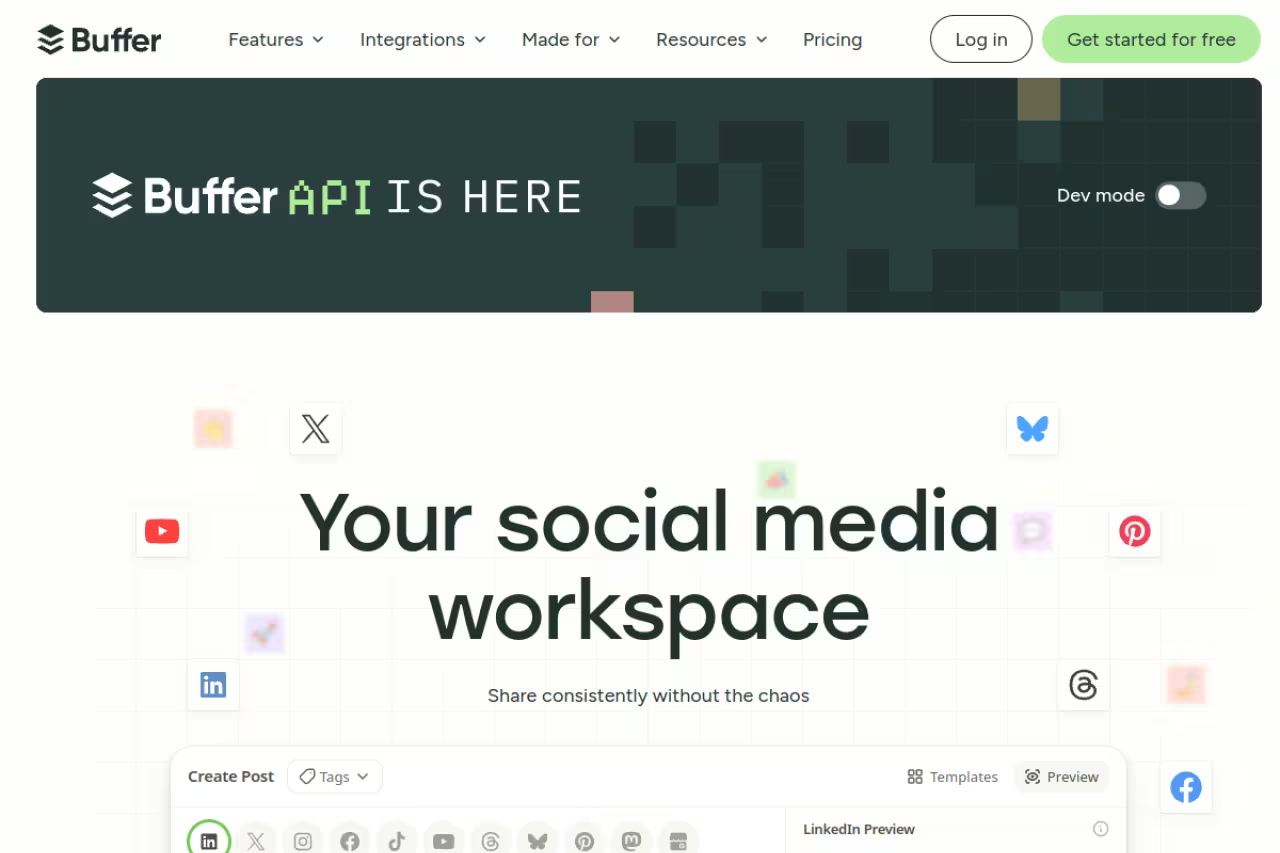
Buffer has been around forever, and it keeps winning on the thing that matters most day to day: it gets out of your way. You connect a channel, you queue posts, you move on. No 40-minute onboarding, no "talk to sales" wall.
Who it's for: Solo creators, founders posting from a personal brand, and small teams managing a handful of accounts who want scheduling without complexity.
The easiest recommendation for solo creators, founders, and small teams who just want to queue posts without complexity. Per-channel pricing gets costly past a handful of accounts, and analytics are lighter than Metricool or Sprout.
The free plan covers 3 channels with 10 scheduled posts each, which is genuinely usable. Paid starts at $5 per channel per month (Essentials) for unlimited scheduling, or $10 per channel (Team) if you need unlimited collaborators and approval workflows. Because you pay per channel, three accounts on Essentials runs $15/month, not a flat fee you'll never fully use.
The standout: The interface. Of the tools on this list, Buffer's the one built for people who just want to draft and queue without thinking. Its AI Assistant for rewording posts is fine, not magic, but the create-and-schedule loop is the fastest in the category.
The catch: The per-channel model bites once you scale. Manage 15 accounts and you're paying for 15 channels, at which point flat-fee tools get cheaper. Analytics are also lighter than what Metricool or Sprout give you. Buffer tells you what happened; it's weaker at telling you why.

Metricool: the most value per dollar
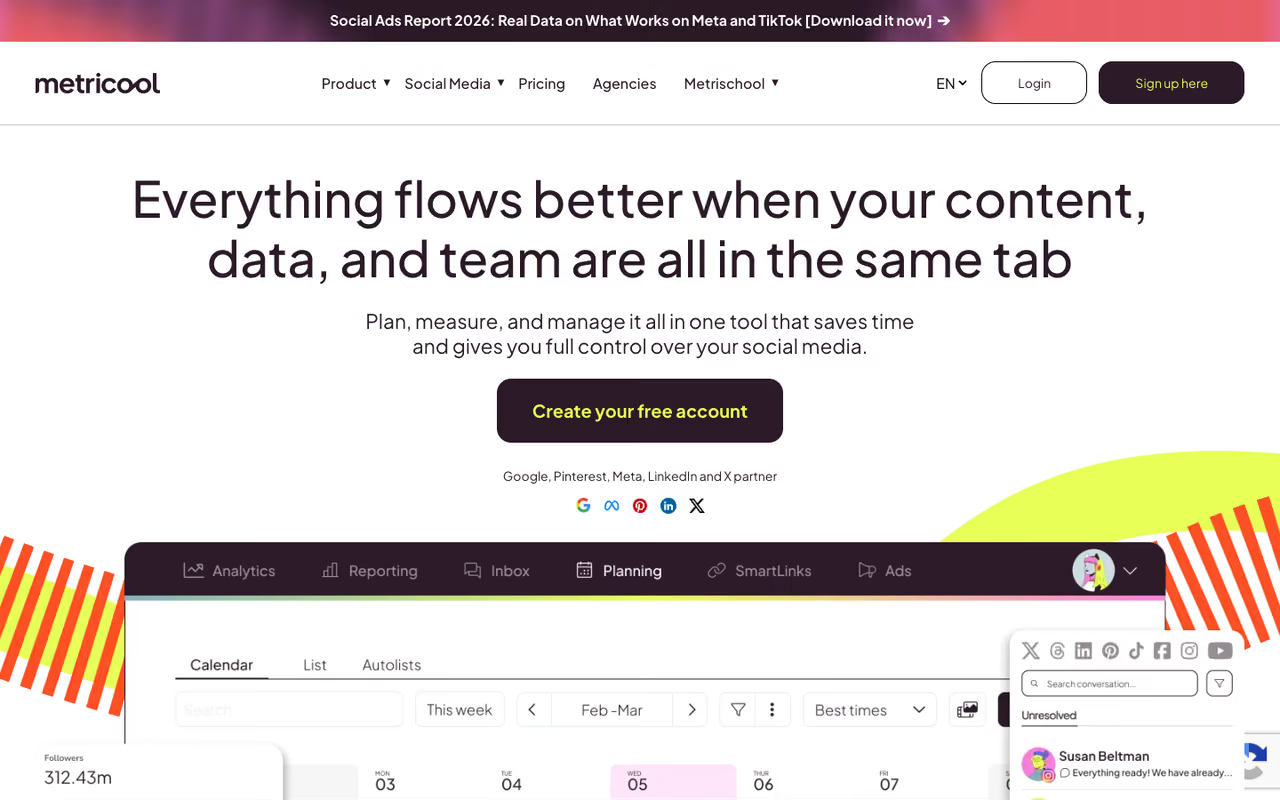
Metricool is the tool I keep recommending to people who feel priced out by the big names. It does scheduling, analytics, competitor tracking, and ad campaign management (Google, Meta, TikTok) in one place, at a fraction of what Hootsuite charges.
Who it's for: Freelancers, small agencies, and multi-brand marketers who want real analytics and reporting without an enterprise invoice.
Great value for freelancers, small agencies, and multi-brand marketers, bundling scheduling, analytics, and ad management in one place. The UI feels busier than Buffer's, X/Twitter access is an add-on, and the AI writing is an afterthought.
There's a free plan for one brand with 20 posts a month, which is a fair trial. Paid plans scale from around $20/month (Starter) up through Advanced tiers in the $50 to $159 range depending on how many brands and features you need. The Looker Studio connector and post-approval workflow show up on Advanced. One gotcha: X/Twitter access is an add-on, roughly $5 per account on lower tiers.
The standout: Bundling ad management with organic scheduling. If you run paid and organic together, seeing both in one dashboard is a genuine time saver, and almost nobody else at this price does it. The analytics reports are also clean enough to send straight to a client.
Where it falls short: The UI feels busier than Buffer's, and there's a learning curve to find where everything lives. The AI writing features are also more of an afterthought than a core strength.

Planable: built for teams that live in approvals

If your real problem isn't scheduling but getting six stakeholders to sign off on a post before it ships, Planable is the answer. The whole product is organized around drafting, commenting, approving, and only then publishing.
Who it's for: Agencies, marketing teams, and anyone whose content dies in a Slack thread of "can we change the caption?" feedback.
The answer if your bottleneck is getting stakeholders to approve posts, built for agencies and marketing teams. Unlimited users keep reviewers free, but pricing is per workspace and analytics are not its strength.
The free plan gives you 50 posts total to try it. Paid runs $33/workspace/month (Basic, 4 social accounts) and $49/workspace/month (Pro, 10 accounts), both with unlimited users. That last part matters: clients and reviewers don't cost extra seats, which is rare.
The standout: The approval flow and the visual calendar. You see exactly how a post will look on each network before it goes live, and feedback happens inline on the post itself instead of in scattered messages. Multi-level approvals on higher tiers handle the "legal needs to see this too" situation cleanly.
The catch: It's priced per workspace, so if you manage many separate brands, the cost stacks up fast. And it's not built to be an analytics powerhouse. You schedule and collaborate here; you'll likely pull deeper reporting elsewhere.
Before the rest of the list: if you're building a content engine and want one membership that bundles the AI tools, templates, and playbooks behind it, Dupple X is worth a look. Now back to the tools.

Hootsuite: the enterprise workhorse
Hootsuite is the name everyone knows, and in 2026 it's firmly positioned as an enterprise platform. It does nearly everything: scheduling, social listening, ad management, employee advocacy, team permissions.
Who it's for: Larger teams and brands that need listening, advanced reporting, and compliance features in one contract.
An enterprise platform for larger teams that need scheduling, listening, and compliance under one contract. At $99/user/month it is hard to justify for solo operators or small teams, so skip it unless you use the listening and advocacy features.
This is where it stings. The Standard plan starts at $99/user/month (billed annually) for up to 10 accounts, and Advanced jumps to $249/user/month for unlimited accounts and deeper analytics, per Hootsuite's plans. Enterprise is custom and gets expensive fast. There's no real free tier anymore, only a trial.
The standout: Breadth. Few tools match its combined scheduling, listening, and ad capabilities. If you need one platform that legal and IT will both approve, Hootsuite checks the boxes.
Where it falls short: Price, mostly. For a solo operator or small team, $99/month for what cheaper tools do nearly as well is hard to justify. The per-user billing also means a 5-person team on Standard is nearly $500/month. Overkill unless you're using the listening and advocacy features.

Sprout Social: reporting that earns its keep
Sprout Social is the premium option teams pick when reporting and a unified inbox are the priority. It's polished, the analytics are deep, and the smart inbox handles high message volume well.
Who it's for: Mid-size to large teams with budget, where social customer care and executive-ready reports justify the cost.
The premium pick for mid-size to large teams that prioritize reporting and a unified inbox with executive-ready reports. Per-seat pricing is brutal for growing teams, with five seats on Standard near $1,000/month.
It's the most expensive on this list. Sprout's plans run $199/seat/month (Standard, 5 profiles), $299/seat/month (Professional, unlimited profiles), and $399/seat/month (Advanced) with AI reply and sentiment analysis. There's a newer Essentials plan at $79/month for solo publishers, which softens the entry point a little.
The standout: The reporting and the inbox. If your team fields a lot of DMs and mentions, the consolidated inbox with tagging and the depth of the analytics dashboards are best in class. Clients and execs respond well to the reports it generates.
The catch: Per-seat pricing makes this brutal for growing teams. Five seats on Standard is nearly $1,000/month. You're paying for polish and depth you may not fully use unless social is a major channel with a dedicated team.

Later: for the visually-driven
Later made its name as an Instagram-first scheduler, and that's still where it shines. If your strategy is visual and Instagram, TikTok, and Pinterest are your home turf, it fits naturally.
Who it's for: Creators, influencers, and brands where the feed aesthetic and visual planning matter more than enterprise features.
A natural fit for creators, influencers, and visual brands living on Instagram, TikTok, and Pinterest, with drag-and-drop feed planning. Lower tiers cap posts per profile, and it suits text-heavy networks like LinkedIn or X less.
Plans start at $18.75/month (Starter, 1 social set of 8 profiles) and scale to $37.50/month (Growth) and $82.50/month (Scale) when billed yearly, per Later's pricing. Each tier bundles a set number of profiles and AI credits.
The standout: Visual planning. The drag-and-drop feed preview lets you arrange your Instagram grid before posting, and the link-in-bio tool is well integrated. For a creator obsessed with how the profile looks as a whole, that's the selling point.
Where it falls short: Post limits. Lower tiers cap you at 30 posts per profile per month, which a high-volume account blows through fast. It's also less suited to text-heavy networks like LinkedIn or X.

SocialBee: the recycling specialist
SocialBee's edge is its category-based queue. You sort content into buckets (tips, promos, blog links) and it cycles through them on a schedule, so evergreen posts get reused automatically instead of being one-and-done.
Who it's for: Solopreneurs and small businesses with a library of evergreen content they want to keep circulating without manual rescheduling.
Pick SocialBee if you are a solopreneur or small business with a library of evergreen content to keep cycling. The category system has a learning curve, the interface looks dated, and analytics are basic.
SocialBee's plans start at $29/month (Bootstrap, 5 profiles) and go to $49/month (Accelerate, 10 profiles) and $99/month (Pro, 25 profiles), with agency tiers above that. All include a 14-day trial without a card.
The standout: Content recycling. If you've built up dozens of evergreen posts, the category queue keeps your feeds active with minimal ongoing effort. It's a real differentiator that most schedulers don't replicate well.
The catch: The category system has a learning curve, and the interface looks dated next to Buffer or Planable. Analytics are functional but basic. You're buying it for the recycling, not the reporting.
Publer: the budget pick that scales
Publer is the value play for people who want bulk scheduling and a wide network list without paying flat-fee enterprise prices. It punches well above its cost.
Who it's for: Budget-conscious creators and small teams who post a lot and want to add accounts cheaply.
A budget pick for creators and small teams who post a lot and want to add accounts cheaply, with bulk CSV scheduling from $5/month. It is less polished than premium tools, and its analytics and listening trail the leaders.
There's a free plan, and the Professional plan starts at $5/month for 1 account, with each extra account adding about $4/month, per Publer's pricing. Every 10th account or member is free. That à la carte model can be cheaper than per-channel rivals once you do the math.
The standout: Bulk scheduling and price. You can upload a CSV, schedule hundreds of posts at once, and recycle content, all on a plan that costs less than a coffee subscription for a small setup.
Where it falls short: It's less polished than the premium tools, and the analytics and listening features aren't in the same league as Sprout or Hootsuite. For a small operator, that trade-off is usually worth it; for an enterprise, it isn't.
How to choose
Skip the feature-checklist trap. Almost every tool here schedules to every major network. The decision comes down to your actual bottleneck:
- You're solo or a small team and just need clean scheduling. Start with Buffer's free plan, upgrade per channel as you grow. Publer if you want the absolute cheapest scaling.
- You run multiple brands and need real analytics on a budget. Metricool, full stop. The ad management bundle seals it if you run paid too.
- Your problem is approvals and collaboration. Planable. The review flow alone justifies it.
- You're an enterprise with a real social team and budget. Hootsuite for breadth, Sprout Social if reporting and the inbox are central.
- Your strategy is visual and Instagram-led. Later.
- You sit on a library of evergreen content. SocialBee's recycling queue.
The honest move: pick the one that solves your single biggest pain, use the free tier or trial for two weeks with real content, and don't pay for features you won't touch. If you want to go deeper on building the content itself, our guide to the best AI tools and the rundown on AI marketing tools pair well with whichever scheduler you land on. And if AI writing is part of your workflow, the best AI writing tools cover that side.
For more workflows like this, Dupple X bundles the templates and AI playbooks we use to run content at scale.
FAQ
What is the best social media management tool in 2026?
For most people, Buffer is the best starting point because of its clean interface, fair per-channel pricing, and a usable free plan. If you manage multiple brands and want analytics without enterprise pricing, Metricool offers the most value. Large teams that need deep reporting and a unified inbox tend to land on Sprout Social despite the higher cost.
Is there a genuinely free social media management tool?
Yes. Buffer's free plan covers 3 channels with 10 scheduled posts each, Metricool's free tier handles one brand with 20 posts a month, and Publer and Planable both offer free plans with usage caps. These are real, not just trials, though every one of them limits posts or accounts to push you toward a paid tier as you grow.
How much should I expect to pay for a social media scheduler?
Solo creators can run on $5 to $20 a month with Buffer, Publer, or Later. Small teams and multi-brand marketers usually land in the $30 to $60 range with Metricool, Planable, or SocialBee. Enterprise platforms like Hootsuite ($99+/user) and Sprout Social ($199+/seat) cost far more because they bundle listening, advocacy, and reporting most small teams don't need.
Which tool is best for an agency managing multiple clients?
Planable wins on collaboration and approvals, with unlimited users so clients don't cost extra seats. Metricool and SocialBee both have agency tiers with multiple workspaces and white-label reporting at a lower cost than Hootsuite or Sprout. The right pick depends on whether your bottleneck is client approvals (Planable) or analytics and volume (Metricool).
Do these tools post automatically, or do I still approve each post?
All of them let you schedule posts to publish automatically at set times, and most support a content queue or calendar so you batch a week or month at once. Approval workflows, where a post waits for sign-off before going live, are a separate feature found on Planable, Buffer's Team plan, and Metricool's Advanced tier.
Related guides
Some offers on this page may be paid placements or contain affiliate links.
Across our whole catalogue the median is $24 a month and 33% of tools advertise a free tier. Figures are the lowest recurring monthly price quoted in our own review of each tool, read on 2026-08-19. Full method and every category.
