
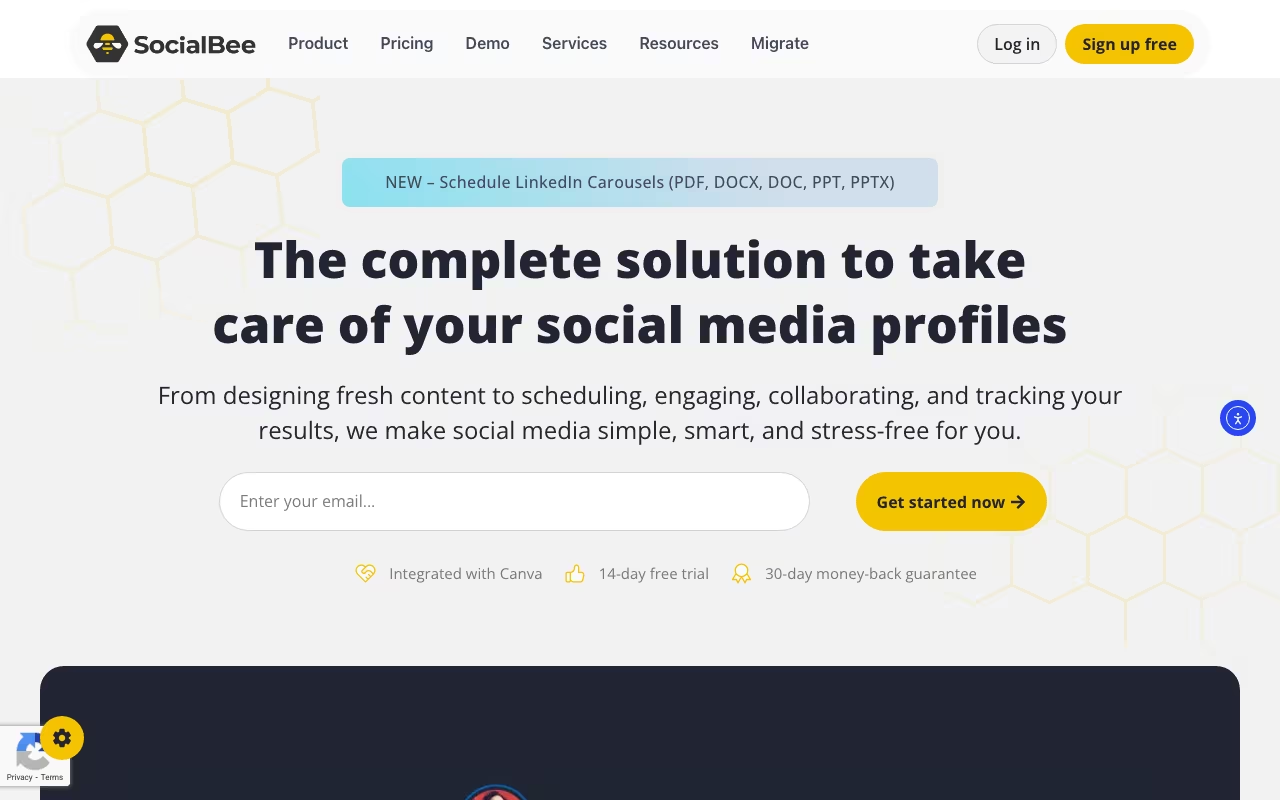
Most social media tools try to be everything: scheduling, analytics, inbox management, listening, ads. SocialBee picked a lane: content scheduling and recycling. If your biggest problem is posting consistently across platforms without spending hours every week, that focus makes it one of the best options available.
SocialBee lets you organize posts into categories (promotions, blog posts, quotes, behind-the-scenes), set a schedule per platform, and the tool cycles through your content library automatically. Evergreen posts get recycled. Time-sensitive ones expire. It's the kind of system that lets a one-person marketing team look like a full social department.
Try SocialBee Free for 14 Days Get started →The Category System
This is SocialBee's core differentiator. Instead of scheduling individual posts one by one, you create content categories and assign posting slots. "Blog posts" might go out Monday and Thursday. "Customer testimonials" on Wednesdays. "Industry tips" on Fridays. Fill each category with content, and SocialBee rotates through it.
The evergreen recycling is what makes this powerful. Write 30 good posts, and they keep circulating for months. Compare that to Buffer or Hootsuite where each post fires once and disappears into the void.
AI Content Generation
SocialBee added an AI assistant that generates post ideas, rewrites content for different platforms, and creates variations of existing posts. It's not going to replace a good copywriter, but it speeds up the content creation process significantly. Especially useful for generating platform-specific versions: what works on LinkedIn doesn't work on Instagram.
Canva Integration
Design graphics directly inside SocialBee using Canva's editor. No switching between apps, no downloading and re-uploading. For teams where social media = lots of images, this integration saves real time.
Pricing
14-day free trial, no credit card. 30-day money-back guarantee.
- Bootstrap: $29/month. 5 social profiles, 1 workspace, 1 user. Good for solopreneurs.
- Accelerate: $49/month. 10 profiles, 2-year analytics history. Growing businesses.
- Pro: $99/month. 25 profiles, 5 workspaces, 3 users. Agencies and teams.
Annual billing saves 16%. AI content generation and Canva are included in all plans.
See SocialBee Pricing See plans →What Works
- Content recycling saves hours: Write once, post repeatedly. Evergreen content stays working for months.
- Category-based scheduling is intuitive: Easier to maintain variety than scheduling post-by-post.
- Good value: $29/month for 5 profiles with AI included. Cheaper than Buffer's equivalent tier.
- Multi-platform support: Facebook, Instagram, X, LinkedIn, Pinterest, TikTok, YouTube, Google Business, Threads, and Bluesky (10 platforms total).
What Frustrates
- Analytics are basic: If you need deep reporting, you'll still need a separate analytics tool or native platform insights.
- No social inbox: Can't manage comments or DMs from SocialBee. It's a publishing tool, not a community management tool.
- Learning curve on categories: The category system is powerful but takes some setup time to configure properly.
- Image editing limitations: Canva integration helps, but the native media tools are minimal.
SocialBee vs. Buffer vs. Hootsuite
Social media scheduling options, pricing from vendor sites, November 2026, USD list prices
| Option | Starting price | Pricing model | Best for |
|---|---|---|---|
| SocialBee | $24.20/mo on yearly billing, $29/mo monthly (Bootstrap) | Subscription | Content-heavy teams recycling posts |
| Buffer | $0 (3 channels), Essentials $6/channel/mo | Free tier + per channel | Simplicity on a small budget |
| Hootsuite | $99/user/mo on annual billing (Standard) | Per user | Feature breadth and listening |
| Later | $18.75/mo on yearly billing (Starter) | Subscription | Visual planning for Instagram |
Buffer ($6/channel/month) is simpler and cheaper per channel. But no content recycling, no categories. Every post is one-and-done.
Hootsuite ($99/month for 10 profiles) adds social listening and inbox management. But the interface is bloated and the free tier is gone.
Later ($25/month) is strong on visual planning for Instagram. Less useful for text-heavy platforms like LinkedIn or X.
SocialBee wins for content-heavy teams who want to post consistently with minimal daily effort. Buffer wins on simplicity. Hootsuite wins on feature breadth.
The Verdict
SocialBee is the best social media tool for people whose main challenge is posting consistently. The category system and content recycling genuinely reduce the weekly time commitment from hours to minutes once you've built your content library. It's not a social listening tool, not a community management tool, and not an analytics powerhouse. But for scheduling and publishing, it's hard to beat at this price.
Start Your SocialBee Free Trial Get started →How SocialBee works
SocialBee is a social media management tool that covers create, schedule, publish, analyze, and reply from one dashboard. Its distinguishing idea is category-based scheduling. Instead of placing individual posts on a calendar, you sort posts into content categories (promo, blog, quotes, curated links), give each category recurring time slots, and let the calendar fill itself from those buckets. Evergreen recycling sits on top: a post can reshare on a loop until an expiration date you set.
In practice you connect your profiles, define categories and a posting schedule per category, then feed the buckets manually, by CSV or bulk import, or from RSS content sources. AI helps on the way in, with a post generator carrying 1000+ prompts and a Copilot that reads your website to propose a posting strategy. One-click platform optimization rewrites captions, hashtags, and image sizes per network.
Direct publishing works for Facebook, Instagram, Threads, X, LinkedIn, Pinterest, Google Business Profile, TikTok, YouTube, and Bluesky. For networks with no posting API (Facebook Groups, WhatsApp, Telegram, Mastodon, Quora), it falls back to universal posting, which is notification-style publishing you complete by hand. Canva, Unsplash, and GIPHY plug into the composer. Teams get workspaces, roles, approval workflows, and @mention comments, and a social inbox collects comments, mentions, and DMs.
Where SocialBee wins
- The category and evergreen engine is a real differentiator. For solo operators and small teams, it keeps the calendar full without a weekly scheduling session.
- Broad direct-publishing coverage. Ten networks including TikTok, YouTube, Threads, Bluesky, and Google Business Profile, plus a fallback path for the networks that block API posting entirely.
- Per-post details competitors charge extra for. Scheduled first comments, alt text, geotags, video thumbnail selection, a UTM/ref builder, and unlimited post variations.
- Agency-shaped structure at every level. Multiple workspaces, role permissions, approval workflows, internal notes, and branded PDF exports.
- Low barrier to entry. $29/mo for 5 profiles, a 14-day trial with no credit card, and a 30-day money-back guarantee.
Where it falls short
- The inbox does not cover every network you can publish to. Engagement is supported for Facebook, X, Instagram, Threads, LinkedIn, and YouTube, which leaves TikTok, Pinterest, Bluesky, and Google Business Profile conversations outside the app.
- The $29 Bootstrap tier is thinner than the price suggests. No CSV upload, no bulk post editor, no hashtag organizer, no advanced analytics, no post approvals, and analytics history capped at 3 months.
- Seats are the real cost. Bootstrap and Accelerate are single user and single workspace. Any collaborator or client separation costs $10/mo per extra user or workspace, or a jump to Pro at $99/mo.
- No free plan at all. Just the 14-day trial, and analytics retention tops out at 2 years.
- No social listening or competitor tracking. Analytics only cover your own profiles and posts, so benchmarking has to happen elsewhere.
Who should use SocialBee
Solopreneurs, small marketing teams, and small agencies who post consistently across many networks and want the evergreen and category engine to carry the calendar. It is good value if TikTok, YouTube, Threads, or Bluesky publishing matters to you and you do not want to pay enterprise pricing to get it.
Skip it if engagement management is the main job and your audience lives on TikTok or Pinterest, since those conversations are not handled in-app. Skip it if you need social listening or competitor benchmarking. And think twice if several people need access, because the per-seat add-on pushes you toward the $99/mo Pro plan faster than the entry price implies.