
Best AI Social Media Tools (2026): 8 Compared and Ranked

Key facts8 tools compared: Buffer, Hootsuite, Opus Clip, Jasper, Vista Social, ContentStudio…
- 8 tools compared: Buffer, Hootsuite, Opus Clip, Jasper, Vista Social, ContentStudio, Predis.ai, Taplio
- Buffer (best for: Solo creators, small teams): Free; paid from $5/mo per channel
- Hootsuite (best for: Multi-platform teams at scale): From $99/mo
- Opus Clip (best for: Repurposing long video to shorts): Free; paid from $15/mo
- Jasper (best for: Teams with a real writing workflow): From $39/mo per seat
Most "AI social media tool" lists read like the vendors wrote them. Every product is "powerful," every caption generator is "game-changing," and nothing ever has a downside. That is not how it works when you actually run accounts.
I compared almost every tool on this list against what running brand accounts and a personal LinkedIn actually requires: pricing pages, documentation, and public user reviews. Some AI features genuinely save hours a week. Others are a chatbot bolted onto a scheduler so the marketing page can say "AI." The gap between those two groups is wide, and the price tags do not always tell you which is which.
If you want the short version: for most small teams and solo operators, Buffer gives you the best AI-to-price ratio, with a real free plan and an AI Assistant that does not feel like an afterthought. If you publish video, Opus Clip is the one tool here I would not give up. The rest depends on what you actually post. Here is who each tool is for, what it costs, and where it falls short.
Quick comparison
| Tool | Best for | Price | Standout |
|---|---|---|---|
| Buffer | Solo creators, small teams | Free; paid from $5/mo per channel | Free plan that ships AI |
| Hootsuite | Multi-platform teams at scale | From $99/mo | OwlyWriter AI + scale |
| Opus Clip | Repurposing long video to shorts | Free; paid from $15/mo | Auto-clips with virality scoring |
| Jasper | Teams with a real writing workflow | From $39/mo per seat | Brand voice consistency |
| Vista Social | Agencies managing many profiles | Free; paid from $79/mo | 15 profiles on the entry plan |
| ContentStudio | Content discovery + publishing | From $19/mo | Cheapest serious AI plan |
| Predis.ai | Auto-generated visual posts | Free; paid from $32/mo | Carousels and reels from a prompt |
| Taplio | LinkedIn personal branding | From $39/mo | LinkedIn-specific data and hooks |

Buffer (best overall for small teams)
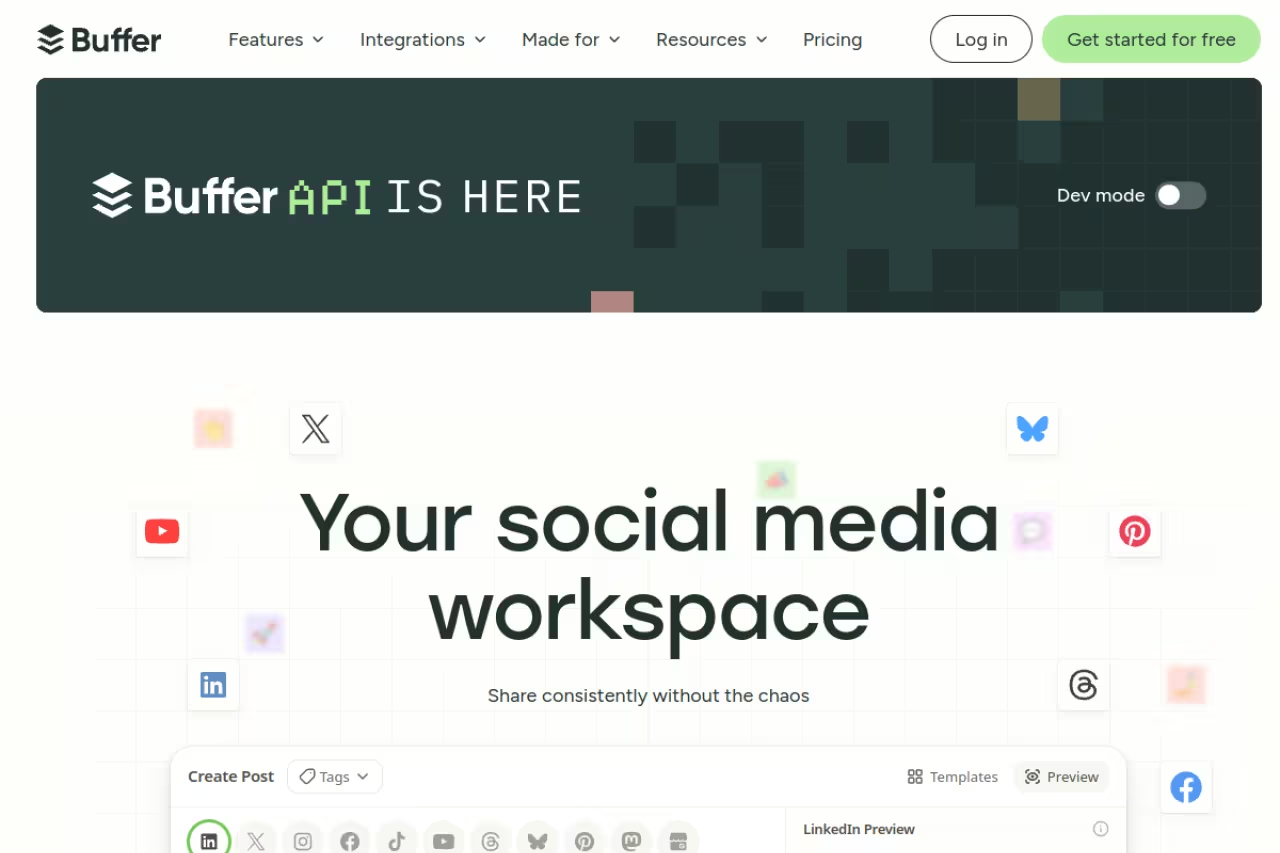
Buffer is the tool I recommend first when someone is starting out, because it does the boring part well and does not punish you for being small. You schedule posts, you see decent analytics, and the AI Assistant helps you draft and repurpose without a credit meter constantly running down.
Who it's best for: Solo creators, freelancers, and small teams who want clean publishing plus light AI help, not a 40-tab enterprise suite.
The tool I recommend first for solo creators, freelancers and small teams who want clean publishing plus light AI help. Per-channel pricing scales badly, since 10 channels on Team is $100 a month without Hootsuite's listening and reporting depth.
The free plan covers up to 3 channels with 10 scheduled posts per channel and the AI Assistant for basic replies. Paid starts at $5/month per channel on the Essentials plan (billed yearly), with the Team plan at $10/month per channel adding unlimited team members and approval workflows. The per-channel model is the thing to watch.
The standout: Unlimited AI Assistant access on paid plans. You can take one idea and spin it into platform-specific versions for LinkedIn, Instagram, and X without rewriting from scratch. For repurposing one piece of content across channels, that alone earns its keep.
Where it falls short: Per-channel pricing scales badly. If you run 10 channels on the Team plan, you are at $100/month, which puts you in Hootsuite territory without Hootsuite's listening and reporting depth. Buffer is also light on social listening and competitor tracking. It is a publishing tool with AI, not a command center.

Hootsuite (best for teams managing many platforms)
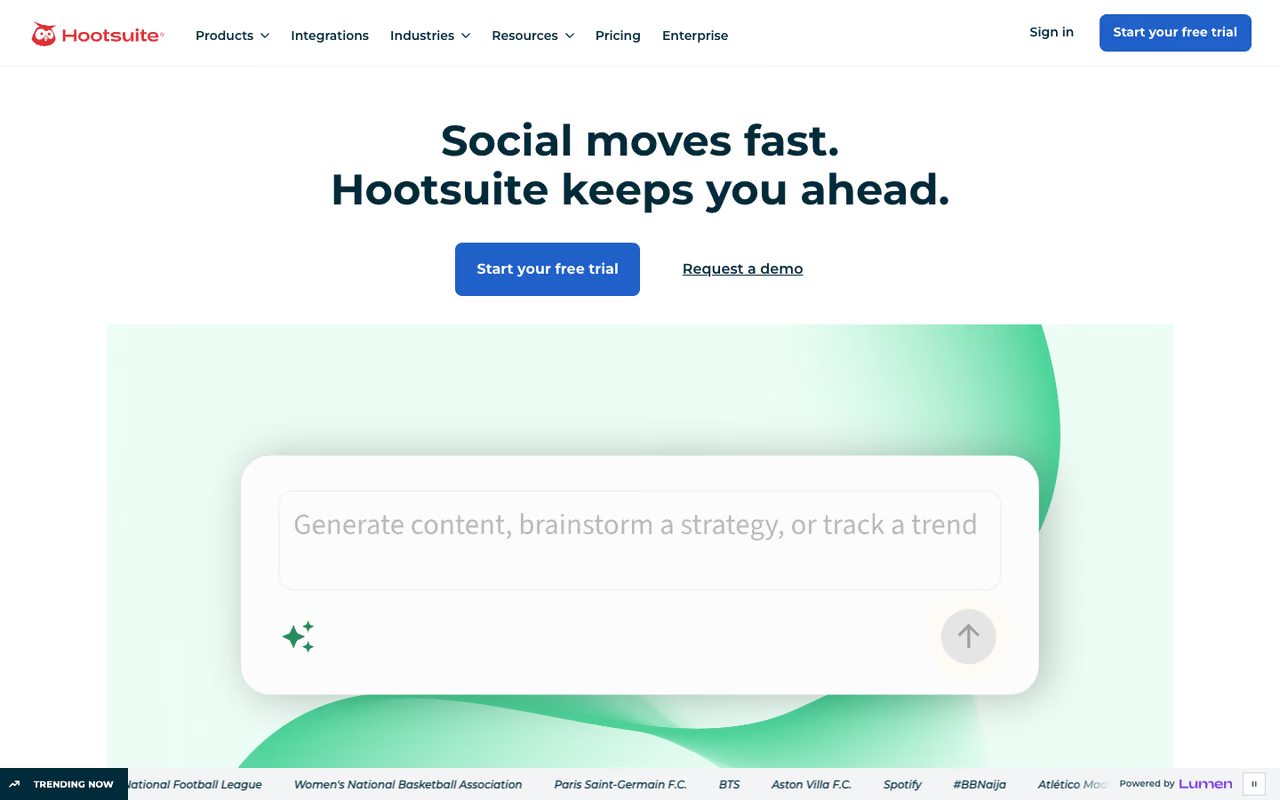
Hootsuite is the old guard, and it shows in both good and annoying ways. The dashboard handles a lot of accounts at once, the approval and team controls are mature, and OwlyWriter AI is a genuinely useful caption and idea generator. You pay for all of that.
Who it's best for: Marketing teams and agencies running several brands across many networks who need scheduling, monitoring, and reporting in one place.
The old guard, suited to marketing teams and agencies running several brands across many networks who need scheduling, monitoring and reporting in one place. It is expensive for small teams, and the $99 entry point includes only 5 accounts and a single user.
Plans start at $99/month for the Standard plan (5 social accounts, 1 user, annual billing). Monthly billing runs closer to $149. The Advanced plan adds more accounts and seats. OwlyWriter AI and the OwlyGPT assistant are included on every tier, which is more honest than tools that gate AI behind the top plan.
The standout: OwlyWriter generates captions from a prompt, repurposes your best past posts, and builds content around upcoming dates. Combined with Hootsuite's bulk scheduling, a team can fill a month's calendar in an afternoon.
Where it falls short: It is expensive for what a small team needs, and the $99 entry point only includes 5 accounts and a single user. Adding seats gets costly fast. Hootsuite also carries a reputation for an aggressive renewal and cancellation experience, so read the terms before you commit annually. For a solo creator, this is overkill.

Opus Clip (best for turning long video into shorts)
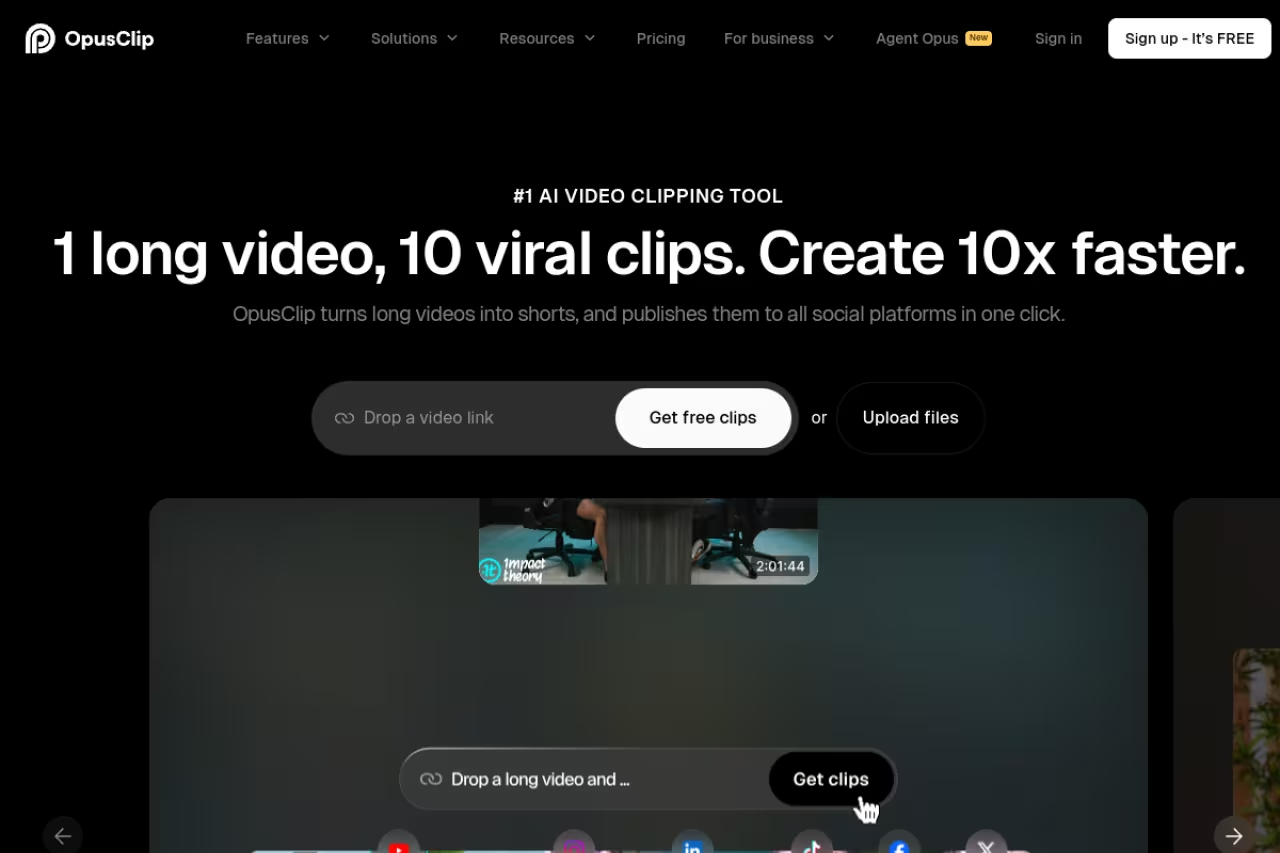
If you produce podcasts, webinars, or long YouTube videos, Opus Clip is the most valuable tool on this list. You feed it a long video, and it finds the moments worth clipping, reframes them vertically, adds animated captions, and scores each clip on likely virality. What used to be an editor's afternoon becomes a 10-minute review.
Who it's best for: Creators and brands sitting on long-form video who want a steady stream of shorts for TikTok, Reels, and YouTube Shorts without hiring an editor.
The most valuable tool here if you produce podcasts, webinars or long YouTube videos, turning them into shorts for creators and brands without an editor. The credit math sneaks up on you, and a weekly two-hour podcast burns through Pro's minutes fast.
A free plan gives you 60 minutes of processing per month. Paid plans start around $15/month for Starter (roughly 150 minutes of upload credits) and $29/month for Pro (around 300 minutes), billed annually. Opus runs on a credit system where one minute of source video equals one credit, regardless of how many clips you cut from it.
The standout: The virality score and auto-reframe. ReframeAnything tracks the speaker so a horizontal interview becomes a clean vertical clip without you keyframing anything. The clips are good enough to post with light edits.
The catch: The credit math sneaks up on you. A weekly two-hour podcast burns through Pro's monthly minutes fast, and you will be buying add-ons or upgrading. The auto-selected hooks also need a human eye. It picks the right moments maybe 70% of the time, so budget review time. If video is your whole strategy, pair this with a dedicated editor and our guide to the best AI video editing tools.

Jasper (best for copy quality in a team workflow)
Jasper earns its spot when writing quality matters and you have a real workflow around it. It is not a scheduler. It is a marketing writing platform with brand voice training, templates, and knowledge assets that keep output on-message across a team.
Who it's best for: Content and marketing teams that produce a high volume of copy and need it to sound consistent across writers and channels.
Earns its spot when writing quality matters and content and marketing teams need consistent copy, thanks to brand voice training. It is not a scheduler, so you still need one, and per-seat pricing adds up for larger teams.
The Creator plan is $39/month per seat (annual) or $49 monthly, with one brand voice. The Pro plan runs $59/month per seat annually ($69 monthly) and supports multiple brand voices and more knowledge assets.
The standout: Brand voice consistency. Once you train Jasper on your tone and reference material, the drafts come back sounding like you and not like generic AI. For teams where five people write social posts, that consistency is the actual product.
Where it falls short: You still need a separate scheduler, so Jasper is a piece of the stack, not the whole thing. The per-seat pricing adds up for larger teams, and for a solo creator who only needs occasional captions, it is more firepower than the job requires. If pure writing is your goal, compare it against our best AI for copywriting roundup.

Vista Social (best value for agencies)
Vista Social is the one I point agencies toward, because the entry plan includes a number of profiles that would cost a fortune elsewhere. It covers the major networks, has a built-in AI Assistant, and the reporting is good enough to put in front of clients.
Who it's best for: Agencies and freelancers managing many client accounts who want broad coverage without enterprise pricing.
The one I point agencies and freelancers toward, since 15 profiles on a $79 plan is rare. The AI credit cap on the entry plan is tight, and the interface has a learning curve with deeper analytics on higher tiers.
There is a free plan for 3 profiles. The Professional plan is $79/month for 15 social profiles, 3 users, and 2,500 AI credits per month. Advanced is $149/month (30 profiles, 10,000 credits), and Scale is $349/month (70 profiles, unlimited AI credits). Annual billing saves 20%.
The standout: Fifteen profiles on an $79 plan is rare. For an agency juggling a dozen small clients, that profile count alone makes the math work versus per-account tools.
Where it falls short: The AI credit cap on the entry plan is tight if you generate a lot of copy, and you will likely jump to Advanced for unlimited AI sooner than you expect. The interface has a learning curve, and some of the deeper analytics live on higher tiers.

ContentStudio (cheapest serious AI plan)
ContentStudio blends content discovery with publishing, which is a combination most schedulers skip. It surfaces trending content in your niche, then helps you create and queue posts around it, with a generous AI text allowance on a cheap plan.
Who it's best for: Solo marketers and small businesses who want help finding what to post, not just scheduling what they already wrote.
The cheapest serious AI plan, a good fit for solo marketers and small businesses who want help finding what to post, not just scheduling it. The entry plan caps you at 5 accounts and one user, so teams outgrow it quickly.
The Standard plan is $19/month billed annually, covering 5 social accounts, 1 user, and 25,000 AI text credits per month. That AI allowance on a $19 plan is more than most competitors give you.
The standout: Content discovery. The trending-topics feed is a real edge if your problem is "I don't know what to post." Pair that with the AI writer and you have an idea-to-publish loop on one screen.
Where it falls short: The entry plan caps you at 5 accounts and a single user, so teams outgrow it quickly. The discovery feed is more useful for some niches than others, and the design tools are basic compared to a Canva-style editor.
Predis.ai (best for auto-generated visual posts)
Predis.ai goes further than text. Give it a prompt and it generates full visual posts, carousels, and short video reels, not just captions. For people who cannot design and do not want to learn, that is the whole pitch.
Who it's best for: Small businesses and solo founders who need finished graphics and reels fast and have no design help.
Pick Predis.ai if you are a small business or solo founder who needs finished graphics, carousels and reels fast with no design help. The output looks templated, so it is great for volume and less so for standing out creatively.
A free plan gives you 15 AI-generated posts per month. The Core/Lite plan is $32/month for around 60 posts, competitor analysis, and 5 publishing channels, with higher tiers up to $249/month for agencies. It connects to 50+ channels including Instagram, TikTok, LinkedIn, and YouTube.
The standout: End-to-end visual generation. You go from a one-line prompt to a posted carousel without opening a design tool. For a busy operator, that removes the biggest bottleneck.
Where it falls short: The output looks templated, and people who post a lot will start to recognize the Predis "look." It is great for volume and consistency, less great when you want something that stands out creatively. Treat it as a baseline, then customize.

Taplio (best for LinkedIn personal branding)
Taplio is narrow on purpose. It only does LinkedIn, and that focus is its strength. It pulls from a library of viral LinkedIn posts, suggests hooks, schedules your content, and tracks engagement, all tuned to how the LinkedIn algorithm actually behaves.
Who it's best for: Founders, creators, and B2B operators building a personal brand on LinkedIn specifically.
A focused choice for founders, creators and B2B operators building a personal brand on LinkedIn only, with viral post data and hook suggestions. The pricing is confusing, since the $39 plan ships with zero AI credits, and it is single-platform.
The Starter plan is $39/month ($32 annual) but notably ships with zero AI credits, which catches people off guard. You need the Standard/Growth tier (roughly $49 to $69/month) for meaningful AI credits, and the Pro plan is $199/month for sales features like the lead database and auto-DMs.
The standout: LinkedIn-specific data. The viral post library and hook suggestions are trained on what works on LinkedIn, not generic social copy. If LinkedIn is your one channel, that specialization beats a general tool.
Where it falls short: The pricing is genuinely confusing. Paying $39 and getting no AI is a bad first impression, and most people end up on the $69 tier to use the features Taplio advertises. It is also single-platform, so it cannot be your only tool if you post anywhere else.
How to choose
Pick based on what you actually post, not on feature lists.
Start with your bottleneck. If your problem is finding time to publish, get a scheduler with AI: Buffer if you are small, Hootsuite or Vista Social if you run many accounts. If your bottleneck is producing content, pick by format. Long video to shorts means Opus Clip. Visual posts you cannot design means Predis.ai. High-volume written copy means Jasper.
Match the price model to your size. Per-channel pricing (Buffer) is cheap at 3 channels and expensive at 12. Per-profile pricing (Vista Social) flips that. Per-seat pricing (Jasper) punishes big teams. Map your real account and user count before you trust a "starts at" number.
Single channel? Go specialist. If 90% of your effort is one platform, a focused tool like Taplio for LinkedIn will beat a generalist. The narrow tools know their algorithm.
Most operators end up running two tools: a publisher plus a content generator. There is no shame in that, and it is usually cheaper than one all-in-one suite that does everything at a B. If you want to build a fuller stack, our top AI tools directory and the best AI content marketing tools guide are good next reads. And if your team wants every major model in one place to draft and test copy, Dupple X bundles them so you are not paying separate subscriptions for each.
FAQ
What is the best AI tool for social media in 2026?
For most small teams and solo creators, Buffer is the best all-around pick because it pairs clean scheduling with a genuinely useful AI Assistant and has a real free plan. If your content is mostly long-form video, Opus Clip is the highest-value tool because it turns one video into a dozen short clips automatically.
Are there free AI social media tools worth using?
Yes. Buffer's free plan covers 3 channels with AI replies, Opus Clip gives you 60 minutes of video processing free each month, and Predis.ai and Vista Social both offer free tiers. The free plans are enough to test whether a tool fits your workflow before you pay.
How much do AI social media tools cost?
Entry plans range from about $5/month per channel (Buffer) and $19/month (ContentStudio) up to $99/month for team suites like Hootsuite, and $199 to $349/month for enterprise listening and large-agency tools. Most solo operators land between $15 and $50/month once they combine a scheduler with a content generator.
Can AI fully automate my social media posting?
Not well, and you should not let it. AI is good at drafting captions, cutting clips, and filling a calendar, but auto-pilot accounts read as generic and lose engagement. The tools that work treat AI as a first draft you edit, not a replacement for judgment. Plan on reviewing everything before it ships.
Do I need separate tools for content creation and scheduling?
Often, yes. Schedulers like Buffer and Hootsuite are weaker at content generation, while creation tools like Jasper and Opus Clip do not publish. Many operators run one of each. Vista Social and ContentStudio come closest to doing both, but specialists still beat them at their specific job.
Which AI social media tool is best for video?
Opus Clip for repurposing long video into vertical shorts with captions and reframing. For editing those clips further or producing original video, look at dedicated editors covered in our best AI for video editing guide. Predis.ai also generates short reels from prompts if you need simple, templated video fast.
Whichever you pick, run it through a free trial first. The right tool is the one that removes your specific bottleneck, and you only find that out by posting real content through it for a week. If you want to test-drive the leading AI models for drafting copy across all of these tools, start a Dupple X trial and bring your own captions to the table.
Related guides
Some offers on this page may be paid placements or contain affiliate links.
Across our whole catalogue the median is $24 a month and 33% of tools advertise a free tier. Figures are the lowest recurring monthly price quoted in our own review of each tool, read on 2026-08-19. Full method and every category.
