
The Best Graphic Design Software in 2026

Key facts8 tools compared: Canva, Adobe Photoshop, Figma, Affinity, Adobe Illustrator, CorelDRAW…
- 8 tools compared: Canva, Adobe Photoshop, Figma, Affinity, Adobe Illustrator, CorelDRAW, Inkscape, Adobe Express
- Canva (best for: Non-designers, social, marketing teams): Free / $15 mo Pro
- Adobe Photoshop (best for: Photo editing, compositing): $22.99/mo single app
- Figma (best for: UI/UX, product teams): Free / $16 per full seat
- Affinity (best for: Pro design without subscriptions): Free
The design software market split into two camps over the last two years, and the split got sharper in 2026. On one side, Adobe keeps charging subscription rent for tools that genuinely have no peer at the high end. On the other, Canva bought Affinity, made the whole professional suite free, and turned "what do I pay for design software" into a real question again.
That means the right pick depends almost entirely on what you're making and who you're making it with. A solo founder banging out social posts has nothing in common with an illustrator drawing vector logos or a product team shipping a UI. So I'm not going to hand you one winner and call it a day.
If you want the short version: most people reading this should start with Canva. It's the fastest way to produce decent work without a learning curve, the free tier is real, and Pro is $15 a month. Designers who need pixel-level control still want Adobe Photoshop. Product teams building interfaces should be on Figma. Below I'll walk through eight tools I've actually used, what each one is good at, what it costs in 2026, and where each one quietly lets you down.
Quick comparison
| Tool | Best for | Price | Standout |
|---|---|---|---|
| Canva | Non-designers, social, marketing teams | Free / $15 mo Pro | Speed + Magic Studio AI |
| Adobe Photoshop | Photo editing, compositing | $22.99/mo single app | Raster editing depth |
| Figma | UI/UX, product teams | Free / $16 per full seat | Real-time collaboration |
| Affinity | Pro design without subscriptions | Free | Pro tools at $0 |
| Adobe Illustrator | Vector logos, print, icons | $22.99/mo single app | Bezier precision |
| CorelDRAW | Print, signage, manufacturing | $269/yr or $549 once | Perpetual license option |
| Inkscape | Budget vector work | Free (open source) | No cost, no catch |
| Adobe Express | Quick branded content | Free / $9.99/mo | Firefly AI inside a simple editor |
Canva: the default for almost everyone
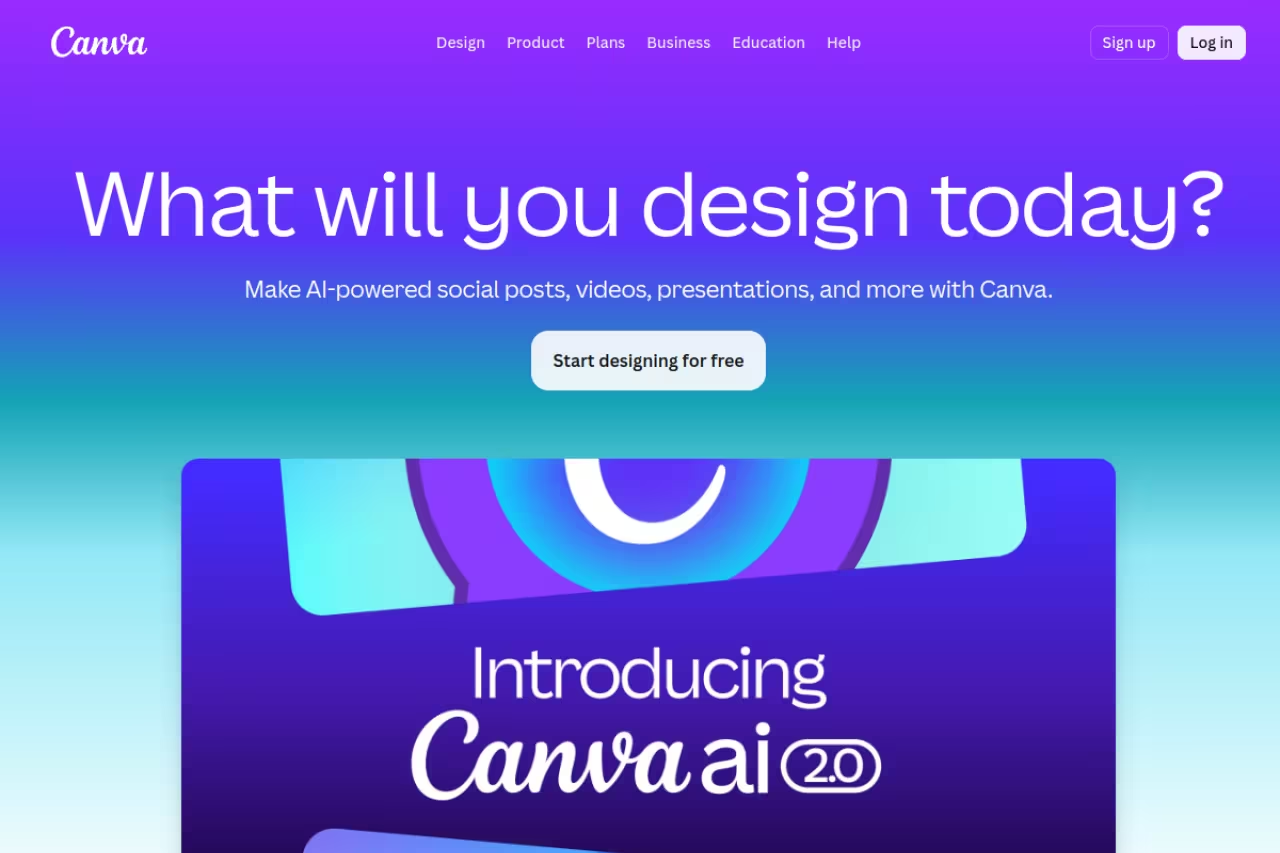
Canva is what you reach for when you need a finished thing in twenty minutes and don't care about owning the craft. Social posts, pitch decks, one-pagers, Instagram carousels, simple video. It runs in the browser, the template library is enormous, and you can hand it to a non-designer without a single tutorial.
The AI side got serious this year. Magic Studio bundles background removal, Magic Resize, text-to-image, and the new conversational Canva AI where you describe a design in plain language and the editor builds editable objects instead of a flat image. For a marketing team pushing out volume, that's a genuine time save.
The default for founders, marketers and social media managers who value speed over precision. Templates and Magic Studio AI get a finished design out in twenty minutes, but everything starts to look same-y and serious brand work outgrows its typographic and vector control.
Pricing is the easy part. The free tier covers a lot. Canva Pro is $15 a month or $120 a year and adds the full 140-million-plus asset library, Brand Kits, 100 GB of storage, transparent and SVG exports, and the full Magic Studio set including 500 Dream Lab generations a month.
Who it's best for: founders, marketers, social media managers, anyone who values speed over precision.
The catch: Canva makes everyone's work look a little same-y. Pull up ten startup pitch decks and you can spot the Canva templates instantly. It also doesn't give you fine typographic or vector control, so serious brand work eventually outgrows it. For social specifically, pair it with the picks in my best AI for Instagram posts guide.

Adobe Photoshop: still the ceiling for raster work
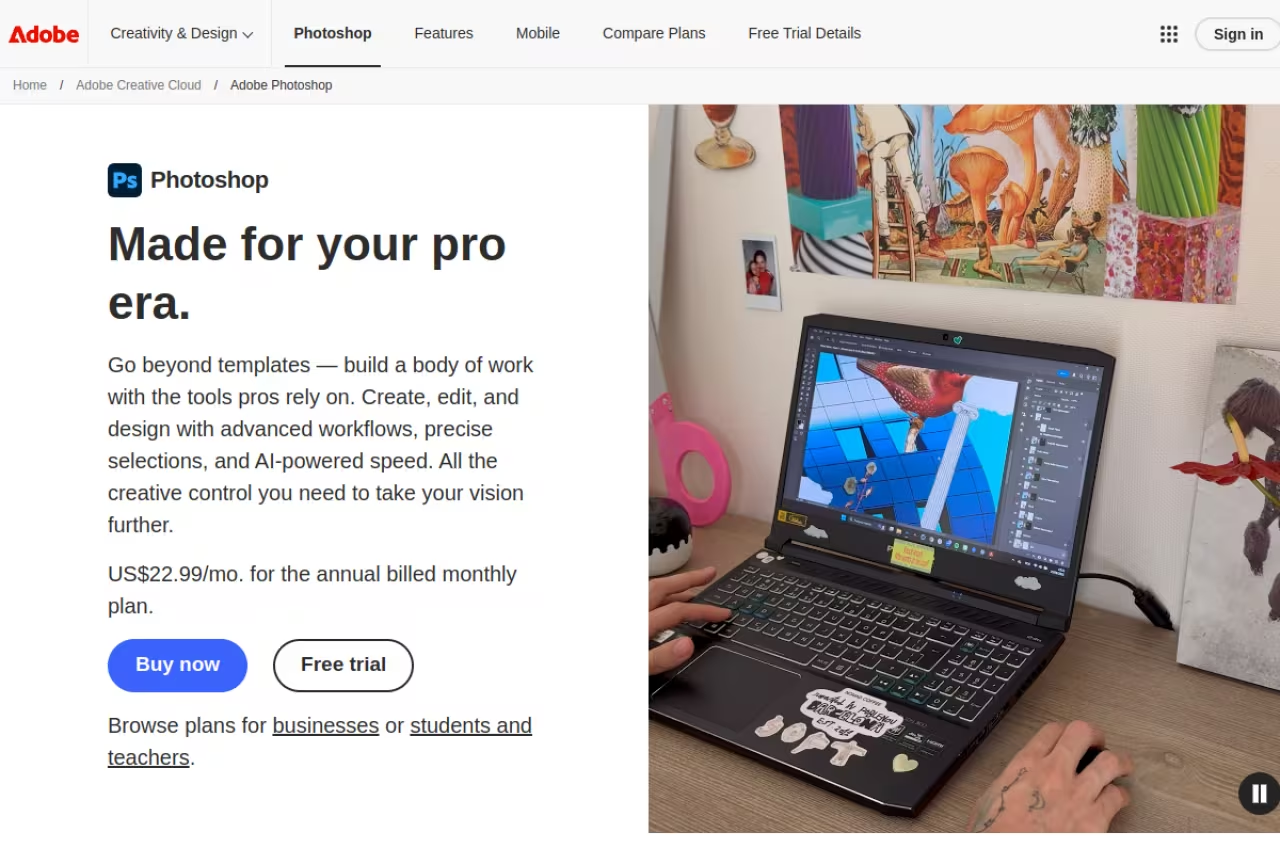
Nothing has dethroned Photoshop for pixel-level editing, and 2026 isn't the year it happens. Retouching, compositing, masking, color work, anything where you're pushing actual pixels around. The non-destructive workflow with adjustment layers, layer masks, and Smart Objects is muscle memory for a generation of designers, and Generative Fill has quietly become one of the few AI features pros use every single day.
It's overkill for making a flyer. It's the only real answer for a magazine-quality composite.
Still the ceiling for raster work, and the only real answer for a magazine-quality composite. It suits photographers, retouchers and digital artists, but the subscription never ends, the app is heavy and the learning curve is steep.
Pricing in 2026: the Photoshop single-app plan is $22.99 a month on annual billing. If you also shoot photos, the Photography plan at $19.99 a month is the smarter buy, since it bundles Photoshop, Lightroom, Lightroom Classic, and 1 TB of storage for less than Photoshop alone.
Who it's best for: photographers, retouchers, digital artists, anyone doing serious image work.
Where it falls short: the subscription never ends, the app is heavy, and the learning curve is steep. If you only need to clean up photos, an AI photo editor will get you 80% of the way for a fraction of the effort.
Figma: the home base for product teams
If you're designing screens instead of artwork, Figma is the answer and has been for years. Real-time multiplayer editing, components and variants, auto layout, Dev Mode for handoff, and a plugin ecosystem that covers almost anything. Designers, PMs, and engineers all live in the same file, which is why it won.
The 2026 pricing change matters more than any feature. Figma moved to seat types, so you don't pay full designer rates for people who only comment or inspect. On the Professional plan a full design seat is $16 a month, a Dev seat is $12, and a Collab seat is just $3. The free Starter tier still covers up to 3 design files, which is enough for a solo experiment.
Who it's best for: UI/UX designers, product teams, anyone building app or web interfaces.
The catch: Figma is a poor fit for print, photo work, or one-off marketing graphics. It also gets expensive fast at scale: Organization jumps to $55 per full seat and Enterprise to $90. The seat math saves you money on viewers but not on actual designers.
The home base for UI and UX designers and product teams, with designers, PMs and engineers working in one file. The seat-type pricing saves money on viewers but not on designers, and Figma is a poor fit for print, photo work or one-off marketing graphics.
Affinity: pro design that now costs nothing
The biggest story in design software this year. Canva acquired Serif (the maker of Affinity), and in late 2025 it relaunched the whole thing as a single free app combining vector, photo, and layout tools. Canva confirmed the full Affinity suite is now $0, with only the AI features gated behind a Canva subscription.
For anyone who refused to rent their tools from Adobe, this is the headline. You get genuinely professional vector drawing and photo editing, no watermark, no time limit, no perpetual-license fee. You just need a free Canva account to download and activate it.
Who it's best for: freelancers, students, and small studios who want pro capability without a monthly bill.
Where it falls short: the old one-time-purchase model is dead, which annoyed long-time owners, and the free tier leans on a Canva account some users would rather avoid. The professional AI features need Canva Pro starting at $144 a year. It's also less battle-tested in big team pipelines than Adobe, and the file interchange with Adobe formats isn't perfect.
Skip the Adobe rent if you are a freelancer, student or small studio, because pro vector and photo tools now cost $0. The catch is a required Canva account, AI features gated behind a subscription, and less proven team pipelines than Adobe.
A quick note before the back half. If you're building a design or content workflow and want a single subscription that pools the AI tools I keep pointing you to, Dupple X bundles them so you're not juggling six separate logins. Worth a look if tool sprawl is your real problem.
Adobe Illustrator: the vector standard
Illustrator is what you use when the output has to scale infinitely and stay crisp: logos, icons, packaging, print layouts, anything built from paths rather than pixels. The Bezier pen, the typographic controls, and the precision are unmatched, and the generative vector tools added this year actually fit a designer's workflow instead of feeling bolted on.
It's the companion piece to Photoshop. Photoshop handles the photo, Illustrator handles the logo.
The vector standard for logo and brand designers, illustrators and print production artists, where output must scale infinitely and stay crisp. Like Photoshop, it is a permanent subscription with a real learning curve, and overkill if you only need one logo.
Pricing matches Photoshop: the Illustrator single-app plan is $22.99 a month on annual billing. If you want both Adobe apps plus the rest, Creative Cloud Standard is $54.99 a month and Creative Cloud Pro (with the full Firefly AI set) is $69.99.
Who it's best for: logo and brand designers, illustrators, print production artists.
The catch: like Photoshop, it's a permanent subscription with a real learning curve, and it's complete overkill if you just need one logo. For that, an AI logo generator is faster and cheaper. Affinity and Inkscape also cover most vector needs for free.

CorelDRAW: the one you can still own
CorelDRAW doesn't get the hype anymore, but it's deeply entrenched in print shops, sign making, apparel, and manufacturing because of its precision tools and file compatibility. The reason it still matters in 2026: it's one of the last serious design suites you can buy outright instead of renting.
The subscription is $269 a year or $39 a month, and that includes the AI vector tracing and real-time co-editing. The perpetual license is $549 once, and if you keep a version for three years or more it works out cheaper than any subscription. The trade-off: a perpetual license locks you to that version with no free major upgrades.
Who it's best for: print and signage shops, manufacturing, anyone who wants to own software outright.
Where it falls short: the interface feels dated next to Figma or Canva, the Mac support has historically lagged Windows, and outside of print-heavy industries it's hard to recommend over Affinity, which now costs nothing.
The one to pick if you want to own your software, especially in print, signage and manufacturing. A perpetual license can beat a subscription over three years, but the interface feels dated and outside print-heavy work it is hard to recommend over Affinity.

Inkscape: free vector, zero strings
Inkscape is the open-source vector editor that's been quietly doing the job for years. It handles SVG natively, covers logo and icon work, and costs nothing with no account, no telemetry pitch, and no upsell. For a student or a side project, it's often all you need.
It won't match Illustrator's polish or speed, and the interface shows its age. But for budget vector work it's honest and capable, and the SVG output is clean.
Who it's best for: students, hobbyists, developers who need an SVG now and then.
The catch: performance can stutter on complex files, the UI is clunky, and there's no real collaboration or asset library. You're trading polish and convenience for a $0 price tag, which is a fair trade when the budget is exactly zero.
Free, open-source vector for students, hobbyists and developers who need an SVG now and then. You trade polish for a $0 price tag, since performance can stutter on complex files, the UI is clunky and collaboration is absent.
Adobe Express: Firefly AI in a simple wrapper
Adobe Express is Adobe's answer to Canva, and it's better than it gets credit for. Templates, quick edits, social scheduling, and Firefly generative AI that's commercially safe to use in client work, all inside an editor a beginner can figure out in minutes.
The free plan covers 100,000-plus templates and basic editing with 25 generative AI credits a month. Premium is $9.99 a month and bumps you to 250 credits, 30,000-plus fonts, brand kits, and 100 GB of storage. If you already pay for Creative Cloud, Express Premium is included free.
Who it's best for: Creative Cloud subscribers who want a fast tool, and anyone who specifically wants Firefly's commercially safe AI.
Where it falls short: on its own it's a weaker Canva, with a smaller asset library and fewer collaboration features. The main reason to pick it over Canva is the Adobe ecosystem and Firefly's licensing safety.
A good fit for Creative Cloud subscribers who want a fast editor, or anyone who specifically wants Firefly's commercially safe AI. On its own it is a weaker Canva, with a smaller asset library and fewer collaboration features.
How to choose
Don't pick by brand. Pick by the work in front of you.
- You make social posts, decks, and marketing graphics fast: Canva. Start free, upgrade to Pro at $15 only when you hit the asset wall.
- You edit photos or build composites: Photoshop, or the $19.99 Photography plan if you also shoot.
- You design app or web interfaces with a team: Figma. The free tier proves the workflow before you pay.
- You want pro capability and refuse to pay monthly: Affinity (free) or Inkscape (free) for vector, CorelDRAW if you need a perpetual license you can own.
- You do logos, icons, or print production: Illustrator if budget allows, Affinity or Inkscape if it doesn't.
The honest meta-answer for 2026: most people overbuy. They pay Adobe rent for tools they use at 10% of capacity. Unless you're doing the kind of work that genuinely needs Photoshop's depth, start with the free options. Canva and Affinity together cover an enormous share of real-world design work for $0. For more on building a low-cost creative stack, the best AI image generators and top AI tools lists pair well with any of these.
FAQ
What is the best graphic design software for beginners?
Canva, without much debate. The free tier is genuinely usable, there's no learning curve, and the template library means you start from something good instead of a blank page. Adobe Express is a close second if you want Firefly's AI and a similarly simple interface.
Is there any free professional graphic design software?
Yes, and more than there used to be. Affinity became completely free under Canva in late 2025, giving you professional vector, photo, and layout tools at $0. Inkscape (vector) and GIMP (raster) are open-source and free. Canva and Figma both have real free tiers too. You can do serious work without paying a cent.
Do I still need Adobe in 2026?
Only if your work demands it. Photoshop is still the ceiling for photo editing and compositing, and Illustrator leads for vector and print precision. But for social graphics, decks, simple vector work, and most marketing output, free tools like Canva and Affinity cover you. The honest test: if you can't name a specific Photoshop or Illustrator feature you need, you probably don't need the subscription.
Canva vs Figma: which one should I use?
They solve different problems. Canva is for marketing and content: posts, decks, graphics, video. Figma is for product design: app screens, websites, design systems, and developer handoff. If you're shipping social media, use Canva. If you're designing interfaces with engineers, use Figma. Plenty of teams pay for both.
Is the subscription worth it over a one-time purchase?
It depends how long you'll use the tool. Subscriptions cost less upfront and include updates and AI features, which matters when those features ship monthly. A perpetual license like CorelDRAW's $549 option becomes cheaper after roughly three years but locks you to one version. If you hate recurring bills, Affinity (free) or a CorelDRAW perpetual license are the routes that let you own your tools.
Related guides
Some offers on this page may be paid placements or contain affiliate links.
