
The 8 Best Crash Reporting Tools in 2026

Key facts8 tools compared: Sentry, Firebase Crashlytics, BugSnag (Insight Hub), Rollbar, Raygun…
- 8 tools compared: Sentry, Firebase Crashlytics, BugSnag (Insight Hub), Rollbar, Raygun, Embrace, Datadog Error Tracking, Instabug
- Sentry (best for: Full-stack teams (web + mobile + backend)): Free; Team $26/mo
- Firebase Crashlytics (best for: Mobile-only teams on any budget): Free, unlimited
- BugSnag (Insight Hub) (best for: Stability-score driven mobile teams): Free; paid from ~$59/mo
- Rollbar (best for: High-volume backend error grouping): Free; paid scales by events
A crash that you never see is the most expensive bug you'll ship. The user force-quits, leaves a one-star review, and you find out three weeks later when a sprint retro asks why retention dipped. Good crash reporting closes that loop in minutes: a stack trace, the exact device and OS, the breadcrumbs leading up to the failure, and ideally a replay of what the user was doing.
The problem is that "crash reporting" now means very different things depending on whether you ship a React Native app, a Rails backend, a marketing site, or all three. A tool that's perfect for an Android-only team is overkill for a small SaaS, and a backend-first error tracker can be blind to native crashes. Pricing models also diverge wildly: some charge per error event, some per session, some are free with no ceiling at all.
I compared all eight tools below across mobile and web projects. My top pick for most teams is Sentry. It covers frontend, backend, and mobile in one place, has a usable free tier, and adds session replay and tracing without forcing you onto a separate product. If you ship mobile only and want zero cost, Firebase Crashlytics is the obvious default. The rest of this guide is about the cases where neither of those is the right answer.
Quick comparison
| Tool | Best for | Price | Standout |
|---|---|---|---|
| Sentry | Full-stack teams (web + mobile + backend) | Free; Team $26/mo | One tool for errors, tracing, replay |
| Firebase Crashlytics | Mobile-only teams on any budget | Free, unlimited | Zero cost, Gemini crash insights |
| BugSnag (Insight Hub) | Stability-score driven mobile teams | Free; paid from ~$59/mo | Release stability targets |
| Rollbar | High-volume backend error grouping | Free; paid scales by events | Strong deduplication + automation |
| Raygun | Frontend observability stacks | From $40/mo (annual) | Modular crash + RUM + APM |
| Embrace | Deep mobile observability | Free to 1M sessions/yr | 100% session capture, ANR profiling |
| Datadog Error Tracking | Teams already on Datadog | Bundled with RUM/APM | Errors tied to full telemetry |
| Instabug | In-app bug reporting + crashes | From ~$249/mo | User feedback alongside crashes |

Sentry: the default for full-stack teams
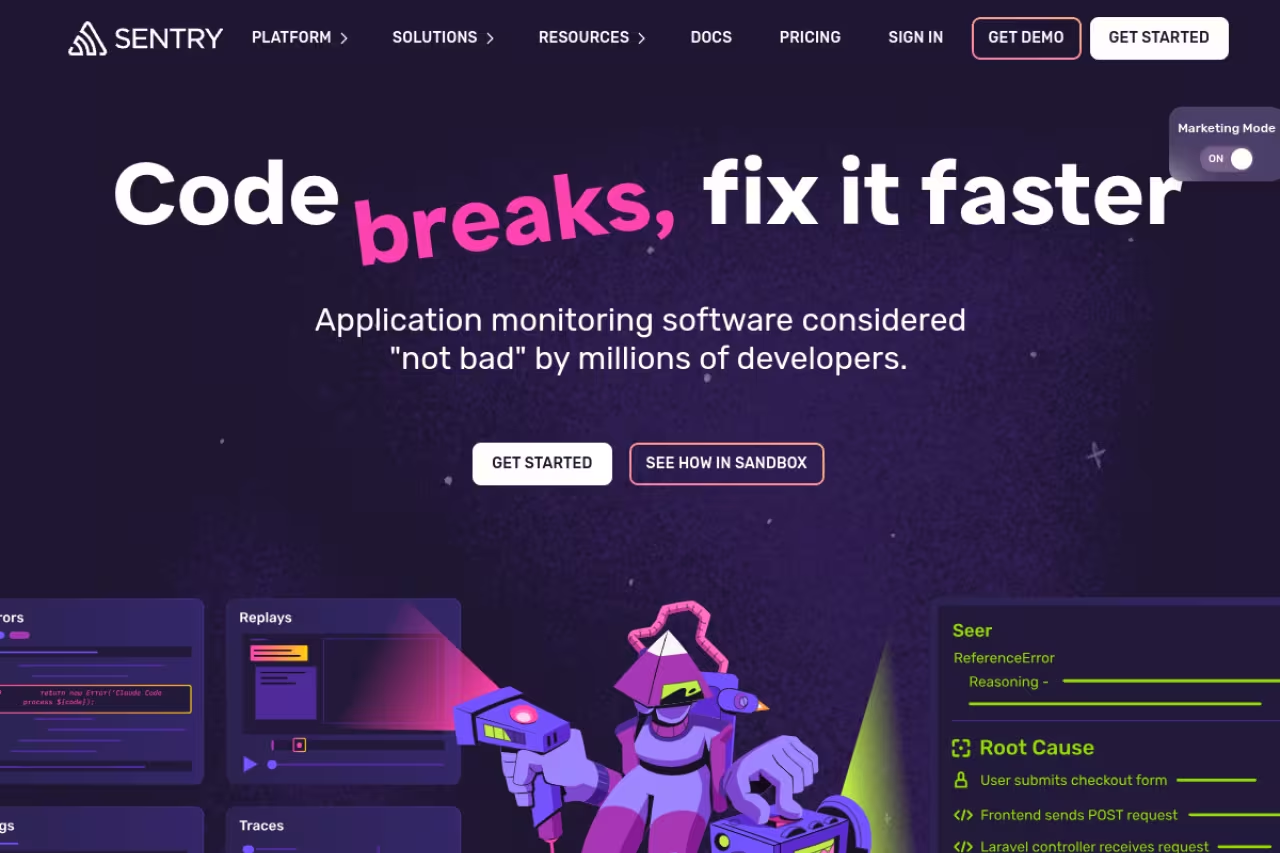
Sentry started as an error tracker and quietly became a full application monitoring platform. You drop the SDK into your JavaScript frontend, your Python or Node backend, and your iOS or Android app, and every exception lands in one inbox with stack traces, breadcrumbs, release tagging, and the user/device context attached.
What sold me is the breadth without the bloat. The same project view shows you a backend 500, a frontend TypeError, and a native crash, and you can jump from an error to a distributed trace or a session replay of the user who hit it. The Cocoa SDK even handles Swift async/await stack traces that some competitors truncate.
Who it's best for: any team shipping more than one platform, or a SaaS that wants errors, tracing, and replay under one bill instead of stitching three vendors together.
The default for full-stack teams, with frontend, backend, and native crashes in one inbox and a jump to traces or replays. Per-event pricing climbs once you pass the quota, so set spend caps early.
Pricing is honest. The free Developer tier gives you 5,000 errors a month but caps you at one user. The Team plan is $26/month billed annually for 50,000 errors, unlimited users and projects, and third-party integrations. Business is $80/month and adds anomaly detection and SAML/SCIM.
The catch: the per-event pricing climbs fast once you blow past the included quota. A noisy release can rack up overage, so you'll want to set spend caps and rate limits early. The interface also has a learning curve that's steeper than a pure mobile tool.
Firebase Crashlytics: free, and hard to argue with for mobile
If you ship Android, iOS, Flutter, or Unity and you don't want to pay anything, this is where you start. Crashlytics groups crashes by impact, surfaces ANRs, tracks release stability in real time, and now uses Gemini to suggest likely causes and fixes right inside the console.
Who it's best for: mobile-only teams of any size, and especially anyone already using other Firebase products. Setup is a few lines and an SDK, and it integrates with Jira, Slack, and BigQuery.
Start here if you ship mobile and don't want to pay anything, since there is no cost to use it. It is crash reporting, full stop: no web or backend support, no session replay, and 90 days of retention.
Pricing is the headline: Google states plainly that there's no cost to using Crashlytics, with no event ceiling. For a side project or an early-stage app that's an unbeatable starting point.
Where it falls short: it's crash reporting, full stop. There's no web or backend support, no session replay, and crash data is retained for 90 days. You also don't get two-way Jira sync or anomaly detection. Plenty of teams run Crashlytics for the free mobile coverage and pair it with Sentry for everything else, which tells you something about its boundaries.

BugSnag (Insight Hub): stability scores you can target
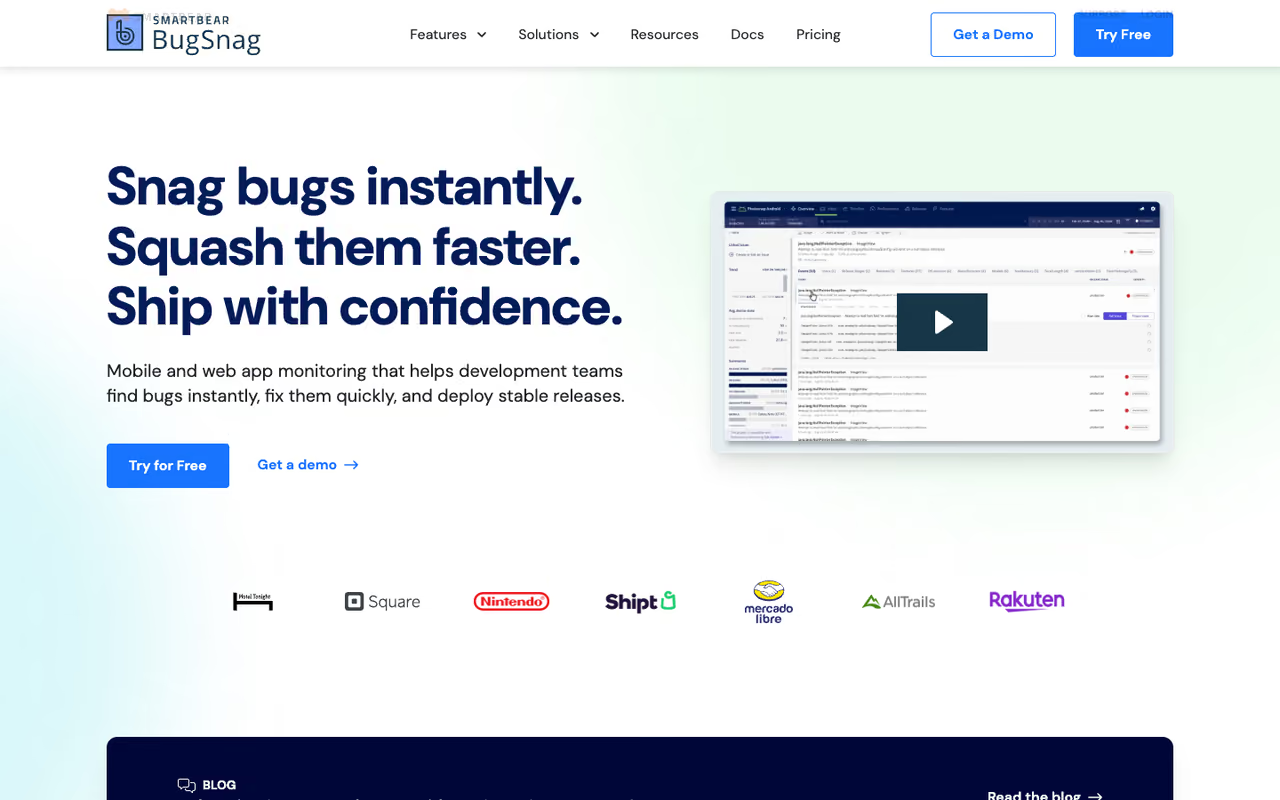
BugSnag, now part of SmartBear and branded Insight Hub, is built around the idea of a stability score: the percentage of sessions that don't crash. You set a target (say 99.9%), and the tool tells you when a release drifts below it. For mobile teams that report stability to leadership, that framing is genuinely useful.
It supports 50-plus platforms with strong diagnostic context around each error, automatic prioritization, and feature-flag awareness on higher tiers.
Who it's best for: mobile and cross-platform teams that manage releases against an explicit stability bar rather than just reacting to alerts.
The free tier covers 7,500 events and 1 million spans a month for one user. Paid plans (Select and Preferred) start low and scale by event volume, with unlimited users, SSO and feature flags on the Preferred tier.
The catch: the free tier's 7-day data retention is tight, and the per-seat history of the older plans made it pricey for large teams. Pricing is now tiered by events, which is fairer, but you'll want to model your volume before committing.
A good fit for mobile and cross-platform teams that manage releases against a stability score target. The free tier's 7-day retention is tight, so model your event volume before committing.

Rollbar: built for noisy, high-volume backends
Rollbar earns its keep when you're drowning in backend errors. Its grouping engine is one of the better ones at collapsing thousands of occurrences into a handful of real issues, and its workflow automation can route, mute, or escalate errors by type, frequency, and priority without a human in the loop. Customers range from Duolingo to Twitch, which tells you it scales.
Who it's best for: backend and full-stack teams generating a lot of error volume who care most about deduplication and automated triage.
The free plan includes 5,000 occurrences a month with 30-day retention. Paid Essentials and Advanced tiers scale occurrences from tens of thousands up to tens of millions, with retention extending to 90 and 180 days respectively, plus an RQL query language and metrics API on Advanced.
Where it falls short: it's less polished on the mobile and frontend side than Sentry, and its newer occurrence/credit/replay pricing model takes a minute to understand. If your pain is native mobile crashes specifically, this isn't the sharpest tool.
Built for noisy, high-volume backends, with grouping and automated triage that collapse thousands of occurrences into real issues. It is less polished on mobile and frontend than Sentry, so skip it for native mobile crashes.
Raygun: pick your modules
Raygun treats crash reporting, real user monitoring, and APM as separate products you can buy individually or stack. That modularity is the appeal: if all you need is error tracking, you buy Crash Reporting and skip the rest. If you want a full frontend observability picture, you add RUM and APM and get errors correlated with real session performance.
Who it's best for: frontend-heavy teams that want crash data sitting next to user-experience metrics, and who'd rather assemble a stack than accept a bundle.
Pick your modules: crash reporting from $40/month, with RUM and APM added for frontend-heavy teams who like assembling a stack. Because you pay per event, a buggy release costs more, and it runs pricier than Sentry at similar volumes.
Pricing is event-based. Crash Reporting starts at $40/month on annual billing (around $60 month-to-month) at 100,000 events, with RUM and APM each around $80, so a full stack lands near $200/month.
The catch: because you pay per event, a buggy release literally costs more, and Raygun runs more expensive than Sentry at comparable volumes. Some users find it better at taming noisy errors, but you pay for the privilege.
Embrace: mobile observability, not just crashes
If your app is your business and "the screen froze" reports keep slipping past your crash tool, Embrace is worth a serious look. It captures 100% of user sessions and instruments crashes, ANRs, network failures, and thread profiling, then lets you replay the exact session that led to a problem. That session-level depth catches the non-fatal issues, like hangs and slow screens, that pure crash reporters miss.
Who it's best for: mid-to-large mobile teams that need to understand the full user journey around a failure, not just the final stack trace.
The free Teams tier covers up to 1 million sessions a year for 5 users with 3-day retention. The Pro plan is $0.80 per 1,000 sessions with an $80/month minimum, 14-day retention, custom dashboards and API access.
Where it falls short: 3-day retention on the free tier is short, and the session-based pricing punishes high-traffic apps. It's also mobile-first, so it's the wrong choice if your crashes are mostly server-side.
Worth a serious look for mid-to-large mobile teams that need the full user journey around a failure, capturing 100% of sessions. The 3-day free retention is short, session-based pricing punishes high-traffic apps, and it is mobile-first only.
If you're assembling a developer tooling stack and want the editorial picks across categories in one place, the Dupple X bundle and our /top-tools roundup are a faster way to shortlist than tab-hopping vendor sites.
Datadog Error Tracking: best if you already pay Datadog
Datadog Error Tracking isn't a standalone crash tool you'd buy in isolation. It's the error layer of a much larger observability platform, and its strength is context: an error here is automatically tied to the logs, traces, RUM sessions, and infrastructure metrics around it. It groups errors across frontend and backend, covers mobile (iOS, Android, React Native, Flutter), and captures session replays 15 seconds either side of a frontend error.
Who it's best for: teams already running Datadog for APM or RUM who want errors inside the same pane of glass instead of a separate vendor.
A clear yes if you already pay for Datadog, with errors tied to logs, traces, and sessions in one pane. Adopting the whole platform just for crash reporting is massive overkill and a large bill.
Pricing is bundled with RUM and APM rather than sold as a flat crash-reporting tier, which means it's hard to quote in isolation and generally lands in enterprise budget territory.
The catch: if you're not already on Datadog, adopting the whole platform just for crash reporting is massive overkill and a large bill. This is a "yes, because we're already here" tool, not a "let's start here" tool. For broader context on the platform play, see our guide to the best application monitoring tools.
Instabug: crashes plus what the user has to say
Instabug (recently rebranded Luciq) blends crash reporting with in-app bug reporting and user feedback. A frustrated user can shake the phone to file a report with screenshots and logs attached, and that report sits next to your automatic crash data. For consumer mobile apps where qualitative feedback matters as much as the stack trace, that combination is rare and useful.
Who it's best for: mobile product teams that want user-submitted bug reports and crash analytics in one workflow.
Pick it for consumer mobile apps where user-submitted bug reports matter as much as stack traces. The entry price near $249/month is steep next to free Crashlytics, and it is mobile-only.
Pricing is the sticking point. Plans start around $249/month and climb through Pro and Ultimate tiers, and deeper features like session replay and richer analytics live on the higher plans.
Where it falls short: the entry price is steep next to free Crashlytics or a $26 Sentry plan, and it's mobile-only with no real backend or web story. You're paying for the feedback-plus-crashes blend, so it only makes sense if you'll actually use the feedback side.
How to choose
Start with where your crashes actually happen.
If you're mobile-only and cost-sensitive, run Firebase Crashlytics. It's free, it's good, and you can add more later. If you ship web and backend too, or you want one bill instead of three, default to Sentry. Those two cover maybe 70% of teams.
From there, pick by the specific gap. Managing releases against a hard stability target? BugSnag's stability scores were built for that. Drowning in backend error volume that needs automated triage? Rollbar's grouping and workflow rules earn their cost. Need to see the full session, including non-fatal hangs and ANRs, not just the crash? Embrace. Already living inside Datadog? Use its Error Tracking and don't add a vendor. Want user-submitted bug reports stitched to crash data? Instabug, if the budget allows.
One practical rule: watch the pricing model, not just the sticker price. Per-event tools (Sentry, Raygun, Rollbar) get expensive when a release goes wrong, which is exactly when you most need the data. Per-session tools (Embrace) scale with traffic. Free-forever tools (Crashlytics) trade unlimited volume for narrower features and shorter retention. Match the model to how your usage actually grows. If you're staffing up the engineering side of this, our roundup of the best AI coding agents pairs well with whatever crash tool you land on.
Want the broader developer-tools shortlist beyond crash reporting? Try Dupple X for the curated picks our team actually ships with.
Frequently asked questions
What is the best free crash reporting tool?
For mobile apps, Firebase Crashlytics is the best free option by a wide margin: it's genuinely free with no event ceiling, supports Android, iOS, Flutter, and Unity, and includes ANR tracking and AI-assisted crash insights. For web and backend, Sentry's free Developer tier (5,000 errors/month, one user) is the strongest no-cost starting point, and BugSnag and Rollbar both offer free tiers worth testing.
Is Sentry better than Firebase Crashlytics?
They solve different problems. Crashlytics is mobile-only, free, and excellent at what it does. Sentry covers web, backend, and mobile in one platform and adds tracing and session replay, but it's paid past the free tier. If you ship only a mobile app, Crashlytics is usually enough. If you ship multiple platforms or want errors and performance data together, Sentry is the better fit. Many teams run both.
How much do crash reporting tools cost?
It ranges from free to enterprise. Firebase Crashlytics is free with no limits. Sentry's Team plan is $26/month, BugSnag starts around $59/month after the free tier, and Raygun's crash module starts at $40/month on annual billing. Embrace's Pro plan starts at an $80/month minimum, and Instabug begins near $249/month. Most charge by error events or sessions, so your real cost scales with traffic and error volume.
What is the difference between crash reporting and error monitoring?
Crash reporting traditionally means catching fatal failures that terminate the app, common in mobile contexts. Error monitoring is broader: it captures handled and unhandled exceptions, backend errors, and non-fatal issues across the stack. Modern tools like Sentry and Rollbar do both, while a tool like Crashlytics focuses on the mobile-crash end. For server-heavy apps you want error monitoring; for native apps, crash reporting is the core need.
Do I need crash reporting if I already use an APM tool?
Sometimes, but not always. APM platforms like Datadog now include error tracking that ties crashes to traces and logs, so if you're already paying for one, a separate crash tool can be redundant. The case for a dedicated tool is depth: specialized crash reporters handle native mobile stack traces, ANRs, and release stability better than a general APM. If you're mobile-heavy, a focused tool usually beats the APM's error module.
Related guides
Some offers on this page may be paid placements or contain affiliate links.
