
The Best Photo Editing Software in 2026 (Compared and Ranked)

Key facts8 tools compared: Adobe Lightroom, Adobe Photoshop, Luminar Neo, Affinity Photo, DxO PhotoLab…
- 8 tools compared: Adobe Lightroom, Adobe Photoshop, Luminar Neo, Affinity Photo, DxO PhotoLab, Capture One, DaVinci Resolve, Evoto
- Adobe Lightroom (best for: Most photographers, organizing + editing): $19.99/mo (Photography Plan)
- Adobe Photoshop (best for: Pixel-level retouching, compositing): $22.99/mo single-app
- Luminar Neo (best for: Fast, punchy AI edits, no subscription): $119 perpetual (desktop)
- Affinity Photo (best for: Photoshop power on a zero budget): Free
The photo editing market finally got interesting again. For a decade the answer to "what should I use" was just Adobe, and the only debate was Lightroom or Photoshop. That's no longer true. Canva made Affinity Photo free in late 2025, Blackmagic dropped a full Lightroom competitor into DaVinci Resolve this June, and a wave of AI editors now do in one click what used to take twenty minutes of masking.
So which one is actually worth your time and money in 2026? I compared nine of these apps on their pricing pages, documentation, and public user reviews. The goal was simple. Find out which tools earn their price and which ones coast on a brand name.
If you want the short version: Adobe Lightroom is still the best all-around pick for most photographers, and the Photography Plan at $19.99/month is genuinely good value. But if you hate subscriptions, Affinity Photo being free now changes the math completely, and Luminar Neo is the one I reach for when I want a great-looking edit fast.
Quick comparison
| Tool | Best for | Price | Standout |
|---|---|---|---|
| Adobe Lightroom | Most photographers, organizing + editing | $19.99/mo (Photography Plan) | Cataloging plus best-in-class raw processing |
| Adobe Photoshop | Pixel-level retouching, compositing | $22.99/mo single-app | Layers, masking, generative fill |
| Luminar Neo | Fast, punchy AI edits, no subscription | $119 perpetual (desktop) | One-click relight and sky swaps |
| Affinity Photo | Photoshop power on a zero budget | Free | Full pro toolset, no recurring cost |
| DxO PhotoLab | Raw quality and noise reduction | $149.99 (Essential) | DeepPRIME XD noise removal |
| Capture One | Studio and tethered shooting | $179/yr or $299 perpetual | Color grading and tethering |
| DaVinci Resolve | Color nerds and video crossover | Free ($295 Studio) | Node-based grading on stills |
| Evoto | High-volume portrait retouching | Credit-based, free to start | Batch AI skin retouching |
Adobe Lightroom: still the default for a reason
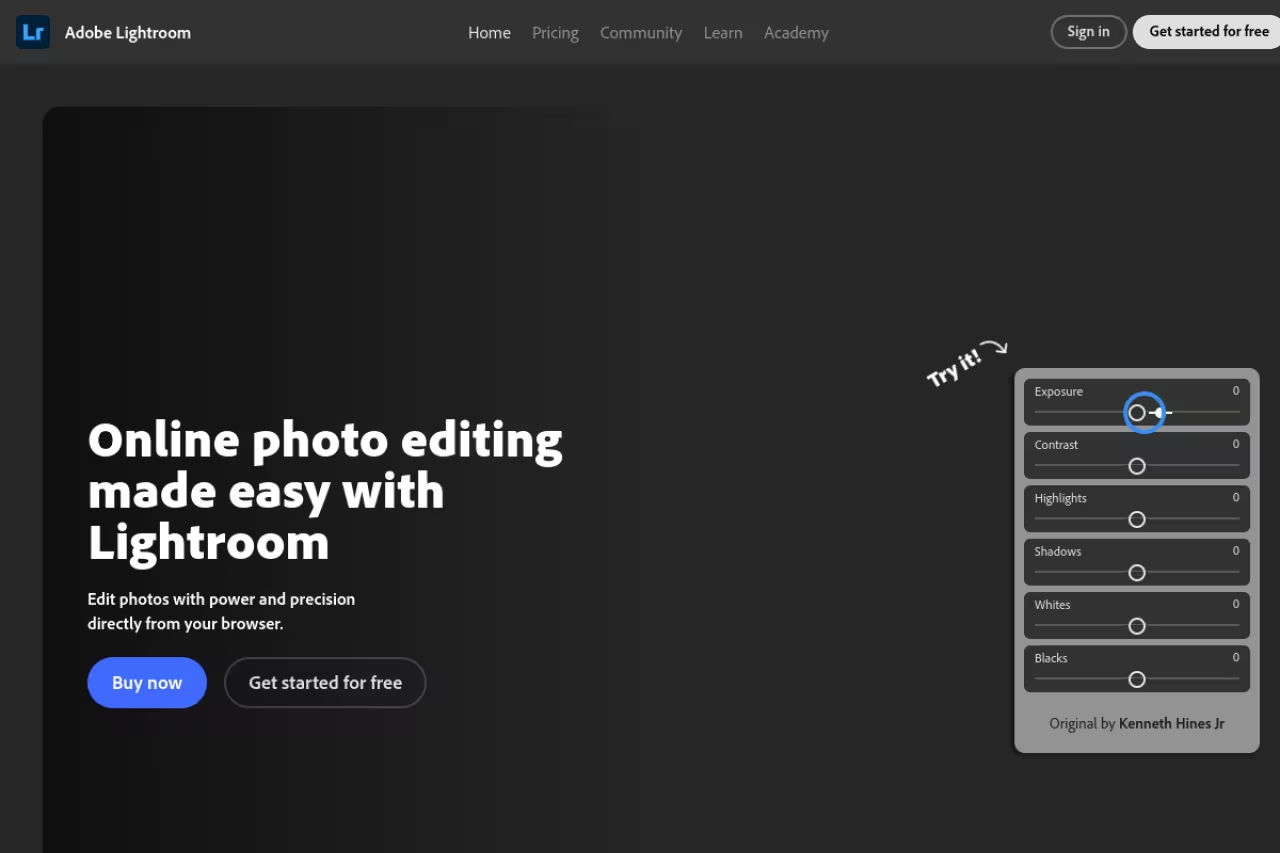
Lightroom is what I keep coming back to, and not because I love giving Adobe money. It's the rare tool that handles the boring 90% of photography well: importing a thousand files, sorting them, rating them, applying a base edit, and exporting in three different sizes without making you think.
There are two versions and people confuse them constantly. Lightroom Classic is the desktop-first catalog app most pros use. Lightroom (the cloud one) syncs across phone, tablet, and desktop. The Photography Plan gives you both plus Photoshop and 1TB of cloud storage for $19.99/month, which is the plan I'd point almost anyone toward. There's a Lightroom-only plan at $11.99/month if you never touch Photoshop.
Who it's best for: anyone shooting volume who needs to organize and edit in the same place. Wedding, event, and travel photographers basically live here.
The standout: the raw processing quality combined with the catalog. The masking got an AI overhaul that detects subjects, skies, and even individual people automatically, and it actually works. According to Adobe's own pricing page, the Photography Plan remains the cheapest route into the full ecosystem.
The catch: it's subscription-only and Adobe nudges prices up most years. The base 20GB plan crept toward $10.99/month in 2026, and generative AI features now run on a credit system that can run dry mid-project. If owning your software matters to you, this is a dealbreaker, and you should skip to Affinity or DxO.
The default for anyone shooting volume who needs to organize and edit in one place. The Photography Plan at $19.99/month is the one to buy, but it is subscription-only and prices creep up, so skip to Affinity or DxO if owning matters.
Adobe Photoshop: the retouching standard nobody has dethroned
Photoshop does the things Lightroom can't: heavy retouching, compositing, complex selections, text, and anything involving layers. For 2026 Adobe shipped version 27 with Harmonize (matches a pasted object's color and lighting to its new background), Generative Upscale, and a built-in Topaz Labs integration for sharpening and upscaling.
Who it's best for: retouchers, product photographers, and anyone building composite images. If your work involves removing things, adding things, or blending images, nothing else is as precise.
The standout: the selection and masking engine. Select Subject and the new generative tools handle hair, glass, and messy edges in seconds that used to eat an afternoon.
The catch: the learning curve is real, and at $22.99/month for the single app, it's more expensive than the Photography Plan that bundles it with Lightroom. Buying Photoshop alone almost never makes sense. Get the bundle.
The pick for retouchers, product photographers and anyone building composites, with the most precise selection and masking engine. The learning curve is real, and at $22.99/month alone it costs more than the Photography Plan bundle, so get the bundle.

Luminar Neo: the fastest path to a good-looking photo
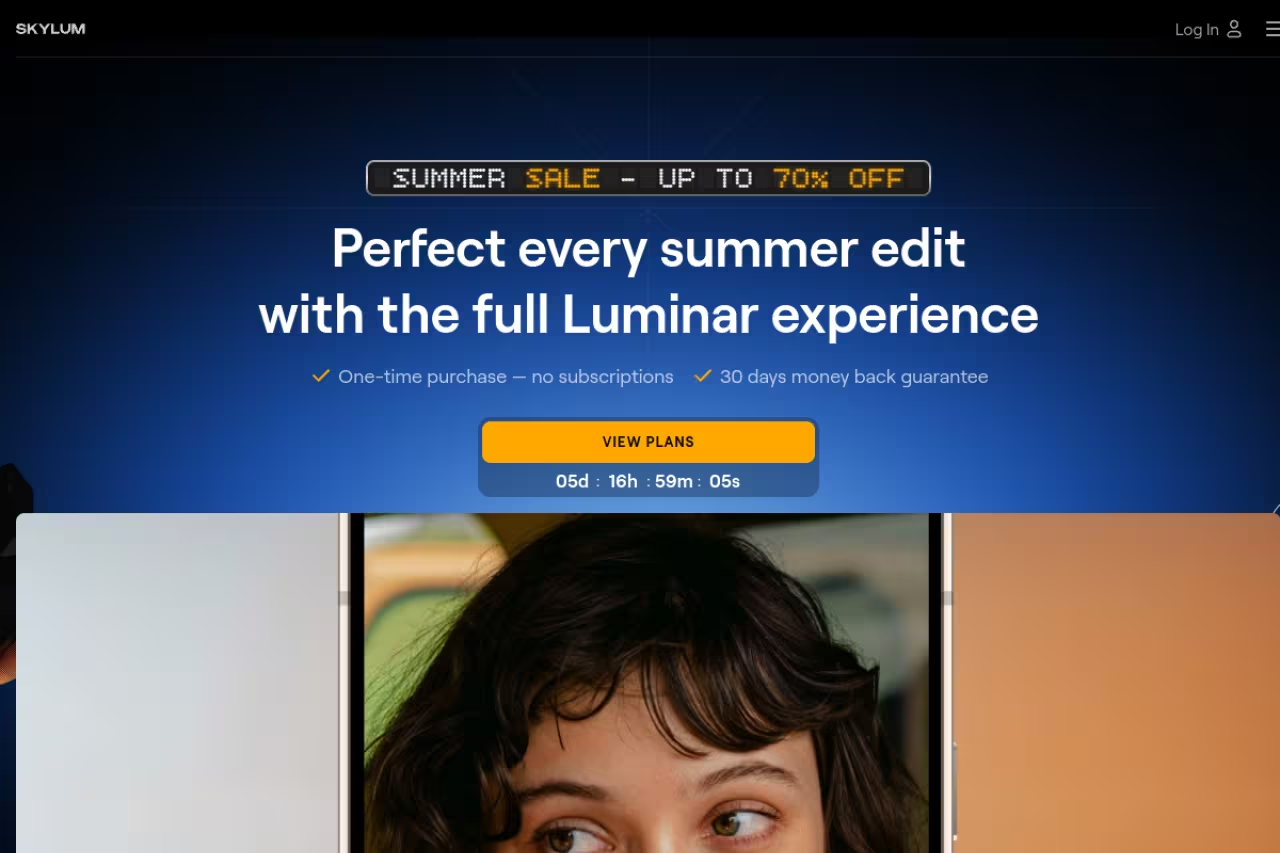
Luminar Neo is the app I recommend to people who want results, not a second career in software. Skylum built it around AI tools that do the heavy lifting: relight a face, swap a flat sky for a dramatic one, remove power lines, or add realistic bokeh, mostly with sliders instead of layers and masks.
Who it's best for: hobbyists and content creators who want striking edits without learning Photoshop. Real estate and landscape shooters love the sky and relight tools.
The standout: no subscription required. During the Summer Sale running June 5 to 28, 2026, the desktop perpetual license sits at $119, and you own it. There's a subscription option too, but the one-time buy is the point.
Where it falls short: it's not a true catalog tool. Asset management is weaker than Lightroom's, and on big libraries it can feel sluggish. The AI tools also lean toward dramatic, so if you want natural, restrained edits you'll dial them back constantly. Treat it as an editing studio, not your photo archive.
For hobbyists and creators who want striking edits without learning Photoshop, with AI sky, relight and bokeh tools and a $119 perpetual license. Asset management is weaker than Lightroom's and the AI leans dramatic.
If you're building any kind of content workflow around AI tools, it's worth seeing how the rest of the stack fits together. Our Dupple X membership breaks down the tools we actually use day to day.
Affinity Photo: Photoshop-grade power, now genuinely free
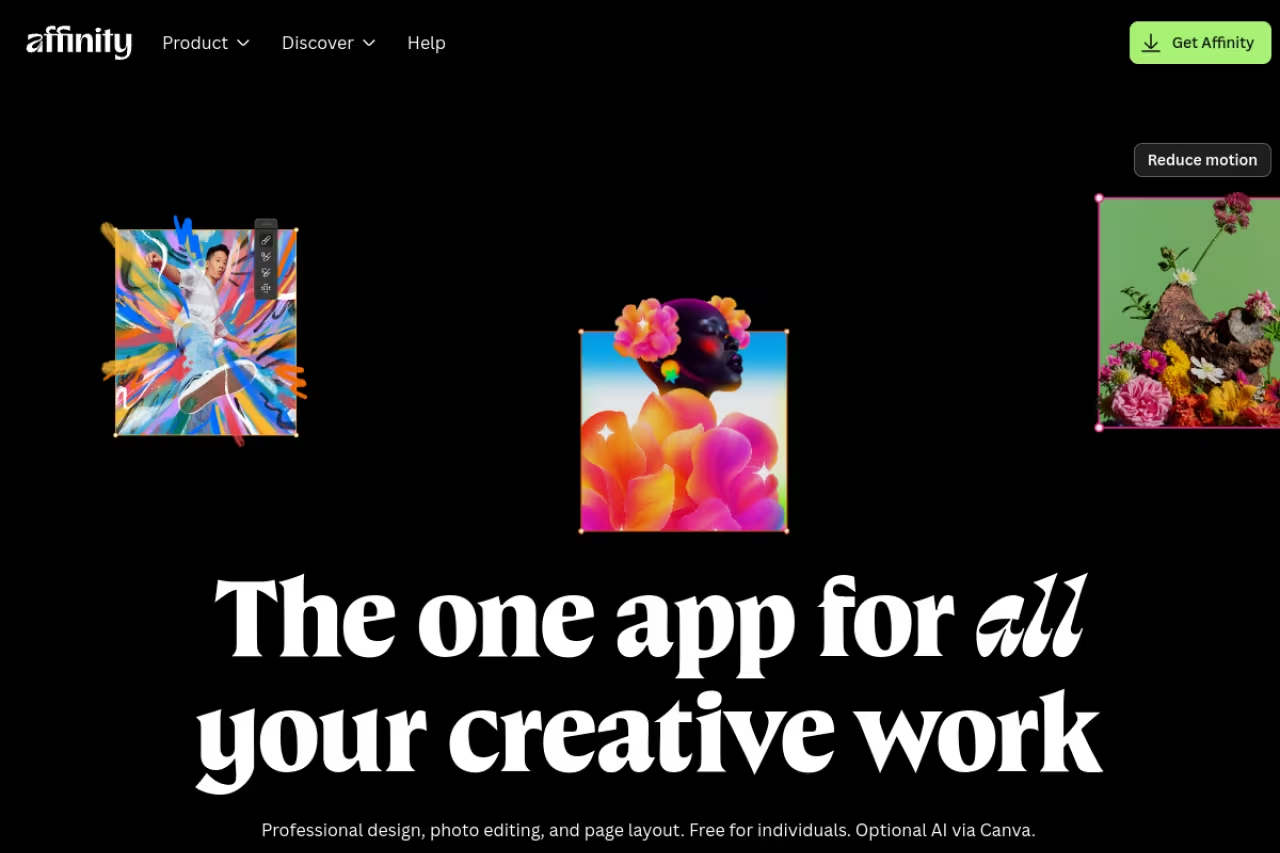
This is the biggest shake-up of the year. After Canva acquired Serif, it relaunched Affinity as a unified app in October 2025 and made the core professional toolset free. Not trial-free, not freemium-with-a-catch. The photo editing, vector design, and page layout tools that compete head-on with Photoshop cost $0, with no payment details required.
Who it's best for: anyone who refuses to rent software, students, and side-project shooters who do real retouching but can't justify an Adobe subscription.
The standout: layers, advanced masking, RAW develop, frequency separation, and high-end retouching, all free. It opens PSD files too, so collaborating with Photoshop users isn't a wall.
The catch: the AI extras (generative fill, AI background removal, Canva's stock library) sit behind a Canva Pro subscription that starts around $144/year. The free tier is the manual, skill-based toolkit, not the one-click AI magic. And because the relaunch was recent, some longtime users are still wary about where Canva takes it next. For now, free Photoshop-class editing is hard to argue with.
Go with Affinity if you refuse to rent software: Photoshop-class layers, masking and RAW develop cost $0. The AI extras sit behind a Canva Pro subscription around $144/year, and some longtime users are wary of where Canva takes it.
DxO PhotoLab: the quality obsessive's choice
If image quality is the whole game for you, DxO PhotoLab wins on raw conversion and noise reduction. Its DeepPRIME XD denoising pulls clean detail out of files shot at absurd ISOs, the kind of low-light recovery that genuinely looks like magic the first time you see it.
Who it's best for: astro, wildlife, and event shooters who push their cameras into high-ISO territory and need every usable pixel.
The standout: the lens correction modules. DxO measures specific camera-and-lens combinations in a lab and corrects distortion, vignetting, and softness automatically. Pricing is a one-time $149.99 for Essential or $239.99 for Elite, no subscription.
Where it falls short: the interface feels dated next to Lightroom, and its asset management is basic. It's a processing engine first and an organizer a distant second. Many people run DxO purely for denoise and lens correction, then finish elsewhere.
The quality obsessive's choice for astro, wildlife and event shooters pushing high ISO, thanks to DeepPRIME XD denoising and lab-measured lens corrections. It is a one-time $149.99 for Essential, but the interface is dated and asset management basic.
Capture One: the studio workhorse
Capture One has a devoted following among studio and commercial photographers, and the reason is color. Its color editing tools are more granular than Lightroom's, and its tethered shooting (the camera fires straight into the app over USB) is the best in the business for studio work.
Who it's best for: portrait, fashion, and product shooters working tethered in a controlled setup.
The standout: skin tone and color control, plus tethering that pros trust on paid shoots. You can buy a perpetual license for around $299 or subscribe at $179/year. Note that Capture One raised prices 6% in June 2026, so confirm current numbers before buying.
The catch: it's expensive and the learning curve is steep. For a casual shooter it's overkill, and the perpetual license doesn't get automatic feature updates, so you pay again for major versions. Worth it for studios, hard to justify for hobbyists.
The studio workhorse for portrait, fashion and product shooters working tethered, with superior color control. It is expensive (around $299 perpetual or $179/year) with a steep learning curve, so hobbyists should skip it.
DaVinci Resolve Photo: the surprise newcomer
Here's the one that caught my attention. Blackmagic, the company behind the free video editor everyone uses, added a dedicated Photo page to DaVinci Resolve 21 and released it out of beta on June 3, 2026. It brings node-based color grading, the kind colorists use on films, to still photos.
Who it's best for: people who already edit video in Resolve, and anyone who wants Hollywood color tools on their photos without paying a cent.
The standout: it's free, supports RAW from Canon, Nikon, Sony, Fujifilm and iPhone ProRAW, does AI masking, and can even import existing Lightroom catalogs. Only AI Magic Mask and Film Look Creator need the one-time $295 Studio upgrade.
Where it falls short: it's brand new, so it's rough in places, and the node-based workflow is unfamiliar if you've only used sliders. It's not yet a Lightroom replacement for managing a huge library. But for free, with that color engine, it's an absurd amount of capability to ignore.
Worth a look if you already edit video in Resolve or want film-grade node-based color on photos for free. It is brand new and rough in places, and not yet a Lightroom replacement for managing a huge library.
Evoto: built for portrait volume
Evoto is purpose-built for one job: retouching a lot of portraits fast. You build a retouching profile on one image (skin smoothing, blemish removal, teeth whitening, all while keeping natural texture) and apply it across hundreds or thousands of photos in a batch.
Who it's best for: wedding, school, and event photographers drowning in retouching work who bill by the volume.
The standout: batch AI retouching that holds up. It uses credit-based pricing (most exports cost one credit), you get welcome credits and a 60-day bonus to test it, and basic adjustments stay free.
The catch: it's narrow. Outside portraits, there's not much reason to use it, and the per-export credit model can add up if you shoot huge volumes. Pair it with a proper catalog tool rather than expecting it to run your whole workflow.
Built for wedding, school and event photographers drowning in portrait retouching, with batch AI retouching that holds up. It is narrow, and the credit-based per-export model can add up at huge volumes, so pair it with a catalog tool.
How to choose
Skip the feature checklists and answer three questions.
Do you hate subscriptions? If yes, your shortlist is Affinity Photo (free), DaVinci Resolve Photo (free), DxO PhotoLab (one-time), Luminar Neo (one-time), or a Capture One perpetual license. If you don't mind renting, the Adobe Photography Plan is the easiest yes.
What's the actual work? Organizing and editing volume points to Lightroom or Capture One. Heavy retouching and compositing points to Photoshop or Affinity. Fast, dramatic edits point to Luminar Neo. High-volume portraits point to Evoto. Maximum raw quality points to DxO.
How much do you want to learn? Luminar Neo and Evoto get you results with almost no learning. Lightroom is a weekend to get comfortable. Photoshop, Capture One, and Resolve's node workflow are real investments that pay off only if you'll use them often.
My honest default for most people in 2026: start with the free Affinity Photo to see if you even need to pay. If you shoot volume and want the smoothest catalog-to-edit pipeline, get the Adobe Photography Plan. If you want pretty edits fast and own your software, buy Luminar Neo on sale. You can read more about how we pick tools across categories in our top tools roundup, and if AI-assisted creative work is your thing, our guide to the best AI image generators pairs well with any of these editors.
Want the full stack of AI tools we use to run a media business, not just photo editors? Dupple X lays out the workflows behind it.
FAQ
What is the best photo editing software for beginners?
Affinity Photo is the best starting point now that it's free, since you can learn real editing without paying anything. If you want results with the least effort, Luminar Neo's AI tools get a good-looking edit fast. For organizing and editing together, Lightroom is the gentlest pro option.
Is there a good free alternative to Photoshop?
Yes, two strong ones. Affinity Photo gives you Photoshop-class layers, masking, and retouching for free after Canva made it free in late 2025. GIMP is the long-standing open-source option. For raw photos specifically, DaVinci Resolve's free Photo page and the free tier of Evoto both cover a lot of ground.
Do I really need both Lightroom and Photoshop?
For most photographers, no. Lightroom handles importing, organizing, and the bulk of your edits. You only need Photoshop when you're doing pixel-level retouching, compositing, or anything with layers. The Adobe Photography Plan bundles both for $19.99/month, so you get Photoshop anyway, but plenty of people barely open it.
Is Adobe Lightroom worth the subscription in 2026?
If you shoot volume and value the catalog-plus-editing workflow, yes. At $19.99/month the Photography Plan also includes Photoshop and 1TB of storage, which is fair value. If you only edit occasionally or refuse to rent software, a one-time purchase like Luminar Neo or DxO PhotoLab, or the free Affinity Photo, makes more sense.
Which photo editing software has the best AI tools?
For one-click dramatic edits (sky swaps, relighting, object removal), Luminar Neo leads. For portrait retouching at scale, Evoto is purpose-built. Photoshop's generative fill and the new Harmonize tool are the most flexible for compositing. Lightroom's AI masking is the best for selective adjustments inside a normal editing flow.
What's the best photo editor that isn't a subscription?
Affinity Photo is free outright. For one-time purchases, Luminar Neo (around $119), DxO PhotoLab ($149.99), and ON1 Photo RAW ($99.99) all give you a perpetual license. Capture One sells a perpetual license near $299. DaVinci Resolve's Photo page is free, with an optional one-time $295 Studio upgrade.
Related guides
Some offers on this page may be paid placements or contain affiliate links.
