
The 8 Best AI Document Summarizers in 2026 (Compared)

Key facts8 tools compared: NotebookLM, Claude, ChatGPT, ChatPDF, Sharly AI, Humata, Scholarcy…
- 8 tools compared: NotebookLM, Claude, ChatGPT, ChatPDF, Sharly AI, Humata, Scholarcy, AskYourPDF
- NotebookLM (best for: Research across many sources): Free
- Claude (best for: Long, dense documents): $20/mo (Pro)
- ChatGPT (best for: General-purpose summaries): $20/mo (Plus)
- ChatPDF (best for: Fast single-PDF Q&A): Free / $19.99/mo
A 90-page contract, a stack of research PDFs, a board deck nobody had time to read before the call. At some point most of us stop reading and start skimming, and skimming is where the expensive mistakes hide.
That is the real job of a document summarizer: not to save you five minutes, but to make sure the one clause or one number that matters does not slip past you. The catch is that "summarize this" means very different things depending on whether you are reading a legal agreement, a 40-source literature review, or a single product spec. No tool wins all three.
We compared the current crop of tools on pricing, documentation and public user reviews. If you want the short answer: NotebookLM is the best free option and the one I reach for most, Claude handles the longest and densest files better than anything else, and ChatPDF is the fastest way to interrogate a single PDF without thinking about it. Below is the full list, who each one is for, and where each one falls short.
Quick comparison
| Tool | Best for | Price | Standout |
|---|---|---|---|
| NotebookLM | Research across many sources | Free | Source-grounded answers, audio overviews |
| Claude | Long, dense documents | $20/mo (Pro) | 200K-token context, careful reasoning |
| ChatGPT | General-purpose summaries | $20/mo (Plus) | Flexible, reasoning models |
| ChatPDF | Fast single-PDF Q&A | Free / $19.99/mo | Zero setup, page citations |
| Sharly AI | Traceable, cited summaries | Free / $15/mo | Page-level citations across files |
| Humata | Teams and legal review | $9.99/mo (Expert) | Permissions, OCR, security controls |
| Scholarcy | Academic papers | Free / $9.99/mo | Parses tables, figures, references |
| AskYourPDF | Multi-doc + API workflows | Free / $14.99/mo | Big page limits, developer API |

NotebookLM: the best free tool, and not just because it is free
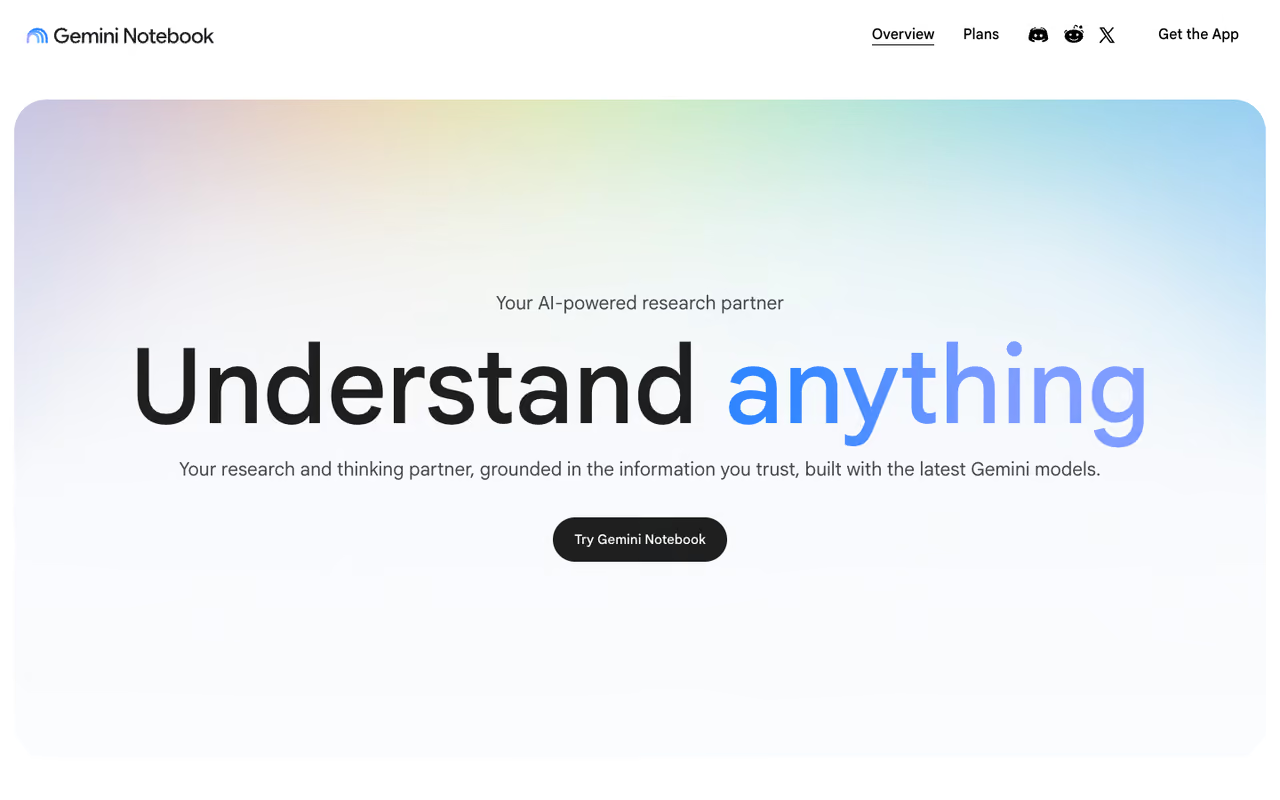
NotebookLM is Google's research notebook, and over the past year it has quietly become the tool I open first. You drop in sources (PDFs, Google Docs, pasted text, URLs, even YouTube transcripts) and everything it tells you is grounded in those sources, with inline citations you can click to jump to the exact passage.
Who it is for: anyone synthesizing across more than one document. Researchers, analysts, anyone building a case from a pile of inputs. The three-column layout puts your sources on the left, chat in the middle, and a Studio panel on the right that generates study guides, FAQs, briefing docs, and the Audio Overviews that turn your documents into a podcast-style discussion you can interrupt and question.
The strongest free pick for anyone synthesizing across several documents. Every claim is grounded in your sources with clickable citations, so you can verify instead of hoping, though it will not invent context it does not have.
Pricing: free for generous personal use. NotebookLM Plus (bundled with Google AI Pro/Ultra and Workspace) raises the source and notebook limits for heavier users.
The standout is trust. Because every claim links back to a source, you can verify instead of hoping the model got it right. For a summarizer, that is the whole ballgame.
The catch: it will not invent context it does not have, which is correct behavior but frustrating if you wanted analysis beyond your uploads. It is also weaker at long-form drafting than a general chatbot, and the free tier caps how many sources go in one notebook.

Claude: for the documents that break everything else
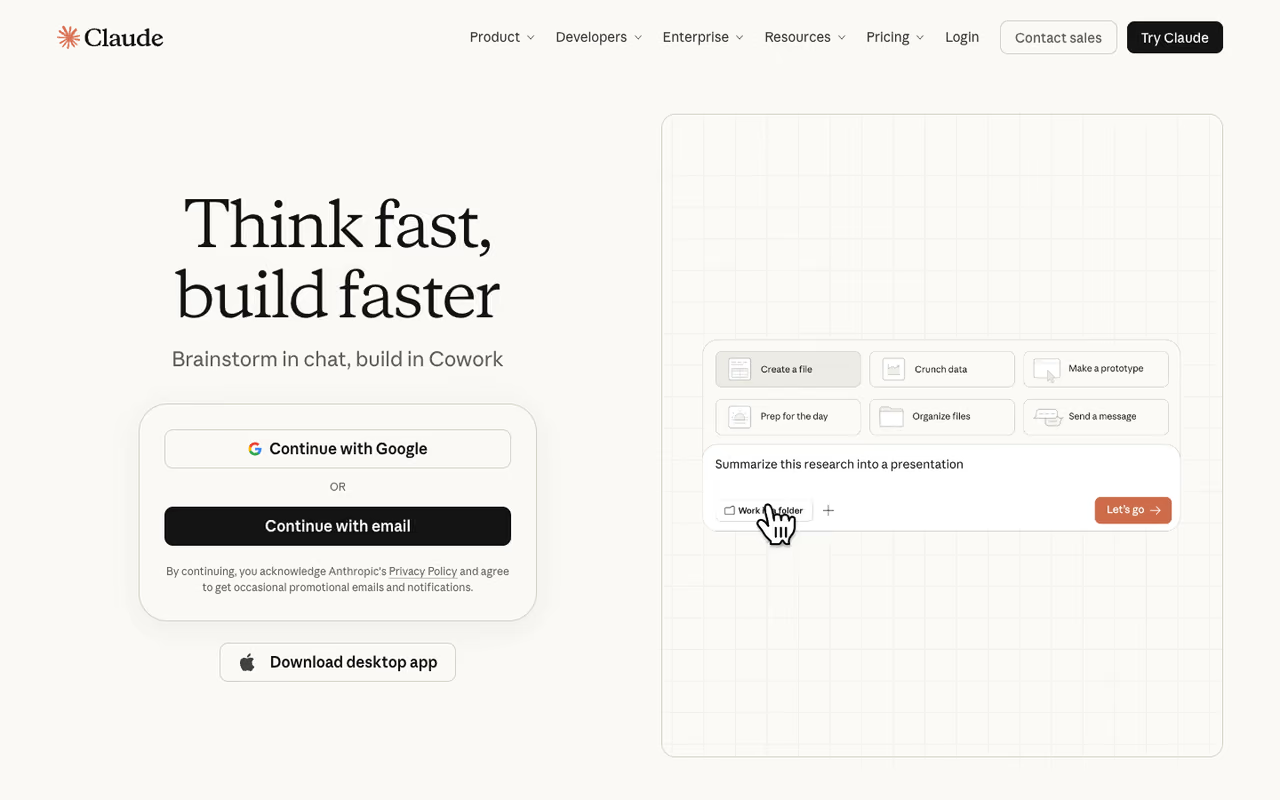
When the document is genuinely long or genuinely hard (a merger agreement, a 100-page technical spec, a dense academic paper), Claude is the one I trust to actually read the whole thing. Its 200,000-token context window means it can hold a large file in working memory at once, and Anthropic's Projects feature lets you load a persistent knowledge base of files to ask questions against over time.
Who it is for: lawyers, analysts, and engineers dealing with the kind of documents where a missed sub-clause costs real money. Claude tends to flag ambiguity and say "the document does not specify" rather than confidently filling the gap, which is exactly what you want from a summarizer you are leaning on.
Pricing: Claude Pro is $20/month, or $17/month billed annually, per Anthropic's pricing. Each file in a Project can be up to 30 MB, and PDFs get full analysis up to roughly 100 pages before it shifts to retrieval mode. There is a free tier, but Projects and the bigger context are paid.
The standout is reasoning quality on dense material. It connects clause 4.2 to the exception buried in clause 11 in a way lighter tools miss.
Where it falls short: usage limits. Pro gives you roughly 45 messages per five-hour window plus a weekly cap, so a heavy afternoon of document work can hit the wall. And it has no built-in source library across documents the way NotebookLM does.
If you are assembling an AI stack for real work, summarizing is one piece. Our dupple-x bundle packages the tools worth paying for so you are not juggling eight separate subscriptions.

ChatPDF: the fastest way to talk to one PDF
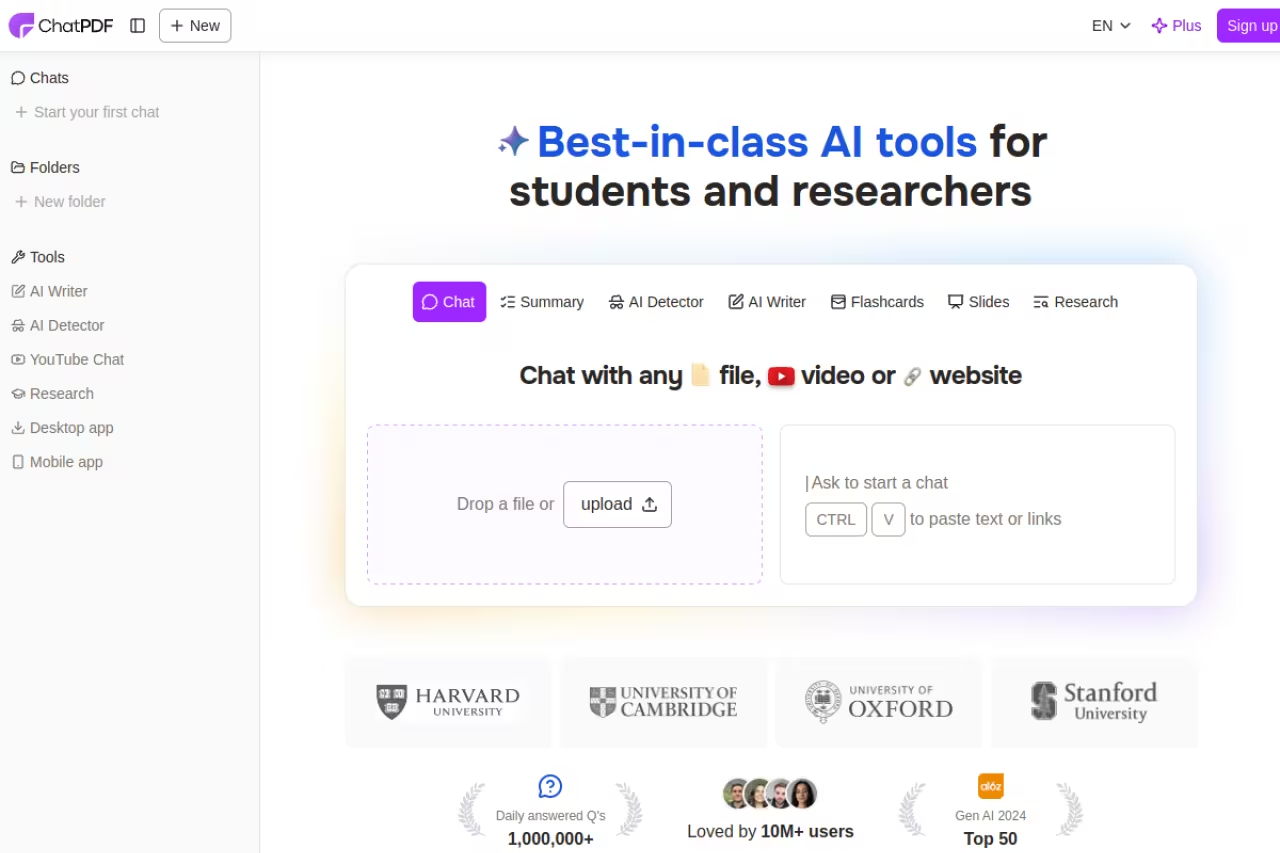
ChatPDF does one thing and does it with almost no friction. Drop a PDF on the page (no account needed to start), and within seconds you can ask questions and get answers with page references so you can check the source.
Who it is for: anyone who needs a quick read on a single document. A contract before a meeting, a manual, a paper you were sent an hour ago. The lack of setup is the entire point.
The fastest way to question a single PDF, with no account needed and page references for every answer. It handles one document at a time, and at $19.99/month Plus costs the same as Claude Pro or ChatGPT Plus, which do far more.
Pricing: the free tier covers 2 PDFs per day, up to 120 pages each, and 50 questions per day. ChatPDF Plus is $19.99/month (or $139.99/year) and lifts you to unlimited documents, files up to 2,000 pages, 32 MB per file, and unlimited questions.
The standout is speed-to-answer. No projects, no workspaces, no onboarding. Upload and ask.
The catch: it is built around one document at a time, so it is the wrong tool for synthesizing a folder of files. And at $19.99/month, Plus costs the same as Claude Pro or ChatGPT Plus, both of which do far more, so the paid tier only makes sense if PDF Q&A is genuinely all you need.

ChatGPT: the generalist that summarizes well enough for most people
ChatGPT is not a dedicated summarizer, but for a lot of people it does not need to be. Upload a document, ask for a summary at any length or angle ("give me the five risks," "rewrite this for a non-technical exec"), and the reasoning models will work through it. The flexibility is the draw: you can summarize, then immediately turn that summary into an email, a slide outline, or a list of follow-up questions.
Who it is for: generalists who already pay for ChatGPT and do not want another subscription. If summarizing is occasional rather than central to your week, this is plenty.
A generalist that summarizes well enough for most people, especially if you already pay for it and summarize only occasionally. Citations are weaker and it is less source-grounded than NotebookLM, so skip it where traceability matters.
Pricing: free tier with limited file handling, Plus at $20/month, per OpenAI's pricing.
The standout is versatility. One tool for summarizing and everything you do with the summary afterward.
Where it falls short: it is less rigorous than Claude on very long documents and less source-grounded than NotebookLM. Citations are weaker, so for anything where traceability matters, it is not my first pick.
Sharly AI: when every claim needs a citation
Sharly AI is built around traceability. When it summarizes, it attaches citations with page references so you can confirm exactly where each statement came from, and it works across many files at once, comparing claims between documents.
Who it is for: legal review, compliance, due diligence, anyone who has to defend a summary later. It supports 50-plus file formats and keeps work in a shared, role-based workspace.
Built for people who must defend a summary later, such as legal, compliance and due diligence, with page-referenced citations across many files. That discipline makes it feel less conversational than ChatGPT, and the better limits sit behind paid tiers.
Pricing: a free tier (around 5 documents per day), with paid plans starting near $12.50/month billed annually and a Professional tier around $15/month for unlimited use.
The standout is source-backed answers across a document set, not just one file. That cross-document comparison is genuinely useful when you are reconciling versions of a contract.
The catch: the citation-first discipline that makes it trustworthy also makes it feel less conversational than ChatGPT or Claude. You are getting a research copilot, not a chat buddy, and the better limits sit behind the paid tiers.

Humata: built for teams, not individuals
Humata leans into the team and security side of document AI. Folder and department permissions, OCR for scanned files, and SOC-2 controls on higher tiers make it a fit where IT cares who can see what.
Who it is for: small professional teams and anyone handling sensitive documents where access control is not optional. Legal and finance functions in particular.
A fit for small professional teams and sensitive documents where access control is not optional, with folder permissions, OCR and SOC-2 controls on higher tiers. Per-page billing can get unpredictable, and solo users get more from NotebookLM or ChatPDF.
Pricing: a free tier covers 60 pages. The Expert plan is $9.99/month for up to 3 users and 500 pages, with overage at $0.02 per page. The Team plan is $49/user/month for 10 users, 5,000 pages, OCR, and permissions, per Humata's pricing.
The standout is the page-based model plus team controls. You pay for what you process, and you control who processes it.
Where it falls short: the per-page billing can get unpredictable if you feed it large documents regularly, and the free tier's 60 pages runs out almost immediately. For a solo user, NotebookLM or ChatPDF gives you more for less.

Scholarcy: for academic papers specifically
Scholarcy is the specialist here. It breaks a research paper into a structured summary card: key findings, methods, limitations, and a parsed reference list, and in 2026 it handles tables and figures from papers with real precision.
Who it is for: researchers, grad students, and anyone screening literature. If you are deciding which 5 of 50 papers are worth a full read, Scholarcy is faster than reading abstracts.
The specialist for researchers and grad students screening literature, turning each paper into a structured card with findings, methods and limitations. It is narrow on purpose and underperforms a general tool on contracts or business reports.
Pricing: a limited free option, then around $9.99/month (or roughly $90/year, saving about 25%). A separate Scholarcy Library add-on stores and organizes your summaries.
The standout is academic structure. It does not just shorten a paper, it extracts the parts a researcher actually scans for and exports clean bibliographies.
The catch: it is narrow on purpose. Feed it a contract or a business report and it underperforms a general tool. This is a paper-screening machine, not a do-everything summarizer.
AskYourPDF: multi-document and developer workflows
AskYourPDF covers the middle ground between a consumer chat-with-PDF tool and something you can build on. It handles multi-document chat, OCR, a Chrome extension, and crucially an API for developers who want to wire summarization into their own product.
Who it is for: heavier PDF users and small teams building document workflows. The page limits are generous, which matters if your files are large.
The middle ground between a consumer chat-with-PDF tool and something you can build on, with multi-document chat, OCR and a developer API. The interface is functional rather than polished, and single-document readers are better served by ChatPDF.
Pricing: a free plan (1 document/day, 100 pages, 50 questions/day), Premium at $9.99/month (up to 2,500 pages per document, 50 documents/day), Pro at $14.99/month, and an API plan from $19.99/month, per AskYourPDF's pricing.
The standout is the API plus high page ceilings. If summarizing is part of a product you are shipping, this is one of the few tools on the list you can integrate.
Where it falls short: the interface is functional rather than polished, and for pure single-document reading, ChatPDF is faster and NotebookLM is more trustworthy.
How to choose
Skip the feature checklists and answer one question: what are you summarizing, and how much does being wrong cost?
- One PDF, low stakes, right now: ChatPDF or NotebookLM (both free). Upload, ask, move on.
- Many sources you need to synthesize: NotebookLM. The source grounding is the difference between a summary you trust and one you re-check.
- Long or legally dense documents: Claude. The bigger context and careful reasoning earn the $20.
- You need to defend the summary later: Sharly or Humata. Citations and permissions are the point.
- Academic papers: Scholarcy. Nothing else extracts methods and references as cleanly.
- You already pay for ChatGPT: Start there. Add a specialist only when you hit a wall.
The honest take: most people are best served by NotebookLM (free) for research and one paid generalist (Claude or ChatGPT) for everything else. Stacking five summarizers is how subscriptions quietly add up to $80 a month for work you could do with two tools. If you want a curated set of AI tools worth the spend, the dupple-x trial bundles them so you are not paying for redundancy. For more on building a stack, see our roundups of the best AI tools and best AI agents.
FAQ
What is the best free AI document summarizer?
NotebookLM is the strongest free option for most people. It is genuinely free for personal use, grounds every answer in your uploaded sources with clickable citations, and handles multiple documents at once. For quick single-PDF reads, ChatPDF's free tier (2 PDFs per day) is the fastest no-account option.
Can AI summarize a 100-page PDF accurately?
Yes, but the tool matters. Claude's 200,000-token context window can hold roughly 100 pages at once, which keeps the summary coherent across the whole document. Tools that chunk a file and process pieces separately can lose connections between distant sections, so for long documents pick one built for large context.
Are AI document summaries reliable for legal or financial work?
They are useful for a first pass but should not be the only pass. Tools like Sharly and Humata add page-level citations and permission controls so you can trace and verify every claim. For anything legally binding, treat the summary as a faster way to find the clauses you need to read in full, not a replacement for reading them.
How much do AI document summarizers cost?
It ranges from free to about $20/month for individuals. NotebookLM and the free tiers of ChatPDF and AskYourPDF cost nothing. Dedicated paid plans run $9.99/month (Humata Expert, Scholarcy) up to $19.99/month (ChatPDF Plus). General assistants like Claude Pro and ChatGPT Plus are $20/month and do far more than summarize.
What is the difference between a summarizer and a chat-with-PDF tool?
A summarizer condenses a document into key points; a chat-with-PDF tool lets you ask specific follow-up questions and get cited answers. Most modern tools do both. ChatPDF, Sharly, and AskYourPDF are conversation-first, while Scholarcy is summary-first with structured cards, and NotebookLM blends both.
Which AI summarizer is best for research and academic papers?
Scholarcy for screening individual papers, since it extracts methods, findings, limitations, and references into a structured card. NotebookLM for synthesizing across many papers, since it keeps every claim tied to a source. Many researchers use Scholarcy to triage and NotebookLM to build the larger picture.
Related guides
Some offers on this page may be paid placements or contain affiliate links.
