
Best AI 3D Modeling Tools in 2026

Key facts7 tools compared: Meshy, Tripo AI, Rodin (Hyper3D), Spline, Sloyd, Zoo, Luma Genie
- 7 tools compared: Meshy, Tripo AI, Rodin (Hyper3D), Spline, Sloyd, Zoo, Luma Genie
- Meshy (best for: All-purpose mesh generation): Free / $20 mo
- Tripo AI (best for: Game devs needing speed): Free / $19.90 mo
- Rodin (Hyper3D) (best for: Hyper-real characters): Free / $30 mo
- Spline (best for: Web/product designers): Free / $12 mo
A year ago, AI-generated 3D models were a party trick. You typed "a wizard hat," got back a lumpy blob with smeared textures, and went back to Blender. That era is over. The geometry is clean now, the topology is animation-ready, and a few tools spit out a rigged character in under a minute.
The problem is that "AI 3D modeling" now means five different things. Some tools turn a sentence into a polygon mesh for a game engine. Others build dimensionally precise CAD parts you could send to a CNC machine. A couple are full web-based design studios with AI bolted on. Pick the wrong category and you'll waste a month and a subscription.
I spent the last few weeks comparing outputs, pricing, and documentation across every serious tool I could find. If you want one answer: Meshy is the best all-rounder for most people, and it's what I'd hand a teammate who has never opened a 3D app. But the right pick depends entirely on what you're making, so here's the full breakdown for founders, game devs, and product designers who want assets without hiring a modeler.
Quick comparison
| Tool | Best for | Price | Standout |
|---|---|---|---|
| Meshy | All-purpose mesh generation | Free / $20 mo | Best texture quality, polygon control |
| Tripo AI | Game devs needing speed | Free / $19.90 mo | Rigged characters, ~seconds per model |
| Rodin (Hyper3D) | Hyper-real characters | Free / $30 mo | T-pose export, 10M+ poly detail |
| Spline | Web/product designers | Free / $12 mo | Interactive 3D for the browser |
| Sloyd | Real-time game assets | Free / $11 mo | Parametric, instant slider edits |
| Zoo | Precision CAD parts | Free / $99 mo | Editable B-Rep, dimensionally exact |
| Luma Genie | Free experimentation | Free | Genuinely free, fast 4-way previews |

Meshy: the default I'd recommend to almost anyone
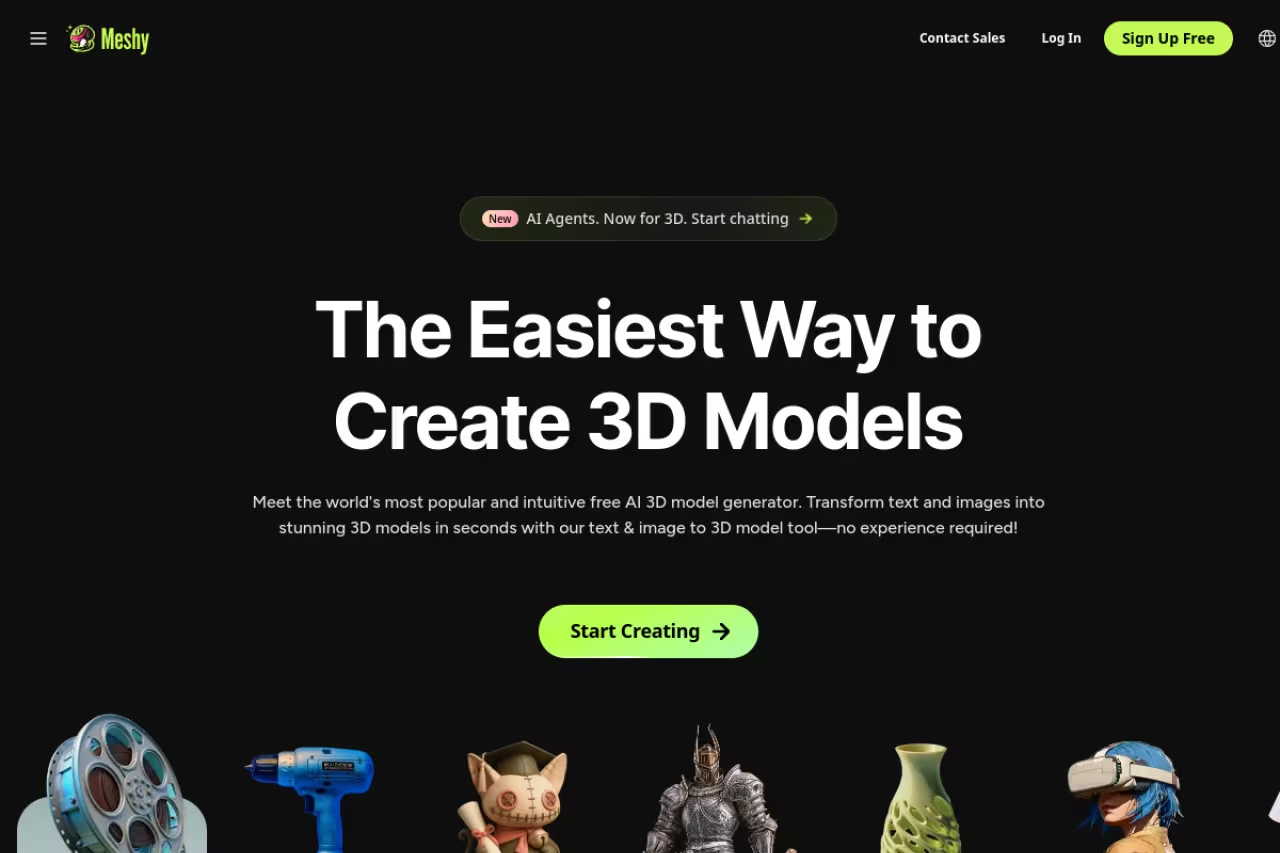
Meshy is the tool I keep coming back to. It does text-to-3D, image-to-3D, PBR texturing, and retopology in one place, and the output is consistently the cleanest of any general-purpose generator on this list.
The production version of Meshy 6 went generally available on January 18, 2026 after a public preview the prior October, and the jump in geometry quality is real. You get a polygon range from 5,000 to 100,000 faces with a default around 30,000, plus a dedicated Low Poly Mode for game devs and a Remesh feature that rebuilds topology and generates fresh UVs in a single step. The texture work is what sells it. Materials come out photorealistic enough that you can drop a model straight into a scene with little cleanup.
Who it's best for: anyone who wants one tool that handles props, characters, and environments without specializing.
The default for anyone who wants one tool for props, characters and environments, with the cleanest output of any general-purpose generator here. Credits vanish fast when iterating, and the free tier's CC BY license requires crediting Meshy.
the free plan gives you 100 credits a month with outputs under a CC BY 4.0 license, so you can use them commercially with attribution. Pro is $20/month (or $240/year, a 20% discount) for 1,000 credits, 60% faster generation, API access, and full asset ownership. Studio runs $60/month.
The catch: credits disappear faster than you'd think once you start iterating, and the free tier's CC BY license means you can't ship a model commercially without crediting Meshy. For private ownership you're on a paid plan, full stop.
Tripo AI: the fastest path from prompt to rigged model
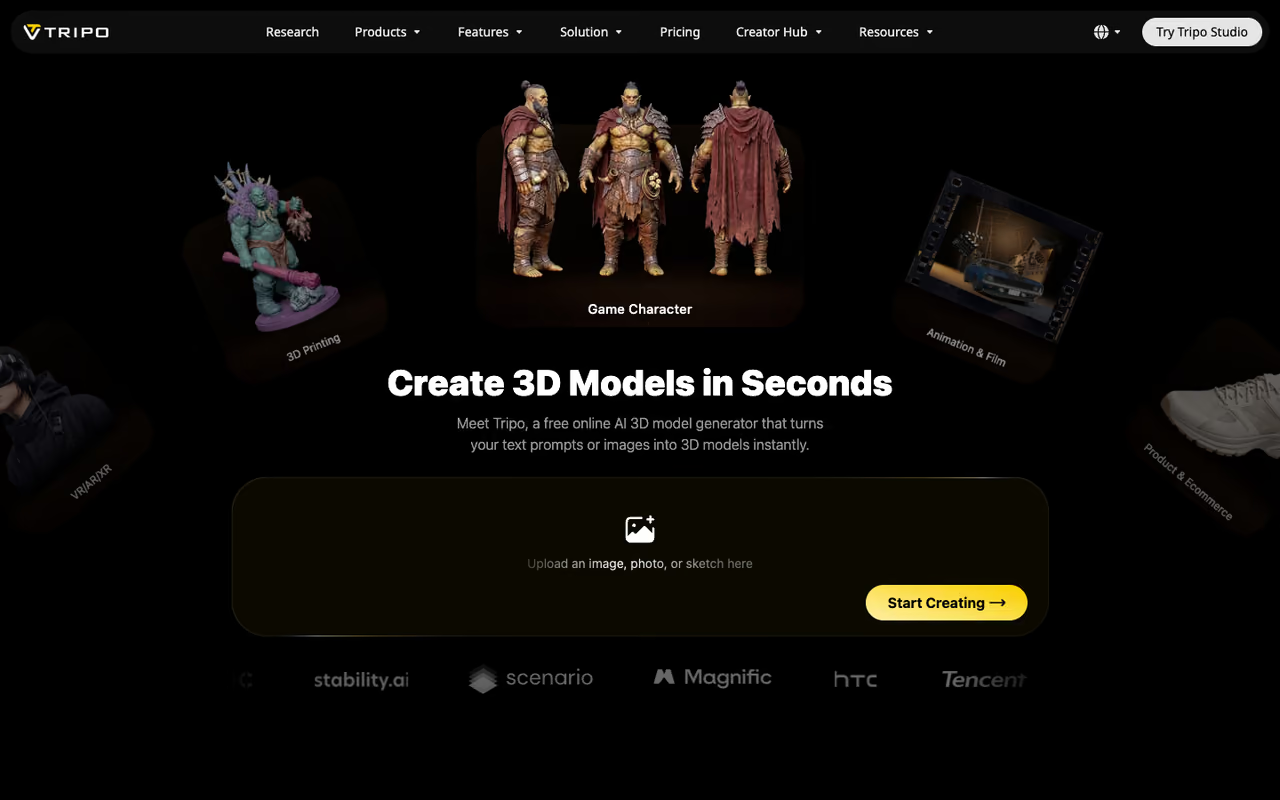
If you're a game developer and you value speed above everything, Tripo AI is hard to beat. It generates usable models in seconds, and the platform now claims 6.5M+ creators and 100M+ models made, which tells you something about traction.
Tripo 3.0 was the version that turned it from toy to pipeline tool. Its Ultra Mode pushes meshes up to two million polygons, while Standard Mode produces topology-optimized assets for real-time rendering. The features I actually use are the auto-rigging (it attaches a clean T-pose skeleton ready for any game engine) and Smart Part Segmentation, which splits a complex model into editable parts with clean edges. At GDC in March 2026 they shipped Smart Mesh, which outputs game-ready topology in roughly two seconds.
Who it's best for: indie game studios and anyone building characters that need to animate.
The fastest route from prompt to game-ready, rigged model, and hard to beat if speed is your priority. It suits indie studios and game developers, with auto-rigging and Smart Part Segmentation doing the heavy lifting.
the free tier is generous at 200 credits a month, around 8 models. Pro is $19.90/month for 3,000 credits (about 120 models), and the company runs a 50% annual discount that drops Pro to roughly $167 a year. The Max plan at $89.90/month covers heavy users with 25,000 credits.
Where it falls short: texture quality is a notch below Meshy's, and the credit math gets confusing across modes since Ultra generations cost more than Standard ones. Read the pricing table carefully before you commit.
Rodin by Hyper3D: when you need characters that look real
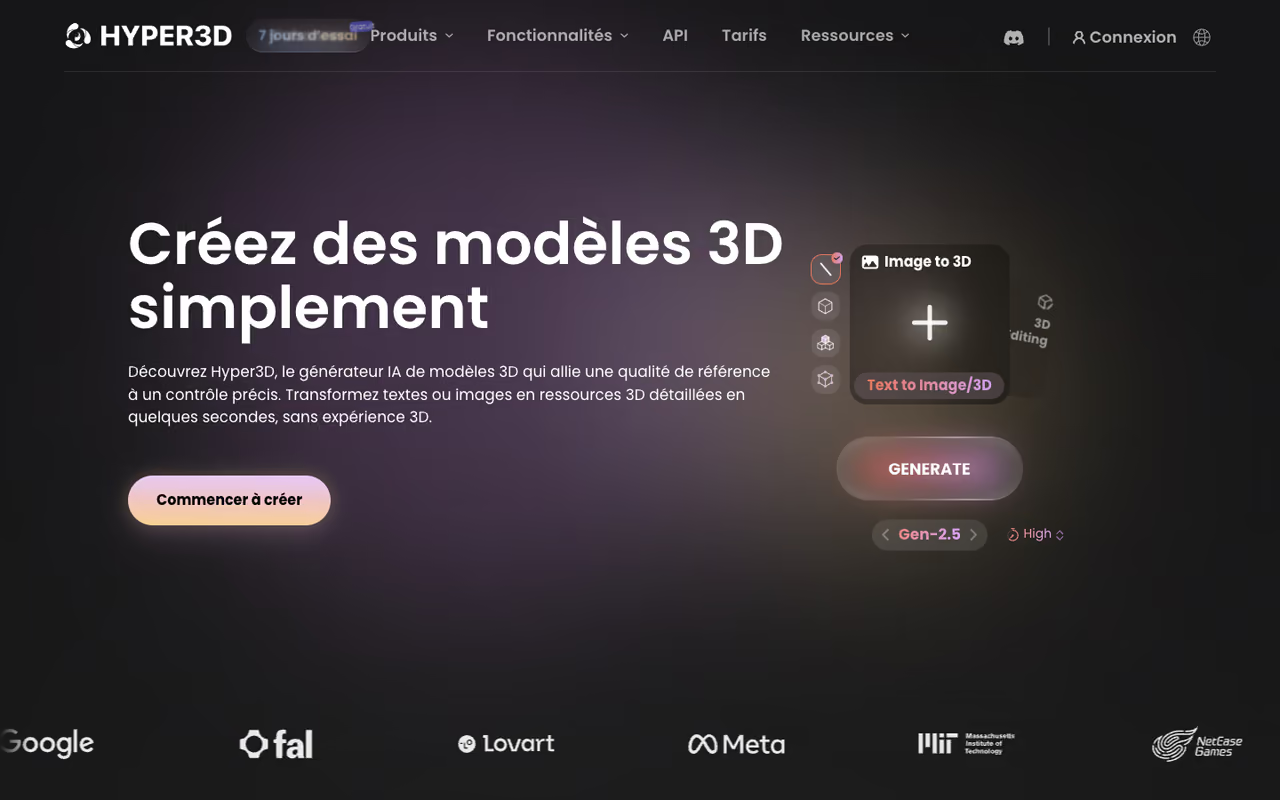
Rodin (from Hyper3D) is the specialist I'd pick for high-fidelity human and creature characters. The detail is on another level. Rodin Gen-2 enforces T-pose and A-pose output specifically for character rigging pipelines, and the latest generation produces models with 10M+ polygons and 4K PBR texture maps in a handful of seconds.
The output formats cover GLB, FBX, OBJ, USDZ, and STL, so it slots into game, AR, and print workflows without conversion headaches. If your project lives or dies on character quality, this is the tool that gets closest to looking hand-sculpted.
Who it's best for: studios and solo devs making detailed characters, plus anyone doing virtual humans or creatures.
The specialist for high-fidelity human and creature characters, for studios and solo devs whose project lives or dies on character quality. It gets expensive at volume and is overkill if you just need stylized low-poly props.
there's a free plan, a Creator plan at $30/month, and Business at $120/month. You can generate, preview, and iterate for free, and only spend credits when you download (the Gen-2 model costs roughly 40 credits per download). Direct credits run about $1.50 each.
The catch: it's the most expensive of the character-focused tools once you start downloading at volume, and the all-in focus on realism makes it overkill if you just need stylized low-poly props. Match the tool to the art style.

Spline: the pick for web and product designers
Spline isn't a pure mesh generator. It's a collaborative, browser-based 3D design studio with AI features layered on, and that makes it the natural choice if your 3D ends up on a website rather than in a game engine. You can build interactive scenes, add physics, and export straight to web formats or even React projects.
The AI side covers text-to-shape generation, AI style transfer to restyle a whole scene, and material generation from prompts. It's the friendliest entry point for designers who don't think in topology and just want something that looks good on a landing page. If your end goal is a slick hero animation, pair this with one of our picks in the best AI tools for creating websites.
Who it's best for: product and web designers building interactive 3D for sites and apps.
The natural choice for product and web designers building interactive 3D for sites and apps in a collaborative browser studio. The AI generation is the weakest of the dedicated tools here, so do not expect Meshy-grade models.
there's a free plan, Starter at $12/month (billed yearly) for unlimited files and no watermark, and Professional at $20/month. The AI features are a $5/seat/month add-on that includes 2,000 AI credits for 3D generation.
Where it falls short: the AI generation is the weakest of the dedicated tools here. Spline shines as a design environment, not a from-scratch mesh factory, so don't buy it expecting Meshy-grade models.

Sloyd: real-time parametric assets for games
Sloyd takes a different route. Instead of generating a static mesh from a prompt, it combines procedural generation with AI so you can tweak models in real time with sliders. Want the sword 20% longer with a wider guard? Drag a slider and watch it rebuild. Every asset comes out optimized and game-ready, which is the whole point.
Who it's best for: game developers who need lots of variations of the same asset type fast.
Built for game developers who need many variations of one asset type fast, tweaking models with sliders and getting game-ready output. It works from procedural templates, so it is a precision instrument that is useless outside its categories.
a free Starter plan, Plus at $11/month per user (billed yearly, or $15 monthly), and Pro at $50/month, with Studio and Enterprise options above that.
The catch: you're working from a library of procedural templates, so it's great for the categories it covers (weapons, furniture, environment props) and useless for anything outside them. It's a precision instrument, not a general generator.
Zoo: the one that actually does precise CAD
Everything above produces meshes. Zoo is the outlier that produces real, editable CAD. Its Text-to-CAD feature converts plain English into precise B-Rep models with actual dimensions you can adjust through sliders or by refining the prompt. That matters enormously: a mesh of a bracket is decorative, but a CAD bracket can go to a CNC machine.
Who it's best for: engineers, product designers, and makers who need parts that are dimensionally correct, not just visually convincing.
The outlier that produces real, editable CAD for engineers, product designers and makers who need dimensionally correct parts. Pro at $99/month is a steep jump and complex assemblies still trip it up, so treat it as a first draft.
the free tier gives you 40 Text-to-CAD credits a month. Pro is $99/month for unlimited Text-to-CAD credits, and Team runs $399/month per user. Pricing is consumption-based under the hood at roughly $0.0083 per second of GPU compute.
Where it falls short: the price jump to Pro is steep compared with the mesh tools, and Text-to-CAD still struggles with genuinely complex assemblies. Treat it as a fast first draft for parts, not a replacement for your CAD seat.
Luma Genie: free, fast, and good enough to start
Genie by Luma AI earns its spot for one reason: it's genuinely free and commercially usable. It generates four candidate models in about 10 seconds, and you can refine the one you like to higher resolution (that pass takes around 20 minutes). It lives on the web, an iOS app, and a Discord bot you can add to your own server.
Who it's best for: anyone testing whether AI 3D fits their workflow before paying for anything.
A free and commercially usable way to test whether AI 3D fits your workflow before paying anything. It is a research preview, so quality trails the paid leaders and the free ride may not last.
free, as a research preview, with paid plans planned for the future.
The catch: it's a research preview, so quality and consistency trail the paid leaders, and there's no guarantee the free ride lasts. Use it to learn the workflow, then graduate to Meshy or Tripo when you need production output.
If you're assembling a wider stack of AI tools beyond 3D, our running list of the top AI tools is worth a scan, and Dupple X bundles a few of them into one subscription.
How to choose the right one
Skip the feature spreadsheets and answer one question first: what does the model become?
- It goes into a game engine and needs to animate. Start with Tripo for speed and rigging, or Rodin if character realism is the priority.
- It's a prop, environment piece, or general asset. Meshy is the safe default. Best texture quality, widest controls.
- It lives on a website or in an app. Spline, because the export and interactivity matter more than mesh purity.
- It has to be dimensionally accurate and possibly manufactured. Zoo. None of the mesh tools come close on precision.
- You need fifty variations of the same object. Sloyd's slider-based parametric approach beats re-prompting every time.
- You're just exploring and don't want to pay. Luma Genie, then upgrade once you know what you need.
My honest advice: pick one paid tool that matches your primary use case instead of spreading credits across three. The output gap between a free tier and a $20 plan is large, and credits on the Pro tiers go a lot further than you'd guess. For animation-heavy work specifically, it's worth reading our deeper guide on the best AI tools for animation, since 3D generation is only the first step before rigging and motion. And if you're building product visuals or room layouts, the same prompting skills carry over to our AI interior design picks.
Want a faster way to test paid tiers across categories without committing to each subscription separately? Dupple X gives you access to a rotating set of premium AI tools on one plan, which is a cheaper way to figure out what sticks.
FAQ
What is the best AI 3D modeling tool in 2026?
For most people, Meshy is the best all-around choice. It balances text-to-3D, image-to-3D, texturing, and topology control with the cleanest general output. If you need rigged game characters fast, Tripo is better; for hyper-realistic characters, Rodin wins; and for precise CAD parts, Zoo is the only real option since it produces editable geometry rather than a mesh.
Can AI 3D models be used in games?
Yes. Tools like Tripo, Meshy, and Sloyd export game-ready formats (GLB, FBX, OBJ) and increasingly produce clean, optimized topology. Tripo and Rodin even auto-rig characters in a T-pose so they're ready to animate in Unity or Unreal. The main thing to check is polygon count: use a Low Poly or Standard mode so you don't drop a two-million-polygon mesh into a real-time scene.
Is there a free AI 3D model generator?
Several. Luma Genie is fully free and commercially usable as a research preview. Meshy, Tripo, Rodin, and Spline all have free tiers, though they cap monthly credits and sometimes restrict commercial use or attach attribution licenses. The free plans are good for learning and prototyping, but you'll hit limits quickly on real projects.
Can AI generate CAD models, not just meshes?
Yes, but it's a separate category. Most AI 3D tools output polygon meshes, which look right but aren't dimensionally precise. Zoo's Text-to-CAD produces editable B-Rep models with real dimensions you can adjust, which is what you need for engineering, 3D printing to spec, or manufacturing. Don't expect a mesh generator like Meshy to give you a part you can machine.
How much do AI 3D modeling tools cost?
Entry paid plans cluster around $10 to $30 a month: Sloyd from $11, Tripo from $19.90, Meshy at $20, and Rodin at $30. Web-design tool Spline starts at $12 with a $5 AI add-on. CAD-grade Zoo is the outlier at $99/month for unlimited Text-to-CAD. Annual billing usually cuts 20% to 50% off, so commit yearly once you've settled on a tool.
Which AI tool makes the most realistic 3D characters?
Rodin by Hyper3D produces the most lifelike characters, with models reaching 10M+ polygons and 4K PBR textures, plus T-pose and A-pose enforcement built for rigging. Tripo is the close runner-up and faster, while Meshy handles characters well but specializes more in all-purpose assets. If photoreal humans or creatures are your goal, start with Rodin.
Related guides
Some offers on this page may be paid placements or contain affiliate links.
Across our whole catalogue the median is $24 a month and 33% of tools advertise a free tier. Figures are the lowest recurring monthly price quoted in our own review of each tool, read on 2026-08-19. Full method and every category.
