Last updated: September 2026
What VoiceOS Actually Is
VoiceOS is a desktop AI voice assistant for Mac and Windows that turns spoken instructions into completed actions inside the apps you already use. Built by WakoAI and backed by Y Combinator, it runs on top of your operating system, listens for what you want done, and then carries it out instead of simply printing a transcript of what you said.
That distinction is the whole point. Most voice tools stop at speech to text, leaving you to copy, paste, and click your way to the finish. VoiceOS is built to close the gap between saying something and it being done, whether that means drafting and sending an email, adding a calendar event, filing a task, or pulling up a file by name. The company reports more than 20,000 users, and its framing is a productivity ladder: typing is the slow baseline, plain dictation is quicker, and acting by voice is meant to be quicker still.
Try VoiceOS Get started →Agent Mode, Where It Earns Its Name
The single feature that sets VoiceOS apart from the crowd of dictation apps is Agent Mode. The tagline is blunt, "say it, and it gets done," and it captures the intent accurately. Instead of transcribing your words into the active text field, Agent Mode interprets the request as a task and then performs it in the correct application. You can ask it to send a message in Slack, reply to an email in Gmail, schedule a meeting on Google Calendar, create an issue in Linear, or find a document in Finder or Google Drive, and it routes the instruction to the right place rather than making you open each app yourself.
What makes this usable rather than gimmicky is context. VoiceOS reads your cursor position and the app in front of you as signals, so a command like "reply and confirm I will be there" behaves differently in an email thread than it does in a chat window. It also supports a point-and-ask pattern, letting you gesture at something on screen and speak about it, which removes the awkward step of describing exactly what you mean. The effect is that short, natural phrases can trigger multi-step work that would otherwise involve several clicks and a keyboard, and the assistant fills in the mechanical parts.
Agent Mode is the reason to consider VoiceOS over a generic voice typing tool, and it is also the feature most worth testing against your own habits. Its value scales directly with how many of your daily actions live inside the apps it connects to, so the more of your routine runs through Gmail, Slack, or your calendar, the more the mode pays off in practice.
What Else It Does
Beyond Agent Mode, VoiceOS bundles a set of capabilities that round out the everyday experience and make it a reasonable default for people who talk faster than they type. Each of the pieces below is available on both platforms.
Dictation Mode
When you just want words on the page, Dictation Mode converts speech to clean text anywhere you can type. It is not raw transcription. VoiceOS automatically removes filler words, fixes grammar, and formats the output so the result reads like something you wrote deliberately rather than something you mumbled into a microphone. That cleanup is the difference between a tool you try once and one you leave running all day, and because it works across native apps and the browser, you are not confined to a single dictation window.
Broad App Integrations
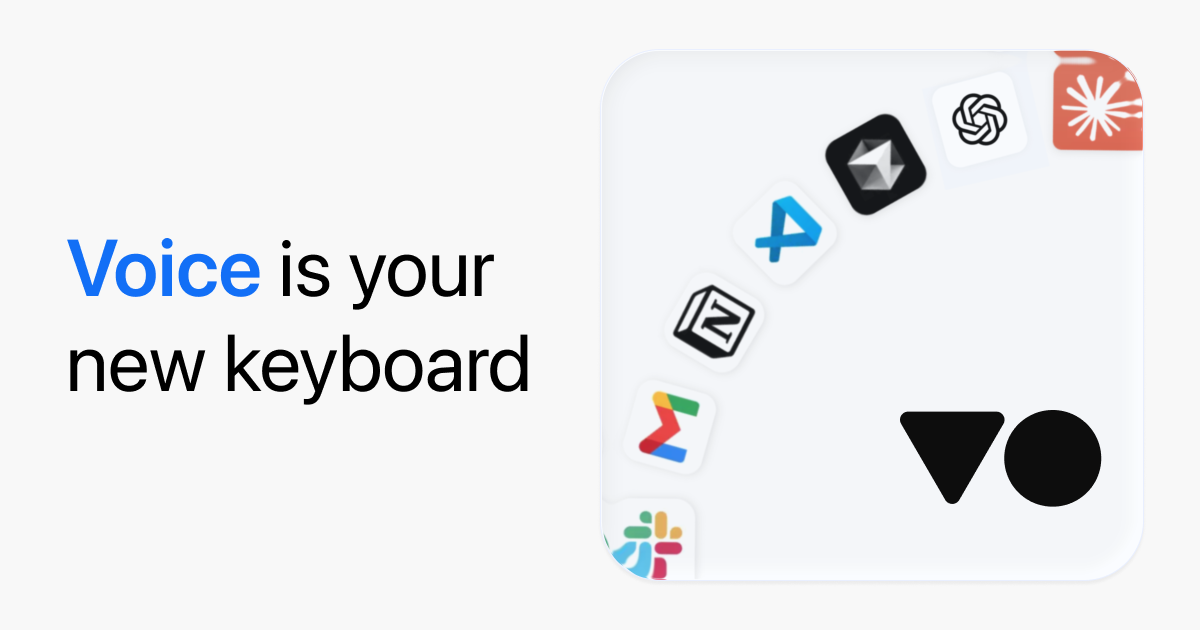
VoiceOS connects to a practical spread of tools rather than a single ecosystem. The supported list includes Gmail, Slack, Google Calendar, Google Drive, Google Docs, Notion, Linear, Finder, Messages, Chrome, and Obsidian. That coverage spans email, chat, calendars, task tracking, notes, and file management, which is exactly what allows a single spoken command to reach whichever surface the job actually lives in. It is a deliberately cross-ecosystem list, so a Notion and Linear user is served as well as someone living inside Google Workspace.
Reminders and Task Tracking
The assistant also keeps track of reminders and surfaces tasks at appropriate moments rather than dumping everything into one undifferentiated list. Because it already understands actions, capturing a to-do by voice is a natural extension of the core idea: you mention something you need to handle, VoiceOS holds onto it, and it brings the item back when the timing fits your day.
Privacy and Data Handling
VoiceOS is explicit about how it treats your audio. Recordings are not stored on its servers, transcripts are saved locally on your machine, diagnostics are anonymous and optional, and your data is not used to train models. For anyone routing work conversations and email through a microphone all day, those defaults matter, and the Enterprise tier layers stricter guarantees on top for organizations that need them.
Pricing
Pricing checked against VoiceOS's own site. Plans and limits change, so confirm before you buy.
VoiceOS keeps its plans simple, with a limited free option, one paid consumer tier, and a custom enterprise arrangement.
- Free: a capped plan offering 100 dictation sessions per week and 25 Agent Mode sessions per week. It becomes available after your trial ends, so it functions as a fallback for light use rather than a full onboarding path.
- Pro: 11.99 dollars per month billed annually, which unlocks both Dictation Mode and Agent Mode with unlimited usage plus priority support. It comes with a 7-day free trial, and a card is required to start that trial. A monthly billing option exists at a higher effective rate.
- Enterprise: custom pricing that includes everything in Pro and adds zero data retention, SOC 2 Type II, and SSO or SAML for teams with compliance requirements.
The structure is easy to reason about for an individual. The trial lets you evaluate Agent Mode without limits, and if it earns a place in your routine, Pro is the plan you will settle on. The free tier is best understood as a safety net for occasional dictation rather than a way to run the assistant unrestricted, and the weekly session caps make that role clear. Teams evaluating the tool at scale should price against Enterprise, where the retention and certification guarantees live.
Who It Is For
VoiceOS fits knowledge workers who spend their day moving between email, chat, calendars, and notes, and who would rather speak an instruction than hunt for the right menu. If a large share of your work happens in Gmail, Slack, Notion, Linear, Google Workspace, or Obsidian, the integration list lines up well and Agent Mode can genuinely compress routine steps into a sentence. It also suits people with a strong preference for voice, including those who find sustained typing tiring, because Dictation Mode on its own is a capable everyday writer that cleans up as it goes.
It is a weaker match if your work lives mostly in tools it does not yet connect to, or if you rarely leave a single application, since most of the payoff comes from routing across apps. Teams in regulated environments will want the Enterprise tier for its retention and compliance controls rather than the consumer plan. As a young, Y Combinator backed product, it is worth confirming that the specific apps and commands you depend on behave the way you expect during the free trial before you commit to an annual plan.
Does VoiceOS work on both Mac and Windows?
Yes. VoiceOS is a desktop assistant available for both macOS and Windows, and its Agent Mode and Dictation Mode features are designed to work across native apps and the browser on either platform.
How is VoiceOS different from regular dictation software?
Standard dictation ends at converting speech to text. VoiceOS adds Agent Mode, which interprets a spoken request as a task and completes it in the right app, such as sending an email, scheduling a meeting, or creating an issue, rather than only typing out your words.
Which apps does VoiceOS integrate with?
It connects to Gmail, Slack, Google Calendar, Google Drive, Google Docs, Notion, Linear, Finder, Messages, Chrome, and Obsidian, covering email, chat, calendars, notes, task tracking, and file management.
Is my voice data private?
Audio is not stored on VoiceOS servers, transcripts are kept locally on your device, diagnostics are anonymous and optional, and your data is not used to train models. The Enterprise plan adds zero data retention, SOC 2 Type II, and SSO or SAML.
Is there a free version or trial?
Pro includes a 7-day free trial that requires a card. There is also a limited free plan with 100 dictation sessions and 25 Agent Mode sessions per week, which becomes available after the trial ends.