
Last updated: March 2026
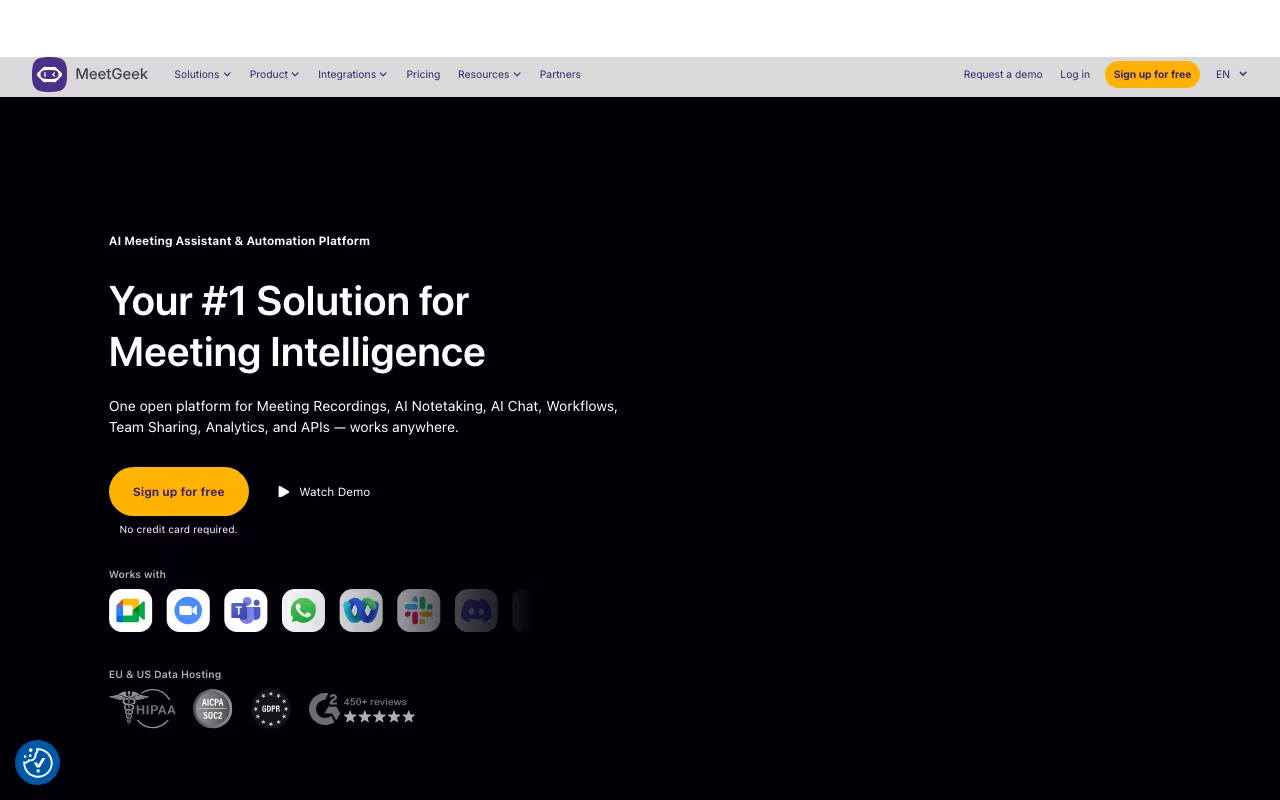
I spend 12-15 hours a week in video calls. Before MeetGeek, I was either furiously scribbling notes (and missing half the conversation) or rewatching 45-minute recordings to find the one decision that mattered. MeetGeek joins your Zoom, Google Meet, Teams, or Webex calls automatically, records everything, transcribes at 95% accuracy across 60+ languages, and delivers a structured summary with action items to your inbox within minutes.
The Bucharest-based company serves over 30,000 teams worldwide and integrates directly with HubSpot, Salesforce, and Pipedrive. That CRM integration is the real differentiator for sales teams: meeting notes flow into contact records without anyone copying and pasting anything.
Try MeetGeek Free Get started →How the Recording Works
MeetGeek offers two recording modes, and this matters more than you might think. The standard mode sends an AI bot that joins the meeting as a visible participant. Some clients and prospects find this awkward. The alternative is a Chrome extension that records invisibly without showing a bot. Fireflies, Otter, and most competitors only offer the bot approach. That bot-free option alone has kept me using MeetGeek over the alternatives for sensitive client calls.
Both methods produce identical transcript and summary quality. The one limitation: MeetGeek needs at least 5 minutes advance notice to join scheduled meetings, which means spontaneous calls get missed unless you manually trigger recording.
Transcription and AI Summaries
The 95% transcription accuracy holds up for standard business English. For heavy accents, technical jargon, or noisy environments, expect some degradation, but it still outperforms Otter AI's roughly 85% accuracy in similar conditions. Transcripts are timestamped and fully searchable, so you can click any line to jump directly to that moment in the recording.
The AI summaries break each meeting into key discussion points, decisions made, action items with assigned owners, and next steps. For standard business meetings, the quality is genuinely good. Where it occasionally stumbles: distinguishing between casual mentions ("we should probably look into that") and actual commitments ("I will have the report ready by Friday"). You will want to scan action items after important calls.
CRM Integration and Sales Workflows
For sales teams, this is where MeetGeek pays for itself. After every prospect call, meeting notes, summaries, and action items automatically populate the relevant contact record in HubSpot, Salesforce, or Pipedrive. No manual data entry. No forgotten follow-ups buried in someone's notebook. One sales manager I spoke with estimated this saves each rep 5-10 hours per month on CRM administration alone.
Beyond CRM, MeetGeek connects with Slack, Notion, ClickUp, Jira, and extends to practically anything else through Zapier and Make. The meeting analytics dashboard tracks talk-time distribution, question frequency, and topic patterns across all your calls. Managers use this for coaching: spotting reps who talk too much, identifying meetings that should have been emails, and ensuring balanced participation in team discussions.
Start Recording Your Meetings Get started →AI Voice Agents
Launched in August 2025, MeetGeek's AI Voice Agents are custom AI participants that can join meetings, listen, and respond. The use cases are early-stage: automated customer interviews, preliminary screening calls, and information gathering. I would not recommend sending an AI agent into a high-stakes sales call, but for initial qualification conversations or research interviews, it is an interesting experiment that hints at where meeting automation is heading.
Pricing
Basic (Free): 3 hours of transcription per month, unlimited AI summaries, 3-month transcript storage. Integrations with Zoom, Google Meet, and Teams included. Genuinely useful for anyone with fewer than 5 meetings a week.
Pro ($9.99/user/month annual): 20 hours of transcription, 1-year transcript storage, 6-month video storage. CRM integrations, custom vocabulary, and speaker identification. Pay-as-you-go at $0.50 per extra hour if you exceed your quota. 14-day free trial included.
Business ($17/user/month annual): Unlimited transcription, unlimited transcript storage, 12-month video storage. HD recording, team collaboration, AI agents, and advanced analytics. The most popular plan.
Enterprise (Custom): Unlimited everything, 4-hour max meeting duration, custom video storage, branded emails, organization-wide settings, SSO, and dedicated account manager.
Annual billing saves up to 40%. Startups, non-profits, and educational organizations get an additional 30% discount. The free plan is among the most functional in the category.
MeetGeek vs. Fireflies vs. Otter
Productivity tools, published pricing
| Tool | Pricing | Model |
|---|---|---|
| MeetGeek | Free (5 hrs/mo), $15/user/mo (Pro), $29/user/mo (Business) | Freemium |
| Hermes Agent | $20/mo (lowest published recurring price) | Subscription |
| Blinq | $4.5/mo (lowest published recurring price) | Subscription |
| 1Password | $2.99/mo (Individual), $4.49/mo (Families), $8.99/mo (Business), $24.95/mo (Teams Starter Pack), custom pricing (Enterprise) | Subscription |
| Laxis | $17/mo (lowest published recurring price) | Subscription |
| Help Scout | $25/mo (lowest published recurring price) | Subscription |
Fireflies.ai offers more generous storage on lower plans and a slightly cheaper entry price. Transcription accuracy is around 90%, solid but a step below MeetGeek. No bot-free recording option. Better for general-purpose meeting transcription where maximum storage matters most.
Otter.ai pioneered AI transcription but has fallen behind for business use. Accuracy is roughly 85%, the CRM integration story is weaker, and there is no bot-free recording. Better for individual note-taking than team workflows.
MeetGeek wins on transcription accuracy, CRM depth, and the bot-free Chrome extension. If your primary use case is sales call documentation, MeetGeek is the clear choice. For general meeting transcription on a budget, Fireflies is worth considering.
What Holds It Back
- The 5-minute advance scheduling requirement means spontaneous calls get missed
- Pro plan video storage caps at 6 months, which is restrictive for compliance needs
- AI occasionally flags casual mentions as action items, requiring manual cleanup
- No native integration with Asana or Monday.com (requires Zapier workaround)
- Summary accuracy drops in complex multi-topic discussions with many participants
- Enterprise pricing at $59/user/month is steep compared to some alternatives
The Verdict
MeetGeek is one of the best AI meeting assistants available in 2026. The combination of 95% transcription accuracy, automatic CRM logging, and the unique bot-free recording option puts it ahead of most competitors for professional use. The free plan at 3 hours per month is genuinely useful for light users, and the Pro plan at $9.99/user/month (annual) offers strong value for teams with regular meetings. If you spend significant time in video calls and you are tired of losing decisions, action items, and context to poor note-taking, MeetGeek pays for itself within the first month.
Try MeetGeek Free Get started →