
Last updated: August 2026
What Is ChatGOT?
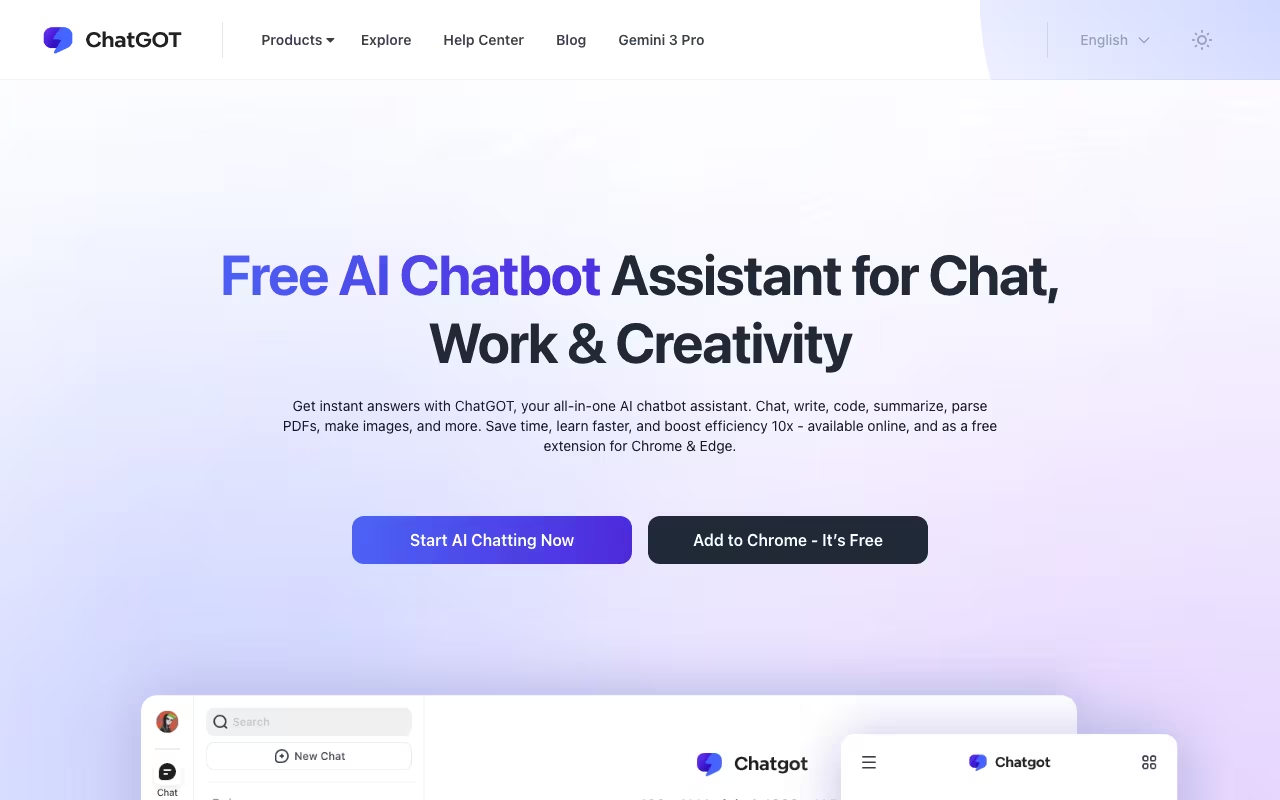
ChatGOT is an all-in-one AI chatbot that puts GPT-5, Claude, Gemini 3 and Llama 4, plus a dozen more models, behind a single $9.90/month subscription, instead of paying $20 each for separate apps. Searching for ChatGPT instead? That's OpenAI's own chatbot, a different product, though ChatGOT actually lets you use ChatGPT's models alongside the rest.
ChatGPT Plus costs $20/month. Claude Pro costs $20/month. Gemini Advanced costs $20/month. If you want access to all three plus a dozen more models, you're looking at $60-80/month in separate subscriptions. ChatGot gives you all of them for $9.90/month.
The core idea is simple: one interface, multiple LLMs. Type a prompt, tag the models you want (@gpt-5 @claude @gemini), and get responses from each side by side. It's the AI equivalent of getting second opinions without visiting three different doctors.
Try ChatGot Free Get started →ChatGOT vs ChatGPT: Not the Same Thing
Productivity tools, published pricing
| Tool | Pricing | Model |
|---|---|---|
| ChatGOT | Free tier, premium access to multiple AI models | Freemium |
| Hermes Agent | $20/mo (lowest published recurring price) | Subscription |
| Blinq | $4.5/mo (lowest published recurring price) | Subscription |
| 1Password | $2.99/mo (Individual), $4.49/mo (Families), $8.99/mo (Business), $24.95/mo (Teams Starter Pack), custom pricing (Enterprise) | Subscription |
| Laxis | $17/mo (lowest published recurring price) | Subscription |
| Help Scout | $25/mo (lowest published recurring price) | Subscription |
The one-letter difference confuses a lot of people, so here is the short version. ChatGPT is OpenAI's chatbot, powered exclusively by OpenAI models. ChatGOT is an independent aggregator that rents API access to many providers' models, OpenAI's included, and sells them under one roof for half the price of a single native subscription.
| ChatGOT | ChatGPT Plus | |
|---|---|---|
| Made by | ChatGot Inc. (independent) | OpenAI |
| Price | $9.90/month (Pro) | $20/month |
| Models | GPT-5, Claude, Gemini 3, Llama 4, DeepSeek and more | OpenAI models only |
| Free tier | 10 queries/day, no sign-up | Capped GPT-5 access |
| Best for | Comparing models, saving money | Deep OpenAI ecosystem features |
| Exclusive features | Side-by-side model answers | Advanced Data Analysis, custom GPTs, memory |
The trade-off is depth for breadth. ChatGPT Plus gives you OpenAI's full feature stack on top of its models. ChatGOT gives you the raw models from everyone, in one chat, for less money.
The @-Mention System
This is ChatGot's differentiator. In a single conversation thread, you can tag any model and get its response. Ask Claude to write something, then ask GPT-5 to improve it, then ask Gemini for a different angle. All in one chat. No switching tabs, no copying prompts between apps.
Available models include GPT-5 and the GPT-4o family, Claude Opus 4.5 and Sonnet 4.5, Gemini 3 Pro, Llama 4, Mistral Large 2, and DeepSeek R1, plus more. The roster expands as new models launch.
Beyond Chat
ChatPDF: Upload documents and ask questions. Summarize, translate, extract data. Works with PDFs, which covers most business documents.
AI Slides: Generate presentations from a topic or outline. Won't replace a designer, but good enough for internal decks.
Image & video: DALL-E 3, Stable Diffusion 3, and ChatGot's own Imagen model for images, plus OpenAI's Sora 2 for video, all from the same interface.
Custom bots: Create specialized AI assistants with configurable system prompts and base model selection.
ChatGOT Pricing
- Free: $0. 10 queries/day. No sign-up required. Good for quick tests.
- Pro: $9.90/month. 6,000 standard queries + 400 advanced queries + 300 standard images + 50 advanced images + 50 AI Slides credits/month, plus PDF chat and web access.
- Max: $15.90/month. 8,000 standard + 500 advanced queries + 500 standard images + 100 advanced images + 100 AI Slides credits.
Both paid tiers get faster response speeds and skip daily caps during high-traffic periods. Compare: ChatGPT Plus ($20/month) gives you one provider's models. ChatGot Pro ($9.90/month) gives you a dozen. The per-model quality ceiling is the same since ChatGot accesses the actual APIs.
See ChatGot Pricing See plans →What Works
- Cost savings are real: Access to GPT-5, Claude, Gemini, and Llama for less than the price of one individual subscription.
- Model comparison is genuinely useful: Different models excel at different tasks. Comparing outputs side by side helps you pick the right one.
- No sign-up for free tier: Test it immediately. 10 queries/day is enough to evaluate.
- Multi-tool in one interface: Chat + documents + images + presentations without switching apps.
What Doesn't
- Query limits can feel tight: 6,000 standard + 400 advanced queries per month. Heavy users will hit the ceiling.
- No model-specific features: You get the base API capabilities, not the custom features each provider adds to their own apps (like Claude's Artifacts or ChatGPT's Advanced Data Analysis).
- Web search is limited: Not as strong as Perplexity for research tasks.
- Small company: Limited Trustpilot presence, limited independent reviews. Less accountability than OpenAI or Anthropic directly.
- Privacy trade-off: Your prompts go through ChatGot's infrastructure before reaching the model providers. They claim privacy, but it's an additional layer.
ChatGot vs. Alternatives
Poe (by Quora, $20/month) offers similar multi-model access with more sophisticated bot creation tools. Bigger community, higher price.
TypingMind ($39 one-time) lets you bring your own API keys. More control, pay-per-use. Better for developers.
Individual subscriptions: If you primarily use one model, its native app gives you features ChatGot can't. ChatGot makes sense when you regularly need multiple models.
Who Should Use ChatGOT?
Get it if you regularly compare AI models, you want Claude and GPT-5 and Gemini without three subscriptions, or you need occasional image generation and PDF chat bundled in. At $9.90/month the math works even if you only use two of the models.
Skip it if you live inside one provider's ecosystem (custom GPTs, Claude Projects, Gemini with Google Workspace), you handle sensitive data that shouldn't pass through a third party, or you run high volumes that would blow through the monthly query caps.
The Verdict
ChatGot is the budget multi-model solution for people who want access to GPT-5, Claude, and Gemini without paying for three subscriptions. The @-mention comparison system is genuinely useful for evaluating which model handles different tasks best. At $9.90/month, the value proposition is hard to argue with, even if the experience isn't as polished as each model's native app.
ChatGOT FAQ
Is ChatGOT the same as ChatGPT?
No. ChatGPT is OpenAI's single-model chatbot. ChatGOT is a separate tool (chatgot.io) that gives you ChatGPT's models plus Claude, Gemini, Llama and others in one interface for one lower price. A lot of people land here after mistyping "ChatGPT".
Is ChatGOT free?
Yes, there is a free tier with 10 queries per day and no sign-up required. Paid plans start at $9.90/month for 6,000 standard queries plus access to all premium models.
Is ChatGOT legit and safe?
ChatGOT is a real product that routes your prompts to the official model APIs (OpenAI, Anthropic, Google). It is a legitimate aggregator. As with any third-party AI tool, your prompts pass through its infrastructure, so avoid pasting data you would not send to the underlying providers directly.
What AI models does ChatGOT include?
The lineup covers GPT-5 and the GPT-4o family, Claude Opus 4.5 and Sonnet 4.5, Gemini 3 Pro, Llama 4, Mistral Large 2 and DeepSeek R1, plus image models (DALL-E 3, Stable Diffusion 3) and Sora 2 for video. New models are added as providers release them.
How much does ChatGOT cost?
Free ($0, 10 queries/day), Pro ($9.90/month with 6,000 standard and 400 advanced queries), and Max ($15.90/month with 8,000 standard and 500 advanced queries). Pro is the plan most people should start with.
Can I use ChatGOT without creating an account?
Yes. The free tier works without sign-up, which makes it the fastest way to test whether the multi-model workflow fits how you work before paying anything.