
Last updated: March 2026
What Is SaneBox?
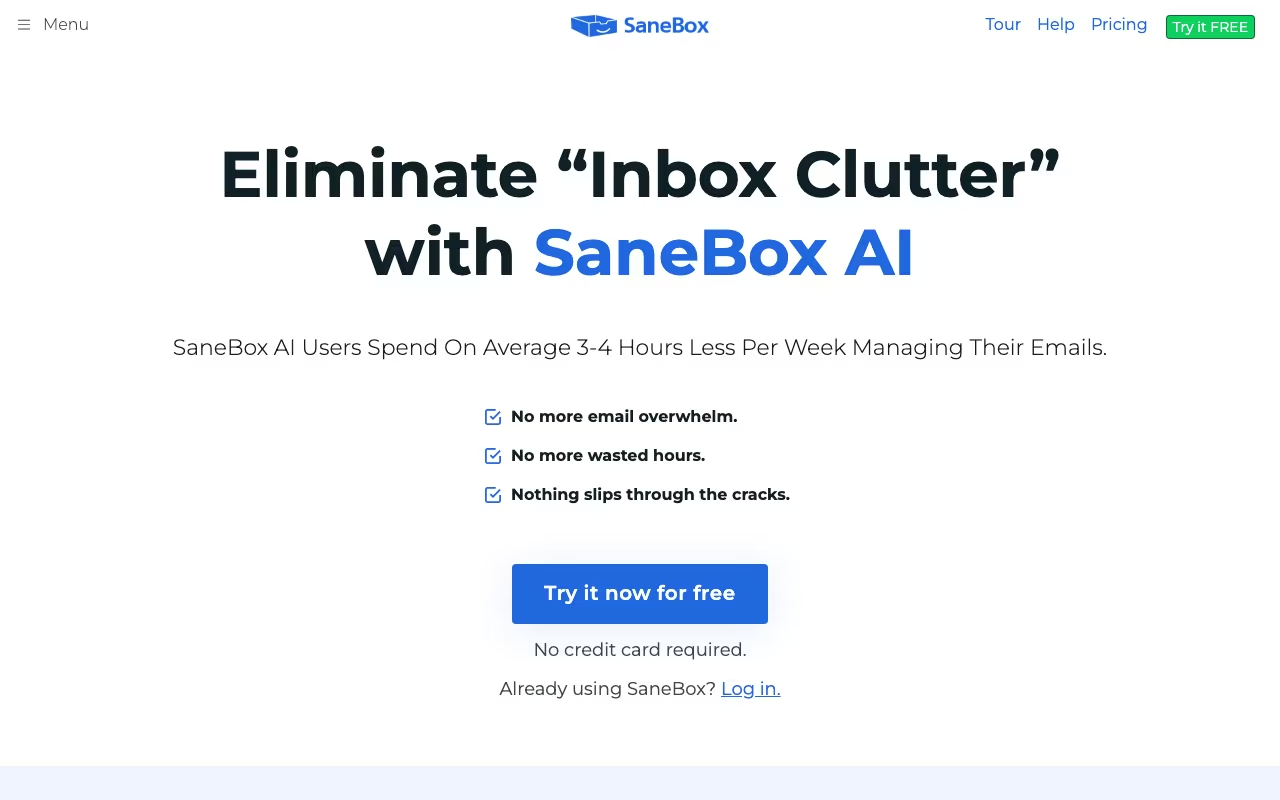
SaneBox is an AI-powered email management tool that works alongside your existing email client to automatically sort, filter, and prioritize incoming messages. It doesn't replace Gmail, Outlook, or Apple Mail. Instead, it plugs into your account via IMAP or API and creates smart folders that separate important emails from everything else.
The concept is simple: most of the emails in your inbox don't need your attention right now. Newsletters, CC'd threads, social notifications, automated receipts. SaneBox's AI analyzes your email behavior (who you reply to, how quickly, how often) and uses that data to figure out what matters and what doesn't. Important messages stay in your inbox. Everything else gets routed to folders you can check when you have time.
If you're someone who opens their inbox to find 50+ new messages every morning and spends the first 30 minutes just triaging, SaneBox is built for you. Freelancers, executives, sales professionals, anyone drowning in email volume will get the most value here.
Try SaneBox Free for 14 Days Get started →How SaneBox Works
When you connect SaneBox to your email account, it analyzes 4 to 6 weeks of your email history to build a baseline understanding of your patterns. Within a couple of days, it starts sorting incoming mail with decent accuracy. After 1 to 2 weeks of use (and occasional corrections from you), it reaches about 98.5% accuracy according to independent testing.
SaneBox creates virtual folders inside your existing email client. The core one is SaneLater, which catches non-urgent emails and moves them out of your inbox. You get a daily digest summarizing what landed in SaneLater, so nothing slips through the cracks without you having to check the folder constantly.
The AI learns from your behavior. Drag an email from SaneLater back to your inbox, and SaneBox learns that sender is important. Move an email from your inbox to SaneLater, and it learns the opposite. Over time, it gets remarkably good at predicting what you want to see.
Key Features
SaneLater
The flagship feature. SaneLater is a folder where non-urgent emails land automatically. It keeps your inbox focused on messages from people and threads that actually need your attention. You can check SaneLater once or twice a day (or whenever you want), and SaneBox sends you a digest email summarizing everything that was filtered.
SaneBlackHole
Drag any email into the SaneBlackHole folder, and you'll never hear from that sender again. It's like unsubscribing, except it works even when the unsubscribe button doesn't (we've all been there with those persistent marketing emails). This is one of the most-loved features in user reviews.
SaneNoReplies
This folder collects sent emails that haven't received a response. It's essentially a built-in follow-up tracker. If you sent a proposal three days ago and haven't heard back, SaneNoReplies flags it. Simple concept, genuinely useful for sales professionals and consultants who send dozens of outbound emails daily.
SaneRemindMe
Snooze emails to reappear at a specific time. Move an email to the @SaneRemindMe folder with a date, and it pops back into your inbox when you need it. Handy for emails you can't act on right now but don't want to forget.
SaneDoNotDisturb
Pauses all non-essential email notifications during set hours. New emails still arrive, but SaneBox holds them back from your inbox until your Do Not Disturb window ends. Great for deep work blocks.
SaneAttachments
Automatically saves email attachments to your cloud storage (Dropbox, Google Drive, OneDrive, or Box) and replaces the attachment in the email with a link. This saves inbox storage space and keeps your files organized.
Pricing
SaneBox offers three plans, all with a 14-day free trial:
- Snack: $7/month (or $59/year). Pick any 2 features. Covers 1 email account.
- Lunch: $12/month (or $99/year). Access 6 features. Covers 2 email accounts.
- Dinner: $36/month (or $299/year). All features unlocked. Covers 4 email accounts.
Educational institutions, nonprofits, and government agencies get 25% off. The yearly billing saves roughly 30% compared to monthly. There's also a biannual option ($99 Snack, $169 Lunch, $499 Dinner) for extra savings.
For most individual users, the Lunch plan hits the sweet spot. You get the essential filtering features plus SaneBlackHole and SaneNoReplies, which are arguably the two most useful additions beyond basic sorting.
Start Your Free SaneBox Trial Get started →What We Like
- Works with your existing email client: No new app to learn. SaneBox operates invisibly behind Gmail, Outlook, Apple Mail, Yahoo, Fastmail, or any IMAP provider. You keep your workflow exactly as is.
- Privacy-first approach: SaneBox only reads email headers (sender, subject line, timestamp). It never reads the actual content of your messages. The company holds SOC 2 Type II certification, which is more than most productivity tools can claim.
- Genuinely saves time: Users consistently report saving 2 to 3 hours per week on email management. That's not marketing fluff. When you're not manually scanning and sorting 50+ emails every morning, the time savings add up fast.
- AI that actually improves over time: The more you use SaneBox and correct its mistakes, the better it gets. After a few weeks, the accuracy is noticeably higher than when you started. It adapts to your specific patterns rather than applying generic rules.
- SaneBlackHole is a killer feature: One drag and a sender is permanently silenced. No more repeatedly unsubscribing from the same marketing lists that keep finding ways to email you.
What Could Be Better
- Learning period is noticeable: The first 1 to 2 weeks require patience. SaneBox will misfile some messages, and you'll need to manually train it by moving emails to the right folders. First-time senders are particularly tricky since SaneBox has no history to work from.
- No free plan: Unlike some competitors that offer limited free tiers, SaneBox only provides a 14-day trial. After that, you're paying $7/month minimum. For a tool that works in the background, some users feel that's steep.
- Customer support can be slow: Several user reviews mention difficulty getting timely responses from the support team. For a paid service, this is frustrating, especially when email misrouting can cause you to miss important messages.
- Feature gating feels aggressive: On the Snack plan, you only get 2 features. If you want SaneBlackHole, SaneNoReplies, and SaneRemindMe, you're already pushed to the Lunch tier. The jump from 2 features to 6 is significant, but so is doubling the price.
SaneBox vs. Built-in Email Filters
Productivity tools, published pricing
| Tool | Pricing | Model |
|---|---|---|
| SaneBox | From $7/mo. 3 plans: Snack ($7), Lunch ($12), Dinner ($36). 14-day free trial | Subscription |
| Hermes Agent | $20/mo (lowest published recurring price) | Subscription |
| Blinq | $4.5/mo (lowest published recurring price) | Subscription |
| 1Password | $2.99/mo (Individual), $4.49/mo (Families), $8.99/mo (Business), $24.95/mo (Teams Starter Pack), custom pricing (Enterprise) | Subscription |
| Laxis | $17/mo (lowest published recurring price) | Subscription |
| Help Scout | $25/mo (lowest published recurring price) | Subscription |
Gmail has Priority Inbox and categories (Promotions, Social, Updates). Outlook has Focused Inbox. So why pay for SaneBox?
The honest answer: Gmail's filtering is decent but blunt. It sorts by broad category, not by importance to you specifically. SaneBox's AI is trained on your individual email behavior, so it gets much better at distinguishing "email from a VIP client's assistant" from "email from a vendor you talked to once." The accuracy difference is real, especially at high email volumes.
If you get fewer than 20 emails per day, Gmail's built-in tools are probably enough. If you get 50 or more, SaneBox's more nuanced sorting starts paying for itself in time saved.
Who Should Use SaneBox
Great for: Professionals who receive 50+ emails daily, sales teams tracking follow-ups, executives who need inbox triage without an assistant, anyone using multiple email accounts who wants consistent filtering across all of them.
Skip it if: You get fewer than 20 emails per day (built-in filters are fine), you're uncomfortable connecting a third-party service to your email account, or you're on a tight budget and can't justify $7+/month for email management.
Final Verdict
SaneBox does one thing and does it well: it makes your inbox manageable. The AI sorting is genuinely accurate after the initial training period, the privacy model is solid, and the special folders (especially SaneBlackHole and SaneNoReplies) solve real problems that built-in email tools don't address. The lack of a free plan and the sluggish customer support are real downsides, but for anyone processing high email volumes, the 2 to 3 hours per week you save easily justifies the cost. Start with the 14-day trial and see if the difference is noticeable. For most heavy email users, it will be.
Try SaneBox Free for 14 Days Get started →