
Last updated: March 2026
Foxit PDF Editor has been the quiet alternative to Adobe Acrobat for years. Quiet, but not small. Foxit handles over 700 million users worldwide and consistently undercuts Adobe on price while matching it on most features that actually matter for day-to-day work. If you edit, sign, or annotate PDFs regularly and have been paying the Adobe tax out of habit, Foxit deserves a serious look.
Try Foxit PDF Editor FreeThe Case Against Adobe (and for Foxit)
Adobe Acrobat Pro costs roughly $240/year. Foxit PDF Editor starts at $96/year. For that price difference, what do you actually lose? Not much. Foxit covers PDF creation, editing, merging, splitting, page reordering, and conversion to/from Word, Excel, and PowerPoint. Text and image editing works directly in the document. The interface uses a Microsoft Office-style ribbon layout that feels immediately familiar.
Where Foxit genuinely beats Adobe: speed. It launches faster, handles large files more smoothly, and uses less RAM. On older machines or when working with 100+ page documents, the performance gap is noticeable.
OCR That Actually Works
Foxit's OCR engine is consistently rated best-in-class. It handles scanned documents with mixed fonts, poor scan quality, handwritten annotations, and checkboxes better than most competitors. If you deal with scanned contracts, receipts, or handwritten forms regularly, this alone might justify picking Foxit over alternatives. The OCR converts scanned pages into fully searchable, editable text with impressive reliability.
AI Assistant: Useful, Not Magical
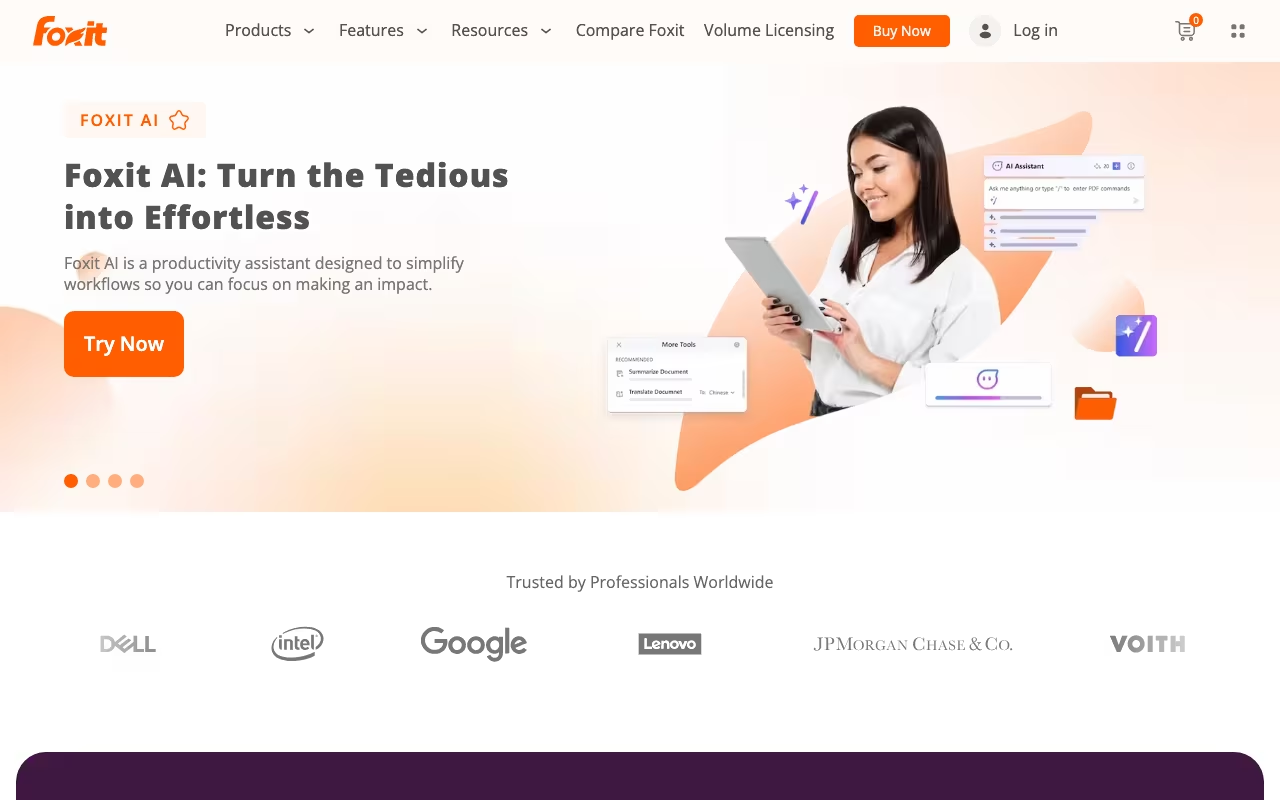
Foxit added an AI Assistant that can summarize long documents, proofread content, translate text, and answer questions about your PDFs. The base plan includes 20 free AI credits per month, which is not a lot. The full AI Assistant add-on costs $49.99/year for 2,000 credits/month. It works well for quickly digesting long reports or contracts, but it is not a replacement for careful human review on anything legally or financially sensitive. Think of it as a time-saver, not a decision-maker.
Start Your Free Foxit TrialeSign, Security, and Collaboration
The Editor+ plan ($300/year) includes Foxit eSign with 150 envelopes per year. You can send documents for signature, track signing status, and store completed contracts in the cloud. It is not a DocuSign replacement for high-volume workflows, but for occasional signatures built into your PDF tool, it saves paying for a separate service.
Security features include password protection, permission controls, certificate encryption, and AI-powered Smart Redact (Editor+ only) that automatically identifies and removes sensitive information. For businesses handling confidential data, these tools are genuinely useful.
One real limitation: collaboration is not real-time. You need to refresh or reload to see the latest changes from other reviewers. On fast-moving projects with multiple annotators, this gets annoying.
How Pricing Works
Foxit PDF Editor (Standard): $96/year. Includes desktop editor, 20GB cloud storage, web-based editor access, and 20 free AI credits/month.
Foxit PDF Editor+: $300/year. Adds cross-platform support (Windows, macOS, iOS, Android, Web), 150GB cloud storage, 150 eSign envelopes/year, AI Smart Redact, and full mobile app access.
AI Assistant Add-on: $49.99/year for 2,000 AI credits/month.
Perpetual License: Starting around $199-$249 as a one-time purchase. No automatic upgrades, desktop-only, limited to one device. Good for people who hate subscriptions and rarely need new features.
Volume Licensing: Available for 10+ users with up to 30% off. All plans come with a free trial.
What Works Well
- 40-50% cheaper than Adobe Acrobat for comparable features
- Faster performance and lighter on system resources
- Best-in-class OCR engine for scanned documents
- Familiar Office ribbon interface with a short learning curve
- Cross-platform: Windows, macOS, iOS, Android, and web
- Perpetual license option for subscription-averse users
- AI Assistant adds real productivity value for document review
What Frustrates Users
- eSign only available on the $300/year Editor+ plan
- No real-time collaboration (manual refresh to see changes)
- Some features buried deep in the interface
- Can lag with very large or complex PDF files despite overall speed advantage
- 20 AI credits/month on the base plan barely covers one document
- Perpetual license locks you into a specific version with no upgrades
- Smaller ecosystem and fewer third-party integrations than Adobe
Who Gets the Most Value
Small to mid-size businesses that need professional PDF editing without the Adobe price tag. Legal teams, accountants, HR departments, and anyone who regularly creates, edits, or reviews PDF documents. The cross-platform support works well for hybrid teams. Freelancers and solo professionals who want a perpetual license to avoid monthly fees. If OCR quality matters to your workflow, Foxit is arguably the best option available.
Skip Foxit if your team relies heavily on real-time collaboration in PDFs, if you need deep Adobe Creative Cloud integration, or if you only occasionally view PDFs (the free Foxit Reader handles that fine).
The Bottom Line
Foxit PDF Editor is the strongest Adobe Acrobat alternative on the market. It costs less, runs faster, and delivers excellent OCR. The AI features and built-in eSign on Editor+ mean most business users can consolidate their PDF workflow into a single tool. At $96/year for the standard plan, it is hard to justify paying double for Adobe unless you specifically need Creative Cloud integration or real-time co-editing. Give the free trial a serious test before auto-renewing Acrobat.
Try Foxit PDF Editor Free