
Last updated: September 2026
What Buffer Actually Is
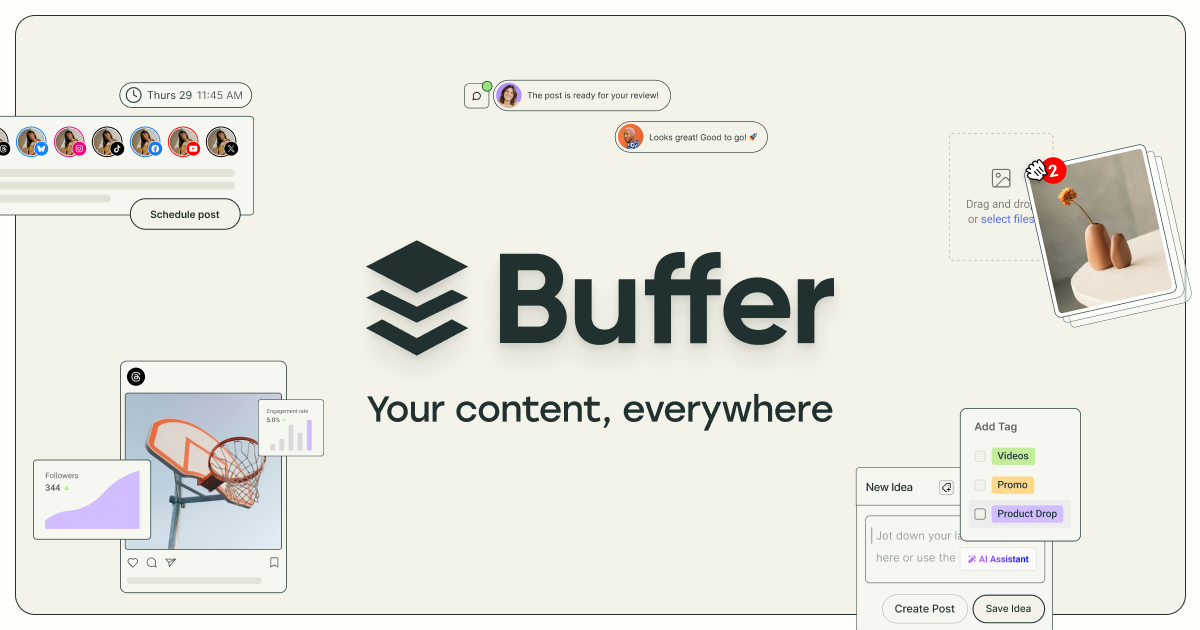
Buffer is a social media management platform for planning, scheduling, publishing, and measuring content across the accounts a brand or creator runs. It connects to Facebook, Instagram, TikTok, LinkedIn, Threads, Bluesky, YouTube Shorts, Pinterest, Google Business Profile, Mastodon, and X, and it lets you draft a post once, tailor it per network, and push everything out from a single web dashboard or the iOS and Android apps.
The product has a clear point of view. It favors a calm, queue-based workflow over the sprawling command centers many rivals ship, and it prices by the social channel rather than by the seat. That combination has made Buffer a long-running default for solo creators, small teams, and lean agencies who want scheduling that works without a training session. Around 265,000 creators, brands, and agencies use it today, according to figures the company publishes for its own business.
Try Buffer Get started →The Publishing Queue
Buffer's signature is the posting queue. Rather than assigning a specific date and time to every single post, you set a recurring schedule of time slots for each channel (say, three slots a day on Instagram and two on LinkedIn), then drop content into the queue and let Buffer drip it into those slots in the order you added it. Reordering is a drag-and-drop affair, and if a slot is empty the post simply waits its turn. It is a deceptively simple idea that turns "when should this go out" into a decision you make once rather than post by post.
When you do want precision, Buffer still gives it to you. You can pin a post to an exact time, use the calendar view to see a week or month at a glance, or hit share now for something time-sensitive. Composition happens in one editor where you write a base message and then customize each network's version, adjusting copy, images, aspect ratios, the first comment, and hashtags so a LinkedIn update does not read like a repurposed tweet. First comment scheduling and a hashtag manager sit right in the composer, which matters for Instagram where teams often park link and tag clutter out of the caption.
The ideas space rounds this out. You can capture rough thoughts, snippets, and drafts in a Create board before they are ever scheduled, so the queue is fed from a running backlog rather than from scratch each morning. It is a modest feature set compared with the everything-at-once dashboards elsewhere, but the restraint is the point: the path from idea to scheduled post is short and hard to get lost in.
What Else It Does
Insights and reporting
Buffer's analytics track reach, engagement, follower growth, and per-post performance across connected channels. Paid plans unlock advanced analytics with a longer history window (the free plan keeps roughly 30 days), best-time-to-post recommendations drawn from your own audience, and hashtag performance. The Team plan adds branded, shareable reports, which is the piece agencies lean on when they need to show a client results without exporting screenshots into a slide deck.
Create and the AI Assistant
The built-in AI Assistant helps generate post copy, rephrase or shorten a draft, adjust tone, repurpose one piece of content into several, and spin up ideas when the queue runs dry. It lives inside the composer rather than as a bolt-on, so you can go from a blank field to a first draft and then tighten it by hand. It is a writing aid rather than an autonomous content engine, which suits Buffer's audience of people who still want a human voice on their feeds.
Community engagement
The Community area pulls comments from your connected accounts into one place so you can reply without hopping between native apps. It is aimed at keeping unanswered comments from piling up on Instagram and Facebook posts, and at giving small teams a single view of the conversations their content is starting. It is lighter than a dedicated social inbox, but for creators and small brands it covers the day-to-day.
Start Page and collaboration
Start Page is Buffer's link-in-bio builder, a simple hosted landing page that collects your important links, latest posts, and calls to action for the bio slot on Instagram or TikTok. On the collaboration side, the Team plan supports unlimited team members, draft and approval workflows, and roles so a manager can review before anything publishes. Lower tiers are single-user, so approvals are the main reason to move up to Team.
Pricing
Buffer prices per connected channel, which is unusual and worth understanding before you compare it with seat-based tools. A "channel" is one connected social account, and your bill scales with how many accounts you manage rather than how many people manage them. There is a genuine free forever plan, no credit card required, and paid tiers are billed per channel per month.
- Free ($0): up to 3 channels, 10 scheduled posts per channel, 100 saved ideas, 1 user, and about 30 days of analytics history.
- Essentials ($5 per channel per month): unlimited scheduled posts, unlimited ideas, 1 user, advanced analytics, the hashtag manager, and first comment scheduling.
- Team ($10 per channel per month): everything in Essentials plus unlimited team members, draft approval workflows, and branded reports.
Annual billing knocks off roughly 20 percent (effectively two months free), so a single Essentials channel runs about $60 for the year. Volume pricing also kicks in: the standard per-channel rate applies to the first ten channels, and channels beyond that cost less each, which helps agencies running many accounts. The practical takeaway is that a solo creator on two or three channels pays very little, while the cost is felt most by operators juggling a large channel count, where the per-channel model adds up faster than a flat seat price would.
Who It Is For
Buffer is a strong fit for solo creators, freelancers, small businesses, and small-to-midsize agencies who post regularly across a handful of networks and value a clean, fast workflow over a dense feature matrix. If your job is to keep a consistent publishing cadence, tailor posts per platform, and report on what landed, Buffer does that with very little friction and a free tier that is actually usable for getting started.
It is a weaker fit if your needs run toward heavy social listening, paid ad management, large-team permissioning, or deep CRM-style inbox handling, where enterprise suites cover more ground. Buffer deliberately does not try to be that platform, and stretching it into that role fights its design. For most creators and small teams, the honest call is that Buffer covers the publishing and light analytics work they actually do every week, at a price that stays reasonable until the channel count gets large.
Get started with Buffer Get started →Is Buffer free to use?
Yes. Buffer offers a free forever plan with no credit card required. It covers up to 3 channels, 10 scheduled posts per channel at a time, 100 saved ideas, a single user, and roughly 30 days of analytics history. It is enough for a solo creator to run a real posting schedule before deciding whether to upgrade.
How does Buffer's per-channel pricing work?
Buffer bills by connected social account, not by user. Each account you link is one channel. Essentials costs $5 per channel per month and Team costs $10 per channel per month, both cheaper on annual billing. The standard rate applies to your first ten channels, and additional channels beyond ten cost less each.
Which social networks does Buffer support?
Buffer publishes to Facebook, Instagram, TikTok, LinkedIn, Threads, Bluesky, YouTube Shorts, Pinterest, Google Business Profile, Mastodon, and X. You can schedule and tailor content for each of these from one composer and manage them together in the queue and calendar.
Does Buffer have AI features?
Yes. The AI Assistant is built into the composer and can generate post copy, rewrite or shorten drafts, change tone, repurpose one piece of content into several posts, and suggest ideas. It is designed as a writing aid that keeps a human in the loop rather than an autonomous posting bot.
Buffer or a tool like Hootsuite?
Buffer is simpler and generally cheaper for creators and small teams, with a strong free tier and a focus on clean scheduling, light analytics, and per-platform tailoring. Larger suites offer more social listening, ad management, and enterprise team controls. If your work is consistent publishing across a few channels, Buffer usually wins on speed and cost.