
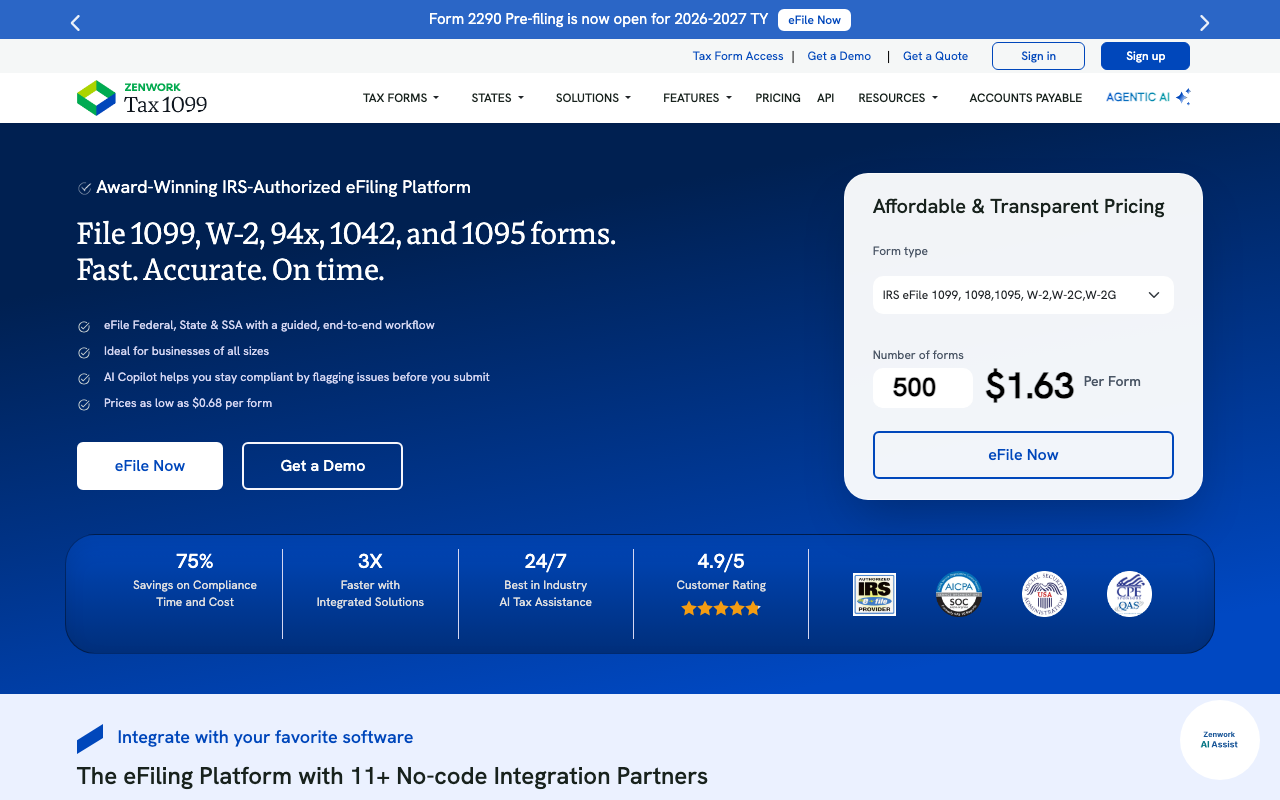
What Is Tax1099?
Tax1099 is the IRS-authorized e-filing platform for 1099, W-2, and other information returns. Businesses use Tax1099 to file year-end forms electronically with the IRS, deliver copies to recipients, and handle TIN matching to prevent errors.
The pitch is straightforward compliance. The IRS now requires e-filing for businesses filing 10+ information returns annually. Tax1099 is one of the authorized e-file providers, handling the technical submission to the IRS plus the recipient copy distribution (email or postal mail).
The product also handles state filings where required, TIN matching against IRS records, and corrections if errors emerge after submission. Beyond 1099-NEC and 1099-MISC, Tax1099 covers 1099-K, 1099-INT, W-2, ACA forms, and dozens of other information returns.
Try Tax1099 Get started →How Tax1099 Works
Import contractor and employee data through CSV, QuickBooks integration, Gusto integration, Bill integration, or manual entry. The system validates required fields and prepares forms.
TIN matching runs against IRS records before filing. Mismatches (TIN does not match name) flag for correction before submission. This prevents the most common cause of IRS notices on filed 1099s.
Submit forms to the IRS electronically. Tax1099 handles the technical FIRE (Filing Information Returns Electronically) system submission. Status tracking shows acceptance, errors, or pending review.
Deliver recipient copies through Tax1099's electronic delivery (with recipient consent) or printed mail service. Recipients access their forms through a secure portal or receive physical copies.
State filing handles state-specific requirements for income tax forms. Some states require their own 1099 reporting; Tax1099 manages this for filers across multiple states.
Corrections process if errors are discovered after submission. Tax1099 generates corrected forms and resubmits to the IRS and recipients.
Tax1099 Pricing in 2026
Per-form pricing with volume discounts.
- 1099 e-file: $2.90 per form
- 1099 e-file + recipient e-delivery: $3.50 per form
- 1099 e-file + USPS mail to recipient: $6 per form
- TIN matching: $1 per check
- State filing: additional $0.50-$2 per form
Volume discounts apply for 50+ forms. Bulk processing for businesses filing hundreds or thousands of 1099s costs significantly less per form.
Annual subscription plans available for businesses filing year-round (1099-K issuers, payment platforms) rather than year-end only.
See Tax1099 Pricing See plans →Where Tax1099 Wins
- IRS-authorized: direct e-file partner.
- TIN matching: catches errors before filing.
- QuickBooks integration: import contractor data without manual entry.
- Recipient delivery: email or mail options for distributing copies.
- Per-form pricing: pay only for what you file.
Where It Falls Short
- Annual rush: January filing season can slow support response.
- UI is functional, not modern.
- Less suited for individual filers: targets business filers, not personal tax returns.
- Pricing adds up at scale: high-volume filers may negotiate but list prices climb.
Tax1099 vs Track1099 vs eFile4Biz vs IRS FIRE Direct
Finance tools, published pricing
| Tool | Pricing | Model |
|---|---|---|
| Xero | $15/mo (Early), $42/mo (Growing), $78/mo (Established) | Subscription |
| Aplos | $59/mo (Lite), $99/mo (Core), $189/mo (Advanced) | Subscription |
| Heard | $149/mo (lowest published recurring price) | Subscription |
| Aspire | $200/mo (lowest published recurring price) | Subscription |
| Compliancely | $200/mo (lowest published recurring price) | Subscription |
Track1099 is a similar IRS-authorized e-filer with slightly different pricing.
eFile4Biz is another competitor in this category.
IRS FIRE is the free IRS portal that accepts file uploads. Free but requires technical knowledge of file formats and manual submission.
QuickBooks 1099 handles 1099 filing for QuickBooks customers. Convenient if you already use QuickBooks; less flexible if you mix accounting tools.
Who Should Use Tax1099
SMBs with 10+ contractors: e-file required by IRS, manual process error-prone.
Accountants serving multiple SMB clients: bulk multi-payer filing supported.
Payment platforms issuing 1099-K: high-volume year-round filing.
Skip it if: you have under 10 information returns (use IRS FIRE directly), your accounting platform handles 1099s natively (use that), or you only file W-2s (payroll provider handles this).
How Tax1099 works
Tax1099 is an IRS-authorised e-file platform for US information returns and payroll tax forms. The workflow is straightforward: enter or import your payer and recipient data, validate it, submit to the IRS, then deliver copies to recipients electronically or by post. It goes well beyond 1099s. The supported set runs past 40 forms, including the full 1099 series (NEC, MISC, K, B, R and others), W-2 and W-2C, ACA forms 1095-B and 1095-C, the 1098 forms, the 5498 series, 1042-S, employment tax forms 940, 941, 941-X, 943, 944 and 945, and extension forms. It also covers the collection side with W-9 and W-8 requests and TIN matching against IRS records.
Data gets in through one of 13 or more integrations or by bulk Excel and CSV upload with field mapping done on the fly, plus bulk W-9 and W-2 PDF import. QuickBooks Online, Xero and BILL support two-way sync, so a correction made in Tax1099 can be pushed back to the source ledger. QuickBooks Desktop, FreshBooks, Sage Intacct, Zoho Books, Oracle NetSuite (via CSV), Entrata and CustomBooks are one-way imports, and Zapier works as both trigger and action.
Before you submit, you can run real-time TIN matching and USPS address validation, which is where most IRS rejections and B-notices come from. State filing rides the Combined Federal/State Filing program at no extra cost where the state participates; states outside the program have to be filed directly. You can schedule filings ahead of time and set role-based access for multiple users. If the IRS rejects a return, the vendor says its specialists resolve and refile corrections at no additional cost. Filed data is retained encrypted for four years.
Where Tax1099 wins
- Volume pricing is aggressive at scale: $2.99 per form for 1 to 20, $2.30 for 21 to 150, $1.31 for 151 to 500, and $0.68 for 501 to 1,000, with custom quotes above that.
- No annual fee to start. The Essential plan is pay-as-you-go per form, so an occasional filer with a handful of 1099-NECs pays only for what is filed.
- Pre-submission validation is the real differentiator. Real-time TIN matching at $1.00 or 24-hour TIN matching at $0.37, plus USPS address validation, heads off rejections and penalty exposure before anything reaches the IRS.
- Two-way sync with QuickBooks Online, Xero and BILL keeps corrections from silently diverging from the accounting ledger, which one-way importers cannot offer.
- Coverage well past 1099s. W-2, ACA 1095-B and 1095-C, 1042-S and the 940/941/943/944/945 payroll series live in the same account, so a bookkeeper does not need a second filing tool.
- Recipient delivery is priced separately and cheaply: $0.25 per form for e-delivery, with print and mail at $1.90 in the US and $4.99 international.
Where it falls short
- Costs are unbundled and they add up. The headline per-form price excludes TIN matching, print and mail, W-9 and W-8 requests, and direct filing for non-CFSF states. A posted form with a real-time TIN check costs several times the sticker price.
- Free state filing only applies inside the CFSF program. Non-participating states need separate direct filings, which is exactly where filers get caught out.
- API access and workflow management sit behind the Scale plan at $349 per year. The Teams plan at $249 per year mainly buys 250 free TIN matches. Programmatic filers cannot stay on the free Essential tier.
- US-only by design. It files US federal and state information returns and nothing else, so it does nothing for contractors outside the US reporting regime.
- Four-year data retention is shorter than some record-keeping policies require, so you may need to keep your own archive.
- Integration depth is uneven. Oracle NetSuite is CSV only rather than a live connection, and most integrations outside QuickBooks Online, Xero and BILL are one-way imports.
Who should use Tax1099
It suits US accountants, bookkeepers and finance teams filing anywhere from a dozen to a few thousand information returns a year. The best fit is a firm already working in QuickBooks Online, Xero or BILL that wants two-way sync and pre-filing TIN validation instead of manual CSV wrangling, since that combination is what actually reduces rejections and rework. The pay-per-form model also works fine at the other end of the scale, for a small business filing a handful of 1099-NECs once a year with no subscription to justify.
Skip it if you need reporting for contractors outside the US. Skip it if your recipients are concentrated in states that do not participate in the Combined Federal/State Filing program and you expected that handled without extra steps. And skip it if you want one all-inclusive price, because this is a base per-form rate plus a list of per-service add-ons, and the final number depends on how many of them you use.
Frequently Asked Questions
Is e-filing required?
Yes for businesses filing 10+ information returns starting 2024. Lower thresholds for some form types.
Can recipients receive forms electronically?
Yes with recipient consent.
Does Tax1099 integrate with QuickBooks?
Yes natively. Pull contractor data from QuickBooks Online or Desktop.
What about state filings?
State filing supported for states with reporting requirements; additional per-form fee applies.
Can I file corrections?
Yes. Corrected forms supported with appropriate IRS notification.