What Is SmartSuite?
SmartSuite is the work management platform that combines flexible databases, project management, automation, and collaboration in one workspace. Founded in 2021, SmartSuite has grown by positioning as a direct alternative to Airtable, Monday.com, and ClickUp, offering more features at lower prices.
The pitch is everything in one workspace, designed by people who clearly studied the gaps in existing tools. CRM, projects, content calendars, OKRs, HR processes, all built from the same flexible database layer with consistent UX. The 200+ pre-built solution templates accelerate setup compared to building from scratch.
The product targets teams that find Notion too unstructured, Airtable too database-focused, or ClickUp too cluttered. SmartSuite splits the difference: structured enough for serious workflows, flexible enough to adapt to your specific use case.
Try SmartSuite Free Get started →How SmartSuite Works
Each "solution" is a database with fields, views, automations, and dashboards. Build from a template (CRM, content calendar, hiring pipeline, OKRs, project management, support tickets, marketing campaigns, etc.) or from scratch.
Records hold data with typed fields: text, number, date, single-select, multi-select, linked record (relational), formula, lookup, rollup. The field types match Airtable's capabilities but with a few additions like time tracking, sub-tasks, and dependency fields.
Views render the same records differently: table, kanban, calendar, timeline, gallery, chart, map. Each view has its own filters, sorts, and visible fields. Marketing sees their content calendar as a calendar; ops sees the same data as a kanban; the analyst sees a filtered grid.
Automations trigger from events (record created, status changed, date approaches) and run actions (send email, post to Slack, create record, update field, call webhook). Visual workflow builder handles multi-step automations without code.
The Workspace concept lets organizations split solutions across teams or departments with separate permissions. Cross-solution linking creates relationships between projects, customers, and tasks.
SmartSuite Pricing in 2026
Free: Up to 3 users, basic features, limited automations.
Team: $10/user/month annually. Unlimited solutions, advanced fields, basic automations.
Professional: $25/user/month annually. Advanced automations, custom branding, advanced security.
Enterprise: $35/user/month annually. SCIM, audit logs, dedicated support.
Compared to Airtable at $20-$45/editor/month, SmartSuite Team at $10/user is dramatically cheaper. Compared to ClickUp at $7-$19/user/month, SmartSuite is similar at the entry tier.
See SmartSuite Plans See plans →Where SmartSuite Wins
- Price point: cheaper than Airtable at comparable feature levels.
- Pre-built solutions: 200+ templates for common workflows accelerate setup.
- Strong project management features: rare for a database tool to handle PM well.
- Visual automation builder: no-code workflows for non-technical users.
- Cross-solution linking: relate data across different parts of your business.
Where It Falls Short
- Smaller community than Airtable or Notion: fewer external templates and content.
- Newer brand: less recognition in procurement.
- Some fields and integrations still maturing: rolling out at a fast pace but a few gaps remain.
- Mobile apps less polished: usable but desktop-first design.
SmartSuite vs Airtable vs Notion vs Monday
Named alternatives, published pricing
| Tool | Pricing | Model |
|---|---|---|
| SmartSuite | $10/mo (lowest published recurring price) | Subscription |
| Airtable | Free, $20/seat/mo (Team), $45/seat/mo (Business) | Freemium |
| Notion | Free, $10/mo (Plus), $18/mo (Business) | Freemium |
Airtable is the established database competitor. More integrations, larger community, higher price.
Notion emphasizes docs and wikis with databases as a secondary feature. Better for documentation-heavy teams.
Monday.com is project-management-first with database capability bolted on. Better for visual project tracking.
ClickUp is similar all-in-one with more cluttered UX. Choose based on UI preference.
Who Should Use SmartSuite
Teams wanting Airtable-like flexibility at lower cost: real price difference at team scale.
Mid-size companies replacing multiple tools: consolidate CRM + project management + content calendar.
Agencies managing client work: workspace separation handles multi-client structures.
Skip it if: you live in Notion (sunk cost), need Airtable's specific ecosystem integrations, or prefer Monday's visual project boards.
How SmartSuite works
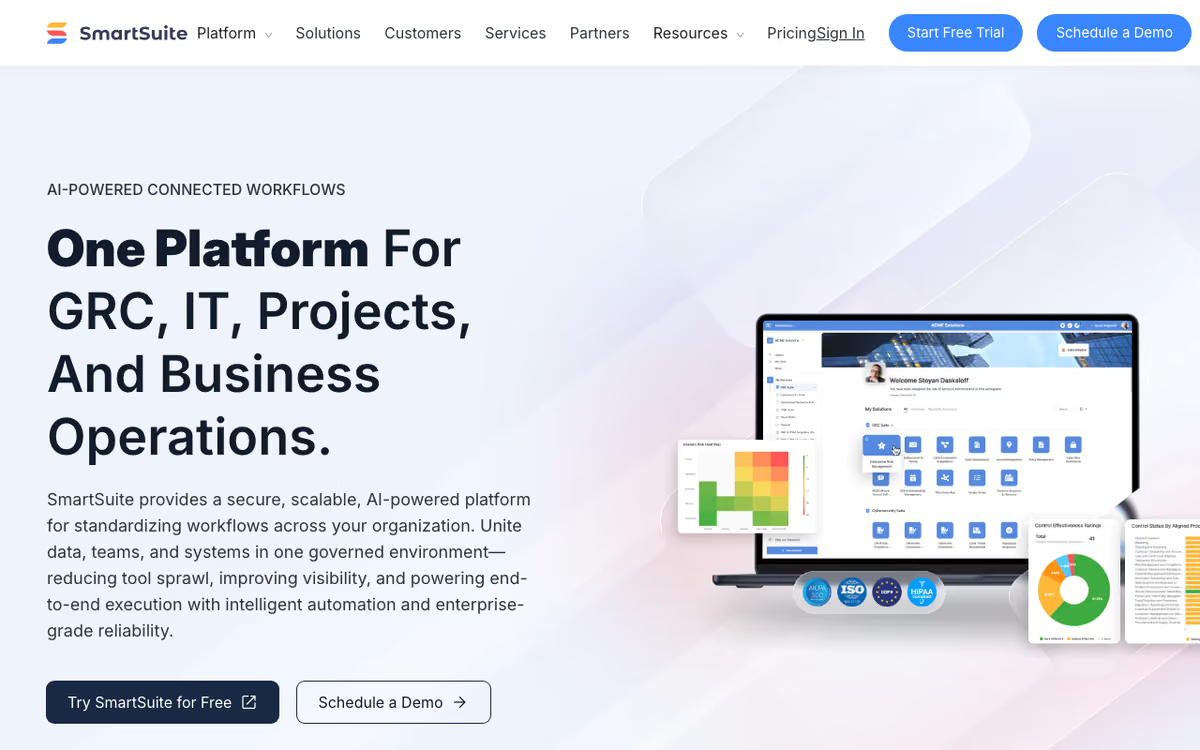
SmartSuite is a no-code work-management platform in the Airtable and Monday lineage: relational tables underneath, business apps built on top. You model your data as tables, fields, and records, then build the workflow, views, forms, dashboards, and automations around it without writing code. The vendor now positions it as an AI-native enterprise platform rather than a spreadsheet-database, with AI Workflow Agents that summarize updates, draft content, and classify incoming requests. Four solution areas are called out explicitly: GRC and resilience (risk, compliance, audit, privacy), IT service delivery (ticketing, asset management, incident response), project and portfolio management, and general business operations.
You build Solutions, each containing related tables. There are 40+ field types covering text, dates, lookups, formulas, attachments, and cross-table relationships, and six view types available on any table: Grid, Kanban, Calendar, Timeline, Chart, and Map. Automations are trigger-filter-action chains that support multi-step actions, looping, AI assist, and native integration steps. Permissions are role-based with audit trails behind them.
Native connectors cover Slack, Microsoft Teams, Twilio, Gmail, Outlook, Google Drive, Box, Dropbox, OneDrive, Google Sheets, Google Calendar, Google Maps, Salesforce, HubSpot, Intercom, Jira Cloud, and OpenAI. Everything outside that list goes through Zapier, Make, Workato, Integrately, Relay, or the REST API and webhooks. Native iOS and Android apps are available, and the interface runs in 15 languages. Compliance covers SOC 2 Type II, ISO 27001, GDPR, and HIPAA, with US and EU data centers, and the Enterprise tier adds SSO, SCIM provisioning, IP restrictions, DLP, and audit logs.
Where SmartSuite wins
- Six view types ship on the standard plans, including Timeline and Map, rather than being gated behind Enterprise the way competing tools gate Gantt views.
- The compliance posture is unusually complete for this category. SOC 2 Type II, ISO 27001, GDPR, and HIPAA together, plus European data residency on Enterprise, is what makes the GRC and IT-service positioning credible.
- Seat billing excludes read-only users, commenters, and form submitters. A workflow where 200 people submit tickets and 10 people work them costs 10 seats.
- Automation allowances are generous next to peers: 25,000 runs a month on the entry tier and 100,000 on Professional.
- The native connector list is genuinely deep for the mid-market stack (Google Workspace, Microsoft 365, Slack, Teams, Salesforce, HubSpot, Jira, Twilio) rather than a Zapier-only story.
- Localized into 15 languages with native mobile apps, which matters for multi-country rollouts.
Where it falls short
- Seat minimums push the real entry price well above the sticker. Team is $15/seat/month annual but requires 3 billable users, and Professional is $32/seat/month annual with a 5-user minimum, so the practical floor is roughly $45 and $160 a month.
- There is no permanent free tier at all, only a 14-day Professional trial. Solo users and two-person teams are simply not served.
- API call limits are tight and are the likeliest wall you hit: 5,000 on Team, 50,000 on Professional, 125,000 on Enterprise. Any real integration or sync workload burns through the Team allowance fast.
- Record ceilings are per-solution, not per-account: 5,000 on Team, 100,000 on Professional, 400,000 on Enterprise. A data-heavy solution can outgrow Team almost immediately.
- There are native integration gaps in common categories. No native Asana, Monday, ClickUp, QuickBooks, Xero, Tableau, Looker, Notion, or Confluence: all of those are reachable only through connectors.
- Basics are paywalled upward. Folders and the Gmail and Outlook integrations require Professional, not Team.
Who should use SmartSuite
SmartSuite suits mid-market and enterprise ops teams replacing a sprawl of spreadsheets and point tools with one governed platform, particularly where compliance is a real requirement rather than a nice-to-have. Regulated industries, GRC functions, and IT service management teams are the clearest fit, and the security certifications are the reason to look here when Airtable's story falls short. The seat model rewards workflows with many occasional contributors and few builders, so ticketing, intake, and request-handling processes come out cheaper than the per-seat price suggests.
Skip it if you are a solo operator or a team of two. The 3-to-5 seat minimums and the absent free tier make it structurally the wrong product, and no amount of feature fit compensates for a floor you cannot get under. Also skip it if your workload is API-heavy at low seat count, since the 5,000-call ceiling on Team forces a jump to $32/seat purely to buy request headroom.
Frequently Asked Questions
Can I migrate from Airtable?
Yes via CSV import. Direct migration tools available for common Airtable structures.
What integrations are supported?
Native integrations with major SaaS tools plus Zapier and Make.com for the long tail.
Is there an API?
Yes. REST API for custom development.
Does it support time tracking?
Yes natively, unlike Airtable which requires add-ons.
How does pricing compare for large teams?
At 50 users, SmartSuite Team costs $500/month. Airtable equivalent runs $1,000-$2,250/month.