
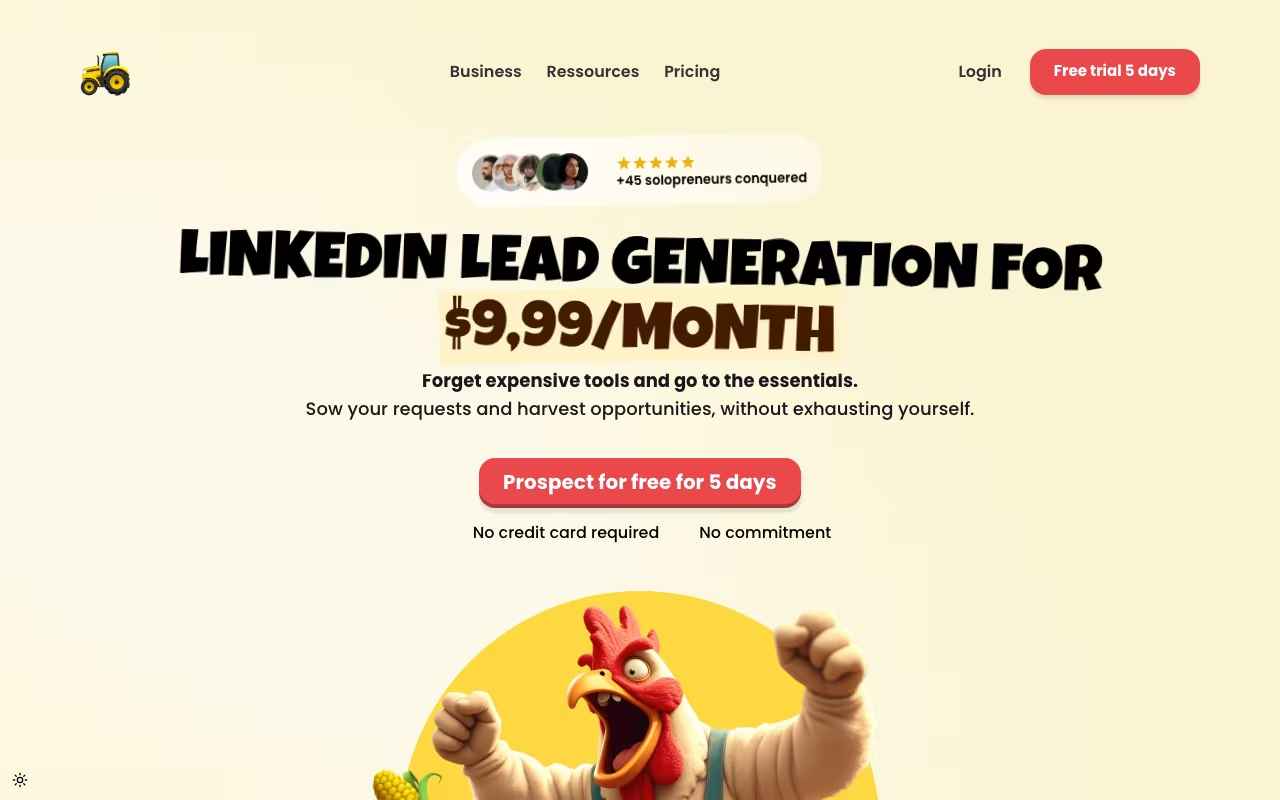
A Tiny LinkedIn Tool With a Very Specific Niche
Sales Farmer is a Chrome extension that automates LinkedIn outreach for solopreneurs and small sales teams. It handles connection requests, follow-up messages, and profile visits on autopilot while you work on other things. The tool is built and marketed specifically for solo founders and one-person sales operations, not enterprise teams. At $15 per month (excluding VAT), it's one of the cheapest LinkedIn automation tools available.
Before diving into features, I should be transparent about scale here. Sales Farmer's website mentions "+45 solopreneurs" using the tool, and there are no reviews on G2, Capterra, or Trustpilot. This is a micro-tool built by a small team. That doesn't automatically make it bad, but it means you're working with a product that has very limited social proof and an uncertain long-term future. If the developer moves on to other projects, support and updates could disappear.
Check Out Sales Farmer for LinkedIn Get started →What the Extension Actually Does
The core workflow is a LinkedIn drip campaign. You define a search query on LinkedIn (or use Sales Navigator filters if you have that subscription), and Sales Farmer visits those profiles, sends connection requests with personalized notes, and follows up with a sequence of messages after the connection is accepted. You set the timing between actions and the tool mimics human browsing patterns to reduce the risk of LinkedIn flagging your account.
Personalization uses merge fields pulling from LinkedIn profile data: first name, company name, job title, and headline. This is basic compared to tools like Lemlist or Expandi that offer if/then branching, A/B testing, and multi-channel sequences (email + LinkedIn + Twitter). Sales Farmer stays focused on LinkedIn only and keeps the interface stripped down. For someone who just wants to automate connection requests and follow-ups without learning a complex platform, that simplicity has value.
The Chrome extension approach means Sales Farmer runs in your browser using your active LinkedIn session. This is the standard approach for LinkedIn automation tools, but it has trade-offs. You need to keep your browser open for the automation to run. Cloud-based alternatives like Dux-Soup or Phantombuster run on servers and work even when your computer is off, though they carry their own detection risks.
LinkedIn Automation Risks You Should Know
LinkedIn actively detects and penalizes automation. Accounts that send too many connection requests or messages can be temporarily restricted or permanently banned. Sales Farmer includes rate limiting (you set max actions per day) and random delays between actions to appear human. However, no automation tool can guarantee safety. LinkedIn's detection has gotten more sophisticated over the past two years, and the risk is real regardless of which tool you use.
The safe operating range for LinkedIn automation is generally considered 20-50 connection requests per day and 50-80 messages per day for accounts with established networks and good standing. New or small LinkedIn accounts should start even lower. Sales Farmer lets you configure these limits, which is important because some tools default to aggressive settings that trigger restrictions quickly.
Try Sales Farmer's LinkedIn Automation Get started →Pricing Compared to Alternatives
At $15/month, Sales Farmer undercuts most LinkedIn automation tools significantly. Expandi charges $99/month. Dux-Soup Professional costs $55/month. LinkedHelper runs $15-45/month. Waalaxy starts at around EUR 60/month. On pure price, Sales Farmer wins easily. But the feature gap is proportional to the price gap. You don't get CRM integrations, email sequences, team dashboards, analytics, or A/B testing.
For a solopreneur doing basic LinkedIn prospecting who doesn't need those advanced features, the $15 price point is genuinely attractive. You're paying for automated connection requests and follow-up sequences, and that's exactly what you get. The question is whether you trust a tool with 45 users and no public reviews to handle your LinkedIn account, which is often a primary business asset for salespeople.
Prices checked on the Sales Farmer pricing page in September 2026. Plans and limits change, so confirm before you buy.
Honest Assessment
Sales Farmer solves a real problem at a good price. LinkedIn outreach is time-consuming and repetitive, and automating the basics makes sense. But the extremely small user base is a legitimate concern. With established alternatives like Waalaxy (400K+ users), Expandi (10K+ users), and LinkedHelper (100K+ downloads), choosing Sales Farmer means betting on a tool that most of the market has never heard of.
If you're budget-constrained and just need basic LinkedIn drip campaigns, Sales Farmer works. If reliability and long-term support matter to you, spending up to $40/month more for an established tool with a proven track record is probably worth the cost difference. The risk-reward calculation depends entirely on how critical LinkedIn outreach is to your business and how much disruption a tool failure would cause. If LinkedIn generates 50% or more of your leads, investing in a proven platform with a support team and regular updates makes more financial sense than saving $40/month on a tool that might not exist next year.
Explore Sales Farmer's Pricing See plans →How Sales Farmer works
Sales Farmer is a LinkedIn prospecting automation tool sold as a browser extension plus a web dashboard. You install the extension to connect your LinkedIn account, then set your sending limits and the hours during which actions are allowed to fire. From there the loop is simple: run a search in regular LinkedIn or in Sales Navigator, extract the matching profiles into a campaign with one click, and write a sequence. The templates shown are the three obvious plays: an invitation on its own, an invitation followed by two messages, and an InMail aimed at people outside your network. You can insert dynamic variables such as name and company so each message is not identical.
Once a campaign is running, Sales Farmer sends the connection invitations and follow-up messages on your behalf on a schedule, with randomised delays between actions as the stated safety mechanism. A dashboard reports acceptance rate, response rate and overall campaign performance. That is the entire surface area. There is no mention anywhere on the site of CRM sync, an email channel, webhooks or an API, and the only support and community surfaces are email, live chat, a help center and a Discord.
The commercial positioning is equally simple. Sales Farmer explicitly sets itself against tools in the $50 to $150 per month range and sells a Starter plan at $15 per month excluding VAT (17% less billed yearly) and a Team plan at $19 per seat per month, with unlimited scraping, unlimited campaigns and unlimited messages. The vendor describes its audience as solopreneurs, freelancers and small businesses, and its own social proof is modest: the site cites roughly 45 users ("+45 solopreneurs conquered").
Where Sales Farmer wins
- Flat, unmetered pricing. $15 per month excluding VAT (17% less billed yearly) covers unlimited leads scraped, unlimited campaigns and unlimited messages, with no per-lead or per-credit metering. The vendor states this is about 70% under typical LinkedIn automation pricing.
- Works with both search surfaces. It runs against regular LinkedIn search and Sales Navigator search, so filters you have already built in Sales Navigator carry over into your targeting.
- Standard risk controls are present. You can configure sending limits, sending hours and randomised delays between actions, which is the usual mitigation for LinkedIn account risk.
- Prebuilt sequences for the common plays. Invitation only, invitation plus two follow-ups, and InMail to out-of-network prospects are all templated, so you are not building a sequence from scratch.
- Low-commitment trial. A 14-day free trial requires no credit card and no commitment, and the monthly plan can be cancelled at any time.
Where it falls short
- LinkedIn only. There is no email outreach, no phone, no multichannel sequencing. If your motion mixes email with LinkedIn, you will be buying a second tool.
- Team use is priced per seat. Beyond Starter, the pricing page lists a Team plan at $19 per seat per month, so cost scales with headcount.
- No integrations at all. No HubSpot, Pipedrive or Salesforce, no Zapier, no API, no webhooks. Replies and accepted connections stay inside LinkedIn and the Sales Farmer dashboard.
- The account risk is yours. The tool is a browser extension driving your own logged-in LinkedIn account, and LinkedIn's user agreement prohibits automated scraping and messaging. The vendor's compliance claim does not change where a restriction lands.
- No free tier and no enrichment. Beyond the 14-day trial there is nothing free, and there is no data provider behind it, so you get only what LinkedIn search itself exposes.
- Early-stage signals are visible. The "Free tools" and "Templates" sections are marked "Coming soon", the English copy reads as a rough translation, and the vendor cites roughly 45 users.
Who should use Sales Farmer
Sales Farmer fits solo founders, freelancers and small agencies who already prospect manually on LinkedIn, know exactly who their persona is, and want the cheapest possible way to automate the invite and follow-up grind. If your process is already working by hand and the only problem is volume, a flat $15 per month with no credit metering is hard to argue with, and the 14-day no-card trial makes the evaluation cheap.
Skip it if you need multichannel outreach, a CRM of record, or any kind of programmatic integration, because none of those exist here. Skip it too if a restricted LinkedIn account would be a serious problem for your business, since the tool automates actions from your own account and LinkedIn's terms prohibit exactly that.