

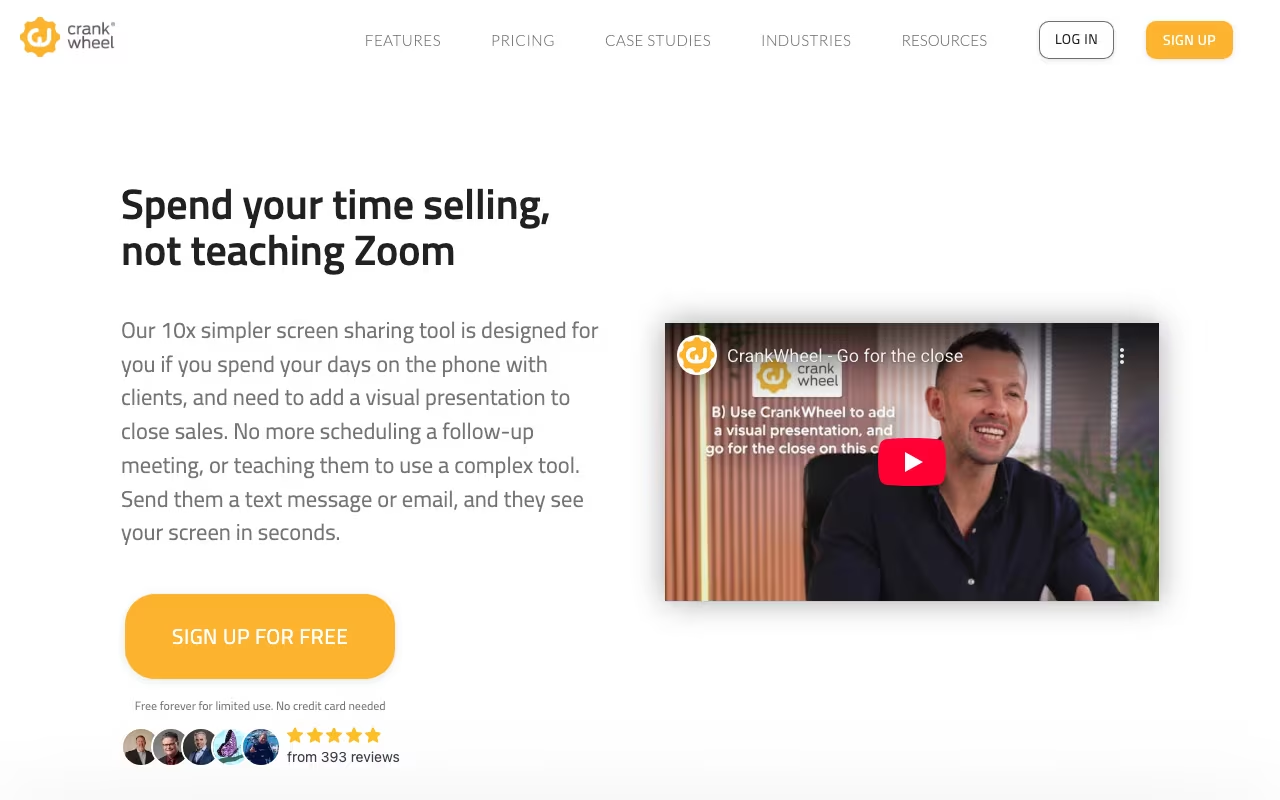
You're on the phone with a prospect. They're interested. You say "let me show you." With Zoom, that means scheduling a follow-up meeting, hoping they show up. With CrankWheel, you send a link, they click it, and they're looking at your screen in 3 seconds. No download, no account, no waiting room. Just instant screen sharing while you stay on the phone.
That's the entire value proposition, and for inside sales teams who live on the phone, it's a big deal. The difference between "let me show you now" and "let me schedule a demo for Thursday" is often the difference between a closed deal and a ghosted follow-up.
Try CrankWheel Free Get started →How It Works
Install the Chrome extension. When you're on a call and want to show something, click the CrankWheel button. It generates a short link. Text or email it to your prospect. They click, your screen appears in their browser. Desktop, phone, tablet, whatever they have handy.
Audio stays on the phone. This is intentional. Sales conversations have a rhythm on the phone. CrankWheel adds the visual layer without replacing the audio connection you've already built. You talk them through what they're seeing, point things out, walk through a demo, whatever the call needs.
Sessions can be recorded for training or CRM logging. Analytics track how long viewers watched, what screens they saw, and when they dropped off. Useful for coaching reps and understanding where demos lose people.
CRM Integrations
CrankWheel logs demos to Salesforce, HubSpot, and other CRMs automatically. Activity records, recordings, and engagement data push into your sales pipeline without manual entry. For teams that track activity metrics, this is valuable.
See CrankWheel Pricing See plans →Pricing
Professional: $29/user/month. Unlimited screen sharing, recordings, core features. Fine for individual reps or small teams.
Business: $49/user/month. Adds advanced analytics, team management, and more integrations.
Enterprise: Custom. SSO, advanced security, dedicated support.
Annual billing gets you a discount. For a 5-person sales team, the Professional plan runs $145/month. That's cheaper than losing deals to "let me schedule something for next week."
Where It Excels / Where It Falls Short
Excels:
- Zero viewer friction. One click, instant screen. Nothing to install, ever.
- Works on any device. Prospect on their iPhone? Fine. Old Android? Fine. Office desktop? Fine.
- Phone-first design. The tool complements calls rather than trying to replace them.
- Speed. 3 seconds from "let me show you" to screen visible.
Falls short:
- One-way only. Prospects see your screen, but they can't share back. This is by design, but it limits use cases.
- Not a meeting tool. No video conferencing, no group meetings, no breakout rooms. If you need Zoom, use Zoom.
- $29/user adds up. For a 20-person team, that's $580/month for screen sharing.
- Desktop-only for presenters. You need to share from a computer; you can't present from your phone.
CrankWheel vs. Zoom vs. Demodesk
Zoom / Google Meet: Better for scheduled meetings with video. Worse for spontaneous "let me show you" moments on a phone call. The download/login/waiting-room friction kills spontaneity.
Demodesk: Similar sales demo focus with coaching features, automation, and interactive demos. More expensive, more features. CrankWheel is simpler and faster.
Loom: Async video, not live screen sharing. Different problem entirely.
How CrankWheel works
CrankWheel is screen sharing built for phone-based sales rather than scheduled meetings. A rep sends a link by email, SMS or chat in the middle of a call, and the prospect clicks once to see the rep's screen: no download, no account, no plugin on the viewer's side. Around that it adds session recording, HD video sharing with sound, viewer remote control, and Instant Demos, a lead-capture and rep-routing widget for inbound web leads. The target buyers are inside sales, telesales, insurance and financial services teams.
The presenter installs a Chrome extension (or runs in-browser) and picks what to share: a single browser tab, one program window, or the full screen, which avoids leaking notifications. The viewer opens the link on anything with a browser, including old Internet Explorer, Blackberry devices and mobile. A Live Preview pane shows the presenter exactly what the viewer currently sees, flags where their attention is, and exposes network lag so the rep can slow down. The presenter can hand remote control to the viewer at any point, record the session (retained 6 months on paid tiers, 1 week on free), and redirect the viewer to a chosen URL when the session ends. Conference dial-in numbers are available in 72 countries.
Instant Demos is a customizable conversational form (8 question data types, required and optional flags) embedded on the site or in email as a "Call me Now" or "Request a Demo" button. Submissions notify reps on screen and by SMS, and are assigned first-come, first-served. Native integrations cover Salesforce, HubSpot, Zoho CRM, HighLevel, Less Annoying CRM and Insites, plus documented public APIs.
Where CrankWheel wins
- The zero-friction viewer experience holds up. One click, no download, no signup, works on mobile and on very old browsers including Internet Explorer.
- Live Preview shows the viewer's actual view plus attention and network-lag indicators, which is genuinely useful on a cold phone call and rare in general-purpose meeting tools.
- Instant Demos closes the inbound loop: conversational form, SMS and on-screen rep notification, first-come-first-served assignment, so a web lead reaches a live rep in seconds.
- Transparent published pricing with a real free forever plan (1 user, 15 meetings a month, 3 viewers per meeting) after a 15-day unlimited trial, and no card required to start.
- Selective sharing of one tab or one window prevents the classic notification-leak embarrassment during a live demo.
- The Team plan is priced on unlimited users with pooled meetings, plus 14 "Never Over Limits" overage tokens, so you are not paying per seat for occasional users.
Where it falls short
- The free tier is a demo, not a workhorse: 15 meetings a month, 3 viewers per meeting, one-week recording retention, and all branding removed.
- The presenter side leans on a Chrome extension. The broad OS and browser claims apply to viewers, not to the person sharing.
- Viewer capacity is capped by tier at 30 (Solo) and 100 (Team), with video-conferencing participants at just 10, 25 and 50 respectively, so this is not a webinar or all-hands tool.
- Team billing is metered by meetings, not seats. $99 a month buys 100 meetings, and you stack packs beyond that, which gets awkward to forecast for a busy floor.
- The integration list is short and CRM-only. Salesforce, HubSpot, Zoho, HighLevel, Less Annoying CRM and Insites are named. No dialer or Zapier integration is listed on the integrations page, so anything else means using the API.
- Enterprise features are gated to a custom contract quoted from $XXK a year: corporate SSO, SLA, custom recording retention, advanced white-labeling and 24/7 phone support.
- Audio is not addressed on the product pages. The model assumes you are already on a phone call or using the conference dial-in, so this does not replace Zoom or Teams.
Who should use CrankWheel
Inside sales, telesales, insurance and financial services teams who sell on the phone and need a prospect to see something right now, without a calendar invite or a download. It is strongest when prospects are non-technical or on old devices, and the $29 Solo plan plus the honest free tier make it workable for very small teams.
Skip it if you need a full meeting platform with built-in audio and video for internal calls, if you run webinars to large audiences, or if you depend on a deep integration ecosystem beyond the handful of supported CRMs.
FAQ
Do prospects need to download anything?
No. They click a link and see your screen in their browser. Works on any device, any browser. Nothing to install.
Does it include video or audio?
No. CrankWheel is screen sharing only. Audio stays on your phone call, which is the point. For full video conferencing, use a different tool.
CrankWheel is a one-trick tool. That trick is making screen sharing during phone calls frictionless. If your sales team does demos on the phone and you're losing momentum between "I'll show you" and "can you download Zoom?", CrankWheel solves that problem cleanly. It won't replace your video conferencing tool, and it shouldn't. But for the instant-demo moment that wins deals, it's hard to beat.
Start Sharing Screens Instantly Get started →



