
Your company pays for Microsoft 365. Your team uses maybe 20% of it. Apps365 (also known as HR365) builds pre-made SharePoint and Teams apps for business operations: helpdesk ticketing, employee directories, asset management, time-off tracking, contract management, and about a dozen more.
These aren't consulting services. They're actual software products that install into your existing Microsoft 365 environment through the Microsoft AppSource marketplace. The pitch: get the functionality of standalone SaaS tools without leaving the Microsoft ecosystem.
Browse Apps365 Solutions Get started →What Kind of Solutions?
Project management: Task tracking, timelines, and resource allocation built on SharePoint and Teams. Not as powerful as dedicated tools like Monday.com, but no extra license cost since it runs on infrastructure you already pay for.
HR workflows: Leave requests, onboarding checklists, employee directories. The kind of processes most companies still manage through email chains and shared spreadsheets.
Document management: Templates, approval workflows, version control. Takes SharePoint from "messy file dump" to "organized document system."
Business process automation: Approval chains, notification workflows, data collection forms. Power Automate flows that would take your IT team weeks to build from scratch.
Pricing
Per-product pricing with 14-day free trials on everything. A few examples:
- Helpdesk 365: $49/month (Standard), $99 (Plus), $149 (Premium), $249 (Enterprise).
- Employee Directory 365: From ~$49-79/month depending on user count.
- Asset Management 365: Free for up to 20 users with 2 assets each.
Nonprofit and educational discounts available. Custom quotes for 50+ users.
Get Apps365 Pricing See plans →Strengths
- No new licenses needed: Everything runs on Microsoft 365 infrastructure you already have
- Faster than custom development: Pre-built means deployed in days, not months
- IT-friendly: Solutions stay within the Microsoft ecosystem your IT team already manages
- Customizable: Most solutions can be tweaked to match your specific workflows
Limitations
- Microsoft-only: If you're a Google Workspace shop, this is irrelevant.
- Not best-of-breed: An Apps365 project management template won't match Asana or Monday.com in depth. You're trading features for integration convenience.
- Niche company: Small vendor compared to Microsoft's own solution partners. Less community support and documentation.
- Implementation still needed: "Pre-built" doesn't mean "plug and play." You'll still need someone who understands SharePoint to configure things properly.
Who Benefits Most
Mid-size companies (100-1,000 employees) that are committed to Microsoft 365 and want to get more value from their existing licenses without buying new SaaS tools. Especially useful when IT is stretched thin and can't build custom solutions but the business needs are real.
If you're a 10-person startup, you don't need this. If you're enterprise-scale, you probably have partners and internal teams building on Microsoft already.
Explore Apps365 Solutions Get started →How Apps365 works
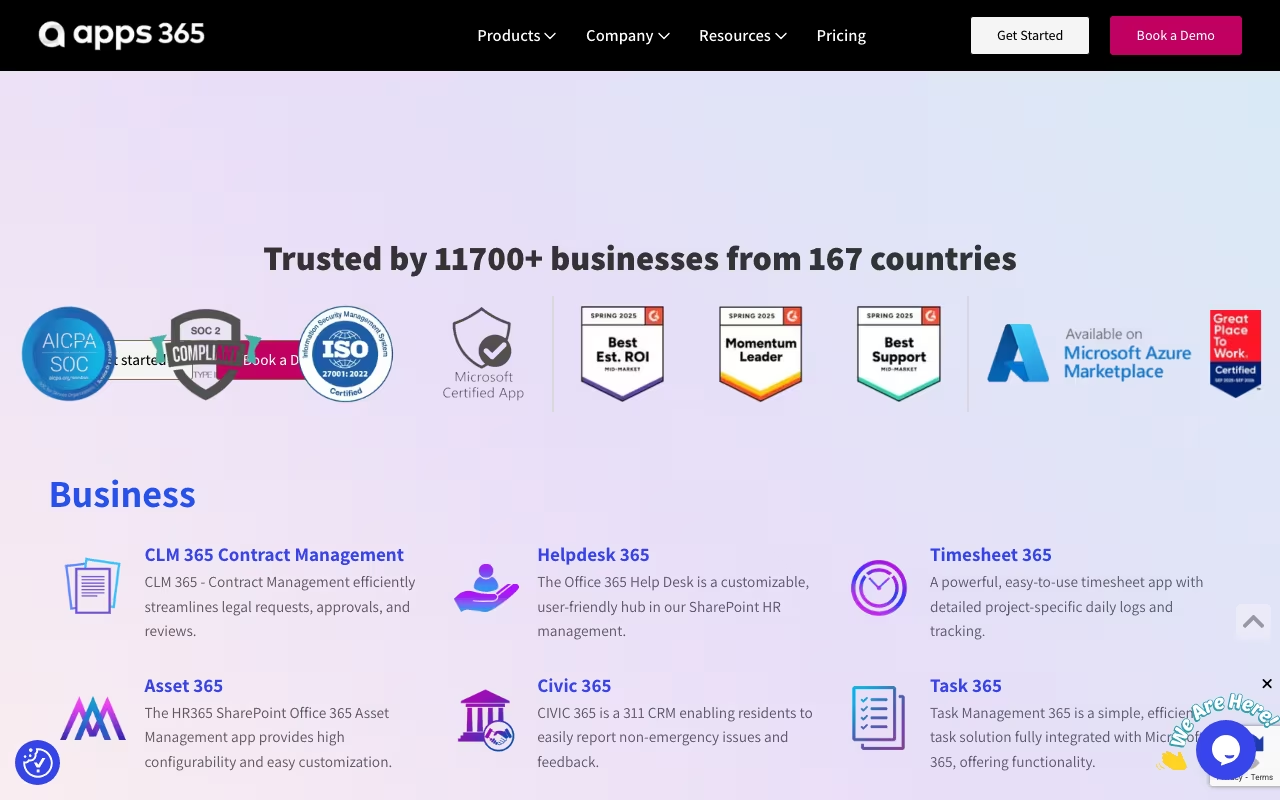
Apps365 (apps365.com, operated by APPS 365 Ltd in London) sells a catalogue of roughly 15 separate business and HR applications that run inside your own Microsoft 365 tenant rather than on the vendor's cloud. The line-up splits in two. On the business and operations side there is Helpdesk 365, CLM 365 for contract lifecycle, Asset Management 365, Timesheet 365, Task 365, and Civic 365, a 311 non-emergency request CRM for local government. On the HR side there is Recruitment Management 365, Employee Onboarding 365, Performance Management 365, Time Off Manager 365, Expense Tracker 365 and Employee Directory 365, plus LMS 365, Revenue 365 and HCM 365. Each app is bought and priced on its own. The company says it was founded by former HP, IBM and Microsoft people, and cites Siemens, KPMG and Cricket Australia as customers.
Mechanically, you install an app from Microsoft AppSource or Azure Marketplace into your tenant and pick where users meet it: a Teams tab, a SharePoint site, or Outlook. The vendor's own line is "choose any deployment method, Teams, Outlook, or SharePoint, that suits your preferences." SharePoint acts as the backend data store, so records stay inside your tenant and inherit your existing Entra ID identities, permissions and compliance boundary instead of creating another user directory. Configuration is admin-side: custom fields, forms, categories, approval and escalation workflows, role permissions and reporting views, with remote setup help from the vendor. AI features are layered on through Azure AI and Copilot, and the UI is Microsoft Fluent across desktop and mobile web. Federal buyers are covered by GCC and GCC High deployments, and the vendor holds SOC 2 Type II and ISO certifications.
Where Apps365 wins
- Data residency is the real selling point. Because SharePoint is the backend, your ticket, contract, timesheet and HR records sit in your own tenant under your own retention, DLP and eDiscovery rules, with no third-party SaaS database to vet.
- No new identity layer or portal to adopt. Users work inside Teams, Outlook and SharePoint they already have, which removes most of the adoption and training cost that kills standalone HR tools.
- Per-app monthly prices are published rather than hidden behind "contact us": Civic 365 $11.99, Helpdesk 365 $19.99, CLM 365 $29.99, Timesheet 365, Expense Tracker 365 and Employee Directory 365 at $49.99, Time Off Manager, Performance Management and Recruitment Management 365 at $79.99, Employee Onboarding 365 $149.99, and Asset Management 365 $199.99.
- A 14-day free trial with no credit card, and subscriptions that include support, enhancements and updates.
- Credentialed for regulated and public-sector buyers: SOC 2 Type II, ISO, Microsoft-tested listings on AppSource and Azure Marketplace, and GCC and GCC High availability for US federal work.
Where it falls short
- The Microsoft dependency is absolute. There is no standalone web product. On Google Workspace, on Slack, or with no Microsoft 365 tenant, none of this is usable, and integrations outside the Microsoft stack (Salesforce, Jira, Workday, ServiceNow, payroll providers) are not advertised anywhere on the site.
- Everything is sold app by app with no bundle pricing shown. An HR suite means stacking several subscriptions: onboarding, time off, performance and recruitment alone list at roughly $390 per month before any user-tier uplift.
- Published prices are entry-tier only. Real cost is driven by user bands running from "Upto 50" to "5000 and above," and the site never shows what the higher bands cost, so the actual number comes from a quote.
- Setup lands on a Microsoft 365 admin: tenant installation, SharePoint site provisioning, permissions and workflow configuration. This is not sign-up-and-go SaaS, and the vendor's own answer to that complexity is remote setup assistance.
- Public detail is thin. Trial length is stated inconsistently across the site (14 days on some pages, an undated "Try It Free" on others), and there is no published feature matrix or API documentation to compare per-app depth against category leaders.
Who should use Apps365
Apps365 suits Microsoft-committed organisations, especially mid-market IT, HR and government teams already living in Teams and SharePoint, that want ticketing, contracts, timesheets or HR workflows without exporting data to another vendor's cloud. Public-sector and regulated buyers who need GCC or GCC High and tenant-resident data are the clearest fit of all, and the published per-app pricing plus a no-card trial makes it cheap to test one app before committing.
Skip it if you are not on Microsoft 365, since there is nothing to run. Skip it if you need deep integration with a non-Microsoft HRIS, CRM or ITSM stack, because none is advertised. Skip it if you want one unified suite rather than a dozen separately-billed apps, and skip it if you have no admin available to do a tenant-side deployment.