
The 8 Best Scheduling Apps in 2026

Key facts8 tools compared: Calendly, Cal.com, SavvyCal, Acuity Scheduling, Motion, Reclaim.ai, TidyCal…
- 8 tools compared: Calendly, Cal.com, SavvyCal, Acuity Scheduling, Motion, Reclaim.ai, TidyCal, Doodle
- Calendly (best for: Most teams, sales, recruiting): Free; paid from $10/seat/mo
- Cal.com (best for: Privacy, self-hosting, devs): Free; Teams $12/user/mo
- SavvyCal (best for: Personal touch, consultants): $10/user/mo
- Acuity Scheduling (best for: Service businesses, paid bookings): From $16/mo (annual)
The email thread that goes "does Tuesday work? no? how about Thursday at 2, oh wait that's your time not mine" is the most quietly expensive thing in knowledge work. A booking link kills it in one message. The hard part is picking which link, because every scheduling app now claims the same five features and a free plan.
I've compared these tools on calendar connections, round-robin routing, and the fine print on what the free tier gives you before it nudges you to pay. Some are great. A few coast on brand recognition and charge for it.
The short version: Calendly is still the safest default for most teams, and its free plan covers more people than you'd expect. If you care about owning your data or want to self-host, Cal.com is the one to beat (20% off for a year via our Cal.com link). If you want the booking experience to feel thoughtful, SavvyCal wins on polish. This guide is for founders, sales teams, recruiters, and operators who book a lot of meetings and want the back-and-forth gone.
Quick comparison
| Tool | Best for | Price | Standout |
|---|---|---|---|
| Calendly | Most teams, sales, recruiting | Free; paid from $10/seat/mo | Routing forms + huge integration list |
| Cal.com | Privacy, self-hosting, devs | Free; Teams $12/user/mo | Open source, generous free tier |
| SavvyCal | Personal touch, consultants | $10/user/mo | Calendar overlay for invitees |
| Acuity Scheduling | Service businesses, paid bookings | From $16/mo (annual) | Intake forms + payments, no per-user fee |
| Motion | Solo operators drowning in tasks | $19/seat/mo (annual) | AI auto-schedules your whole day |
| Reclaim.ai | Protecting focus time | Free; paid from $10/user/mo | Defends habits and deep work blocks |
| TidyCal | Budget, lifetime buyers | Free; $29 lifetime | One-time payment, no subscription |
| Doodle | Group meeting polls | Free; paid from ~$7/mo | Best for coordinating many people |

Calendly: the default that earned it
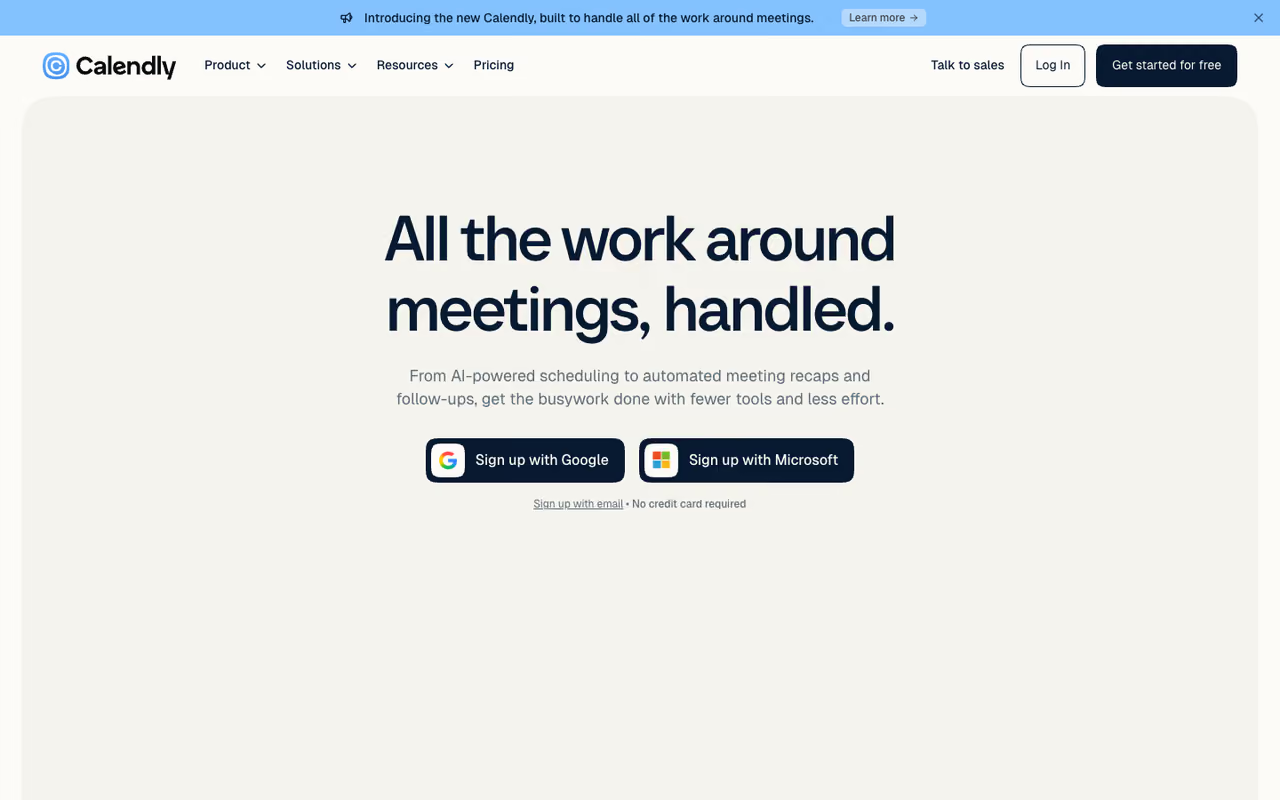
Calendly is the tool everyone has clicked at least once, and that familiarity is itself a feature. When you send a Calendly link, the person on the other end already knows what to do.
The default for sales teams, recruiters and anyone scheduling high volumes of one-on-ones, with the longest integration list and routing forms that justify paid tiers. The catch is the free plan's single event type, which is restrictive beyond solo use.
Time zone handling is the cleanest of the tools here, the booking page looks professional out of the box, and the integration list is the longest here: Salesforce, HubSpot, Zoom, Stripe, Zapier, and dozens more.
Pricing: the free plan gives you one event type and one connected calendar, which covers a lot of solo users. The Standard plan runs $10 per seat per month on annual billing and unlocks unlimited event types, multiple calendars, and payments. Teams is $16 per seat for round-robin, lead routing, and Salesforce. Enterprise starts at $15k a year.
The standout is routing forms on the paid tiers. A prospect answers a few questions and gets sent to the right rep with the right meeting type automatically. For a sales org, that alone justifies the cost.
The catch: the free plan's single-event-type limit gets restrictive fast. The moment you need both a "15-minute intro" and a "30-minute demo" link, you're paying. And per-seat pricing climbs quickly for larger teams next to flat-rate options like Acuity.

Cal.com: the open-source heavyweight
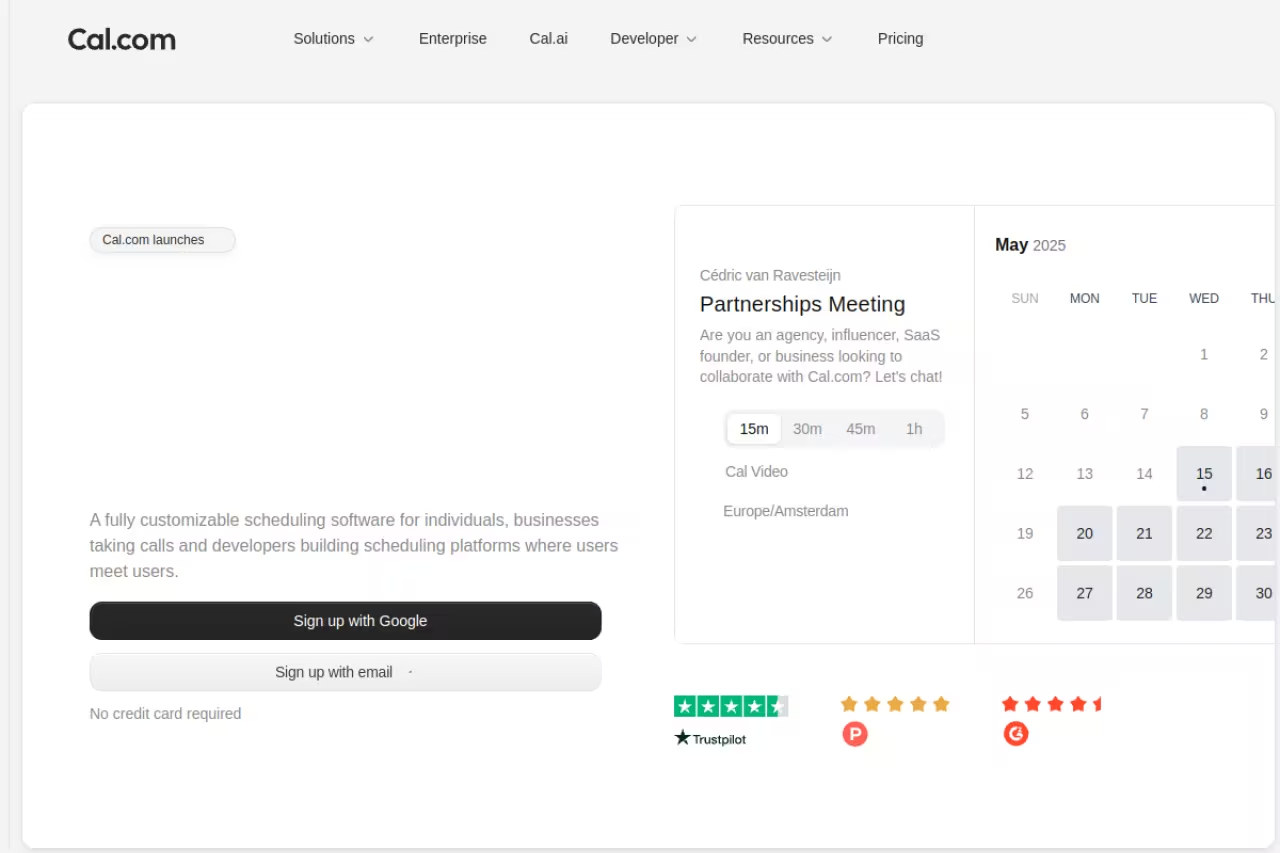
Cal.com is what you reach for when you want Calendly's capabilities without handing your meeting data to a closed platform. It's open source with 42,000+ GitHub stars, and you can run it as a hosted SaaS or self-host it on your own server.
Cal.com is the choice for developers and privacy-conscious teams who want Calendly's capabilities without a closed platform, and its free cloud plan beats Calendly's. Self-hosting is real engineering work, and you own the maintenance forever.
The free cloud plan beats Calendly's: unlimited event types, unlimited calendar connections, SMS and email notifications, and native Stripe and PayPal payments at no cost.
Pricing: free for individuals, Teams at $12 per user per month on annual billing (round-robin, routing forms, branded pages, analytics), and Organizations at $28 per user for SAML SSO, sub-teams, and certifications like SOC 2 and HIPAA.
The standout is genuine ownership. Self-host it and your client data never touches a third party, which matters for regulated industries and EU teams worried about data residency.
Where it falls short: self-hosting is real engineering work and you own the maintenance forever. The hosted version is polished, but the UI still has rough edges that Calendly sanded down years ago. If nobody on your team writes code, the open-source advantage is mostly theoretical.

SavvyCal: the one invitees actually like
SavvyCal flips the usual dynamic. Most booking links make the recipient stare at a grid of your open slots. SavvyCal lets them overlay their own calendar on top of yours, so they see where a time works for both of you without leaving the page.
SavvyCal is the booking link invitees actually like, ideal for consultants and account managers who want to impress, thanks to its calendar overlay and ranked meeting polls. It is pricier than the competition and has a shorter integration list than Calendly.
The overlay sounds small until you use it, then sending a plain Calendly link feels slightly rude by comparison.
Pricing: no permanent free plan, but a real free trial. Basic is $10 per user per month with unlimited links, meeting polls, and team scheduling modes (collective, round robin, group). Premium at $17 adds custom domains, paid bookings, delegated assistant access, and time-blocking defenses.
The standout, beyond the overlay, is meeting polls done right: you propose times, recipients rank them, SavvyCal picks the winner. The cleanest group-coordination flow short of a dedicated poll tool.
The catch: it's pricier than the value-per-feature competition, and the integration list is shorter than Calendly's. If your workflow depends on a niche CRM connection, check it's supported first.
Acuity Scheduling: built for businesses that take payments
Acuity Scheduling, owned by Squarespace, is less a booking link and more a small-business operating layer. Intake forms, recurring appointments, packages, gift certificates, and payments all live in one place.
Acuity suits service businesses such as clinics, salons, coaches and studios that take paid sessions from returning clients, with intake forms as the real draw. Flat pricing undercuts per-seat tools, but it is overkill for simple call booking and has no free tier.
The intake forms are the real draw. A new client books and fills out everything you need before they walk in.
Pricing: no free plan, just a 7-day trial. Plans start at $16 per month on annual billing (Emerging), $27 for Growing (6 calendars, SMS reminders, group classes), and $49 for Powerhouse (36 calendars, API, HIPAA). The detail people miss: Acuity charges flat rate, not per user. A 10-person clinic pays the same as a solo coach on the same tier.
The standout is that flat pricing. For any team above three or four people who need payments and intake, Acuity quietly undercuts every per-seat tool here.
Where it falls short: it's overkill for simple "book a call with me" scheduling, and there's no free tier to keep a basic booking page running the way Calendly or Cal.com let you.

Motion: AI that runs your whole calendar
Motion belongs in a different category, and that's the point. It isn't really a booking link. It's an AI calendar that takes your task list and meetings and auto-schedules everything into open slots, rearranging in real time as priorities shift.
Motion is an AI calendar rather than a booking link, best for solo operators and founders who need to find time for real work between meetings. If you only want a clean booking link it is the wrong buy, and the learning curve is real.
You add tasks with deadlines and durations, Motion finds the time, and a booking-link feature handles the meeting side.
Pricing: Pro AI is $19 per seat per month on annual billing (AI calendar, meetings, task planner), and Business AI is $29 for timeline views, Gantt charts, and team capacity planning. No free plan.
The standout is the auto-scheduler. If meetings keep eating the time you needed for deep work, Motion is the only tool here that treats your tasks and calendar as one system.
The catch: if all you want is a clean booking link, Motion is the wrong buy. It's a project-and-time-management platform with scheduling attached, the learning curve is real, and you'll pay for capabilities a simple scheduler gives you for free. For more, see our guide to the best AI scheduling assistants.
Booking the meeting is step one. If you also want AI handling research, drafts, and follow-ups around those calls, Dupple X bundles the AI tools that pick up where your calendar leaves off.

Reclaim.ai: the focus-time bodyguard
Reclaim.ai, now part of Dropbox, sits next to Motion in the calendar-intelligence camp with a sharper job: defending your time. It automatically schedules habits, recurring tasks, and focus blocks, then moves them around your meetings so the deep work never gets squeezed out.
Reclaim.ai is the pick if your calendar is already full and meeting creep keeps eating your focus time, since it defends habits and deep work blocks. It is not a pure booking tool, and its scheduling link is the weaker half.
Tell Reclaim you want three hours of deep work a day and a daily lunch, and it defends those blocks, shuffling them when a meeting lands on top.
Pricing: the free Lite plan covers one user with focus time, habits, buffer time, one calendar sync, and one scheduling link. Starter is $10 per user per month with more agents and links, and Business is $15 with team out-of-office calendars and delegated executive-assistant access.
The standout is smart habit defense. No other tool here treats "protect my mornings" as a first-class scheduling constraint.
Where it falls short: like Motion, it's not a pure booking tool, and its scheduling-link feature is the weaker half. If meeting booking is your main need, Reclaim pairs well alongside a dedicated booking link rather than replacing one.

TidyCal: the no-subscription option
TidyCal, from the AppSumo team, is the budget pick that refuses to nickel-and-dime you. Its headline is a one-time lifetime payment, the cheapest serious option over any multi-year horizon.
The budget pick for freelancers and solopreneurs allergic to another subscription, with a $29 one-time lifetime tier and a capable free plan. It is basic next to the leaders, with no advanced routing and a thinner integration list.
The free plan is unusually capable: unlimited bookings, booking types, paid bookings, and recurring bookings with your own booking page.
Pricing: free for the basics, an Individual Lifetime tier at $29 one-time (group bookings, AI assistant, up to 10 calendar connections), and a Pro plan at $12 per month for no branding, a custom domain, and 25 calendar connections.
The standout is the math: $29 once versus $120-plus a year for Calendly Standard. For a one-person operation, hard to argue with.
The catch: it's basic next to the leaders. No advanced routing, a thinner integration list, a less refined booking experience. It does the core job well and stops there, which is a dealbreaker for teams that need routing or CRM depth.

Doodle: when you need to herd a crowd
Doodle solves a problem the others handle poorly: finding one time that works for a whole group. Instead of a one-on-one link, you propose several options and everyone marks what works, then you lock in the winner.
Reach for Doodle when you need to herd a crowd, such as committees and cross-team meetings, where nothing beats its group polls. It is narrow, clunkier than the dedicated tools for one-on-one links, and free-tier ads look unprofessional on client-facing polls.
Its group-poll format has been the default for this for over a decade.
Pricing: the free plan covers basic polls with ads. Paid plans start around $7 per month for ad-free polls, reminders, and custom branding, with team tiers above that.
The standout is dead-simple group coordination. For the job of "get eight people to agree on a time," nothing beats it.
Where it falls short: it's narrow. For one-on-one links Doodle is clunkier than the dedicated tools, and the free tier's ads look unprofessional on a client-facing poll. Use it for the group-poll job and reach for something else for everyday booking.
How to choose
Skip the feature checklists and answer one question: what is the actual job?
Booking a lot of one-on-ones (sales, recruiting, customer calls)? Start with Calendly. The free plan may carry you for a while, and the Standard tier is money well spent once you outgrow the single-event-type limit. Care about data ownership or want to self-host? Go Cal.com: the free cloud tier already beats most paid competitors. Want the booking experience to feel premium? Pay for SavvyCal, where the calendar overlay is worth more than the price difference for client-facing work.
Running a service business that takes payments? Acuity wins on flat pricing and intake forms. For three or more people who need payments, it's cheaper than any per-seat tool here.
And if your real problem isn't booking meetings but protecting the time around them, that's a Motion or Reclaim question, not a booking-link one. For the wider stack, our roundup of the best AI tools for productivity goes deeper, and the best calendar apps guide covers the layer underneath all of these.
FAQ
What is the best free scheduling app?
Cal.com has the most generous free tier: unlimited event types, unlimited calendar connections, and built-in payments at no cost. Calendly's free plan is more limited (one event type, one calendar) but is the most polished and recognizable. TidyCal's free plan is also strong if you want unlimited booking types without a subscription.
Is Calendly or Cal.com better?
Calendly is more polished and has a larger integration ecosystem, which makes it the safer pick for non-technical sales and recruiting teams. Cal.com is better if you want a more generous free plan, full data ownership, or the ability to self-host. For most teams Calendly wins on ease; for privacy-focused or technical teams, Cal.com wins.
Do I need a scheduling app if I already use Google Calendar?
Google Calendar shows your schedule but can't hand someone a link to book an open slot without back-and-forth. A scheduling app reads your availability and lets others pick a time directly, removing the email thread. They complement each other. See our best calendar apps guide for the calendar layer.
What's the difference between a booking link and an AI scheduler?
A booking link (Calendly, SavvyCal, Cal.com) lets other people pick a time from your availability. An AI scheduler (Motion, Reclaim.ai) optimizes how you spend your own time by auto-scheduling tasks and defending focus blocks. Booking links solve "let people schedule me." AI schedulers solve "manage my whole day." Many people run one of each.
Which scheduling app is best for a service business that takes payments?
Acuity Scheduling is the strongest pick for paid bookings. It combines intake forms, recurring appointments, packages, and payments, and it charges flat rate instead of per user, so a 10-person team pays the same as a solo operator. Cal.com and Calendly also support Stripe payments if you want a lighter option.
Are lifetime scheduling deals like TidyCal worth it?
For a solo user or freelancer, yes. TidyCal's $29 one-time deal pays for itself in a few months versus a $10-per-month subscription. The trade-off is fewer advanced features: limited routing, a smaller integration list. Teams that need round-robin routing or deep CRM integrations are better served by a subscription tool like Calendly or Cal.com.
Related guides
Some offers on this page may be paid placements or contain affiliate links.
Across our whole catalogue the median is $24 a month and 33% of tools advertise a free tier. Figures are the lowest recurring monthly price quoted in our own review of each tool, read on 2026-08-19. Full method and every category.
