
Best Analyzer Lead Magnet Examples (2026): 8 Tools to Build One

Key facts8 tools compared: ScoreApp, Outgrow, Heyflow, involve.me, Typeform, Interact, Custom build…
- 8 tools compared: ScoreApp, Outgrow, Heyflow, involve.me, Typeform, Interact, Custom build, Free SEO tools
- ScoreApp (best for: Scorecards and graders): Free, then $39/mo
- Outgrow (best for: Calculators + assessments): From $25/mo
- Heyflow (best for: Multi-step funnel analyzers): From ~$22/mo
- involve.me (best for: Quiz-to-payment funnels): From $19/mo
A PDF checklist gets downloaded and forgotten. An analyzer gets bookmarked, shared in a Slack channel, and screenshotted into a LinkedIn post. That gap is the whole reason this category exists.
An analyzer lead magnet takes something the visitor already cares about (their website, their LinkedIn profile, their ad account, their pricing page) and hands back a personalized result in exchange for an email. HubSpot's Website Grader has scanned millions of sites since launch and is still one of the most copied marketing tactics in B2B. The reason it works: the output is about them, not about you.
If you want to ship one, my top pick for most teams is ScoreApp. It's purpose-built for scorecards, the free tier is enough to validate the idea, and you don't need a developer. If you want deeper logic or you're already running quizzes and calculators, Outgrow goes further. Below I break down 8 tools I'd actually use, with real pricing, plus the analyzer examples worth stealing from. For more formats beyond analyzers, our roundup of interactive lead magnet examples is a good companion read.
Quick comparison
| Tool | Best for | Price | Standout |
|---|---|---|---|
| ScoreApp | Scorecards and graders | Free, then $39/mo | Built for the scoring use case |
| Outgrow | Calculators + assessments | From $25/mo | Deepest branching logic |
| Heyflow | Multi-step funnel analyzers | From ~$22/mo | Design control, SOC 2 / GDPR |
| involve.me | Quiz-to-payment funnels | From $19/mo | Collect payment in the same flow |
| Typeform | Conversational assessments | Free, then ~$25/mo | Highest-polish question UX |
| Interact | Personality / fit quizzes | Free, then $17/mo | AI quiz generation |
| Custom build | Real data analyzers (Website Grader style) | Dev time | Pulls live data, fully yours |
| Free SEO tools | Inspiration (Ahrefs, Ubersuggest) | Free | Live data = viral sharing |

ScoreApp
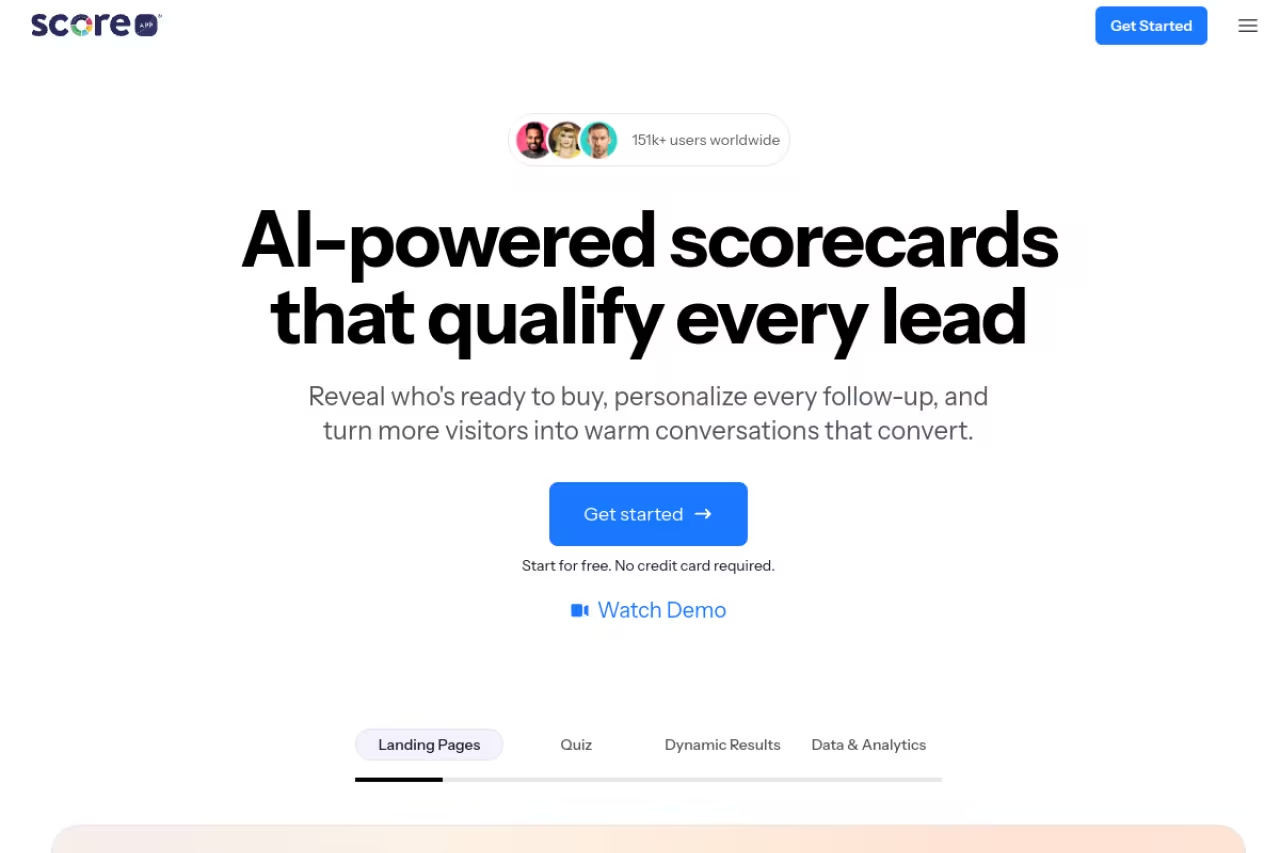
ScoreApp is the one tool here built around the exact thing you're trying to do: give someone a score. You define questions, weight the answers, and the visitor gets a number plus a tailored result page. Marketers who've never touched a funnel builder can ship something live in an afternoon.
The most direct fit for coaches, consultants and B2B teams who want a scored readiness grade live in an afternoon, with strong result pages out of the box. Response caps bite fast, and a hit magnet pushes you to the $149 Pro tier.
The free plan gives you 1 live scorecard and 10 responses a month, which is plenty to test whether people care. Starter is $39/mo ($30 billed yearly) for 3 scorecards and 100 responses. Business runs $99/mo for 1,000 responses, and Pro hits $149/mo for 3,000.
The standout: The result pages are genuinely good out of the box. Each respondent lands on a dynamic page that explains their score and what to fix, which is the part most homegrown quizzes botch.
The catch: Response caps bite fast if your magnet takes off. A scorecard that lands 1,500 completions a month pushes you onto the $149 Pro tier, and that's before you've added a second magnet. Budget for the jump.

Outgrow
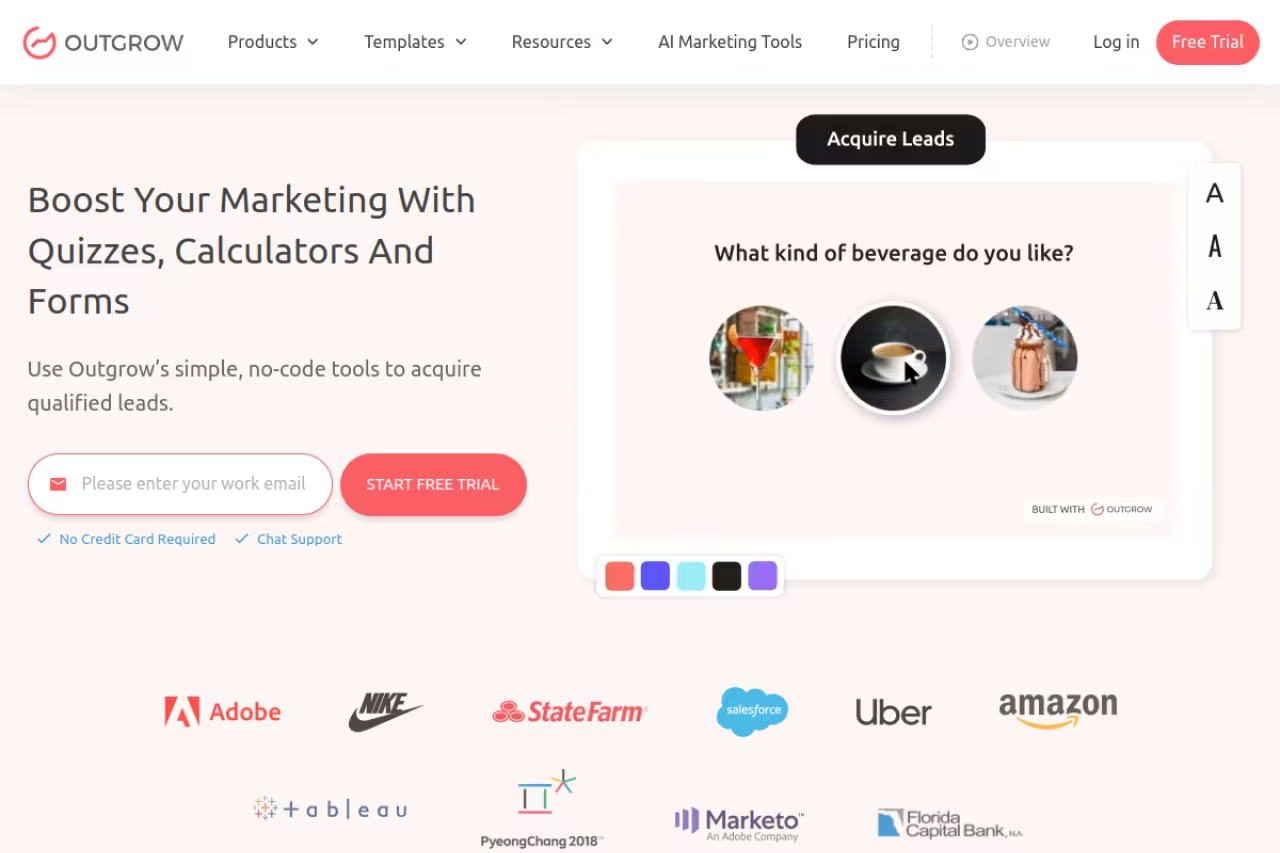
Outgrow is the Swiss-army option. Quizzes, assessments, calculators, polls, chatbots, recommendations: it does all of them, and the branching logic goes deeper than anything else on this list. If your analyzer needs "if they answered X and their company size is Y, show result Z," Outgrow handles it without flinching.
The Swiss-army option for demand-gen teams running several interactive magnets, with the deepest branching logic and strong CRM integrations. The price ladder is steep, a cliff from $115 to $720, so for a single analyzer you overpay versus ScoreApp.
Freelancer Pro starts at $25/mo billed yearly ($45 monthly) and unlocks real lead-gen features. Essentials is $95/mo ($115 monthly), and Business jumps to $600/mo ($720 monthly) for unlimited content and all content types. Integrations with HubSpot, Salesforce, Marketo, Mailchimp and Klaviyo are included on the paid tiers.
The standout: The calculator and assessment templates. You can clone a "ROI calculator" or "marketing maturity assessment" and have something credible in under an hour.
Where it falls short: The price ladder is steep. Most ecommerce and SaaS teams land on Essentials or Business, and the gap between $115 and $720 is a cliff. For a single analyzer, you're overpaying versus ScoreApp.
Heyflow
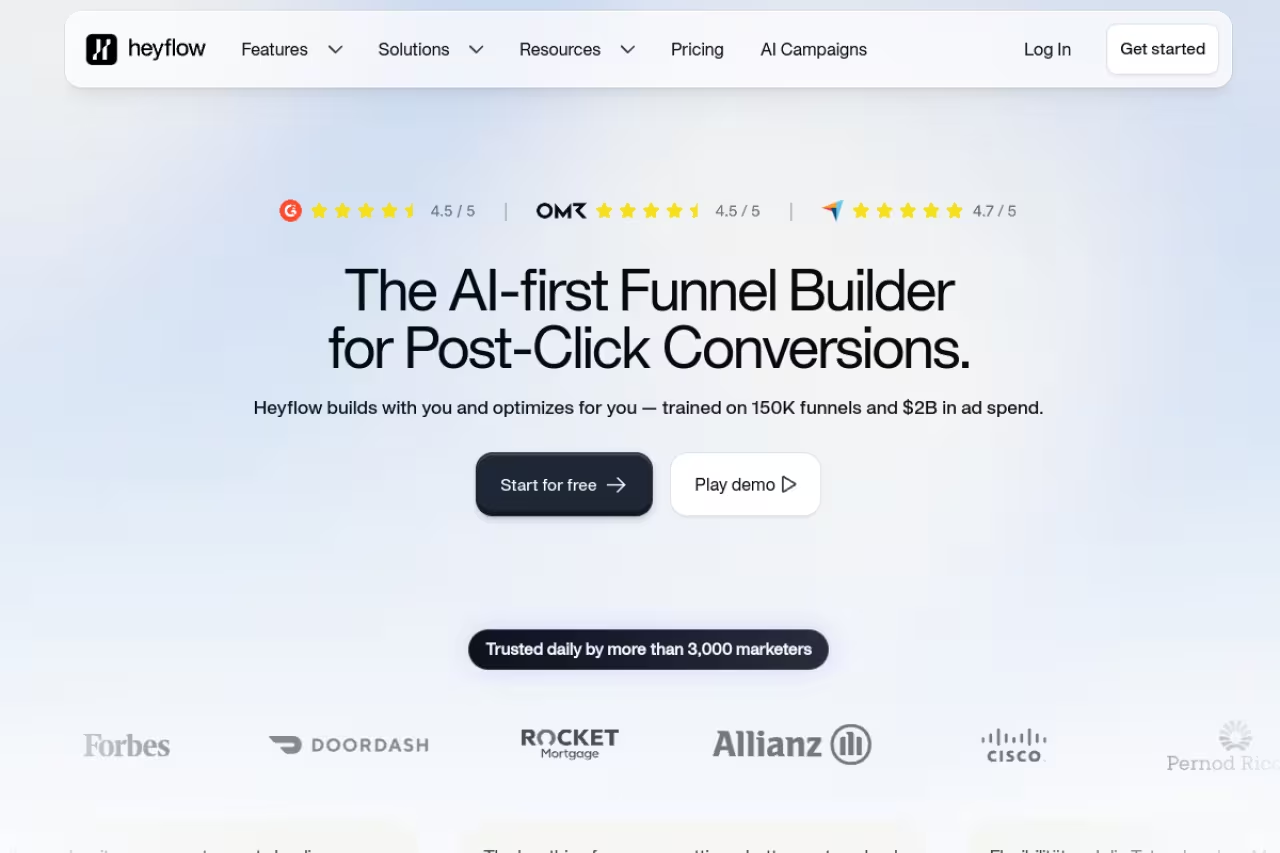
Heyflow is a no-code builder for multi-step forms and funnels, and it shines when your analyzer is really a guided diagnostic: question, branch, question, branch, then a personalized recommendation at the end. The design control is the best in this group, so your magnet looks like part of your site instead of a bolted-on widget.
Pick Heyflow when pixel-level design and compliance matter, as in agencies building guided diagnostics that look native to the site. It is a funnel builder first, with no native scoring engine, so you build the logic yourself.
Entry pricing starts around $22/mo for 50 responses, with a Standard tier near $49/mo. Conditional logic, email automations, and the drag-and-drop builder come in on the lower tiers.
The standout: Conditional routing plus a real design canvas. You can send a "score: needs work" respondent down a different path than a "score: excellent" one, and both screens look hand-built.
The catch: It's a funnel builder first, scorer second. There's no native scoring engine like ScoreApp's, so you build the logic yourself. For a simple grade-out-of-100, that's more work than you need.

involve.me
involve.me sits between a quiz builder and a checkout. It runs the same interactive formats (quizzes, calculators, forms, assessments) but lets you collect payment via Stripe or PayPal in the same flow. If your analyzer qualifies a buyer and then sells them something, this closes the loop.
Closes the loop for consultants and productized services that want to qualify with a quiz and take payment in the same flow. Funnel count is the limit on lower tiers, and three live funnels disappears quickly.
Start is $19/mo billed yearly for 3 live funnels. Grow is $49/mo and removes branding, Scale is $119/mo with A/B testing and webhooks, and Enterprise begins at $399/mo.
The standout: Quiz-to-payment in a single funnel. Few tools let an "assessment result" page flow straight into a paid booking without a handoff.
Where it falls short: Funnel count, not response count, is the limit on lower tiers. Three live funnels disappears quickly once you want variants per audience.

Typeform
Typeform won't compute a weighted score on its own, but for a conversational assessment where the experience sells the result, nothing feels smoother. One question per screen, clean transitions, logic jumps. Plenty of teams use it for "what kind of X are you" style magnets that route to a tailored email.
A smooth choice for brands whose completion rate depends on the question experience feeling effortless. It will not compute a weighted score, and the monthly response cap is a hard wall that could cost you leads on a viral analyzer.
The free plan caps at 10 responses a month across all forms. Basic is roughly $25/mo (annual) for 100 responses, Plus is $50/mo for 1,000, and Business is $83/mo for 10,000.
The standout: Completion rates. The one-question-at-a-time format consistently beats long static forms, and that compounds when your magnet is the front door to a list.
The catch: Responses are a hard wall. Hit your monthly cap on the Basic plan and response 101 simply isn't recorded. For a viral analyzer, that's a real risk. Read the response model before you pick a tier.

Interact
Interact is a quiz-first builder with AI generation baked in. Paste a topic or a URL and it drafts the questions and outcomes, which is genuinely useful when you're staring at a blank quiz. The result-based segmentation pushes leads into your email tool already tagged.
Good for creators and marketers who want a personality or fit quiz live this week, with AI drafting the questions and segmentation tagging leads by result. It is quiz-only, so you will outgrow it if you need a calculator or real analyzer.
There's a forever-free plan with basic features and a 14-day trial of the paid tiers. Lite is around $17/mo (annual), Growth about $53/mo for up to 2,000 leads and 20 quizzes, and Pro near $125/mo.
The standout: AI quiz drafting plus native segmentation into Mailchimp, Kit, and the other usual suspects. The lead arrives pre-sorted by result.
Where it falls short: It's a quiz tool, full stop. If you need a calculator or a real data analyzer, you'll outgrow it. The free plan also keeps Interact branding on your quiz.
A custom build (the Website Grader route)
The magnets that go viral pull live data. HubSpot's Website Grader scores a real URL on performance, SEO, mobile, and security. Ahrefs gives away a free backlink checker and a website authority checker that surface real Domain Rating, and both have driven enormous top-of-funnel for years. Neil Patel's Ubersuggest does the same for keywords. None of these can be cloned in a no-code builder, because the value is the data behind them.
The route for companies that already own a hard-to-get data source, since live data is what makes magnets like Website Grader go viral. It is a project, not an afternoon, so validate demand with a no-code scorecard first.
Developer time. There's no license fee, but plan for design, engineering, and ongoing maintenance.
The standout: Defensibility and shareability. A score backed by real data gets screenshotted and linked to, which a static quiz almost never does. The interactive-content edge is real: DemandGen has reported interactive content generates roughly twice the engagement of passive content.
The catch: Cost and scope. This is a project, not an afternoon. Validate demand with a no-code scorecard first, then build the real thing once you know people want it. Don't start here. If you do go down this road, our B2B lead magnet tool playbook walks through the build decisions.
Free SEO tools (for inspiration, not building)
This last "tool" is really a pattern to study. The free analyzers from Ahrefs, Semrush, and Ubersuggest are the masterclass: narrow input, instant useful output, soft gate for the full report. You're not going to rebuild Ahrefs, but you can copy the structure. Pick one input your buyer obsesses over, return one clear number, then trade the detailed breakdown for an email. If you're mapping your wider funnel, our B2B tech lead generation guide covers where analyzers fit alongside other channels.
How to choose
Start with the output, not the tool.
If your magnet is a score or grade ("How healthy is your X, out of 100?"), go straight to ScoreApp. It's the shortest path from idea to live.
If it's a calculator or a branching assessment with real conditional logic, Outgrow has the depth, or Heyflow if design and compliance matter more than a native scoring engine.
If the experience needs to feel like a conversation, Typeform wins on completion rate. If it should qualify and then charge, involve.me closes the loop in one flow.
If you have proprietary data worth showing live, the custom-build route is where the real moats are, but only after a no-code version proves people want the result. Two more rules, learned the hard way: keep it under 10 minutes to complete, and make the result page the best part. The score is the hook. The "here's exactly what to fix" page is what gets your email opened.
Want a curated shortlist of the tools we actually rate? Browse our top tools directory, or if you'd rather have the picks delivered, Dupple X sends the AI and marketing tools worth your attention. Start a yearly trial here.
FAQ
What is an analyzer lead magnet?
It's an interactive tool that takes an input the visitor provides (a website URL, a LinkedIn profile, a set of quiz answers, or business data) and returns a personalized analysis, score, or recommendation in exchange for their email. HubSpot's Website Grader is the classic example: enter a URL, get a graded report, hand over your address for the details.
What's the best tool to build an analyzer lead magnet?
For most teams, ScoreApp, because it's purpose-built for scorecards and has a usable free tier. If you need deeper logic across quizzes and calculators, Outgrow. If the magnet is really a designed multi-step funnel, Heyflow. The right pick depends on whether your output is a score, a calculation, or a conversational result.
How much does it cost to create one?
No-code is cheap to start. ScoreApp, Typeform, and Interact all have free tiers, and paid plans begin around $17 to $39 a month. A real data-driven analyzer like Website Grader is a custom build with no license fee but meaningful developer cost, so validate with a no-code version first.
Do analyzer lead magnets convert better than ebooks?
Generally yes, because the output is personalized and feels earned rather than generic. Interactive content has been reported to drive roughly twice the engagement of passive content like PDFs, and a tailored result gives people a reason to act. The trade-off is that analyzers take more effort to build than a downloadable guide.
How long should an analyzer take to complete?
Under 10 minutes, and ideally under 5. Every extra question costs you completions. Ask only what you need to produce a credible result, gate the full breakdown behind the email, and put your best, most specific advice on the result page so the magnet keeps paying off after the opt-in.
Related guides
Some offers on this page may be paid placements or contain affiliate links.
Across our whole catalogue the median is $24 a month and 33% of tools advertise a free tier. Figures are the lowest recurring monthly price quoted in our own review of each tool, read on 2026-08-19. Full method and every category.
