
Best AI Process Mining Tools in 2026

Key facts8 tools compared: Celonis, Apromore, UiPath Process Mining, SAP Signavio, Power Automate…
- 8 tools compared: Celonis, Apromore, UiPath Process Mining, SAP Signavio, Power Automate Process Mining, Skan AI, QPR ProcessAnalyzer, Fluxicon Disco
- Celonis (best for: Large enterprises, complex processes): Free plan; enterprise custom
- Apromore (best for: Teams that want open-source roots): Free Community Edition; paid Enterprise
- UiPath Process Mining (best for: Companies already doing RPA): Platform Units (consumption)
- SAP Signavio (best for: SAP-heavy organizations): Per-user/record blocks, custom
Process mining used to be a project for a data science team and a six-month timeline. You exported event logs, wrestled them into shape, and stared at a spaghetti diagram nobody outside the room could read. That part is over.
The shift in 2026 is that the AI layer now does the reading for you. The newest platforms ship conversational copilots that answer "where is my order-to-cash process leaking money" in plain English, surface root causes automatically, and in a few cases hand you a working automation or an agent at the end. The mining itself became table stakes. What you pay for now is how fast the tool turns a process map into a decision.
I compared the major platforms, dug through their pricing, and read the 2026 Gartner Magic Quadrant for Process Intelligence to see who actually moved. If you want the short answer: Celonis is still the one to beat for large enterprises, and its free tier makes it the easiest place to start. But the right pick depends heavily on which systems you already run. This guide is for operations leaders, RevOps and finance teams, and automation builders who want to find waste in their workflows without a year-long rollout.
Quick comparison
| Tool | Best for | Price | Standout |
|---|---|---|---|
| Celonis | Large enterprises, complex processes | Free plan; enterprise custom | Process Copilot + huge connector library |
| Apromore | Teams that want open-source roots | Free Community Edition; paid Enterprise | Open core, now inside Salesforce |
| UiPath Process Mining | Companies already doing RPA | Platform Units (consumption) | Mining-to-automation in one platform |
| SAP Signavio | SAP-heavy organizations | Per-user/record blocks, custom | Insights from SAP data in under 24h |
| Power Automate Process Mining | Microsoft 365 shops | $5,000/tenant/mo add-on | Native Power Platform automation |
| Skan AI | Task mining, agent discovery | Custom | Zero-integration desktop observation |
| QPR ProcessAnalyzer | Regulated industries, compliance | Custom | Conformance checking and governance |
| Fluxicon Disco | Analysts, one-off deep dives | One-time perpetual license | Fast, focused, no subscription |

Celonis
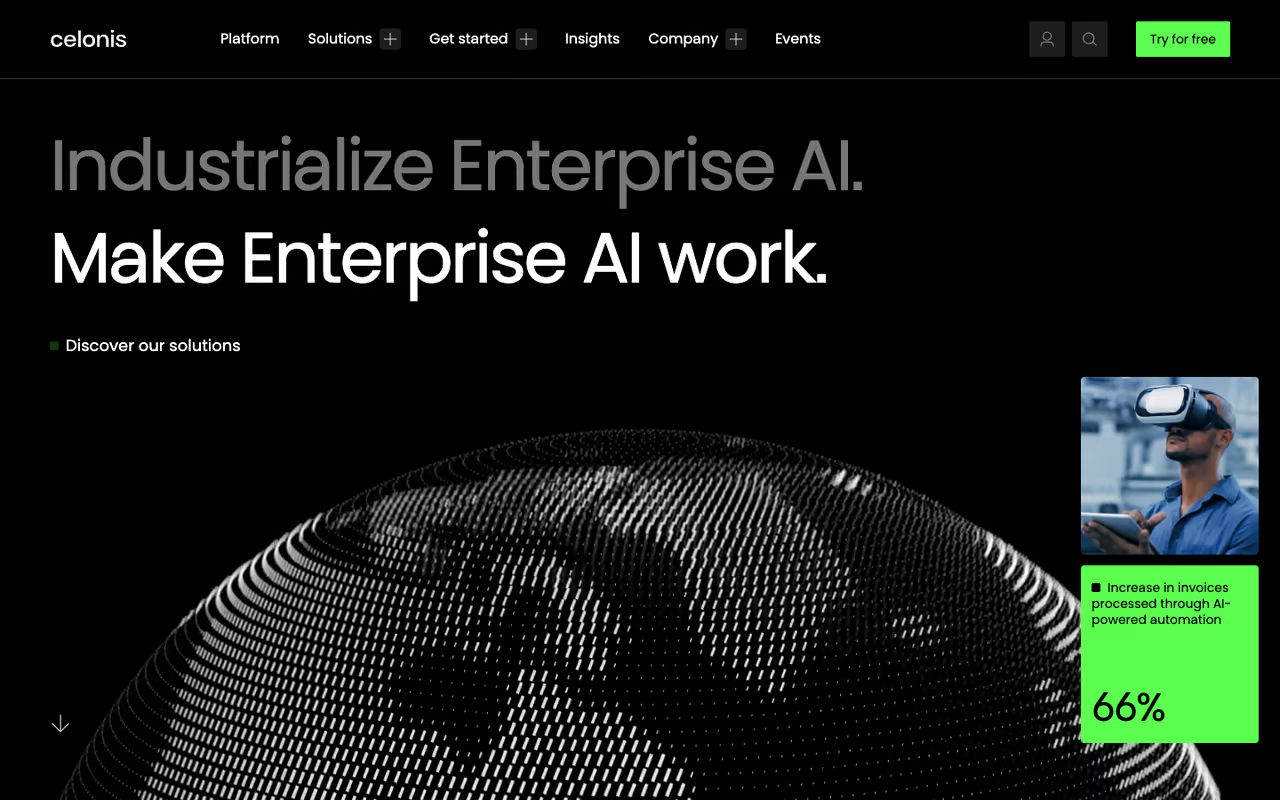
Celonis is the category leader, and the reason is obvious once you look at what it does. It connects to your source systems, builds an end-to-end view of a process like procure-to-pay, and quantifies the cost of every bottleneck in money rather than abstract counts. The 2026 version leans hard on its Process Copilot, an LLM assistant that lets a non-technical user ask questions, build dashboards, and generate reports by typing instead of writing PQL.
Who it's best for: enterprises with messy, high-volume processes across SAP, Oracle, Salesforce, and ServiceNow, where finding even a 2% efficiency gain is worth real money.
The category leader for enterprises with messy, high-volume processes across SAP, Oracle, Salesforce and ServiceNow, quantifying every bottleneck in money. Pricing is opaque, it is overkill for a small team, and without an analyst to own it the depth becomes a liability.
Pricing is custom and not cheap. Customer spend data on TrustRadius shows averages around $2,000 for smaller plans and well into six figures for enterprise deals. The smart move is to start with the free plan, formerly called Snap, which lets you upload a CSV or Excel event log up to 1GB and explore the full discovery experience at no cost.
The standout is the connector library and the way Celonis turns a process map into a prioritized action list. Nothing else covers as many source systems out of the box.
The catch: pricing opacity is real, and the platform is overkill for a small team with two or three processes. Live data connections require a full license, and the free plan won't let you trigger actions back into source systems. If you don't have an analyst to own it, the depth becomes a liability.
Apromore
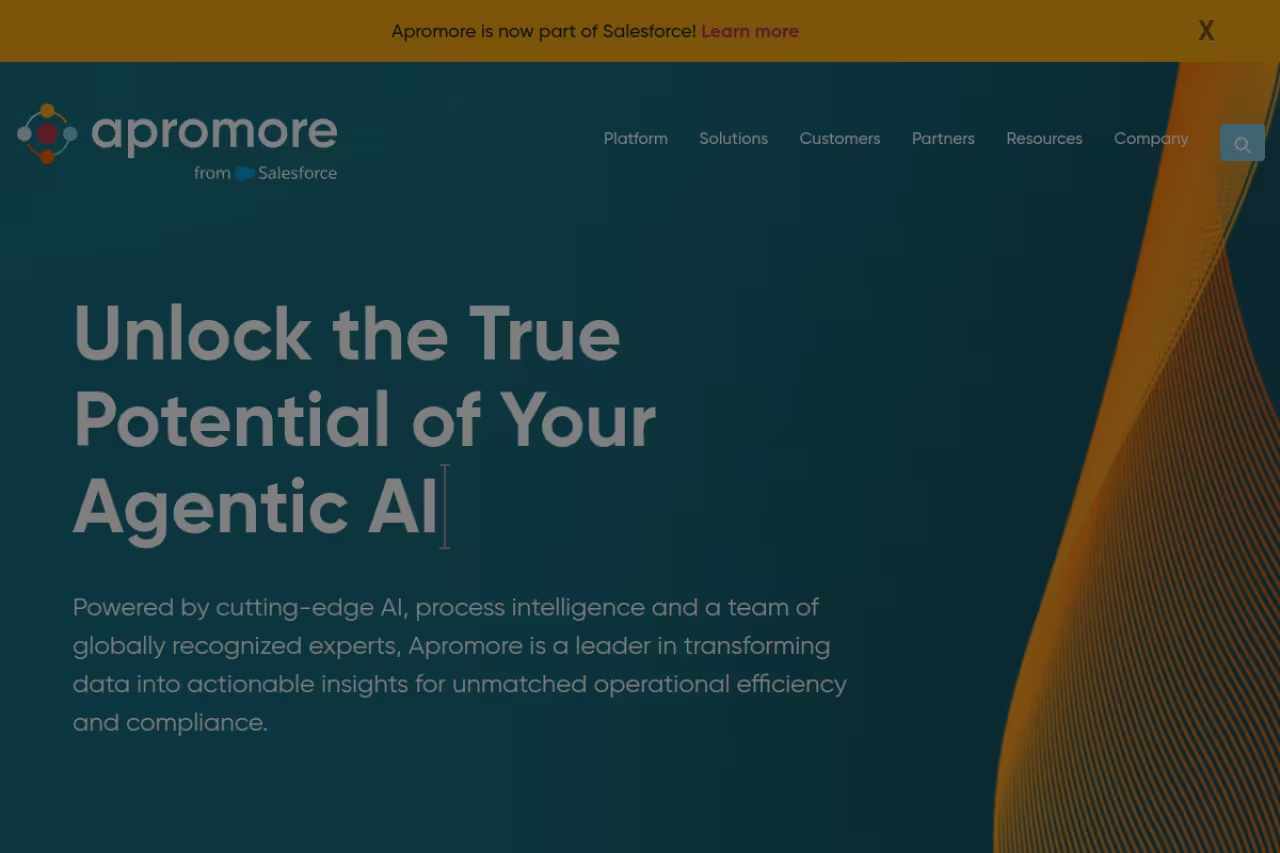
Apromore started as an academic open-source project and grew into a credible enterprise platform, and in early 2026 Salesforce announced it was acquiring the company to feed Agentforce's process automation ambitions. That matters: if you're already in the Salesforce ecosystem, Apromore is about to become the native process intelligence layer.
Who it's best for: teams that value an open core and want process mining, task mining, modeling, and simulation in one no-code platform without locking into a closed enterprise suite from day one.
Apromore offers a free Community Edition (the open-source roots) plus a subscription Enterprise Edition with commercial connectors, an AI copilot, and a compliance center. You can run it as SaaS or on-premises, which is rare and useful for data-sensitive industries. Apromore claims customers see an average 51% process efficiency increase, a number worth verifying against your own baseline.
The standout is flexibility. Open-source foundations, both deployment models, and a lower total cost of ownership than the giants make it a pragmatic middle path.
Where it falls short: the Salesforce acquisition creates uncertainty about the standalone roadmap. If you're not heading toward Salesforce, you're now betting on a product whose future direction is partly out of your control.
A pragmatic middle path for teams that value an open core, with process mining, task mining and simulation in one platform. The Salesforce acquisition makes the standalone roadmap uncertain, so think twice if you are not heading toward Salesforce.

UiPath Process Mining
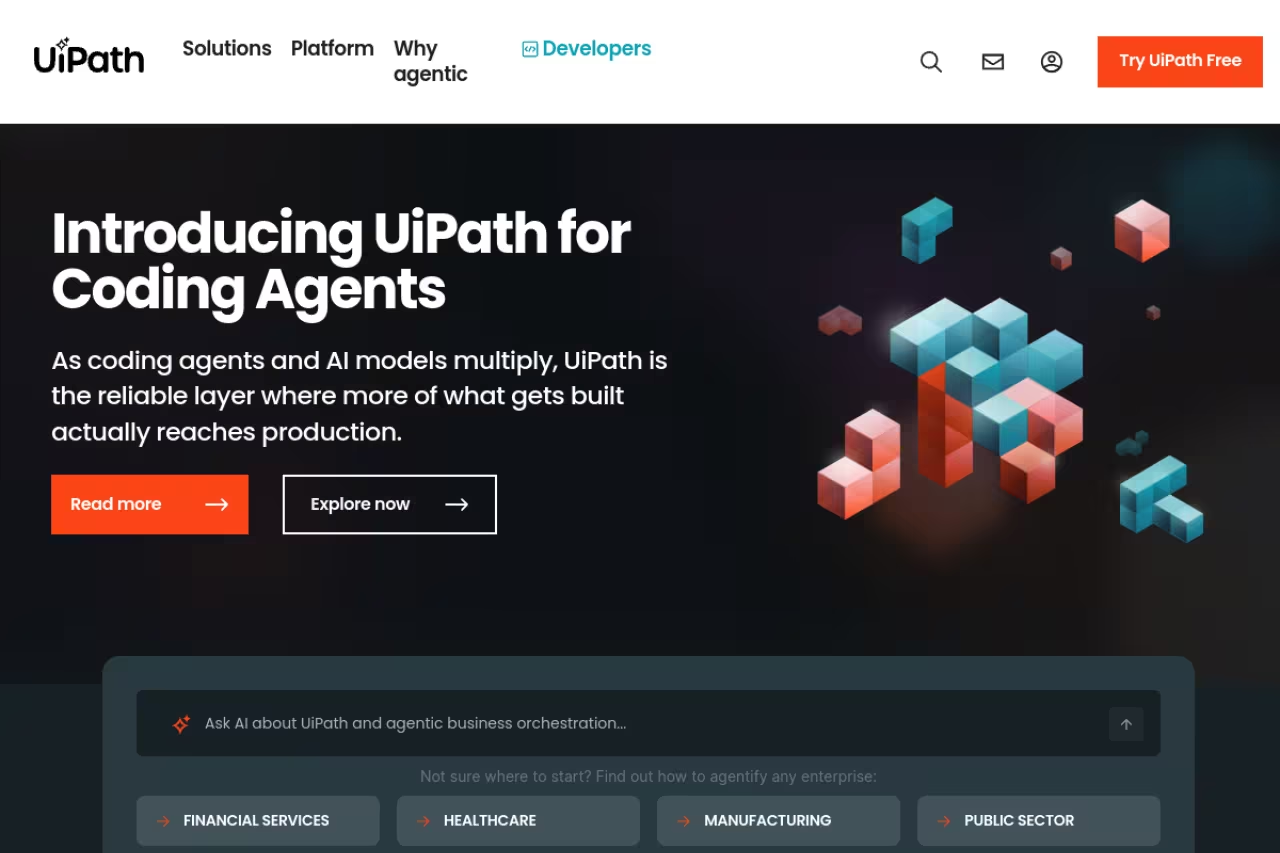
UiPath came at process mining from the automation side, and that's still its edge. The whole pitch is a closed loop: mine the process, find the repetitive steps, then build the RPA bot or agent to handle them inside the same platform. If your goal isn't just understanding a process but automating it, that integration saves enormous handoff friction.
The 2026 release adds Autopilot for Process Mining, a set of AI features that identify bottlenecks, calculate automation rates, and surface the variants with the most deviations automatically. There's also Autopilot for SQL, which helps you write and test the data transformations behind a process app, cutting the most tedious setup work.
Who it's best for: organizations already invested in UiPath RPA, or any automation team that wants discovery and execution under one roof.
Pick UiPath if your goal is to automate a process, not just understand it, since you mine it and build the bot in the same platform. The pricing model is confusing, and without plans to automate with UiPath you pay for a loop you never close.
Pricing runs on consumption-based Platform Units across the UiPath products, which makes forecasting harder but scales with usage. There's a free Community plan for individual developers and small teams, useful for kicking the tires.
The catch: the Platform Units model is genuinely confusing, and costs can creep as you add products. If you have no intention of using UiPath for automation, you're paying for a closed loop you'll never close.
If you're mapping out an automation stack more broadly, our roundup of the best AI agents and the best AI automation tools pairs well with whatever mining tool you land on.

SAP Signavio
If your business runs on SAP, SAP Signavio is the path of least resistance. It connects directly to SAP systems and, per SAP's own materials, can start delivering process insights in under 24 hours. That speed-to-value inside an SAP shop is hard for outside tools to match, because Signavio understands the underlying SAP data model natively.
The platform pairs process intelligence with root cause analysis, automated improvement recommendations, and AI agents grounded in your process data. It's built for organizations running large, standardized processes that want to benchmark against SAP best practices.
Who it's best for: SAP-centric enterprises, especially those mid-migration to S/4HANA who need to understand current-state processes before they move.
The path of least resistance if your business runs on SAP, since it understands the SAP data model natively and can deliver insights in under 24 hours. Pricing is among the least transparent here, and non-SAP shops are better served elsewhere.
Pricing is modular and, frankly, complicated. It's based on named users, blocks of users, and 200,000-record blocks for the intelligence module, plus AI units for the AI features. Expect to talk to sales and budget for a steep, hard-to-estimate number.
Where it falls short: the pricing model is one of the least transparent in this list, and the value drops sharply if you're not an SAP shop. For a non-SAP business, a more neutral platform will serve you better.
Microsoft Power Automate Process Mining
Microsoft folded the Minit acquisition into Power Automate, and the result is a competent process mining tool that lives where many teams already work. If your data sits in Dynamics 365, the Power Platform, or anything in the Microsoft 365 universe, the integration story is the selling point. You can go from a discovered inefficiency to a Power Automate flow without leaving the ecosystem.
Who it's best for: Microsoft-first organizations that want process mining bundled with the broader Power Platform rather than bought as a standalone.
Sensible for Microsoft-first organizations that want process mining bundled with the Power Platform, going from a discovered inefficiency straight to a flow. It is strong because of where it sits, not depth, and the credit model adds another meter.
Pricing has two doors. Process mining capabilities ship with Power Automate Premium (each per-user license includes a small allotment of mining storage), and for serious scale there's a dedicated add-on at $5,000 per tenant per month that includes 100GB of process mining data storage.
The catch: the standalone process mining experience isn't as deep as Celonis or Signavio, and the AI Builder credit model adds another metering layer to track. It's strong because of where it sits, not because it out-mines the specialists.
Skan AI
Skan AI takes a different route. Instead of pulling event logs from back-end systems, it observes work at the desktop level using a computer-vision-driven platform that needs zero integrations. That makes it a task mining tool first, capturing the manual steps people actually take across applications, which traditional process mining built on system logs tends to miss.
In 2026, Skan pushed its positioning toward agents. Its stack maps where AI can deliver the most impact, builds what it calls operational context graphs from work telemetry, and produces governed, ready-to-run agents grounded in how people really work. Gartner named Skan an Honorable Mention in the 2026 Magic Quadrant for Process Intelligence Platforms and a representative vendor for task mining.
Who it's best for: teams whose work happens in desktop apps and browser tabs, where system logs tell you nothing, and operations groups trying to find where agents can take over.
A different route for operations groups, using desktop observation with zero integrations to capture manual steps system logs miss. It raises privacy and change-management questions, and it complements rather than replaces system-level mining.
Pricing is custom and enterprise-oriented, so plan for a sales conversation.
Where it falls short: desktop observation raises privacy and change-management questions that you'll need to handle carefully with employees. And as a task-first tool, it complements rather than fully replaces system-level mining for end-to-end transactional processes.
QPR ProcessAnalyzer
QPR ProcessAnalyzer is the specialist's pick for compliance and conformance. Where general platforms focus on finding waste, QPR is built around checking whether a process actually followed the rules it was supposed to, then flagging every deviation for governance and audit. QPR has been a Gartner Visionary for four straight years and scored second-highest globally in the 2026 Critical Capabilities assessment for process mining platforms.
Who it's best for: regulated industries (finance, pharma, insurance) where conformance checking, root-cause analysis, and audit trails matter more than slick dashboards.
The specialist pick for regulated industries like finance, pharma and insurance where conformance checking and audit trails matter more than slick dashboards. The interface trails the leaders, and the specialization is wasted if you want broad process discovery.
Pricing is custom. QPR is smaller than the megavendors, which can mean more flexibility and more hands-on support, but you'll need to request a quote.
The catch: the interface and overall polish trail the market leaders, and the tool is narrower by design. If your main job is broad process discovery rather than conformance, the specialization is wasted on you.
Fluxicon Disco
Not every process mining job needs a platform with a copilot and a sales rep. Fluxicon Disco is a desktop application loved by analysts and academics for one reason: it's fast, focused, and gets out of your way. You load an event log, and within seconds you have a clean, filterable process map you can actually explore.
Who it's best for: analysts, consultants, and researchers who want to run a sharp one-off analysis without committing to enterprise software or recurring fees.
A fast, focused desktop tool for analysts, consultants and researchers who want a sharp one-off analysis on a perpetual license. It has no real-time pipeline, no AI layer and limited collaboration, so it is not a system of record.
Pricing follows a one-time perpetual license model, which is increasingly rare and genuinely appealing. You buy it, it doesn't expire, and updates are included for a period. Exact figures aren't public, so you contact Fluxicon for a quote tailored to your situation.
Where it falls short: Disco is deliberately not a live-connected enterprise platform. There's no real-time data pipeline, no conversational AI layer, and limited collaboration. It's a precision instrument for a specific job, not the system of record for your operations team.
How to choose
Start with the systems you already run, because that decides more than any feature list.
If you're an SAP shop, look hard at SAP Signavio first. If you live in Microsoft 365, the Power Automate option may already be a license away. If you're heading toward Salesforce, Apromore is about to be the native answer. Already running UiPath bots? Process mining is the natural next purchase from the same vendor.
If you're system-agnostic and want the strongest pure-play platform, Celonis is the default, and its free plan means you can test the real thing on your own data before signing anything. If your processes happen on desktops rather than in databases, Skan AI's task mining sees what system logs can't. For compliance-first teams, QPR. For a single deep analysis without subscription baggage, Fluxicon Disco.
One filter that cuts through the noise: decide whether you want insight or action. Tools like Celonis and Disco are exceptional at telling you what's wrong. UiPath and Power Automate are built to then fix it. Buying a discovery-first tool when you actually want automation (or the reverse) is the most common and expensive mismatch I see.
If you're assembling a broader AI stack around your operations, our guide to the top AI tools and the best AI productivity tools covers the layers that sit alongside process mining. And if you want the weekly signal on which of these platforms is actually shipping, Dupple X tracks the AI tooling space so you don't have to read ten newsletters.
FAQ
What is the best AI process mining tool in 2026?
For most large organizations, Celonis is the strongest overall pick thanks to its Process Copilot, its huge connector library, and a free plan that lets you test it on real data first. But the best tool depends on your stack: SAP Signavio for SAP shops, Power Automate for Microsoft environments, and UiPath if you already automate with their bots.
Is there a free AI process mining tool?
Yes. Celonis offers a free plan (formerly Snap) that lets you upload an event log up to 1GB and explore the full discovery experience. Apromore has a free open-source Community Edition, and UiPath provides a free Community plan for individual developers and small teams.
What's the difference between process mining and task mining?
Process mining reconstructs a workflow from event logs in back-end systems like ERP or CRM, giving you the end-to-end transactional view. Task mining observes what people actually do on their desktops, capturing the manual clicks and copy-paste steps that never touch a system log. Tools like Skan AI specialize in task mining, while Celonis and others combine both.
How much does enterprise process mining software cost?
Enterprise process mining is rarely cheap or transparently priced. Public spend data puts Celonis enterprise deals well into six figures, and Microsoft's dedicated process mining add-on runs $5,000 per tenant per month. Most vendors quote custom pricing based on data volume, users, and AI usage, so budget for a sales conversation and a meaningful investment.
Do I need a data team to use process mining tools?
Less than you used to. The 2026 generation of tools added conversational AI copilots (Celonis Process Copilot, UiPath Autopilot, Apromore's AI Copilot) that let business users ask questions in plain English instead of writing queries. You still benefit from an analyst to own setup and data prep, but the day-to-day exploration is now accessible to non-technical teams.
Related guides
Some offers on this page may be paid placements or contain affiliate links.
