
The 8 Best AI Localization Tools in 2026

Key facts8 tools compared: Lokalise, Crowdin, DeepL, Weglot, Smartcat, Phrase, Smartling, Localazy
- 8 tools compared: Lokalise, Crowdin, DeepL, Weglot, Smartcat, Phrase, Smartling, Localazy
- Lokalise (best for: Product teams shipping continuous releases): From $144/mo
- Crowdin (best for: Dev teams and open source): From $59/mo (free for OSS)
- DeepL (best for: Raw translation quality): From $10.49/mo
- Weglot (best for: Websites, no-code): From €15/mo
Translating an app used to mean a spreadsheet, a freelancer, and three weeks of waiting. Then someone changed a string in the codebase and the whole thing fell out of sync. Localization has always been the part of going global that nobody wants to own.
AI changed the economics of this. Machine translation is now good enough that human translators spend their time editing instead of typing from scratch, and the better platforms wrap that AI in glossaries, translation memory, and Git integrations so your strings stay current without anyone babysitting them. The catch is that "AI localization tool" now means everything from a developer-first translation management system to a one-line website widget. They are not interchangeable.
If you build software and need strings localized as part of your release pipeline, Lokalise is my top pick. If you want a website translated without touching code, Weglot does that in an afternoon. Below I break down eight tools, who each one actually fits, and where each falls short. This is for product teams, marketers, and developers shipping to more than one language.
Quick comparison
| Tool | Best for | Price | Standout |
|---|---|---|---|
| Lokalise | Product teams shipping continuous releases | From $144/mo | AI smart-routing across multiple LLMs |
| Crowdin | Dev teams and open source | From $59/mo (free for OSS) | Generous free tier, 600+ integrations |
| DeepL | Raw translation quality | From $10.49/mo | Best-in-class output for European languages |
| Weglot | Websites, no-code | From €15/mo | Translate a live site in one afternoon |
| Smartcat | Agencies and vendor management | Free tier; paid from ~$99/mo | Built-in marketplace of human linguists |
| Phrase | Enterprises wanting one bundle | From $135/mo | TMS plus orchestration in a single subscription |
| Smartling | Large enterprises, regulated industries | Custom (quote only) | AI Hub routing across 20+ engines |
| Localazy | Indie devs and small teams | Free tier; paid from ~$59/mo | Shared community translations cut cost |

Lokalise
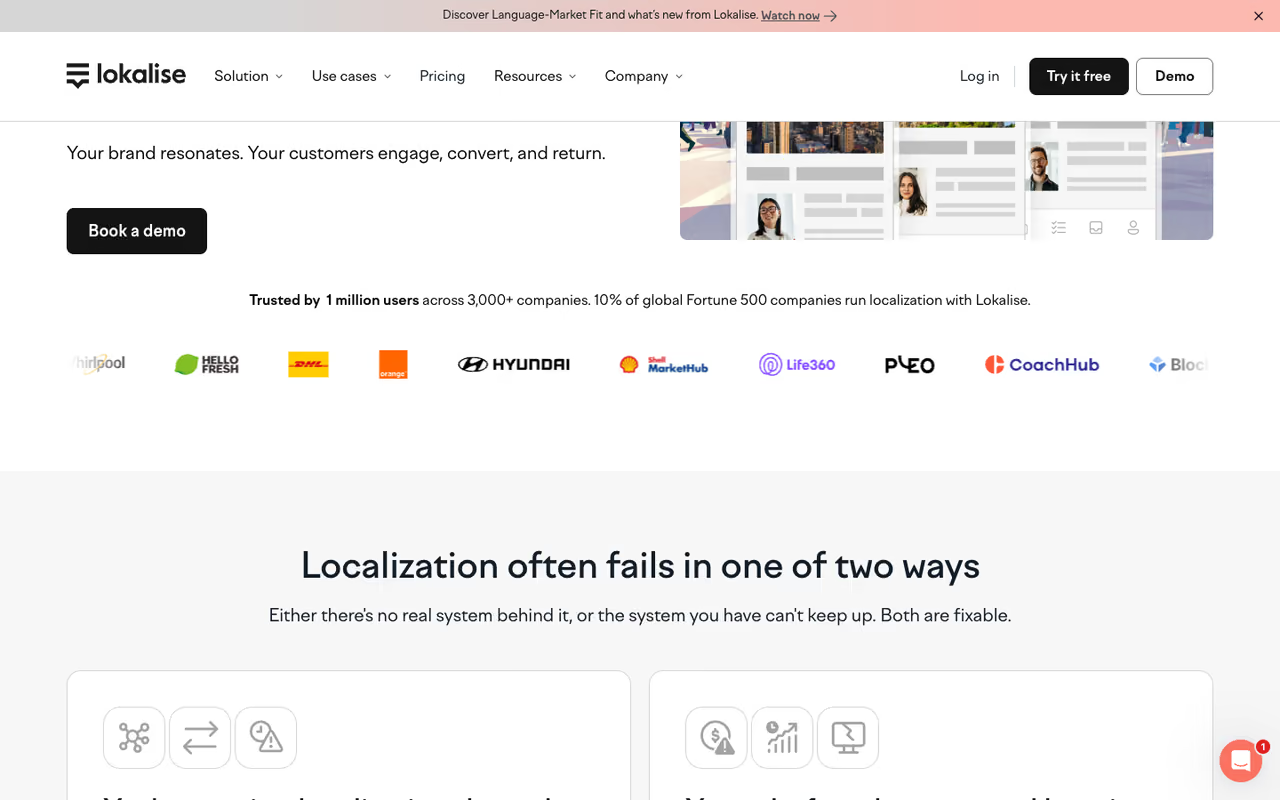
Lokalise is the translation management system I reach for when localization needs to live inside the software development cycle, not beside it. You push keys from your repo, designers see strings in Figma, translators work in a clean editor, and everything syncs back through the API or CLI. It is built for teams that ship every week and cannot afford a manual handoff each time.
The AI side is the reason it tops this list in 2026. Lokalise routes each string to the best model for the job, enforces your glossary, and scores translation quality automatically so a human only reviews what actually needs review. In practice that means fewer eyes on boilerplate and more on the strings that matter.
Who it's best for: product and engineering teams running continuous localization across web, iOS, and Android.
The pick for product and engineering teams running continuous localization across web, iOS and Android, with quality scoring so humans only review what matters. It is priced for funded teams, and $144/month is steep for a solo developer.
the Explorer plan starts at $144/month, Growth at $499/month, and Advanced at $999/month, per Lokalise's pricing page. Enterprise is custom. Annual billing knocks the rate down.
The catch: it is priced for funded teams. If you are a solo developer with one app and three languages, $144 a month is steep for what you will use, and the feature surface will feel like overkill for a small project.

Crowdin
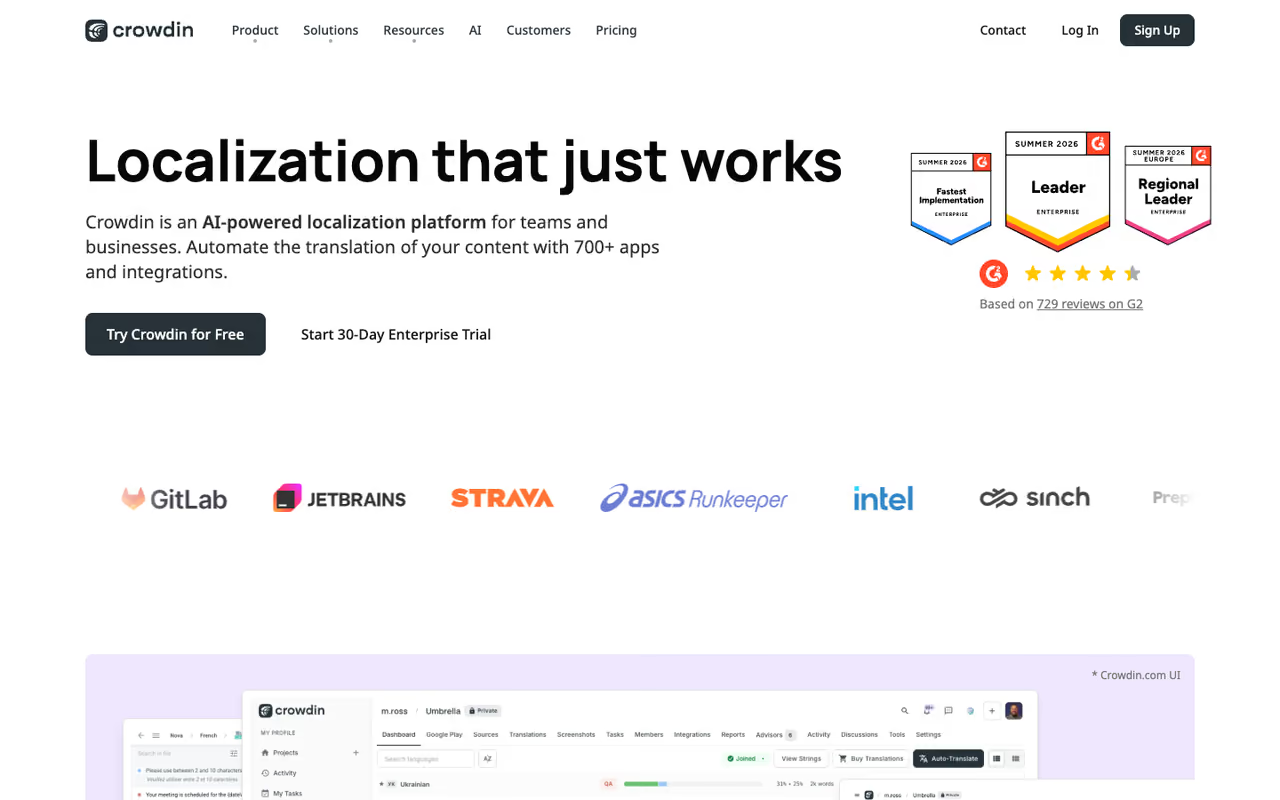
Crowdin is the developer's localization platform, and the one I recommend most often to teams watching their budget. It speaks Git, GitHub Actions, and CLI fluently, supports more than 600 integrations, and its AI features handle pre-translation, context, and glossary enforcement without much setup. The editor is fast and the file-format support is wide.
What sets it apart is the free path. Open-source projects get Crowdin at no cost, and there is a badge program that raises your limits in exchange for a link back. For a small commercial project, that economics is hard to beat.
Who it's best for: developer teams, open-source maintainers, and anyone who wants localization wired into CI.
My go-to for budget-conscious developer teams, open-source maintainers and anyone wiring localization into CI. Open source is free, but hosted-words billing climbs quickly as you add languages, so model your real volume first.
the Pro plan starts at $59/month, Team at $179/month (or $50/month billed annually at the entry level), and Team+ around $450/month, according to third-party pricing breakdowns. Open source is free.
Where it falls short: the "hosted words" billing metric (word count times target languages) can climb faster than you expect once you add languages, so model your real volume before committing. The interface also assumes some technical comfort.

DeepL
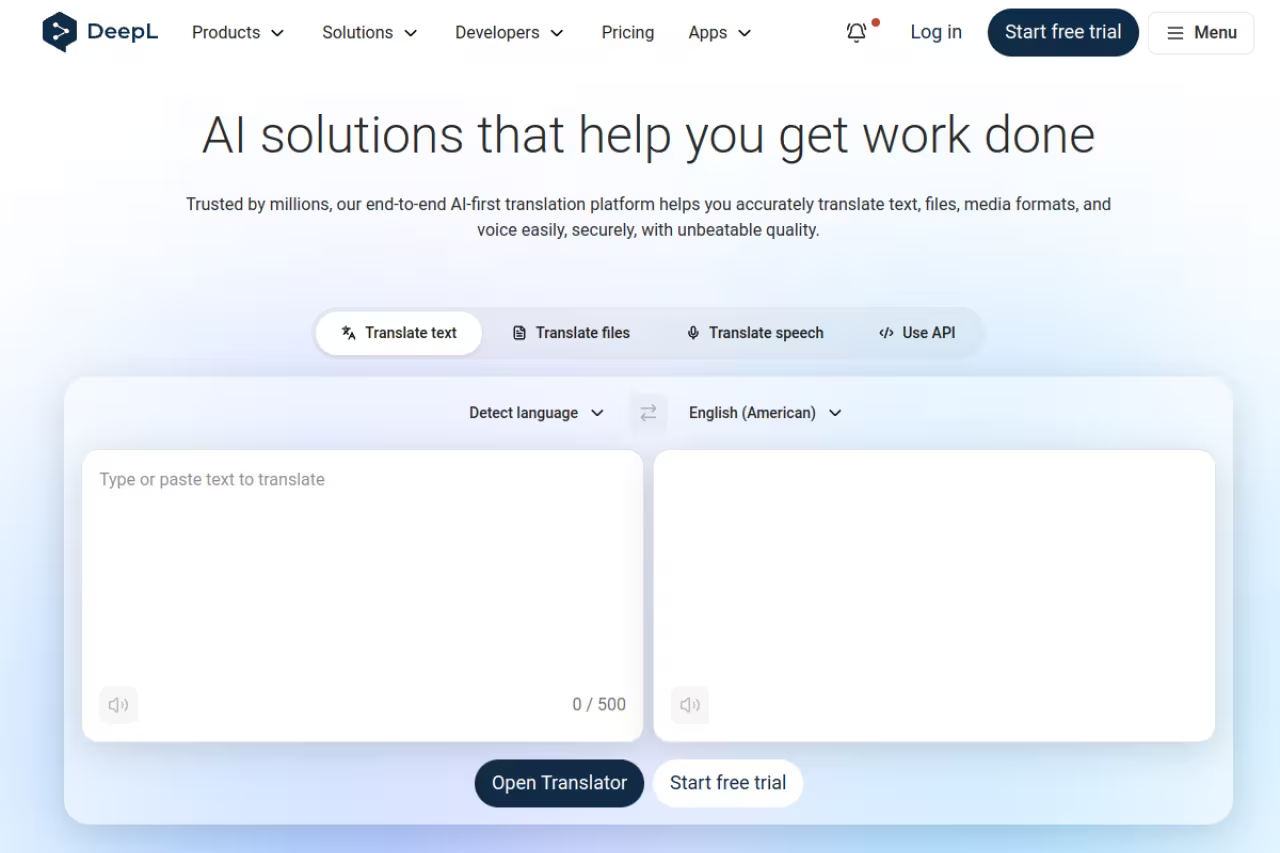
DeepL is not a localization management system. It is the translation engine that many of the other tools on this list plug into, and it earns its place because the raw output is widely considered the best on this list for European languages. German, French, Spanish, and Dutch come back sounding like a person wrote them, not a machine.
For a small team, the workflow is simple: drop a document in, get a clean translation out, and use the API to wire it into your own product or content pipeline. The glossary feature lets you lock terminology so your brand names and product terms survive translation intact.
Who it's best for: teams who want top-tier translation quality and are happy to handle workflow themselves, plus developers integrating MT via API.
Choose it when raw translation quality matters most, especially for European languages, and you are happy to handle workflow yourself. It translates rather than manages, with no shared translation memory, review workflow or Git sync.
Starter is $10.49/month, Advanced $34.49/month, and Ultimate $68.99/month, per DeepL's pricing. The free tier caps text length. DeepL API Free gives 500,000 characters a month at no cost; API Pro adds usage-based billing at $25 per million characters.
The catch: it translates, it does not manage. No translation memory shared across projects, no review workflow, no Git sync. Coverage is also narrower than Google Translate for less common languages.

Weglot
Weglot is the answer when the thing you need to localize is a website and you do not want to touch the codebase. You add a snippet (or a plugin on WordPress, Shopify, Webflow), pick your languages, and Weglot detects your content, machine-translates it, and serves localized URLs that Google can index. I have stood up a translated marketing site with it in under an hour.
It handles the SEO plumbing that trips people up: hreflang tags, language subdirectories, and translated metadata. You can then edit any machine translation in its dashboard or order professional translation through the platform.
Who it's best for: marketers and small businesses localizing a website or store without developers.
The easiest way for marketers and small businesses to localize a website or store without touching code or involving developers. Pricing scales with words and languages, and it is website-only, so it will not help with app strings.
Free for 2,000 words and one language, Starter at €15/month (10,000 words), Business at €29/month, Pro at €79/month (200,000 words, five languages), scaling to Advanced at €299/month, per Weglot's pricing.
Where it falls short: the pricing is word-and-language based, so a content-heavy site in many languages gets expensive fast. It is also website-only. It will not help you localize an app's strings or a product's UI.

Smartcat
Smartcat blends a translation management system with a built-in marketplace of human linguists, which is its real differentiator. AI does the first pass, and if you need a professional to refine it, you hire and pay them inside the same platform. No separate vendor contracts, no chasing invoices. For agencies and teams that mix AI and human work, that consolidation saves real overhead.
The AI agents handle translation, and the platform keeps translation memory and glossaries across projects. Payments to freelancers run through Smartcat too, which is the feature that makes localization managers stick with it.
Who it's best for: agencies, localization managers, and teams that regularly need human linguists on top of AI.
A smart pick for agencies and localization managers who regularly need human linguists on top of AI, all inside one platform. The marketplace is both the draw and the friction, since vetting freelancers still takes your time.
there is a Forever Free plan covering 15,000 words a month with a basic CAT editor, TM, and glossary. Paid plans with AI agents and extended analytics start around $99/month, with Basic subscriptions reported from about $1,200/year, per aggregated pricing data.
The catch: the marketplace is the draw and the friction. Vetting and managing freelancers still takes your time, and quality varies by language pair. The free tier's 15,000 words goes quickly on real projects.

Phrase
Phrase (the platform formerly split between Phrase and Memsource) is the enterprise pick for teams that want their TMS, CAT editor, machine translation, and orchestration in one subscription instead of a stack of point tools. Since early 2025 it moved to a single-bundle model, so every module comes included rather than as an upsell. Its strength is workflow automation and deep integrations with CMS platforms, Git repos, and design tools.
The orchestration layer is where the AI lives: Phrase picks the best MT engine per language pair and content type, then routes for human review based on quality scoring. For a company localizing across product, marketing, and support, that single pane of glass is the appeal.
Who it's best for: mid-market and enterprise teams that want one platform covering software and content localization.
The enterprise choice for mid-market and large teams that want one platform covering software and content localization. The jump from Starter to Team is a cliff, and small teams will pay for capabilities they never switch on.
plans start at $135/month for Starter, with Team around $1,245/month and Business significantly higher, per reported pricing. A Freelancer tier sits near $27/month.
Where it falls short: the jump from Starter to Team is a cliff, and the platform's depth means a learning curve. Small teams will pay for capabilities they never switch on.

Smartling
Smartling is built for large enterprises and regulated industries where translation quality and compliance are non-negotiable. Its AI Hub routes content across more than 20 LLMs and machine translation engines, then its AI Human Translation workflow adds a final layer of professional review when the content demands it. Customers like IBM report cutting localization time in half while scaling across 170 countries.
The connectors are the quiet strength. No-code CMS integrations and a deep API mean content flows into translation and back out without developer involvement for routine work, which lets marketing teams run continuous localization on their own.
Who it's best for: global enterprises with high volume, brand-sensitive content, and compliance requirements.
Built for global enterprises with high-volume, brand-sensitive content and compliance requirements. It is quote-only with no self-serve trial, so for a startup this is the wrong tool.
there is no public pricing and no self-serve signup. Smartling is quote-only, and contracts are reported to run into five and six figures annually with per-locale fees. Budget accordingly.
The catch: you cannot try it without talking to sales, and the price tag puts it out of reach for anyone but funded enterprises. For a startup, this is the wrong tool.

Localazy
Localazy is the indie and small-team pick. It covers the developer essentials (CLI, CI integration, file-format support, AI machine translation) at a price that does not assume venture funding. The clever part is its shared community translations: strings already translated by other Localazy projects can be reused, which lowers your cost on common phrases.
The AI handles first-pass translation and review suggestions, and the platform stays light enough that a single developer can run the whole thing without a localization specialist.
Who it's best for: indie developers, side projects, and small teams that want a real TMS without enterprise pricing.
The indie and small-team pick, with a free tier and a real TMS at a price that does not assume venture funding. It lacks the depth and polish of Lokalise or Phrase, so a large multi-product company will find it thin.
there is a free tier suitable for small projects, with paid plans starting around $59/month as you scale up languages and source strings.
Where it falls short: it lacks the enterprise depth, the vendor marketplace, and the polish of Lokalise or Phrase. For a large multi-product company it will feel thin, and the shared-translation pool is most useful for generic UI strings, less so for brand-specific copy.
If localization is one piece of a broader content operation, it pays to look at how these fit with the rest of your stack. Teams already using the best AI content writing tools or running AI agents in their workflow can often wire translation in as another automated step. A platform like Dupple X helps tie those moving parts together.
How to choose
Start with what you are localizing, not which tool has the most features.
Localizing software strings? You want a TMS with Git sync and CI integration. Lokalise if budget allows, Crowdin if it doesn't, Localazy if you're solo. The deciding question is how often you ship: weekly releases need the automation, occasional updates don't.
Localizing a website or store? Weglot, full stop. It handles the SEO plumbing that a code-based approach makes you build yourself. Only move to a TMS if you also have an app to localize.
Need human translators in the loop? Smartcat keeps the marketplace inside the platform; Smartling does it at enterprise scale. Both save you from juggling separate vendor contracts.
Just need raw translation quality? DeepL, and build the workflow around it. You'll get better output than the all-in-one tools, at the cost of doing the management yourself.
The most expensive mistake is buying enterprise software for a job a $30 widget would do. Map your real volume (words times languages, run honestly) before you sign anything, because that metric drives the bill on almost every platform here. For more on assembling an AI stack that fits, our top AI tools directory and the best AI SEO tools roundup are good next stops. If you want our hand-picked workflow, start a Dupple X trial and skip the trial-and-error.
FAQ
What is the best AI localization tool in 2026?
For software teams, Lokalise is my overall pick because it folds AI translation, quality scoring, and smart routing into a developer workflow with Git sync. For websites, Weglot wins on speed and simplicity. For raw translation quality alone, DeepL is still ahead. The "best" depends entirely on whether you're localizing code, a website, or documents.
How much do AI localization tools cost?
It ranges widely. Website tools like Weglot start at €15/month and DeepL at $10.49/month. Developer TMS platforms like Crowdin start around $59/month and Lokalise at $144/month. Enterprise platforms like Smartling are quote-only and run into five or six figures a year. Most platforms bill on words times target languages, so your real cost depends on volume.
Can AI localization replace human translators?
Not entirely, and the best tools don't pretend otherwise. AI handles the first pass and the bulk of repetitive strings well, which is where most of the cost used to go. Human linguists then review and refine the parts that carry brand voice, legal nuance, or cultural sensitivity. Platforms like Smartcat and Smartling build that human-in-the-loop step directly into the workflow.
What is the difference between a localization tool and a translation tool?
A translation tool (like DeepL) converts text from one language to another. A localization tool, or translation management system, manages the whole process: it stores translation memory and glossaries, syncs with your codebase, routes strings for review, and handles SEO and formatting for each market. Localization is the workflow; translation is one step inside it.
Which AI localization tool is best for open-source projects?
Crowdin. It offers free localization for open-source projects, plus a badge program that raises limits in exchange for a link back. Its 600-plus integrations and Git-native workflow make it the default choice for community-driven projects that need many contributors translating in parallel.
Do AI localization tools handle SEO for translated websites?
The website-focused ones do. Weglot automatically adds hreflang tags, serves translated content on language subdirectories, and localizes metadata so search engines index each version correctly. This is the part teams most often get wrong when they roll their own translation, and it's the main reason to use a dedicated website tool rather than bolt translation onto an existing CMS.
Related guides
Some offers on this page may be paid placements or contain affiliate links.
