
Best AI Cybersecurity Tools in 2026

Key facts8 tools compared: CrowdStrike Charlotte AI, Microsoft Security Copilot, Dropzone AI…
- 8 tools compared: CrowdStrike Charlotte AI, Microsoft Security Copilot, Dropzone AI, SentinelOne Purple AI, Darktrace, Vectra AI, Snyk, Abnormal AI
- CrowdStrike Charlotte AI (best for: Endpoint-first teams already on Falcon): From $59.99/device/yr + credits
- Microsoft Security Copilot (best for: Microsoft 365 E5 shops): $4/SCU/hour (~$35K/yr per SCU)
- Dropzone AI (best for: Standalone AI SOC analyst): From $36,000/yr (4,000 investigations)
- SentinelOne Purple AI (best for: Autonomous response): Bundled from Complete tier
The security operations center has a math problem. Alerts pour in faster than humans can read them, and most analysts spend their day closing false positives instead of hunting real attackers. AI is the only thing that has actually moved the needle on this in the past two years.
I've spent the last few months looking at the tools that security teams are actually deploying in 2026, not the ones with the loudest booth at RSA. The category has split into three groups: autonomous SOC analysts that investigate alerts end to end, AI copilots bolted onto existing platforms like CrowdStrike and Microsoft, and behavioral engines that watch your network and email for anomalies no rule could catch.
If you want the short answer: CrowdStrike Falcon with Charlotte AI is the most complete package for teams already running endpoint detection, and Dropzone AI is the best standalone if you want an AI analyst that plugs into whatever stack you have. This guide is for security leads, SOC managers, and technical founders who need to know what each tool does, what it costs, and where it falls short before booking a demo.
Quick comparison
| Tool | Best for | Price | Standout |
|---|---|---|---|
| CrowdStrike Charlotte AI | Endpoint-first teams already on Falcon | From $59.99/device/yr + credits | Agentic triage at ~98% accuracy |
| Microsoft Security Copilot | Microsoft 365 E5 shops | $4/SCU/hour (~$35K/yr per SCU) | Native Defender + Sentinel tie-in |
| Dropzone AI | Standalone AI SOC analyst | From $36,000/yr (4,000 investigations) | Deploys in ~1 hour, no playbooks |
| SentinelOne Purple AI | Autonomous response | Bundled from Complete tier | One-click auto investigations |
| Darktrace | Behavioral network defense | Custom quote | Self-learning anomaly detection |
| Vectra AI | Hybrid + identity threats | Custom quote | 85%+ alert noise reduction |
| Snyk | Developer / app security | Free, then $25/dev/mo | Fixes vulns inside the IDE |
| Abnormal AI | Email and phishing | ~$3/user/mo | Behavioral email baselines |

CrowdStrike Falcon with Charlotte AI
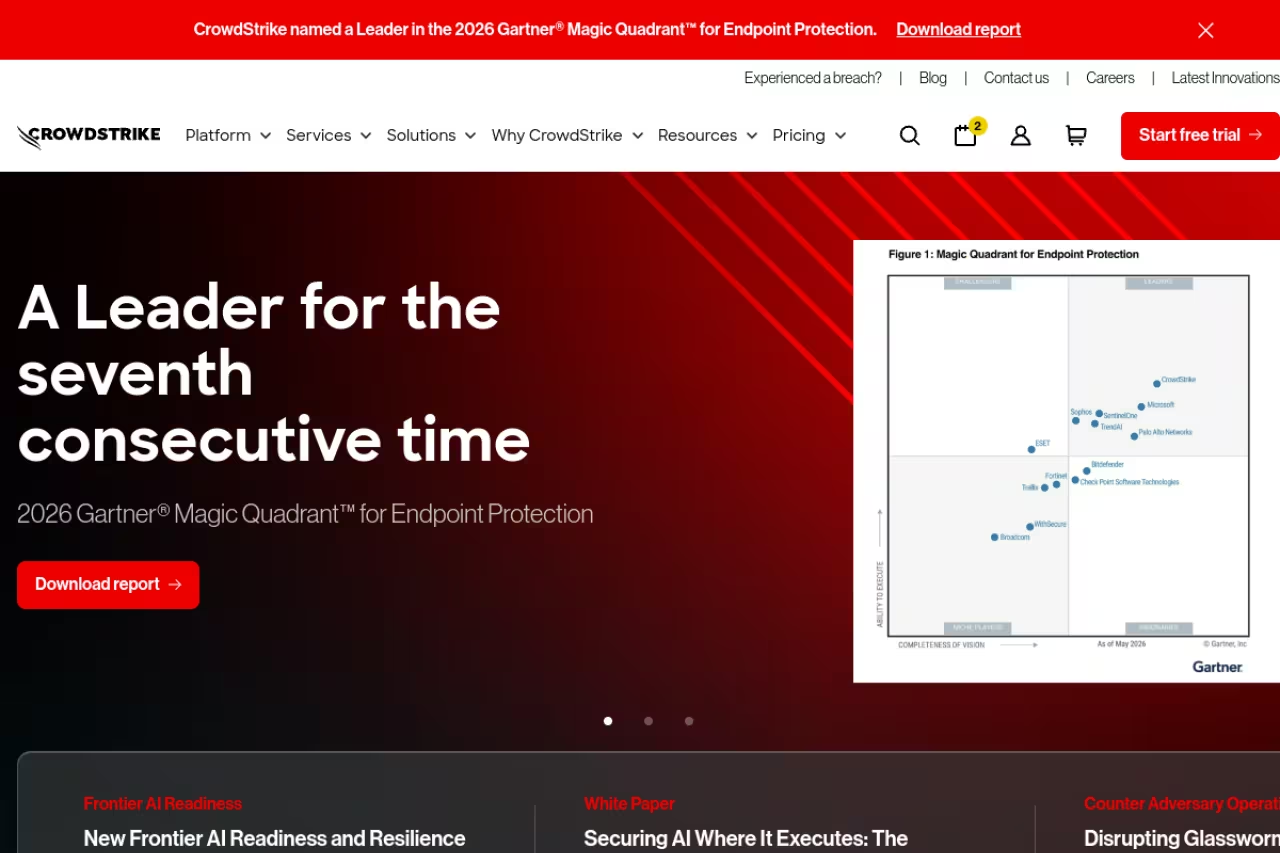
Charlotte AI is CrowdStrike's generative layer sitting on top of the Falcon platform, and it has quietly become the benchmark everyone else measures against. You ask questions in plain English ("show me every host that talked to this IP in the last 48 hours") and it runs the threat hunt for you. The newer Agentic SOAR piece takes it further, letting AI agents triage and act on detections with logged, reviewable decisions.
A strong fit for teams already living in Falcon that want existing endpoint data to do more, with plain-English threat hunting and autonomous triage. It only makes sense inside the CrowdStrike ecosystem, and credit-based agentic pricing is hard to forecast.
Pricing starts at $59.99 per device per year for Falcon Go and climbs to $184.99 for the higher tiers, per CrowdStrike's published per-device pricing. Charlotte's agentic actions run on a separate credit-based model layered on top.
The standout is the autonomous triage. CrowdStrike claims Charlotte AI handles detection triage at roughly 98% accuracy and saves analysts well over 40 hours a week of manual investigation. When that holds up, it changes what a small team can cover.
The catch: this only makes sense if you're committed to the CrowdStrike ecosystem. The credit-based pricing for agentic actions is hard to forecast, and standing up the full platform is a real procurement project, not a weekend trial.
Microsoft Security Copilot
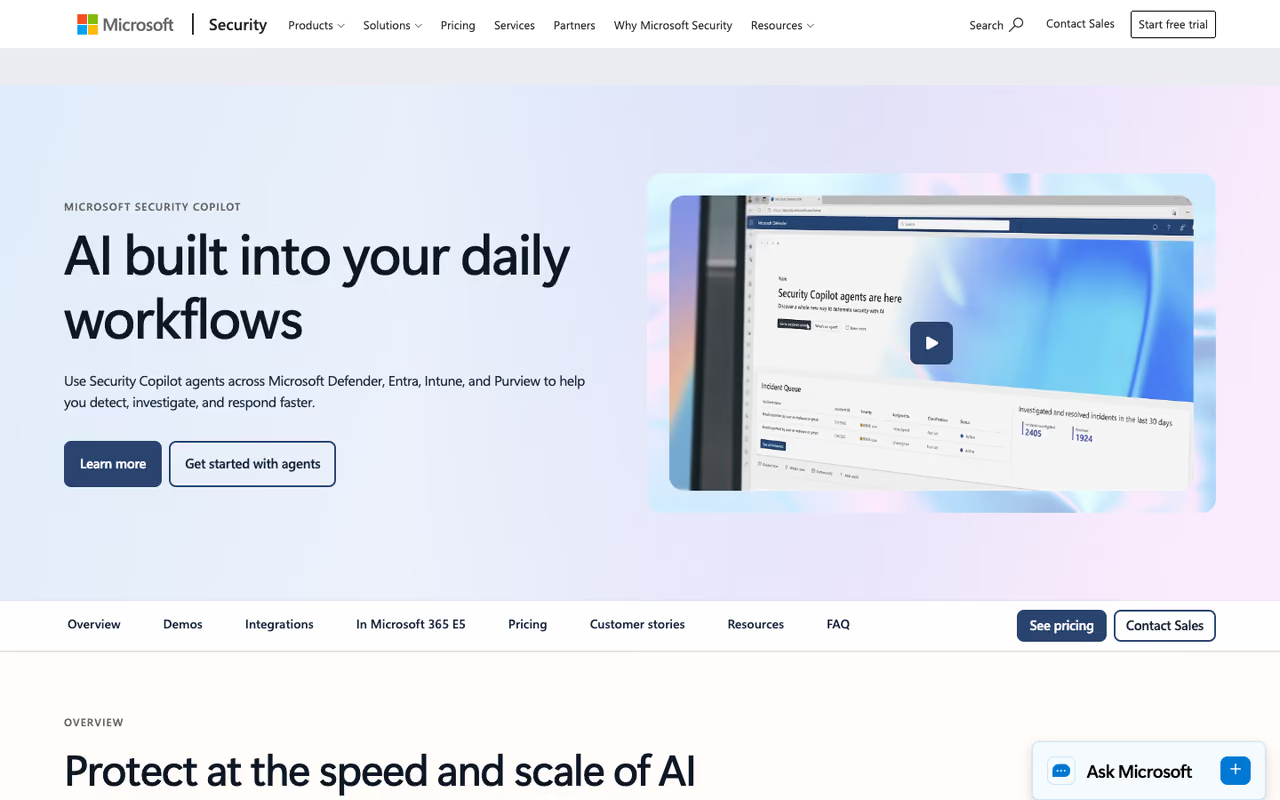
Microsoft Security Copilot is the obvious pick if your security data already lives in Defender and Sentinel. It uses GPT-class models trained on Microsoft's threat intelligence to investigate incidents, summarize them in readable language, and generate the reports your CISO actually wants. The integration with the rest of the Microsoft stack is the whole point: it sees what Defender, Entra, and Sentinel see without extra plumbing.
The obvious pick for organizations standardized on Microsoft 365, especially E5, since it sees what Defender, Entra and Sentinel see. Outside the Microsoft world it loses its edge, and the SCU model can produce surprise bills during a busy incident.
The pricing model trips people up. It's consumption-based: you provision Security Compute Units (SCUs) at $4 per SCU per hour, with overages at $6, per Microsoft's official pricing page. One SCU running around the clock works out to roughly $35,000 a year, and Microsoft typically suggests three for evaluation. The good news: Security Copilot is now bundled into Microsoft 365 E5 with an allocation of 400 SCUs per month per 1,000 paid E5 seats, so many enterprises already have capacity sitting unused.
The standout is the native tie-in. Nothing else investigates Microsoft telemetry as fluently.
Where it falls short: outside the Microsoft world it loses a lot of its edge, and the SCU model can produce surprise bills if a busy incident chews through capacity faster than you provisioned for.
Dropzone AI
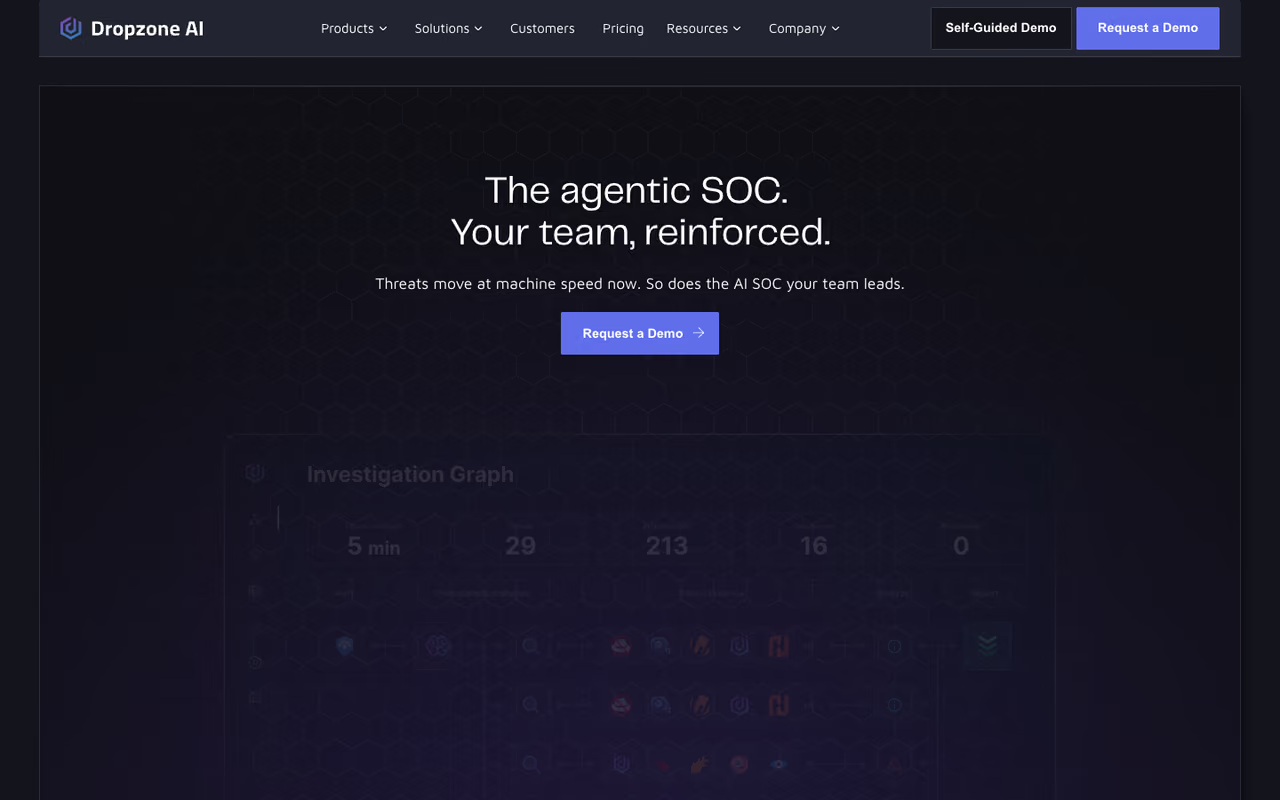
Dropzone AI is the cleanest example of the autonomous SOC analyst category. It replicates the work of a Tier 1 analyst end to end: an alert fires, Dropzone investigates it across your tools, gathers context, and writes up a verdict, usually in under ten minutes. No playbooks to build, no log normalization, no custom code.
A clean example of an autonomous Tier 1 analyst for teams drowning in alerts that don't want to rip out their SIEM or EDR. It investigates brilliantly but is not a full response platform, and fixed-investigation pricing means a noisy environment can eat your quota.
Pricing starts at $36,000 a year for 4,000 investigations, with unlimited users and 80-plus integrations included, per Dropzone's pricing page. Enterprise and MSSP deals are custom, and volume discounts kick in at scale. For a tool that aims to clear 90% of Tier 1 tickets, that's a fraction of a single analyst's loaded cost.
The standout is the deployment speed. It connects to 90-plus platforms (CrowdStrike, Microsoft Sentinel, Splunk, Google Workspace) via API in about an hour, and customers report 85% reductions in manual investigation time. Compared with the rest of the AI security category, a no-playbook setup like this is genuinely rare.
The catch: it triages and investigates brilliantly but is not a full response platform on its own. You still need your EDR and SIEM doing the heavy lifting underneath, and the fixed-investigation pricing means a noisy environment can eat your quota.
Before the next three tools, a quick aside. If you're trying to keep up with which security and AI tools are worth your time as they ship, Dupple X tracks the releases and pricing changes so you don't have to refresh vendor blogs every week.

SentinelOne Purple AI
SentinelOne Purple AI is the AI brain inside the Singularity platform, and it leans harder into autonomous action than most rivals. You ask natural-language questions about threats, and Purple AI reasons through the investigation and can run one-click Auto Investigations that pull forensic detail across every connected source at machine speed.
A strong choice for teams that want fast autonomous response with a human kept in the loop on the high-stakes calls, thanks to one-click Auto Investigations. It is not sold standalone and pricing is opaque, so you buy into the whole SentinelOne ecosystem.
Purple AI isn't sold standalone. It's bundled into the Singularity platform from the Complete tier up, which is also where full EDR starts. Pricing is quote-based and depends on endpoint count and feature scope, so plan on a sales conversation. SentinelOne reported Purple AI attached to more than half of all licenses sold in its most recent quarter, which tells you how aggressively they're pushing it.
The standout is the agentic Auto Investigation. One click triggers a cross-source forensic dig that would take a human analyst hours.
Where it falls short: the lack of transparent pricing makes budgeting hard, and like the other platform-bound copilots, you're buying into the whole SentinelOne ecosystem to get it.

Darktrace
Darktrace built its reputation on self-learning AI, and it still does the behavioral anomaly thing better than almost anyone. Instead of relying on signatures, it builds a model of what normal looks like across your network and flags deviations, then can autonomously respond to contain a threat before a human even sees it.
Does behavioral anomaly detection better than almost anyone, catching novel attacks in messy hybrid environments where you can't write a rule for every scenario. It can be noisy while it learns baselines, and its black-box explanations frustrate some teams.
Pricing is custom and quote-only, which is the norm at this end of the market. Darktrace still ranks as the top NDR product by mindshare on Gartner Peer Insights, though that share has slipped as competitors caught up.
The standout is the unsupervised learning. It catches novel attacks that pattern-matching tools miss because it isn't looking for known bad, it's looking for unusual.
The catch: the self-learning model can be noisy early on while it establishes baselines, and some teams find the "AI black box" explanations frustrating when they need to justify why something was flagged. It rewards teams with the patience to tune it.

Vectra AI
Vectra AI competes directly with Darktrace on network detection but takes a more signal-focused approach. It uses attacker behavior models across network, identity, and cloud, then consolidates related alerts into single incidents so your team chases attacks, not noise.
Pick Vectra if you're fighting hybrid and identity-based attacks, since it ties network events to compromised accounts and rolls alerts into incidents. It is a detection and prioritization layer, not a full response suite, so pair it with other tools.
Like Darktrace, pricing is custom. Vectra's pitch is noise reduction: the company says its prioritization cuts alert volume by 85% or more by rolling alerts into incidents. That's the number to validate in a proof of concept.
The standout is identity awareness. Vectra connects the dots between network and identity signals, which is exactly where modern attackers operate after they've phished their way in.
Where it falls short: it's a detection and prioritization layer, not a full response suite, so you'll pair it with other tools to act on what it finds. Buyers who want one platform to do everything will feel the gap.

Snyk
Snyk is the odd one out on this list because it secures code instead of networks, and that's exactly why it belongs here. Most breaches start with a vulnerable dependency or a bad line someone shipped. Snyk uses AI to find and fix those issues inside the IDE, before they ever reach production.
The odd one out that secures code instead of networks, giving engineering-led teams and startups fixes in the IDE before anything ships. The free plan is easy to outgrow on an active codebase, and it does nothing for network or endpoint threats.
This is also the most accessible tool here. The free plan costs nothing and includes unlimited developers, capped at 200 open-source tests, 100 code tests, 300 IaC tests, and 100 container tests per month. The Team plan runs $25 per developer per month (minimum five developers), and the Ignite plan at $1,260 per developer per year removes test limits for sub-50-developer shops.
The standout is the developer-first design. Fixes show up where engineers already work, so security stops being the team that says no after the sprint is done.
The catch: the free tier's monthly test limits are easy to blow through on an active codebase, which nudges you toward paid faster than the headline "free" suggests. It also won't help you with network or endpoint threats. It's a different layer entirely.
Abnormal AI
Abnormal AI (formerly Abnormal Security) tackles the attack vector that still causes most breaches: email. It builds behavioral baselines for every employee and vendor relationship, then flags the messages that don't fit, catching business email compromise and account takeover that slip past traditional gateways.
Aimed squarely at email, where phishing and BEC cause most breaches, using behavioral baselines to catch fakes that static rules miss. It is a complement to your endpoint and network defenses, and add-on modules can push the bill past the headline per-user number.
Pricing lands around $3 per user per month, with list rates roughly $15 to $35 per employee per year depending on size and term, and larger enterprises negotiating lower. Core detection covers phishing, BEC, account takeover, and malware, with add-on modules for VIP and supply-chain fraud.
The standout is the behavioral modeling. By learning what each person's normal correspondence looks like, it catches the convincing fake from a "vendor" that no static rule would block.
Where it falls short: it's focused squarely on email, so it's a complement to, not a replacement for, your endpoint and network defenses. The add-on modules also stack up, so the real bill can run past the headline per-user number.
How to choose
Start with where your biggest gap is, not with the flashiest demo.
If you already run CrowdStrike or Microsoft, buy the copilot that matches your stack (Charlotte AI or Security Copilot). The integration is worth more than any standalone feature, and with E5 you may already own Security Copilot capacity.
If your problem is alert overload and your team is drowning, a standalone AI SOC analyst like Dropzone AI gives you the fastest relief because it works with whatever you already have and deploys in an afternoon.
If your risk is at the network or behavioral layer, Darktrace and Vectra AI are the two to pilot head to head. Run both on real traffic and judge them on noise reduction, not marketing.
If you're a smaller engineering team, start with Snyk and Abnormal AI. Securing your code and email gives you the biggest risk reduction per dollar before you ever invest in a full SOC platform.
One rule for any of these: insist on explainable output and human approval for high-impact actions. The tools that win in 2026 pair automation with clear evidence, not black-box decisions you can't audit. For more on agentic tooling beyond security, our guide to the best AI agents covers the same trade-offs, and Top Tools tracks new entrants as they launch.
FAQ
What is the best AI cybersecurity tool in 2026?
There's no single winner because it depends on your stack. For endpoint-first teams already on CrowdStrike, Charlotte AI is the most complete. For a standalone AI analyst that works with any toolset, Dropzone AI is the strongest pick. Microsoft shops should default to Security Copilot, which may already be bundled with their E5 licenses.
How much do AI cybersecurity tools cost?
It ranges enormously. Snyk and Abnormal AI start at a few dollars per user or developer per month. Dropzone AI starts at $36,000 a year. Microsoft Security Copilot runs about $35,000 per provisioned SCU annually, and full enterprise platforms like Darktrace, Vectra AI, and CrowdStrike are custom quotes that scale with your environment.
Can AI replace human security analysts?
No, and the good vendors don't claim it can. AI handles 80 to 90% of routine, pattern-matching alerts that eat up analyst time, which frees humans to focus on novel attacks, ambiguous incidents, and threat hunting. The best deployments keep a human in the loop for high-impact decisions.
Do AI cybersecurity tools actually reduce breaches?
The data points that way. Organizations using AI-powered detection identify breaches meaningfully faster, and teams deploying AI for alert triage commonly report 60 to 90% reductions in false-positive volume. Faster detection and less analyst fatigue both lower the odds that a real attack slips through.
What's the difference between an AI copilot and an autonomous SOC analyst?
A copilot like Security Copilot or Charlotte AI assists a human analyst who's still driving the investigation. An autonomous SOC analyst like Dropzone AI investigates alerts end to end on its own and hands you a finished verdict, with humans reviewing rather than running each case. Copilots usually bolt onto an existing platform, while autonomous analysts tend to be standalone and tool-agnostic.
Is there a free AI cybersecurity tool worth using?
Snyk's free plan is the standout. It covers unlimited developers and includes a monthly allowance of open-source, code, IaC, and container tests, which is enough for small teams or to evaluate before committing. Most other tools on this list are enterprise products with custom or per-seat pricing, though many offer trials or demos.
Want to keep up with the AI tools worth your time, security and beyond? Dupple X does the tracking so your team can stay focused on shipping.
Related guides
Some offers on this page may be paid placements or contain affiliate links.
