
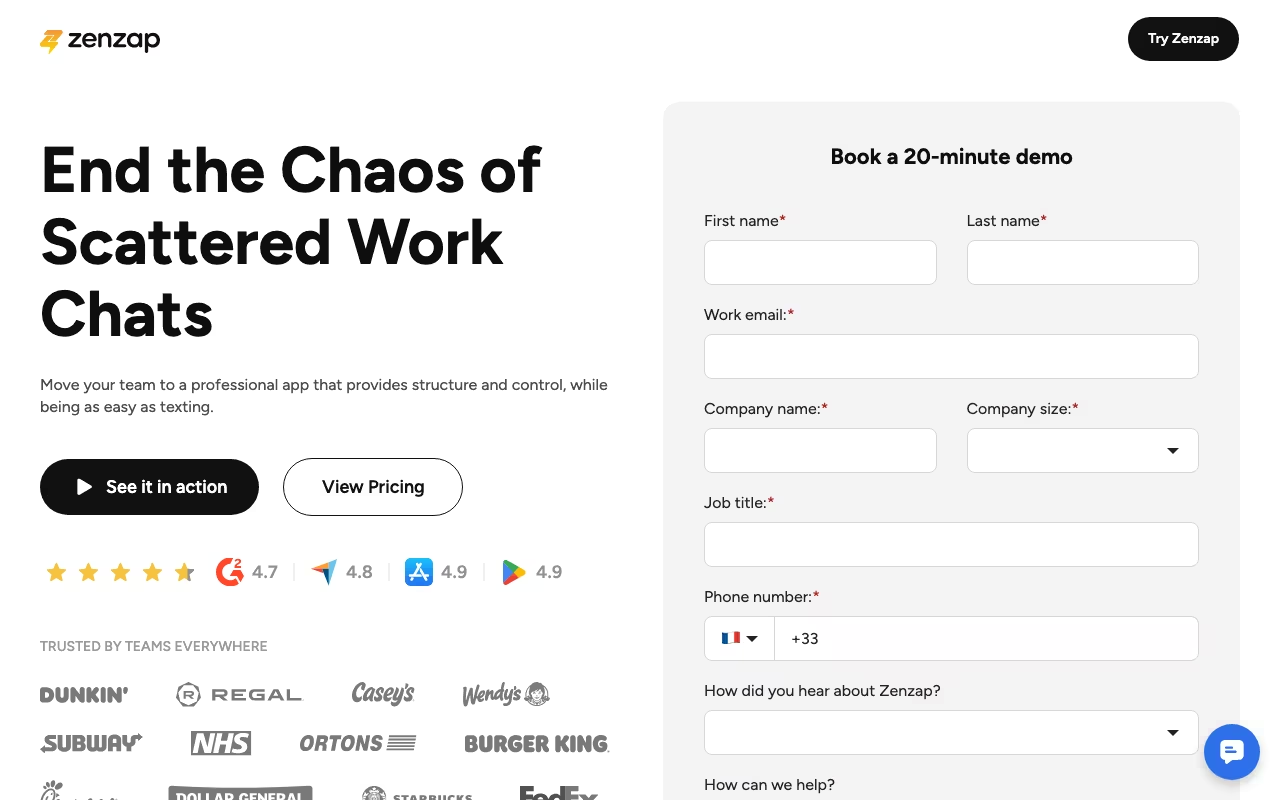
What Is Zenzap?
Zenzap is a professional work chat application designed as a cleaner, more focused alternative to tools like Slack and WhatsApp for Business. It combines team messaging with built-in task management, file sharing, calendar integration, and working hours settings in a single app. If your team has been using WhatsApp groups for work communication and wants something more structured without the complexity (or cost) of Slack or Microsoft Teams, Zenzap sits in that gap.
Key Features
- Structured Group Chats: Unlimited group chats with team access controls and permissions, organized conversations, and shared file tabs that keep project materials findable.
- Built-In Task Management: Turn any message into a to-do item, assign it to a team member, set a deadline, and track progress without switching to a separate project management tool.
- WhatsApp Migration: Import your existing WhatsApp chat history directly into Zenzap, making the transition less disruptive for teams already communicating through WhatsApp.
- Working Hours Settings: Automatically pause notifications when employees are off the clock, helping prevent burnout and supporting healthy work-life boundaries.
- Calendar Integration: Syncs with your calendar so team events and deadlines are visible within the chat environment.
- Scheduled Messages: Write messages now and schedule them to send during working hours, useful for distributed teams across time zones.
- File Cloud Storage: Shared file storage within the platform. Free plan includes 1 GB, Pro offers 100 GB, and Business+ and Enterprise plans provide unlimited storage.
- Enterprise-Grade Security: SOC2, ISO 27001, HIPAA, GDPR, CCPA, and DPIA certified. Data is encrypted on devices, in transit, and on servers.
Pricing
Zenzap offers a generous free plan that includes unlimited users, unlimited group chats, built-in to-dos, working hours and scheduled messages, calendar integration, WhatsApp migration, and 1 GB of file storage. The Pro plan costs $3 per user per month (billed annually) or is available as a flat rate of $26 per month (yearly) or $39 per month (monthly) for up to 20 users. Pro adds advanced task controls, enhanced security features, and 100 GB of cloud storage. The Business+ plan is $8 per user per month (annual) or $10 per user per month (monthly), adding API integrations, unlimited storage, and priority support. An Enterprise plan with custom pricing includes tailored integrations and advanced security features. Flat-fee plans offer over 30 percent savings compared to per-user pricing, making them ideal for growing teams.
What We Like
- The free plan is remarkably full-featured: unlimited users, unlimited chats, task management, and WhatsApp migration with no credit card required
- Built-in task management directly inside chat threads eliminates the need for a separate tool like Trello or Asana for lightweight project tracking
- Working hours settings and scheduled messages show genuine attention to healthy remote work practices
- WhatsApp migration removes the biggest barrier for teams trying to move off WhatsApp for work
- The security certifications (SOC2, ISO 27001, HIPAA, GDPR) are impressive for a tool at this price point
- At $3 per user per month for Pro, it significantly undercuts Slack ($8.75 per user per month) and Microsoft Teams (bundled with Microsoft 365 at $6+ per user per month)
What Could Be Better
- Customer support has received criticism, with reports of unanswered emails and no proactive communication during service interruptions
- Performance can be inconsistent during high-usage periods, with slow response times reported by some users
- Third-party integration options are limited compared to Slack, which has thousands of app integrations
- The task management, while convenient, is basic compared to dedicated project management tools and may conflict with existing tools your team already uses
- The platform is relatively new and less established, which means a smaller community, fewer resources, and more uncertainty about long-term viability
Who Should Use Zenzap?
Zenzap is ideal for small to mid-sized teams (5 to 50 people) that have been using WhatsApp for work and need something more professional without the overhead of Slack or Teams. It works well for remote and hybrid teams that value boundaries around work hours and notifications. Agencies, consulting firms, and service businesses that need simple project coordination alongside team chat will appreciate the built-in task management. Budget-conscious organizations that want enterprise-grade security without enterprise-grade pricing will find it attractive. Communities and interest groups that need structured communication also benefit from the unlimited free tier.
Who Should Skip Zenzap?
If your organization relies heavily on integrations with tools like Salesforce, Jira, GitHub, or complex workflow automation, Slack or Microsoft Teams will serve you better. Large enterprises (200+ employees) with established communication stacks will not find enough reason to switch. Teams that need advanced project management with Gantt charts, resource allocation, and detailed reporting should stick with dedicated tools like Asana, Monday.com, or ClickUp. If reliable customer support is critical for your operations, the reported support gaps may be a dealbreaker.
Is Zenzap a good Slack alternative?
For small teams on a budget, yes. Zenzap offers core team chat functionality with built-in task management at a fraction of Slack's price (or completely free). However, it cannot match Slack's integration ecosystem, search capabilities, or enterprise features. If your team uses fewer than a dozen integrations and values simplicity over customization, Zenzap is a viable Slack alternative. For teams deeply embedded in a Slack-centered workflow with dozens of app connections, switching would mean giving up significant functionality.
Can I migrate my WhatsApp chats to Zenzap?
Yes. Zenzap includes a WhatsApp chat import feature on all plans, including the free tier. You can transfer your existing chat history so your team does not lose past conversations. This is one of Zenzap's standout features and a significant advantage for teams transitioning from WhatsApp for work communication.
Is Zenzap secure enough for regulated industries?
Zenzap holds SOC2, ISO 27001, HIPAA, GDPR, CCPA, and DPIA certifications. Data is encrypted on devices, in transit, and on servers. For a tool at this price point, the security credentials are strong and should meet compliance requirements for most regulated industries including healthcare and finance. That said, you should verify specific compliance requirements with Zenzap's team for your particular use case.
Does Zenzap work for customer-facing communication?
Zenzap is designed for internal team communication, not customer-facing chat or support. It does not have features like chatbots, ticket routing, or customer-facing widgets. If you need to communicate with customers or clients, you will need a separate tool like Intercom, Zendesk, or Drift for that purpose.
Our Verdict
Zenzap carves out a smart position between WhatsApp and Slack. The free plan is genuinely usable for small teams, the built-in task management adds real value without bloat, and the security certifications punch above its weight class. The main risks are the limited integration ecosystem, inconsistent support, and the platform's relative newness. For small teams looking to professionalize their communication beyond WhatsApp group chats without paying Slack prices, Zenzap is worth trying, especially since you can start for free.
Try Zenzap free