
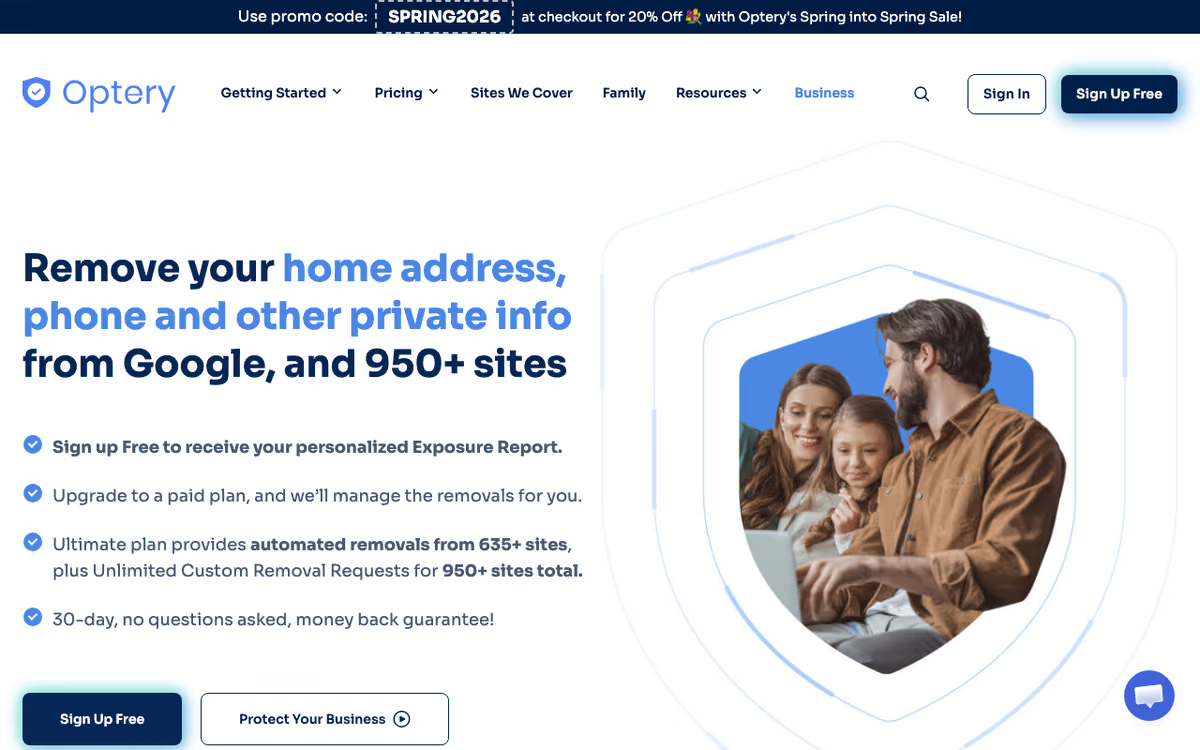
What Is Optery?
Optery is the personal data removal service that scrubs your information from data broker websites. Founded in 2020, Optery scans over 270 data brokers and people-search sites where your name, address, phone, email, and family details may appear, then sends opt-out requests on your behalf.
The pitch is privacy reclaim at scale. Data brokers like Spokeo, BeenVerified, Whitepages, and dozens more sell personal information that fuels spam, phishing, identity theft, and stalking. Removing yourself manually requires submitting opt-out requests to each site individually, a tedious, multi-hour process that needs repeating because brokers re-list your data periodically.
Optery automates this. The service runs a free scan to show you where your data appears, then offers paid plans that automatically send removal requests, monitor for re-listings, and re-submit when needed.
Try Optery Free Get started →How Optery Works
Provide your name, current address, and email. Optery searches 270+ data broker sites and shows the results. Most users find their information on 30-150 sites depending on age, prior addresses, and how publicly they have lived online.
The free scan reveals where your data appears with details on what specific information is exposed. From this, you can manually opt out yourself (free but time-consuming) or subscribe to Optery to handle automated removals.
Subscribers see automated removal requests submitted on their behalf. Optery handles the specific opt-out workflow each broker requires, some are simple forms, some require email verification, some require ID submission, some require physical mail. Progress dashboards show what has been removed, what is pending, and what re-listings have appeared.
Monitoring runs continuously. Data brokers re-list opted-out data after 6-24 months in many cases. Optery detects re-listings and submits new opt-out requests automatically.
Premium plans extend coverage to harder-to-remove sites and include family member coverage with shared accounts.
Optery Pricing in 2026
Free: One-time scan showing where your data appears. Manual opt-out instructions.
Core: $3.99/month annually. Up to 100 data brokers, automated removals.
Extended: $9.99/month annually. 270+ brokers, family plan options.
Ultimate: $24.99/month annually. Premium broker coverage, custom searches, priority handling.
Family plans cover 2-5 family members at modest premium over individual pricing. Annual prepay offers ~25% discount versus monthly.
See Optery Plans See plans →Where Optery Wins
- Free scan to assess exposure: see where your data is before paying anything.
- Automated recurring removals: brokers re-list; Optery re-removes.
- Broad coverage: 270+ brokers on top tier.
- Family plans: protect your spouse and kids alongside yourself.
- Transparent progress tracking: see what was removed and when.
Where It Falls Short
- Some brokers re-list despite opt-outs: removal is not permanent; ongoing monitoring matters.
- Cannot remove from non-broker sites: social media, news articles, public records remain.
- Time to first removals: data brokers process opt-outs over days to weeks.
- US-focused: international data broker coverage limited.
- Limited control over specific removals: subscribers cannot manually prioritize specific brokers.
Optery vs DeleteMe vs Kanary vs Privacy Duck
Data broker removal options, pricing from vendor sites, November 2026, USD list prices
| Option | Starting price | Pricing model | Best for |
|---|---|---|---|
| Optery | Core at $3.25/month billed yearly or $3.99 monthly | Tiered by coverage | Budget entry with paid tiers to scale |
| DeleteMe | See vendor site | Yearly plans by people covered | Hands-off removal for individuals and families |
| Kanary | $250/year per account | Yearly per account | Targeted individuals |
| Privacy Duck | $299/year per household | One flat household plan | Households wanting human-led removal |
DeleteMe is the closest direct competitor with similar coverage and pricing. Both are reputable; choose based on UX preference and family plan needs.
Kanary offers similar removal service with slightly different broker coverage.
Privacy Duck sells one flat household plan at $299 a year, covering 400+ data brokers and people-search sites.
Incogni by Surfshark offers similar service often bundled with VPN subscriptions.
Who Should Use Optery
Anyone valuing privacy: especially those who have been doxed, harassed, or targeted.
Public figures and executives: visible roles attract more data broker attention.
Domestic violence survivors: removing address information is a real safety measure.
Families with children: data brokers often have details on minors that should be removed.
Skip it if: you accept public exposure of your contact info (some people do), you only want one-time cleanup (DIY is free), or you operate primarily outside the US.
How Optery works
Optery is a personal-data-removal service. You give it the identifiers you want searched on: your name (plus name variations on the higher tiers), current and past addresses, phone, email, and sometimes relatives. It scans data brokers and people-search sites, shows you what it found, and then goes to work filing opt-outs on your behalf.
The removal engine is mostly automated. In Optery's own description, it fills out and submits opt out forms, solves captcha puzzles, clicks verification links, delivers legal demands, and writes and responds to emails automatically. Extended and Ultimate add an assigned human privacy agent for brokers that will not yield to automation, along with before and after screenshot proof (roughly 90 days of history). Rescans and re-removals run monthly, and newly added brokers are auto-opted-out as they appear.
Coverage is tiered: 380+ sites on the entry plan, 555+ in the middle, 635+ automated at the top, and 950+ total once you count manual custom removal requests. Ultimate adds unlimited custom removal requests (eligible after 30 days on plan) plus an outdated-content tool for pushing stale cached results out of Google, Bing, DuckDuckGo and Yahoo. An Expanded Reach toggle controls roughly 230 of those sites; switching it off drops them from coverage. Business and Enterprise editions layer on an admin dashboard, SSO/SAML, SCIM and a partnership API.
Where Optery wins
- Screenshot evidence at both ends. You see the actual listing that was found and later the proof it was removed. That is rare in this category and makes the work auditable instead of a trust-me dashboard.
- A free tier that is actually useful. Quarterly exposure reports with screenshots plus self-service removal instructions, with no card required.
- The broadest published coverage among consumer removal tools, from 380+ up to 635+ automated sites by tier, and 950+ counting custom requests on Ultimate.
- An explicit hybrid model. Automation handles volume, and from Extended upward an assigned human privacy agent handles edge cases and unusual name or address histories.
- Real enterprise plumbing on the Business edition: admin console, SSO/SAML, SCIM and an API, aimed at reducing social-engineering exposure for staff.
Where it falls short
- The cheap Core plan is capped at one name and one city/state per user. If you have moved or use a maiden or alternate name, that is close to useless. Unlimited name variations and past addresses only start at Extended.
- Whole categories are out of scope: no social media (LinkedIn, Facebook, TikTok), no blogs, no news sites, no legal or court records, no dark web. Optery states plainly that removing 100% of your data is not possible and that profiles re-populate over time.
- Custom removal requests are Ultimate-only and unlock only after 30 days on the plan, and they are exactly the thing that takes you from 635 to 950+ sites.
- Screenshot removal-report history is retained only about 90 days.
- Business pricing is awkward for small teams. It is quoted per-tier on a separate page, SSO/SAML/SCIM is a $150/month add-on on Core Pro and Ultimate Pro, and Enterprise requires a 100-license minimum. A small team pays list price with no SSO.
Who should use Optery
Optery makes the most sense when exposure is a genuine risk rather than an irritation: executives, doctors, journalists, law enforcement, domestic-abuse survivors, and security teams hardening staff against social engineering. If you have multiple past addresses or name variants, go to Extended or Ultimate rather than Core, because the single-name, single-city cap on the entry plan will leave most of your exposure untouched.
Skip it if your real concern is scrubbing social media profiles, news coverage, or court records, since Optery handles none of those. And if you mainly want to know how bad your exposure is before committing money, start with the free tier: quarterly reports with screenshots and self-service instructions cost nothing and will tell you whether the paid tiers are worth it.
Frequently Asked Questions
How long do removals take?
Some brokers process opt-outs same-day; others take 30-60 days. Most removals complete within 90 days of subscription.
Will my data come back?
Yes, eventually. Most brokers re-list within 6-24 months. Optery detects and re-submits removals.
Can Optery remove my data from Google?
No. Optery removes from data broker sites. Google indexes those sites; once data is removed at the source, Google indices update over time.
Is there a family plan?
Yes on Extended and Ultimate tiers. Cover 2-5 family members under one account.
What about old addresses?
Optery can use previous addresses to find more thorough data broker listings.